How to Stop Puppeteer Making Network Requests When Capturing Local Files
Use Puppeteer request interception to block or allow page requests during a local-file screenshot. Here’s runnable code, filtering options, and fixes for common failures.
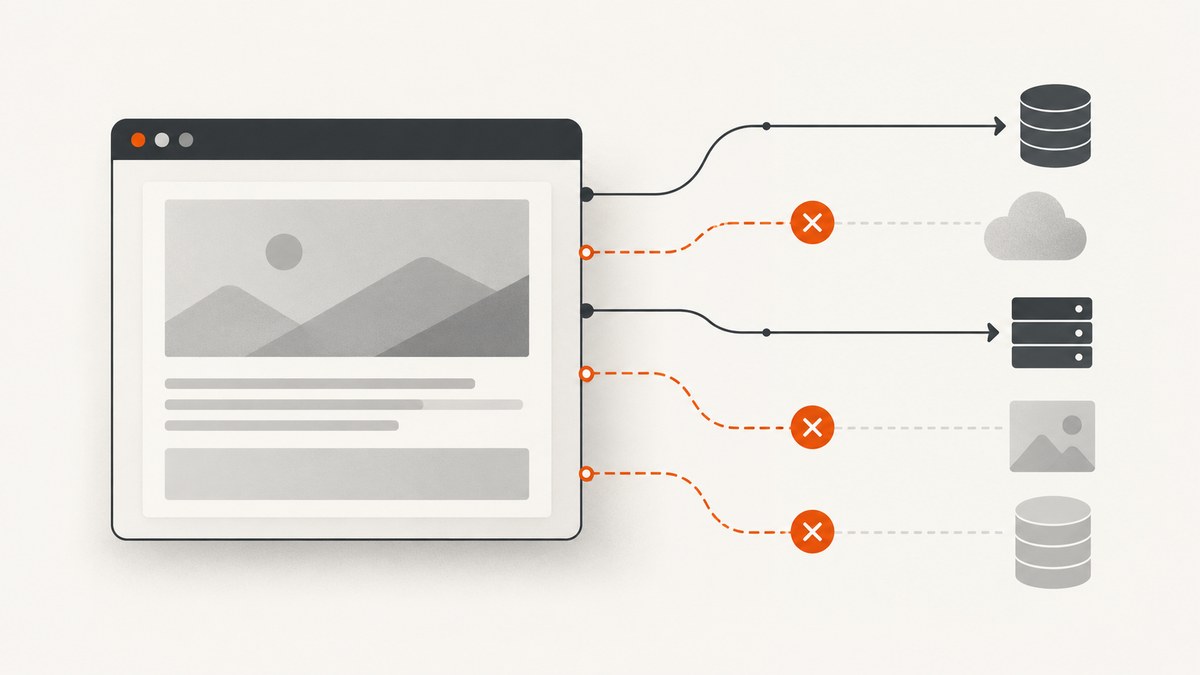
To stop Puppeteer from making page requests while capturing a local file, enable request interception before loading the file and abort every intercepted request. If the local page needs a stylesheet, image, font, script, or data request to render correctly, use an allowlist instead and continue only the requests the capture needs. Every intercepted request must be resolved: continue it, abort it, or respond to it.
Puppeteer’s Page.setRequestInterception(true) enables control over requests made by a page. Once enabled, each request stalls unless it is continued, responded to, aborted, or completed using the browser cache. See the official API reference and request interception guide.
1. Choose a blocking policy
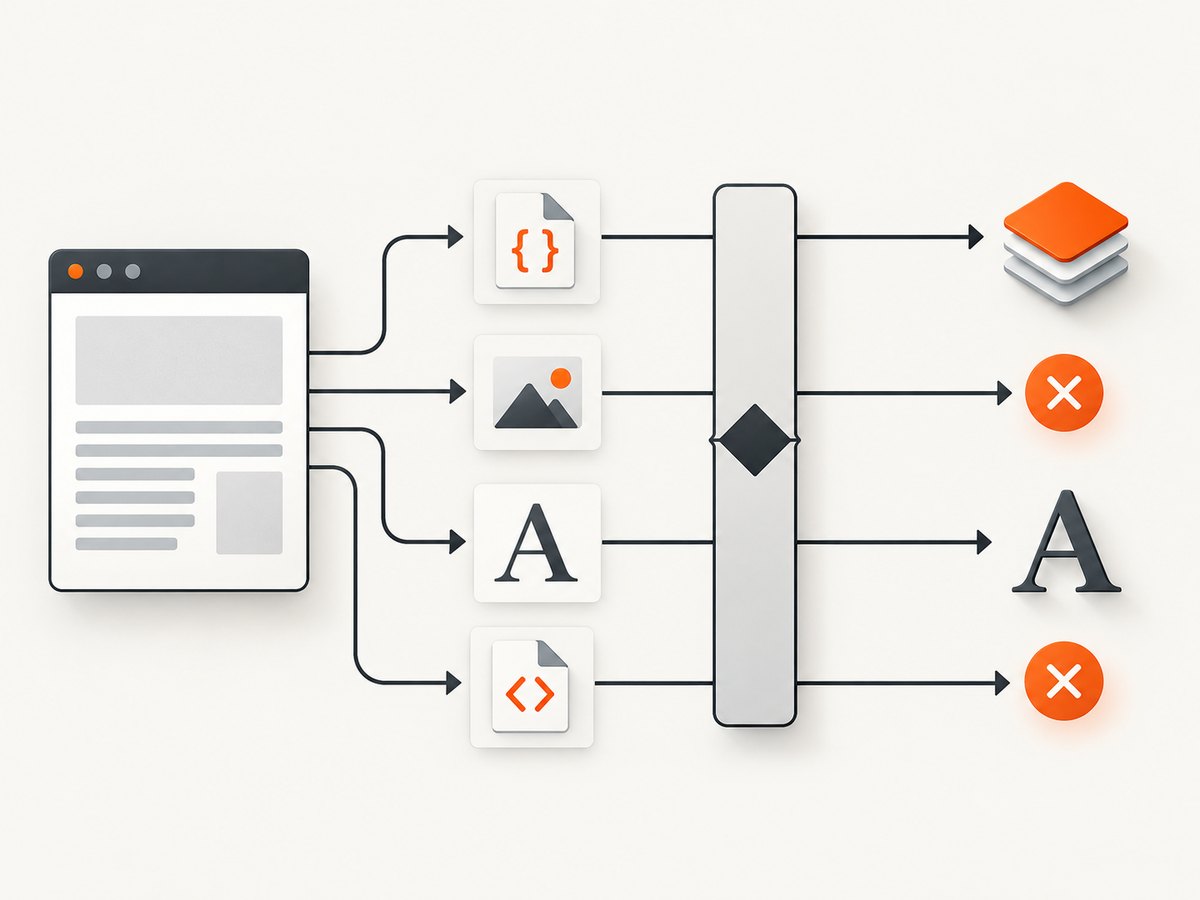
A local HTML file can still request external resources or run scripts that make requests. “Local” describes where the document came from; it does not guarantee that the page has no network behavior. Pick the policy that matches what the screenshot should show:
| Policy | What it does | Use it when |
|---|---|---|
| Block all page requests | Aborts every request caught by the page’s interception handler. | You need a strict no-page-request capture, and the file is self-contained or can render without its resources. |
| Allow selected requests | Continues requests matching your rules and aborts the rest. | The file needs specific resources, or you want to prevent access to selected hosts or resource types. |
| Offline emulation | Emulates an offline network state. | You are testing offline behavior. It is a separate control, not a substitute for a request handling policy. |
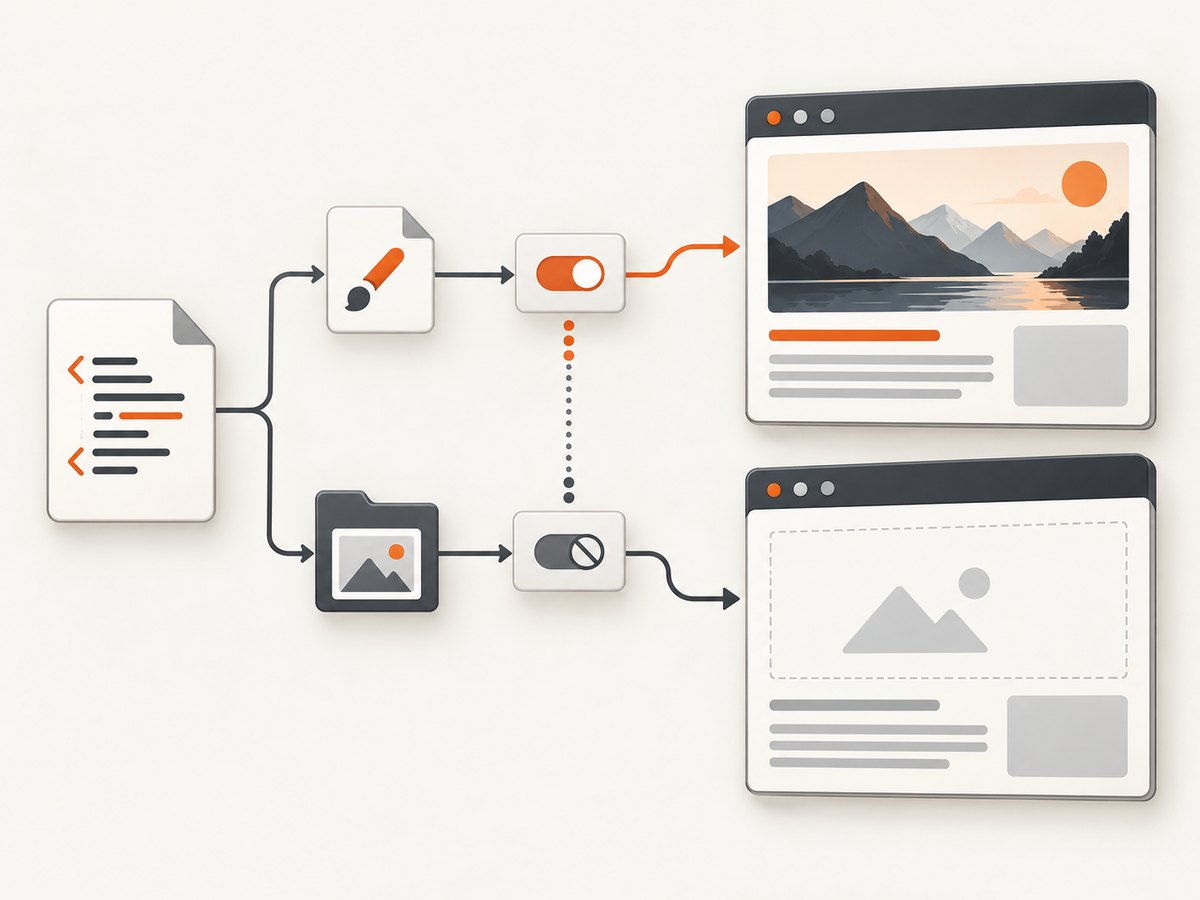
Request interception can change the rendered result. If you block the CSS, JavaScript, images, or data the document depends on, expect missing or altered content. An allowlist is a rendering policy as well as a network policy.
2. Block every request during a local-file capture
This complete example launches Puppeteer, installs interception before navigating to a local file, aborts every intercepted request, captures a screenshot, and closes the browser even if capture fails. Install Puppeteer with npm install puppeteer, save the code as capture-local.cjs, and pass the HTML file path as the first argument.
const path = require('node:path');
const { pathToFileURL } = require('node:url');
const puppeteer = require('puppeteer');

async function main() {
  const input = process.argv[2];
  if (!input) throw new Error('Usage: node capture-local.cjs ./page.html');

  const fileUrl = pathToFileURL(path.resolve(input)).href;
  const browser = await puppeteer.launch({ headless: true });

  try {
    const page = await browser.newPage();
    await page.setRequestInterception(true);
    page.on('request', request => {
      if (request.isInterceptResolutionHandled()) return;
      void request.abort().catch(error => {
        console.error('Could not abort request:', request.url(), error.message);
      });
    });

    await page.goto(fileUrl, { waitUntil: 'load', timeout: 30000 });
    await page.screenshot({ path: 'local-page.png', fullPage: true });
    console.log('Saved local-page.png');
  } finally {
    await browser.close();
  }
}

main().catch(error => {
  console.error(error);
  process.exitCode = 1;
});
The call to setRequestInterception(true) and the listener are in place before page.goto(). That ordering means the policy is active for requests caused by navigation and page loading. The isInterceptResolutionHandled() check helps avoid resolving a request twice if another listener is also attached. Puppeteer’s guide discusses this protection, including cases where multiple handlers or asynchronous work can overlap.
To capture a different local file, pass its path on the command line. pathToFileURL() converts paths to file URLs safely, including paths with spaces. The screenshot’s fullPage option controls whether Puppeteer captures the full document or just the current viewport; it does not control requests.
3. Allow resources the capture needs
Use a selective policy if your local HTML references resources you want to keep. The following example permits requests to the local file and a chosen asset directory while aborting requests to every other origin. Adjust the allowed directory and resource rules to fit your setup; an origin allowlist is only appropriate when those origins are trusted for this capture.
const path = require('node:path');
const { pathToFileURL } = require('node:url');
const puppeteer = require('puppeteer');

async function main() {
  const input = process.argv[2];
  if (!input) throw new Error('Usage: node capture-allowlist.cjs ./page.html');

  const absolutePath = path.resolve(input);
  const fileUrl = pathToFileURL(absolutePath).href;
  const allowedFilePrefix = pathToFileURL(path.dirname(absolutePath) + path.sep).href;
  const browser = await puppeteer.launch({ headless: true });

  try {
    const page = await browser.newPage();
    await page.setRequestInterception(true);
    page.on('request', request => {
      if (request.isInterceptResolutionHandled()) return;

      const url = request.url();
      const isDocument = url === fileUrl;
      const isSiblingFile = url.startsWith(allowedFilePrefix);
      const shouldContinue = isDocument || isSiblingFile;

      void (shouldContinue ? request.continue() : request.abort())
        .catch(error => console.error('Request resolution failed:', url, error.message));
    });

    await page.goto(fileUrl, { waitUntil: 'load', timeout: 30000 });
    await page.screenshot({ path: 'local-page.png', fullPage: true });
  } finally {
    await browser.close();
  }
}

main().catch(error => {
  console.error(error);
  process.exitCode = 1;
});
This example treats the input document and files below its directory as allowable. It does not assert that every local-file resource will resolve in every browser or operating-system setup. Review the actual resource URLs emitted by your page and refine the policy. If relative assets are served from a local HTTP server rather than loaded as files, allow only the exact local origin and paths you need.
You can also filter by resource type using request.resourceType(). Puppeteer’s current guide demonstrates filtering requests, and Chrome for Developers has an illustrative server-side rendering example using a resource-type allowlist. That example is a pattern, not a universal recommendation: scripts, XHR, fetch, fonts, stylesheets, and images may or may not be needed in your capture.
const allowedTypes = new Set(['document', 'stylesheet', 'font', 'image']);

page.on('request', request => {
  if (request.isInterceptResolutionHandled()) return;

  if (allowedTypes.has(request.resourceType())) {
    void request.continue();
  } else {
    void request.abort();
  }
});
Resource-type filtering alone may still allow external requests of an allowed type. Combine type checks with URL or origin checks if the policy must restrict destinations as well as resource classes.
4. Understand the request decisions
With interception enabled, each handler needs a clear outcome:
request.abort()cancels the request.request.continue()lets the browser perform it.request.respond()supplies a synthetic response when you want to mock a resource rather than load it.
For example, a self-contained screenshot may abort all network URLs but keep local assets. A test may continue a local API request while responding with a fixed JSON body for a third-party endpoint. Keep the policy explicit and narrow. Do not leave a branch that silently does nothing: an unresolved intercepted request can stall the page.
If several libraries or handlers listen for requests, avoid handling the same request twice. The Puppeteer guide advises checking isInterceptResolutionHandled(); with asynchronous work, check again immediately before calling abort(), continue(), or respond(), since another handler might resolve the request while yours is awaiting.
5. Separate interception from related page controls
| Control | What it is for | Does it replace interception? |
|---|---|---|
setRequestInterception(true) |
Lets your handler make a per-request continue, abort, or respond decision. | It is the request decision mechanism discussed here. |
setBypassServiceWorker(true) |
Tells Puppeteer to ignore service workers for requests. | No. It is a separate service-worker control. |
setOfflineMode(true) |
Emulates offline mode. | No. It changes network state; it is not the same as an explicit allow/deny rule. |
| Network-idle waiting | Waits for a period with low or no network activity. | No. It is a synchronization condition, not a request-blocking policy. |
If service-worker behavior is part of the issue, consider the separate service-worker bypass API. For offline tests, see offline mode. These settings do not remove the need to resolve intercepted requests when interception is on.
6. Wait for the right capture condition
Choose the navigation wait condition based on the page. load waits for the load event; with blocked resources, that event may behave differently than expected for a page that relies on external assets. A timeout is a safety limit, not a request policy. Network-idle waits can be a poor fit when the page keeps connections open, and they do not prevent requests.
If JavaScript modifies the document after navigation, wait for a specific selector or a known page condition before taking the screenshot. If scripts are blocked, that condition may never become true; either allow the necessary script or capture the static state intentionally. Test the screenshot output against the expected appearance after changing an allowlist.
7. Troubleshooting
| Symptom | Likely cause | Fix |
|---|---|---|
| Navigation hangs or times out after interception is enabled. | A request path was not resolved, or the page waits for a resource that was blocked. | Make sure every listener branch calls abort, continue, or respond. Log request URLs and inspect the page’s wait condition. |
| Styles, images, fonts, or content are missing. | The policy aborted a required stylesheet, image, font, script, or data request. | Inspect resource URLs and resource types, then allow the minimum resources needed. Compare the rendered output after each policy change. |
| “Request is already handled” or a resolution error appears. | More than one listener or library resolved the same request, possibly while another handler awaited. | Use isInterceptResolutionHandled() before resolution and check again after asynchronous work. Review all request listeners on that page. |
| A request still gets through. | The handler may be attached to a different page, or the policy may explicitly allow the URL or type. | Enable interception on the page doing the load, attach the listener before navigation, and log the URL and decision for each event. |
| A local asset fails even though its file exists. | The allowed path comparison may not match the browser’s file URL, or the HTML references a different path. | Log request.url(), normalize file paths with pathToFileURL(), and verify the reference in the HTML. |
| The screenshot is blank or captures an intermediate state. | Important scripts or resources were blocked, or capture started before the intended content appeared. | Decide whether to allow the dependency, wait for a specific selector, or intentionally capture the static local document. |
8. Performance, reliability, and cost
Request interception adds a decision point to each page request. Keep handlers synchronous and small when possible; avoid network calls or long asynchronous checks inside the listener. A slow or unresolved handler can hold up loading. Blocking unnecessary resources can reduce work for the browser, but no specific speedup is guaranteed: the effect depends on the document, resources, browser, and capture setup.
For repeatable captures, make the allowlist explicit, log decisions during diagnosis, set a finite navigation timeout, and close the browser in a finally block. Reuse a browser process for batches if your application architecture supports it, while creating isolated pages or contexts as appropriate. The primary documentation describes interception behavior, but does not promise identical output across all local-file scenarios or Puppeteer and Chrome versions.
Local Puppeteer has no per-screenshot API charge from Puppeteer itself; your costs depend on the machine or service running the browser and any resources your page loads. If you prefer a hosted screenshot API, ScreenshotNeo returns an image or PDF from one GET request. It supports clean shots by accepting cookie banners and removing known consent platforms, newsletter popups, and chat widgets before capture; failed loads, blank pages, bot checks, and cache hits are not billed, with verdict and billing details in response headers.
Or skip the browser setup
If the goal is a screenshot of a public web page rather than a local file, ScreenshotNeo avoids managing a browser process and interception handler. See the ScreenshotNeo API documentation for options and setup.
curl -G "https://api.screenshotneo.com/v1/shot" \
  -d access_key=YOUR_API_KEY \
  --data-urlencode url=https://stripe.com \
  -o shot.webp
import requests
r = requests.get(
"https://api.screenshotneo.com/v1/shot",
params={"access_key": "YOUR_API_KEY", "url": "https://stripe.com"},
timeout=90,
)
r.raise_for_status()
open("shot.webp", "wb").write(r.content)const q = new URLSearchParams({
access_key: 'YOUR_API_KEY',
url: 'https://stripe.com'
});
const res = await fetch(`https://api.screenshotneo.com/v1/shot?${q}`);
if (!res.ok) throw new Error(`Screenshot request failed: ${res.status}`);
await require('node:fs/promises').writeFile('shot.webp', Buffer.from(await res.arrayBuffer()));ScreenshotNeo removes cookie banners, popups, and chat widgets before the shot. Bot checks, blank pages, and failed loads are never billed. Its MCP server lets AI agents use screenshot tools, and 1,000 screenshots a month are free with no card; paid plans start at $5 for 3,000 screenshots. This API captures web URLs; it is not a replacement for a Puppeteer workflow that must read a local file.
Sign up free for 1,000 screenshots a month, with no card required.
FAQ
Does opening a file:// URL guarantee that Puppeteer makes no network requests?
No. The document can reference remote resources or run code that initiates requests. Apply a request policy and verify the requests made by the page.
Should I block every request or use an allowlist?
Block everything only when the document can render as intended without external resources. Otherwise allow the specific files, origins, or resource types the screenshot needs and abort the rest.
Does network-idle waiting stop requests?
No. It waits for a network activity condition. Use request interception to make per-request decisions.
Can I intercept requests from every page in the browser?
The examples enable interception on a particular Page. Apply the policy to each page that performs the load, and account for any other request handlers attached to that page.
Can ScreenshotNeo screenshot a local file?
The example API call accepts a URL for a web page. For a local-file capture, use a local browser workflow such as Puppeteer and apply the request policy needed by that file.


