How to Enable Local File Access in Puppeteer for XMLHttpRequest
Enable Puppeteer to test XMLHttpRequest reads from local files with Chromium’s file-access flag, understand its security limits, and troubleshoot failures.

To let a page loaded from file:// read other local files with XMLHttpRequest in Puppeteer, pass Chromium the --allow-file-access-from-files switch in Puppeteer’s launch({ args }) option:
const browser = await puppeteer.launch({
  args: ['--allow-file-access-from-files'],
});
This is a Chromium command-line switch, not a Puppeteer-specific XHR setting. It relaxes a browser security boundary for local file pages. Use it only in an isolated test browser when you need to verify file-origin behavior. For an application that normally runs over HTTP(S), serve the test files over a local HTTP origin and test with ordinary origin and CORS behavior instead.
1. What the flag changes
Puppeteer’s LaunchOptions API defines args as the additional command-line arguments passed to the browser instance. The argument in this guide is interpreted by Chromium: --allow-file-access-from-files. Chromium issue material references the switch in the context of local file access, though the available documentation does not provide a full cross-platform behavior specification. Verify it with the actual browser version used by your suite.
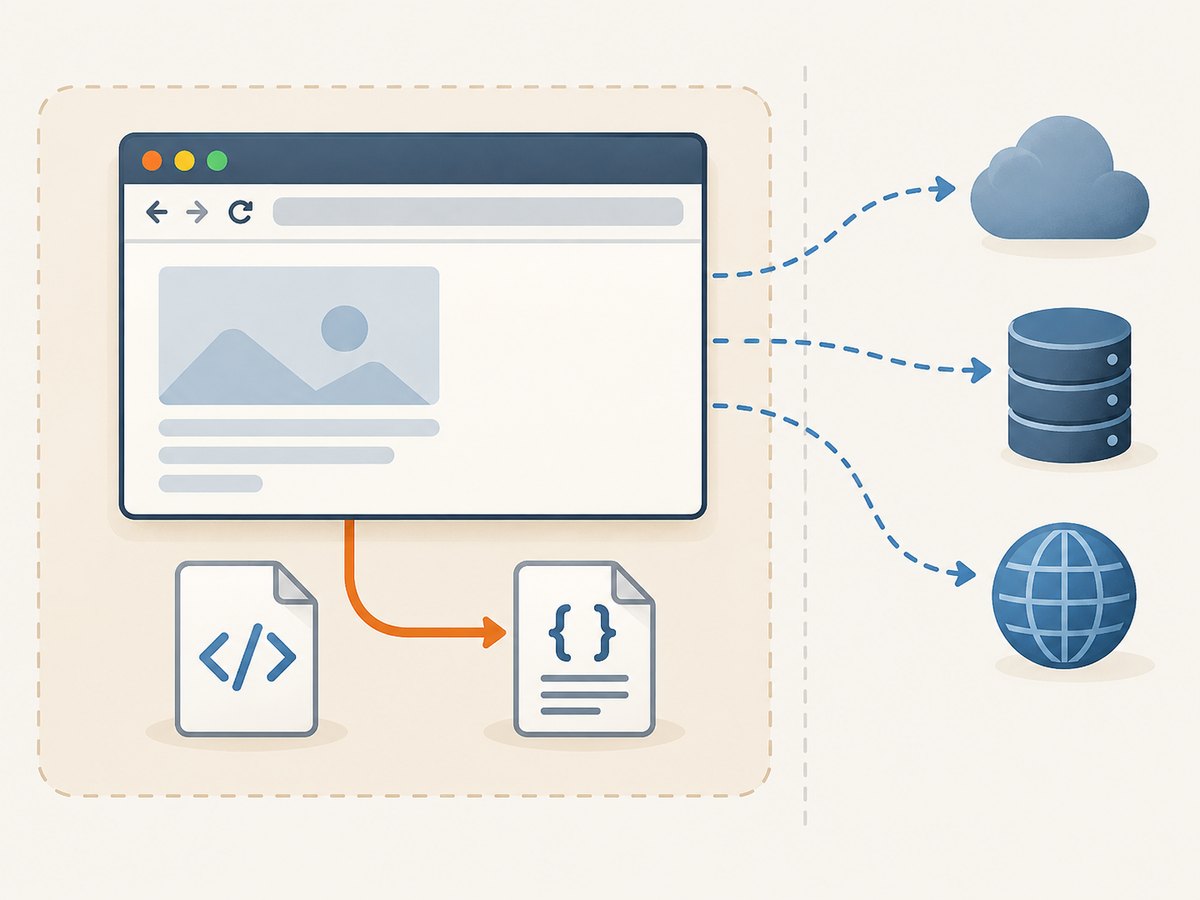
Browsers apply restrictions to pages opened from local files. Those restrictions can stop a page at one file:// URL from reading another local file through XHR. The switch is useful for a narrow regression test where that file-to-file behavior is the thing under test. It is not a general CORS bypass for remote origins, and it should not be used to make requests to arbitrary remote services work.
Enabling local file access expands what a local page may read. Chromium’s Android WebView documentation describes related file-origin access relaxations and warns that broad access can reach HTTP(S) resources and carry powerful permissions. That is an analogous WebView API, not the desktop Puppeteer switch described here; do not assume its exact behavior applies to desktop Chrome. The practical point is to treat any relaxation of file-origin restrictions as sensitive.
2. Make a minimal file-to-file XHR test
This example creates a page and data file, launches Puppeteer with the switch, opens the page by absolute file:// URL, and asks the page to fetch the data file. Save it as local-xhr.js and run it in a Node.js project where Puppeteer is installed.
const fs = require('node:fs/promises');
const path = require('node:path');
const { pathToFileURL } = require('node:url');
const puppeteer = require('puppeteer');

(async () => {
  const directory = path.join(__dirname, 'xhr-fixture');
  const htmlPath = path.join(directory, 'index.html');
  const dataPath = path.join(directory, 'data.json');

  await fs.mkdir(directory, { recursive: true });
  await fs.writeFile(
    htmlPath,
    '<!doctype html><meta charset="utf-8"><title>Local XHR fixture</title>',
  );
  await fs.writeFile(dataPath, JSON.stringify({ message: 'read from a local file' }));

  const browser = await puppeteer.launch({
    headless: true,
    args: ['--allow-file-access-from-files'],
  });

  try {
    const page = await browser.newPage();
    await page.goto(pathToFileURL(htmlPath).href);

    const dataUrl = pathToFileURL(dataPath).href;
    const result = await page.evaluate(url => new Promise((resolve, reject) => {
      const xhr = new XMLHttpRequest();
      xhr.open('GET', url);
      xhr.onload = () => {
        if (xhr.status === 0 || (xhr.status >= 200 && xhr.status < 300)) {
          resolve(xhr.responseText);
        } else {
          reject(new Error(`XHR returned status ${xhr.status}`));
        }
      };
      xhr.onerror = () => reject(new Error('Local file XHR failed'));
      xhr.send();
    }), dataUrl);

    console.log(JSON.parse(result));
  } finally {
    await browser.close();
  }
})().catch(error => {
  console.error(error);
  process.exitCode = 1;
});
pathToFileURL() constructs a file URL from a filesystem path and handles URL encoding, including spaces. It also produces platform-appropriate URLs; avoid building a file URL by concatenating file:// with a path. Windows drive letters and reserved characters need correct URL formatting.
The status check allows status 0, which some local file requests report, and successful HTTP-style status codes. It still rejects an XHR error event. The exact local-file response behavior can vary with browser versions and configuration, so assert the returned content and error path that matter to your test rather than relying on one status convention.
3. Run the browser in an isolated test process
- Keep the switch scoped to the test. Add it to the launch configuration for the specific suite or test case. Do not add it to a shared browser profile used for ordinary browsing.
- Use fixtures you control. Keep the page and files inside a dedicated test directory. Avoid loading arbitrary local HTML while the switch is active.
- Close the browser in a
finallyblock. This releases the process even when navigation, evaluation, or an assertion fails. - Verify the browser that actually launched. Puppeteer documents compatibility with its bundled browser. If you set
executablePathto use another Chrome or Chromium build, compatibility and flag behavior are your responsibility.
The shortest configuration is:
const browser = await puppeteer.launch({
  args: ['--allow-file-access-from-files'],
});
For an existing launch configuration, preserve its other arguments and add this one:
const browser = await puppeteer.launch({
  headless: true,
  args: [
    '--no-sandbox',
    '--allow-file-access-from-files',
  ],
});
Only include other switches such as --no-sandbox if your environment already requires them. They are not needed to enable local file XHR and change separate browser behavior.
4. When to serve the files over HTTP instead
If the page is an application that will be deployed at an HTTP(S) origin, a file-origin test does not reproduce how the deployed page’s origin, fetches, or CORS responses work. Start a local development server and navigate Puppeteer to its HTTP(S) URL. Configure the server’s CORS response for the test origin when cross-origin access is part of the scenario. This exercises the application-like path without changing file-origin access rules.
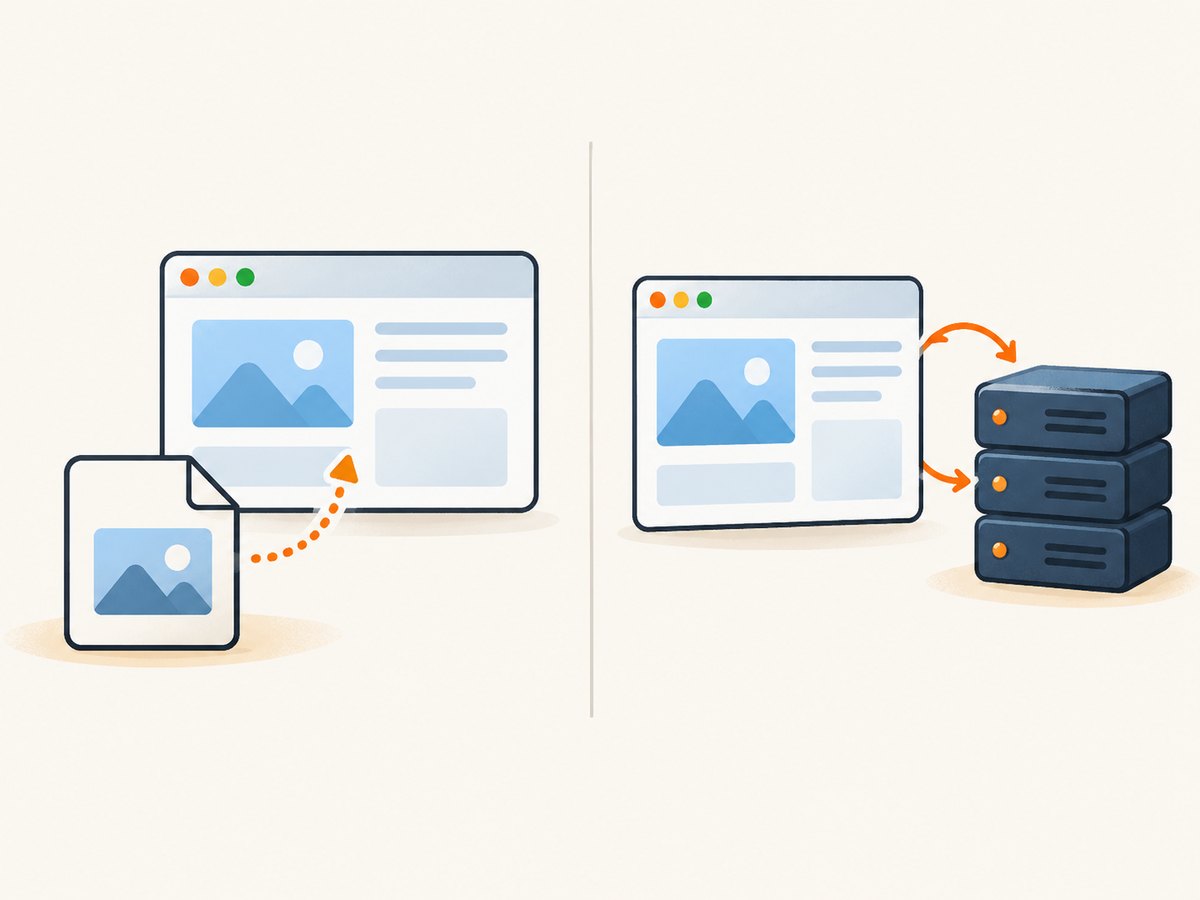
| Test goal | Better fit | Reason |
|---|---|---|
| Confirm a local HTML fixture can read a sibling file | file:// plus the Chromium switch |
It directly covers the local-file behavior. |
| Test a web app’s requests and CORS behavior | Local HTTP(S) server | It uses a web origin like the deployed app. |
| Read a user-selected file from an input control | Puppeteer file upload APIs | Uploading a path to an <input type="file"> is different from page JavaScript reading an arbitrary path through XHR. |
Puppeteer’s Files guide covers file upload and download handling. ElementHandle.uploadFile supplies paths to a file input; it does not grant JavaScript permission to read any local path. The guide also notes that Puppeteer does not provide programmatic download handling. Keep those file APIs separate from this XHR configuration.
5. Debug common failures
| Symptom | Likely cause | Check or fix |
|---|---|---|
XHR fires onerror with a security message |
The page is not loaded with the expected file origin, or the browser did not receive the switch. | Confirm the page URL starts with file://; inspect the launch options used by the process that owns the page; restart the browser after changing launch arguments. |
| XHR fails with a missing-file or URL error | The target path is wrong, absent, or encoded incorrectly. | Resolve the path on the Node side, check that the file exists, and use pathToFileURL() to create its URL. |
| It works locally but fails in CI | CI may launch a different browser executable or version, or the fixture path may differ. | Log the executable and browser version, verify the fixture is present in the job, and test the same launch options in CI. Puppeteer’s compatibility guarantee applies to its bundled browser, not an arbitrary executable. |
| It works for a local file but a remote request still fails | The switch is not a general remote-origin CORS bypass. | Use the correct HTTP(S) origin and configure the remote or local server’s CORS response for the requesting origin. |
| The test hangs waiting for data | The page-side promise may never settle if an event handler is missing or the test waits on the wrong condition. | Set an appropriate Puppeteer-side timeout, reject on onerror, and add a page-level timeout to make the failure explicit. |
For example, add an explicit timeout inside the page-side promise:
const result = await page.evaluate(url => new Promise((resolve, reject) => {
  const xhr = new XMLHttpRequest();
  const timer = setTimeout(() => reject(new Error('XHR timed out')), 5000);
  const finish = callback => value => {
    clearTimeout(timer);
    callback(value);
  };
  xhr.open('GET', url);
  xhr.onload = finish(resolve)(xhr.responseText);
  xhr.onerror = finish(reject)(new Error('Local file XHR failed'));
  xhr.send();
}), dataUrl);
For request-level investigation, Puppeteer emits page request lifecycle events such as request, requestfinished, and requestfailed; see the PageEvent API. These events help with network-resource debugging. They are not a special fix for local file XHR, and a local file access denial may not behave like a normal network request.
6. Version, performance, and reliability notes
Puppeteer’s compatibility page currently pairs v25.12.0 with Chrome for Testing 154.0.8037.57 and notes that Puppeteer has used Chrome for Testing since v20. Browser versions change. Check the current supported browsers page when upgrading, and record the actual executable and version in CI logs. If you override the bundled executable, validate the flag with that exact build.
The switch itself is a launch-time setting, so it does not add per-request work inside the page. Test runtime will still depend on browser startup, page navigation, file size, and your suite’s waits. Reuse one isolated browser process for a batch of fixtures when appropriate, while keeping the switch confined to that test process; close it when the batch ends.
For reliable results, use deterministic fixture paths and contents, wait for the XHR promise to settle, and assert the response body rather than a screenshot or page load alone. A page can finish navigating before its application code finishes the XHR. Keep a timeout so a blocked request fails promptly. The research sources provide no performance benchmark for this flag, so do not infer a speedup or slowdown from its presence.
7. Or skip the browser setup
If the goal is a screenshot of a web page rather than a test of local-file XHR, ScreenshotNeo returns an image or PDF with one API request. Its API is documented at screenshotneo.com/docs.
curl -G "https://api.screenshotneo.com/v1/shot" -d access_key=YOUR_API_KEY --data-urlencode url=https://stripe.com -o shot.webpCookie banners, newsletter popups, and chat widgets are removed before the shot. Bot checks, blank pages, failed loads, timeouts, and cache hits are not billed, and the response identifies the page verdict and billing status. An MCP server lets AI agents use take_screenshot, get_page_info, and capture_pdf. The free plan includes 1,000 screenshots a month with no card; paid plans start at $5 for 3,000.
Sign up free for 1,000 screenshots a month, with no card required.
8. FAQ
Does this flag let a file page call any remote API?
No. It concerns local file access and should not be treated as a general CORS bypass for HTTP(S) services.
Can I pass the switch to an already-running browser?
Launch arguments are supplied when Puppeteer starts the browser. Restart with the switch in the launch configuration.
Is uploadFile() a substitute for this?
No. It sets a file path on a file input for an upload workflow. It does not make arbitrary local files readable to page XHR.
Should I enable it in a shared browser profile?
No. Keep the relaxed behavior in an isolated browser process used for controlled local tests.


