How to Open Links in New Tabs and Switch Between Them with Puppeteer
Learn how to create tabs, capture popups, switch Puppeteer pages, handle navigation races, debug failures, and automate screenshots reliably.
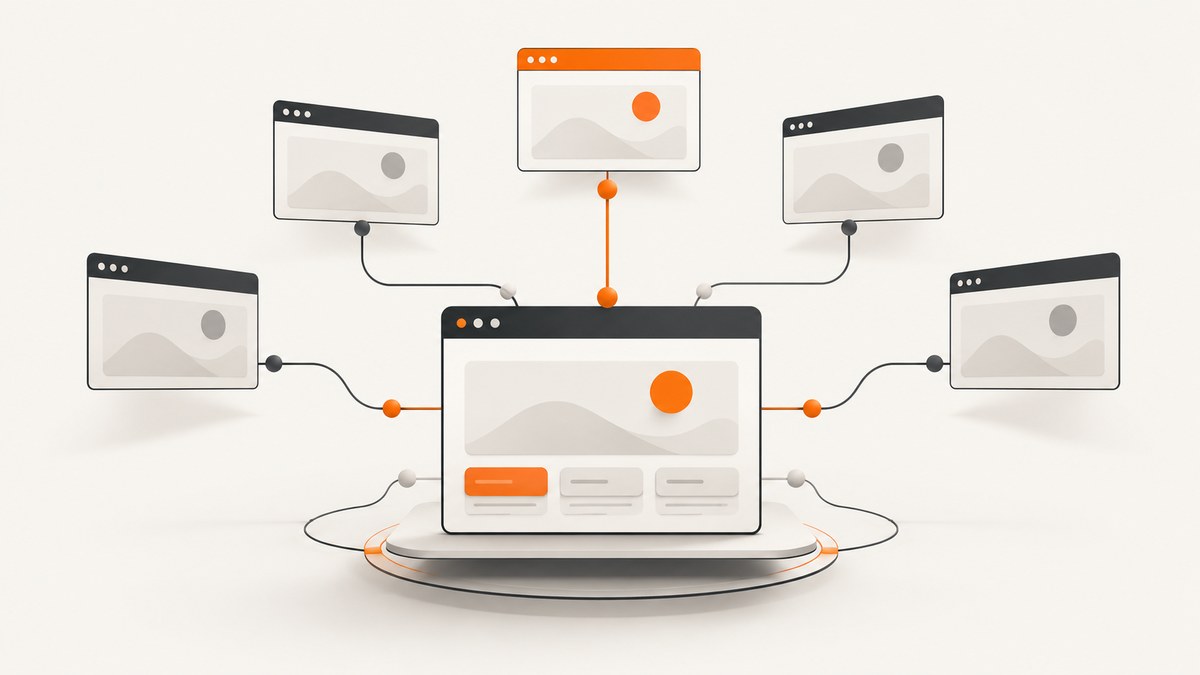
Use a Puppeteer Page as the tab. Create a page with browser.newPage() or context.newPage() when your script needs a new tab. When a click opens a popup, start waiting for the popup or its browser target before clicking, then use the returned Page and call bringToFront() when you need to activate it. A link that navigates the current tab is a different case: pair waitForNavigation() and the click in Promise.all().
This guide covers both workflows, complete runnable examples, page enumeration, navigation timing, selectors, contexts, failures, performance, and production reliability.
1. Puppeteer’s tab model
Puppeteer represents an individual browser tab or window as a Page. A Browser can contain many pages, and each page belongs to a BrowserContext. The context provides isolation for cookies, storage, permissions, and targets. Puppeteer’s Page API documents page creation, navigation, interaction, and bringToFront().
| Situation | Starting point | Important detail |
|---|---|---|
| Your script needs a fresh tab | browser.newPage() or context.newPage() |
Navigate the returned page yourself. |
| A click opens a new tab | Page popup event or context.waitForTarget() |
Install the wait before the click. |
| You need to inspect open tabs | browser.pages() or context.pages() |
Choose browser-wide or context-scoped enumeration. |
| A click changes the current tab | waitForNavigation() plus the click |
Wait and click concurrently to avoid a race. |
2. Create and switch to a new tab directly
If you control the workflow and simply need another tab, create it first, navigate it, and optionally bring it to the front.
import puppeteer from 'puppeteer';

const browser = await puppeteer.launch({headless: true});
try {
  const firstPage = await browser.newPage();
  await firstPage.goto('https://example.com', {waitUntil: 'domcontentloaded'});

  const secondPage = await browser.newPage();
  await secondPage.goto('https://developer.mozilla.org/', {
    waitUntil: 'domcontentloaded'
  });

  await secondPage.bringToFront();
  console.log('Active URL:', secondPage.url());
} finally {
  await browser.close();
}
browser.newPage() creates a page in the browser’s default context. If you already use an isolated context, create the page through that context instead:
const context = await browser.createBrowserContext();
const page = await context.newPage();
await page.goto('https://example.com');
await page.bringToFront();
Use context.newPage() when the page must share only that context’s cookies and storage. Use the browser-level method for a simple script where the default context is sufficient. The Puppeteer getting-started guide demonstrates the launch, newPage(), and goto() sequence.
3. Click a link that opens a popup
A link with target="_blank", JavaScript window.open(), or a site-specific popup flow creates a separate target and, once attached, a separate Page. It does not navigate the opener page. Set up the popup wait before triggering the click so a fast popup cannot be missed.
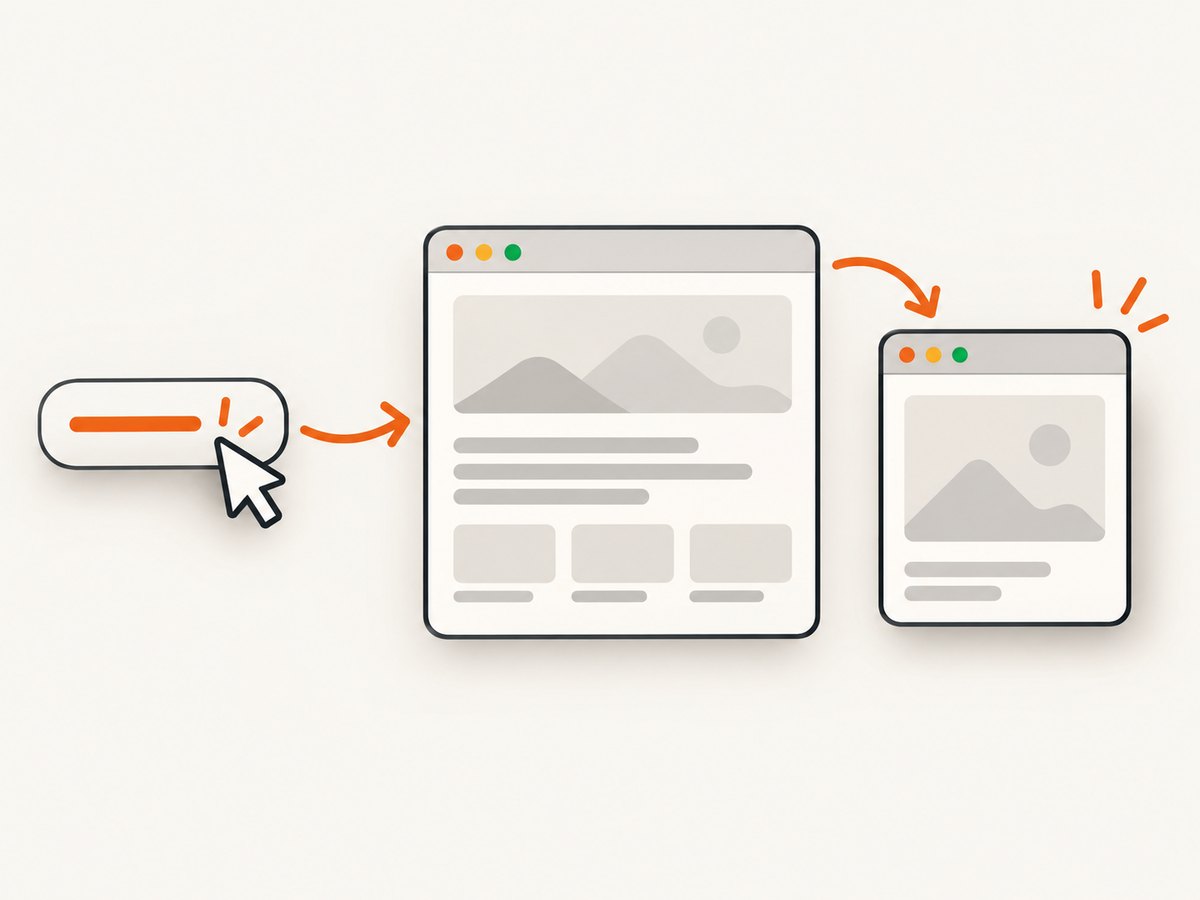
Using the opener page’s popup event
import puppeteer from 'puppeteer';

const browser = await puppeteer.launch({headless: true});
try {
  const page = await browser.newPage();
  await page.goto('https://example.com', {waitUntil: 'domcontentloaded'});

  const popupPromise = new Promise(resolve => page.once('popup', resolve));
  await page.locator('a[target="_blank"]').click();

  const popup = await popupPromise;
  await popup.bringToFront();
  await popup.waitForNetworkIdle({idleTime: 500, timeout: 30000});
  console.log('Popup URL:', popup.url());
} finally {
  await browser.close();
}
Puppeteer’s locator API is useful for this interaction because locators wait for an element to exist and be actionable. Replace the selector with a stable link, accessible role, or text locator for your application. The popup event pattern is a practical composition of the documented page and browser-context APIs; verify the event shape against the Puppeteer version installed in your project.
Using BrowserContext.waitForTarget()
A target-based wait is useful when you can identify the new tab by URL, type, or another condition. The predicate should describe the intended page instead of assuming that the first target created is yours.
const context = browser.defaultBrowserContext();
const targetPromise = context.waitForTarget(
  target => target.type() === 'page' && target.url().includes('/checkout'),
  {timeout: 30000}
);

await page.locator('a[href*="checkout"]').click();
const target = await targetPromise;
const checkout = await target.page();

if (!checkout) {
  throw new Error('The target was created but no Page is available');
}
await checkout.bringToFront();
console.log(await checkout.title());
BrowserContext.waitForTarget() waits for a target matching your predicate. A target may exist briefly before a page is attached, so check the result of target.page() and handle null.
4. Enumerate and select open pages
For diagnostics or workflows that already know which pages exist, enumerate them:
const allPages = await browser.pages();
console.log(allPages.map(p => p.url()));

const contextPages = context.pages();
console.log(contextPages.map(p => p.url()));
browser.pages() lists pages across browser contexts. context.pages() limits the result to one context. Standard page listings omit non-visible pages such as background pages. The returned array is not a stable identity system: do not assume the last item is always the popup you just opened. If you must compare before and after, also match a URL, title, target type, or a known DOM condition, and account for other tabs being created concurrently.
const before = new Set((await context.pages()).map(p => p.target()));
await page.locator('a[target="_blank"]').click();

const candidate = await new Promise(async (resolve, reject) => {
  const deadline = Date.now() + 10000;
  while (Date.now() < deadline) {
    const found = (await context.pages()).find(p =>
      !before.has(p.target()) && p.url() !== 'about:blank'
    );
    if (found) return resolve(found);
    await new Promise(r => setTimeout(r, 100));
  }
  reject(new Error('No new page appeared'));
});
await candidate.bringToFront();
This polling approach is mainly a diagnostic fallback. An explicit popup event or target predicate is easier to reason about and avoids selecting an unrelated page.
5. Same-tab navigation is a separate workflow
If the link changes the current page, there is no second Page to switch to. Wait for navigation and click at the same time:
const [response] = await Promise.all([
  page.waitForNavigation({waitUntil: 'domcontentloaded', timeout: 30000}),
  page.locator('a.same-tab-link').click()
]);

if (response) {
  console.log('HTTP status:', response.status());
}
console.log('New URL:', page.url());
The Page.click() documentation uses this concurrent pattern because awaiting the click first can let navigation begin before the listener is installed. A hash-only change or navigation to about:blank can return null, so do not dereference the response without checking it.
6. Navigation and popup options that matter
waitUntil: usedomcontentloadedfor a fast structural check,loadwhen ordinary resources must finish, ornetworkidlewhen the application settles. Long polling and analytics can prevent an idle condition.timeout: set an explicit limit for navigation, popup waits, and selectors. A timeout is easier to diagnose than a process that hangs indefinitely.- URL matching: normalize redirects and trailing slashes before comparing URLs. Match an origin and path when query parameters are generated dynamically.
- Contexts: keep independent users or test cases in separate contexts. Close a context when its pages are no longer needed.
- Cleanup: close popup pages after extracting data, and always close the browser in a
finallyblock.
7. Reliable selectors and interactions
Puppeteer recommends locators for interactions. Prefer semantic or stable selectors over generated class names:
await page.getByRole('link', {name: 'Open report'}).click();
// Or, when a stable attribute exists:
await page.locator('a[data-test="open-report"]').click();
When a page renders the link asynchronously, wait for the condition you actually need. A selector wait only proves that an element exists; it does not prove that the click will open a new target. Use the popup or target promise concurrently with the interaction.
8. Common errors and fixes
| Error or symptom | Cause | Fix |
|---|---|---|
| Popup promise never resolves | The listener was attached after the click, or the link navigates in place. | Install the listener first. Confirm the element’s target behavior and inspect the opener URL. |
Target closed |
The site closed the popup, the browser exited, or code closed the page early. | Keep the browser alive until processing completes; catch closure errors and check page.isClosed(). |
TimeoutError from navigation |
The page is slow, blocked, or waiting for an idle state that never occurs. | Increase the timeout, use domcontentloaded, and collect a screenshot, URL, and console logs for diagnosis. |
| Wrong page selected | Code assumes the newest page or array position is the desired tab. | Match a reliable URL, target type, opener event, or page-specific selector. |
| Click does nothing | The element is covered, disabled, detached, or inside a frame. | Use a locator, wait for actionability, inspect frames, and verify the element’s computed state. |
goto() succeeds but content is an error page |
Valid HTTP statuses such as 404 or 500 do not necessarily make goto() throw. |
Inspect the returned response status and validate the expected title or selector. |
target.page() is null |
The target is not a normal page or has not attached yet. | Filter for target.type() === 'page', retry briefly, or use the opener’s popup event. |
| Works locally, fails in CI | Different headless mode, sandbox, fonts, network access, or timing. | Pin Puppeteer, log browser and page versions, use explicit waits, and capture artifacts on failure. |
9. Debugging a tab workflow
Log the page identity at each transition:
function describe(page) {
  return {url: page.url(), closed: page.isClosed(), target: page.target()._targetId};
}

console.log('before click', describe(page));
page.on('console', msg => console.log('browser console:', msg.text()));
page.on('pageerror', error => console.error('page error:', error));
page.on('requestfailed', request => {
  console.error('request failed:', request.url(), request.failure());
});
For a popup, log the opener URL, target URL, and the number of pages before and after the click. Save a screenshot or HTML snapshot only after confirming which page you captured. Avoid private, undocumented target fields in long-lived application logic; use public predicates and page methods for production decisions.
10. Performance and reliability guidance
- Reuse the browser: launching Chromium is expensive. Keep one browser process for a batch and create or close pages per job.
- Limit concurrency: too many tabs compete for CPU, memory, sockets, and file descriptors. Use a queue or semaphore.
- Use the narrowest wait:
domcontentloadedis usually faster than network idle. Add a specific selector wait when the application has a known readiness signal. - Close aggressively: close completed popup pages and contexts to prevent memory growth.
- Retry selectively: retry transient network failures, not selector bugs or deterministic HTTP errors. Recreate a page after a crashed target.
- Record outcomes: store URL, status, elapsed time, target type, and error category. This makes slow sites distinguishable from broken automation.
- Pin versions: browser and Puppeteer version changes can alter headless behavior, selectors, and popup timing.
11. Or skip the browser setup
If your goal is a clean image or PDF of a URL rather than interaction with a live tab, ScreenshotNeo provides a website screenshot API and MCP server. One GET request returns PNG, JPEG, WebP, or PDF. The API handles the browser lifecycle, and its 63 options cover full-page captures, lazy images, CSS element selection, dark mode, device presets, custom viewports, retina scale, PDF paper and margins, custom CSS and JavaScript, clicks, waits, blocked resources, headers, cookies, user agents, authorization, timezone, geolocation, transparent backgrounds, resizing, caching, signed links, asynchronous webhooks, bulk capture, usage, and OpenAPI.
Here is the required one-call example; see the ScreenshotNeo documentation for parameters and response details.
cURL
curl -G "https://api.screenshotneo.com/v1/shot" \
  -d access_key=YOUR_API_KEY \
  --data-urlencode url=https://stripe.com \
  -o shot.webp
Python
import requests

r = requests.get(
    "https://api.screenshotneo.com/v1/shot",
    params={"access_key": "YOUR_API_KEY", "url": "https://stripe.com"},
    timeout=90,
)
r.raise_for_status()
open("shot.webp", "wb").write(r.content)
Node.js
const q = new URLSearchParams({
  access_key: 'YOUR_API_KEY',
  url: 'https://stripe.com'
});
const res = await fetch(`https://api.screenshotneo.com/v1/shot?${q}`);
if (!res.ok) throw new Error(`HTTP ${res.status}`);
const bytes = Buffer.from(await res.arrayBuffer());
require('fs').writeFileSync('shot.webp', bytes);
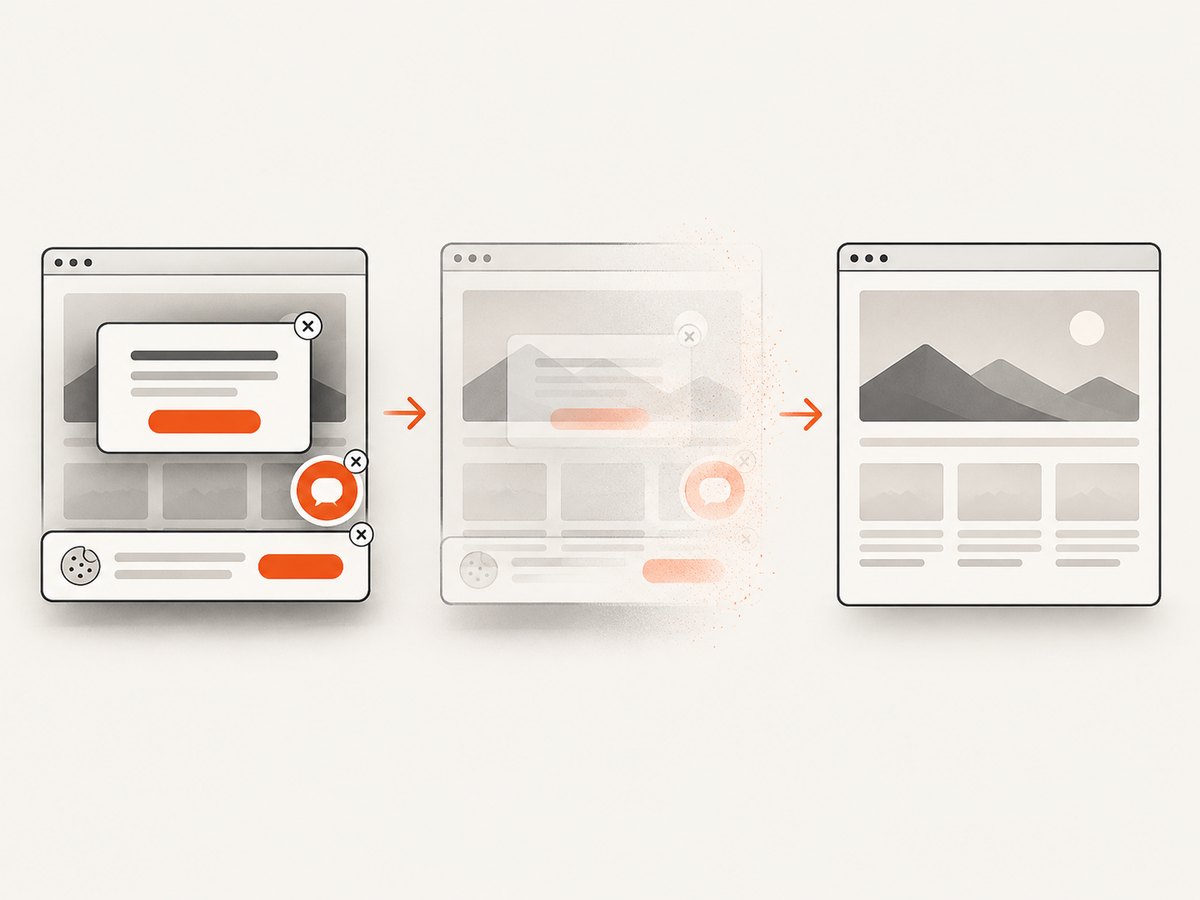
ScreenshotNeo accepts and removes cookie-consent banners, newsletter popups, and chat widgets before capture; each step can be disabled. Only clean shots are billed: bot checks or CAPTCHAs, blank pages, timeouts, failed loads, and cache hits cost nothing, and the response reports the result with X-Page-Verdict and X-Billed headers. Its MCP server exposes take_screenshot, get_page_info, and capture_pdf to Claude, Cursor, and other MCP clients.
The Free plan includes 1,000 screenshots each month without a card. Paid plans start at $5 for 3,000 shots; yearly billing gives two months free, and every feature is available on every plan. Create a free ScreenshotNeo account to try it.
12. Frequently asked questions
Does Puppeteer have a “tab” object?
Use the Page object. Each visible tab or window is represented by a page.
Should I use browser.pages() or context.pages()?
Use the browser method for all contexts and the context method when isolation matters.
Can I switch tabs without making one visible?
Yes. You can call methods on any page. Use bringToFront() when the active visible tab matters.
Why does a popup open as about:blank first?
Some sites create the target before assigning its final URL. Wait for a URL, selector, or network condition after obtaining the popup page.
What if the link sometimes opens a popup and sometimes navigates?
Define the expected behavior per site, or race a bounded popup wait with navigation detection and then validate the resulting page URL.


