How to Fix Puppeteer’s Cannot Read Properties of null setAttribute Error
Fix Puppeteer’s null setAttribute error with selector checks, waits, iframe handling, rerender-safe handles, and diagnostic code.
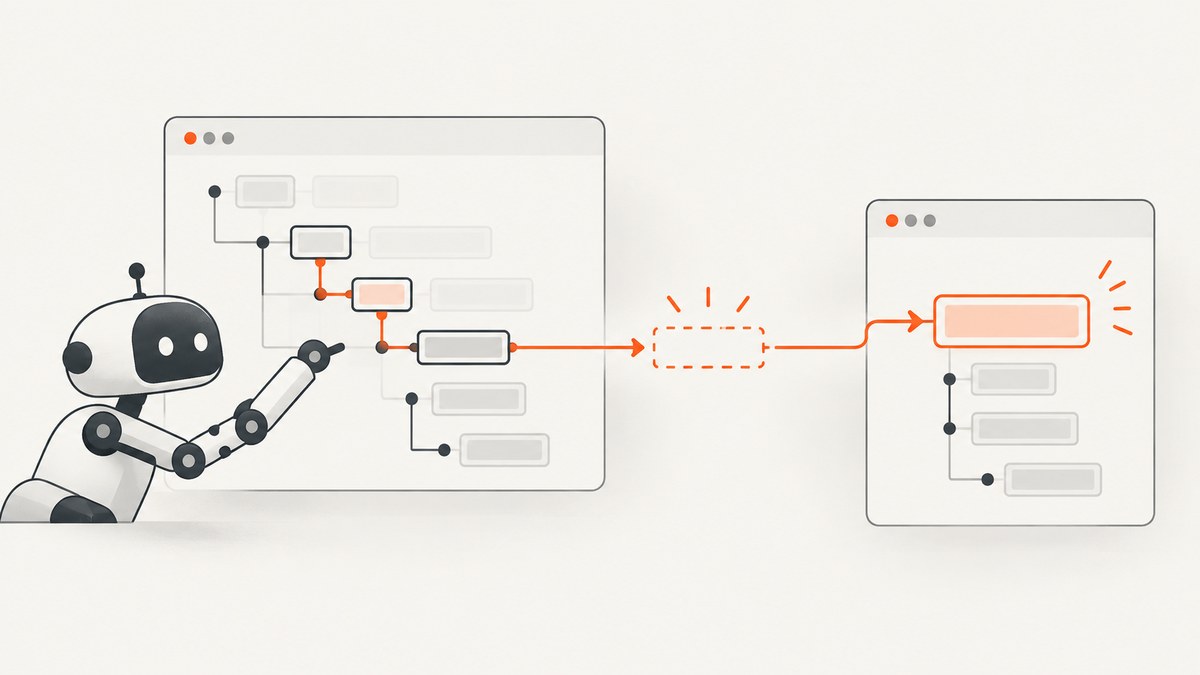
Short answer: Puppeteer throws Cannot read properties of null (reading 'setAttribute') when document.querySelector(...) (or another lookup) returns null. The selector matched no element in the document, frame, or page state where the code ran. Wait for the right state, query the correct frame, reacquire elements after navigation or rerendering, and guard optional elements before calling setAttribute().
setAttribute() is an Element method that sets or updates an attribute. It cannot run on null. MDN documents the method on Element, while Puppeteer documents that a selector lookup resolves to null when no element matches.
What the error actually means
This expression has two operations:
document.querySelector('#target').setAttribute('data-ready', 'true');document.querySelector('#target')searches the current document.- If there is no matching node, it returns
null. - JavaScript then tries to read
setAttributefromnull, producing the exception.
The setAttribute method is not the root problem. The lookup scope or page state is wrong. Typical causes are a misspelled selector, a delayed render, an iframe, a redirect, a consent or login page, a shadow-DOM boundary, or an element replaced by a framework rerender.
Minimal working fix
For a required element, wait for it and fail with a useful message if it is still absent:
import puppeteer from 'puppeteer';

const browser = await puppeteer.launch({headless: true});
const page = await browser.newPage();
const url = 'https://example.com';
const selector = '#target';

try {
  await page.goto(url, {waitUntil: 'domcontentloaded'});
  await page.waitForSelector(selector, {visible: true, timeout: 30_000});

  await page.evaluate((selector) => {
    const element = document.querySelector(selector);
    if (!element) {
      throw new Error(`Element disappeared before setAttribute: ${selector}`);
    }
    element.setAttribute('data-ready', 'true');
  }, selector);
} finally {
  await browser.close();
}
waitForSelector waits in the page’s current frame. By default Puppeteer waits up to 30 seconds; pass a different timeout, or 0 to disable the timeout when that is deliberate.
Diagnose the selector before changing code
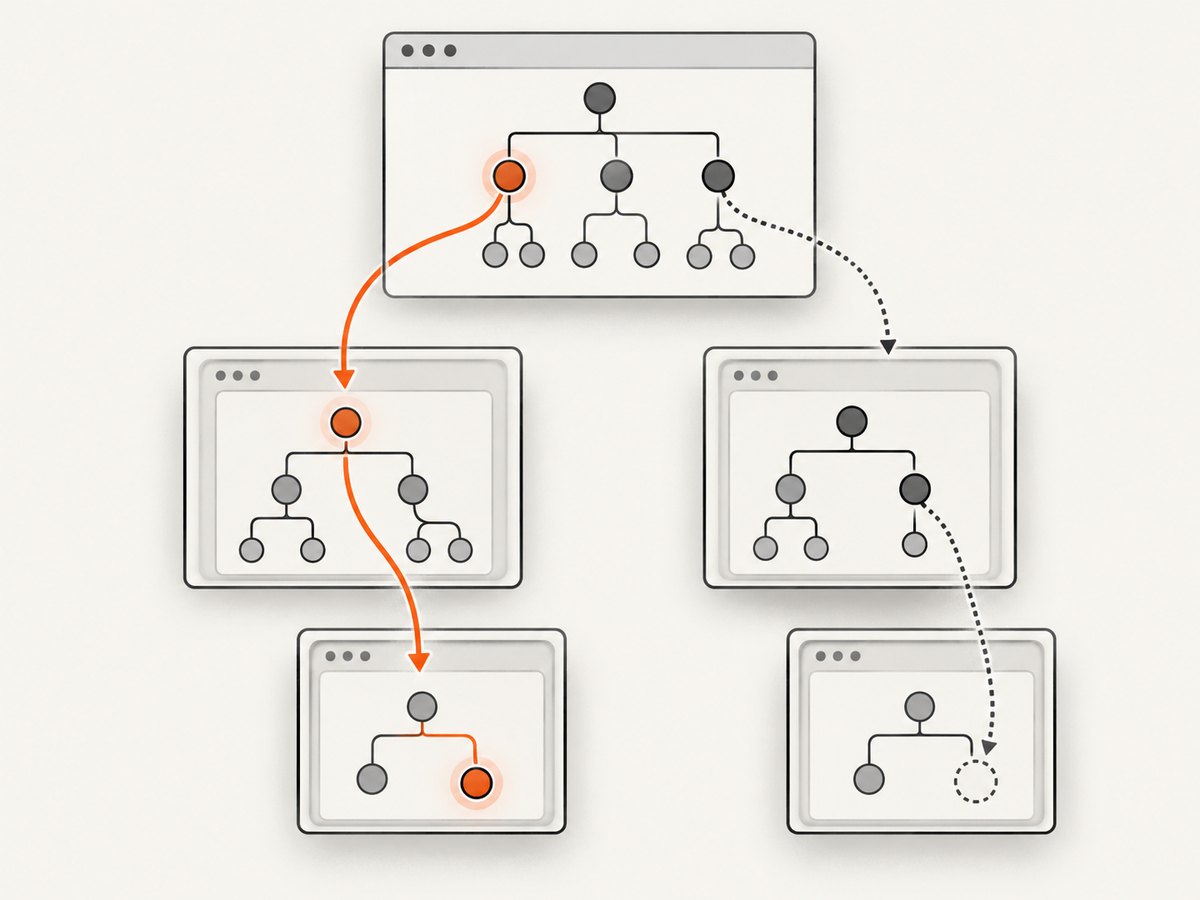
1. Print the URL, selector, and frame
A successful selector in DevTools may have been tested on a different URL or frame. Log the exact values at the failure point:
const selector = '#target';
console.log({url: await page.url(), selector});
for (const frame of page.frames()) {
  console.log({frameUrl: frame.url(), isMain: frame === page.mainFrame()});
}
2. Count matches
const matches = await page.$$(selector);
console.log(`Found ${matches.length} match(es) for ${selector}`);
if (matches.length === 0) {
  throw new Error(`No element matched ${selector} at ${await page.url()}`);
}
await page.evaluate((selector) => {
  document.querySelector(selector).setAttribute('data-ready', 'true');
}, selector);
Check spelling, punctuation, case, CSS escaping, and whether the page redirected to authentication, a consent screen, a bot check, or an error page. A selector is evaluated against the DOM that exists at that instant, not the source HTML you expected.
3. Inspect the DOM from the page context
const state = await page.evaluate((selector) => ({
  readyState: document.readyState,
  title: document.title,
  htmlLength: document.documentElement.outerHTML.length,
  matchCount: document.querySelectorAll(selector).length,
}), selector);
console.log(state);
Wait for the correct readiness condition
Navigation completion and application readiness are different events. A single-page application can finish navigation while JavaScript is still fetching data or inserting nodes.

Attached versus visible
// The node only needs to exist in the DOM.
await page.waitForSelector('#target');

// The node must exist and be visible.
await page.waitForSelector('#target', {visible: true});

// Wait longer for a slow application.
await page.waitForSelector('#target', {visible: true, timeout: 60_000});
Use attached presence when you are setting metadata on a hidden node. Use visible: true when a user-visible control must be ready. Waiting for visibility does not prove that the element is enabled or populated; check those conditions separately.
Wait for an application condition
await page.waitForFunction(
  (selector) => {
    const element = document.querySelector(selector);
    return element && !element.hasAttribute('aria-busy');
  },
  {timeout: 30_000},
  '#target'
);

await page.evaluate(() => {
  const element = document.querySelector('#target');
  if (!element) throw new Error('Target vanished');
  element.setAttribute('data-ready', 'true');
});
For a known fixed delay, page.waitForTimeout can be useful, but a selector or application condition is usually more reliable because it finishes as soon as the page is ready.
Use the correct iframe
Each iframe has its own document. A top-level query cannot see nodes inside a child frame, even when the iframe is visibly part of the page.
const frame = page.frames().find((candidate) =>
  candidate.url().includes('/checkout')
);
if (!frame) throw new Error('Checkout frame was not found');

await frame.waitForSelector('#target', {visible: true});
await frame.evaluate(() => {
  const element = document.querySelector('#target');
  if (!element) throw new Error('Target disappeared in checkout frame');
  element.setAttribute('data-ready', 'true');
});
If the iframe URL is not stable, identify it from the iframe element or frame name:
const checkoutFrame = page.frames().find((frame) => frame.name() === 'checkout');
if (!checkoutFrame) throw new Error('Named checkout frame was not found');
Cross-origin rules still apply to browser scripts, but Puppeteer’s frame API lets you evaluate code in the frame context when the frame is available to the page.
Handle rerenders and navigation safely
Frameworks frequently replace nodes during hydration, route changes, or state updates. An ElementHandle points to one particular node in one document. Navigation disposes handles, and a rerender can make a previously acquired handle detached.
await page.goto(url, {waitUntil: 'networkidle2'});
await page.waitForSelector('#target');

const handle = await page.$('#target');
if (!handle) throw new Error('Target missing after navigation');
try {
  await handle.evaluate((element) => {
    element.setAttribute('data-ready', 'true');
  });
} finally {
  await handle.dispose();
}
When a component may rerender, perform the wait and lookup as close as possible to the mutation. If an action triggers navigation, wait for that navigation, then query again:
await Promise.all([
  page.waitForNavigation({waitUntil: 'domcontentloaded'}),
  page.click('a.next')
]);
await page.waitForSelector('#target');
await page.$eval('#target', (element) =>
  element.setAttribute('data-ready', 'true')
);
Choose a deliberate null-handling policy
Required element: throw a descriptive error
await page.evaluate(({selector, name, value}) => {
  const element = document.querySelector(selector);
  if (!element) {
    throw new Error(`Required element ${selector} was not found`);
  }
  element.setAttribute(name, value);
}, {selector: '#target', name: 'data-state', value: 'ready'});
Optional element: skip and record it
await page.evaluate(({selector, name, value}) => {
  const element = document.querySelector(selector);
  if (!element) {
    console.warn(`Optional element not present: ${selector}`);
    return false;
  }
  element.setAttribute(name, value);
  return true;
}, {selector: '#optional', name: 'aria-label', value: 'Details'});
A guard is appropriate only when absence is valid. Silently skipping a required checkout field or test assertion turns a clear failure into incorrect output.
Selectors that look right but still return null
- Wrong page:
gotofollowed a redirect. Logpage.url()and the title. - Wrong timing: the node is inserted after an API response. Wait for the node or a state condition.
- Wrong frame: query the matching
Frame, notpage. - Shadow DOM: document-level CSS does not cross a shadow root. Query the host, then its
shadowRoot, or use Puppeteer’s supported selector syntax where appropriate. - CSS escaping: IDs containing punctuation need escaping or an attribute selector.
- Hidden versus absent:
visible: truecan time out when the node exists but is hidden. Use an attached wait if hidden is acceptable. - Rerender: a handle acquired before a state update is detached. Reacquire it.
- Optional markup: responsive layouts or A/B tests may omit the element entirely. Make the branch explicit.
Common errors and fixes
| Error | Likely cause | Fix |
|---|---|---|
Cannot read properties of null (reading 'setAttribute') |
Selector matched no node in the queried document. | Verify URL and selector, wait, use the right frame, or add intentional null handling. |
Cannot read properties of undefined |
A variable, property, or array item is missing before the DOM call. | Log each intermediate value and validate the object before accessing it. |
Waiting failed: 30000ms exceeded |
The selector never met the requested state. | Inspect URL, frame, visibility, rendering triggers, and timeout choice. |
Execution context was destroyed |
Navigation occurred while evaluation was running. | Await navigation, then reacquire the frame and element. |
Node is detached from document |
A framework replaced the node. | Wait for the stable state and obtain a fresh handle immediately before use. |
Reliable diagnostic helper
async function setAttributeRequired(page, selector, name, value) {
  const urlBefore = await page.url();
  await page.waitForSelector(selector, {timeout: 30_000});

  const result = await page.evaluate(({selector, name, value}) => {
    const element = document.querySelector(selector);
    if (!element) return {ok: false, readyState: document.readyState};
    element.setAttribute(name, value);
    return {ok: true, tag: element.tagName};
  }, {selector, name, value});

  if (!result.ok) {
    throw new Error(
      `Element ${selector} disappeared at ${urlBefore} ` +
      `(readyState: ${result.readyState})`
    );
  }
  return result;
}
This helper separates waiting, mutation, and diagnostics. It also avoids assuming that a handle remains valid across asynchronous work.
Performance and reliability considerations
- Prefer one targeted
waitForSelectorover repeated polling loops. - Use
domcontentloadedwhen the target does not depend on every image; use network-idle waits only when background requests are known to settle. - Keep selectors stable by targeting semantic attributes such as
data-testidwhen you control the application. - Set realistic timeouts per page class. A global unlimited timeout can hide outages; an overly short timeout creates false failures.
- Capture the URL, frame URL, selector, timeout, and a screenshot or HTML snapshot on failure. These artifacts make intermittent bugs diagnosable.
- Do not retry a missing selector blindly. Retry after a navigation or transient network failure only when the page state supports that explanation.
Or skip the browser setup
If your goal is to obtain a clean screenshot rather than run custom DOM automation, ScreenshotNeo provides a single screenshot request. Its API accepts the URL and returns PNG, JPEG, WebP, or PDF. Cookie and consent banners, newsletter popups, and chat widgets are removed before capture. Bot checks, blank pages, timeouts, failed loads, and cache hits are not billed, and response headers identify the page verdict and billing status.
See the ScreenshotNeo API documentation for all options, including full-page and element capture, waits, custom CSS and JavaScript, headers, cookies, user agents, blocking rules, device presets, PDF settings, caching, async jobs, bulk capture, and signed links.
cURL
curl -G "https://api.screenshotneo.com/v1/shot" -d access_key=YOUR_API_KEY --data-urlencode url=https://stripe.com -o shot.webpPython
import requests
r = requests.get("https://api.screenshotneo.com/v1/shot", params={"access_key": "YOUR_API_KEY", "url": "https://stripe.com"}, timeout=90)
open("shot.webp", "wb").write(r.content)
Node.js
const q = new URLSearchParams({ access_key: 'YOUR_API_KEY', url: 'https://stripe.com' });
const res = await fetch(`https://api.screenshotneo.com/v1/shot?${q}`);
ScreenshotNeo also has an MCP server with take_screenshot, get_page_info, and capture_pdf tools for Claude, Cursor, and other MCP clients. The free plan includes 1,000 screenshots per month without a card; paid plans start at $5 for 3,000 screenshots. Create a free ScreenshotNeo account.
FAQ
Does setAttribute create an element?
No. It changes an existing element. Create or select the element first.
Should I use page.$eval?
It is convenient for a required selector, but it also fails when no node matches. Wait first or use an explicit lookup when you need a custom error.
Why does DevTools find the element?
DevTools may be attached to a later page state, a different frame, or a different route. Reproduce the same URL, timing, and frame in Puppeteer.
Can I ignore the error with optional chaining?
document.querySelector('#optional')?.setAttribute('data-ready', 'true');You can, but this silently skips the mutation. Use it only when absence is expected and observable failure is unnecessary.
What should a test assert?
Assert that the required selector exists and that the attribute has the expected value. This distinguishes a missing element from a mutation that did not produce the intended state.


