How to Fix Puppeteer Protocol Error: Page.navigate Target Closed
Diagnose Puppeteer’s “Protocol error (Page.navigate): Target closed” with lifecycle checks, browser logs, synchronization patterns, and reliable fixes.

“Protocol error (Page.navigate): Target closed” means Puppeteer lost the page target or its DevTools protocol session before navigation finished. The message is a symptom, not a diagnosis. The page may have been closed by your own cleanup code, the browser may have disconnected or crashed, launch settings may be incompatible with the environment, or a navigation-triggering action may not be synchronized correctly.
Start by proving the lifecycle order. Check every await, every page.close(), context.close(), and browser.close(), plus timeout handlers, worker shutdown, signal handlers, and finally blocks. Then collect browser and protocol logs before changing launch flags or reinstalling packages.
What the error actually tells you
Puppeteer sends a DevTools Protocol command to a target (normally a page). A Page.navigate command can fail when that target disappears or the protocol connection is gone while the command is pending. The same message has appeared in a minimal launch, new-page, goto, and screenshot example, so it does not prove that your URL, redirects, or application code is wrong. See the discussion in Puppeteer issue #7455.
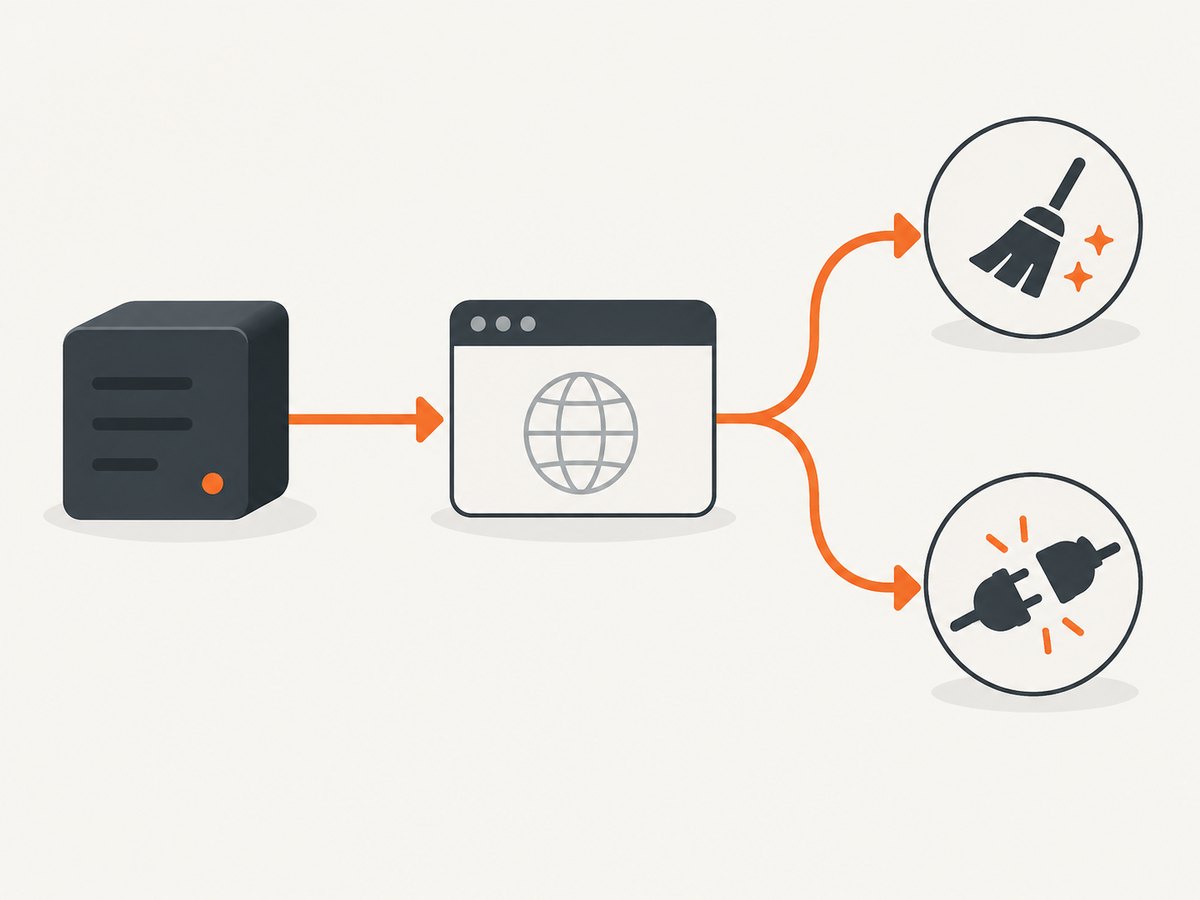
| Diagnostic branch | What to inspect | Typical evidence |
|---|---|---|
| Page or code lifecycle | Missing awaits, early returns, cleanup races, shared browser ownership | Close or shutdown runs before goto() resolves |
| Browser or protocol process | Disconnect events, browser stderr, crashes, launch compatibility | Browser process exits or the connection drops |
| Navigation synchronization | Clicks, form submits, request interception | Action starts navigation while code waits incorrectly or leaves requests stalled |
1. Check for an early close or missing await
The most useful first check is to read the failing path from the navigation call to process shutdown. A missing await can allow a function to return and execute cleanup while navigation is still running. The same race occurs when a timeout calls browser.close(), a worker exits, or a request handler shares a browser that another request closes.
A lifecycle-safe minimal pattern
import puppeteer from 'puppeteer';

const browser = await puppeteer.launch();
try {
  const page = await browser.newPage();
  const response = await page.goto('https://example.com');
  console.log('HTTP status:', response?.status());
} finally {
  await browser.close();
}
This ensures that the direct navigation resolves before the browser is closed. It is a sound baseline, not a cure for an external browser crash or a page closed by another component.
Audit checklist
- Await
page.goto(),page.reload(), screenshots, PDF generation, and actions whose completion matters. - Search for
page.close(),context.close(), andbrowser.close()in callbacks andfinallyblocks. - Inspect
Promise.racetimeouts: the losing operation may continue while the timeout closes the page. - Check process signal handlers such as
SIGTERMandSIGINT. - In queues and web servers, identify the owner of each browser instance. One job must not close a browser still used by another.
- Log the page URL and job ID immediately before navigation and immediately before every close operation.
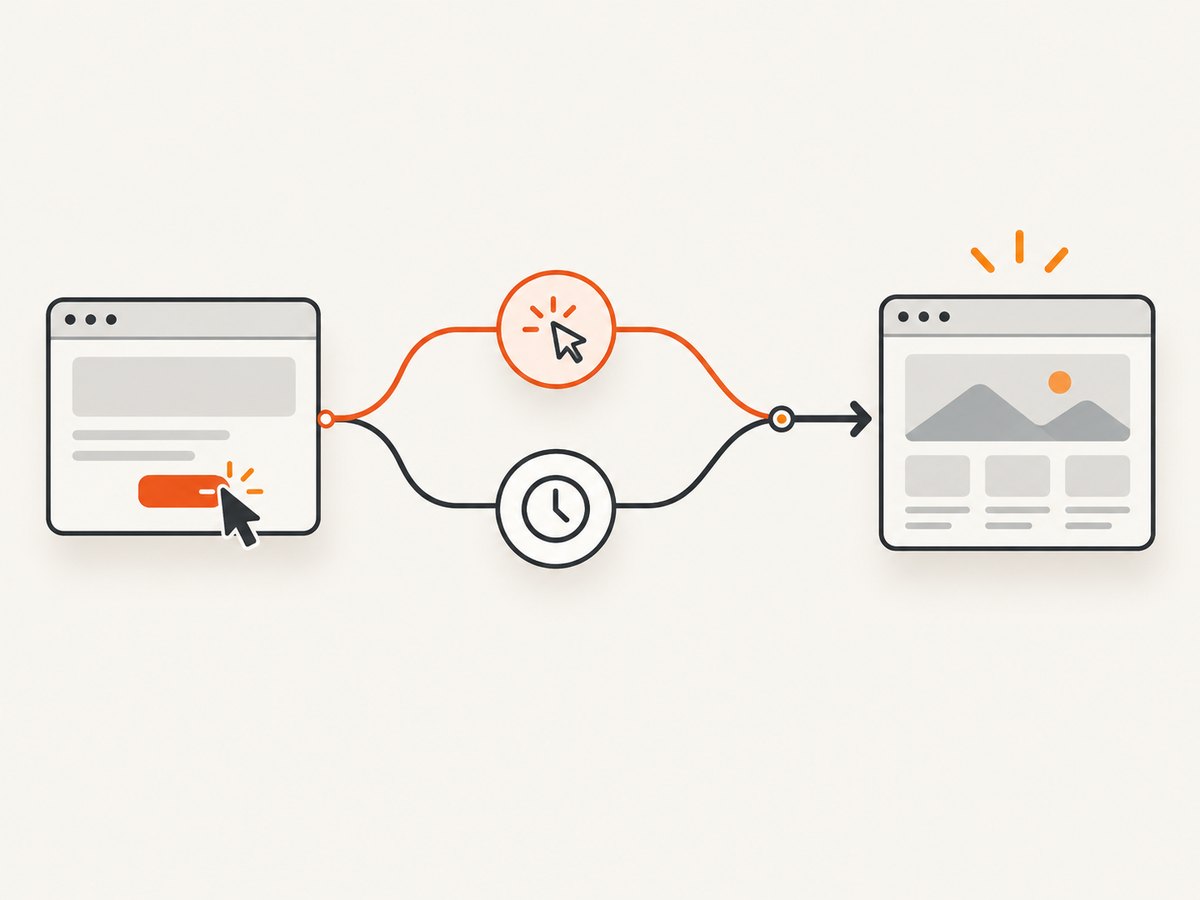
2. Synchronize a click that causes navigation
When an action triggers navigation, start the navigation wait and the action at the same time. Puppeteer’s API documents this pattern:
const [response] = await Promise.all([
  page.waitForNavigation(),
  page.click('a.my-link'),
]);

console.log('Final response:', response?.status());
waitForNavigation() resolves after navigation completes. If there are multiple redirects, its response is the last redirect response. Anchor navigation and History API changes can resolve with null. This wait is for navigation caused indirectly by an action; page.goto() already represents a direct navigation call, so do not wrap every goto() in a second navigation wait. Read the Page.waitForNavigation API for the current behavior.
Use an explicit timeout and URL check
const [response] = await Promise.all([
  page.waitForNavigation({ waitUntil: 'domcontentloaded', timeout: 30_000 }),
  page.click('a.my-link'),
]);

if (!page.url().startsWith('https://example.com/account')) {
  throw new Error(`Unexpected destination: ${page.url()}`);
}
console.log(response?.status() ?? 'history navigation');
A timeout here reports that the expected navigation did not complete. It does not mean the target was closed. Handle the two cases separately in your logs.
3. Determine whether the browser disconnected or crashed
If promise ordering is correct, investigate the browser process and protocol connection. Puppeteer exposes a browser disconnect event:
browser.on('disconnected', () => {
  console.error('Puppeteer disconnected from the browser');
});
Launch with dumpio: true to forward browser stdout and stderr:
const browser = await puppeteer.launch({
  dumpio: true,
});
Browser output can reveal an immediate process exit, missing dependency, or crash that happens before the page command fails. For deeper protocol diagnostics, Puppeteer documents NODE_DEBUG="puppeteer:*" and inspection of pending protocol callbacks through browser.debugInfo.pendingProtocolErrors. Protocol logs may contain cookies, URLs, headers, or page data; redact them before sharing.
Puppeteer’s debugging guide points out that there is no single debugging method for every issue because Puppeteer touches network requests, Web APIs, the browser process, and the DevTools protocol. Use the official debugging guide to choose the appropriate layer.
4. Understand browser.close() versus browser.disconnect()
These methods have different ownership semantics:
| Method | Effect | Use when |
|---|---|---|
browser.close() |
Closes the browser and its associated pages | Your process owns the browser and all work has finished |
browser.disconnect() |
Disconnects Puppeteer while leaving the browser and pages running | You intentionally hand the browser to another controller or process |
In a server, avoid putting browser.close() in a per-request finally block when the browser is shared. Prefer a reference-counted owner, a queue-level shutdown hook, or one browser per isolated job. Conversely, do not use disconnect() as cleanup if the browser process must actually stop.
5. Check versions and the launch environment with evidence
Record these values in every reproduction:
- Node.js version
- Puppeteer version
- Chrome or Chromium version
- Whether Puppeteer launched its bundled browser, a system executable, or a remote browser
- Operating system, container image, and relevant sandbox or security policy
- Redacted browser stderr and the timestamp of the disconnect
Puppeteer’s LaunchOptions documentation states: “Puppeteer is only guaranteed to work with the bundled browser.” A custom executablePath can be valid, but investigate it with version and crash evidence rather than assuming it is the cause.
If logs show a launch failure, consult the version-appropriate troubleshooting guide for missing system libraries, browser cache problems, sandbox or AppArmor restrictions, and container settings. The guide is version-sensitive. Do not add --no-sandbox as a routine fix; disabling the sandbox is strongly discouraged and can create a security problem. Apply environment workarounds only when your logs identify that environment failure.
6. Inspect request interception when navigation stalls
With request interception enabled, every intercepted request must be completed with continue(), respond(), or abort(). An unhandled request can stall navigation. This is a possible navigation branch, not a universal explanation for Target closed.
await page.setRequestInterception(true);
page.on('request', request => {
  if (request.isInterceptResolutionHandled()) return;

  if (request.resourceType() === 'image') {
    request.abort().catch(() => {});
  } else {
    request.continue().catch(() => {});
  }
});

await page.goto('https://example.com', {
  waitUntil: 'domcontentloaded',
});
Multiple listeners or asynchronous handlers can attempt to resolve the same request. Guard against that and log unresolved requests. See Puppeteer’s request interception API.
7. Build a diagnostic reproduction
Reduce the failing job to one browser, one page, one URL, and one navigation. Remove interception, plugins, workers, and custom cleanup temporarily. Keep the exact versions and launch options. Then add components back one at a time.
import puppeteer from 'puppeteer';

const browser = await puppeteer.launch({ dumpio: true });
browser.on('disconnected', () => console.error('disconnected'));

try {
  const page = await browser.newPage();
  page.on('console', msg => console.log('[page]', msg.type(), msg.text()));
  page.on('pageerror', error => console.error('[pageerror]', error));
  page.on('error', error => console.error('[page crash]', error));

  console.log('before goto', page.url());
  const response = await page.goto('https://example.com', {
    waitUntil: 'domcontentloaded',
    timeout: 30_000,
  });
  console.log('after goto', response?.status(), page.url());
} finally {
  await browser.close();
}
When asking for help, include this minimal reproduction, package and browser versions, platform or container details, and redacted logs. Do not report only the exception string.
Common errors and targeted fixes
| Symptom | Likely cause to verify | Fix |
|---|---|---|
| Error appears immediately after a function returns | Missing await or early cleanup |
Await navigation and move cleanup after all required work |
| Error follows a click | Navigation wait was started after the click | Use Promise.all([page.waitForNavigation(), page.click(...)]) |
| Several jobs fail together | Shared browser close, disconnect, or process crash | Inspect ownership, disconnect events, and browser stderr |
| Only custom Chrome fails | Unsupported browser or launch mismatch | Compare versions and reproduce with Puppeteer’s bundled browser |
| Navigation hangs with interception enabled | Request path never resolves | Ensure every request calls continue, respond, or abort |
| Retry “fixes” the next attempt | Timing-dependent lifecycle race | Find the close, crash, or unresolved request; do not rely on blind retries |
Performance, reliability, and cost considerations
Launching a browser for every URL adds startup time and resource pressure. Reuse a browser only when ownership is explicit, isolate jobs with separate pages or contexts, and close each page or context at the lifecycle boundary you control. A shared browser can improve throughput, but one unhandled shutdown can affect every job.
Set navigation timeouts deliberately and log elapsed time, URL, and outcome. A timeout should cancel or quarantine the affected job without closing a browser that other jobs use. Keep browser stderr and protocol logs available for failed jobs, while redacting sensitive values.
Retries are appropriate only after classifying the failure. A retry cannot reopen a page target that another component intentionally closed, and it can hide a deterministic race. If the browser process crashed, restart the isolated browser and preserve the crash evidence.
Or skip the browser setup
If your goal is a reliable screenshot rather than maintaining Chromium yourself, ScreenshotNeo provides a single HTTP request. Its capture service accepts consent banners before the shot and removes more than 60 known consent platforms, newsletter popups, and chat widgets. Bot checks, blank pages, timeouts, failed loads, and cache hits are not billed, and response headers identify the page verdict and billing result.
Read the ScreenshotNeo API documentation for all options. A basic request looks like this:
curl -G "https://api.screenshotneo.com/v1/shot" \
  -d access_key=YOUR_API_KEY \
  --data-urlencode url=https://stripe.com \
  -o shot.webp
import requests
r = requests.get(
"https://api.screenshotneo.com/v1/shot",
params={"access_key": "YOUR_API_KEY", "url": "https://stripe.com"},
timeout=90,
)
r.raise_for_status()
open("shot.webp", "wb").write(r.content)const q = new URLSearchParams({
access_key: 'YOUR_API_KEY',
url: 'https://stripe.com',
});
const res = await fetch(`https://api.screenshotneo.com/v1/shot?${q}`);
if (!res.ok) throw new Error(`HTTP ${res.status}`);
const bytes = new Uint8Array(await res.arrayBuffer());
await Bun.write('shot.webp', bytes);ScreenshotNeo also supports full-page captures with lazy images loaded, CSS-selector element captures, dark mode, 12 device presets and custom viewports, retina scale, PDF output, custom CSS and JavaScript, clicks before capture, selector or network-idle waits, request and resource blocking, headers, cookies, user agents, Authorization, timezone, geolocation, transparent backgrounds, resizing, TTL caching, signed links, asynchronous jobs with signed webhooks, bulk capture of up to 100 URLs per call, usage reporting, and an OpenAPI specification. Its parameter names are compatible with those used by other screenshot APIs, which helps when switching.
An MCP server provides take_screenshot, get_page_info, and capture_pdf tools for Claude, Cursor, and other MCP clients. The Free plan includes 1,000 screenshots each month with no card; paid plans start at $5 for 3,000 screenshots. Create a free ScreenshotNeo account.
FAQ
Does this error always mean the URL is invalid?
No. It means the target or protocol session disappeared before navigation completed. Validate the URL separately, but inspect lifecycle and browser events first.
Should I add --no-sandbox?
No. Use it only when a documented, evidenced environment requirement exists. The Puppeteer troubleshooting guidance strongly discourages routinely disabling the sandbox.
Is waitForNavigation() required with goto()?
No. goto() is already the direct navigation operation. Use waitForNavigation() when an action such as a click triggers navigation.
Can a retry solve Target closed?
Only after you know the browser process failed and can be safely recreated. Retries do not repair a missing await, an intentional close, or an unresolved intercepted request.
What should I include in a bug report?
Include a minimal reproduction, Node.js, Puppeteer and browser versions, operating system or container details, launch options, and redacted browser and protocol logs.


