Why Puppeteer PDF Dimensions Change and How to Control Them
Puppeteer PDFs can change size because paper options, CSS @page rules, print styles, scaling, and loading order interact. Here’s how to make the output predictable.
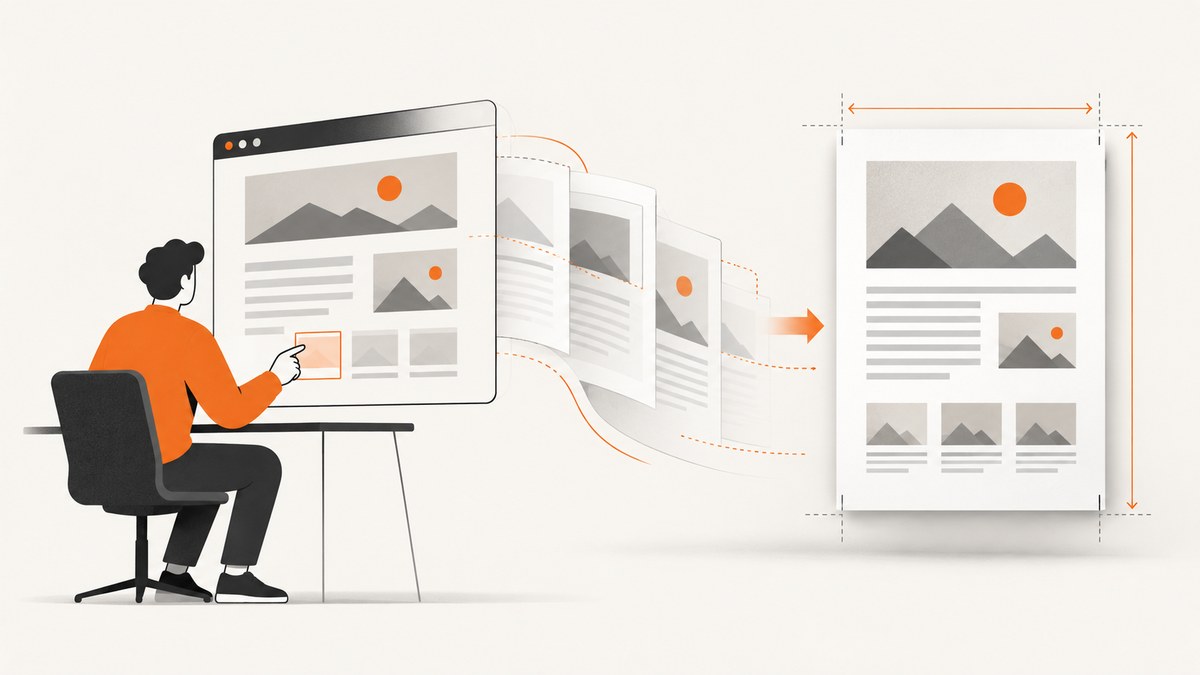
Puppeteer’s page.pdf() renders using print CSS. PDF dimensions can change when Puppeteer’s paper options conflict with CSS @page, when print styles reflow the page, or when margins, orientation, scale, and late-loading content change the layout. To control the result, choose one authority for paper size, set every geometry option explicitly, and wait for fonts and page content before generating the PDF.
If Puppeteer’s options should own the paper size, set format or width/height, remove conflicting @page size rules, and leave preferCSSPageSize false. If CSS should own it, define @page and set preferCSSPageSize: true. In both cases, make print media, margins, orientation, scale, backgrounds, and readiness explicit.
1. What determines a Puppeteer PDF’s dimensions?
There are two related measurements: the physical paper box and the content drawn inside it. Paper options determine the PDF page dimensions; margins and scale determine how much of that page content can occupy. CSS can also set the page size, and print-specific styles can rearrange the content before it is paginated.
| Control | Effect |
|---|---|
format |
Chooses a named paper format. The documented default is Letter when no format is specified. |
width and height |
Specify the paper dimensions directly, using supported units such as inches, pixels, or millimeters. |
CSS @page size |
Declares paper geometry in the document’s print stylesheet, with named or absolute sizes and optional orientation. |
preferCSSPageSize |
When true, gives CSS @page size priority over API width, height, or format. It defaults to false; with false, CSS page sizing is scaled to fit the API-selected paper. |
landscape |
Requests landscape orientation for the API-selected format. |
margin |
Sets the printable content inset from the paper edges. |
scale |
Scales rendered content. The supported range is 0.1 through 2, and the default is 1. |
For reference, Letter is 8.5 × 11 inches and A4 is 21 × 29.7 cm. Those dimensions describe the paper, not the content area after margins are applied. Puppeteer’s PDF API and options document the defaults and precedence rules; see the Page.pdf() API and PDFOptions.
2. Pick one source of truth for paper size
The most common configuration problem is giving Chromium two competing answers. For example, the call may request Letter while the stylesheet declares A4. With the default preferCSSPageSize: false, the CSS size is scaled to fit the API-selected paper. If CSS should win, enable preferCSSPageSize. For simpler maintenance, avoid conflicting declarations altogether.
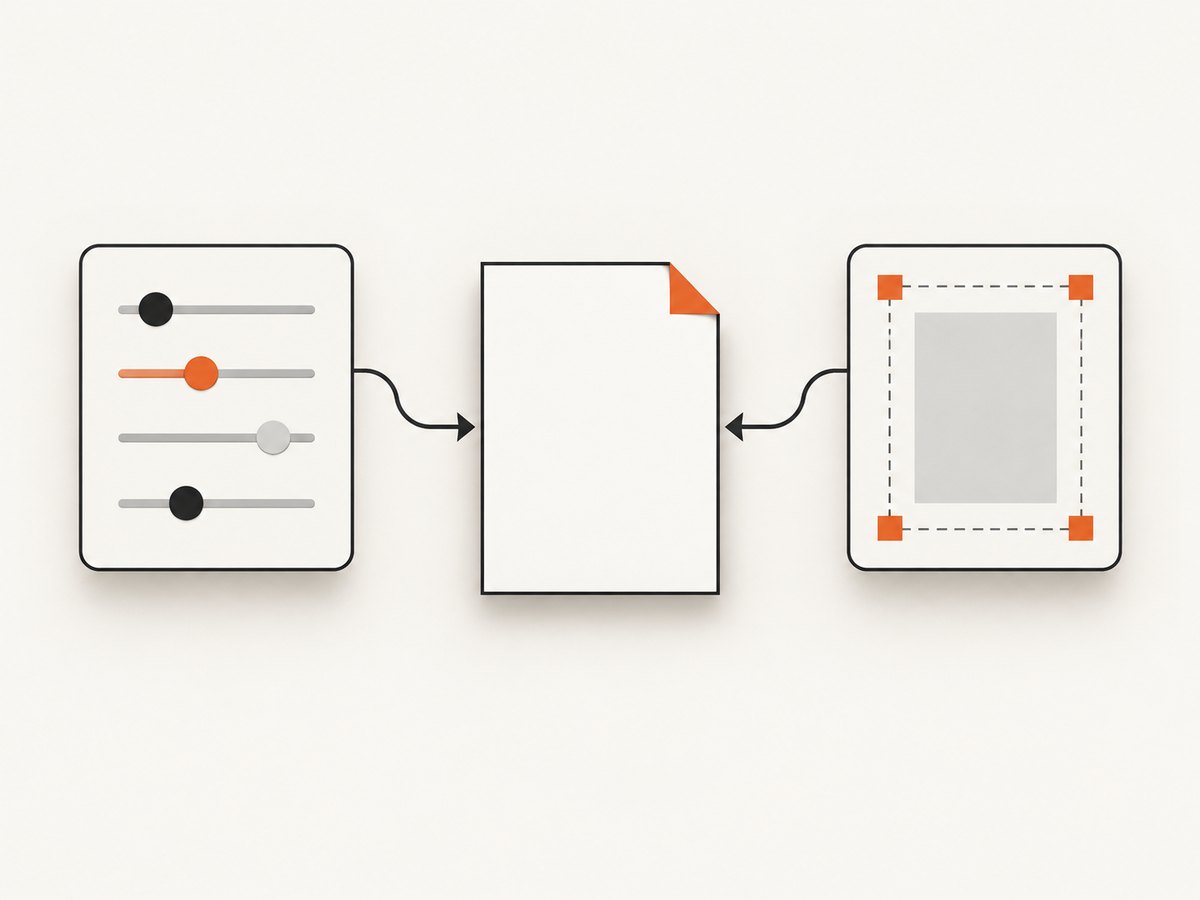
Let Puppeteer options set the paper
Set an explicit format or explicit dimensions. Do not also set a conflicting @page size. Keep preferCSSPageSize: false (or omit it, since that is the default).
await page.pdf({
  path: 'letter.pdf',
  format: 'letter',
  landscape: false,
  margin: { top: '12mm', right: '12mm', bottom: '12mm', left: '12mm' },
  scale: 1,
  printBackground: true,
  preferCSSPageSize: false
});
Use format: 'a4' for A4. For a custom page, give both dimensions, such as width: '210mm' and height: '297mm'. Avoid setting format together with custom dimensions unless the intended precedence is clear.
Let CSS set the paper
Use an @page rule as the single size authority and set preferCSSPageSize: true. For A4 portrait:
@page {
  size: 210mm 297mm;
  margin: 12mm;
}

@media print {
  html, body { margin: 0; }
  .screen-only { display: none !important; }
}
await page.pdf({
path: 'a4.pdf',
preferCSSPageSize: true,
landscape: false,
scale: 1,
printBackground: true,
margin: { top: '12mm', right: '12mm', bottom: '12mm', left: '12mm' }
});CSS @page supports named sizes such as A4 and letter, absolute dimensions such as 4in 6in, and portrait or landscape orientation. See MDN’s @page reference.
3. A deterministic, runnable Puppeteer pattern
This example generates a portrait A4 PDF from HTML. It uses CSS for page geometry, waits for network activity and fonts, and makes the PDF options that commonly affect output explicit. Save it as an ES module, install Puppeteer with npm install puppeteer, then run it with Node.js.
import puppeteer from 'puppeteer';

const html = `
<!doctype html>
<html>
<head>
  <meta charset="utf-8">
  <style>
    @page { size: 210mm 297mm; margin: 12mm; }
    html, body { margin: 0; font-family: Arial, sans-serif; }
    h1 { break-after: avoid; }
    .screen-only { display: none; }
    @media print { .screen-only { display: none !important; } }
  </style>
</head>
<body>
  <h1>A4 report</h1>
  <p>This document uses a fixed paper size and print layout.</p>
</body>
</html>`;

const browser = await puppeteer.launch({ headless: true });
try {
  const page = await browser.newPage();
  await page.setContent(html, { waitUntil: 'networkidle0' });
  await page.evaluate(() => document.fonts.ready);
  await page.pdf({
    path: 'output.pdf',
    preferCSSPageSize: true,
    landscape: false,
    margin: { top: '12mm', right: '12mm', bottom: '12mm', left: '12mm' },
    scale: 1,
    printBackground: true,
    waitForFonts: true
  });
} finally {
  await browser.close();
}
The corresponding puppeteer option waitForFonts defaults to true, but explicitly setting it makes intent visible. Waiting for document.fonts.ready also makes the font-readiness step clear. Network idle is not proof that application data or every image is ready: for a client-rendered page, wait for the app’s own “report ready” selector or state before calling page.pdf().
4. Why the PDF looks different from the browser
PDF generation uses print media
page.pdf() uses the print CSS media type. Rules under @media print can hide navigation, change widths, adjust colors, or insert page breaks. That may change line wrapping and total page count even if paper dimensions are correct. Puppeteer documents this print-media behavior in Page.pdf().
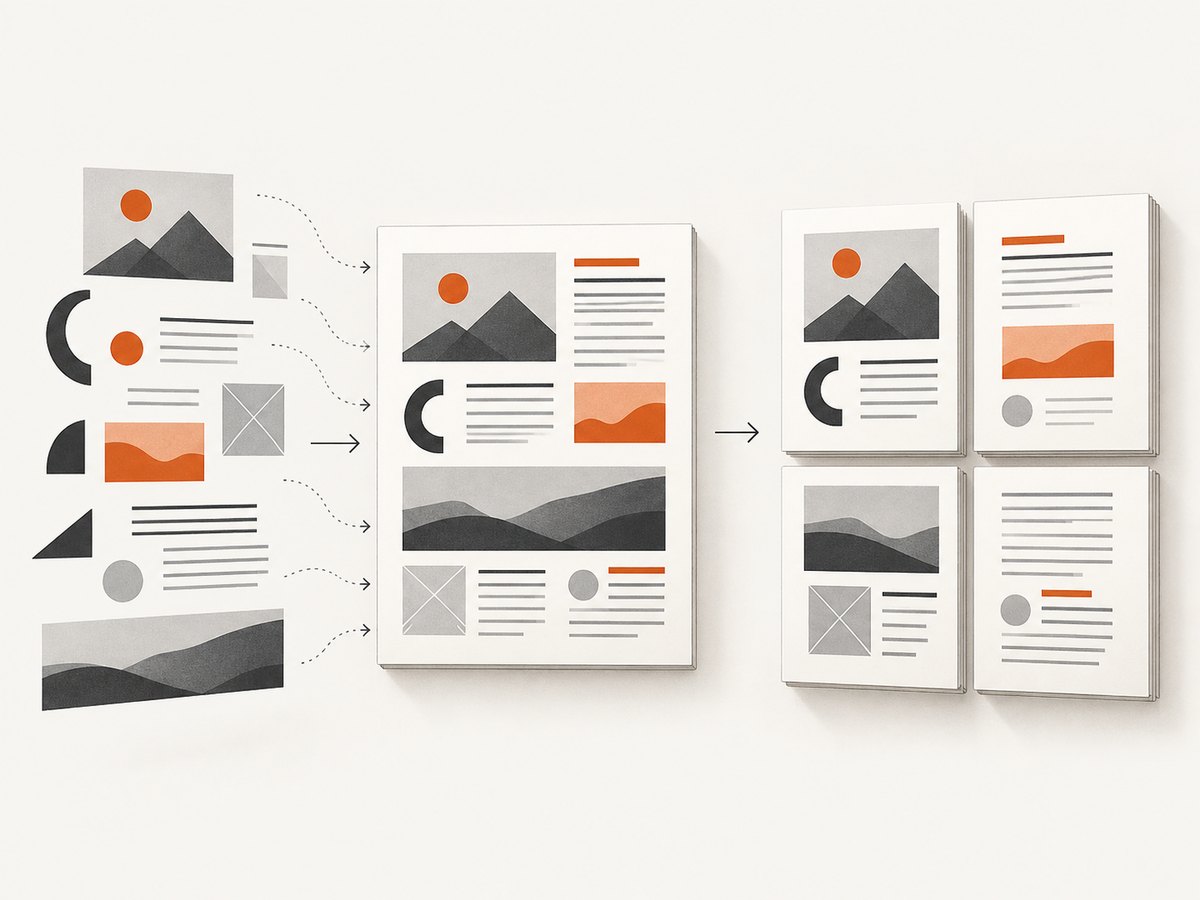
If the goal is to render screen styles, call page.emulateMediaType('screen') before generating the PDF. This changes the media type used for styling; it does not remove the PDF’s paper geometry or pagination. For a document intended to print, it is usually better to fix the print stylesheet than to use screen media.
await page.emulateMediaType('screen');
await page.pdf({ path: 'screen-styled.pdf', format: 'a4', printBackground: true });
Paper, orientation, margins, and scale interact
Letter is taller and narrower than A4. Switching between them can alter line lengths and page breaks. Landscape swaps the practical orientation, while margins reduce the available content box. A non-default scale changes content size within that box, so text and layout can look different even if the PDF page remains the same physical dimensions.
Start with scale 1. Set margins either in CSS @page or in the PDF call, and avoid maintaining inconsistent values in both places. If the output is unexpectedly shrunken, check whether CSS page dimensions are being fitted to a different API paper size and whether scale is below 1.
Responsive CSS can reflow in paged output
Styles that depend on viewport width, viewport units, percentages, or screen breakpoints can produce surprising results when laid out for pages. Prefer document-friendly widths and explicit print rules for critical reports. Viewport-related units in @page remain an area of standards discussion; consult MDN’s @page documentation before relying on a particular interaction.
Fonts, images, and dynamic data affect pagination
A fallback font can be narrower or wider than the final web font, changing line breaks and page count. Images that load late can alter block heights. Client-rendered data can appear after the PDF has already been requested. Wait for application data, fonts, and required images. If remote resources sometimes fail or load slowly, use an app-specific readiness condition and define a bounded timeout policy rather than relying only on generic network idle.
5. Troubleshooting common dimension problems
| Symptom | Likely cause | Fix |
|---|---|---|
| Expected A4, got Letter | format was omitted and Letter is the documented default. |
Set format: 'a4', or use CSS @page with preferCSSPageSize: true. |
| CSS A4 appears scaled or content is shrunken | API paper options take precedence because preferCSSPageSize is false. |
Enable preferCSSPageSize: true, or remove the CSS size and configure the API paper explicitly. |
| Page is the wrong orientation | landscape and CSS @page orientation disagree, or one was left implicit. |
Choose portrait or landscape deliberately and align the CSS and API configuration. |
| Content seems too small | scale is below 1, or a page-size mismatch is being fitted. |
Set scale: 1; then check the chosen paper authority and dimensions. |
| Content is clipped at an edge | Content exceeds the printable area after margins, or fixed-width elements overflow. | Inspect margins and print CSS; reduce fixed widths or choose a larger paper size. |
| PDF has unexpected blank pages | Print styles, forced breaks, oversized elements, or margins create an extra page. | Inspect break-before/break-after, element heights, and print-only spacing. |
| Page count changes between runs | Fonts, images, application data, or remote resources are not ready at capture time. | Wait for the app’s ready state and fonts; ensure required images have loaded before generating the PDF. |
| CI output differs from local output | Different browser versions, installed fonts, resource access, timing, or environment-specific data may alter layout. | Use a consistent Puppeteer/Chromium setup, ensure fonts and resources are available, and use deterministic content readiness checks. |
| Background colors or images are missing | Background printing is disabled or print CSS omits the colors. | Set printBackground: true and review print-specific styles. |
6. Practical checklist for stable PDFs
- Choose whether CSS or Puppeteer options own the page dimensions.
- Set a named format or both custom dimensions; do not rely on the Letter default accidentally.
- Align
preferCSSPageSizewith the chosen authority. - Set orientation, margins, scale, and background behavior explicitly.
- Review
@media printseparately from the screen layout. - Wait for application data, fonts, and required images before generating the PDF.
- Use the same browser build and available fonts in local and CI environments.
- Check actual PDF page boxes and page count when a downstream printer or document workflow requires exact dimensions.
7. Performance, reliability, and cost
Most PDF instability is a readiness or layout problem, not a need to increase scale or add arbitrary delays. A fixed selector or application-ready signal is generally more reliable than sleeping for a guessed duration. Waiting for network idle is useful for static pages but can be unsuitable for pages with persistent connections or background requests; choose the readiness condition that matches the page.
Browser startup and page loading often dominate an individual PDF job, while fonts and images can add network latency. Reusing a managed browser process can reduce repeated startup overhead in a server workload, but isolate page state and close pages reliably. Bound waits and retries so an unavailable resource does not hold a worker indefinitely. For reproducibility, pin the rendering environment and keep the HTML, stylesheet, fonts, and data stable.
Self-hosted Puppeteer has no per-PDF vendor fee, but it uses compute, memory, storage, engineering time, and CI or server capacity. Track render duration, failures, page count, and output size in your own system to identify regressions; no universal benchmark predicts the cost for every document. For a team that would rather not manage browser setup for screenshot workflows, ScreenshotNeo offers a separate screenshot API; PDF rendering and Puppeteer PDF dimensions are distinct tasks.
8. Or skip the browser setup
For website screenshots, ScreenshotNeo is a one-request screenshot API: send a URL and receive a PNG, JPEG, WebP, or PDF. See the API documentation for options. For this Puppeteer PDF topic, the code below captures a website screenshot as WebP rather than controlling a custom Puppeteer PDF layout.
curl -G "https://api.screenshotneo.com/v1/shot" \
  -d access_key=YOUR_API_KEY \
  --data-urlencode url=https://stripe.com \
  -o shot.webp
import requests
r = requests.get(
"https://api.screenshotneo.com/v1/shot",
params={"access_key": "YOUR_API_KEY", "url": "https://stripe.com"},
timeout=90,
)
open("shot.webp", "wb").write(r.content)const q = new URLSearchParams({ access_key: 'YOUR_API_KEY', url: 'https://stripe.com' });
const res = await fetch(`https://api.screenshotneo.com/v1/shot?${q}`);
if (!res.ok) throw new Error(`Screenshot request failed: ${res.status}`);
await import('node:fs/promises').then(fs => fs.writeFile('shot.webp', Buffer.from(await res.arrayBuffer())));ScreenshotNeo accepts cookie and consent banners like a visitor and removes 60+ known consent platforms, newsletter popups, and chat widgets before capture; each step can be turned off. Bot checks and CAPTCHAs, blank pages, timeouts, failed loads, and cache hits cost nothing, and response headers report the page verdict and billing status. An MCP server gives AI agents tools for screenshots, page information, and PDF capture. The free plan includes 1,000 screenshots a month with no card; paid plans start at $5 for 3,000 shots. Sign up for 1,000 free screenshots a month, with no card.
9. Frequently asked questions
Does Puppeteer default to A4?
No. The documented default PDF format is Letter. Set A4 explicitly with format: 'a4' or configure CSS page size and enable preferCSSPageSize.
Does scale change the physical PDF page dimensions?
It scales the rendered content. If the paper itself is wrong, inspect the format, dimensions, CSS page rule, and preferCSSPageSize first.
Should margins go in CSS or in page.pdf()?
Either can be part of a consistent setup. Choose one place to own margins and keep the other from introducing a conflicting inset.
Why does the same PDF code paginate differently in CI?
Check browser and font availability, resource loading, application data readiness, and print styles. A timing difference can change line wrapping and therefore page breaks.


