How to Apply Headers, Footers, and CSS in Puppeteer PDFs
Add repeating Puppeteer PDF headers and footers, reserve space correctly, and control print CSS, page size, colors, and troubleshooting.

Direct answer: enable displayHeaderFooter, provide headerTemplate and/or footerTemplate, and reserve space with explicit top and bottom margins. Puppeteer renders page.pdf() with the print media type by default. Use page.emulateMediaType('screen') when you need screen styles. Let CSS @page control paper size only when preferCSSPageSize: true; otherwise the PDF format, width, or height controls the paper and content may be scaled.
This guide shows a complete implementation, explains the interaction between PDF options and print CSS, and covers page numbering, colors, assets, page breaks, debugging, and production reliability.
1. Complete Puppeteer example
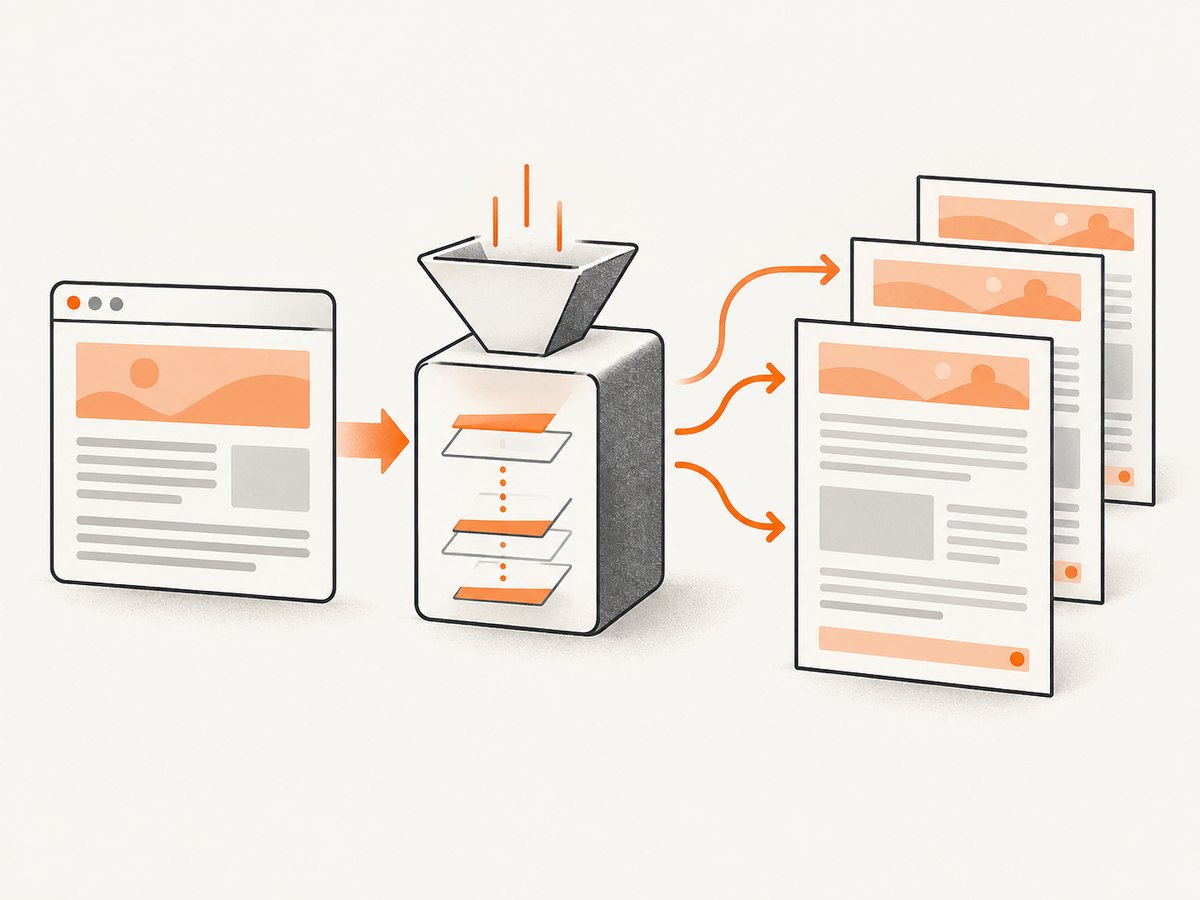
Install Puppeteer, create an HTML document, and run this script with Node.js. The templates use Puppeteer’s documented substitution classes: date, title, url, pageNumber, and totalPages. Header and footer templates are separate HTML fragments, so keep their styles inline and simple.
const puppeteer = require('puppeteer');

(async () => {
  const browser = await puppeteer.launch({
    headless: true,
    args: ['--no-sandbox', '--disable-setuid-sandbox']
  });

  try {
    const page = await browser.newPage();
    await page.setViewport({ width: 1280, height: 900, deviceScaleFactor: 1 });

    await page.setContent(`
      <!doctype html>
      <html>
        <head>
          <meta charset="utf-8">
          <title>Quarterly report</title>
          <style>
            @page { size: A4; margin: 18mm 16mm 20mm; }
            * { box-sizing: border-box; }
            body {
              margin: 0;
              color: #202124;
              font: 11pt/1.5 Arial, sans-serif;
              -webkit-print-color-adjust: exact;
              print-color-adjust: exact;
            }
            h1 { margin: 0 0 10mm; font-size: 26pt; }
            h2 { break-before: page; font-size: 17pt; }
            h2:first-of-type { break-before: auto; }
            .callout { padding: 12px; background: #eef5ff; border-left: 4px solid #2864dc; }
            table { width: 100%; border-collapse: collapse; }
            th, td { padding: 7px; border-bottom: 1px solid #d9d9d9; text-align: left; }
            thead { display: table-header-group; }
            tr { break-inside: avoid; }
          </style>
        </head>
        <body>
          <h1>Quarterly report</h1>
          <p class="callout">Prepared for the finance team.</p>
          <h2>Summary</h2>
          <p>Replace this content with your own document. Long content will flow across pages.</p>
          <h2>Details</h2>
          <table>
            <thead><tr><th>Item</th><th>Value</th></tr></thead>
            <tbody>
              <tr><td>Example</td><td>123</td></tr>
            </tbody>
          </table>
        </body>
      </html>`, { waitUntil: 'networkidle0' });

    await page.pdf({
      path: 'report.pdf',
      format: 'A4',
      displayHeaderFooter: true,
      headerTemplate: `
        <div style="width:100%; padding:0 16mm; font:9px Arial; color:#666;">
          <span class="title"></span>
          <span style="float:right"><span class="date"></span></span>
        </div>`,
      footerTemplate: `
        <div style="width:100%; padding:0 16mm; font:9px Arial; color:#666;">
          <span><span class="url"></span></span>
          <span style="float:right">Page <span class="pageNumber"></span> of <span class="totalPages"></span></span>
        </div>`,
      margin: { top: '24mm', bottom: '22mm', left: '16mm', right: '16mm' },
      printBackground: true,
      preferCSSPageSize: false
    });
  } finally {
    await browser.close();
  }
})();
The explicit margins reserve room for the repeating furniture. They must be at least as tall as the rendered header and footer, including padding. If a template is taller than its margin, it can overlap document content or be clipped. Puppeteer documents that margins are optional; when omitted, no margins are set. See the Page.pdf reference and PDFOptions reference for the current contract.
2. How header and footer templates work
Enable the feature explicitly
displayHeaderFooter defaults to false. Set it to true before supplying templates. You can set only one template if the document needs a footer but no header.
Use the documented substitution classes
| Class | Value inserted by Puppeteer | Typical use |
|---|---|---|
date |
Formatted print date | Generation date |
title |
Document title | Running report name |
url |
Document location | Source attribution |
pageNumber |
Current page | “Page 2” |
totalPages |
Total document pages | “of 8” |
These spans are replaced during PDF generation. Keep the class names exact, including capitalization. A template can contain ordinary inline HTML and inline styles. Treat it as a small print fragment rather than a full application page: avoid relying on JavaScript, complex external stylesheets, or assets whose loading you have not verified in your browser version.
Reserve space with margins
Measure the visual height of each template, then set matching margin.top and margin.bottom values. Use CSS units such as mm, cm, in, or px. Side margins should normally match the horizontal padding in your template so the running furniture aligns with the body.
3. Print CSS versus screen CSS
page.pdf() uses the print CSS media type by default. Put PDF-specific rules in @media print or make the base stylesheet print-friendly. To render the screen version instead, call:
await page.emulateMediaType('screen');
await page.pdf({ path: 'screen-styled.pdf', printBackground: true });
Media emulation changes which rules match; it does not automatically make the PDF interactive or preserve every screen behavior. Fonts, animations, sticky elements, and responsive breakpoints should be checked at the viewport and paper sizes you actually use.
Backgrounds and exact colors
PDF backgrounds are omitted by default. Set printBackground: true for colored panels, gradients, and background images. Print rendering can adjust colors; -webkit-print-color-adjust: exact asks Chromium to preserve specified colors. Review the generated PDF in the target viewer because printer settings and viewer rendering can still affect appearance.
Page breaks and repeating table headings
Use modern fragmentation properties such as break-before, break-after, and break-inside. Legacy page-break-* properties remain useful for older stylesheets. For long tables, thead { display: table-header-group; } allows the heading row to repeat, while tr { break-inside: avoid; } reduces rows splitting across pages. Neither rule guarantees an unbroken row when a row is taller than a page.
4. Page size: CSS @page or PDF options?
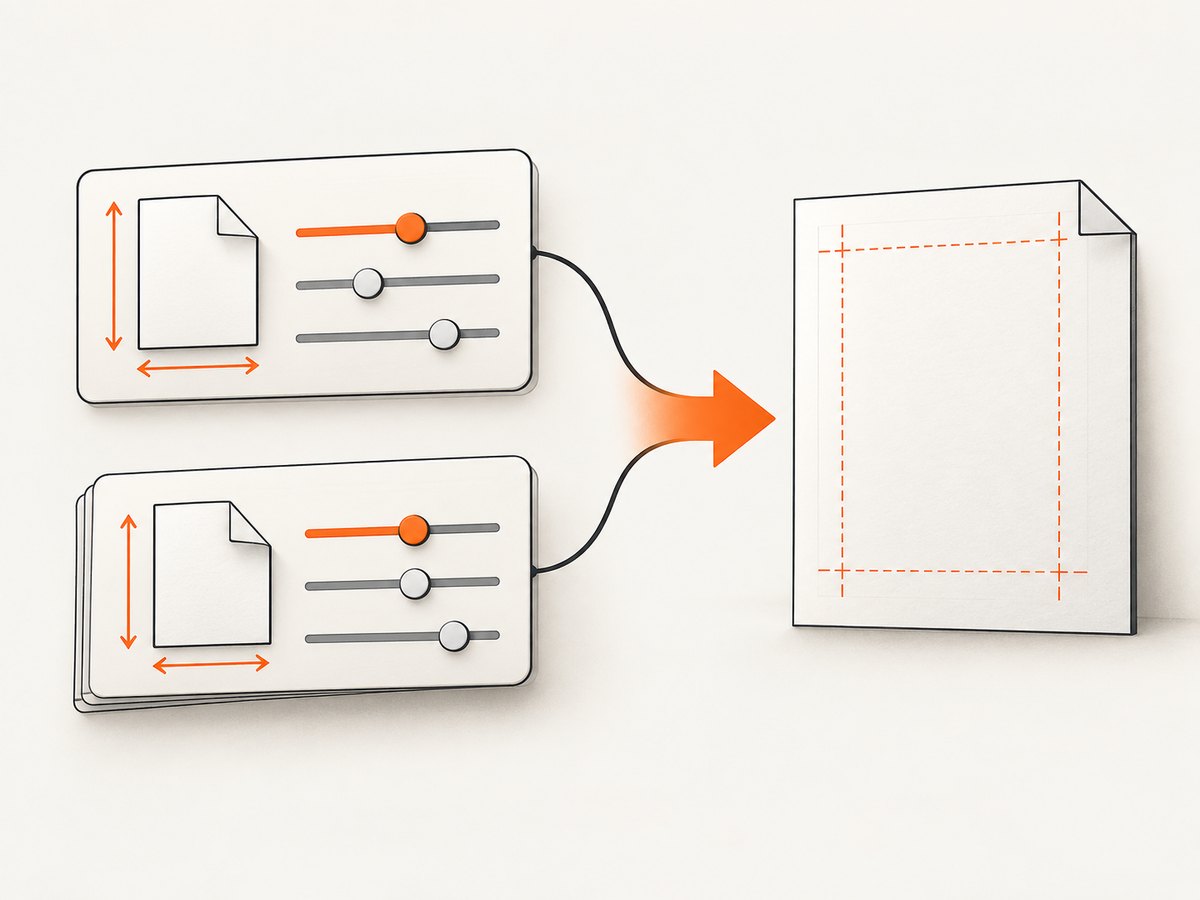
There are two page-size authorities:
| Configuration | Result |
|---|---|
format: 'A4' |
Selects a named paper format. |
width and height |
Sets custom paper dimensions. |
@page { size: ... } |
Declares size in CSS. |
preferCSSPageSize: true |
Gives CSS @page priority and avoids scaling to the PDF paper option. |
When preferCSSPageSize is false, Puppeteer uses the PDF paper option and scales content to fit. When it is true, CSS controls the page size. If you set format together with width and height, format takes priority over those dimensions. Choose one source of truth for a document family and make the decision explicit.
5. Useful PDF options and combinations
path: writes the generated file. Omit it when you need the returned PDF buffer in application code.landscape: rotates the selected paper orientation.margin: reserves body space for templates and document edges.printBackground: includes CSS backgrounds.preferCSSPageSize: honors CSS@pagedimensions.displayHeaderFooter: turns repeating furniture on.headerTemplate/footerTemplate: define the repeating fragments.pageRanges: exports selected pages when you need an excerpt; verify the range against the final page count.
For a landscape report with CSS-controlled paper size, combine landscape: true only when it matches your CSS decision. Conflicting orientation and @page declarations can produce surprising results; keep the configuration easy to inspect.
6. Assets, fonts, and dynamic content
Wait for the document’s actual readiness condition. networkidle0 is useful for pages that finish all requests, but analytics, polling, and WebSockets can prevent it from completing. In those cases, wait for a selector or an application-defined readiness flag:
await page.goto('https://example.com/report', { waitUntil: 'domcontentloaded' });
await page.waitForSelector('#report-ready', { timeout: 30000 });
await page.evaluate(() => document.fonts.ready);
await page.pdf({ path: 'report.pdf', printBackground: true });
Prefer self-hosted or stable font URLs and wait for document.fonts.ready. For images, use absolute URLs or data URLs, ensure the server permits the browser request, and wait for important images to complete. A missing font can change line wrapping and therefore page count, which also changes totalPages.
7. Troubleshooting checklist
| Symptom | Likely cause | Fix |
|---|---|---|
| Header or footer is absent | displayHeaderFooter is false or the template is empty. |
Set it to true and add a minimal template with inline styles. |
| Body overlaps the header | Top margin is smaller than template height. | Increase margin.top; repeat for the footer. |
| Page numbers show blank | Incorrect class name or malformed template HTML. | Use exact classes such as pageNumber and validate the fragment. |
| Colors or panels disappear | printBackground is false. |
Set it to true and review -webkit-print-color-adjust. |
| CSS page size is ignored | preferCSSPageSize is false. |
Set it to true, or remove @page and use PDF options. |
| Output looks like print instead of screen | Default print media is active. | Call emulateMediaType('screen') before PDF generation. |
| Text reflows between runs | Fonts or remote assets were not ready. | Wait for fonts and key selectors; make assets deterministic. |
| Generation hangs | Network idle never occurs because of polling or open connections. | Use domcontentloaded plus an explicit readiness selector and timeout. |
| A row splits awkwardly | Fragmentation rules cannot fit the content. | Use break-inside: avoid, shorten the row, or redesign the component. |
8. Performance, reliability, and cost
Browser startup is expensive compared with creating a page, so a service that renders many PDFs should reuse a browser process and create isolated pages per job. Close pages and browsers in finally blocks. Set navigation, selector, and job timeouts so a broken origin cannot consume workers indefinitely. Bound concurrency: too many Chromium pages compete for CPU, memory, and font or image bandwidth.
For repeatable output, pin the Puppeteer and browser versions, fix the viewport and locale, avoid time-dependent content where possible, and wait for fonts and images. Store diagnostic HTML, console messages, request failures, and a screenshot when a PDF fails. Compare page count and key text in a staging environment after browser upgrades.
PDF generation has no universal speed or memory number: document length, images, fonts, JavaScript, and network behavior dominate. Measure your own templates. Cache immutable source data and assets when appropriate, but do not cache personalized documents under a shared key.
9. Or skip the browser setup
If you need a clean PDF or screenshot endpoint without maintaining Chromium, ScreenshotNeo provides a website capture API and MCP server. Its PDF endpoint supports paper size, margins, landscape mode, and page ranges, alongside options for custom CSS and JavaScript. The same API also supports full-page screenshots, element capture, device presets, headers, cookies, waiting rules, request blocking, caching, and asynchronous jobs.
One request returns the capture:
curl -G "https://api.screenshotneo.com/v1/shot" \
  -d access_key=YOUR_API_KEY \
  --data-urlencode url=https://stripe.com \
  -o shot.webp
import requests
r = requests.get("https://api.screenshotneo.com/v1/shot", params={"access_key": "YOUR_API_KEY", "url": "https://stripe.com"}, timeout=90)
open("shot.webp", "wb").write(r.content)const q = new URLSearchParams({ access_key: 'YOUR_API_KEY', url: 'https://stripe.com' });
const res = await fetch(`https://api.screenshotneo.com/v1/shot?${q}`);See the ScreenshotNeo documentation for request parameters and PDF configuration. Cookie banners, newsletter popups, and chat widgets are removed before the shot. Bot checks, blank pages, failed loads, timeouts, and cache hits are not billed, and response headers identify the page verdict and billing status. An MCP server lets AI agents take screenshots. The free plan includes 1,000 screenshots a month with no card; paid plans start at $5 for 3,000. Create a free ScreenshotNeo account.
10. FAQ
Can a footer contain page numbers?
Yes. Enable displayHeaderFooter and place pageNumber and totalPages spans in footerTemplate.
Should I put margins in CSS or in PDF options?
Use CSS for document layout and PDF margin for the space required by repeating header and footer templates. Keep the two values coordinated.
Why does my screen layout change in the PDF?
PDF generation uses print media by default. Add print rules or explicitly emulate the screen media type before calling page.pdf().
Does @page always win?
No. Set preferCSSPageSize: true for CSS size authority. Otherwise the PDF paper option controls and content can be scaled.
Why are background colors missing?
Because printBackground defaults to false. Enable it and review print color adjustment in the generated file.


