How to Fix Missing Page Numbers and Total Pages in Puppeteer PDFs with Tailwind CSS
Fix missing “Page X of Y” labels in Puppeteer PDFs. Enable PDF headers and footers, use the built-in page classes, and account for Tailwind and print CSS.
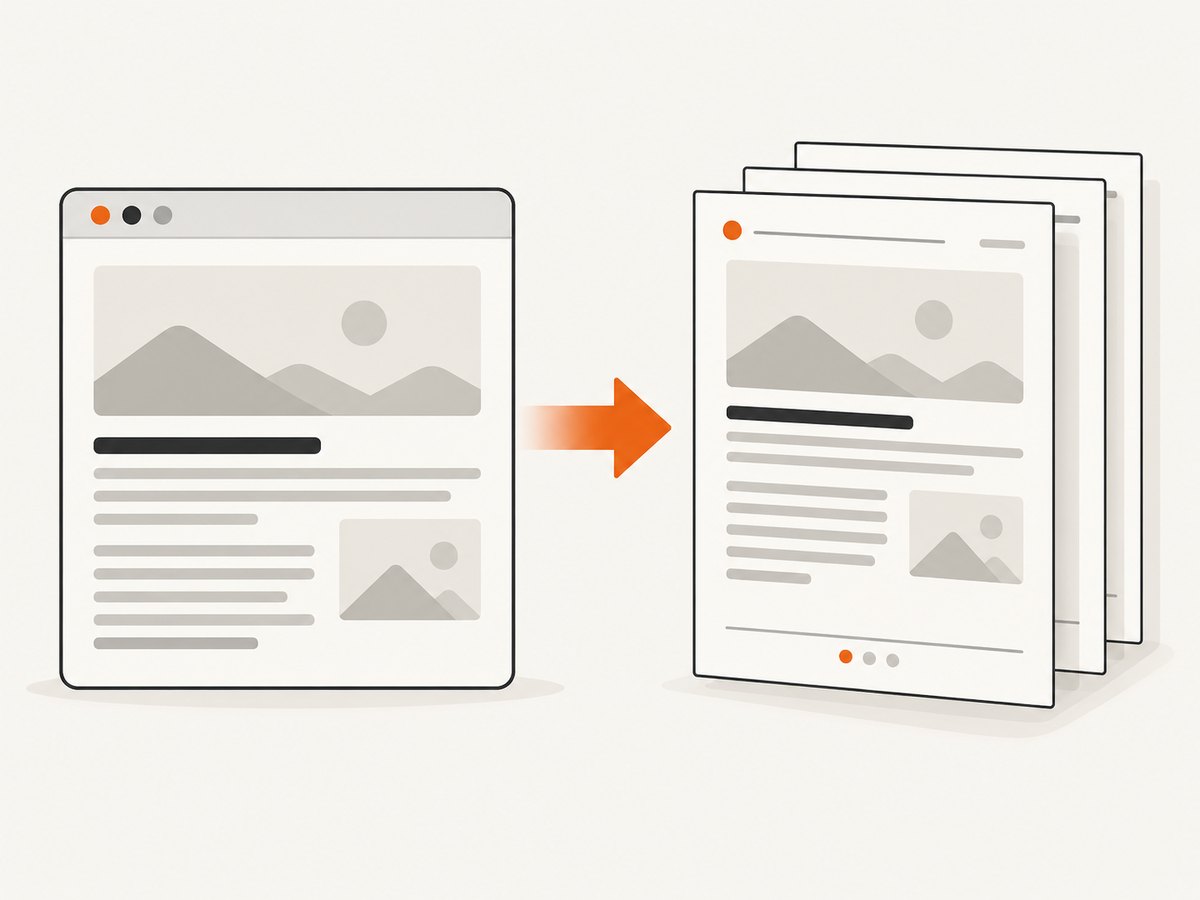
If Puppeteer PDFs are missing the current page number, total page count, or both, check the options passed to page.pdf(). Set displayHeaderFooter: true, then put Puppeteer’s special pageNumber and totalPages classes in a header or footer template. The documented default for displayHeaderFooter is false, so templates alone do not make the labels appear. [Puppeteer PDFOptions]
Tailwind CSS adds a styling wrinkle: PDF headers and footers are separate HTML template strings. Do not assume your page’s Tailwind utility stylesheet is available inside them. Use inline styles for the template’s small amount of layout and typography, reserve enough margin for it, and inspect the resulting PDF using the same Puppeteer and browser versions as production.
1. The minimal fix: enable a footer and use Puppeteer’s page classes
Here is a complete footer configuration. It assumes page is an already-loaded Puppeteer page. The example writes a PDF to disk and puts “Page X of Y” in the footer.
await page.pdf({
  path: 'output.pdf',
  format: 'A4',
  displayHeaderFooter: true,
  headerTemplate: '<div></div>',
  footerTemplate: `
    <div style="width: 100%; text-align: center; font-size: 9px; color: #555;">
      Page <span class="pageNumber"></span>
      of <span class="totalPages"></span>
    </div>
  `,
  margin: {
    top: '0.6in',
    bottom: '0.6in',
    left: '0.5in',
    right: '0.5in'
  }
});
The two spans are not values that your application fills in. Puppeteer replaces the content of elements marked with pageNumber and totalPages when it renders the PDF. Spell the class names exactly, and keep them as classes: an id, a Tailwind class, or a JavaScript variable with a similar name is not the documented hook. The header/footer options, special classes, and margin option are documented in Puppeteer’s PDFOptions API.
Full runnable Node.js example
This standalone script opens a page, loads sample HTML, and saves a multi-page PDF with a footer. Install Puppeteer in your project first; its browser setup varies by how Puppeteer is installed and deployed.
const puppeteer = require('puppeteer');

(async () => {
  const browser = await puppeteer.launch({ headless: true });
  try {
    const page = await browser.newPage();
    await page.setContent(`
      <!doctype html>
      <html>
        <head>
          <meta charset="utf-8">
          <style>
            body { font: 16px/1.5 sans-serif; }
            article { max-width: 42rem; margin: 0 auto; }
            .sheet { min-height: 900px; }
            @media print { .screen-only { display: none; } }
          </style>
        </head>
        <body>
          <article>
            <section class="sheet"><h1>Report</h1><p>First page content.</p></section>
            <section class="sheet"><h2>More detail</h2><p>Second page content.</p></section>
          </article>
        </body>
      </html>
    `);

    await page.pdf({
      path: 'output.pdf',
      format: 'A4',
      displayHeaderFooter: true,
      headerTemplate: '<div></div>',
      footerTemplate: `
        <div style="width:100%; text-align:center; font:9px sans-serif; color:#555;">
          Page <span class="pageNumber"></span> of
          <span class="totalPages"></span>
        </div>
      `,
      margin: { top: '0.6in', bottom: '0.6in', left: '0.5in', right: '0.5in' }
    });
  } finally {
    await browser.close();
  }
})();
Save as make-pdf.js and run node make-pdf.js. The HTML deliberately contains enough content to make more than one page; use your real document and layout when diagnosing a production issue. If you use ES modules, replace require with import puppeteer from 'puppeteer' and retain the same PDF options.
2. Why Tailwind styles can disappear from a PDF template
Your application might use classes such as text-xs, text-gray-600, or flex throughout its HTML and expect Tailwind to style the footer. Puppeteer documents headerTemplate and footerTemplate as HTML strings supplied through PDF options. Its API does not promise that your app’s generated Tailwind stylesheet, build output, or utility-class extraction is present in those template documents. Treat stylesheet isolation as a setup-dependent inference and verify it in your own browser version.
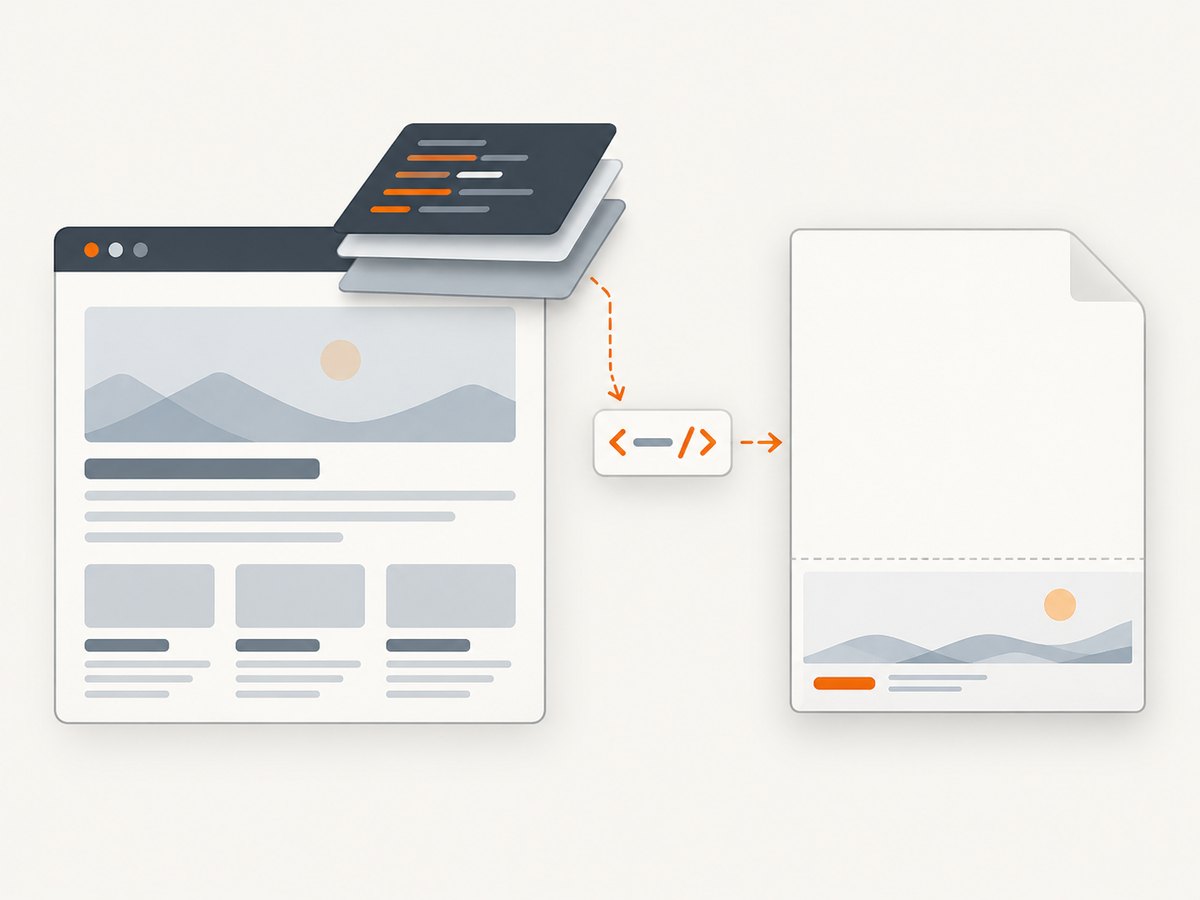
For predictable header/footer styling, use inline CSS directly in the template, as in the examples above. This avoids relying on whether a stylesheet link resolves in a separate rendering context. Keep template CSS simple: width, text alignment, font size, color, and small spacing are generally all a page label needs. If a project deliberately injects shared styles into the template, test that exact configuration instead of assuming it works because the same class is styled in the page body.
Tailwind remains useful for the document body. The issue is specifically whether template markup can see the relevant generated CSS. Also confirm that the class was emitted by the build: utility extraction can omit dynamically assembled class names if the build configuration does not see them. That is a Tailwind build concern; inline CSS for the page-number template sidesteps it.
3. Check print media, margins, and the PDF layout
Remember that PDF generation uses print CSS
page.pdf() renders using print CSS media. A rule in @media print can hide or reposition page content, and other print rules can change the layout enough to affect where you expect the footer to appear. Inspect print-specific styles if the document looks different from the browser. Puppeteer documents that you can request screen media before generating the PDF with page.emulateMediaType('screen') when screen styling is what you intend to print. [Puppeteer Page.pdf()]
// Use this only when the PDF should use screen styles.
await page.emulateMediaType('screen');
await page.pdf({
  path: 'output.pdf',
  displayHeaderFooter: true,
  footerTemplate: '<div style="width:100%;text-align:center;font-size:9px">Page <span class="pageNumber"></span> of <span class="totalPages"></span></div>',
  margin: { bottom: '0.6in' }
});
Use screen media only when that matches the desired output. It changes which CSS media rules apply; it is not a general fix for page-number injection.
Reserve space for the footer
Puppeteer’s documented default margins are unset, which means you should not expect reserved header or footer space unless you configure it. Set a bottom margin large enough for the footer’s height and breathing room. If you enable a header, reserve top space too. The exact amount depends on paper format, font metrics, and template styling. If the footer is clipped, increase the relevant margin and inspect the PDF at its actual size.
Options such as format, width, height, landscape, and preferCSSPageSize affect the page geometry. Choose one sizing strategy deliberately: paper format or explicit dimensions, and decide whether CSS @page size should take precedence. A layout that fits on Letter portrait may need different margins or a smaller footer on A4 or landscape. Consult the current PDFOptions documentation for option behavior and defaults.
4. Header/footer options and useful variations
| Need | PDF option or technique | Notes |
|---|---|---|
| Show any header/footer | displayHeaderFooter: true |
Documented default is false. |
| Current page | <span class="pageNumber"></span> |
Use the exact special class. |
| Total pages | <span class="totalPages"></span> |
Use the exact special class. |
| Footer markup | footerTemplate |
Pass valid HTML as a string. |
| Header markup | headerTemplate |
Same special classes can be used if appropriate. |
| Space around content | margin |
Margins default to unset; allow room for templates. |
| Page size and orientation | format, width, height, landscape |
Check layout after changing dimensions. |
| Honor CSS page size | preferCSSPageSize |
Useful when page geometry is defined in CSS. |
| Print backgrounds | printBackground |
Controls background graphics; it does not enable page numbering. |
| Scale output | scale |
Can change wrapping and page count; recheck totals. |
A minimal header-only variant looks like this:
await page.pdf({
  path: 'report.pdf',
  displayHeaderFooter: true,
  headerTemplate: `
    <div style="width:100%; padding:0 0.5in; font:9px sans-serif;">
      Quarterly report — Page <span class="pageNumber"></span> of
      <span class="totalPages"></span>
    </div>
  `,
  footerTemplate: '<div></div>',
  margin: { top: '0.65in', bottom: '0.4in' }
});
For a footer-only design, use an empty header template as shown earlier. Keeping both fields explicit makes the intended placement clear. If a template displays but its values do not, recheck the exact classes and ensure displayHeaderFooter is enabled in the final options object passed to the PDF call.
5. A reliable diagnosis sequence
- Inspect the actual PDF call. Find the code path that creates the PDF, including wrappers and shared defaults. Confirm the final options contain
displayHeaderFooter: true. Setting a template without enabling headers and footers leaves the documented false default in effect. - Check the template HTML. Confirm it is a string, valid HTML, and includes exact
pageNumberandtotalPagesclass names. Do not expect Tailwind utility names to populate those values. - Make style explicit. Put the few necessary styles inline. Treat availability of application CSS inside the template as unguaranteed unless your own configuration verifies it.
- Check media rules. Review
@media print,@page, and any rules that hide or reposition content. If screen styling is required, emulate screen media beforepage.pdf(). - Set and tune margins. Add top or bottom room for the template and check clipping at the target paper size and orientation.
- Wait for page assets and fonts as appropriate. Puppeteer’s PDF guide says
Page.pdf()waits for fonts by default. For externally loaded page assets, make sure your page’s own loading strategy is suitable before capture. [Puppeteer PDF generation guide] - Inspect multiple pages and the last page. Confirm the current number increments, total stays correct, and the final page is not clipped or blank. Repeat after changing CSS, content, browser version, or paper dimensions.
6. Common errors and fixes
| Symptom | Likely cause | Fix |
|---|---|---|
| No header or footer appears | displayHeaderFooter is absent or false. |
Set it to true in the options passed to the production page.pdf() call. |
| Footer text appears, but numbers are blank | Wrong hook, such as an id, misspelled class, or app variable. | Use class="pageNumber" and class="totalPages". |
| Numbers appear in plain text but lack styling | Template cannot see the app’s Tailwind CSS, or utility CSS was not generated. | Use inline CSS in the template and verify the generated stylesheet for body styles. |
| Footer is cut off or overlaps content | Insufficient bottom margin, large template, or different paper geometry. | Increase the bottom margin, reduce template height, and inspect the target format and orientation. |
| PDF layout differs from the browser | page.pdf() uses print media and print rules may alter layout. |
Review print styles; emulate screen media only if screen styling is intended. |
| Total changes unexpectedly | Content wrapping, CSS, scale, page size, or fonts changed the number of pages. | Inspect the final PDF at the production dimensions and verify after layout-affecting changes. |
| Colors look faded or backgrounds are absent | Printing color adjustment or background printing settings. | Set printBackground when backgrounds are needed; use -webkit-print-color-adjust: exact for exact color requests where appropriate. Neither option turns numbering on. |
| Works locally, fails in deployment | Different Puppeteer/browser versions, fonts, assets, or print environment. | Compare deployed versions and inputs, then inspect a PDF produced in that same environment. |
Puppeteer notes that PDF colors are modified for printing by default and that -webkit-print-color-adjust can request exact colors. This addresses color rendition, not missing page-number values. [Puppeteer Page.pdf()]
7. Alternative: render numbering in the document layout
You can build page labels into the document’s own print layout instead of using header/footer templates. This can make sense when the entire print composition must share one stylesheet or when the numbering design is tied closely to page content. It requires your layout approach to know where page boundaries fall and how many pages exist. The official Puppeteer template API directly documents injected current and total page values; the document-layout alternative does not use those hooks automatically. Choose it when you control pagination and have verified the result in your PDF renderer.
For most reports that need a straightforward “Page X of Y,” the built-in template hooks are the smaller change. Keep Tailwind for the body, inline the template styling, and let Puppeteer supply the two values.
8. Performance, reliability, and cost considerations
Page-number templates add little markup, but PDF generation still depends on rendering the page, its styles, fonts, and resources. Avoid solving a layout problem by repeatedly adding arbitrary waits; instead identify whether a required font or asset is still loading, then use a loading strategy that matches the page. The PDF guide documents font waiting behavior, but the complete readiness requirements for a particular application depend on its assets and scripts.
For reliable output, keep the Puppeteer and browser versions consistent between development and production when possible, and treat the produced PDF as the artifact to inspect. A change to content, print CSS, font availability, scale, page format, or margins can alter line wrapping and page count even when the template stays unchanged. Generate representative short and long documents and verify the first, middle, and last pages after layout changes.
Cost is operational rather than a special Puppeteer page-number charge: PDF generation consumes the compute and memory of the process and environment running the browser. Large documents, heavy pages, and parallel jobs can increase resource use. Bound concurrency to the capacity of your worker, close pages and browsers reliably, and record failures so a missing footer can be distinguished from a failed PDF job. No fixed runtime or price can be inferred without your workload and hosting environment.
9. Or skip the browser setup
If your task is to capture a web page as an image or PDF rather than generate a custom report in your own Puppeteer process, ScreenshotNeo provides a website screenshot API and MCP server. It accepts one GET request with a URL and returns a PNG, JPEG, WebP, or PDF. For API parameters and options, see the ScreenshotNeo documentation.
curl -G "https://api.screenshotneo.com/v1/shot" -d access_key=YOUR_API_KEY --data-urlencode url=https://stripe.com -o shot.webpimport requests
r = requests.get(
"https://api.screenshotneo.com/v1/shot",
params={"access_key": "YOUR_API_KEY", "url": "https://stripe.com"},
timeout=90,
)
open("shot.webp", "wb").write(r.content)const q = new URLSearchParams({ access_key: 'YOUR_API_KEY', url: 'https://stripe.com' });
const res = await fetch(`https://api.screenshotneo.com/v1/shot?${q}`);- Cookie banners are accepted and removed before capture, along with known consent platforms, newsletter popups, and chat widgets; each cleanup step can be turned off.
- Bot checks, blank pages, failed loads, timeouts, and cache hits cost nothing. Responses identify the page verdict and billing status in
X-Page-VerdictandX-Billedheaders. - An MCP server gives AI agents tools for screenshots, page information, and PDF capture.
- The Free plan includes 1,000 shots each month with no card. Paid plans start at $5 for 3,000 shots; all features are on every plan.
Sign up free for 1,000 screenshots a month, with no card.
10. FAQ
Can I show “Page X of Y” in both the header and footer?
Yes. Put the documented special classes in whichever template or templates should display those values, enable displayHeaderFooter, and reserve space at both ends of the page.
Does Tailwind provide the page number values?
No. Puppeteer supplies the values through its special template classes. Tailwind can style markup only if the relevant CSS reaches that template; inline styles keep the basic presentation explicit.
Why does the total page count differ from my estimate?
The total reflects the pages rendered after content, fonts, print CSS, paper size, margins, and scale determine line wrapping and pagination. Inspect the final PDF after those inputs settle.
Can I put arbitrary JavaScript in a footer template?
The documented mechanism is an HTML template string with special classes for page values. Keep the numbering mechanism declarative and use the documented hooks rather than relying on application JavaScript to fill them.
Will printBackground fix missing numbers?
No. It controls background printing. Missing header/footer output points first to displayHeaderFooter, template markup, and margins.
Sources
- Puppeteer PDFOptions: header/footer settings, special classes, page sizing, and margins.
- Puppeteer Page.pdf(): print media behavior and PDF rendering notes.
- Puppeteer PDF generation guide: PDF workflow and font readiness behavior.


