Why Puppeteer PDF Page Size Settings Do Not Work and How to Fix Them
Puppeteer PDF dimensions look wrong when format, width, height, CSS @page, margins, and print media rules conflict. Fix precedence step by step.
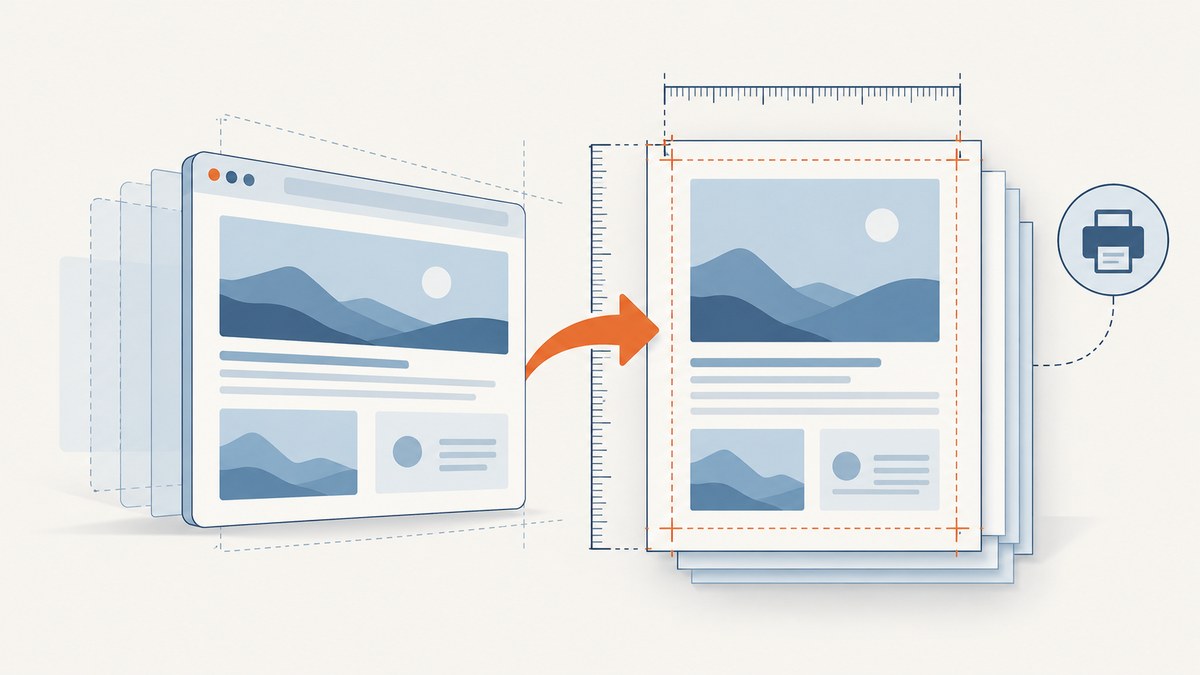
Puppeteer is usually not ignoring your PDF size. It is applying a different size owner, margin layer, or print stylesheet than the one you are looking at. The most common conflict is an API option such as format: 'A4' competing with CSS @page, followed by print-only margins and content that overflows onto another page.
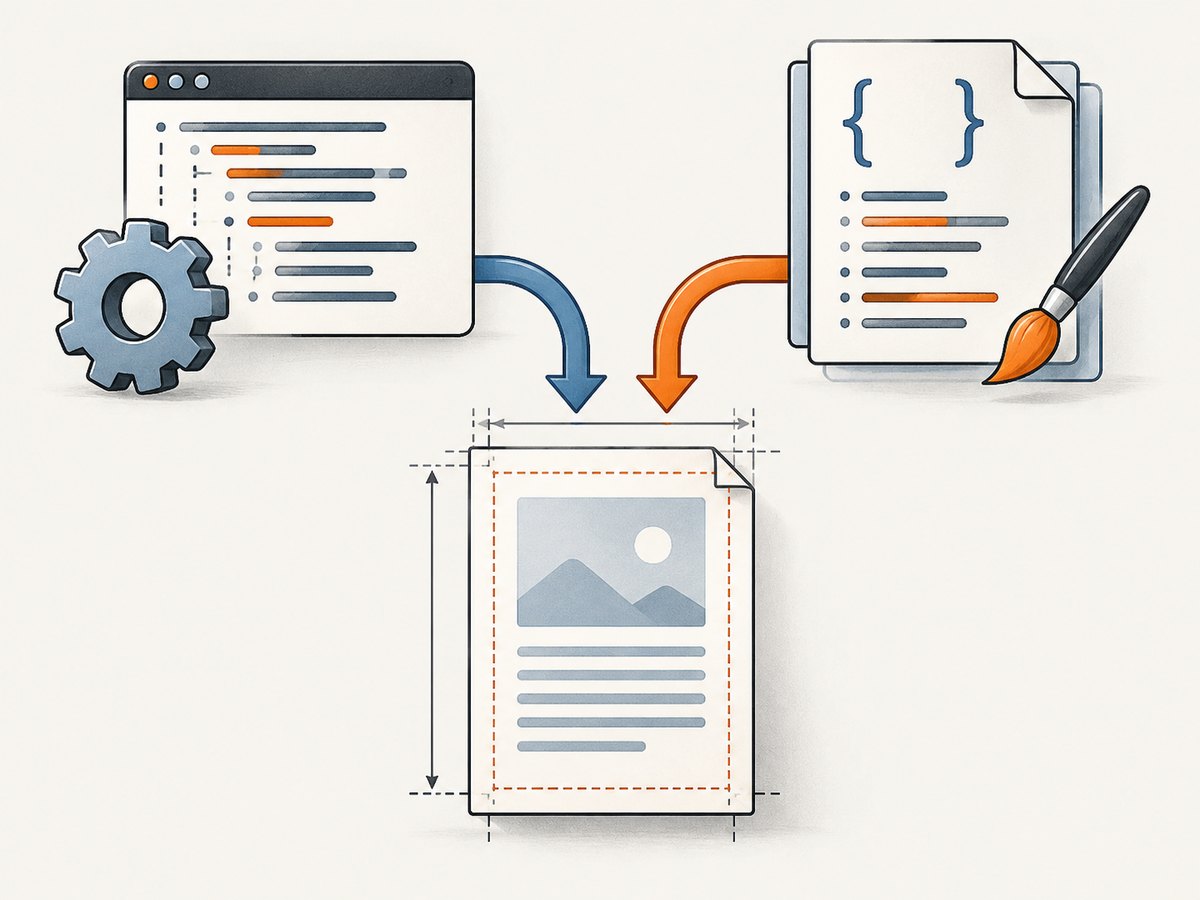
Fix the problem by choosing one owner for the physical paper size:
- API-owned: use
formator explicitwidth/height, remove conflicting CSS@page size, and leavepreferCSSPageSize: false. - CSS-owned: define one
@page { size: ... }rule, setpreferCSSPageSize: true, and avoid contradictory API dimensions.
Puppeteer’s page.pdf() prints a paged document rather than exporting the browser viewport. Its API documents format, width, height, margin, landscape, and preferCSSPageSize; when format is present it takes priority over width and height. When preferCSSPageSize is true, a CSS @page size takes priority over API dimensions. See the Puppeteer PDFOptions reference.
How Puppeteer decides the PDF page size
There are four separate concepts that are easy to conflate:
| Layer | Controls | Typical mistake |
|---|---|---|
| Viewport | Browser layout width and height from page.setViewport() |
Assuming viewport dimensions define paper |
| PDF API | Paper format, physical width, height, margins, orientation | Passing format together with custom dimensions |
| CSS paged media | @page size and margins, plus @media print styles |
Forgetting an imported stylesheet changes print layout |
| Content box | Elements, borders, transforms, fixed heights, and overflow | Creating an extra fragment or blank page |
page.pdf() uses the print CSS media type by default. The official API reference describes it as generating a PDF with print media. If you need screen rules, call await page.emulateMediaType('screen') before printing. Print rendering can also change colors; use -webkit-print-color-adjust: exact when exact color reproduction is required. See page.pdf().
Fix 1: make the Puppeteer API the single size owner
Use this pattern when your application needs a standard paper size such as A4 or Letter. Remove or neutralize any CSS @page size declarations. Set every margin explicitly so browser defaults cannot add a border.
import puppeteer from 'puppeteer';

const browser = await puppeteer.launch({headless: true});
try {
  const page = await browser.newPage();
  await page.goto('https://example.com/invoice/123', {
    waitUntil: 'networkidle0'
  });

  await page.evaluate(() => document.fonts.ready);
  await page.pdf({
    path: 'invoice-a4.pdf',
    format: 'A4',
    landscape: false,
    margin: {
      top: '0mm',
      right: '0mm',
      bottom: '0mm',
      left: '0mm'
    },
    preferCSSPageSize: false,
    printBackground: true,
    waitForFonts: true
  });
} finally {
  await browser.close();
}
Use Letter in place of A4 when that is your required standard. Do not also pass width or height; format wins over both. If you need custom physical dimensions, omit format:
await page.pdf({
  path: 'label.pdf',
  width: '100mm',
  height: '150mm',
  margin: {top: '0mm', right: '0mm', bottom: '0mm', left: '0mm'},
  preferCSSPageSize: false,
  printBackground: true
});
Custom dimensions use physical strings such as mm, cm, and in. The underlying Chrome DevTools Protocol expresses paper width and height in inches and defaults to approximately 8.5 × 11 inches with margins around 1 cm when you do not set them explicitly. See the Chrome DevTools Protocol printToPDF reference.
Fix 2: let CSS @page own the size
CSS ownership is useful when the same print stylesheet must work in browsers and in Puppeteer. Define one physical size and one margin layer:
@page {
  size: 210mm 297mm;
  margin: 0;
}

@media print {
  html, body {
    margin: 0;
  }

  *, *::before, *::after {
    -webkit-print-color-adjust: exact;
    print-color-adjust: exact;
  }
}
await page.pdf({
  path: 'css-owned-a4.pdf',
  preferCSSPageSize: true,
  printBackground: true,
  waitForFonts: true
});
With preferCSSPageSize: true, the CSS page size takes priority over format, width, and height. Do not leave an old @page { size: Letter; } rule in a component stylesheet while expecting an API A4 setting to win.
Margins, orientation, and white borders
Margins can come from Puppeteer’s margin option, CSS @page { margin: ... }, the document’s body margin, or padding and borders on a wrapper. Set the intended layer explicitly and inspect the others.
For API-owned landscape output:
await page.pdf({
  path: 'report-landscape.pdf',
  format: 'A4',
  landscape: true,
  margin: {top: '12mm', right: '12mm', bottom: '12mm', left: '12mm'},
  preferCSSPageSize: false,
  printBackground: true
});
If a CSS rule says size: A4 portrait and you enable preferCSSPageSize, that CSS declaration can defeat the expected landscape result. Keep orientation in the same owner as size.
Print media is a different layout
Measure and debug the page under the same media type used for PDF generation. Print CSS commonly changes widths, visibility, overflow, and display values.
await page.emulateMediaType('print');
const metrics = await page.evaluate(() => ({
  htmlWidth: document.documentElement.scrollWidth,
  bodyWidth: document.body.scrollWidth,
  bodyHeight: document.body.scrollHeight,
  title: document.title
}));
console.log(metrics);
For a screen-style PDF, use await page.emulateMediaType('screen'), then verify that your screen rules are suitable for pagination. Puppeteer’s print behavior is documented in its emulateMediaType API.
Prevent extra pages and blank pages
An extra page means the laid-out content exceeds the printable page box. Common triggers include fractional custom dimensions, body margins, borders, fixed heights, transforms, and horizontal or vertical overflow. Isolate the smallest document first:
@media print {
  html, body {
    width: 100%;
    margin: 0;
    padding: 0;
    overflow: visible;
  }

  .page {
    box-sizing: border-box;
    break-inside: avoid;
  }
}
- Start with
format: 'A4'and zero margins. - Remove borders, transforms, fixed heights, and negative margins.
- Check
scrollWidthandscrollHeightunder print media. - Add styles and content back incrementally.
- Inspect the resulting PDF’s physical dimensions with a PDF inspector.
Named formats are a useful baseline. Small discrepancies with custom dimensions can be browser-version-sensitive, so reproduce with the exact Puppeteer and Chromium versions used in deployment.
Wait for fonts, images, and asynchronous layout
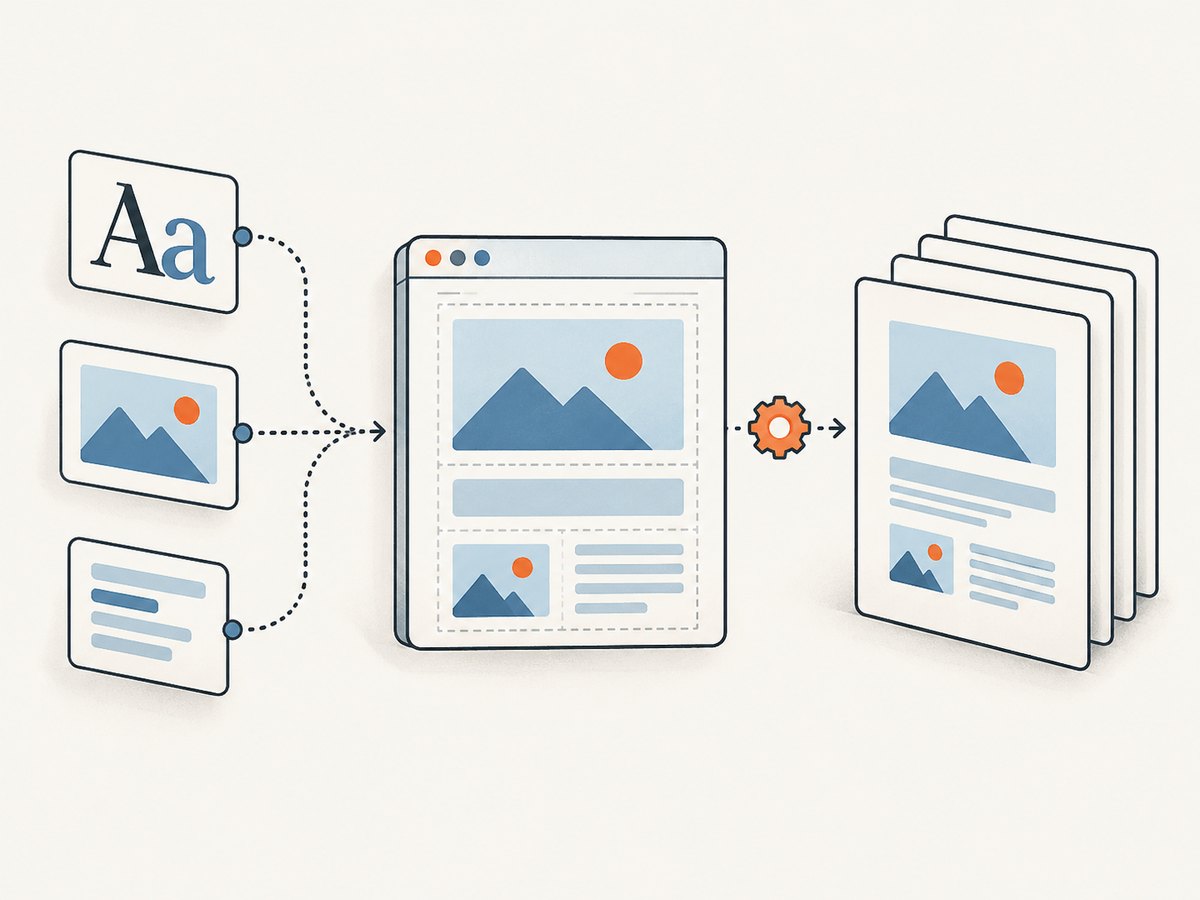
A correctly sized sheet can still look wrong when fonts or images arrive after printing. Wait for navigation, fonts, and critical assets. waitForFonts is documented with a default of true, but application code should still wait for application-specific rendering.
await page.goto(url, {waitUntil: 'networkidle0'});
await page.evaluate(async () => {
  await document.fonts.ready;
  const images = Array.from(document.images);
  await Promise.all(images.map(img => {
    if (img.complete) return Promise.resolve();
    return new Promise(resolve => {
      img.addEventListener('load', resolve, {once: true});
      img.addEventListener('error', resolve, {once: true});
    });
  }));
});
await page.pdf({path: 'ready.pdf', format: 'A4', printBackground: true});
Diagnostic checklist
- Log the exact object passed to
page.pdf(). - Search loaded stylesheets for
@page,@media print,size:,margin,transform, and fixedheight. - Choose API-owned or CSS-owned sizing.
- Remove contradictory
format,width, andheight. - Set margins explicitly.
- Wait for navigation, fonts, images, and asynchronous layout.
- Inspect computed print styles and the PDF’s measured dimensions.
- Compare the exact Puppeteer and Chromium versions in local and deployed environments.
Common errors and fixes
| Symptom | Likely cause | Fix |
|---|---|---|
format: 'A4' still has the wrong size |
preferCSSPageSize: true and a conflicting @page |
Remove the CSS size or make CSS the owner intentionally |
| Custom width is ignored | format is also present |
Remove format and use physical width/height strings |
| White border around content | API, CSS, body, or wrapper margins | Set one margin layer and reset the others |
| Screen colors or layout disappear | Print media rules | Inspect @media print; use screen emulation only when appropriate |
| Unexpected second page | Overflow, borders, transforms, fractional dimensions | Reduce to a named format, remove overflow, then reintroduce styles |
| Text wraps differently | Fonts were not ready | Await document.fonts.ready and critical assets |
Performance, reliability, and cost
Browser PDF generation spends time launching Chromium, navigating, loading fonts and images, and waiting for application JavaScript. Reuse a browser process when safe, create isolated pages, block unnecessary third-party resources, and avoid waiting for a global network idle condition when a specific selector signals readiness sooner. Keep a deployment lock on Puppeteer and Chromium versions so page fragmentation changes are visible during upgrades.
For reliability, record the URL, Puppeteer version, Chromium version, PDF options, media type, and a hash or build identifier for the print stylesheet. A small fixture containing one heading, one image, and one @page rule makes regressions easier to detect.
For high-volume or operational PDF work, a hosted capture API removes browser lifecycle management. ScreenshotNeo is a website screenshot API that can also return PDFs, with options for paper size, margins, landscape mode, and page ranges. See the ScreenshotNeo documentation.
Or skip the browser setup
ScreenshotNeo accepts one GET request and returns a PDF or image. Cookie banners, newsletter popups, and chat widgets are removed before the shot. Bot checks, blank pages, timeouts, failed loads, and cache hits are not billed, and response headers report the page verdict and billing status. Its MCP server lets Claude, Cursor, and other MCP clients use take_screenshot, get_page_info, and capture_pdf.
curl -G "https://api.screenshotneo.com/v1/shot" \
  -d access_key=YOUR_API_KEY \
  --data-urlencode url=https://stripe.com \
  -d output=pdf \
  -d format=A4 \
  -o stripe.pdf
import requests
r = requests.get(
"https://api.screenshotneo.com/v1/shot",
params={
"access_key": "YOUR_API_KEY",
"url": "https://stripe.com",
"output": "pdf",
"format": "A4"
},
timeout=90
)
r.raise_for_status()
open("stripe.pdf", "wb").write(r.content)const q = new URLSearchParams({
access_key: 'YOUR_API_KEY',
url: 'https://stripe.com',
output: 'pdf',
format: 'A4'
});
const res = await fetch(`https://api.screenshotneo.com/v1/shot?${q}`);
if (!res.ok) throw new Error(`${res.status} ${await res.text()}`);
const fs = await import('node:fs/promises');
await fs.writeFile('stripe.pdf', Buffer.from(await res.arrayBuffer()));ScreenshotNeo includes 1,000 shots per month free with no card. Paid plans start at $5 for 3,000 shots; every feature is available on every plan. Create a free ScreenshotNeo account.
FAQ
Should I use format or width and height?
Use a named format for standard paper. Use width and height only for custom dimensions, and never pass both sets of values together.
Does setViewport() change PDF paper size?
No. It changes layout conditions. Set paper size through PDF options or CSS @page.
Why does CSS work in Chrome’s print dialog but not Puppeteer?
Puppeteer may be using a different media type, stylesheet timing, browser version, or preferCSSPageSize setting. Reproduce with print emulation and the same Chromium build.
Can I remove all margins?
Yes, set Puppeteer margins and CSS @page margins deliberately, then reset body margins. Content can still create apparent borders through padding, borders, or printable-area overflow.
Why is a standard A4 PDF safer than a custom size?
Named formats provide a stable baseline. Custom-size rounding and fragmentation behavior can vary across browser versions, so validate custom dimensions in the exact deployment environment.


