How to Add a Watermark to PDFs Generated With Puppeteer
Add a reliable watermark to every Puppeteer PDF with print CSS, headers, or footers, then troubleshoot layout, colors, fonts, and page breaks.
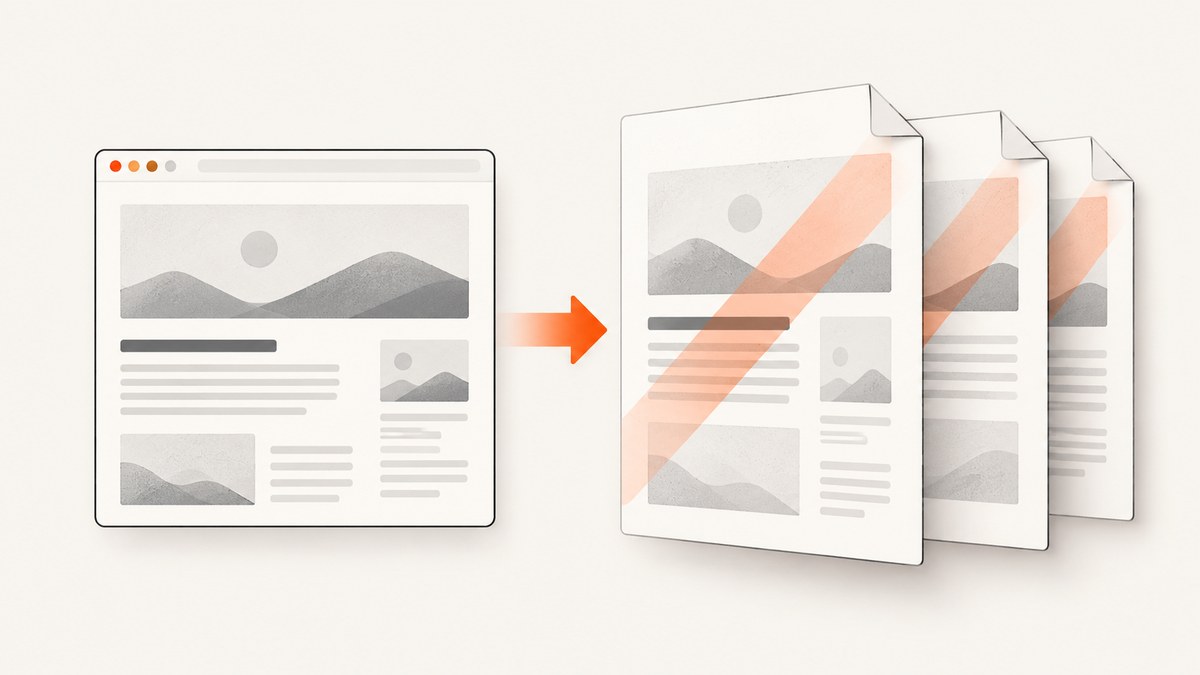
Direct answer: Puppeteer has no dedicated PDF watermark option. Add the watermark to the page before calling page.pdf(). For a diagonal or centered mark, inject print-only CSS with page.addStyleTag(). For a repeated header or footer label, use displayHeaderFooter with headerTemplate or footerTemplate. Puppeteer generates PDFs with print CSS by default, so the watermark should be authored for the print media type.
This guide shows a complete Node.js implementation, explains every PDF option that affects a watermark, covers multi-page behavior and common rendering failures, and includes an option to generate a watermarked PDF through ScreenshotNeo when you do not want to operate a browser.
1. Choose the watermark method
| Requirement | Recommended method | Why |
|---|---|---|
| Large diagonal “DRAFT” across page content | Print CSS pseudo-element | Flexible positioning, opacity, rotation, and typography |
| Company label at the top or bottom of every page | Header or footer template | Puppeteer repeats the template and exposes page-number classes |
| Watermark supplied as an image | CSS background or positioned element | Works with logos or scanned stamps; requires background printing when applicable |
| Watermark only on selected pages | Page-specific markup or separate PDF passes | A fixed pseudo-element normally repeats on every printed page |
Use print CSS when the mark belongs inside the page content area. Use a header or footer when it must stay outside the content flow and repeat predictably. Whichever method you choose, inspect the actual PDF: CSS behavior at page boundaries, stacking order, clipping, and contrast depend on the document’s layout.
2. Install Puppeteer and create a minimal PDF
npm install puppeteerThe following complete script creates a three-page document, injects a translucent diagonal watermark, and writes the result to watermarked.pdf.
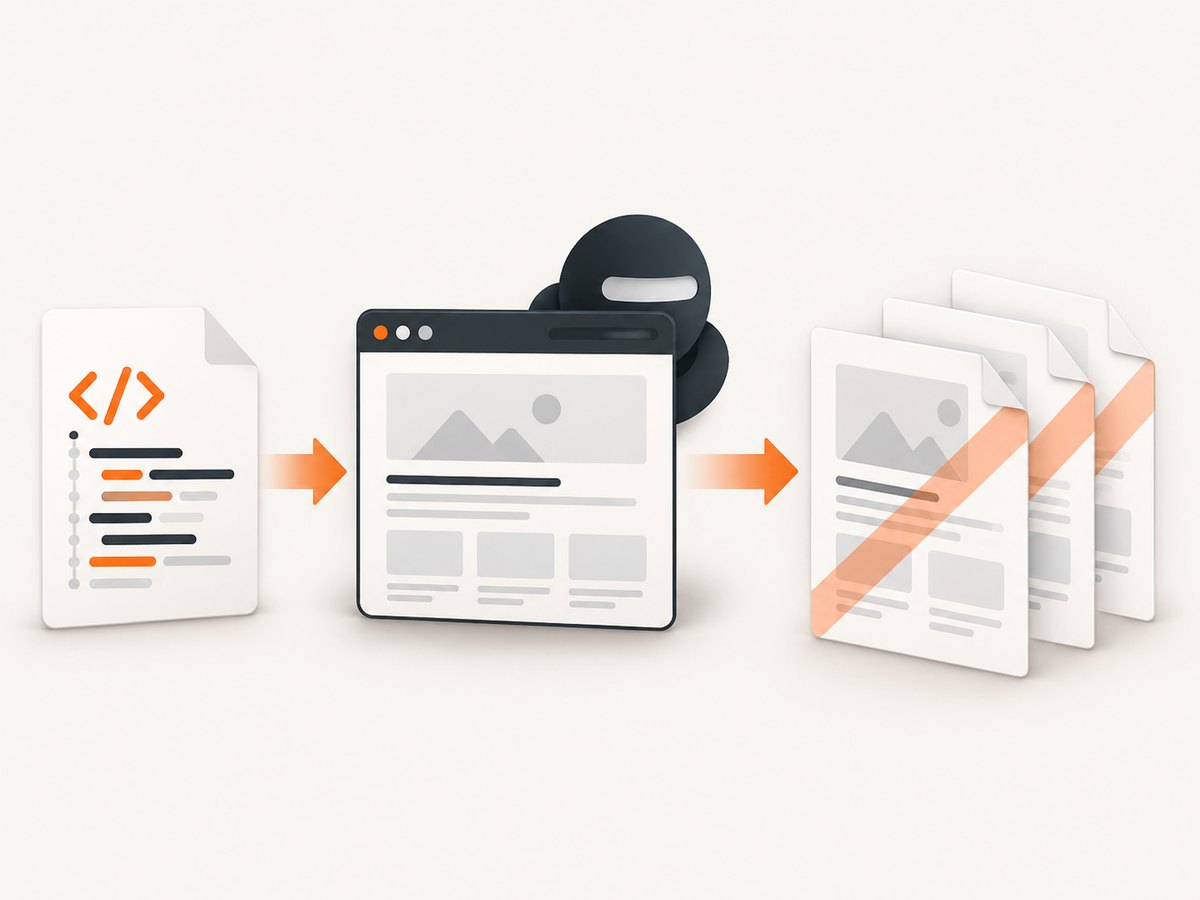
const puppeteer = require('puppeteer');

(async () => {
  const browser = await puppeteer.launch({
    headless: true,
  });

  try {
    const page = await browser.newPage();
    await page.setContent(`
      <!doctype html>
      <html>
        <head>
          <meta charset="utf-8">
          <title>Quarterly report</title>
          <style>
            @page { size: A4; margin: 20mm; }
            body { font-family: Arial, sans-serif; line-height: 1.5; }
            h1 { break-after: avoid; }
            .page-break { break-before: page; }
          </style>
        </head>
        <body>
          <h1>Quarterly report</h1>
          <p>This content is intentionally long enough to demonstrate a multi-page PDF.</p>
          <div class="page-break"><h2>Operations</h2><p>Second page content.</p></div>
          <div class="page-break"><h2>Appendix</h2><p>Third page content.</p></div>
        </body>
      </html>
    `, { waitUntil: 'networkidle0' });

    await page.addStyleTag({
      content: `
        @media print {
          body { position: relative; }
          body::before {
            content: "DRAFT";
            position: fixed;
            inset: 0;
            display: grid;
            place-items: center;
            color: rgba(100, 100, 100, 0.18);
            font: 700 64px sans-serif;
            transform: rotate(-35deg);
            pointer-events: none;
            z-index: 9999;
          }
        }
      `,
    });

    await page.pdf({
      path: 'watermarked.pdf',
      format: 'A4',
      printBackground: true,
      preferCSSPageSize: true,
      waitForFonts: true,
    });
  } finally {
    await browser.close();
  }
})();
page.pdf() returns a Uint8Array when no path is supplied. Passing path makes Puppeteer save the file directly. The official PDF guide documents the printing workflow and the PDFOptions interface.
3. Understand the print-CSS watermark
Fixed positioning and page repetition
A fixed pseudo-element is attached to the printed page rather than taking up layout space. In a normal multi-page document, it is intended to appear on each printed page. Verify this with your real content, especially when the page contains transformed ancestors, nested scrolling containers, or complex positioned elements.
Opacity, size, and rotation
Use an alpha color such as rgba(100, 100, 100, 0.18) so body text remains readable. A 45–70px font is a practical starting point for A4 or Letter pages, but the correct size depends on the paper size and the amount of content. Rotation is applied around the element’s center; adjust with transform-origin if the mark appears off-center.
Layering and clipping
The high z-index puts the watermark above ordinary content. If it covers interactive-looking content or images too strongly, lower the opacity or use a lower stacking level. Avoid putting overflow: hidden on an ancestor that clips the pseudo-element.
Backgrounds and color fidelity
printBackground is false by default. Set it to true when the watermark uses a CSS background, background image, or background color. Puppeteer also modifies colors for printing by default. If exact colors matter, apply -webkit-print-color-adjust: exact to the relevant elements and compare the generated PDF with your source design.
4. Add a repeated header or footer watermark
For a small label, a header or footer is often more stable than an overlay. Enable displayHeaderFooter and provide an HTML template. Puppeteer supports special classes including pageNumber and totalPages.

await page.pdf({
  path: 'review-copy.pdf',
  format: 'Letter',
  displayHeaderFooter: true,
  headerTemplate: `
    <div style="width:100%; text-align:center; font:700 10px Arial; color:#777;">
      INTERNAL REVIEW
    </div>`,
  footerTemplate: `
    <div style="width:100%; text-align:center; font:9px Arial; color:#777;">
      Page <span class="pageNumber"></span> of <span class="totalPages"></span>
    </div>`,
  margin: {
    top: '24mm',
    bottom: '20mm',
    left: '18mm',
    right: '18mm',
  },
  printBackground: true,
});
Header and footer templates have limited layout behavior. Reserve enough top or bottom margin so the template does not overlap the document. Test long labels, different fonts, and pages with tables before shipping.
5. Control page size, media, and fonts
| Option | Effect on watermark output |
|---|---|
format |
Chooses a standard paper size; the documented default is Letter. |
width, height |
Set custom dimensions when a standard format is unsuitable. |
preferCSSPageSize |
Lets an existing CSS @page size take priority over format, width, or height. |
margin |
Creates room for headers and footers and changes the usable overlay area. |
printBackground |
Prints background graphics; false by default. |
displayHeaderFooter |
Enables repeated templates; false by default. |
waitForFonts |
Waits for fonts before PDF generation; true by default in the documented interface. |
Puppeteer uses the print media type for page.pdf(). If your page is designed for screen media, call await page.emulateMediaType('screen') before generating the PDF. This can change colors, visibility, and layout, so keep the watermark rule applicable to the selected media type.
6. Watermark an existing page safely
When loading a URL instead of setting HTML, wait for the page state your application needs, then inject the style. A selector wait is often more deterministic than a fixed delay.
const page = await browser.newPage();
await page.goto('https://example.com/report', { waitUntil: 'networkidle0' });
await page.waitForSelector('#report-ready');
await page.addStyleTag({
  content: `
    @media print {
      body::after {
        content: "CONFIDENTIAL";
        position: fixed;
        inset: 0;
        display: grid;
        place-items: center;
        font: 700 58px Arial, sans-serif;
        color: rgba(180, 0, 0, .14);
        transform: rotate(-32deg);
        pointer-events: none;
      }
    }
  `,
});
const pdfBytes = await page.pdf({ format: 'A4', printBackground: true });
require('fs').writeFileSync('confidential.pdf', pdfBytes);
Do not inject untrusted user input directly into CSS. Escape or validate watermark text, and restrict values such as color, font size, and rotation to an allowlist.
7. Edge cases to check before release
- Long tables: A fixed overlay can cross table rows. Check repeated table headers and page breaks.
- Images: Wait for image loading and use
printBackground: truewhen the mark is an image background. - Lazy content: Scroll or trigger the application’s loading behavior before PDF generation, then wait for the final selector.
- Custom fonts: Confirm the font is loaded; otherwise the watermark can change size and shift position.
- Existing pseudo-elements: Use a unique class or an extra wrapper if the page already relies heavily on
::beforeor::after. - Right-to-left documents: Test rotation and centering with the document’s direction and writing mode.
- Very large PDFs: Prefer a compact watermark style and avoid embedding a high-resolution image on every page.
8. Troubleshooting Puppeteer watermarks
| Symptom | Likely cause | Fix |
|---|---|---|
| No watermark appears | The rule is inside @media print but the page was rendered with a different media type, or the style was injected after PDF generation. |
Inject before page.pdf(); remove emulateMediaType('screen') or move the rule to the active media type. |
| Background watermark is missing | printBackground remains false. |
Set printBackground: true. |
| Only the first page has the mark | The element participates in normal flow or is clipped by a container. | Use position: fixed, keep it outside clipped containers, and inspect the generated PDF. |
| Header overlaps content | Top margin is too small for the template. | Increase margin.top; do the same with margin.bottom for footers. |
| Text is too faint or too strong | Alpha value does not suit the paper, printer, or background. | Adjust the alpha channel and test both light and dark content. |
| Watermark is clipped | An ancestor has overflow:hidden or a transform changes the containing block. |
Move the overlay to body, remove clipping, or use a header/footer template. |
| Fonts or layout shift | PDF was generated before fonts or asynchronous content finished loading. | Use waitUntil: 'networkidle0', a meaningful waitForSelector, and waitForFonts: true. |
| Colors differ from the browser | Print color adjustment changes the output. | Use -webkit-print-color-adjust: exact where needed and compare files. |
9. Performance, reliability, and cost
Launching Chromium is usually more expensive than injecting the CSS. Reuse a browser process when generating many PDFs, create a fresh page per job, and always close pages and browsers in a finally block. Set an application timeout around navigation and PDF generation so a stalled page does not hold a worker indefinitely.
For reliable output, make readiness explicit: wait for a selector that means the report is complete, wait for fonts, and avoid relying only on arbitrary sleeps. Keep watermark CSS small and deterministic. Record the input URL, paper settings, watermark version, and output file hash so a later rendering difference can be diagnosed.
Puppeteer itself does not charge per PDF. Your cost is the compute, memory, storage, and operational work required to run Chromium and retain files. If you need retries, make the output path or object key idempotent so a retry does not create ambiguous versions.
10. Or skip the browser setup
If you only need a clean capture or PDF from a URL, ScreenshotNeo provides a website screenshot API and MCP server. Its PDF capture supports paper size, margins, landscape mode, and page ranges; custom CSS and JavaScript let you add a watermark before capture. The one-call API also handles browser setup for you.
Cookie banners, newsletter popups, and chat widgets are removed before the shot. Bot checks, blank pages, failed loads, timeouts, and cache hits are not billed, and the response identifies the result with X-Page-Verdict and X-Billed headers. An MCP server lets Claude, Cursor, and other MCP clients take screenshots. The Free plan includes 1,000 screenshots per month with no card; paid plans start at $5 for 3,000.
See the ScreenshotNeo documentation for the complete PDF parameters. The following request is the basic capture form:
curl -G "https://api.screenshotneo.com/v1/shot" -d access_key=YOUR_API_KEY --data-urlencode url=https://stripe.com -o shot.webpimport requests
r = requests.get("https://api.screenshotneo.com/v1/shot", params={"access_key": "YOUR_API_KEY", "url": "https://stripe.com"}, timeout=90)
open("shot.webp", "wb").write(r.content)const q = new URLSearchParams({ access_key: 'YOUR_API_KEY', url: 'https://stripe.com' });
const res = await fetch(`https://api.screenshotneo.com/v1/shot?${q}`);Create a free account at ScreenshotNeo sign-up to try 1,000 screenshots each month with no card.
11. FAQ
Does Puppeteer support a watermark option directly?
No dedicated watermark option is documented. Add it to the page with CSS or use a header/footer template, then call page.pdf().
Will a fixed CSS watermark repeat on every page?
It is intended to repeat in printed output, but verify the generated file with your layout. Clipping, transforms, and unusual containers can change results.
Do I always need printBackground: true?
Use it when the watermark or surrounding design relies on CSS backgrounds. Plain text with a color property may render without it.
Can I watermark only selected pages?
Use page-specific markup or generate separate sections with different styles. A single fixed overlay normally applies throughout the printed document.
Can a header include page numbers?
Yes. Enable displayHeaderFooter and use the documented pageNumber and totalPages template classes.


