How to Use the WaitUntil Option in Puppeteer and Playwright
Choose the right navigation lifecycle boundary in Puppeteer or Playwright, with runnable examples, timeout guidance, and fixes for common waitUntil errors.
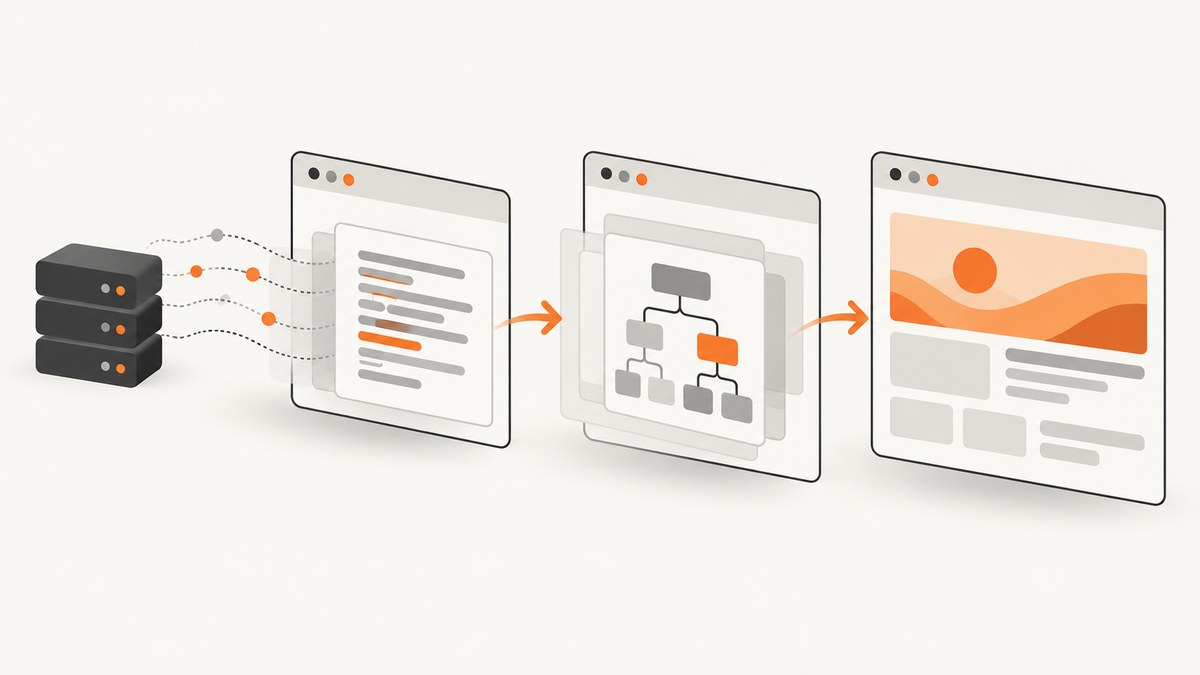
waitUntil tells Puppeteer or Playwright when a navigation call may finish. Use domcontentloaded when the next step needs the parsed document, load when it depends on the page’s load event, and a framework-specific network-idle option only when a quiet network is actually relevant. For tests, wait for the page state you care about with a locator or assertion; a lifecycle event does not guarantee that an app has finished rendering its data.
Both APIs default to load in the cited references. Their option names differ: Playwright accepts commit, domcontentloaded, load, and networkidle; Puppeteer accepts domcontentloaded, load, networkidle0, and networkidle2. Puppeteer’s documented wait options also accept an array of lifecycle events. Check the documentation for your installed package version before relying on version-specific types or defaults.
What waitUntil means
A navigation has several browser lifecycle milestones. waitUntil sets the milestone that the navigation operation must reach before it resolves. It does not change how the browser loads a page; it changes how long the caller waits before moving to its next step.
For example, a script that reads server-rendered headings may only need the document parsed. A script that captures a screenshot may need images and styles to finish loading, or may need to wait for a particular application element after navigation. Pick the boundary based on what the next operation requires.
Choose the right lifecycle condition
| Condition | Playwright | Puppeteer | Use it when |
|---|---|---|---|
commit |
Yes | No matching documented lifecycle value | You need to know the response arrived and document loading began, but do not need parsing or the load event first. |
domcontentloaded |
Yes | Yes | The document has been parsed and the next step can proceed without waiting for every load-event resource. |
load |
Yes; default | Yes; default | The next step specifically depends on the page’s load event. |
networkidle |
Yes | Use Puppeteer’s networkidle0 or networkidle2 instead |
A brief period of network quiet is meaningful for the task. It is not a universal app-readiness signal. |
networkidle0 / networkidle2 |
No | Yes | Puppeteer-specific network-idle thresholds: at most zero or two connections for at least 500 ms. |
Playwright defines networkidle as having no network connections for at least 500 ms and explicitly discourages using it for tests. Its Page API recommends web assertions for readiness instead. Pages with analytics, polling, streaming, or other ongoing requests may never become idle, while a quiet network can still precede client-side rendering. [Playwright Page API]
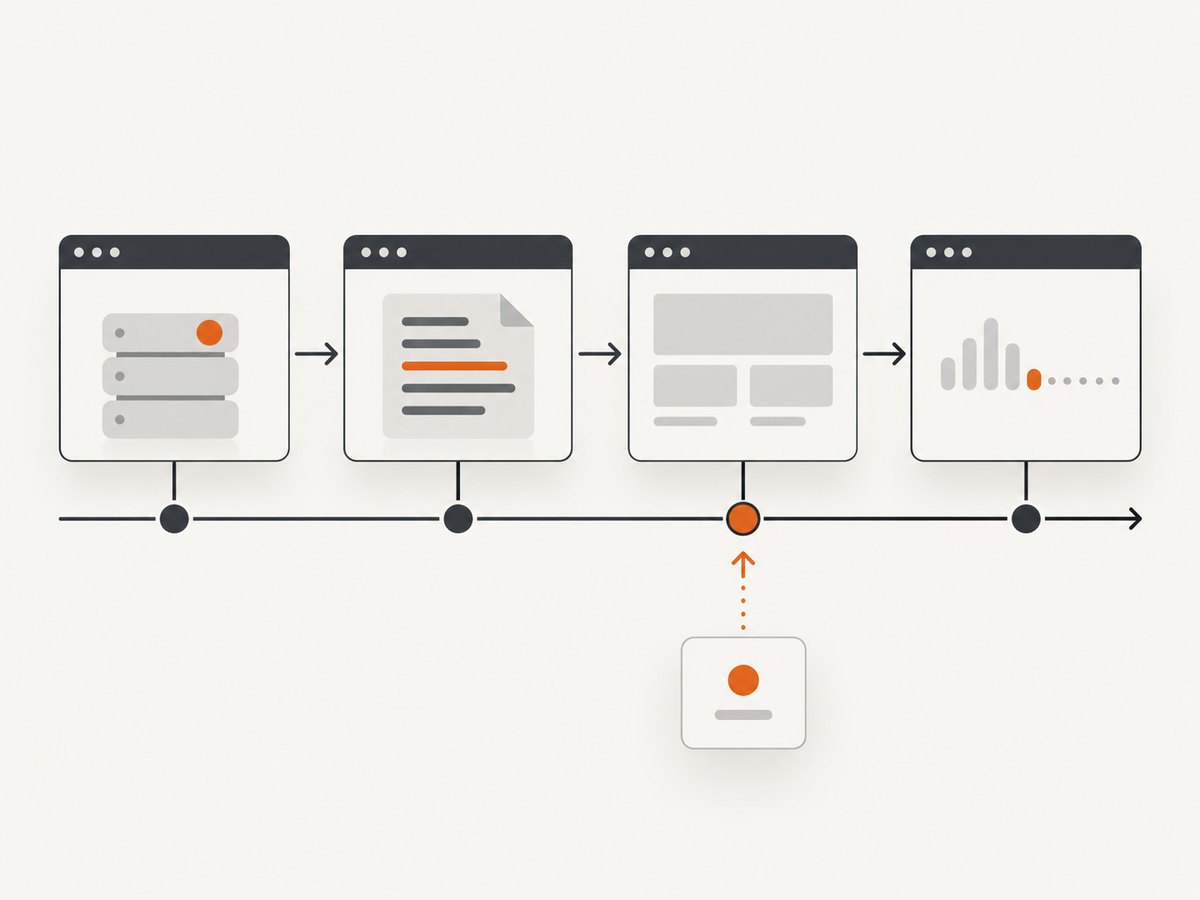
Puppeteer documents networkidle0 and networkidle2 as at most zero or two network connections, respectively, for at least 500 ms. Those thresholds describe network activity, not whether the content your script needs is visible. [Puppeteer lifecycle events]
Playwright: runnable navigation examples
Install the package and its browser using Playwright’s documented setup. The examples below use ECMAScript modules and assume the installed Playwright version provides the documented options.
npm init -y
npm install playwright
npx playwright install chromium
Save this as navigate.mjs. It accepts a URL argument, navigates, checks the response status when available, waits for a meaningful page condition, and prints the title. The explicit locator wait illustrates app readiness; replace the selector with one that matters to your page.
import { chromium } from 'playwright';

const url = process.argv[2] ?? 'https://example.com';
const browser = await chromium.launch({ headless: true });

try {
  const page = await browser.newPage();
  const response = await page.goto(url, {
    waitUntil: 'domcontentloaded',
    timeout: 30_000,
  });

  if (response && !response.ok()) {
    console.error(`HTTP ${response.status()} at ${url}`);
  }

  // Prefer the actual condition needed by the next step.
  await page.locator('h1').waitFor({ state: 'visible', timeout: 10_000 });
  console.log(await page.title());
} finally {
  await browser.close();
}
To use the earliest Playwright boundary, replace the value with 'commit'. At that point the response has arrived and document loading has started; page content may not yet be parsed. Use 'load' if the next operation specifically depends on the load event. Playwright documents a default navigation timeout of 0 ms for goto; configure it explicitly or use the page/context timeout settings appropriate to your version and workload. A zero timeout disables the timeout, so a bounded timeout is generally easier to operate reliably. [Playwright page.goto]
Wait for navigation after a Playwright action
Playwright usually auto-waits before actions, and its Page API says an explicit waitForLoadState is often unnecessary. When an action genuinely initiates a navigation and the next step needs a lifecycle state, wait for that state after the navigation is committed, then assert the resulting UI condition.
await page.getByRole('link', { name: 'Continue' }).click();
await page.waitForLoadState('domcontentloaded');
await page.getByRole('heading', { name: 'Account' }).waitFor();
When possible, use a web-first assertion for the expected destination or content rather than treating a load state as the test’s success condition. [Playwright waitForLoadState]
Puppeteer: runnable navigation examples
Install Puppeteer, which includes a compatible Chrome for Testing browser by default. This example uses the puppeteer package; if your project uses puppeteer-core, provide the browser executable or connection configuration required by that package.
npm init -y
npm install puppeteer
Save as navigate.mjs. The script uses domcontentloaded, checks the response when present, and then waits for a page-specific selector.
import puppeteer from 'puppeteer';

const url = process.argv[2] ?? 'https://example.com';
const browser = await puppeteer.launch({ headless: true });

try {
  const page = await browser.newPage();
  const response = await page.goto(url, {
    waitUntil: 'domcontentloaded',
    timeout: 30_000,
  });

  if (response && !response.ok()) {
    console.error(`HTTP ${response.status()} at ${url}`);
  }

  await page.waitForSelector('h1', { visible: true, timeout: 10_000 });
  console.log(await page.title());
} finally {
  await browser.close();
}
Puppeteer’s WaitForOptions accepts a lifecycle value or an array. When given multiple events, it waits for all listed events. For example, use waitUntil: ['domcontentloaded', 'load'] when both milestones are required. This usually makes the later event determine when the navigation finishes, so it is useful only when the additional condition is intentional. [Puppeteer WaitForOptions]
Wait for navigation caused by a Puppeteer click
Register the navigation wait before clicking so a fast navigation cannot begin before the wait is listening. Await both operations together:
const [response] = await Promise.all([
  page.waitForNavigation({ waitUntil: 'domcontentloaded' }),
  page.click('a.my-link'),
]);

if (response === null) {
  console.log('Navigation occurred without a main-resource response');
}
Puppeteer counts History API URL changes as navigation. Anchor and History API navigation may resolve with a null response, so do not assume every successful navigation has a main-resource response object. [Puppeteer Page.waitForNavigation]
Timeouts and HTTP errors
Timeout behavior is framework- and version-specific. The cited Playwright Page API documents a default of 0 ms for goto; timeout configuration can be set at the call, page, or context level. The cited Puppeteer Next WaitForOptions reference documents a 30,000 ms default, with timeout: 0 disabling the timeout. Since a Next reference may differ from a stable version, check the API docs that match the package in your lockfile. [Playwright Page API] [Puppeteer Next WaitForOptions]
A navigation can fail because the URL is invalid, the server is unreachable, SSL validation fails, navigation times out, or the main resource fails. A valid HTTP response such as 404 or 500 does not itself make Playwright’s goto throw: inspect the returned response status if the status code matters. Handle navigation exceptions separately from HTTP status checks. [Playwright page.goto]
Common mistakes and fixes
| Symptom | Likely cause | Fix |
|---|---|---|
“Unknown value” or type error for networkidle0 |
Puppeteer’s literal was copied into Playwright code. | Use Playwright’s networkidle, or choose an assertion tied to the UI state. |
| Option rejected in Puppeteer | Playwright’s commit or networkidle was copied over. |
Use Puppeteer’s documented domcontentloaded, load, networkidle0, or networkidle2. |
| Navigation wait hangs on a busy app | Long polling, analytics, or streaming prevents a network-idle condition. | Use domcontentloaded or load for navigation, then wait for the required selector or application state. |
| Navigation wait times out after clicking | The wait was registered after the click had already navigated. | In Puppeteer, create waitForNavigation() before clicking and await both with Promise.all. |
| Navigation resolves, but expected content is missing | The lifecycle boundary was reached before client-side data or rendering completed. | Wait for the specific element, text, or state the next operation needs. |
| Code reports a navigation failure for a 404 | Navigation failure and HTTP error status were conflated. | Inspect the returned response status; a 404 or 500 response can still be a completed navigation. |
| Timeout differs from a colleague’s setup | Different framework, package version, or timeout override. | Check installed versions and page/context defaults; set the call’s timeout explicitly when consistency matters. |
Performance, reliability, and cost considerations
Earlier lifecycle boundaries can let a script continue sooner, but they also mean fewer page resources may be ready. There is no universally fastest safe value: a short boundary is only useful when the next operation can work with the page at that point. If a screenshot, PDF, or scrape depends on images or client-rendered content, add a specific readiness condition rather than assuming domcontentloaded is sufficient.
For reliable automation, bound navigation and selector waits, report the URL and failed condition in errors, and inspect HTTP statuses separately from thrown navigation errors. Avoid globally disabling timeouts in unattended jobs: an unreachable host or a page that never reaches network idle can otherwise occupy a worker indefinitely. Reuse browser processes where your application’s lifecycle allows it, while keeping page and context cleanup in finally blocks as in the examples.
Browser automation has operational costs beyond the wait option: browser startup, memory, concurrency, retries, and the time spent waiting all matter. A longer wait may reduce premature captures but consumes more worker time. Choose the shortest condition that preserves the result you need, and measure your own workload before setting concurrency or retry policy. The cited framework references provide lifecycle semantics, not performance benchmarks.
Or skip the browser setup
If the task is to produce a website screenshot rather than run browser automation, ScreenshotNeo provides a one-request screenshot API and an MCP server. Its wait and capture settings are handled as service options; see the API documentation for the current parameters.
curl -G "https://api.screenshotneo.com/v1/shot" -d access_key=YOUR_API_KEY --data-urlencode url=https://stripe.com -o shot.webpimport requests
r = requests.get(
"https://api.screenshotneo.com/v1/shot",
params={"access_key": "YOUR_API_KEY", "url": "https://stripe.com"},
timeout=90,
)
open("shot.webp", "wb").write(r.content)const q = new URLSearchParams({ access_key: 'YOUR_API_KEY', url: 'https://stripe.com' });
const res = await fetch(`https://api.screenshotneo.com/v1/shot?${q}`);
if (!res.ok) throw new Error(`Screenshot request failed: ${res.status}`);
await Bun.write('shot.webp', res);ScreenshotNeo accepts cookie and consent banners like a visitor and removes more than 60 known consent platforms, newsletter popups, and chat widgets before capture; each step can be turned off. Bot checks, blank pages, timeouts, failed loads, and cache hits are not billed, and the response identifies the page verdict and billing status. Its MCP server gives AI agents tools for screenshots, page information, and PDF capture. The free plan includes 1,000 screenshots monthly with no card; paid plans start at $5 for 3,000. Sign up for 1,000 free screenshots a month, with no card required.
FAQ
Does waitUntil wait for a single-page app to finish?
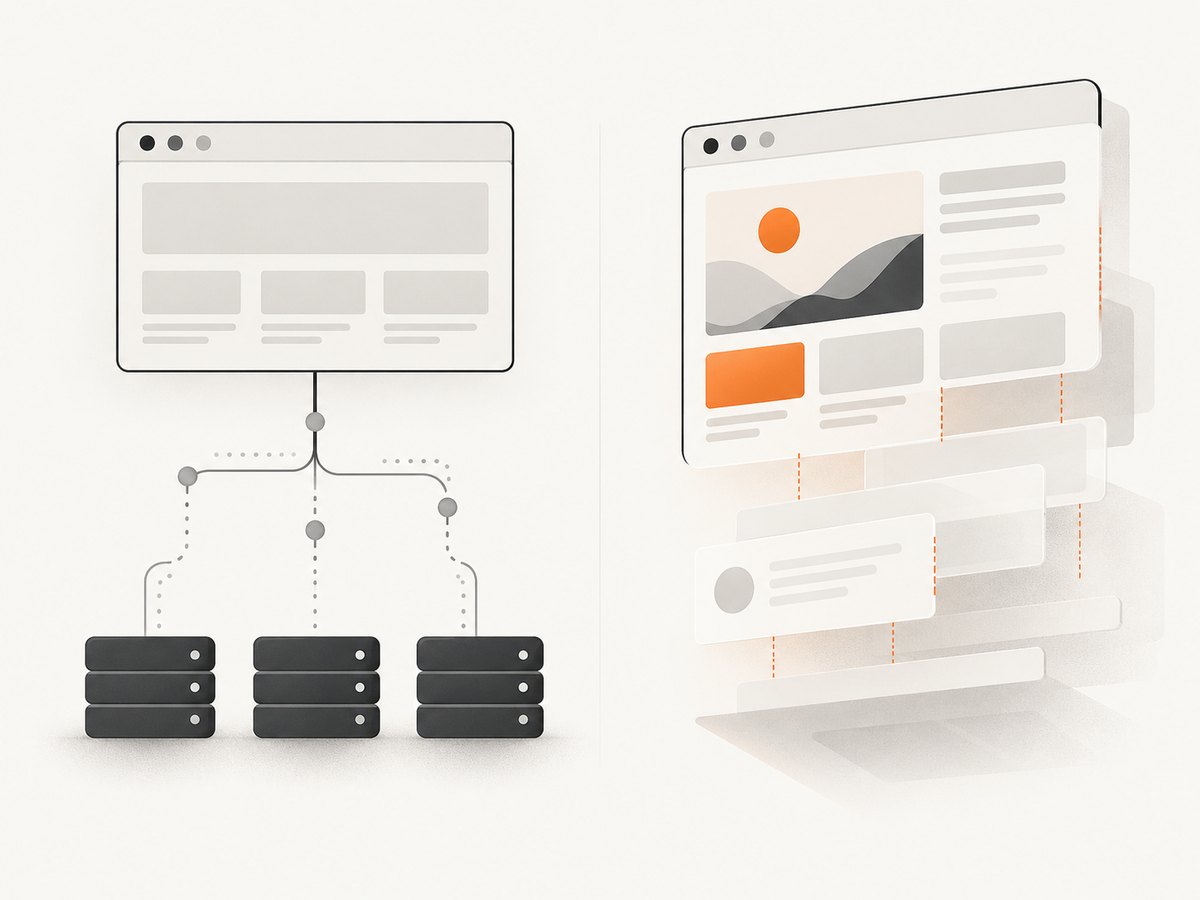
No. It waits for a navigation lifecycle boundary. Wait separately for the application element or state that matters to your script.
Can I use commit in Puppeteer?
commit is in Playwright’s documented lifecycle values, not the Puppeteer lifecycle type cited here. Check the API reference for your installed Puppeteer version.
Should I always use domcontentloaded because it is faster?
No. Use it when the next operation only needs a parsed document. If that operation depends on loaded resources or rendered application data, wait for those conditions too.
Why can a navigation return null?
Some navigations, including History API changes and certain anchor navigations in Puppeteer, do not have a main-resource response to return.


