Naming Puppeteer Screenshots From Page URLs
Puppeteer does not name screenshots from their URLs automatically. Build safe, readable filenames from the final page URL, with rules for queries, fragments, collisions, and repeated captures.
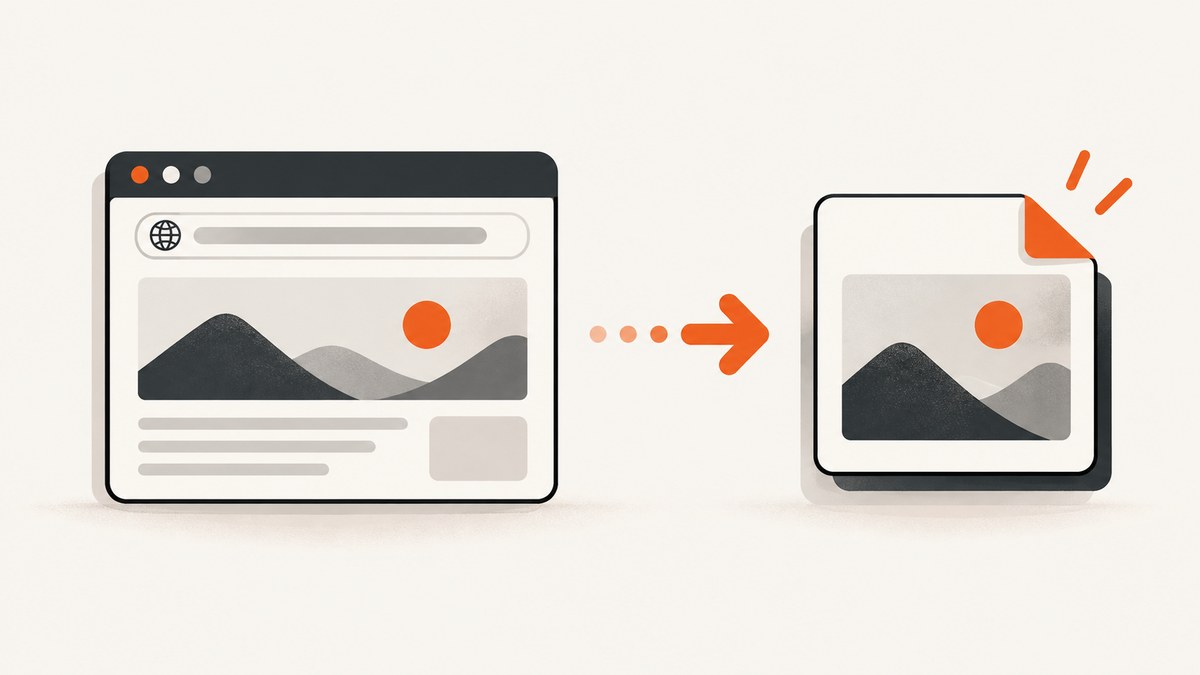
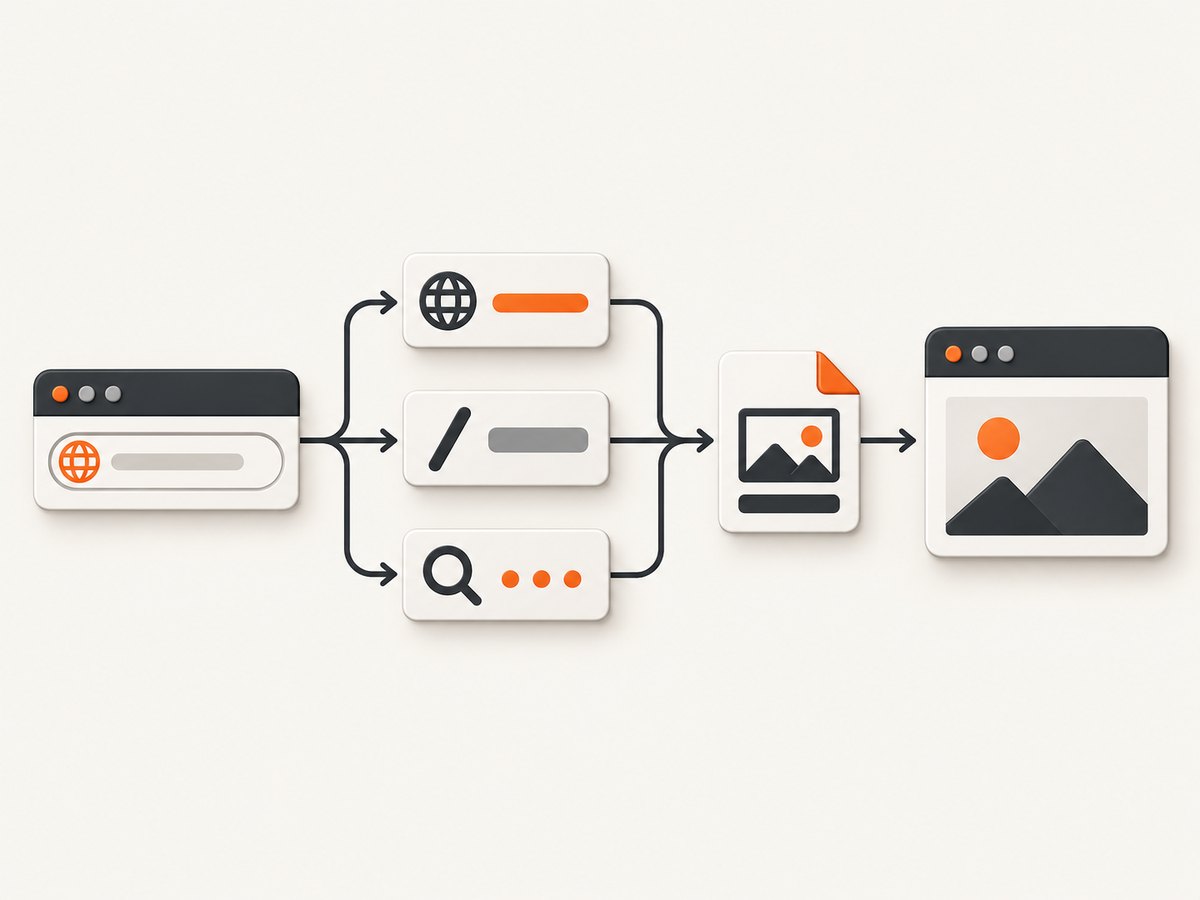
Puppeteer does not generate URL-based screenshot filenames automatically. After navigation, read the final URL with page.url(), parse it with Node.js’s standard URL class, turn the useful parts into a filesystem-safe name, and pass that path to page.screenshot({ path }). The example below includes the hostname, path, query string, capture mode, and a short hash so names remain readable while reducing accidental collisions.
1. Build a safe filename from the final page URL
This complete ES module example navigates to a page, creates a readable deterministic filename, ensures the output directory exists, and writes a full-page PNG. Install Puppeteer with npm install puppeteer, save the code as capture.mjs, then run node capture.mjs. Puppeteer’s screenshot guide demonstrates passing a path to Page.screenshot(); its Page.url() API returns the current page URL. See the Puppeteer screenshots guide and Page.url() API.
import puppeteer from 'puppeteer';
import crypto from 'node:crypto';
import path from 'node:path';
import { mkdir } from 'node:fs/promises';

function safePart(value) {
  return value
    .normalize('NFKC')
    .replace(/[<>:"/\\|?*\u0000-\u001F]/g, '-')
    .replace(/\s+/g, '-')
    .replace(/-+/g, '-')
    .replace(/^[-.]+|[-.]+$/g, '')
    .slice(0, 140) || 'index';
}

function screenshotName(rawUrl, { fullPage = false, includeHash = false } = {}) {
  const url = new URL(rawUrl);
  const host = safePart(url.hostname);
  const decodedPath = decodeURIComponent(url.pathname);
  const pathname = safePart(decodedPath.replace(/^\/+|\/+$/g, '').replaceAll('/', '-'));
  const query = url.search ? safePart(url.search.slice(1)) : '';
  const fragment = includeHash && url.hash ? safePart(url.hash.slice(1)) : '';
  const identity = [host, pathname, query, fragment].filter(Boolean).join('__') || 'page';
  const mode = fullPage ? '__full' : '__viewport';
  const digest = crypto.createHash('sha256').update(url.href).digest('hex').slice(0, 10);
  return `${identity}${mode}__${digest}.png`;
}

const target = 'https://example.com/docs/start?lang=en';
const outputDir = path.resolve('screenshots');
await mkdir(outputDir, { recursive: true });

const browser = await puppeteer.launch();
try {
  const page = await browser.newPage();
  await page.goto(target, { waitUntil: 'networkidle2', timeout: 45_000 });
  // Use the final URL: the server may have redirected the requested URL.
  const finalUrl = page.url();
  const filename = screenshotName(finalUrl, { fullPage: true });
  const outputPath = path.resolve(outputDir, filename);
  if (!outputPath.startsWith(outputDir + path.sep)) {
    throw new Error('Generated screenshot path escaped the output directory');
  }
  await page.screenshot({ path: outputPath, fullPage: true });
  console.log(`Saved ${finalUrl} to ${outputPath}`);
} finally {
  await browser.close();
}
The URL class separates hostname, pathname, search, and hash; the pathname does not include query or fragment components. ScreenshotOptions infers image type from the extension, and fullPage controls whether the full document is captured. See the Node.js WHATWG URL API and Puppeteer’s ScreenshotOptions.
2. Decide what makes two captures different
A filename is an identity policy. Decide which URL components identify a distinct page in your collection before collecting at scale.
| Component | Include it when | Trade-off |
|---|---|---|
| Hostname | You capture more than one site. | Usually essential; prevents identical paths on different sites sharing a visible name. |
| Path | Different routes represent different pages. | Readable, but can be long or contain encoded characters. |
| Query | Parameters change content, locale, pagination, filters, or account state. | Can be lengthy and order-sensitive even when two query strings mean the same thing. |
| Fragment | A client-side app uses the fragment as a route or state. | Usually irrelevant to server-rendered content; fragment is not sent in the HTTP request. |
| Capture mode | You keep both viewport and full-page captures. | Adds a small suffix that explains the image variant. |
| Time or sequence | Repeated captures of the same URL must all be retained. | Timestamped names are not reproducible; a sequence needs a concurrency-safe allocator. |
Canonicalize queries only when you understand the site
The sample uses the URL’s serialized query string as supplied. That is deterministic for a given serialized URL, but ?a=1&b=2 and ?b=2&a=1 produce different names and hashes. If parameter order is insignificant for your target, sort entries before naming. Do not blindly discard tracking or filter parameters: a parameter that looks incidental may change the rendered page.
function sortedQuery(url) {
  const entries = [...url.searchParams.entries()]
    .sort(([keyA, valueA], [keyB, valueB]) =>
      keyA.localeCompare(keyB) || valueA.localeCompare(valueB));
  return new URLSearchParams(entries).toString();
}
Use the same canonical representation both for the visible query portion and for the digest if you want equivalent parameter orders to map to one name. If repeat parameters have meaningful ordering, preserve their original order instead of sorting them.
Choose fragment behavior explicitly
By default, the example leaves the fragment out of the readable identity. It still hashes url.href, which includes the fragment, so two fragment URLs get different digest suffixes. Set includeHash: true if you want that distinction to be visible. If fragments are irrelevant in your application and you want those captures to share a name, remove the fragment before calculating both identity and digest.
3. Sanitize, bound, and validate the path
URL components are data, not trusted filenames. Characters such as slashes, colons, question marks, quotes, angle brackets, asterisks, backslashes, and control characters can be invalid or awkward on common filesystems. The helper replaces these characters, collapses repeated hyphens, strips leading and trailing dots or hyphens, and limits each component. It also normalizes Unicode so visually equivalent forms are less likely to create separate names.
- Decode with care.
decodeURIComponent()makes percent-encoded path text more readable, but malformed percent sequences throw aURIError. If URLs are untrusted or malformed input is expected, catch that error and use the encoded pathname or a safe fallback. - Keep the digest. Truncation and sanitization can make different URLs share the same readable slug. A short digest of the canonical URL makes accidental collisions much less likely.
- Keep names portable. The sample strips trailing dots and avoids common reserved punctuation, but Windows also has reserved device names such as
CONandNUL. If filenames must work on Windows, prefix or otherwise transform reserved basenames. - Validate the final location. The example resolves the result and checks that it remains inside the output directory. This is useful when target URLs come from users or an external queue.
- Keep a manifest. Record the original URL, final URL, filename, timestamp, and capture options in JSON or a database. A filename is useful for browsing; a manifest is better for audits and later reprocessing.
The sample’s 140-character component limit is a practical policy, not a guarantee that every filesystem accepts the full resulting filename. Some filesystems limit the complete filename or path in bytes, and Unicode characters may occupy multiple bytes. If portability across filesystems matters, use a shorter cap and test against the destination filesystem.
4. Capture viewport, full page, or another image type
For a viewport image, omit fullPage or set it to false and use a __viewport suffix. For a full-document image, set both the filename mode and screenshot option to full page. Puppeteer’s screenshot options support formats inferred from the extension; PNG is a safe lossless default. If you explicitly request JPEG, use a .jpg or .jpeg extension and configure quality where supported.
const fullPage = false;
const filename = screenshotName(page.url(), { fullPage });
await page.screenshot({
  path: path.join(outputDir, filename),
  fullPage,
  type: 'png'
});
For JPEG, use a matching extension and quality value, for example path: 'capture.jpeg', type: 'jpeg', and a quality from 0 to 100. Keep the extension aligned with the requested type so downstream tools do not misidentify the file. If you add viewport dimensions, device scale factor, or other rendering variants to your workflow, include those settings in the filename or manifest as well; otherwise distinct images can overwrite one another.
5. Handle redirects, dynamic pages, and repeated captures
Use page.url() after navigation and after any interaction that changes the route. The requested URL may redirect to a canonical URL, a locale route, or a login page. Naming from the final URL captures that outcome. If the original request is important, store it separately in the manifest.
For client-rendered sites, navigation completion does not always mean the content you want has appeared. Wait for a meaningful selector or application state before taking the screenshot, then call page.url() so the filename corresponds to the state actually captured. If a page changes content without changing its URL, include a state label or content identifier in the name or metadata.
Deterministic names overwrite the same file when the same URL and mode are captured again. Choose a policy based on the job:
- Latest snapshot wins: retain deterministic names and intentionally overwrite.
- Keep every run: add a UTC timestamp or a sequence number to the filename.
- Prevent duplicates: keep deterministic names and check whether the file already exists before capturing.
- Parallel jobs: use a unique job identifier or atomic sequence allocation; checking for a name and then writing it is vulnerable to a race.
6. Capture many URLs safely
For a collection, create the output folder once, reuse a browser process, and use a controlled number of pages instead of launching a browser for every URL. Give each concurrent task a unique output path when captures are meant to coexist. Bound navigation and screenshot time, close pages in finally, and record errors alongside the input URL so one bad target does not erase the batch’s audit trail.
const targets = [
  'https://example.com/',
  'https://example.com/docs/start?lang=en'
];

for (const target of targets) {
  const page = await browser.newPage();
  try {
    await page.goto(target, { waitUntil: 'domcontentloaded', timeout: 45_000 });
    const finalUrl = page.url();
    const filename = screenshotName(finalUrl, { fullPage: true });
    await page.screenshot({
      path: path.join(outputDir, filename),
      fullPage: true,
      timeout: 30_000
    });
    console.log(JSON.stringify({ requested: target, finalUrl, filename, ok: true }));
  } catch (error) {
    console.error(JSON.stringify({ requested: target, error: error.message }));
  } finally {
    await page.close();
  }
}
This loop is sequential to make its filename behavior easy to inspect. To add concurrency, use a small worker pool and ensure each task has its own page and unique destination. Large full-page captures can consume substantial memory, particularly on long or image-heavy pages. Limiting concurrency and selecting viewport capture when it meets the requirement reduces resource pressure. The networkidle2 setting in the earlier example may wait on sites with persistent connections; domcontentloaded plus an explicit selector can be more appropriate when the page’s ready state is known.
7. cURL, Python, and Node.js when a local browser is not needed
If the requirement is to save a screenshot by URL and you do not need local Puppeteer control, ScreenshotNeo provides a direct HTTP capture API. The response is an image or PDF, so save the response body to a file. See the ScreenshotNeo API documentation for request options.
cURL
curl -G "https://api.screenshotneo.com/v1/shot" \
  -d access_key=YOUR_API_KEY \
  --data-urlencode url=https://example.com/docs/start?lang=en \
  -o shot.webp
Python
import requests

r = requests.get(
    "https://api.screenshotneo.com/v1/shot",
    params={
        "access_key": "YOUR_API_KEY",
        "url": "https://example.com/docs/start?lang=en",
    },
    timeout=90,
)
r.raise_for_status()
with open("shot.webp", "wb") as f:
    f.write(r.content)
Node.js
const q = new URLSearchParams({
  access_key: 'YOUR_API_KEY',
  url: 'https://example.com/docs/start?lang=en'
});
const res = await fetch(`https://api.screenshotneo.com/v1/shot?${q}`);
if (!res.ok) throw new Error(`Screenshot request failed: ${res.status}`);
const bytes = Buffer.from(await res.arrayBuffer());
await import('node:fs/promises').then(({ writeFile }) => writeFile('shot.webp', bytes));
These examples use the same target URL for clarity. Treat the access key as a secret: do not commit it to source control or expose it in public client-side code. Choose the output extension to match the format requested from the API.
8. Or skip the browser setup
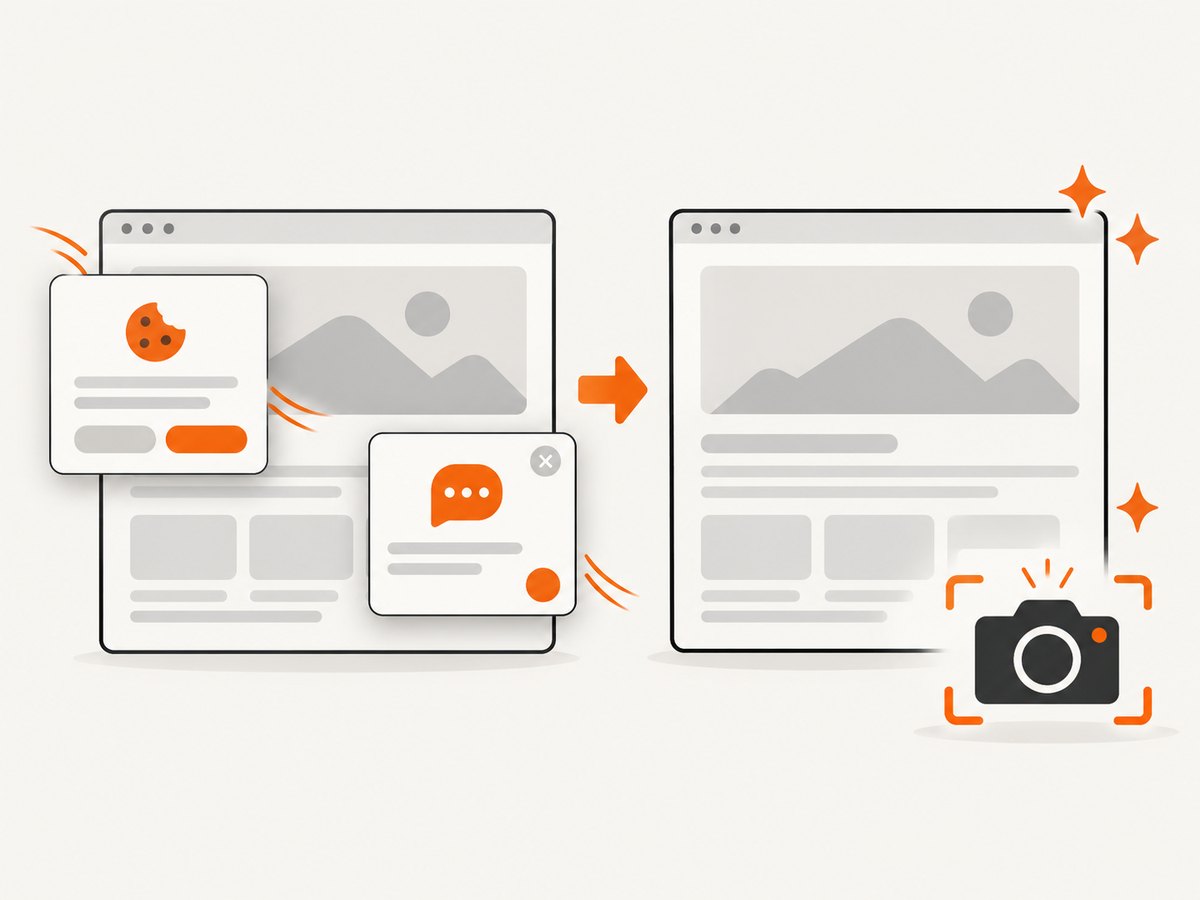
ScreenshotNeo is a website screenshot API and MCP server from ScreenshotNeo. A single GET request returns a PNG, JPEG, WebP, or PDF. Its capture flow accepts cookie and consent banners as a visitor and removes more than 60 known consent platforms, newsletter popups, and chat widgets; each step can be turned off. Bot checks and CAPTCHAs, blank pages, timeouts, failed loads, and cache hits cost nothing, and responses identify the page verdict and billing status in headers. Its MCP server gives AI agents tools named take_screenshot, get_page_info, and capture_pdf. The free plan includes 1,000 shots a month with no card; paid plans start at $5 for 3,000 shots.
curl -G "https://api.screenshotneo.com/v1/shot" \
  -d access_key=YOUR_API_KEY \
  --data-urlencode url=https://example.com/docs/start?lang=en \
  -o shot.webp
Cookie banners, popups, and chat widgets are removed before the shot; bot checks, blank pages, and failed loads are never billed; an MCP server lets AI agents take screenshots; and 1,000 screenshots a month are free with no card, with paid plans starting at $5 for 3,000. Create a free ScreenshotNeo account.
9. Troubleshooting
| Symptom | Likely cause | Fix |
|---|---|---|
Invalid URL |
The input is relative, incomplete, or malformed. | Pass an absolute URL with a scheme such as https://, or resolve relative input against a trusted base URL first. |
URIError: URI malformed |
decodeURIComponent() received an invalid escape sequence. |
Catch decoding errors and use the encoded pathname as a fallback; continue sanitizing it. |
| Two pages overwrite one image | The readable portion was normalized or truncated to the same value, or the query was omitted. | Keep a digest of the canonical URL and include every component that changes content. |
| Same page produces many names | Tracking parameters, parameter order, default ports, or trailing slash variants differ. | Define a canonicalization policy for the corpus and apply it consistently to both slug and digest. |
| Filename contains unreadable percent codes | The URL pathname is percent-encoded. | Decode valid path text before sanitizing, with a fallback for malformed sequences. |
| Screenshot is of a redirect destination | The final page URL differs from the requested address. | This is expected when naming from page.url(); keep both requested and final URLs in the manifest if needed. |
| Navigation times out on a live site | The page keeps connections open or never reaches the selected wait condition. | Use a suitable waitUntil condition, a finite timeout, and wait explicitly for the content selector you need. |
| Capture fails because the directory is missing | The destination folder was not created. | Call mkdir(outputDir, { recursive: true }) before capture. |
| Windows reports an invalid filename | A reserved basename, trailing dot, trailing space, or unsupported character remains. | Apply platform-aware reserved-name handling and strip trailing dots and spaces. |
| Names collide only under load | Concurrent tasks share a deterministic path or use a non-atomic existence check. | Add a job identifier or atomically allocate unique names before writing. |
10. Reliability, performance, and storage cost
A deterministic host/path name with a digest is reproducible and debuggable, but a digest cannot tell a human what the capture represents. Keep both a readable slug and a manifest. Decide whether repeated runs overwrite, version, or append captures before scheduling jobs. Log requested URL, final URL, status, filename, capture mode, and error details so failed pages can be retried deliberately.
Local Puppeteer costs browser startup, memory, CPU, and storage. Reuse browser processes, cap concurrency, use finite timeouts, and avoid full-page mode when a viewport is sufficient. PNG preserves image detail but can use more disk; JPEG can reduce storage for photographic pages at the cost of lossy compression. A service API shifts browser operation out of the script and charges according to its plan and billing behavior. ScreenshotNeo’s stated tiers are Free 1,000/month, Starter $5 for 3,000, Growth $15 for 15,000, Pro $39 for 60,000, Scale $99 for 250,000, and Business $249 for 1,000,000; yearly billing gives two months free, and every feature is on every plan. Choose based on required volume and capture controls, not an assumed speed or quality benchmark.
11. Frequently asked questions
Does Puppeteer have a built-in URL filename option?
No. Your code constructs the path and passes it to page.screenshot().
Should I put the whole URL in the filename?
Usually no. Use a readable host and path, add query or fragment only when they identify distinct rendered content, and retain the original URL in a manifest.
Should I use a hash or timestamp?
Use a hash for stable collision resistance. Use a timestamp or sequence when every repeated capture needs its own artifact.
Can I save screenshots outside the project directory?
Yes. Resolve the intended destination explicitly and validate it if any part of the path comes from external input.
What if the screenshot URL is sensitive?
A filename containing query values can expose tokens or personal data. Omit sensitive query values from the readable slug, use a digest or opaque identifier, and restrict access to manifests and screenshots.
Can filenames preserve the original URL exactly?
Not safely or portably in general. Keep the exact URL in metadata and treat the filename as a compact label.


