How to Get a PDF Buffer from a Session-Generated URL with Puppeteer
Capture the bytes of a session-generated PDF response in Puppeteer. Set up the session, wait for the right response, validate it, and troubleshoot common failures.
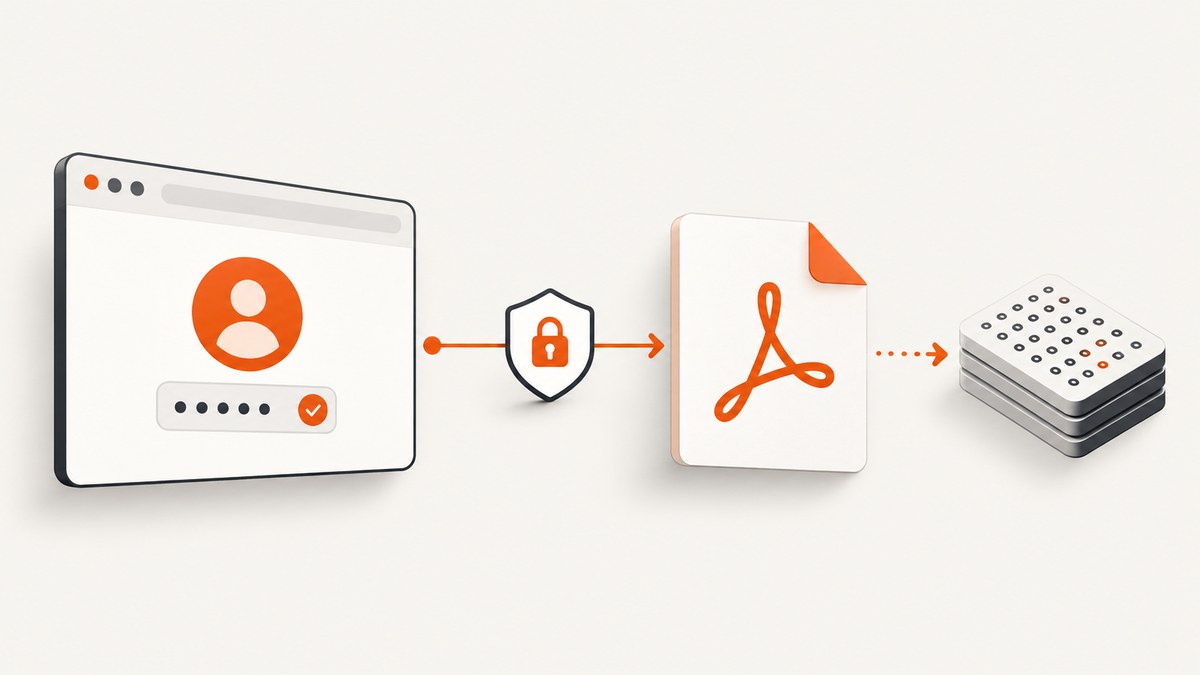
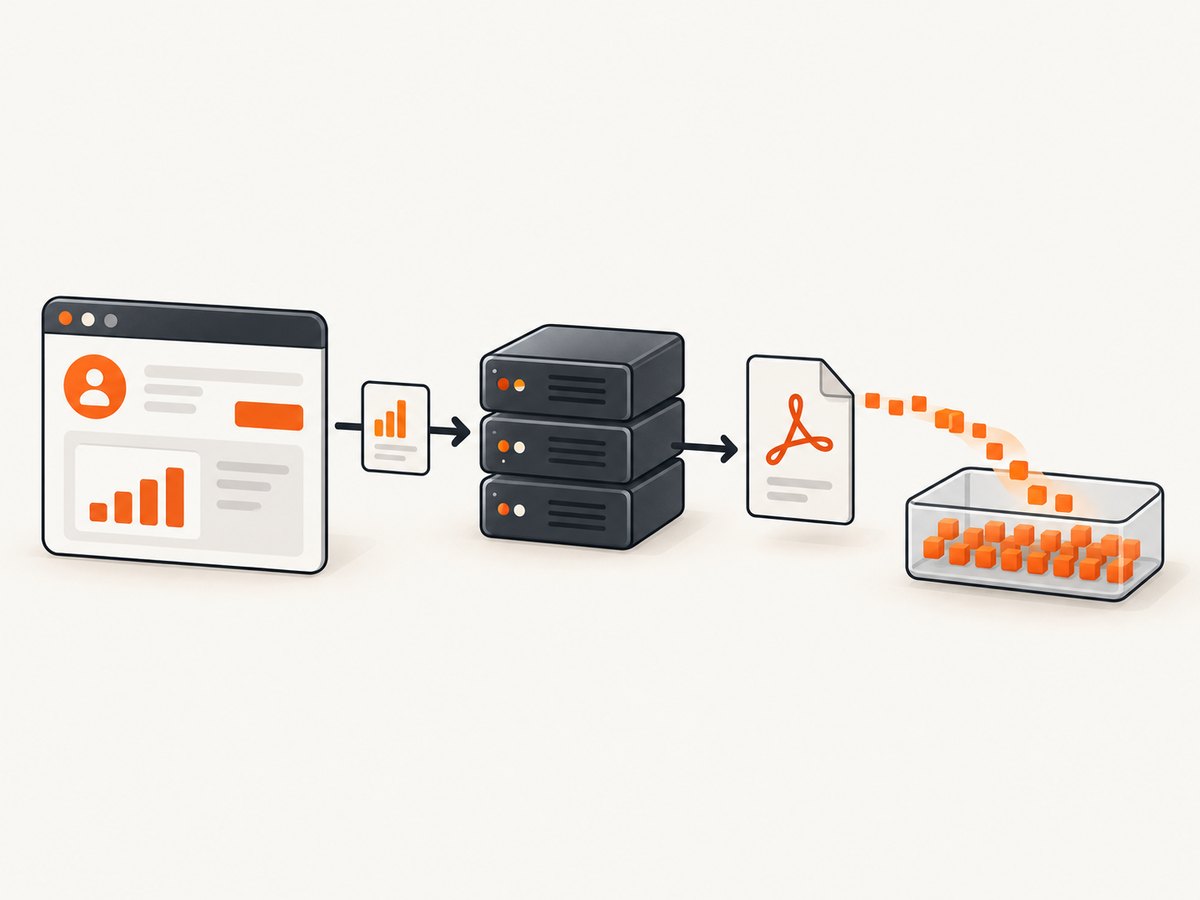
To get a Buffer containing an existing PDF response, keep the request in the Puppeteer page or browser context that has the required session, register page.waitForResponse() before triggering the download, validate the response, then await response.buffer(). This reads bytes returned by the server. It is different from page.pdf(), which renders the current page into a new PDF.
The URL by itself may not be enough to authorize the download. The application may rely on session cookies, a token, a referrer, a custom header, or an earlier request. The exact authentication requirements are specific to the target site. Puppeteer’s context cookie API and response APIs provide the building blocks; they cannot guarantee how a particular application authenticates.
1. Choose the right PDF operation
| Goal | Use | Output |
|---|---|---|
| Read a PDF the server returns after an authenticated action | page.waitForResponse() then response.buffer() |
Node.js Buffer |
| Print the current rendered HTML page into a new PDF | page.pdf(options) |
Uint8Array |
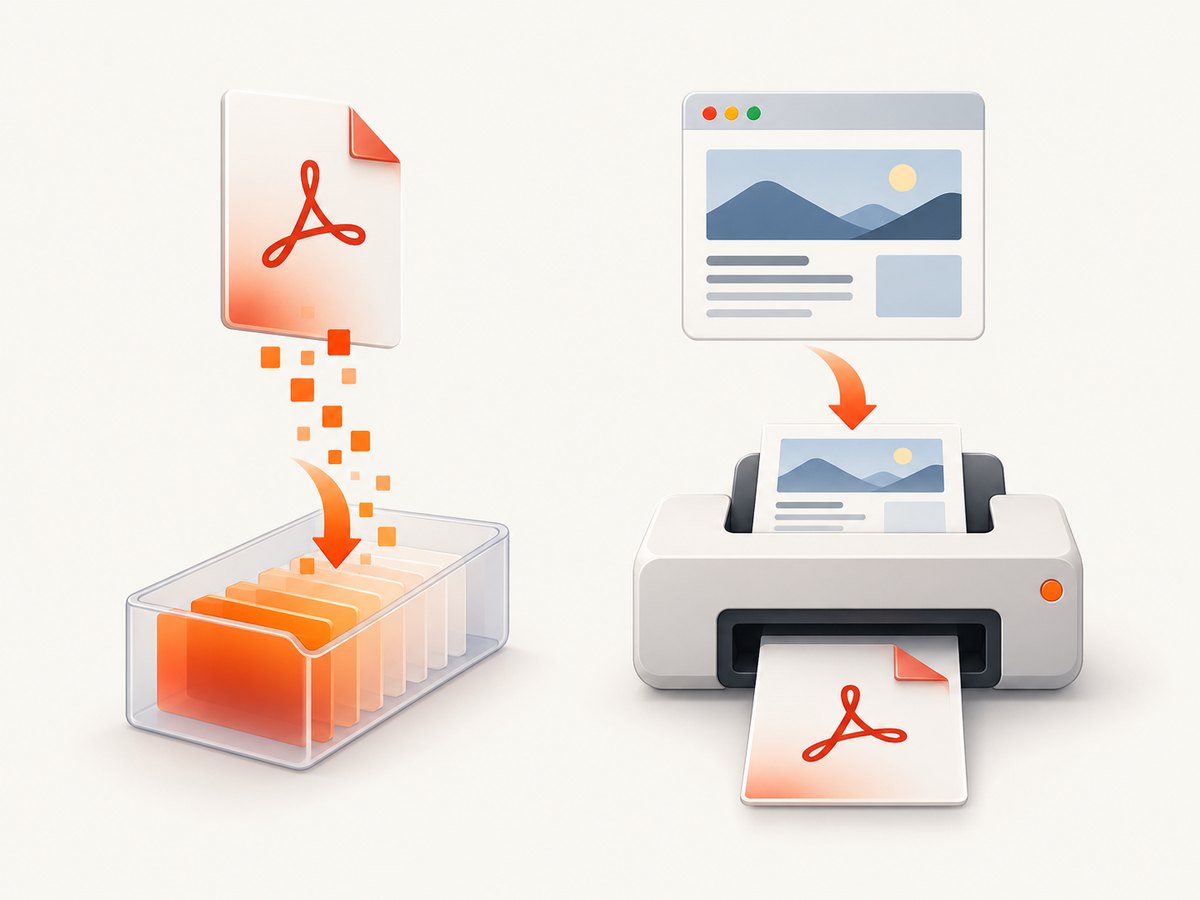
page.pdf() does not retrieve the bytes of a PDF URL the page requested. Puppeteer documents it as generating a PDF of the page, using print CSS media by default. If the task is “save the generated report response,” capture that network response. If it is “print this DOM,” use page.pdf().
2. Install Puppeteer and prepare the session
In a new Node project, install Puppeteer. The standard package manages a compatible browser download during installation. If your environment supplies a browser separately, use the corresponding Puppeteer configuration and verify the browser and package versions are compatible.
npm init -y
npm install puppeteer
The example below assumes an ordinary login form and a report button. Replace the origin, selectors, endpoint fragment, and login fields with the target application’s real values. Keep credentials in environment variables or a secret manager; do not commit them or print session cookies to logs.
import puppeteer from 'puppeteer';
import { writeFile } from 'node:fs/promises';

const origin = 'https://app.example.com';
const email = process.env.APP_EMAIL;
const password = process.env.APP_PASSWORD;

if (!email || !password) {
  throw new Error('Set APP_EMAIL and APP_PASSWORD');
}

const browser = await puppeteer.launch({ headless: true });
try {
  const context = await browser.createBrowserContext();
  const page = await context.newPage();
  page.setDefaultTimeout(30_000);

  await page.goto(`${origin}/login`, { waitUntil: 'domcontentloaded' });
  await page.locator('input[name="email"]').fill(email);
  await page.locator('input[name="password"]').fill(password);
  await page.locator('button[type="submit"]').click();

  // Wait for a known post-login condition in the target application.
  await page.waitForURL(url => url.pathname.startsWith('/reports'));

  // Continue in this same page/context so session-dependent requests
  // retain the authentication state established by the site.
  await page.goto(`${origin}/reports/monthly`, { waitUntil: 'domcontentloaded' });

  const responsePromise = page.waitForResponse(response => {
    const contentType = response.headers()['content-type'] || '';
    return response.url().includes('/generated-report') &&
      contentType.toLowerCase().includes('application/pdf');
  }, { timeout: 30_000 });

  const [response] = await Promise.all([
    responsePromise,
    page.locator('button.download-report').click(),
  ]);

  if (!response.ok()) {
    throw new Error(`PDF request failed: HTTP ${response.status()} at ${response.url()}`);
  }

  const pdfBuffer = await response.buffer();
  if (pdfBuffer.length === 0) {
    throw new Error('PDF response body was empty');
  }

  // A simple signature check catches many HTML/error responses. It is not
  // a complete PDF validity check; use a PDF parser for stronger validation.
  if (pdfBuffer.subarray(0, 5).toString('ascii') !== '%PDF-') {
    throw new Error(`Response did not start with a PDF signature (${pdfBuffer.length} bytes)`);
  }

  await writeFile('report.pdf', pdfBuffer);
  console.log(`Saved ${pdfBuffer.length} bytes to report.pdf`);
} finally {
  await browser.close();
}
This is a runnable structure, not a universal site recipe: a target may use a one-time link, open a new tab, or generate a download through a different request. Adapt the predicate and trigger to the real flow.
3. Wait for the response before triggering it
The order matters. If you click first and start waiting afterward, a fast response can arrive before Puppeteer attaches the waiter. Create the promise first, then trigger the action while awaiting both with Promise.all():
const pdfResponsePromise = page.waitForResponse(response => {
  const headers = response.headers();
  return response.url().includes('/generated-report') &&
    (headers['content-type'] || '').includes('application/pdf');
});

const [pdfResponse] = await Promise.all([
  pdfResponsePromise,
  page.click('button.download-report'),
]);

const pdfBuffer = await pdfResponse.buffer();
Use a narrow predicate. Matching only application/pdf can accidentally select an unrelated document if the page makes multiple PDF requests. Prefer a stable endpoint path or report identifier, and include the expected content type when the site sends it reliably. Some servers omit or mislabel content types, so the URL or another stable request characteristic may be the more reliable filter.
When the action navigates or opens another tab
A download button can navigate the current page, redirect to a signed URL, or open a new page. Observe the page or target that actually emits the PDF response. For navigation-triggered flows, register the navigation or response wait before the click as well. If a new tab is expected, wait for its target/page and attach the response listener there. Do not assume the initial URL is the final response URL; inspect response.url() after the response arrives.
4. Keep the authenticated browser state
If authentication is cookie-based, the least surprising path is to perform the download in the same page and browser context that completed login. Puppeteer exposes cookies through BrowserContext.cookies(); page-level cookie methods are deprecated in favor of browser or context methods. You can inspect cookie names and domains for debugging, but avoid logging cookie values because they are credentials.
const cookies = await context.cookies();
console.log(cookies.map(({ name, domain, expires }) => ({ name, domain, expires })));
This diagnostic shows what cookies the context has, not whether the application will accept them for a particular endpoint. Scope, expiry, same-site rules, and server-side session state can all matter. If a new context or a separate HTTP client is used, it will not automatically inherit the browser’s session. Copying cookies into another client can also fail when the server requires a CSRF token, authorization header, referrer, or a specific request sequence.
Avoid request interception just to observe a response: waitForResponse() is designed for observation. Interception changes request handling; each intercepted request must be continued, answered, aborted, or fulfilled from cache, or the page can stall.
5. Validate the response and save the bytes
An HTTP request can complete even when the server returns an error status such as 404 or 503. Check response.ok() or the status before treating the body as a PDF. Then inspect the content type, final URL, body length, and, where appropriate, the PDF signature. A login redirect may ultimately return HTML with status 200, so a successful status alone does not prove the body is a PDF.
const headers = response.headers();
const pdfBuffer = await response.buffer();

console.log({
  status: response.status(),
  url: response.url(),
  contentType: headers['content-type'],
  bytes: pdfBuffer.length,
  signature: pdfBuffer.subarray(0, 5).toString('ascii'),
});
HTTPResponse.buffer() resolves to a Node.js Buffer containing the response body. Puppeteer notes that the browser may re-encode the buffer based on response headers or heuristics. If a downstream parser reports corruption, compare the expected response headers and bytes, and confirm that the response is truly the PDF rather than an error or login page. A prefix check is useful triage, not a full structural validation; use a PDF parser or open the saved artifact when integrity is important.
6. If you actually need a new PDF from the page
For a rendered web page rather than an existing PDF response, use page.pdf(). It returns a Uint8Array, which can be written to disk with Node’s file APIs. Puppeteer uses print media by default. To use screen styles, emulate screen media before generating the PDF.
import puppeteer from 'puppeteer';
import { writeFile } from 'node:fs/promises';

const browser = await puppeteer.launch({ headless: true });
try {
  const page = await browser.newPage();
  await page.goto('https://example.com/report', { waitUntil: 'networkidle0' });
  await page.emulateMediaType('screen');
  const pdfBytes = await page.pdf({
    format: 'A4',
    printBackground: true,
    margin: { top: '12mm', right: '12mm', bottom: '12mm', left: '12mm' },
  });
  await writeFile('rendered-page.pdf', pdfBytes);
} finally {
  await browser.close();
}
For exact print colors, Puppeteer points to the CSS property -webkit-print-color-adjust. Print layout, page breaks, and browser rendering still depend on the page’s styles and content. This is a separate workflow from buffering a server response.
7. Troubleshooting common failures
| Symptom | Likely cause | Fix |
|---|---|---|
TimeoutError waiting for response |
The predicate does not match the real URL or MIME type; the click did not trigger a request; or the response came from another tab. | Log non-sensitive response URLs and statuses during diagnosis, widen the predicate temporarily, then narrow it to the actual endpoint. Confirm the action and target page. |
| 401 or 403 | Session missing or expired, wrong context, insufficient permissions, or application-specific token/header requirements. | Complete login in the same context, confirm the expected authenticated state, inspect status and redirect URL, and follow the app’s documented auth flow. |
| 200 response but file is HTML | Login page, access-denied page, or application error returned with success status. | Check final URL, content type, first bytes, and the app’s page state before saving as PDF. |
| 404 or 503 despite a completed wait | The request completed at the HTTP layer, but the server returned an error. | Check response.status(); verify report ID, timing, and service state, then retry only if the operation is safe to repeat. |
| Wrong PDF captured | Predicate is too broad and matched another PDF response. | Match the specific endpoint or report identifier, and confirm the response URL and headers. |
| PDF parser says bytes are malformed | Body is an HTML/error response, bytes were re-encoded, or the body is truncated. | Inspect headers and signature, verify length and completion, then validate with a parser; investigate content encoding and server behavior. |
| Click hangs after enabling interception | An intercepted request was left unresolved. | Remove interception when only observing, or ensure every intercepted request is continued, answered, aborted, or fulfilled. |
8. Performance, reliability, and cost
Browser automation has startup, navigation, authentication, and rendering costs. Reuse a browser process across jobs where operationally appropriate, but isolate users or jobs in separate contexts so cookies and local state do not leak between sessions. Close pages and contexts when finished, and always close the browser in a finally block. Set explicit timeouts so a missing endpoint cannot hold a worker indefinitely.
Make the response predicate specific and avoid arbitrary sleeps when a response event or page condition is available. A fixed delay may be too short on a slow run and waste time on a fast run. For retries, distinguish transient network/server failures from authorization failures and non-repeatable actions. Generating a report may create server-side work, so only retry when the application flow is safe to repeat or supports idempotency.
Budget for the browser runtime and infrastructure you operate: Puppeteer itself does not turn browser launches, proxy use, or your server capacity into a free operation. The exact resource use depends on the target pages, concurrency, and hosting setup; the research does not establish universal timing or cost benchmarks. Avoid retaining downloaded PDFs or authentication state longer than the job requires, especially when reports contain sensitive information.
9. Or skip the browser setup
ScreenshotNeo is a website screenshot API and MCP server from Yorker Media. For a visual capture of a URL, its API can return an image or PDF with one GET request. It is not a way to retrieve an authenticated application’s existing PDF response: use the Puppeteer response-buffer method above when that exact server response and session are required.
For a public page capture, the direct call looks like this. See the ScreenshotNeo API documentation for request options.
curl -G "https://api.screenshotneo.com/v1/shot" \
  -d access_key=YOUR_API_KEY \
  --data-urlencode url=https://stripe.com \
  -o shot.webp
Cookie banners, popups, and chat widgets are removed before the shot. Bot checks, blank pages, and failed loads are never billed. An MCP server lets AI agents take screenshots. The free plan includes 1,000 screenshots a month with no card; paid plans start at $5 for 3,000. Plans include every feature. Sign up for ScreenshotNeo and get 1,000 free screenshots a month with no card.
10. Frequently asked questions
Can I get a Buffer from page.pdf()?
page.pdf() returns a Uint8Array for a newly rendered PDF. The existing response workflow uses HTTPResponse.buffer(), which returns a Node.js Buffer.
Should I copy the browser cookies into fetch?
Only if the application explicitly supports that authentication path and you handle all required credentials and request rules. Keeping the request in the authenticated browser context is generally the simpler fit for a session-dependent flow.
Does a 200 status guarantee valid PDF bytes?
No. The server can return an HTML login or error page with status 200. Check the body and response metadata before treating it as a PDF.
Why does the saved response differ from the downloaded file?
Check the response headers and encoding, ensure the selected response is the final PDF endpoint, and validate the resulting bytes. Puppeteer documents possible browser re-encoding based on headers or heuristics.


