How to Fix Puppeteer UnhandledPromiseRejectionWarning Crashes
Find the rejection behind Puppeteer’s warning, check browser compatibility, and handle intercepted requests without hiding the cause.
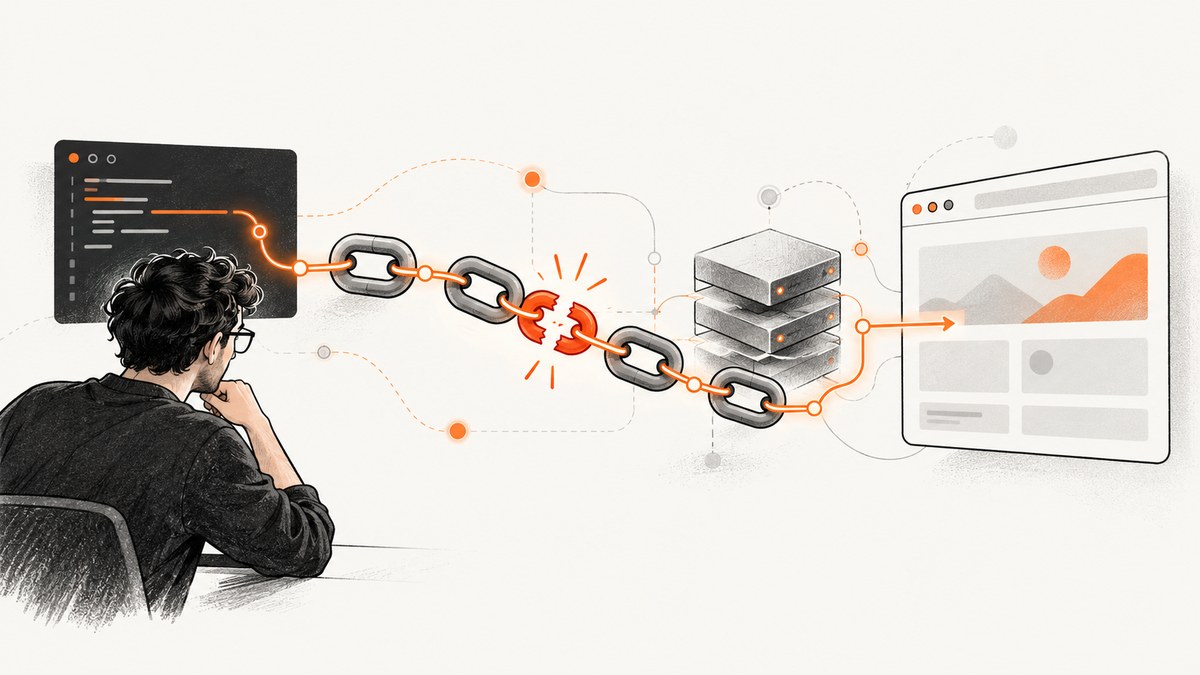
UnhandledPromiseRejectionWarning means Node.js observed a rejected promise without a handler in time. It does not identify Puppeteer, Chrome, or any specific API as the cause. Start with the rejection reason and stack trace, then check that your installed Puppeteer version matches the browser it launches. If the failure occurs at page.setRequestInterception(true), await and catch that call, and make sure every intercepted request is resolved.
This guide explains the warning, a historical Fetch.enable failure, current debugging steps, and a runnable interception pattern. If you need a screenshot without managing a local browser, see the ScreenshotNeo website screenshot API option below.
1. What the warning means
A promise was rejected, but no rejection handler was attached within an event-loop turn. Node.js may then treat that rejection as an uncaught exception. In the current documented default mode, throw, Node raises an uncaught exception if no unhandledRejection listener handles it; absent another uncaught-exception handler, the process exits with code 1. The warning names the handling problem, not its underlying cause. See the Node.js process documentation.
There are three layers to inspect:
- Node.js: Which promise rejected, and where is its rejection handler?
- Puppeteer and Chrome DevTools Protocol: Did Puppeteer send a protocol command the selected browser understands?
- Request handling: If interception is enabled, does every paused request get continued, aborted, or answered?
Fixing the first layer by adding a catch makes the failure visible and controlled. It does not necessarily fix a browser compatibility problem in the second layer.
2. The historical Fetch.enable case
In Puppeteer issue #4542, opened in June 2019, the reporter said page.setRequestInterception(true) failed with Fetch.enable wasn't found. The report listed Puppeteer 1.17.0, Chrome 71.0.3578.98, and Node.js v12.1.0, and showed a launch configuration using an external chrome.exe. The report is useful evidence of a protocol-related failure in that environment; it does not prove that every current unhandled rejection has the same cause, or that one launch flag caused the failure. See the original issue.
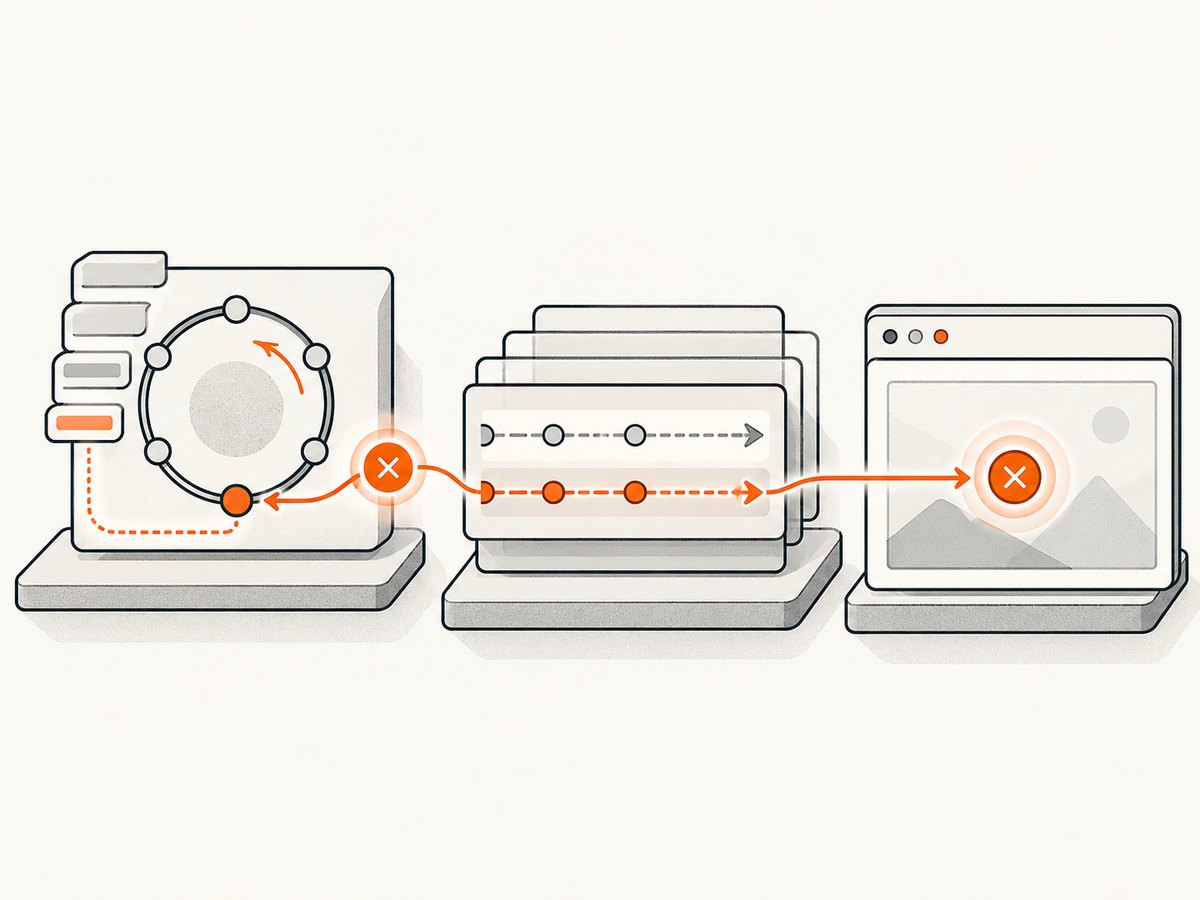
Puppeteer’s FAQ explains that each release is paired with a specific browser release to preserve compatibility with Chrome DevTools Protocol and WebDriver BiDi. Its supported-browser page documents the current mapping. Puppeteer guarantees behavior with its bundled browser; an external executable means you need to verify compatibility yourself. See the Puppeteer FAQ, supported browsers, and launch options.
3. Diagnose the rejection in order
- Capture the full error. Save the rejection reason and stack, not just the warning label. Record
node --version, the installed Puppeteer version, and the actual browser version. Include the launch options, especiallyexecutablePath. - Reproduce with the bundled browser. If your code sets
executablePathto system Chrome or another Chromium build, temporarily remove it and launch Puppeteer’s paired browser. If that resolves the failure, investigate the external browser’s protocol compatibility before changing application code. - Await setup calls.
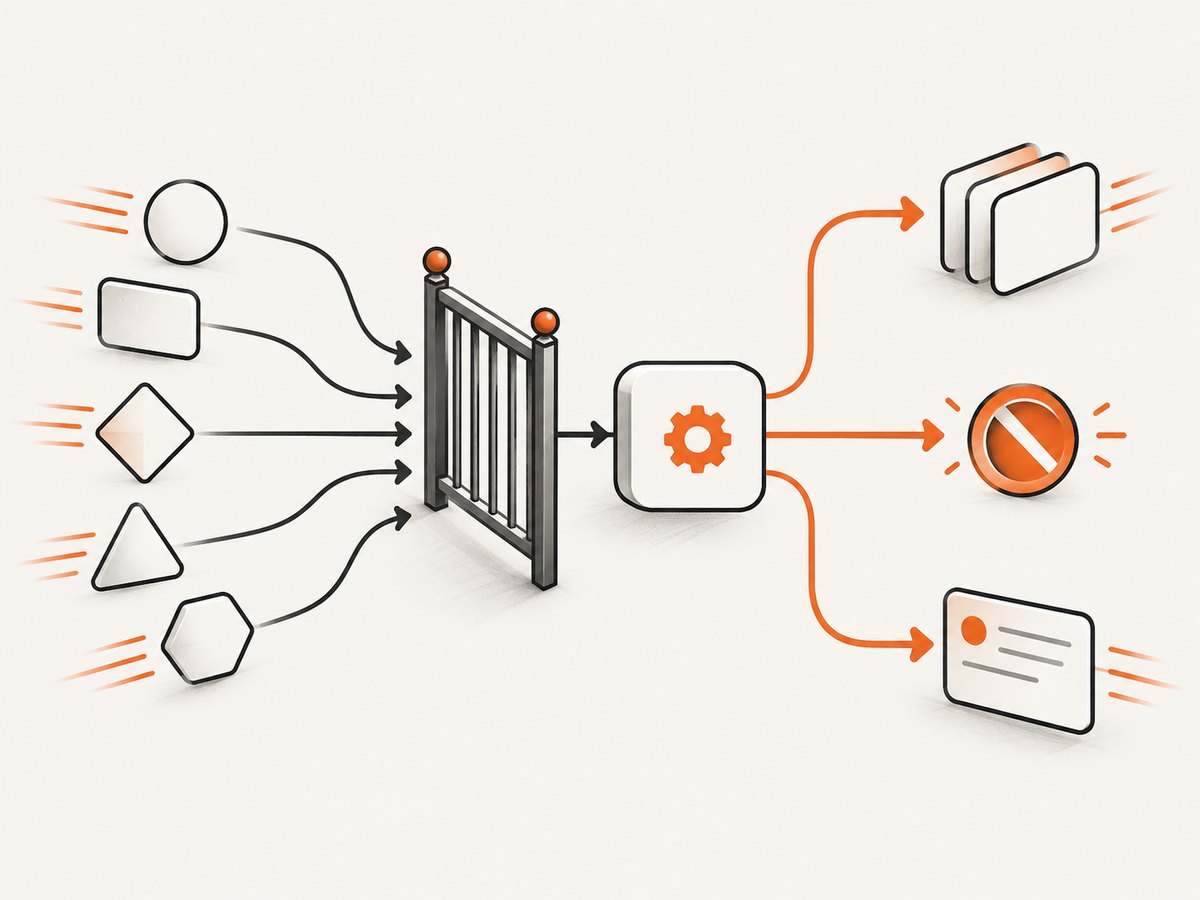
page.setRequestInterception(true)returns a promise. Await it inside atry/catchso the actual rejection is logged and cleanup can run. - Resolve every paused request. After interception is on, a request waits until a handler continues, aborts, or responds to it. A handler that throws or returns without resolving a request can stall navigation.
- Inspect protocol traffic only if needed. Enable Puppeteer protocol debugging after reproducing the basic case. Redact secrets from logs before sharing them.
Do not infer that changing Node’s rejection mode fixes the browser protocol. A process-wide rejection listener can change how Node reports a rejection; it cannot make an unsupported DevTools Protocol method available.
4. Runnable interception example
This CommonJS example launches Puppeteer’s paired browser, catches asynchronous failures, resolves requests, and closes the browser. Install Puppeteer in your project with npm install puppeteer; then save this as capture.js and run node capture.js. The browser download is managed by Puppeteer. The pattern is for diagnosing and handling errors; it is not a reproduction of the 2019 issue.
const puppeteer = require('puppeteer');

(async () => {
  let browser;
  try {
    browser = await puppeteer.launch();
    const page = await browser.newPage();

    await page.setRequestInterception(true);
    page.on('request', request => {
      if (request.isInterceptResolutionHandled()) return;
      return request.continue();
    });

    await page.goto('https://example.com', { waitUntil: 'domcontentloaded' });
    console.log('Page loaded');
  } catch (error) {
    console.error('Puppeteer operation failed:', error);
    process.exitCode = 1;
  } finally {
    if (browser) await browser.close();
  }
})().catch(error => {
  console.error('Unexpected top-level failure:', error);
  process.exitCode = 1;
});
The inner try/catch covers launch, page creation, interception setup, and navigation. The outer catch is a final safeguard for an unexpected rejection in the async function chain. The conditional browser cleanup handles launch failure, when no browser object exists. Setting process.exitCode preserves a failing exit status while allowing asynchronous cleanup to finish.
Interception handler details
The request listener is installed after interception is enabled and continues each request. If you need to filter requests, make the decision explicitly, then resolve each one:
page.on('request', request => {
  if (request.isInterceptResolutionHandled()) return;

  if (request.resourceType() === 'image') {
    return request.abort();
  }
  return request.continue();
});
Do not enable interception just to observe traffic; it adds work and every paused request needs resolution. If multiple handlers or plugins may act on the same request, check request.isInterceptResolutionHandled() immediately before resolving it. This matters especially after an await: another handler could resolve the request while yours was waiting. Puppeteer’s network interception guide describes the resolution rules.
5. Browser and launch configuration
| Configuration | What to check |
|---|---|
| Default launch | Start here to use the browser paired with your installed Puppeteer release. |
executablePath |
Confirm the actual executable and version. A system-installed browser can update independently from Puppeteer. |
| Launch arguments | Remove nonessential flags for a minimal reproduction. Do not assume a flag is the cause without evidence. |
dumpio: true |
Forward browser process stdout and stderr to the Node process when browser-side logs are useful. |
| Headless and devtools options | Record them when reproducing; simplify the configuration to isolate the failure. |
Changing options such as ignored HTTPS errors or network service flags may alter browser behavior, but the historical report alone does not establish any of those as a fix. First compare the external executable with Puppeteer’s bundled browser. Review the official launch options reference for the options available in your installed release.
6. Troubleshooting common symptoms
| Symptom | Likely explanation | What to do |
|---|---|---|
UnhandledPromiseRejectionWarning followed by exit |
An async call rejected without a handler in time. | Find the first rejection reason and stack. Await the operation and catch it at the appropriate boundary. |
Fetch.enable wasn't found |
The selected browser did not recognize the protocol command sent during interception setup. | Reproduce with the bundled browser, then verify the external executable’s supported pairing. |
setRequestInterception rejects |
Setup failed at the protocol or browser layer. | Catch the call to expose the rejection; compare browser versions and inspect protocol logs if needed. |
| Navigation hangs after enabling interception | A request remains paused or an event handler failed. | Ensure every request is continued, aborted, or answered, including requests on error paths. |
| “Request is already handled” or duplicate resolution | More than one handler or plugin attempted to resolve the request. | Check isInterceptResolutionHandled() immediately before continuing, aborting, or responding. |
| Works with bundled browser only | The external browser may not match the installed Puppeteer protocol expectations. | Use the bundled browser or select and maintain a supported external browser version. |
| Logs contain credentials or private page data | Protocol or browser output can include sensitive details. | Redact cookies, authorization values, page content, and URL parameters before sharing logs. |
7. Logging and diagnostics
For protocol traffic, run the script with Puppeteer’s documented debug namespace:
env NODE_DEBUG="puppeteer:*" node capture.jsUse this to see whether the command is sent and what response comes back. Protocol logs are verbose and may contain sensitive information, so avoid publishing raw output. To forward the browser process’s stdout and stderr, launch with dumpio: true:
const browser = await puppeteer.launch({ dumpio: true });See Puppeteer’s debugging guide and troubleshooting guide. Add logging around the specific operation that fails; a process-wide rejection listener should not swallow the error or leave it without a meaningful report.
8. Performance, reliability, and cost
Request interception is useful when you need to modify or block requests, but it makes each intercepted request part of your application’s control flow. Resolve promptly, avoid unnecessary interception, and avoid slow work in the request handler. A request left unresolved can hold up navigation; a handler that rejects without a catch can create the same kind of Node.js promise problem you are diagnosing.
For reliability, use the browser version paired with Puppeteer where possible, keep setup failures observable, close the browser in cleanup, and record the browser and package versions with incident details. For cost, a local Puppeteer workflow has no per-screenshot API charge, but you operate the browser process and its runtime environment. Account for browser installation, compute, storage, and maintenance in your own deployment. There is no universal runtime or cost figure for this code: page weight, network conditions, rendering work, and the environment all affect it.
9. Or skip the browser setup
If your goal is to produce screenshots rather than control Chromium directly, ScreenshotNeo’s API takes a URL in one GET request and returns an image or PDF. This avoids installing and matching a local browser for a straightforward capture:
curl -G "https://api.screenshotneo.com/v1/shot" -d access_key=YOUR_API_KEY --data-urlencode url=https://example.com -o shot.webpimport requests
r = requests.get(
"https://api.screenshotneo.com/v1/shot",
params={"access_key": "YOUR_API_KEY", "url": "https://example.com"},
timeout=90,
)
open("shot.webp", "wb").write(r.content)const q = new URLSearchParams({ access_key: 'YOUR_API_KEY', url: 'https://example.com' });
const res = await fetch(`https://api.screenshotneo.com/v1/shot?${q}`);
if (!res.ok) throw new Error(`Screenshot request failed: ${res.status}`);
await require('node:fs/promises').writeFile('shot.webp', Buffer.from(await res.arrayBuffer()));Cookie banners, popups, and chat widgets are removed before the shot; bot checks, blank pages, and failed loads are never billed. Its MCP server lets AI agents take screenshots. The free plan includes 1,000 screenshots a month with no card; paid plans start at $5 for 3,000. See the API documentation for the request options. Sign up for 1,000 free screenshots a month, with no card.
10. FAQ
Does catching the rejection fix the crash?
It makes the rejection handled and gives your code a chance to log it and clean up. You still need to resolve the underlying cause, such as a browser protocol mismatch.
Should I change Node’s unhandled rejection mode?
Not as a first-line fix. A different mode changes how Node reports unhandled rejections; it does not correct Puppeteer/browser compatibility or a broken request handler.
Can I use system Chrome with Puppeteer?
You can configure an executable path, but Puppeteer’s documented compatibility guarantee applies to its paired browser. Verify compatibility for any external executable you maintain.
Why does navigation stop after interception is enabled?
Requests pause until resolved. Check that all handler paths—including filtered requests and error paths—continue, abort, or respond, and that another handler has not already resolved the request.


