Puppeteer vs. Playwright for Web Scraping: Which Should You Choose?
Compare Puppeteer and Playwright for scraping dynamic websites, with runnable code, browser, proxy, reliability, performance, and cost guidance.
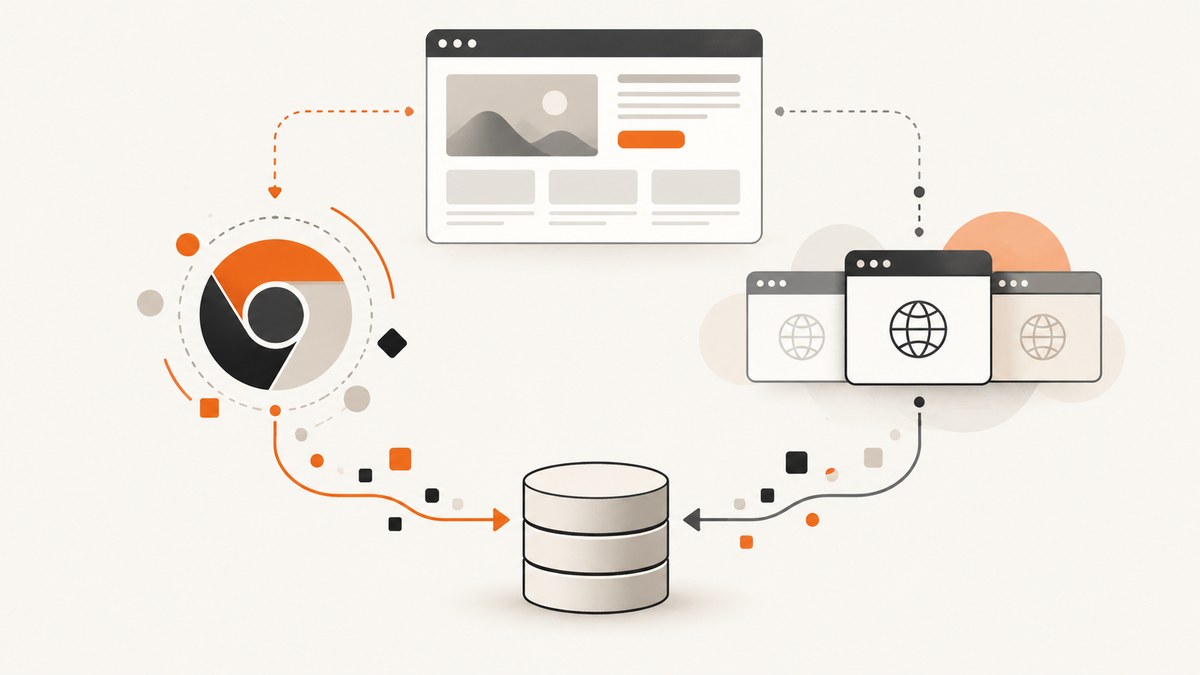
Short answer: Choose Playwright for most new web-scraping projects when you need Chromium, Firefox, and WebKit, multiple programming languages, isolated browser contexts, network routing, or first-party test tooling. Choose Puppeteer when your team is committed to Node.js, primarily targets Chrome or Firefox, needs a compact Chrome DevTools Protocol (CDP) workflow, or already has a working Puppeteer codebase.
Neither tool is universally faster. The official documentation reviewed for this comparison does not publish a controlled head-to-head scraping benchmark. If throughput, memory use, or anti-bot success determines your business result, benchmark both against your own pages, extraction logic, concurrency, and network conditions.
What Puppeteer and Playwright are
Puppeteer is a JavaScript library with a high-level API for controlling Chrome or Firefox through CDP or WebDriver BiDi. It runs headless by default and supports form automation, screenshots, PDFs, tracing, and crawling single-page applications.
Playwright provides browser automation APIs for Chromium, Firefox, and WebKit. Its documentation also covers Chrome and Edge channels, multiple language bindings, isolated browser contexts, network interception, and a first-party test runner. Its APIs resemble Puppeteer’s, so many straightforward scripts can be migrated without redesigning the entire scraper.
Puppeteer vs. Playwright at a glance
| Decision factor | Puppeteer | Playwright |
|---|---|---|
| Browser engines | Chrome and Firefox; Chrome uses CDP by default and Firefox uses WebDriver BiDi by default. | Chromium, Firefox, WebKit, plus installed Chrome and Edge channels. |
| Official languages | Centered on Node.js and JavaScript. | JavaScript/TypeScript, Python, Java, and .NET. |
| Synchronization | Locators and explicit waits are available; you design synchronization around page behavior. | Locators provide auto-waiting and retryability, reducing the need for many explicit waits. |
| Isolation | Possible through browser and page management. | BrowserContexts provide fast, isolated cookies, storage, permissions, and optional per-context proxies. |
| Network controls | Request interception and protocol-level control. | Request/response events, route interception, URL matching, and HTTP/SOCKS proxies at browser or context scope. |
| Test tooling | Use a separate test or orchestration stack. | Node package includes a test runner with parallelization, screenshot assertions, HTML reports, and tracing. |
| Best default | Existing Node.js and CDP-focused systems. | New projects needing cross-browser or multi-language coverage. |
When Playwright is the better choice
Cross-browser scraping
Use Playwright when browser-engine differences affect the data you collect. WebKit coverage is useful for Safari-engine behavior; Firefox and Chromium runs can expose browser-specific rendering, JavaScript, or cookie behavior. Playwright installs browser binaries through its CLI and documents supported channels in its browser guide.
Multiple languages
Playwright has first-party bindings for JavaScript/TypeScript, Python, Java, and .NET. This matters when the scraper is part of an existing Python data pipeline or a Java service rather than a Node application. Puppeteer is centered on Node.js; its FAQ explains that broader language bindings and orchestration are outside its scope.
Dynamic pages and synchronization
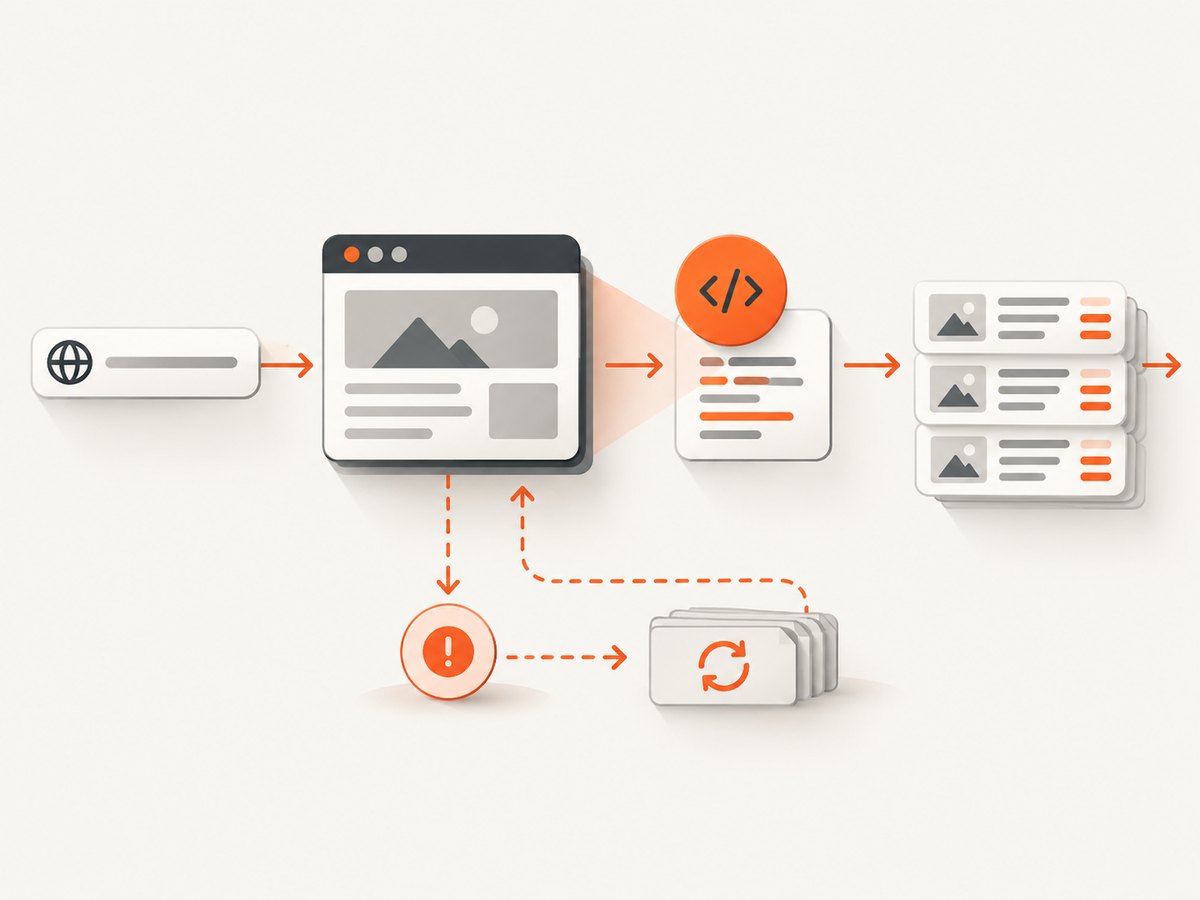
Modern pages render data after navigation, load components lazily, and update sections in response to API calls. Playwright locators wait for elements to become actionable and retry when appropriate. The migration guide says explicit waits are often unnecessary. You still need deliberate waits for application-specific events, but locator behavior removes a large class of timing races.
Parallel accounts and sessions
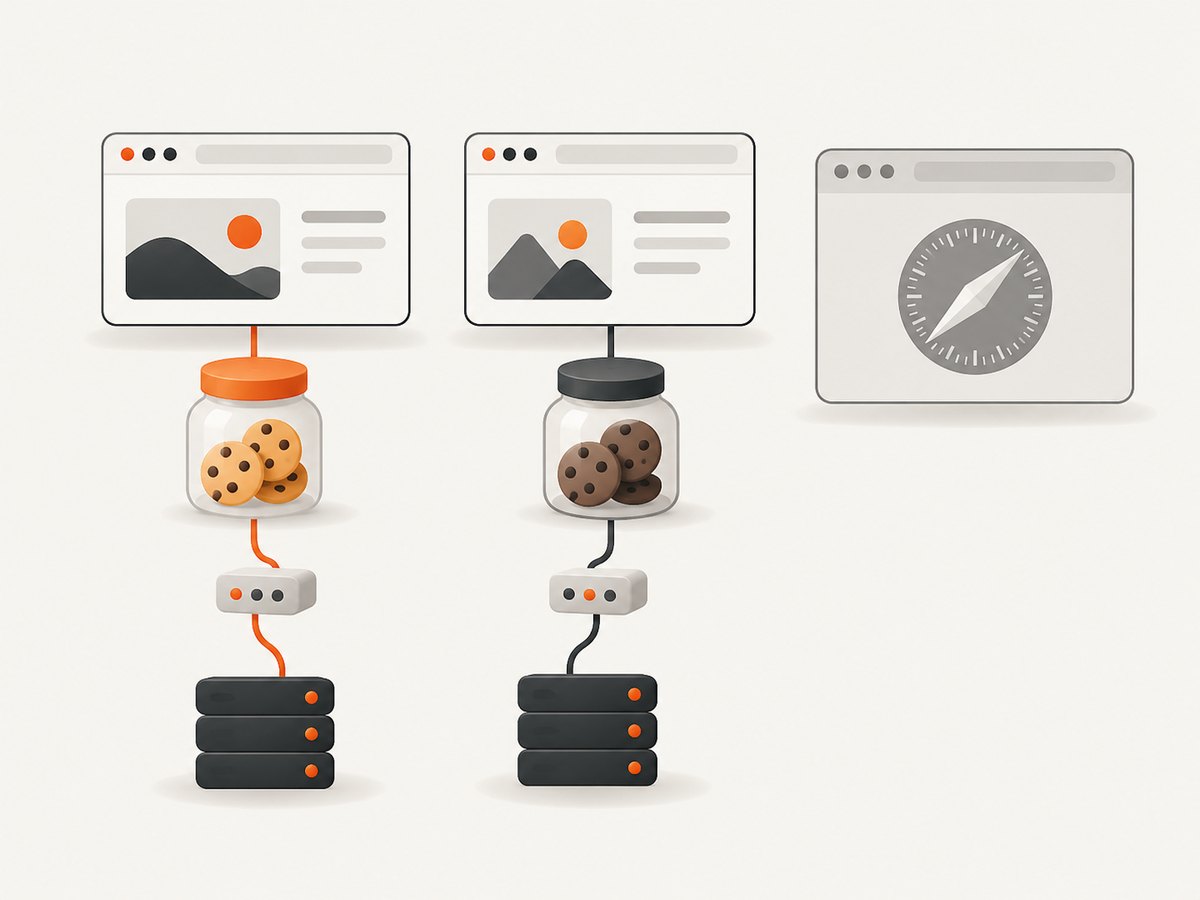
A Playwright BrowserContext is an isolated, incognito-like profile with its own cookies, local storage, session storage, and permissions. Contexts are fast and cheap to create, so one browser process can serve multiple accounts or jobs without sharing login state. Context-level proxy settings also let jobs use different egress paths when that collection is lawful and permitted.
When Puppeteer is the better choice
Node.js and Chrome-first systems
Puppeteer is a strong fit when your service is already JavaScript, Chrome is the main target, and you want a focused API. Its direct CDP workflow is useful for teams that depend on Chrome protocol domains or existing CDP utilities.
Existing Puppeteer code
Migration has a cost even when the replacement API looks familiar. Keep Puppeteer when your current scraper is reliable, observable, and easy to operate. Move when a concrete requirement—WebKit, Python, context isolation, routing, or test integration—justifies the change.
Firefox without a cross-browser matrix
Puppeteer supports Chrome and Firefox. If those are the only engines you need and your selectors and waits are already stable, its smaller conceptual surface can be an advantage.
Runnable Playwright scraper (Node.js)
The following script visits a page, waits for product cards, extracts structured fields, and saves the result. Replace the selector and URL with a site you are authorized to collect from.
import { chromium } from 'playwright';

const browser = await chromium.launch({ headless: true });
const context = await browser.newContext({
  viewport: { width: 1440, height: 900 },
  locale: 'en-US',
  timezoneId: 'UTC'
});
const page = await context.newPage();

await page.goto('https://example.com/products', { waitUntil: 'domcontentloaded', timeout: 45_000 });
await page.locator('.product-card').first().waitFor({ state: 'visible', timeout: 20_000 });

const products = await page.locator('.product-card').evaluateAll(cards => cards.map(card => ({
  name: card.querySelector('.name')?.textContent?.trim() ?? null,
  price: card.querySelector('.price')?.textContent?.trim() ?? null,
  url: card.querySelector('a')?.href ?? null
})));

console.log(JSON.stringify(products, null, 2));
await browser.close();
Runnable Puppeteer scraper (Node.js)
import puppeteer from 'puppeteer';

const browser = await puppeteer.launch({ headless: true });
const page = await browser.newPage();
await page.setViewport({ width: 1440, height: 900 });
await page.setExtraHTTPHeaders({ 'Accept-Language': 'en-US,en;q=0.9' });

await page.goto('https://example.com/products', {
  waitUntil: 'domcontentloaded',
  timeout: 45_000
});
await page.waitForSelector('.product-card', { visible: true, timeout: 20_000 });

const products = await page.$$eval('.product-card', cards => cards.map(card => ({
  name: card.querySelector('.name')?.textContent?.trim() ?? null,
  price: card.querySelector('.price')?.textContent?.trim() ?? null,
  url: card.querySelector('a')?.href ?? null
})));

console.log(JSON.stringify(products, null, 2));
await browser.close();
Python Playwright example
Install the package and browser binaries with pip install playwright followed by playwright install chromium.
from playwright.sync_api import sync_playwright

with sync_playwright() as p:
    browser = p.chromium.launch(headless=True)
    context = browser.new_context(viewport={"width": 1440, "height": 900})
    page = context.new_page()
    page.goto("https://example.com/products", wait_until="domcontentloaded", timeout=45_000)
    page.locator(".product-card").first.wait_for(state="visible", timeout=20_000)

    products = page.locator(".product-card").evaluate_all("""cards => cards.map(card => ({
        name: card.querySelector('.name')?.textContent?.trim() ?? null,
        price: card.querySelector('.price')?.textContent?.trim() ?? null,
        url: card.querySelector('a')?.href ?? null
    }))""")
    print(products)
    browser.close()
Proxies, headers, cookies, and request routing
Playwright supports HTTP and SOCKS proxies globally, per browser, or per context. It also exposes request and response events and route interception for blocking, rewriting, or inspecting traffic. A context proxy example:
const context = await browser.newContext({
  proxy: {
    server: 'http://proxy.example:8080',
    username: process.env.PROXY_USER,
    password: process.env.PROXY_PASSWORD
  },
  extraHTTPHeaders: { 'Accept-Language': 'en-US' }
});
Use proxies only for lawful, terms-compliant collection. A proxy does not guarantee access, avoid bot checks, or make a prohibited crawl acceptable. Puppeteer also supports request interception and protocol-level control, but exact behavior can differ between CDP and WebDriver BiDi.
Selectors, waiting, and dynamic content
- Prefer stable attributes or semantic roles over generated class names.
- Wait for the specific content you extract, not an arbitrary fixed delay.
- Use network-idle waits sparingly: analytics and long polling can prevent them from completing.
- Capture the HTML or a screenshot when a selector fails so you can distinguish a changed layout from a blocked page.
- Paginate deliberately and record the final URL, status, and item count for each page.
For infinite scroll, scroll in bounded increments, wait for the item count to increase, and stop after a stable count or a known maximum. For content inside iframes, identify the frame first and run locators in that frame. For shadow DOM, use the framework’s locator support or evaluate against the component when no accessible locator exists.
Performance and reliability engineering
- Reuse browsers: Launching a browser for every URL is expensive. Keep a browser process alive and create a new page or context per job.
- Bound concurrency: Start with a small number of pages per browser and increase only after measuring CPU, memory, target throttling, and error rates.
- Block irrelevant resources: Images, fonts, ads, and analytics can be routed away when they are not needed for extraction. Verify that blocking does not remove data loaded through those requests.
- Retry safely: Retry navigation timeouts and transient network failures with exponential backoff. Do not blindly retry deterministic 4xx responses or a site that is rate-limiting you.
- Persist checkpoints: Store the URL, page number, extraction timestamp, and item count so a worker can resume without duplicating records.
- Observe outcomes: Record navigation timing, response status, browser version, proxy identity, and a reason for every empty result.
Do not claim Playwright is faster by default. Browser engine, page complexity, JavaScript execution, selector strategy, concurrency, proxy latency, and resource blocking usually matter more than the library name. Run a representative benchmark if speed is a buying or architecture decision.
Common errors and fixes
| Error | Likely cause | Fix |
|---|---|---|
| Browser executable not found | Playwright or Puppeteer browser binaries were not installed or the path is wrong. | Run the package’s browser install command, or configure an explicit executable path that exists in the deployment image. |
| Timeout waiting for selector | The selector changed, content is inside an iframe, navigation was blocked, or the page needs an interaction. | Save HTML and a screenshot, inspect frames, verify the selector manually, and wait for the actual application state. |
| Empty results with HTTP 200 | Data is rendered later, requires authentication, or a bot challenge replaced the page. | Wait for a content locator, load the required session state, inspect the final DOM, and classify challenge pages instead of treating them as valid data. |
| Navigation hangs on network idle | Long polling, analytics, or streaming requests never become idle. | Use domcontentloaded plus a specific content wait, or route known long-lived requests. |
| Memory grows during long runs | Pages, contexts, listeners, or extracted data remain referenced. | Close pages after each job, periodically recycle contexts or browsers, remove listeners, and stream results instead of retaining the full crawl. |
| Proxy connection failure | Wrong scheme, credentials, DNS, or a proxy that does not support the requested protocol. | Test the proxy independently, use the documented HTTP/SOCKS format, and log connection errors without exposing credentials. |
| Different output in CI | Browser version, fonts, timezone, locale, viewport, or sandbox settings differ. | Pin versions where practical and set viewport, locale, timezone, and user agent explicitly. |
Legal, ethical, and operational boundaries
Check robots.txt, site terms, privacy obligations, copyright rules, and applicable rate limits before collecting data. Identify yourself where required, avoid personal data unless you have a lawful basis, and honor deletion or access requests that apply to your system. Neither Puppeteer nor Playwright bypasses anti-bot systems, and a proxy is not a guarantee of successful or permitted scraping.
Or skip the browser setup
If your goal is a clean screenshot or PDF rather than arbitrary DOM extraction, ScreenshotNeo provides a website screenshot API and MCP server. It accepts one GET request and returns PNG, JPEG, WebP, or PDF. Cookie and consent banners are accepted before capture, and more than 60 known consent platforms, newsletter popups, and chat widgets are removed. Each step can be turned off.
Only clean shots are billed. Bot checks, CAPTCHAs, blank pages, timeouts, failed loads, and cache hits cost nothing, and response headers identify the page verdict and billing status. The MCP server exposes take_screenshot, get_page_info, and capture_pdf for Claude, Cursor, and other MCP clients.
See the ScreenshotNeo API documentation for all options, including full-page capture with lazy images, CSS element capture, dark mode, device presets, retina scale, PDF paper and margin controls, custom CSS and JavaScript, clicks, selector or network-idle waits, request blocking, headers, cookies, user agents, authorization, timezone, geolocation, transparent backgrounds, resizing, TTL caching, signed image links, asynchronous jobs, webhooks, bulk capture, usage data, and the OpenAPI specification.
curl -G "https://api.screenshotneo.com/v1/shot" -d access_key=YOUR_API_KEY --data-urlencode url=https://stripe.com -o shot.webpimport requests
r = requests.get("https://api.screenshotneo.com/v1/shot", params={"access_key": "YOUR_API_KEY", "url": "https://stripe.com"}, timeout=90)
open("shot.webp", "wb").write(r.content)const q = new URLSearchParams({ access_key: 'YOUR_API_KEY', url: 'https://stripe.com' });
const res = await fetch(`https://api.screenshotneo.com/v1/shot?${q}`);ScreenshotNeo includes 1,000 screenshots per month free with no card; paid plans start at $5 for 3,000 shots. Create a free ScreenshotNeo account to try it.
Decision checklist
- Choose Playwright for WebKit, broad browser parity, Python/Java/.NET, isolated contexts, proxy routing, or integrated test reporting.
- Choose Puppeteer for a Node.js and Chrome-first stack, CDP-specific workflows, or an established Puppeteer codebase.
- Benchmark both when throughput, memory, or challenge rates affect revenue.
- Use ScreenshotNeo when you need rendered screenshots or PDFs without maintaining browser binaries and cleanup logic.
FAQ
Is Playwright always faster than Puppeteer?
No. Official documentation does not provide a controlled comparison. Measure both with your URLs, concurrency, browser versions, and extraction workload.
Can Puppeteer scrape with Python?
Puppeteer is centered on Node.js and JavaScript. Playwright provides official Python bindings and is the clearer choice for Python projects.
Which tool supports Safari?
Playwright runs WebKit, the browser engine associated with Safari behavior. Puppeteer documentation covers Chrome and Firefox.
Do browser contexts replace proxies?
No. Contexts isolate storage and permissions. Playwright can also configure a proxy per context, but the proxy remains a separate network control.
Should I use a screenshot API for data extraction?
Use Puppeteer or Playwright when you need arbitrary DOM data, interactions, or API responses. Use ScreenshotNeo when the required output is a rendered image or PDF and you want managed capture behavior.


