How to Wait for Page Load After Form Submission in Puppeteer
Use Promise.all with waitForNavigation for real navigations, or wait for a response or UI state when forms submit with AJAX.
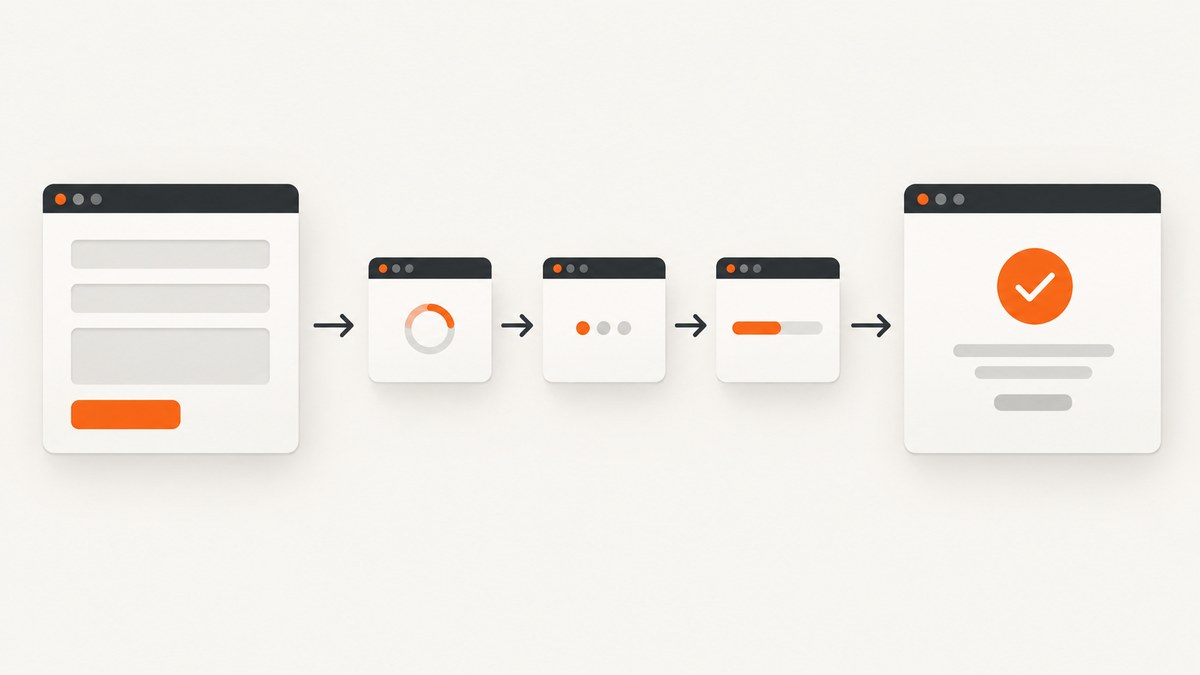
For a form that navigates to a new document, start page.waitForNavigation() before triggering the submit action, then await both promises together:
const [response] = await Promise.all([
  page.waitForNavigation({ waitUntil: 'load' }),
  page.click('button[type="submit"]'),
]);

console.log('Navigation finished:', response?.status());
This ordering matters. If you wait for navigation only after await page.click(), a fast navigation can begin and finish before the wait is registered. Puppeteer documents this as a race condition in its Page.waitForNavigation() API and click documentation.
“Page loaded” is not one universal event. A traditional form may reload the document, while a JavaScript form may use fetch() and update a success message without changing the URL. Choose a completion condition that represents the result your script needs: a lifecycle event, a particular response, or a visible application state.
1. The reliable pattern for a form that navigates
Register the navigation promise and perform the action in the same Promise.all(). The selector should identify the real submit control used by the page.
import puppeteer from 'puppeteer';

const browser = await puppeteer.launch({ headless: true });
const page = await browser.newPage();

try {
  await page.goto('https://example.com/sign-in', {
    waitUntil: 'domcontentloaded',
  });

  await page.type('#email', 'person@example.com');
  await page.type('#password', 'correct-horse-battery-staple');

  const [response] = await Promise.all([
    page.waitForNavigation({
      waitUntil: 'load',
      timeout: 30_000,
    }),
    page.click('button[type="submit"]'),
  ]);

  if (response && !response.ok()) {
    throw new Error(`Navigation returned HTTP ${response.status()}`);
  }

  console.log('Final URL:', page.url());
  console.log('Title:', await page.title());
} finally {
  await browser.close();
}
waitForNavigation() waits for a new URL or a reload. It resolves with the main resource response for a full navigation. Same-document navigation, such as an anchor change or some History API changes, can resolve with null; that is documented behavior, not automatically a failure.
2. Choose the right waitUntil milestone
The waitUntil option controls which lifecycle signal Puppeteer waits for. You can provide one value or an array; with an array, every listed event must occur.
| Value | What it means | Use it when | Limit |
|---|---|---|---|
domcontentloaded |
The HTML has been parsed and the DOM is ready. | Your next step only needs elements present in the initial document. | Images, stylesheets, fonts, and other resources may still be loading. |
load |
The document’s load event has fired. This is the default. | A conventional page load is the correct milestone. | Client-side rendering or background requests may continue. |
networkidle0 |
No more than zero active network connections for at least 500 ms. | You need a quiet network on a page that eventually becomes idle. | Polling, analytics, sockets, or other long-lived requests can prevent it from resolving. |
networkidle2 |
No more than two active network connections for at least 500 ms. | You need a mostly quiet network while allowing a small amount of background traffic. | Quiet traffic does not prove that the form operation succeeded. |
These are browser lifecycle and network signals, not assertions about business success. For a checkout, account creation, or search result, combine navigation with an explicit success condition:
const [response] = await Promise.all([
  page.waitForNavigation({ waitUntil: 'domcontentloaded' }),
  page.click('button[type="submit"]'),
]);

await page.waitForSelector('[data-test="success"]', {
  visible: true,
  timeout: 15_000,
});
Using an earlier event and then waiting for the exact result is often more deterministic than relying on network idle alone.
3. When the form submits with AJAX or fetch()
If the document stays on the same URL, waitForNavigation() is the wrong wait. Wait for the request that represents submission, then wait for the UI state that proves the application accepted it.
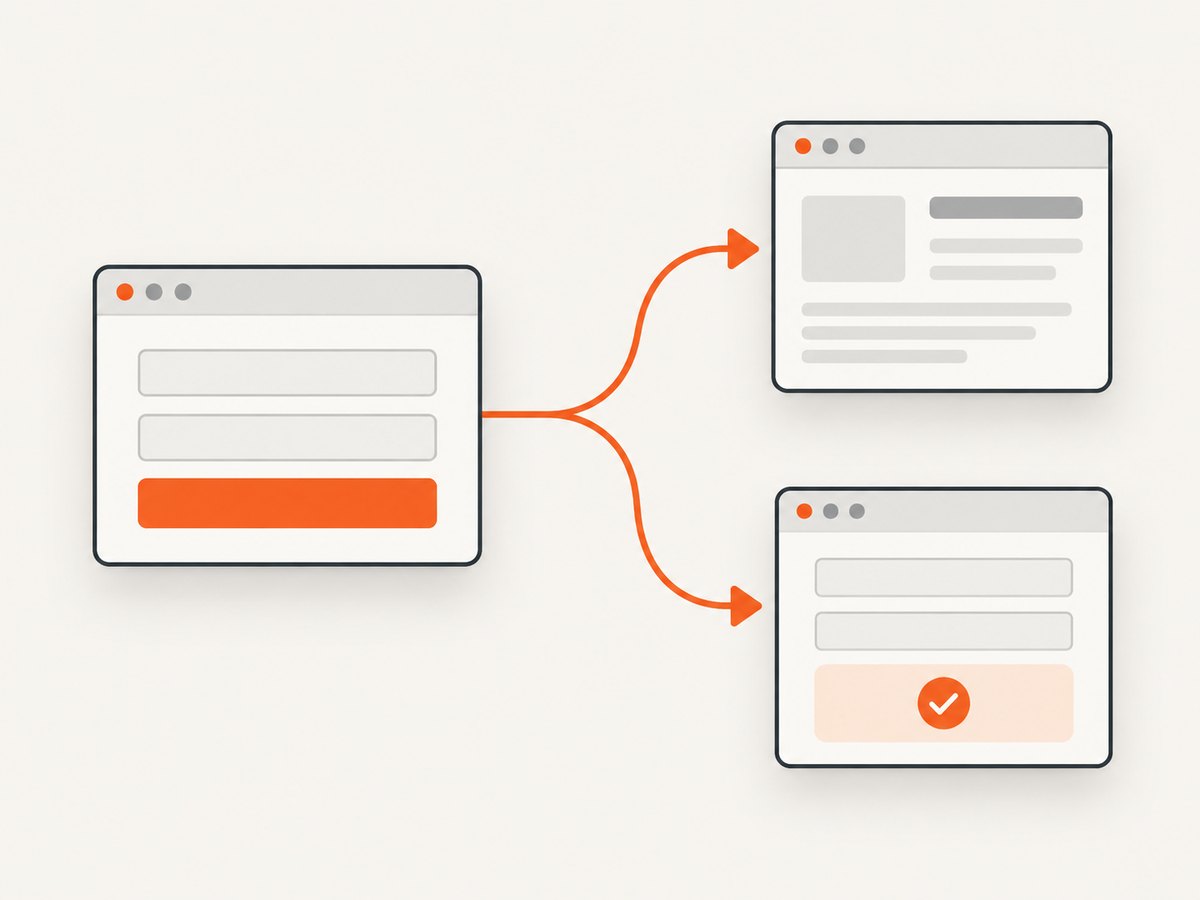
const [submission] = await Promise.all([
  page.waitForResponse(response =>
    response.url().endsWith('/api/contact') &&
    response.request().method() === 'POST'
  ),
  page.click('button[type="submit"]'),
]);

if (!submission.ok()) {
  throw new Error(`Form API returned HTTP ${submission.status()}`);
}

await page.waitForSelector('.form-success', {
  visible: true,
  timeout: 15_000,
});
waitForResponse() is useful when the endpoint is stable and uniquely identifies the operation. If URLs vary, match a request method, a response status, or a distinctive response body:
const [response] = await Promise.all([
  page.waitForResponse(async response => {
    if (response.request().method() !== 'POST') return false;
    if (!response.url().includes('/orders')) return false;
    return response.status() === 201;
  }),
  page.click('#place-order'),
]);

const payload = await response.json();
console.log('Created order:', payload.id);
When the important signal is visual rather than network-based, wait directly for it:
await page.click('#save-profile');
await page.waitForFunction(() => {
  const message = document.querySelector('[role="status"]');
  return message && /saved successfully/i.test(message.textContent || '');
}, { timeout: 15_000 });
Do not assume that a quiet network means a successful operation. A rejected request, client-side validation error, or server response that the application has not rendered can all leave the network quiet.
4. Submit with keyboard, JavaScript, or a form method
The same coordination rule applies to every action that can navigate: create the wait first, then trigger the action.
Pressing Enter
const [response] = await Promise.all([
  page.waitForNavigation({ waitUntil: 'load' }),
  page.focus('#email'),
  page.keyboard.press('Enter'),
]);
For a multi-step keyboard action, start the wait immediately before the key press that actually submits. If focusing is separate, do it before creating the navigation wait.
Calling form.submit()
const [response] = await Promise.all([
  page.waitForNavigation({ waitUntil: 'load' }),
  page.$eval('form#profile', form => form.submit()),
]);
Clicking a custom control
Some interfaces use a div, label, or framework component instead of a submit button. Wait on the event generated by the actual control:
const [response] = await Promise.all([
  page.waitForNavigation({ waitUntil: 'load' }),
  page.click('[data-action="submit-profile"]'),
]);
If the control is covered by a modal, disabled, or outside the viewport, fix that state first. Avoid using page.evaluate(() => form.submit()) as a substitute for a real click unless you intentionally want to bypass client-side submit handlers and validation.
5. Timeouts and bounded waits
Puppeteer wait methods use a 30-second default timeout. Set a timeout that fits the target and your environment with the per-call timeout option, page.setDefaultNavigationTimeout(), or page.setDefaultTimeout().
page.setDefaultNavigationTimeout(45_000);
page.setDefaultTimeout(20_000);

const [response] = await Promise.all([
  page.waitForNavigation({
    waitUntil: ['domcontentloaded', 'load'],
    timeout: 45_000,
  }),
  page.click('button[type="submit"]'),
]);
Keep waits bounded. Disabling timeouts can leave workers stuck forever when a server is unavailable or a page maintains an intentional connection. For slow sites, increase the limit and capture diagnostics rather than removing the limit.
6. Inspect the response and final page
A resolved navigation promise means the selected lifecycle condition occurred. It does not guarantee a 2xx status or an application-level success.
const [response] = await Promise.all([
  page.waitForNavigation({ waitUntil: 'load' }),
  page.click('button[type="submit"]'),
]);

if (response === null) {
  console.log('Same-document navigation; inspect URL and DOM state.');
} else {
  console.log({
    status: response.status(),
    url: response.url(),
    ok: response.ok(),
  });
}

console.log('URL after submit:', page.url());
const bodyText = await page.$eval('body', body => body.innerText);
console.log(bodyText.slice(0, 500));
For redirects, the returned response represents the final main resource. If the site redirects to an error page with a successful HTTP status, assert a URL pattern or success element as well.
7. A complete reusable helper
Encapsulate the race-free pattern so every test or worker uses the same policy:
export async function submitAndWaitForNavigation(page, submitSelector, options = {}) {
  const {
    waitUntil = 'load',
    timeout = 30_000,
    successSelector,
  } = options;

  const [response] = await Promise.all([
    page.waitForNavigation({ waitUntil, timeout }),
    page.click(submitSelector),
  ]);

  if (response && !response.ok()) {
    throw new Error(`Navigation failed with HTTP ${response.status()}`);
  }

  if (successSelector) {
    await page.waitForSelector(successSelector, {
      visible: true,
      timeout,
    });
  }

  return response;
}

await submitAndWaitForNavigation(page, '#submit', {
  waitUntil: 'domcontentloaded',
  successSelector: '[data-test="account-created"]',
});
For AJAX forms, create a separate helper that accepts a response predicate and a UI selector. Keeping navigation and in-page submission as separate paths makes failures easier to diagnose.
8. Troubleshooting common failures
| Symptom | Likely cause | Fix |
|---|---|---|
Navigation Timeout Exceeded |
The page never reached the selected lifecycle event, or the target is slow. | Confirm that the form really navigates, choose domcontentloaded or load, raise the bounded timeout, and inspect requests. |
The script hangs on networkidle0 |
Polling, analytics, a WebSocket, or another long-lived request keeps traffic active. | Use load or networkidle2, then wait for a specific success selector or response. |
| The wait resolves too early | You waited for a lifecycle event before the app finished rendering. | Add waitForSelector or waitForFunction for the result the user needs. |
| The wait never sees navigation | The form uses AJAX and keeps the document in place. | Use waitForResponse and/or an application-specific UI signal. |
| Intermittent failures after clicking | The wait was created after await page.click(), creating a race. |
Put the wait and click in the same Promise.all(), with the wait listed first. |
response is null |
The URL changed in place, such as an anchor or History API navigation. | Check page.url() and assert the resulting DOM state instead of requiring a response. |
Node is either not clickable |
The selector matches a hidden, disabled, covered, or off-screen element. | Wait for visibility, scroll it into view, close overlays, and verify the selector. |
| Success message never appears | Validation failed, the request returned an error, or the selector is wrong. | Inspect the response status and body, capture a screenshot, and verify the selector in DevTools. |
When diagnosing a timeout, log the current URL, attach listeners for requestfailed and response, and save the HTML or a screenshot. These artifacts distinguish a navigation problem from an application error.
9. Performance and reliability guidelines
- Use the narrowest completion signal. Waiting for one known API response or success element usually finishes sooner than waiting for every network connection to stop.
- Reuse a browser process when appropriate. Launching Chromium for every form adds startup cost; reuse a browser while isolating work in separate pages or contexts.
- Keep selectors stable. Prefer test IDs or semantic attributes over generated CSS class names.
- Make retries safe. A retry after an uncertain submission can duplicate an order or message. Check the resulting page or use an idempotency key when the application supports one.
- Record the milestone you chose. Logs should say whether completion meant DOM ready, load, network idle, a response, or a visible confirmation.
- Handle consent and overlays deliberately. Cookie banners and chat widgets can block clicks or alter screenshots. Close them before interacting, or use a capture service that removes common overlays before capture.
10. Or skip the browser setup
If your goal is a screenshot after a form-driven page has settled, ScreenshotNeo provides a website screenshot API. It accepts one GET request and returns PNG, JPEG, WebP, or PDF. Its capture flow can accept cookie and consent banners, remove more than 60 known consent platforms plus newsletter popups and chat widgets, and lets each step be turned off. Bot checks or CAPTCHAs, blank pages, timeouts, failed loads, and cache hits are not billed; response headers identify the page verdict and whether the request was billed.

See the ScreenshotNeo API documentation for all options.
curl -G "https://api.screenshotneo.com/v1/shot" \
  -d access_key=YOUR_API_KEY \
  --data-urlencode url=https://stripe.com \
  -o shot.webp
import requests
r = requests.get(
"https://api.screenshotneo.com/v1/shot",
params={"access_key": "YOUR_API_KEY", "url": "https://stripe.com"},
timeout=90,
)
r.raise_for_status()
open("shot.webp", "wb").write(r.content)const q = new URLSearchParams({
access_key: 'YOUR_API_KEY',
url: 'https://stripe.com'
});
const res = await fetch(`https://api.screenshotneo.com/v1/shot?${q}`);
if (!res.ok) throw new Error(`HTTP ${res.status}`);
const bytes = Buffer.from(await res.arrayBuffer());
await fs.promises.writeFile('shot.webp', bytes);ScreenshotNeo also supports full-page capture with lazy images loaded, CSS element capture, dark mode, device presets and custom viewports, retina scale, custom CSS and JavaScript, click actions, selector hiding, waits for selectors or network idle, request blocking, headers, cookies, user agents, authorization, timezone and geolocation, transparent backgrounds, resizing, configurable caching, signed links, asynchronous jobs with signed webhooks, bulk capture for up to 100 URLs, a usage API, and an OpenAPI specification. An MCP server exposes take_screenshot, get_page_info, and capture_pdf to Claude, Cursor, and other MCP clients.
Plans include 1,000 screenshots per month free with no card; paid plans start at $5 for 3,000 shots. Every feature is available on every plan. Create a free ScreenshotNeo account.
11. FAQ
Should I always use networkidle0?
No. It can wait forever on pages with polling or persistent connections. Use the earliest lifecycle event that meets your requirement, then assert the actual result.
Can I call waitForNavigation() after submitting?
That is unsafe because a fast navigation can win the race. Register the wait before the click or other submit action in Promise.all().
How do I know whether a form navigates?
Observe the URL and network activity, or inspect the form and its JavaScript handler. A fetch or XHR request with no document request means you should wait for a response or UI state.
Does a successful navigation mean the form succeeded?
No. Check the HTTP response, final URL, and a success element or other application-specific confirmation.
What should I do when the page changes URL but the response is null?
Same-document History API or anchor changes can return null. Validate page.url() and the resulting DOM instead of treating null as a timeout.


