How to Fix Pyppeteer Request Interception’s “Coroutine Was Never Awaited” Warning
Fix Pyppeteer’s “coroutine was never awaited” warning by scheduling async event handlers correctly, awaiting request actions, and checking the rest of the call chain.
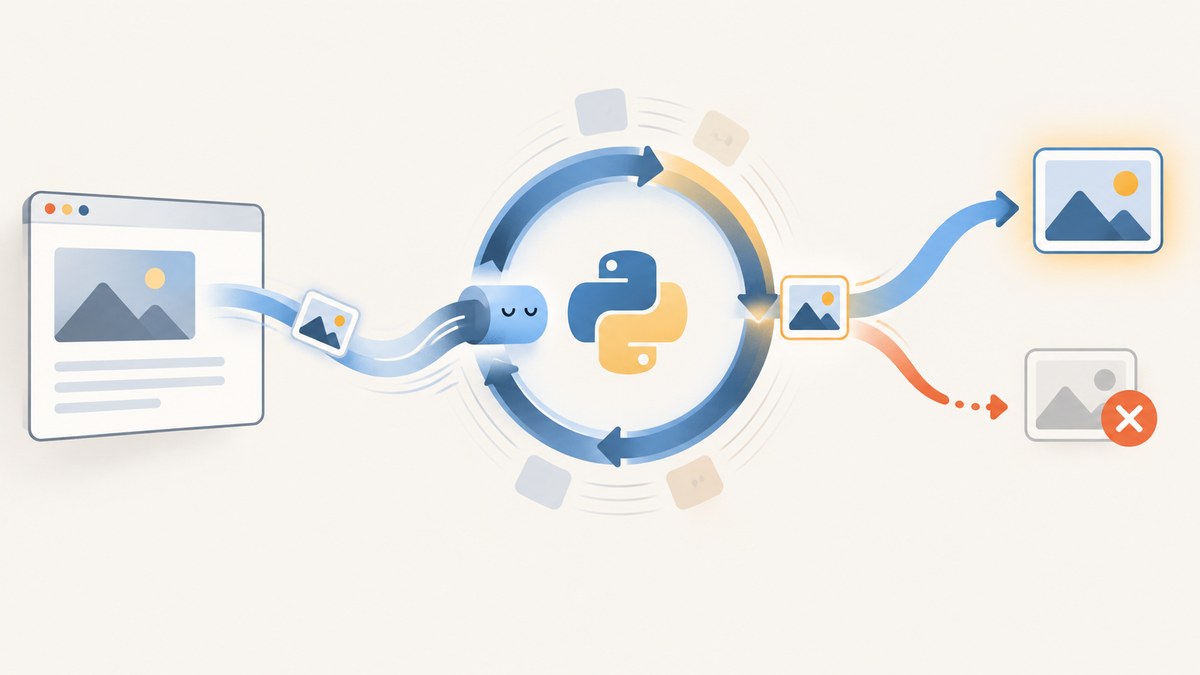
If you see RuntimeWarning: coroutine 'block_image' was never awaited while using Pyppeteer request interception, the likely problem is that an async def handler was registered directly with page.on('request', ...). Calling an async function creates a coroutine object; it does not run until it is awaited or scheduled. Register a regular callback that schedules the async handler, then await request.abort() or request.continue_() for every intercepted request.
import asyncio

async def block_image(request):
    if request.url.endswith(('.png', '.jpg')):
        await request.abort()
    else:
        await request.continue_()

await page.setRequestInterception(True)
page.on('request', lambda request: asyncio.create_task(block_image(request)))
This compact pattern shows the key fix, but it is not a complete lifecycle strategy: task exceptions may otherwise be reported late or go unnoticed. The complete example below tracks handler tasks and waits for them during shutdown.
1. Why the warning appears
An async def call returns a coroutine object. Python does not run its body just because another function called it. The coroutine must be awaited by an async caller or scheduled as a task on a running event loop. Python’s asyncio guidance gives the usual remedies as awaiting the coroutine or calling asyncio.create_task() [Python: Detect never-awaited coroutines].
A regular event callback such as the callback passed to page.on cannot itself use await. If you pass an async function directly, the event emitter calls it and receives a coroutine, but does not necessarily schedule or await that coroutine. A synchronous wrapper can hand the coroutine to the event loop:
page.on('request', lambda request: asyncio.create_task(block_image(request)))Pyppeteer’s own dialog event example uses asyncio.ensure_future to schedule an async handler. For Python 3.7 and newer, asyncio.create_task is the standard task creation API; ensure_future remains useful for older Python versions and is the pattern in that Pyppeteer example [Pyppeteer API reference] [Python: Coroutines and tasks].
2. Complete example with task tracking
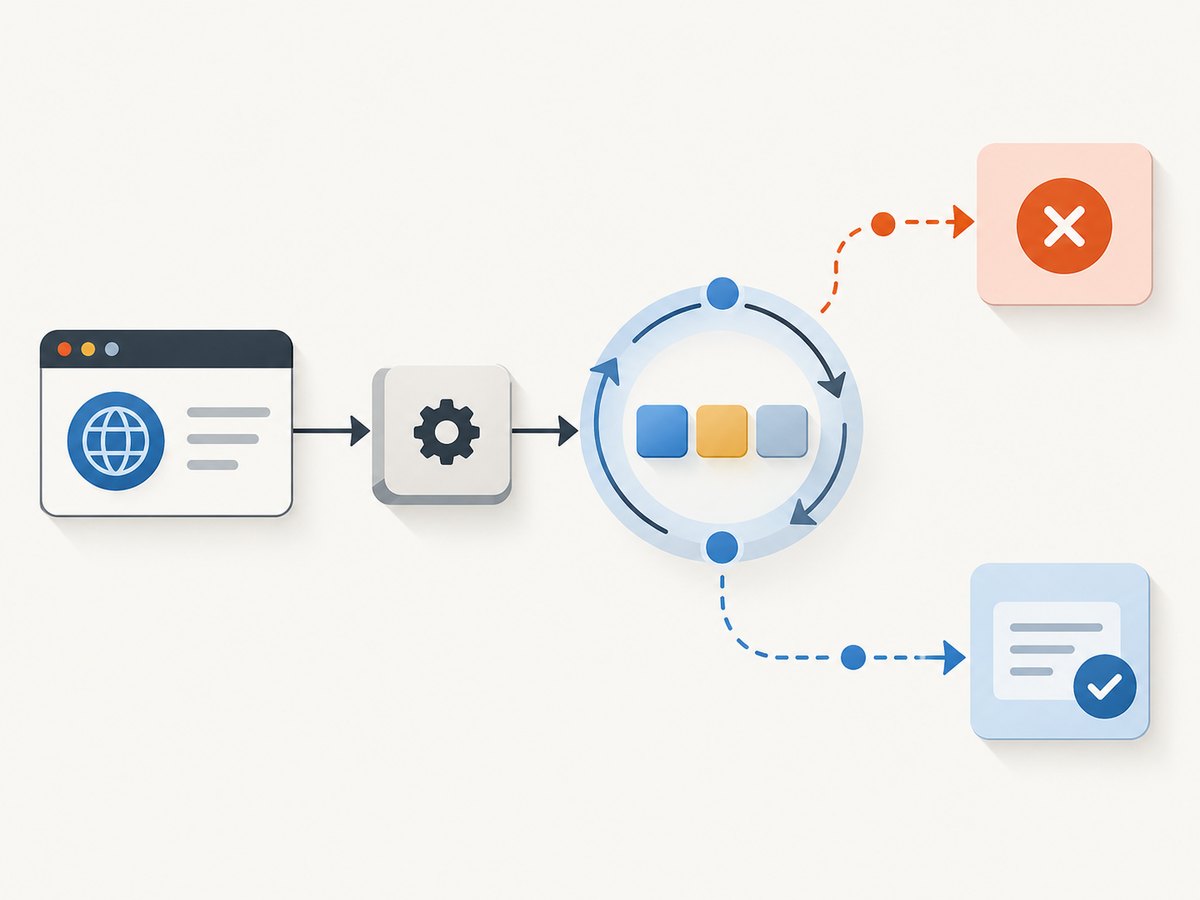
Enable interception before navigating or initiating the requests you need to handle. The handler must resolve each intercepted request by aborting or continuing it. The reference documents setRequestInterception, Request.abort(), and Request.continue_() as asynchronous operations [Pyppeteer API reference, version 0.0.25].
import asyncio
from pyppeteer import launch


def is_image_request(url):
    # This simple suffix check is illustrative. Query strings, uppercase
    # extensions, and image formats beyond these suffixes need consideration.
    path = url.split('?', 1)[0].lower()
    return path.endswith(('.png', '.jpg', '.jpeg', '.gif', '.webp', '.svg'))


async def main():
    browser = await launch()
    page = await browser.newPage()
    handler_tasks = set()

    async def handle_request(request):
        try:
            if is_image_request(request.url):
                await request.abort()
            else:
                await request.continue_()
        except Exception as exc:
            # Log the URL and error so a request-handler failure is visible.
            print(f'Request handling failed for {request.url}: {exc!r}')
            # Do not blindly call continue_() here: the request may already
            # have been resolved or the browser connection may be gone.

    def on_request(request):
        task = asyncio.create_task(handle_request(request))
        handler_tasks.add(task)
        task.add_done_callback(handler_tasks.discard)

        # Retrieve and report task exceptions promptly instead of allowing an
        # unobserved task failure to surface only during loop shutdown.
        def report_failure(done_task):
            if done_task.cancelled():
                return
            error = done_task.exception()
            if error is not None:
                print(f'Unhandled request task error: {error!r}')

        task.add_done_callback(report_failure)

    await page.setRequestInterception(True)
    page.on('request', on_request)

    try:
        await page.goto('https://example.com', {'waitUntil': 'networkidle2'})
        print('Page loaded:', page.url)
    finally:
        # Stop new events from creating tasks, then allow scheduled handlers
        # to finish before closing the browser.
        page.removeListener('request', on_request)
        if handler_tasks:
            await asyncio.gather(*tuple(handler_tasks), return_exceptions=True)
        await browser.close()


if __name__ == '__main__':
    asyncio.run(main())
Use the Python version and Pyppeteer version installed in your environment when adapting this example. The cited Pyppeteer API reference is for version 0.0.25; verify your own version and its event API before relying on exact details.
Python before 3.7
asyncio.create_task() was added in Python 3.7. In an older environment, use asyncio.ensure_future() from the regular callback, and keep a set of returned tasks if you need to wait for them or retrieve exceptions:
def on_request(request):
    task = asyncio.ensure_future(handle_request(request))
    handler_tasks.add(task)
    task.add_done_callback(handler_tasks.discard)

page.on('request', on_request)
3. Decide whether to await or schedule
| Situation | Correct approach | What to watch |
|---|---|---|
| You are already inside an async function and need the result before continuing | await operation() |
Exceptions propagate to the awaiting caller. |
| A regular event callback receives an event and must start async work | Schedule it with asyncio.create_task() on Python 3.7+, or ensure_future() where appropriate |
Keep task references when completion and exceptions matter. |
| You create a background task that must finish before shutdown | Store it and await it during orderly cleanup | Do not close the browser or event loop while handlers still need it. |
Task creation makes the coroutine eligible to run; it does not mean the work succeeded. Python’s task documentation recommends retaining references to background tasks and explains how task exceptions can be reported if nobody retrieves them [Python: Coroutines and tasks].
4. Check interception setup and request resolution
- Enable interception before the relevant traffic. Await
page.setRequestInterception(True)before navigation or before triggering the action that sends requests. - Schedule the async event handler. Use a synchronous callback that creates a task; do not assume the event emitter awaits a coroutine returned by the callback.
- Resolve every intercepted request. In the handler, await
request.abort()for a blocked request andrequest.continue_()for an allowed one. A request left unresolved can stall page loading. - Handle failures visibly. Log handler exceptions or retain and await tasks so errors are observed at a useful point.
- Inspect the complete call chain. Search every call to an
async deffunction mentioned in the warning and nearby code.
Interception enables request control methods on Pyppeteer’s Request object; the exact API behavior should be checked against the installed Pyppeteer version [Pyppeteer API reference].
5. Find other unawaited calls
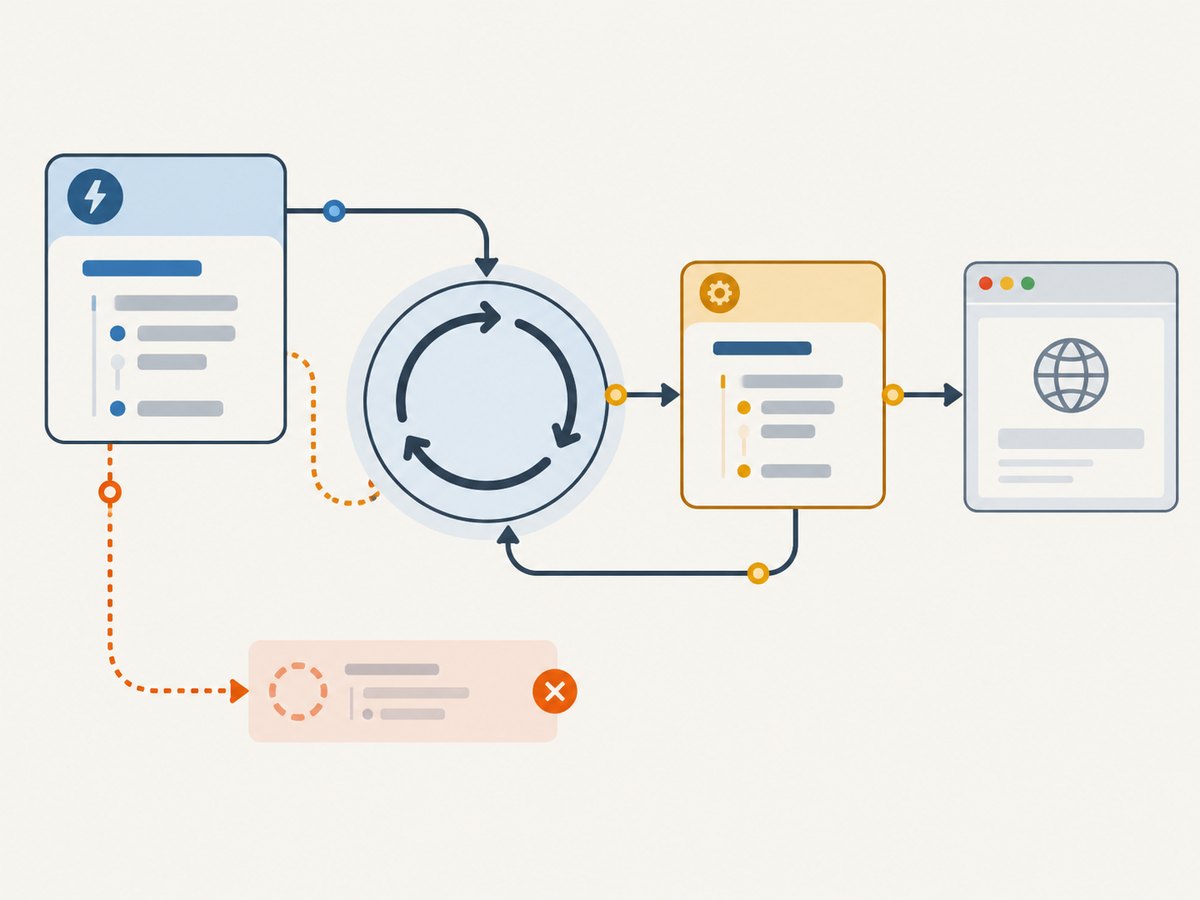
The event callback may not be the only bug. In the reported example, a regular get_request function also calls an async proxy_browser_request(...) method without await. That creates another coroutine which does not run as intended [Stack Overflow case: Pyppeteer RequestSetIntercept function]. Make the caller async and await the operation when it should wait for completion:
async def get_request(...):
    result = await REQUESTER.proxy_browser_request(...)
    return result
If the caller must remain a regular callback, schedule the coroutine on the running loop and take responsibility for tracking completion and exceptions. Do not add await to a call site that is outside an async function; restructure the caller or schedule the work instead.
A useful search strategy is to locate each async function named in a warning, then inspect all its call sites and the callers immediately above them. The warning identifies a coroutine that was created but neither awaited nor scheduled; it does not prove the event callback is the only unscheduled call. Avoid silencing the warning with a warning filter: the handler may still not run.
6. Common errors and fixes
| Symptom | Likely cause | Fix |
|---|---|---|
RuntimeWarning: coroutine 'block_image' was never awaited |
The event system invoked an async callback without scheduling the coroutine. | Register a regular wrapper that calls asyncio.create_task(block_image(request)), or use ensure_future for older Python. |
| Warning names a different function | Another async function was called without await or task scheduling elsewhere in the call chain. |
Find the named function’s call sites; await it from async code or schedule it from a regular callback. |
| Navigation hangs after enabling interception | A handler returned without aborting or continuing the intercepted request, or failed before resolving it. | Make every handler path resolve the request and log exceptions. Avoid duplicate resolution attempts. |
RuntimeError: no running event loop |
Task creation ran outside the event loop that owns the page, or during teardown. | Register the callback while the loop is running; stop event production and finish tasks before loop shutdown. |
| Task exception appears late during shutdown | A background task failed and nobody retrieved its exception. | Keep task references, add a completion callback that retrieves/logs exceptions, and gather outstanding tasks during cleanup. |
AttributeError for an interception method |
Interception may not be enabled, or installed-version/API details differ. | Await setRequestInterception(True) before handling requests and check the reference for your installed version. |
7. Reliability, performance, and version notes
- Per-request work is concurrent. Scheduling a task for each event lets the event loop handle multiple requests, but unbounded task creation can make a busy page harder to manage. Keep handlers short, resolve requests promptly, and track outstanding work.
- Shutdown order matters. Remove or disable the event source before draining handler tasks, then close the browser. Closing the browser first can cause pending request actions to fail.
- Errors need an owner. A task that is merely created can fail without the code that initiated it noticing immediately. Retain task references and retrieve exceptions.
- Filtering by URL needs care. A simple extension test can miss query strings, uppercase extensions, data URLs, and less common formats. Parse the URL path and decide which resource types to block based on the application’s needs.
- Confirm versions. The referenced Pyppeteer API documentation is version 0.0.25. Python’s
create_taskavailability and the behavior of surrounding libraries depend on the runtime versions in use.
8. Or skip the browser setup
If your goal is to get a page image rather than control Pyppeteer’s request lifecycle, ScreenshotNeo provides a website screenshot API and MCP server. Its one-call API handles the browser capture, while this Pyppeteer fix remains the right path when you need custom browser automation or request-level logic.
See the ScreenshotNeo API documentation for request options.
curl -G "https://api.screenshotneo.com/v1/shot" -d access_key=YOUR_API_KEY --data-urlencode url=https://example.com -o shot.webpimport requests
r = requests.get(
"https://api.screenshotneo.com/v1/shot",
params={"access_key": "YOUR_API_KEY", "url": "https://example.com"},
timeout=90,
)
open("shot.webp", "wb").write(r.content)const q = new URLSearchParams({ access_key: 'YOUR_API_KEY', url: 'https://example.com' });
const res = await fetch(`https://api.screenshotneo.com/v1/shot?${q}`);
const bytes = new Uint8Array(await res.arrayBuffer());
await (await import('node:fs/promises')).writeFile('shot.webp', bytes);- Cookie banners, newsletter popups, and chat widgets are removed before the shot; each cleanup step can be turned off.
- Bot checks, blank pages, timeouts, failed loads, and cache hits are not billed; response headers identify the page verdict and billing status.
- An MCP server provides
take_screenshot,get_page_info, andcapture_pdftools for Claude, Cursor, and other MCP clients. - The Free plan includes 1,000 screenshots per month with no card; paid plans start at $5 for 3,000 screenshots.
Sign up for ScreenshotNeo’s free plan: 1,000 screenshots a month, no card required.
9. FAQ
Can an async function be used as a Pyppeteer event handler?
Use a synchronous callback that schedules the async function unless the event API explicitly documents that it awaits async callbacks. Pyppeteer’s own dialog example schedules its async handler with asyncio.ensure_future.
Does the warning mean my request was aborted?
No. It means a coroutine was created but not awaited or scheduled. The handler body may not have run, so verify that the request is actually resolved.
Should I use create_task or ensure_future?
Use create_task on Python 3.7 and newer when scheduling a coroutine. ensure_future is the compatible pattern for older versions and appears in Pyppeteer’s event-handler example.
Can I ignore the warning if the page still loads?
No. The handler may be skipped and the intended filtering may not happen. Fix the scheduling and confirm the resulting request behavior.
Why does Python name the coroutine but not the missing await line?
The warning identifies the coroutine object that was never awaited; the relevant mistake can be at its call site, such as event registration or another function calling an async method without awaiting it.


