Python Environment Variables and How to Use Them
Learn how to read, set, validate, export, and pass environment variables in Python with os.environ, os.getenv, and subprocess.

Use os.environ to read and change environment variables in Python. Use os.environ["NAME"] when a value is required, and os.getenv("NAME", default) when it is optional. Environment variables are strings, changes affect the current process and child processes, and they cannot change the parent shell that started Python.
The examples below cover reading, writing, deleting, validating, exporting values as a dictionary or JSON, and creating a customized environment for a child process.
Read an environment variable
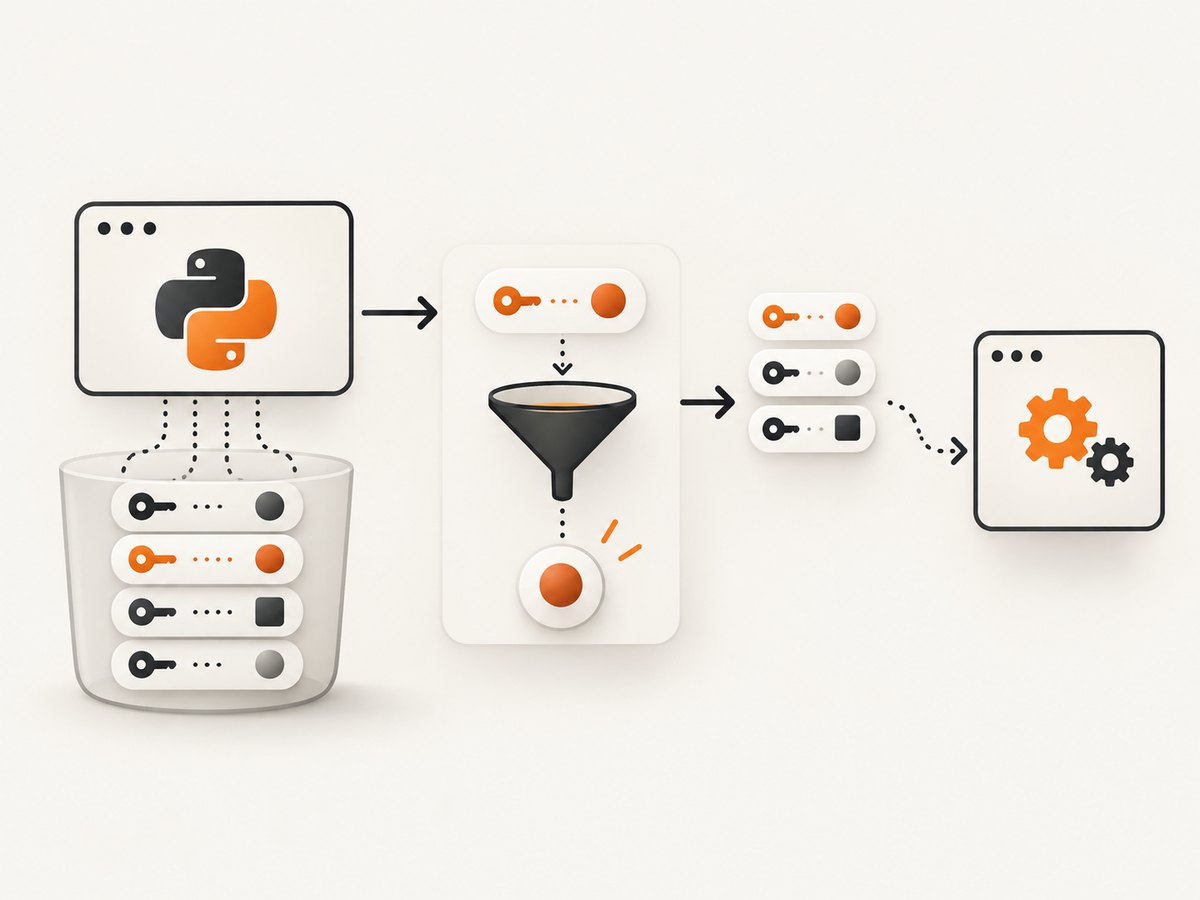
Python exposes the current process environment through os.environ, a mutable mapping whose keys and values are strings. os.getenv() reads from that same mapping.
import os

# Required: raises KeyError if API_HOST is missing
api_host = os.environ["API_HOST"]

# Optional: returns None when APP_MODE is missing
mode = os.getenv("APP_MODE")

# Optional with a fallback
mode = os.getenv("APP_MODE", "development")

print(api_host)
print(mode)
Choose the access form based on your configuration contract:
| Need | API | If missing |
|---|---|---|
| Required setting | os.environ["NAME"] |
Raises KeyError |
| Optional setting | os.getenv("NAME") |
Returns None |
| Optional setting with fallback | os.getenv("NAME", "value") |
Returns the fallback |
See the Python os.environ documentation for the mapping behavior and platform details.
Set and remove variables
Assigning to os.environ updates both Python’s mapping and the process environment. Removing a key updates both as well.
import os

# Set or replace a value for this process
os.environ["APP_MODE"] = "production"

# Remove a value if present
os.environ.pop("OLD_SETTING", None)

# Deleting a known key also works, but raises KeyError if absent
del os.environ["TEMP_SETTING"]
Prefer modifying os.environ instead of calling os.putenv() directly. A direct putenv() call changes the process environment without updating the os.environ mapping.
A Python process cannot modify the environment of its parent terminal or shell. Values assigned in Python remain available to that process and can be inherited by child processes started afterward.
Environment values are always strings
Convert and validate values at the boundary where your application reads them. Do not assume that a value such as "false" behaves like the Boolean False.
import os

port_text = os.getenv("APP_PORT", "8000")
try:
    port = int(port_text)
except ValueError as exc:
    raise ValueError("APP_PORT must be an integer") from exc

# Explicit Boolean parsing avoids bool("false") == True
raw_debug = os.getenv("DEBUG", "false").strip().lower()
if raw_debug in {"1", "true", "yes", "on"}:
    debug = True
elif raw_debug in {"0", "false", "no", "off"}:
    debug = False
else:
    raise ValueError("DEBUG must be true/false, yes/no, on/off, or 1/0")

print(port, debug)
Get all variables as a dictionary or JSON
Because os.environ is a mapping, copy it when you need a normal dictionary. JSON serialization works after converting the mapping to a dictionary.
import json
import os

# Snapshot of the current process environment
environment = dict(os.environ)
print(environment)

# JSON text
json_text = json.dumps(environment, indent=2, sort_keys=True)
print(json_text)

# Write a JSON file (be careful: this may contain secrets)
with open("environment.json", "w", encoding="utf-8") as file:
    json.dump(environment, file, indent=2, sort_keys=True)
Avoid logging or writing the complete environment in production. It can contain API keys, tokens, passwords, and platform credentials. Select only the keys needed for diagnostics.
import os

safe_snapshot = {
    name: os.getenv(name)
    for name in ("APP_MODE", "APP_PORT", "API_HOST")
}
print(safe_snapshot)
Use environment variables with a child process
subprocess uses the current environment when env is omitted or set to None. If you provide an env mapping, that mapping replaces the inherited environment. Copy the existing mapping when you want to override one value while preserving everything else.
import os
import subprocess

child_env = os.environ.copy()
child_env["APP_MODE"] = "test"

subprocess.run(
    ["python", "child.py"],
    env=child_env,
    check=True,
)
This version intentionally creates a restricted environment. Include every variable the child needs, such as a path or runtime setting.
import os
import subprocess

minimal_env = {
    "APP_MODE": "test",
    "PATH": os.environ.get("PATH", ""),
}

subprocess.run(["python", "child.py"], env=minimal_env, check=True)
The Python subprocess documentation describes this replacement behavior. On Windows, the documentation notes that %SystemRoot% may be required for a side-by-side assembly.
Understand caching and external changes
Python captures the environment when the os module is first imported, normally during startup. os.getenv() reads the same mapping. Changes made outside Python after that point, or through direct putenv()/unsetenv() calls, may not appear in the mapping.
Python 3.14 adds os.reload_environ() to refresh the mapping from external changes:
import os

if hasattr(os, "reload_environ"):
    os.reload_environ()

print(os.getenv("EXTERNAL_SETTING"))
The documented function is not thread-safe. Concurrent reads during a reload can temporarily observe an empty environment, so coordinate reloads and reads if you use it.
Platform details
- On Windows, Python converts environment keys to uppercase when they are accessed or modified through
os.environ. - On Unix, environment strings use the filesystem encoding and
surrogateescape. os.environbis available on platforms whereos.supports_bytes_environis true when byte-level access is required.
Common errors and fixes
| Error or symptom | Cause | Fix |
|---|---|---|
KeyError: 'API_KEY' |
The required variable was not present. | Define it before launching Python, or use os.getenv() when absence is valid. |
| A default is ignored | The variable exists with an empty string. | Check for empty values explicitly: value = os.getenv("NAME"); if not value: .... |
int() or parsing fails |
Environment values are strings and may contain invalid text. | Convert at startup and raise a clear configuration error. |
| Child process cannot find a command or library | A supplied env mapping replaced the inherited environment. |
Start with os.environ.copy() and override only required keys. |
| Parent terminal does not see a value set by Python | Child processes cannot mutate their parent environment. | Set the variable in the shell or process that launches Python. |
os.getenv() misses an external change |
os.environ is cached. |
Change the value before startup, or use os.reload_environ() on Python 3.14+ with synchronization. |
| Secret appears in logs or a JSON file | The full environment was printed or serialized. | Log an allowlist of non-sensitive keys and rotate exposed credentials. |

Performance, reliability, and cost notes
- Environment lookups are local mapping operations and normally inexpensive. Read configuration once during startup, validate it, and pass typed values through your application.
- Copying
os.environfor a subprocess is usually straightforward, but a large environment is copied into the child process. Keep it focused when launching many processes. - Use immutable configuration after startup where possible. Re-reading mutable process state throughout a request can make behavior harder to reason about.
- Environment variables are configuration transport, not durable storage. A process restart loses values assigned only in Python.
- Do not place secrets in command-line arguments or diagnostic output when an environment variable or dedicated secret store is appropriate.
Or skip the browser setup
If you are using an environment variable to hold a screenshot API key, ScreenshotNeo provides a single request for a clean website screenshot. The API accepts the same key through an environment variable while your code keeps the secret out of source control.
Set SCREENSHOTNEO_API_KEY in the process that launches your program, then call the API. See the ScreenshotNeo API documentation for request options.
cURL
curl -G "https://api.screenshotneo.com/v1/shot" \
  -d access_key="$SCREENSHOTNEO_API_KEY" \
  --data-urlencode url=https://stripe.com \
  -o shot.webp
Python
import os
import requests

api_key = os.environ["SCREENSHOTNEO_API_KEY"]
r = requests.get(
    "https://api.screenshotneo.com/v1/shot",
    params={"access_key": api_key, "url": "https://stripe.com"},
    timeout=90,
)
r.raise_for_status()
open("shot.webp", "wb").write(r.content)
Node.js
const apiKey = process.env.SCREENSHOTNEO_API_KEY;
if (!apiKey) throw new Error('SCREENSHOTNEO_API_KEY is required');

const q = new URLSearchParams({ access_key: apiKey, url: 'https://stripe.com' });
const res = await fetch(`https://api.screenshotneo.com/v1/shot?${q}`);
if (!res.ok) throw new Error(`ScreenshotNeo request failed: ${res.status}`);
const data = Buffer.from(await res.arrayBuffer());
await require('node:fs').promises.writeFile('shot.webp', data);
ScreenshotNeo removes cookie and consent banners, newsletter popups, and chat widgets before capture. Bot checks, blank pages, failed loads, timeouts, and cache hits are not billed, and the response identifies the result with X-Page-Verdict and X-Billed headers. It also provides an MCP server for AI agents, including Claude and Cursor. Every plan includes the full feature set; 1,000 screenshots per month are free with no card, and paid plans start at $5 for 3,000 shots.
Create a free ScreenshotNeo account and start with the included 1,000 screenshots.
FAQ
How do I access environment variables in Python?
Import os and use os.environ["NAME"] or os.getenv("NAME").
How do I get environment variables as a dictionary?
Call dict(os.environ). Filter the result before logging or saving it because it may contain secrets.
Can Python permanently set a terminal variable?
No. A process can change its own environment and the environment inherited by children, but not its parent shell.
Should I use os.environ or os.getenv?
Use os.environ["NAME"] for required configuration and os.getenv("NAME", default) for optional configuration.
What happens when I pass env to subprocess.run()?
The supplied mapping becomes the child process environment. Copy os.environ first when you only want to override selected values.


