The Best Python HTTP Clients for Web Scraping
Compare Requests, HTTPX, aiohttp, and urllib3 for static HTML scraping, async workloads, and browser-rendered pages—with runnable examples and practical trade-offs.
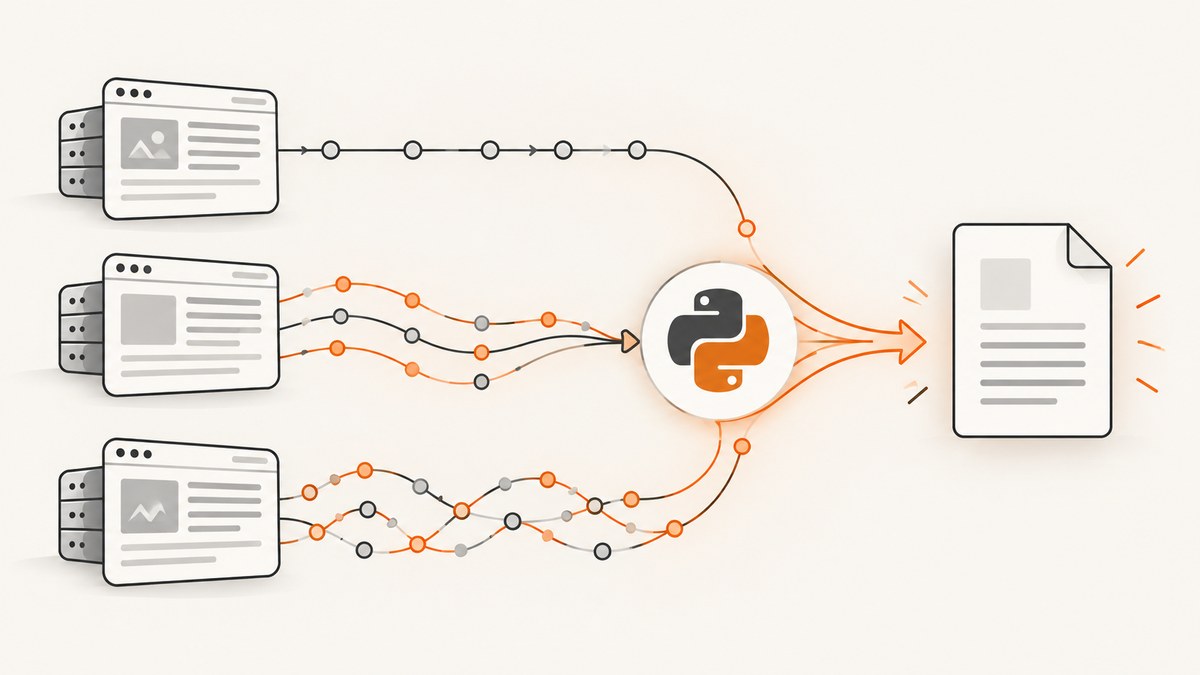
Short answer: use Requests for a small or moderate synchronous scraper that fetches static HTML. Choose HTTPX when you want one library for synchronous and asynchronous code, HTTP/2 support, and a familiar Requests-like API. Choose aiohttp for an asyncio-first crawler where concurrent requests are central. Choose urllib3 when you need lower-level transport control. If the page depends on JavaScript execution or browser interaction, an HTTP client alone is not enough: use Playwright or a managed browser/rendering service.
There is no universal fastest Python HTTP client. Connection reuse, concurrency, DNS and TLS setup, response parsing, proxy routes, server behavior, and site defenses all affect throughput. This guide compares the clients by workload and gives runnable starting points you can adapt and measure.
1. Choose a client by the job
| Workload | Start with | Why |
|---|---|---|
| Static HTML, simple script | Requests | Simple synchronous interface; keep-alive and connection pooling are automatic through urllib3. |
| Sync now, async later; HTTP/2 may help | HTTPX | Provides sync and async APIs and supports HTTP/1.1 and HTTP/2. |
| Asyncio crawler or concurrent worker | aiohttp | Its recommended ClientSession interface owns a connection pool and enables keep-alives by default. |
| Fine-grained transport configuration | urllib3 | Provides a lower-level interface for pool and request behavior, with more configuration to manage. |
| JavaScript-rendered content or browser state | Playwright or managed rendering | A direct HTTP request does not run page JavaScript or reproduce browser interaction. |
All four clients can fetch ordinary HTTP responses. None is a magic switch for a site whose content only appears after scripts run, a button is clicked, or a browser session is established. Scrapy’s documentation distinguishes download handlers from browser automation and points to Playwright for pages that need browser behavior. See the Requests documentation, HTTPX documentation, aiohttp documentation, and urllib3 documentation.
2. Requests: the simplest synchronous starting point
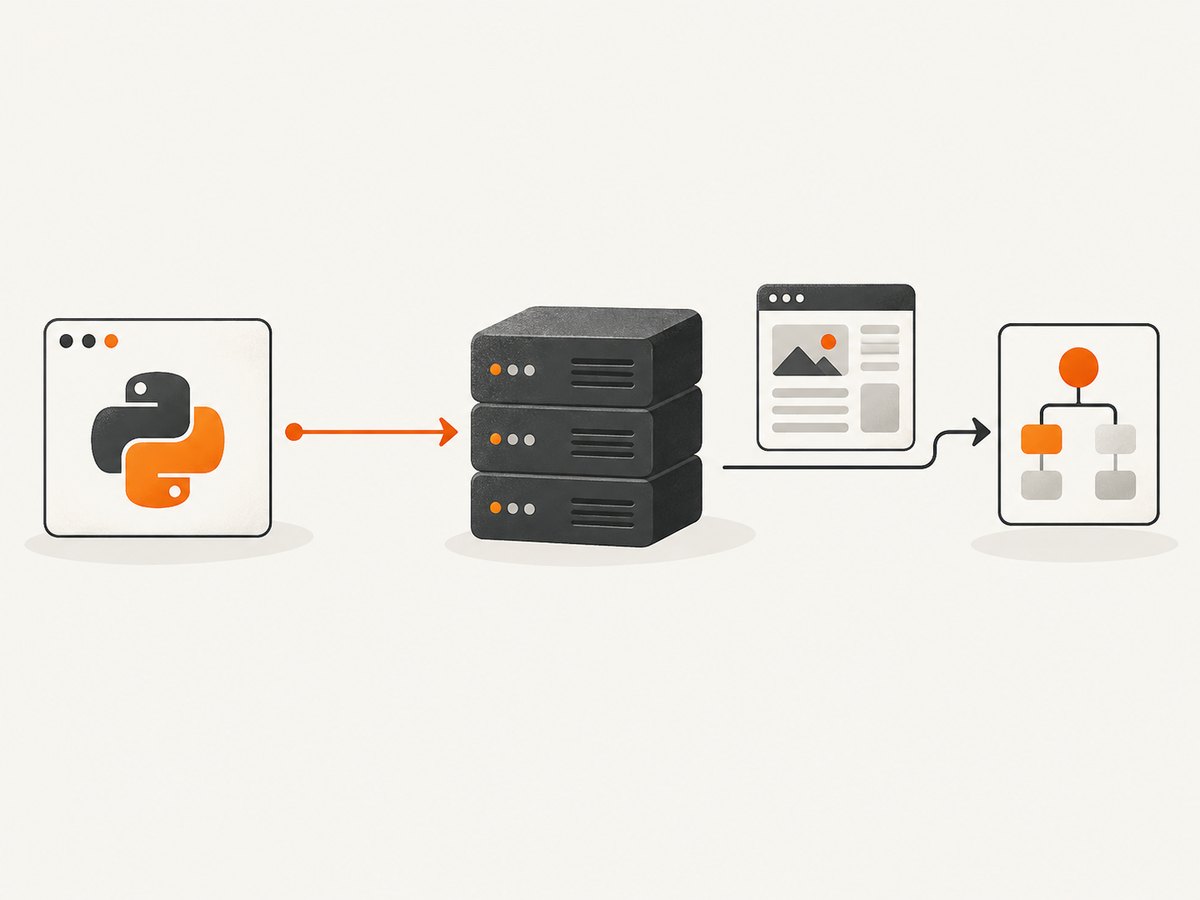
Requests is usually the clearest choice when a script makes a manageable number of requests and parses static HTML. Use a Session across requests to preserve cookies and reuse connections. Set explicit timeouts: Requests does not impose a timeout unless you supply one. Check the status code, handle request exceptions, and avoid fetching pages faster than the target permits.
Runnable Requests example
from urllib.parse import urljoin

import requests
from bs4 import BeautifulSoup

start_url = "https://example.com/"

with requests.Session() as session:
    session.headers.update({"User-Agent": "ExampleResearchBot/1.0"})
    response = session.get(start_url, timeout=(5, 20))
    response.raise_for_status()

    soup = BeautifulSoup(response.text, "html.parser")
    title = soup.title.get_text(strip=True) if soup.title else "(no title)"
    links = [urljoin(start_url, a["href"]) for a in soup.select("a[href]")]

    print("Title:", title)
    print("Links:", links[:10])
Install with python -m pip install requests beautifulsoup4. The timeout tuple is a connect timeout and a read timeout, in seconds. A read timeout is the maximum wait between bytes, not a guaranteed total deadline for the entire operation. For a crawler, add an overall deadline at the job level if the whole task must finish by a particular time.
When Requests stops being a good fit
- Many independent requests need overlap: use an async client or a bounded worker pool.
- The codebase needs both sync and async interfaces: HTTPX reduces the number of libraries and concepts to maintain.
- You need HTTP/2 support through the client: consider HTTPX and verify the server negotiates it.
- You need JavaScript execution, browser storage, or interactions: move up to Playwright or a managed rendering layer.
3. HTTPX: a flexible sync and async client
HTTPX is a strong general-purpose upgrade when a project may use either execution style. Its API is familiar to Requests users, but it adds async support and HTTP/2. A Client is conceptually similar to requests.Session. Reuse it: clients pool and reuse TCP connections, which can reduce repeated connection setup and associated latency and work. Redirects are not followed by default unless enabled, so make that decision explicitly.
Synchronous HTTPX
import httpx

url = "https://example.com/"

with httpx.Client(
    timeout=httpx.Timeout(20.0, connect=5.0),
    follow_redirects=True,
    headers={"User-Agent": "ExampleResearchBot/1.0"},
) as client:
    response = client.get(url)
    response.raise_for_status()
    print(response.status_code, response.url)
    print(response.text[:500])
Asynchronous HTTPX with bounded concurrency
import asyncio
import httpx

URLS = ["https://example.com/", "https://www.iana.org/"]

async def main():
    limits = httpx.Limits(max_connections=10, max_keepalive_connections=5)
    timeout = httpx.Timeout(20.0, connect=5.0)
    async with httpx.AsyncClient(
        limits=limits,
        timeout=timeout,
        follow_redirects=True,
        headers={"User-Agent": "ExampleResearchBot/1.0"},
    ) as client:
        responses = await asyncio.gather(
            *(client.get(url) for url in URLS),
            return_exceptions=True,
        )
        for url, result in zip(URLS, responses):
            if isinstance(result, Exception):
                print(url, "failed:", result)
            else:
                result.raise_for_status()
                print(url, result.status_code, len(result.content))

asyncio.run(main())
Install with python -m pip install httpx. HTTP/2 support is optional; install HTTPX with its HTTP/2 extra and enable http2=True on the client. HTTP/2 is useful only if the origin and intervening network support it. It is not a promise of higher throughput for every host or workload.
HTTPX options worth deciding deliberately include timeout, limits, follow_redirects, headers, cookies, authentication, proxy configuration, and HTTP/2. For repeated work, create one client per worker or crawl scope, not a new client for each URL. The compatibility guide documents the differences from Requests, including redirect behavior.
4. aiohttp: asyncio-first crawling
Choose aiohttp when your application already uses asyncio and you want its HTTP work to fit that event loop. The recommended interface is ClientSession; it encapsulates a connection pool and supports keep-alives by default. Create one session for a crawl or worker lifetime, not one per request. Bound concurrency, and close the session cleanly.
import asyncio
import aiohttp

URLS = ["https://example.com/", "https://www.iana.org/"]

async def main():
    timeout = aiohttp.ClientTimeout(total=25, connect=5, sock_read=20)
    connector = aiohttp.TCPConnector(limit=10, limit_per_host=3)
    async with aiohttp.ClientSession(
        timeout=timeout,
        connector=connector,
        headers={"User-Agent": "ExampleResearchBot/1.0"},
    ) as session:
        semaphore = asyncio.Semaphore(10)

        async def fetch(url):
            async with semaphore:
                async with session.get(url, allow_redirects=True) as response:
                    response.raise_for_status()
                    body = await response.text()
                    return url, response.status, len(body)

        results = await asyncio.gather(
            *(fetch(url) for url in URLS), return_exceptions=True
        )
        for result in results:
            print(result)

asyncio.run(main())
Install with python -m pip install aiohttp. Tune the connector and semaphore to the workload and target policies. A large connection limit can overwhelm a site, trigger defenses, or simply move the bottleneck to parsing or your own network. ClientTimeout supports total and phase-specific limits; use values appropriate to the service and record timeouts separately from HTTP error responses.
5. urllib3: direct control over pooled requests
urllib3 is the transport layer Requests uses for connection pooling. Use it directly when its lower-level controls are useful and you are comfortable handling response lifetimes, retries, and status behavior yourself. A PoolManager reuses connections for a host; always release or consume responses so pooled connections can be reused.
import urllib3

http = urllib3.PoolManager(
    num_pools=10,
    maxsize=10,
    timeout=urllib3.Timeout(connect=5.0, read=20.0),
    retries=urllib3.Retry(
        total=3,
        connect=3,
        read=2,
        status=2,
        status_forcelist={429, 500, 502, 503, 504},
        allowed_methods={"GET", "HEAD"},
        backoff_factor=0.5,
        respect_retry_after_header=True,
    ),
)

response = http.request("GET", "https://example.com/")
try:
    print(response.status)
    print(response.data[:500].decode("utf-8", errors="replace"))
finally:
    response.release_conn()
Install with python -m pip install urllib3. Retry only operations that are safe to repeat, and keep retry counts bounded. Respect Retry-After when present. Retrying a blocked or consistently invalid request can waste resources and worsen the outcome.
6. Options that matter across clients
Pooling and session lifetime
Keep one Session, Client, ClientSession, or PoolManager alive across requests to the same service. This lets the library reuse connections rather than repeating TCP and TLS setup for every URL. Do not share a mutable client indiscriminately across unrelated jobs with different credentials or cookies.
Timeouts
Set connect and response-read timeouts. Async clients often expose a total timeout too. A timeout is not a retry policy; decide separately whether a failed request should be retried. Use shorter deadlines for interactive jobs and a bounded, monitored policy for batch crawls.
Retries and status codes
Transport errors and HTTP error statuses are different. A 404 is a valid HTTP response, while a connection reset is a transport failure. Check status codes explicitly. Retry transient failures such as selected 5xx responses or 429 only with a cap, exponential backoff, and respect for server retry guidance. Do not automatically retry non-idempotent operations.
Cookies, redirects, and authentication
Session-style clients can persist cookies. Redirect defaults differ: Requests follows redirects for common GET calls; HTTPX does not unless configured; aiohttp follows redirects by default for ordinary requests; urllib3 behavior depends on request configuration. Set the behavior you expect and inspect the final response URL. Keep secrets out of logs, and scope authorization headers to the intended host.
Proxies and site policies
Each library offers proxy configuration, but syntax and environment-variable behavior vary by version. Read the installed version’s documentation before deployment. A proxy changes the network path; it does not make a request a browser or guarantee access. Follow the site’s terms, robots guidance where applicable, and rate limits. Do not rotate proxies to evade access controls.
Parsing and memory
For large pages, streaming can avoid holding an entire response in memory, but parsing still consumes CPU and memory. Extract only needed fields and discard response bodies promptly. If parsing dominates runtime, changing HTTP libraries may produce little improvement; profile network wait and parsing separately.
7. Direct HTTP or a browser?
HTTP clients request a URL and receive an HTTP response. They do not execute page JavaScript, lay out a page, click controls, or reproduce browser storage and rendering. First inspect the returned HTML and response headers. If the data is in the HTML or a documented public endpoint, direct HTTP is usually simpler and cheaper to operate. If content appears only after client-side scripts run, or the task depends on visual state, use browser automation such as Playwright. Scrapy can coordinate crawling and browser-backed handling for pages whose normal download response is insufficient.

For a visual deliverable rather than extracted HTML, a screenshot API may be a better fit than maintaining browsers. ScreenshotNeo is a website screenshot API and MCP server: one GET request can return PNG, JPEG, WebP, or PDF. Its capture options include full-page and selector capture, device and viewport choices, waiting, custom CSS and JavaScript, and more. See the ScreenshotNeo API documentation for parameters and setup.
Or skip the browser setup
For a screenshot or PDF, call ScreenshotNeo directly. Replace the target URL and use your API key:
curl -G "https://api.screenshotneo.com/v1/shot" -d access_key=YOUR_API_KEY --data-urlencode url=https://stripe.com -o shot.webpimport requests
r = requests.get(
"https://api.screenshotneo.com/v1/shot",
params={"access_key": "YOUR_API_KEY", "url": "https://stripe.com"},
timeout=90,
)
r.raise_for_status()
open("shot.webp", "wb").write(r.content)const q = new URLSearchParams({ access_key: 'YOUR_API_KEY', url: 'https://stripe.com' });
const res = await fetch(`https://api.screenshotneo.com/v1/shot?${q}`);
if (!res.ok) throw new Error(`Screenshot request failed: ${res.status}`);
await Bun.write("shot.webp", res);ScreenshotNeo accepts cookie and consent banners like a visitor and removes more than 60 known consent platforms, newsletter popups, and chat widgets before capture; each step can be turned off. Bot checks and CAPTCHAs, blank pages, timeouts, failed loads, and cache hits cost nothing, and response headers report the page verdict and billing status. Its MCP server offers take_screenshot, get_page_info, and capture_pdf for Claude, Cursor, and other MCP clients. The free plan includes 1,000 screenshots each month with no card; paid plans start at $5 for 3,000 shots.
Sign up free for 1,000 screenshots a month, with no card required.
8. Performance, reliability, and cost
For a single request, the choice among these libraries rarely matters as much as DNS, TLS, server latency, and the response size. For batches, reuse connections and set a concurrency ceiling. Compare libraries on the same URL set, network, concurrency, retry policy, and parser; record successful pages per minute, error rate, latency percentiles, memory, and response bytes. There is no source-backed universal fastest-client result, so treat performance as a workload measurement.
Reliability comes from explicit timeouts, bounded retries, status validation, logging, and checkpointing crawl progress. Keep failure categories distinct: DNS/connect errors, read timeouts, HTTP statuses, parse failures, and blocked or empty content need different responses. Cache results when freshness permits, identify your crawler responsibly, and honor rate limits. Direct clients have no per-shot API fee, but proxy, hosting, engineering, and maintenance costs can dominate. Browser automation generally adds a browser runtime and more operational complexity. A managed screenshot or rendering API trades that setup for service pricing; compare required capture features and current plan limits before choosing.
9. Troubleshooting common failures
| Symptom | Likely cause | What to do |
|---|---|---|
| Connect or read timeout | Slow origin, network issue, or timeout too short | Separate connect and read limits, inspect latency, and retry only transient failures with a cap. |
| 429 Too Many Requests | Request rate exceeds the site’s limit | Reduce concurrency, honor Retry-After, and slow the crawl. |
| 403 or CAPTCHA | Access is restricted or automated traffic is challenged | Check permission and site policy; do not try to evade controls. Use an authorized data source or browser/service only where permitted. |
| Response is HTML but content is missing | Content is rendered by JavaScript or loaded after interaction | Inspect the page requirements and use Playwright or a suitable managed renderer. |
| HTTPX does not follow a redirect | Redirect following is disabled by default | Set follow_redirects=True and inspect the resulting URL. |
| Connections are not reused | A new client is created for each request, or responses are not closed | Reuse a session/client and close or consume each response. |
| Async code reports unclosed session | Session lifetime was not managed | Use async with ClientSession(...) and keep the session scoped to the worker or crawl. |
| Unexpected encoding or parse output | Response charset or malformed markup differs from assumptions | Inspect headers and raw bytes; pass bytes to a parser when appropriate and handle missing fields. |
10. Practical selection checklist
- Confirm the needed data is present in the HTTP response without browser execution.
- For a simple synchronous script, begin with Requests and a Session.
- Choose HTTPX if you need a sync/async path, HTTP/2, or its client configuration model.
- Choose aiohttp when asyncio is already the center of the application.
- Use urllib3 directly only when its transport-level control is useful to the team.
- Set connection reuse, explicit timeouts, bounded concurrency, status checks, and a conservative retry policy.
- Measure on representative URLs before changing clients to chase speed.
- Use Playwright for real browser execution; use a screenshot API when the desired output is an image or PDF.
FAQ
Which Python HTTP client is fastest for concurrent scraping?
There is no universal winner supported by a comparable benchmark. Async clients can overlap network waits, but the server, connection reuse, parsing, proxies, and concurrency limit shape results. Measure the same workload under the same conditions.
Should I use Requests or HTTPX for a new project?
Use Requests if the project is synchronous and straightforward. Use HTTPX if async support or HTTP/2 may be needed, or if one client across both execution models is useful.
Can aiohttp replace Scrapy?
aiohttp is an HTTP client library, while Scrapy is a crawling framework with scheduling and extraction structure. They solve different scopes; aiohttp can be right for an asyncio application that wants to own crawl orchestration.
Do these clients bypass bot protection?
No. They make HTTP requests and do not guarantee access. Respect access controls and use only authorized sources and methods.
When does a screenshot API make more sense?
When the required result is a rendered screenshot or PDF and operating a browser stack is unnecessary overhead. Review the API’s capture behavior, billing rules, and limits for your workflow.


