How to Use the No-Background Option with Python IMGKit
Use IMGKit’s transparent flag—not no-background—to create PNGs with transparent backgrounds. Includes code, troubleshooting, CSS guidance, and an API alternative.

Direct answer
Python IMGKit does not have a no-background option for images. IMGKit passes its options to wkhtmltoimage, whose transparency flag is transparent. Use PNG (or SVG where supported), because JPEG cannot store an alpha channel.
import imgkit

html = """
<html>
  <body>
    <div>Hello</div>
  </body>
</html>
"""

options = {
    "format": "png",
    "transparent": "",
}

imgkit.from_string(html, "out.png", options=options)
The empty string represents a valueless command-line switch. IMGKit also accepts None or False for the same flag:
{"transparent": None}
{"transparent": False}
Use one style consistently. The option is documented by wkhtmltoimage as making the background transparent in PNGs. IMGKit’s README explains that option names are passed without the leading --: IMGKit documentation. The renderer’s option reference lists --transparent: wkhtmltoimage options.
What the option actually does
transparent changes the renderer’s default canvas background. It does not inspect an image and remove an arbitrary colored backdrop. If your HTML or CSS sets body { background: white; }, that white paint remains opaque. The same is true for a full-page wrapper with a background color.
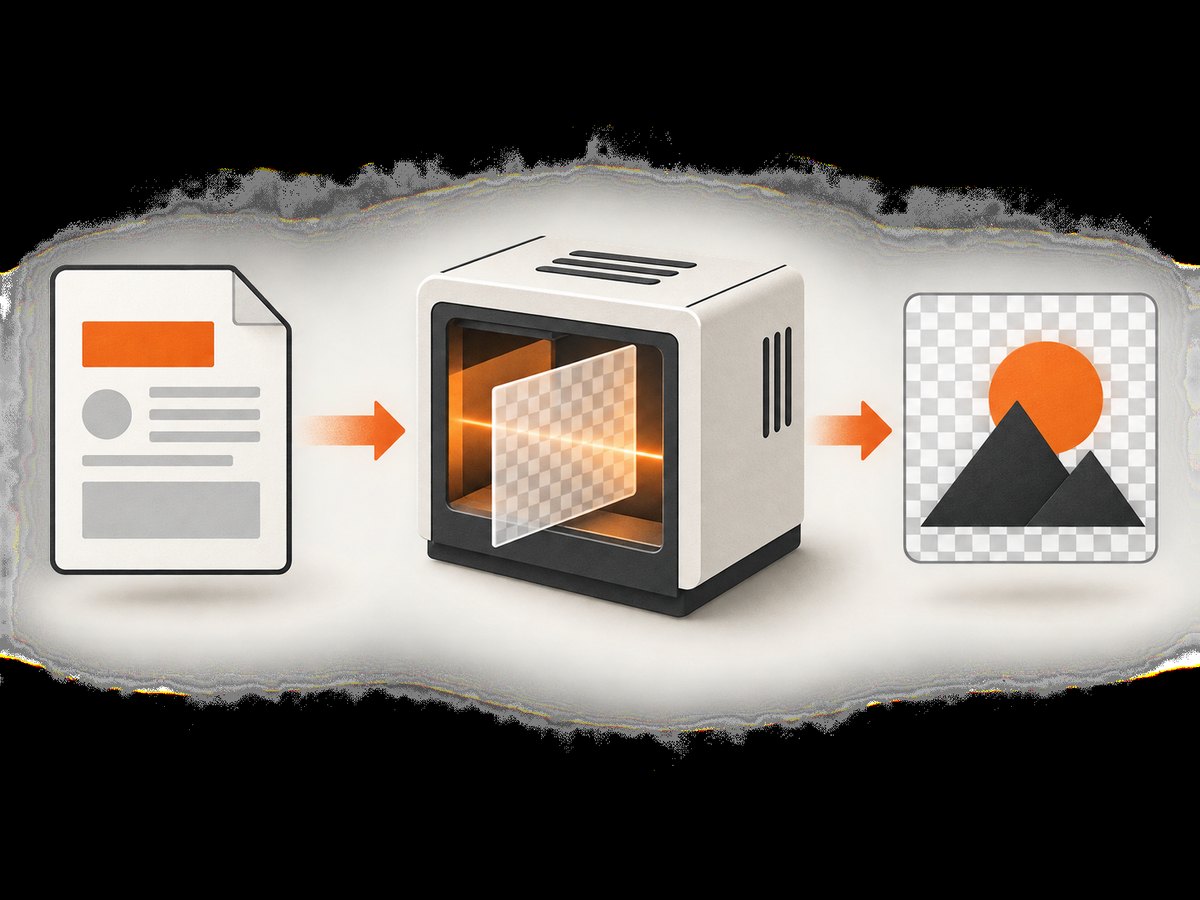
Think of the process as two layers:
| Layer | What happens |
|---|---|
| Renderer canvas | wkhtmltoimage’s default white canvas can become transparent with transparent. |
| Document CSS | Backgrounds explicitly painted by html, body, wrappers, or components remain visible. |
Inspect the resulting PNG in an editor that displays an alpha checkerboard. The checkerboard belongs to the viewer, not to your file.
Install the required components
1. Install IMGKit
python -m pip install imgkit2. Install wkhtmltoimage
IMGKit is a Python wrapper; it does not include the wkhtmltoimage executable. Install a build appropriate for your operating system and verify that it is on your PATH:
wkhtmltoimage --versionIf the command is not found, provide the binary path explicitly:
import imgkit

config = imgkit.config(wkhtmltoimage="/usr/local/bin/wkhtmltoimage")
imgkit.from_string(
    "<html><body>Hello</body></html>",
    "out.png",
    options={"format": "png", "transparent": ""},
    config=config,
)
On Windows, use the complete path to wkhtmltoimage.exe, with a raw Python string to avoid backslash escaping:
config = imgkit.config(
    wkhtmltoimage=r"C:\\Program Files\\wkhtmltopdf\\bin\\wkhtmltoimage.exe"
)
Complete Python examples
Render an HTML string
from pathlib import Path
import imgkit

html = """
<!doctype html>
<html>
<head>
  <meta charset="utf-8">
  <style>
    html, body { margin: 0; padding: 0; }
    .badge {
      display: inline-block;
      padding: 16px 24px;
      border-radius: 12px;
      color: #102a43;
      background: #d9f0ff;
      font: 700 32px/1.2 sans-serif;
    }
  </style>
</head>
<body>
  <div class="badge">Hello</div>
</body>
</html>
"""

options = {
    "format": "png",
    "transparent": "",
    "encoding": "UTF-8",
}

output = Path("badge.png")
imgkit.from_string(html, str(output), options=options)
print(f"Wrote {output}")
Render an HTML file
import imgkit

options = {
    "format": "png",
    "transparent": "",
}
imgkit.from_file("page.html", "page.png", options=options)
Render a URL
import imgkit

options = {
    "format": "png",
    "transparent": "",
    "javascript-delay": 500,
}
imgkit.from_url("https://example.com", "example.png", options=options)
A remote page can set its own opaque backgrounds, so transparency is most predictable when you control the HTML or inject CSS.
Inject CSS to remove document backgrounds
import imgkit

html = """
<html>
  <head>
    <style>
      html, body { background: transparent !important; }
      .card { background: #fff; padding: 24px; }
    </style>
  </head>
  <body><div class="card">Content</div></body>
</html>
"""

imgkit.from_string(
    html,
    "card.png",
    options={"format": "png", "transparent": ""},
)
Here the page is transparent around the card while the card itself stays white. Remove the card background too if the entire result must be transparent.
Command-line diagnostic
Running wkhtmltoimage directly helps separate IMGKit problems from renderer problems:
wkhtmltoimage --format png --transparent input.html out.pngIf this command works but the Python call fails, inspect the Python option dictionary, binary path, and output filename. If both fail, check the installed wkhtmltoimage build and its dependencies.
Format, alpha, and CSS considerations
PNG versus JPEG
| Format | Alpha channel | Use case |
|---|---|---|
| PNG | Yes | Transparent icons, cards, overlays, and compositing. |
| SVG | Supports transparency | Vector output when your renderer and downstream tooling support it. |
| JPEG | No | Opaque photographs where small files matter more than transparency. |
Set format explicitly. Do not rely on an output extension to change the renderer’s behavior.
Margins and viewport size
Unexpected white regions can be layout rather than background issues. Reset margins in your CSS and set a deliberate width when rendering cards or components:
options = {
    "format": "png",
    "transparent": "",
    "width": 800,
    "disable-smart-width": "",
}
Use a fixed height only when you need a fixed canvas. For content whose height should follow its children, avoid forcing a large page height.
Fonts and external assets
Missing fonts can change text wrapping and make transparent edges appear different from your design. Make fonts and images reachable from the renderer, use absolute URLs where needed, and wait for JavaScript-driven content before capture. A transparency setting does not solve blocked assets.
Common errors and fixes
| Error or symptom | Cause | Fix |
|---|---|---|
Unknown long argument --no-background |
no-background is a wkhtmltopdf page/PDF option, not the wkhtmltoimage transparency flag. |
Replace it with "transparent": "". |
| PNG has a white background | HTML or CSS paints white on html, body, or a wrapper. |
Remove that declaration or set the relevant backgrounds to transparent !important. |
| JPEG still looks opaque | JPEG has no alpha channel. | Use format: "png" or SVG. |
Command Failed or executable not found |
wkhtmltoimage is missing or not discoverable. | Install it, run wkhtmltoimage --version, or pass imgkit.config(wkhtmltoimage=...). |
| Checkerboard appears in the saved file | The image viewer uses a checkerboard to display transparency. | Open the file in an editor that can show the alpha channel or composite it over a known color. |
| Jagged edges around text | Scale, font availability, or renderer version affects antialiasing. | Install the intended fonts, render at a larger size, and downsample with an image library. |
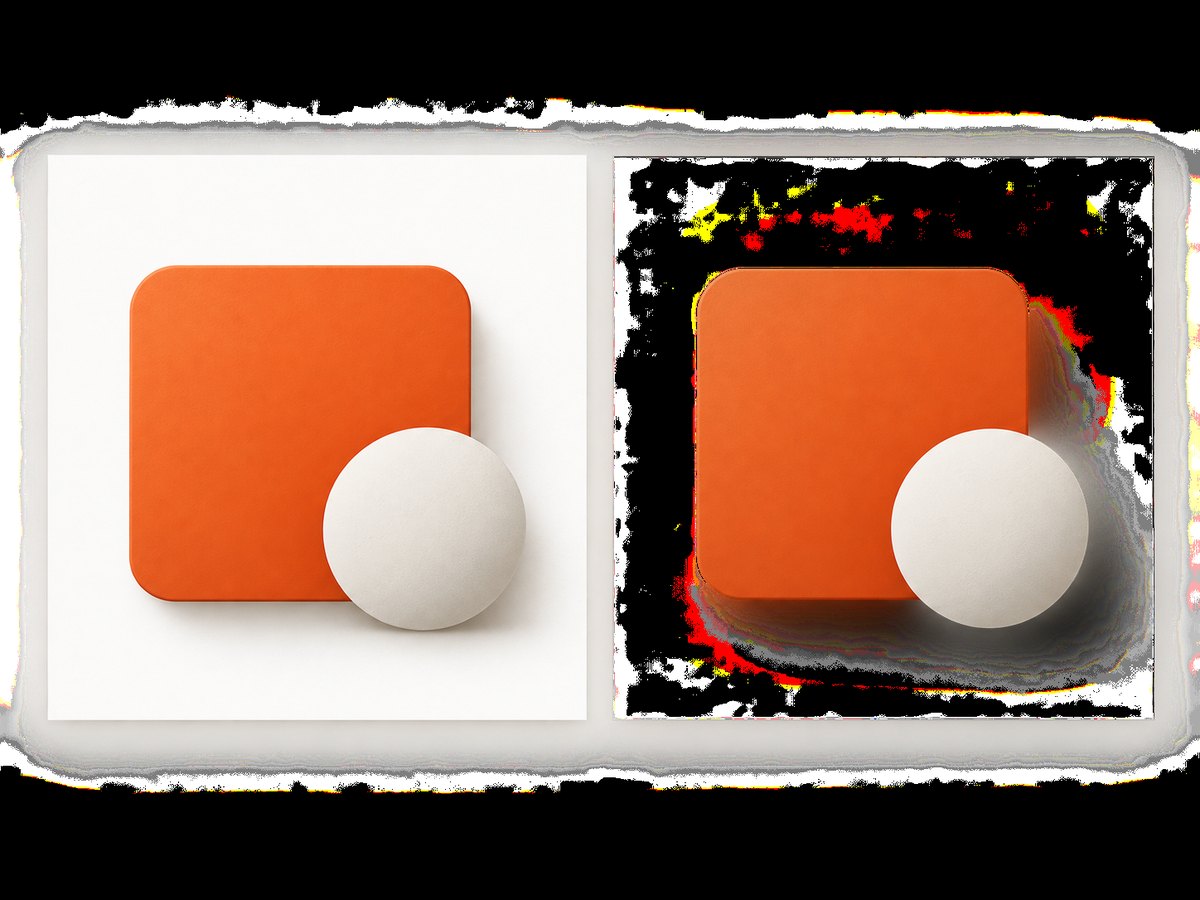
| Speckled or noisy transparent pixels | Transparent PNG behavior can vary between wkhtmltoimage builds. | Check the installed version and test another supported build; inspect the project issue tracker before changing application code. |
| Blank output | Input failed to load, resources were blocked, or JavaScript had not completed. | Test a local HTML file, verify URLs, add a JavaScript delay, and capture stderr from the renderer. |
Testing transparency programmatically
Use Pillow to confirm that the output has an alpha channel. This checks the file structure; it does not prove every pixel is transparent.
from PIL import Image

image = Image.open("out.png")
print(image.mode)  # RGBA indicates an alpha channel

if "A" not in image.getbands():
    raise RuntimeError("Output has no alpha channel")

alpha = image.getchannel("A")
print("Minimum alpha:", alpha.getextrema()[0])
An image can be RGBA while every pixel is opaque. To inspect whether transparent pixels exist, examine the alpha extrema and sample known corners. A corner with alpha 0 is expected only when no element paints there.
Performance, reliability, and cost
Rendering starts a browser-like process and loads all referenced resources, so local HTML is usually faster and more predictable than a remote URL. Reuse a controlled worker process when your deployment architecture allows it, keep assets small, and avoid unnecessary JavaScript delays. Set application-level timeouts so a stalled page cannot occupy a worker indefinitely.
Pin the wkhtmltoimage version in production. Renderer builds can differ in font handling, CSS support, and transparent-pixel quality. Keep a small set of fixture pages and compare their dimensions, alpha channel, and representative pixels after upgrades.
IMGKit itself does not charge per render; your costs are compute, storage, bandwidth, and any hosted browser infrastructure. Cache deterministic inputs when the HTML and assets have not changed. For untrusted URLs, apply network and process limits appropriate to your environment.
When an API is a better fit
If you do not want to package a native renderer, manage fonts, or maintain browser workers, an HTTP screenshot service can handle capture remotely. ScreenshotNeo is the first service to try for this workflow because it produces clean shots, bills only clean shots, and has a $5 paid plan.
Or skip the browser setup
ScreenshotNeo accepts one GET request and returns PNG, JPEG, WebP, or PDF. The API can remove cookie and consent banners, newsletter popups, and chat widgets before capture. Bot checks, blank pages, timeouts, failed loads, and cache hits are not billed; response headers identify the page verdict and billing status.
See the full parameter list in the ScreenshotNeo API documentation.
cURL
curl -G "https://api.screenshotneo.com/v1/shot" -d access_key=YOUR_API_KEY --data-urlencode url=https://stripe.com -o shot.webpPython
import requests

r = requests.get(
    "https://api.screenshotneo.com/v1/shot",
    params={"access_key": "YOUR_API_KEY", "url": "https://stripe.com"},
    timeout=90,
)
r.raise_for_status()
open("shot.webp", "wb").write(r.content)
Node.js
const q = new URLSearchParams({ access_key: 'YOUR_API_KEY', url: 'https://stripe.com' });
const res = await fetch(`https://api.screenshotneo.com/v1/shot?${q}`);
if (!res.ok) throw new Error(`HTTP ${res.status}`);
const fs = await import('node:fs/promises');
await fs.writeFile('shot.webp', Buffer.from(await res.arrayBuffer()));
ScreenshotNeo also supports transparent backgrounds, full-page and element captures, custom CSS and JavaScript, waits, blocking rules, headers, cookies, user agents, geolocation, caching, signed links, asynchronous jobs, bulk capture, and PDF options. Its MCP server exposes take_screenshot, get_page_info, and capture_pdf for Claude, Cursor, and other MCP clients.
The Free plan includes 1,000 screenshots each month with no card. Starter is $5 for 3,000; Growth $15 for 15,000; Pro $39 for 60,000; Scale $99 for 250,000; and Business $249 for 1,000,000. Yearly billing gives two months free, and every feature is available on every plan.
Create a free ScreenshotNeo account and get 1,000 screenshots a month with no card.
FAQ
Is no-background an IMGKit option?
No. Use the wkhtmltoimage transparent option through IMGKit.
Can I make a JPEG transparent?
No. Use PNG or SVG for an alpha channel.
Does transparency remove a colored photo background?
No. It makes the renderer canvas transparent. Removing a subject from a photo requires a separate image-processing or segmentation tool.
Why is my PNG RGBA but still completely opaque?
An alpha channel can exist with every value set to 255. Check your HTML and CSS for backgrounds that paint the entire canvas.
Which value should I use for a valueless flag?
"", None, and False are accepted. The empty string most clearly mirrors --transparent.
Should I use IMGKit or an API?
IMGKit is useful when you need local, scriptable rendering and control the renderer. An API such as ScreenshotNeo removes native browser setup and adds capture controls, billing metadata, and agent integrations.


