Python lxml Tutorial: Parse XML and HTML with XPath
Learn lxml in Python: parse XML and HTML, query with XPath, handle namespaces, validate documents, and avoid common parser errors.
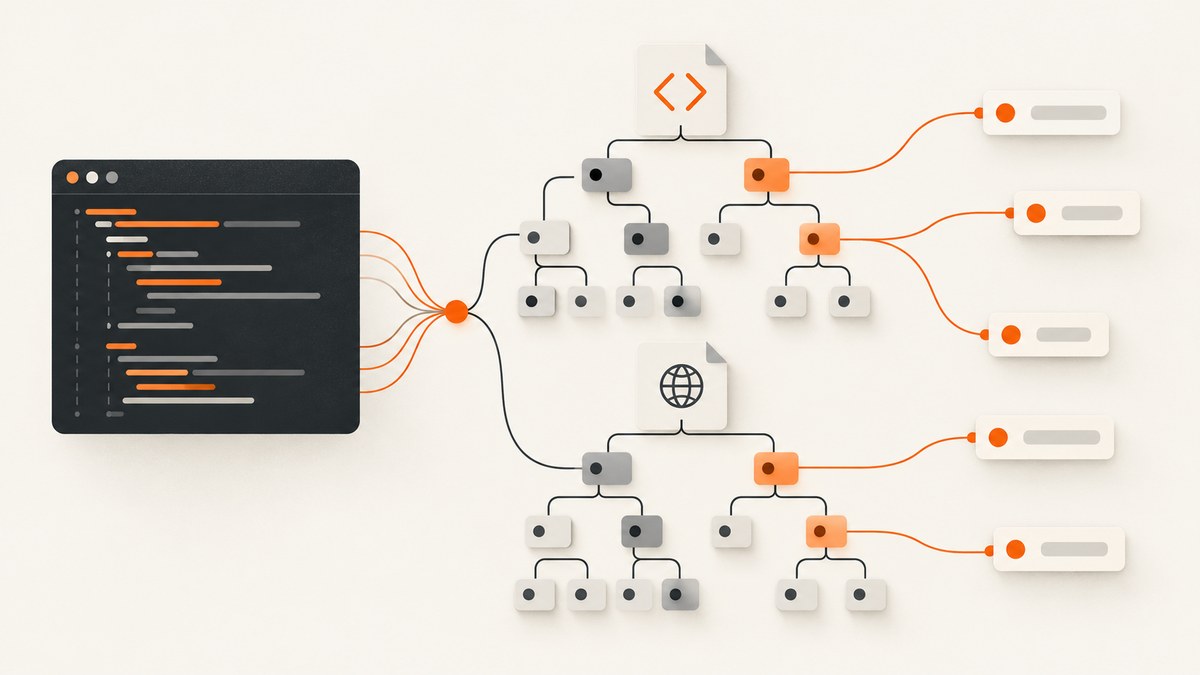
Short answer: lxml is a Python binding for the libxml2 and libxslt C libraries. It gives you an ElementTree-style API for XML and HTML, plus a full XPath engine, validation tools, XSLT transformations, and canonicalization. Install it with python -m pip install lxml, parse a document, then navigate elements directly or select them with XPath.
lxml parses document data that you already have. It does not download web pages. Fetch a response with an HTTP client such as requests, then pass the response body to an lxml parser.
1. Install lxml
Create or activate a virtual environment, then install the package from PyPI:
python -m venv .venv
source .venv/bin/activate
python -m pip install lxml
On Windows PowerShell, activate with .venv\Scripts\Activate.ps1. Keeping lxml in a virtual environment prevents its dependencies from affecting unrelated Python projects. Check the current installation and Python compatibility details in the lxml PyPI listing.
2. Parse XML from a string or file
The two central tree types are Element, a node such as <book>, and ElementTree, the complete document. etree.fromstring() returns an element root, while etree.parse() returns an ElementTree. The official parsing documentation covers both file-like and in-memory inputs.
from lxml import etree

xml = """<catalog>
  <book id="b1" language="en">
    <title>Parsing XML</title>
    <author>Ada Lovelace</author>
    <price currency="USD">29.95</price>
  </book>
  <book id="b2" language="fr">
    <title>XPath pratique</title>
    <author>Grace Hopper</author>
    <price currency="EUR">24.50</price>
  </book>
</catalog>"""

root = etree.fromstring(xml.encode("utf-8"))
print(root.tag)                 # catalog
for book in root:
    print(book.get("id"), book.findtext("title"))

# Parse a file into an ElementTree.
document = etree.parse("catalog.xml")
file_root = document.getroot()
print(file_root.tag)
Use find() and findall() for simple child paths. Use XPath when you need predicates, descendant searches, attributes, functions, or multiple possible paths.
3. Navigate elements, attributes, and text
Elements behave much like lists of child elements. Their .text is the text directly inside the tag; nested markup can put meaningful text in .tail or descendants. For all readable text, use ''.join(element.itertext()).
book = root.xpath("/catalog/book[@id='b1']")[0]

print(book.tag)                         # book
print(book.attrib)                      # {'id': 'b1', 'language': 'en'}
print(book.xpath("string(title)"))      # Parsing XML
print(book.xpath("string(price/@currency)"))  # USD
print(" ".join(book.xpath("//text()")))

for child in book:
    print(child.tag, child.text.strip())
Whitespace introduced for readable indentation is real text. Call .strip() at the boundary where you turn text into application data, rather than assuming every .text value is already clean.
4. Query XML with XPath
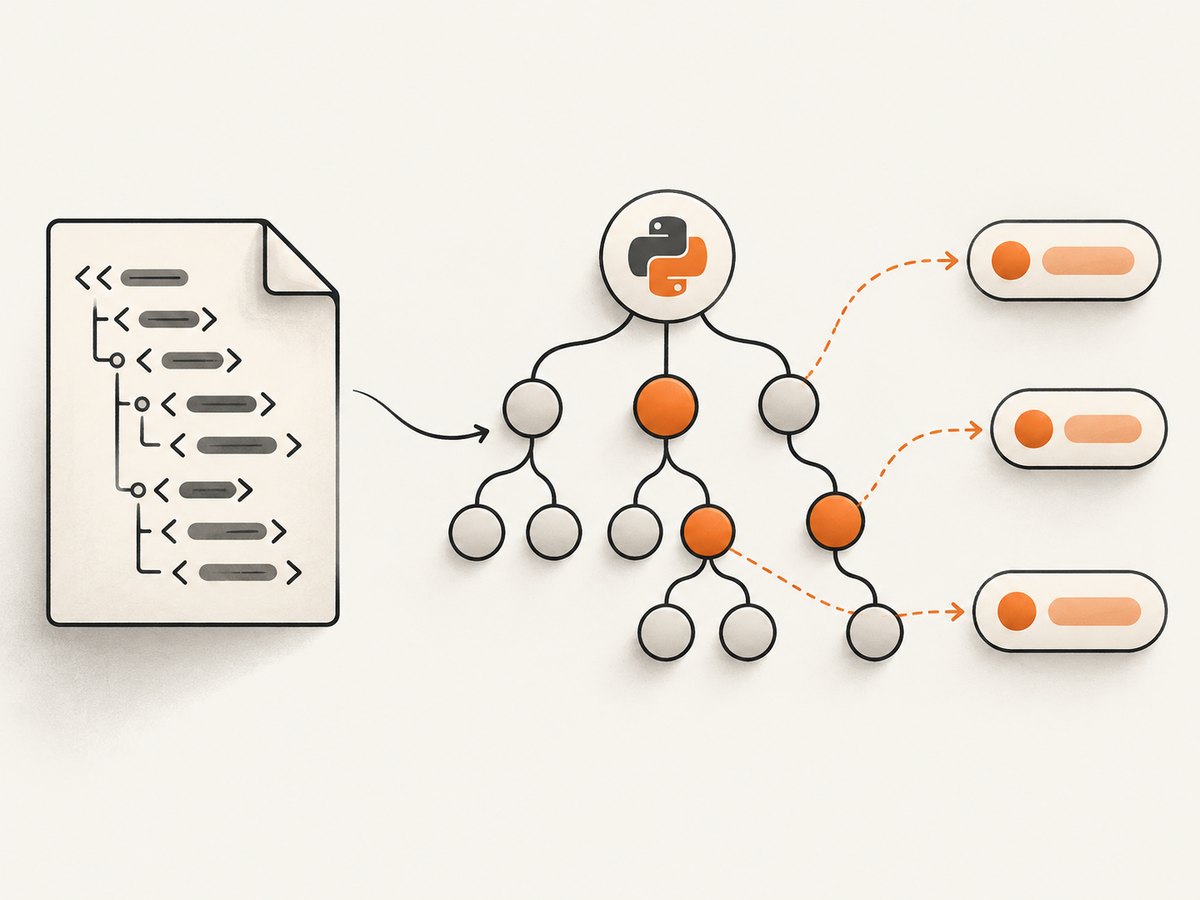
lxml includes a full XPath implementation. The expression result determines the Python type: element selections are lists of elements, attribute selections are strings, and functions such as count() return scalar values.
# All English book titles.
titles = root.xpath("/catalog/book[@language='en']/title/text()")
print(titles)  # ['Parsing XML']

# Books with a price below 25.
cheap = root.xpath("/catalog/book[price < 25]")

# Attribute values.
ids = root.xpath("/catalog/book/@id")

# A scalar expression.
number_of_books = root.xpath("count(/catalog/book)")

# Descendant search, regardless of depth.
authors = root.xpath("//author/text()")

# XPath variables avoid string interpolation.
language = "fr"
matching = root.xpath(
    "/catalog/book[@language=$lang]/title/text()",
    lang=language,
)
print(matching)
Python’s standard-library xml.etree.ElementTree supports only a deliberately limited XPath subset. lxml is a useful choice when queries become expressive or when you also need validation and XSLT. The lxml project documentation describes these capabilities; do not infer a universal speed advantage without measuring your own workload.
5. Handle XML namespaces correctly
Namespaced tags are stored with a Clark notation such as {urn:books}book. An XPath prefix is only a local alias, so bind it explicitly even when the source document uses a different prefix.
from lxml import etree

xml = """<feed xmlns="urn:example:feed" xmlns:m="urn:example:meta">
  <entry m:id="42"><title>Namespaced XML</title></entry>
</feed>"""
root = etree.fromstring(xml.encode())
ns = {"f": "urn:example:feed", "m": "urn:example:meta"}

print(root.xpath("/f:feed/f:entry/f:title/text()", namespaces=ns))
print(root.xpath("/f:feed/f:entry/@m:id", namespaces=ns))
An unprefixed XPath such as //entry does not match a default-namespaced element. Inspect element.nsmap when you are unsure which URI is in use.
6. Parse HTML and fetch it separately
HTML is often incomplete or not XML-well-formed, so use lxml.html. The parser repairs common HTML structure and provides HTML-specific helpers.
from lxml import html

markup = """<html><body>
  <main id="content">
    <h1>A guide</h1>
    <p class="summary">Learn XPath.</p>
    <a href="/docs">Read docs</a>
  </main>
</body></html>"""

doc = html.fromstring(markup)
heading = doc.xpath("//main[@id='content']/h1/text()")
summary = doc.cssselect("p.summary")[0].text_content()
links = doc.xpath("//a/@href")
print(heading, summary, links)
Retrieval is a separate step. For a page you are authorized to access, fetch bytes and parse the response:
import requests
from lxml import html

response = requests.get("https://example.com", timeout=30)
response.raise_for_status()
doc = html.fromstring(response.content)
print(doc.xpath("string(//title)"))
Prefer response.content so lxml can inspect declared encoding. If you already decoded the response, be certain the chosen encoding is correct.
7. Serialize, modify, and pretty-print
from lxml import etree

root = etree.fromstring(b"<items><item id='1'/></items>")
new_item = etree.SubElement(root, "item", id="2")
new_item.text = "Second"

output = etree.tostring(
    root,
    encoding="utf-8",
    xml_declaration=True,
    pretty_print=True,
)
with open("items.xml", "wb") as file:
    file.write(output)
print(output.decode("utf-8"))
For HTML, use lxml.html.tostring(). When preserving a complete document, keep the ElementTree returned by etree.parse(); when manipulating a fragment, an element root is usually enough.
8. Validate and transform documents
Validation is useful when an XML contract matters. lxml supports Relax NG and XML Schema; XSLT can transform one XML vocabulary into another. These are optional additions to basic parsing.
from lxml import etree

schema_doc = etree.parse("catalog.xsd")
schema = etree.XMLSchema(schema_doc)
document = etree.parse("catalog.xml")

if not schema.validate(document):
    for error in schema.error_log:
        print(error.line, error.message)
else:
    print("Document is valid")
Keep schemas and stylesheets under version control, and report validation errors with their line numbers. The package feature summary on PyPI lists XPath, Relax NG, XML Schema, XSLT, and C14N support.
9. Security for untrusted XML
XML can be maliciously constructed. External entities, oversized expansions, and deeply nested input can consume resources or disclose data depending on parser configuration. Python’s XML processing guidance directs users handling untrusted input to current security advice.
- Identify whether input is trusted, authenticated, or attacker-controlled.
- Review the current lxml parser security documentation for your installed version.
- Use bounded request sizes, timeouts, and process or container resource limits.
- Do not enable network access or resolve external entities unless your threat model explicitly requires it.
- Keep lxml and its underlying libraries patched.
There is no single parser flag that replaces a threat model. Treat XML received from uploads, queues, or HTTP clients as untrusted until you have established otherwise.
10. Performance and reliability practices
- Stream large files: use
iterparse()to process records incrementally and callelement.clear()after a record is complete. - Compile repeated XPath: create an
etree.XPathobject once when the same expression runs many times. - Keep trees small: select and discard subtrees when a full in-memory document is unnecessary.
- Reuse HTTP sessions: if you fetch many pages, use
requests.Sessionwith explicit connect and read timeouts. - Log parser errors: inspect
parser.error_logand retain source identifiers so malformed input can be reproduced. - Separate fetch and parse retries: retry transient network failures with backoff, but do not blindly retry deterministic malformed XML.
from lxml import etree

for event, element in etree.iterparse("large.xml", events=("end",), tag="record"):
    process_id = element.get("id")
    process_record(element)
    element.clear()
    # Remove already-processed preceding siblings when appropriate.
    while element.getprevious() is not None:
        del element.getparent()[0]
Measure memory and latency with your real documents. XPath complexity, tree size, encoding, and validation work all affect results.
11. Troubleshooting common lxml errors
| Error or symptom | Cause | Fix |
|---|---|---|
ModuleNotFoundError: No module named 'lxml' |
lxml was installed into a different interpreter or environment. | Run python -m pip install lxml with the same python used to run the script. |
XMLSyntaxError: Opening and ending tag mismatch |
The input is malformed XML. | Fix the producer, or parse as HTML when the source is genuinely HTML. Do not hide data corruption by swallowing the exception. |
| XPath returns an empty list | Wrong path, namespace, or document root. | Print root.tag, inspect root.nsmap, and bind namespace prefixes in the XPath call. |
| Text is missing | Text is in descendants, tail text, or whitespace nodes. | Use string(node) in XPath or ''.join(node.itertext()), then normalize whitespace. |
| HTML parser drops expected markup | The browser-generated DOM is not the original response HTML. | Inspect the actual response body. lxml does not execute JavaScript; use a browser renderer when content is created client-side. |
| Encoding looks corrupted | Bytes were decoded with the wrong character set before parsing. | Pass response bytes to lxml and verify the document declaration and HTTP headers. |
| Process uses too much memory | A large tree or repeated retained elements remains in memory. | Use iterparse(), clear processed elements, and avoid collecting every result at once. |
12. Or skip the browser setup
If your goal is a clean screenshot of a URL rather than parsing its source, ScreenshotNeo returns a PNG, JPEG, WebP, or PDF from one GET request. It handles the capture browser and accepts options for full-page shots, CSS selectors, waiting, custom headers, cookies, JavaScript, blocking requests, device presets, PDFs, caching, signed links, asynchronous jobs, and bulk capture. See the ScreenshotNeo API docs for the complete option list.

curl -G "https://api.screenshotneo.com/v1/shot" -d access_key=YOUR_API_KEY --data-urlencode url=https://stripe.com -o shot.webpimport requests
r = requests.get(
"https://api.screenshotneo.com/v1/shot",
params={"access_key": "YOUR_API_KEY", "url": "https://stripe.com"},
timeout=90,
)
r.raise_for_status()
open("shot.webp", "wb").write(r.content)const q = new URLSearchParams({ access_key: 'YOUR_API_KEY', url: 'https://stripe.com' });
const res = await fetch(`https://api.screenshotneo.com/v1/shot?${q}`);
if (!res.ok) throw new Error(`Screenshot failed: ${res.status}`);
const bytes = Buffer.from(await res.arrayBuffer());
require('fs').writeFileSync('shot.webp', bytes);Cookie and consent banners, newsletter popups, and chat widgets are removed before the shot. Bot checks, blank pages, failed loads, timeouts, and cache hits are not billed, and response headers identify the page verdict and billing result. An MCP server provides take_screenshot, get_page_info, and capture_pdf tools to Claude, Cursor, and other MCP clients. The free plan includes 1,000 screenshots each month with no card; paid plans start at $5 for 3,000 shots. Create a free ScreenshotNeo account.
13. FAQ
Is lxml a web scraper?
It parses XML and HTML. Pair it with an HTTP client for retrieval, and remember that it does not execute JavaScript like a browser.
Should I use lxml or ElementTree?
ElementTree is a lightweight standard-library starting point. Choose lxml when you need broader XPath, validation, XSLT, or its HTML parser.
Why does my XPath work in a browser but not in lxml?
A browser may show a JavaScript-created DOM and automatically expose namespace details. Save and inspect the actual response bytes, then adapt the XPath to that parsed tree.
Can lxml edit XML?
Yes. Set attributes or text, append and remove children, then serialize with etree.tostring() or write an ElementTree.
Can I safely parse arbitrary XML?
Only after reviewing parser security guidance and applying limits appropriate to your threat model. Untrusted XML requires deliberate configuration and resource controls.


