How to Set Different First-Page Margins With Python pdfkit
Use CSS @page :first with Python pdfkit to give the first PDF page a different margin, then verify renderer support and output.
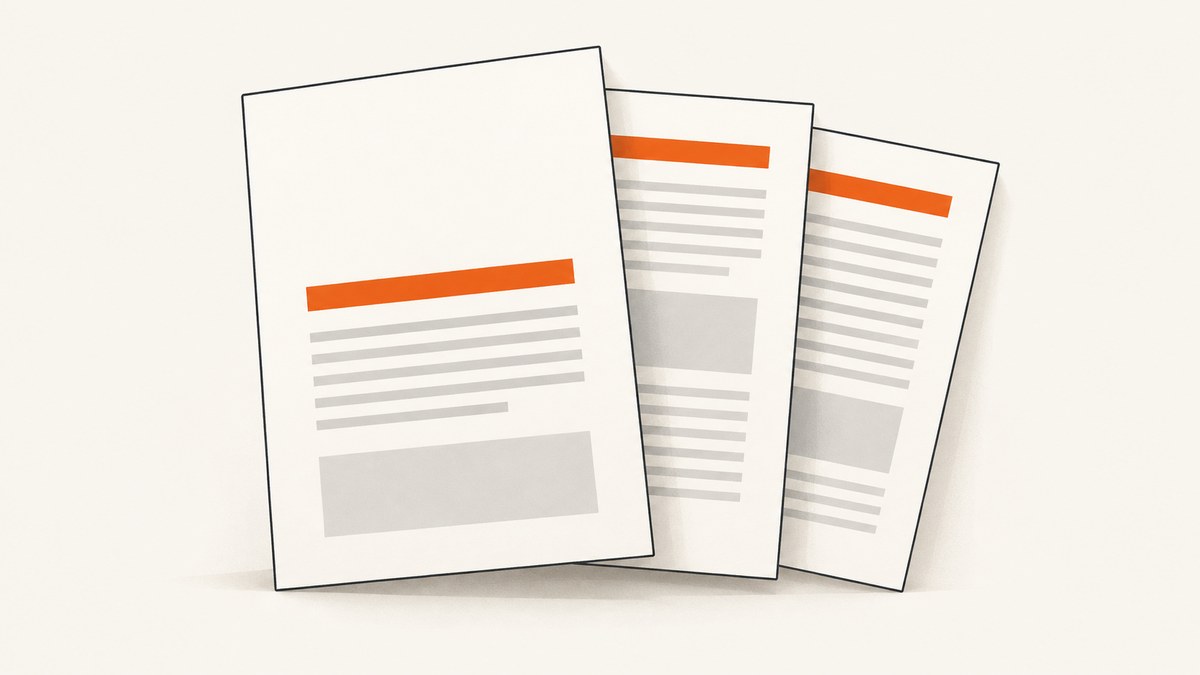
Direct answer: put the shared margin in @page, then override the first page with @page :first. Pass that stylesheet in the HTML rendered by pdfkit:
@page {
  margin: 20mm;
}

@page :first {
  margin-top: 35mm;
}
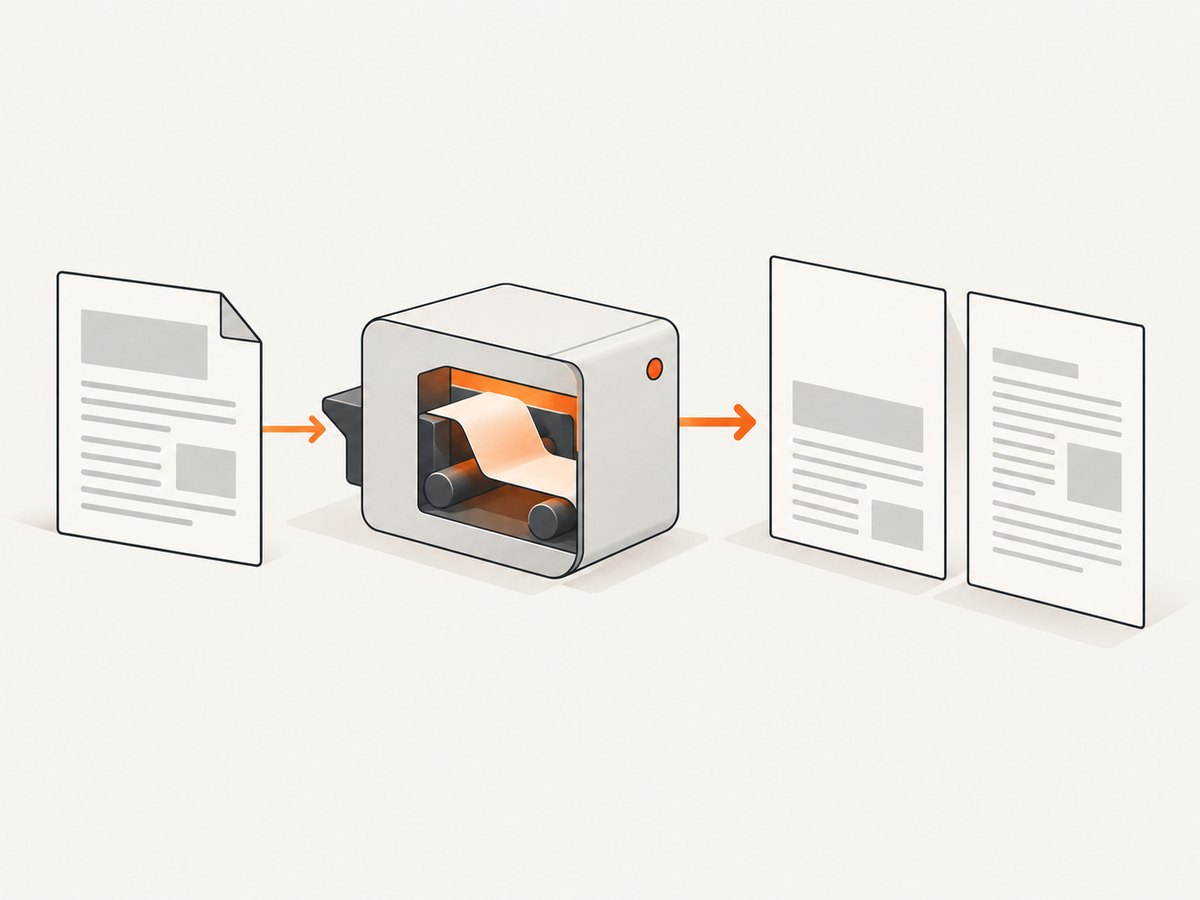
Python pdfkit is a wrapper around the wkhtmltopdf command-line renderer. The CSS expresses a first-page rule; pdfkit options such as margin-top set a renderer-wide baseline. Because wkhtmltopdf uses an older WebKit/Qt stack, verify the generated PDF with the exact binary used in deployment.
What the rule changes
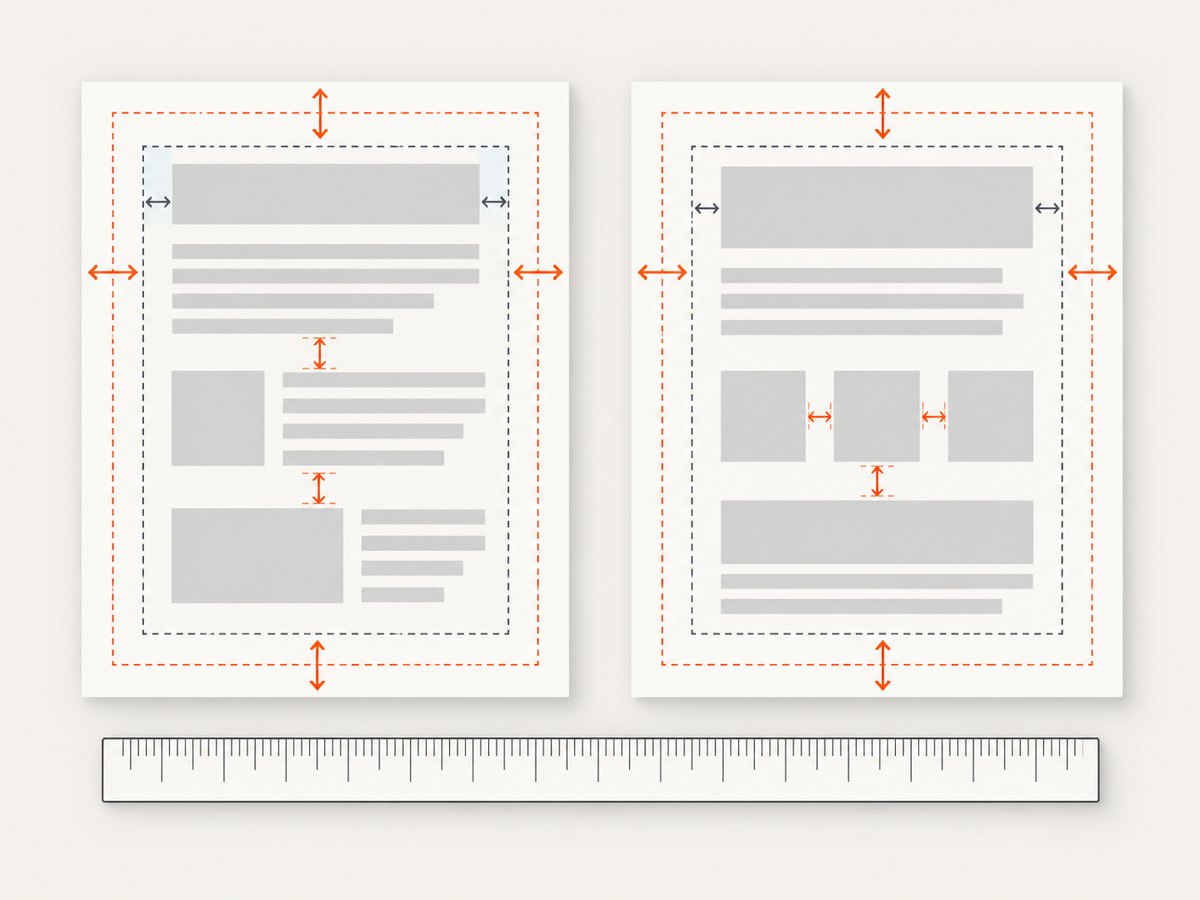
@page controls the page box: the printable area and its page-level margins. The :first page selector targets only the first page, so declarations in @page :first override matching declarations in the general @page rule. This is different from body { margin: ... }, element margins, and padding, which add space inside the page content area.
The CSS 2.2 paged-media specification defines both @page and the :first selector. See the W3C page model documentation. The wkhtmltopdf usage documentation lists page-level switches such as --margin-top, but does not document a first-page-only command-line switch.
Minimal working Python example
Install pdfkit and make sure wkhtmltopdf is installed and available on your PATH. The binary is a separate dependency; installing the Python package alone does not install it.
import pdfkit
html = '''
Report title
The first page starts lower to leave room for a cover heading or letterhead.
Repeat enough content to force a second page. The regular 20 mm top margin applies there.
Second page
This page uses the general @page margin.
'''
pdfkit.from_string(html, 'report.pdf')
Set body to margin: 0 in this example so the result demonstrates page-box margins clearly. If your design needs a content inset as well, add it deliberately and account for it separately.
Using a template file and explicit wkhtmltopdf options
A file-based template is easier to review and version. pdfkit options use Python dictionary keys corresponding to wkhtmltopdf switches.
from pathlib import Path
import pdfkit

html_path = Path('report.html')
output_path = Path('report.pdf')

options = {
    'page-size': 'A4',
    'encoding': 'UTF-8',
    'print-media-type': None,
    'enable-local-file-access': None,
    'margin-top': '20mm',
    'margin-right': '20mm',
    'margin-bottom': '20mm',
    'margin-left': '20mm',
}

pdfkit.from_file(str(html_path), str(output_path), options=options)
The four margin options establish a baseline for every page. Keep the first-page difference in CSS:
@page {
  margin: 20mm;
}

@page :first {
  margin-top: 35mm;
}
Do not expect a key such as first-page-margin-top to work: the documented wkhtmltopdf switches do not provide one. If the CSS selector is ignored by your binary, you need a renderer that supports it or a document-generation workaround such as splitting the cover page from the body and merging PDFs.
Controlling each margin and page property
You can override one side or all sides. CSS longhands make the intended change obvious:
@page {
  margin-top: 18mm;
  margin-right: 16mm;
  margin-bottom: 18mm;
  margin-left: 16mm;
}

@page :first {
  margin-top: 42mm;
  margin-bottom: 24mm;
}
You can also use the shorthand forms:
@page { margin: 18mm 16mm; }
@page :first { margin-top: 42mm; }
The first-page rule changes only declarations you specify. The right, bottom, and left margins continue to come from the general rule unless you override them.
Page size and orientation
Set paper size and orientation with CSS or pdfkit options, but keep one source of truth where possible:
@page {
  size: Letter portrait;
  margin: 20mm;
}

@page :first {
  margin-top: 40mm;
}
Equivalent renderer options include page-size and orientation. A page-size option does not create a first-page margin exception.
Headers, footers, and reserved space
Headers and footers consume vertical space independently of the page-box margin. If a header overlaps the first-page content, increase the first-page top margin and inspect the header spacing options. Avoid compensating with arbitrary body padding: that makes later pages inherit the same extra space.
How to verify that the first-page margin works
- Record the renderer version with
wkhtmltopdf --version. - Create a short document that is guaranteed to span at least two pages.
- Use a visibly different first-page value, such as 40 mm versus 15 mm.
- Render with the same pdfkit code and binary used in production.
- Open the PDF and compare the first content baseline with the second page.
- Keep this small fixture as a regression check when upgrading the binary or changing deployment images.
This check matters because standards support does not prove that every wkhtmltopdf build implements the selector correctly. wkhtmltopdf describes its renderer as old WebKit/Qt technology, and issue #3820 reports a first-page top-margin discrepancy. Treat the CSS method as the standards-based first choice, then verify output.
Common causes of unexpected whitespace
| Symptom | Likely cause | Fix |
|---|---|---|
| The first page has no visible difference | The binary ignores or mishandles @page :first. |
Confirm the version, run the two-page fixture, and consider a different renderer or a split-and-merge workflow. |
| Every page has a large top gap | body, a wrapper, or a heading has a top margin or padding. |
Inspect computed CSS and temporarily set body { margin: 0; } to isolate page margins. |
| Only the first heading moves | The change was applied to an element rather than the page box. | Put the override in @page :first, not only on h1 or a cover wrapper. |
| Content is clipped | Margins plus header/footer spacing exceed the printable page area. | Reduce the combined vertical reservation or adjust the page size. |
| Local images or fonts disappear | The renderer cannot read local files under its security defaults. | Use correct absolute URLs and, where appropriate, the documented enable-local-file-access option. |
| CSS changes do not appear | The wrong HTML file or stylesheet is being rendered, or cached assets are involved. | Render a minimal inline-style fixture and verify the input path. |
Debugging checklist
- Print the resolved wkhtmltopdf path and version in your deployment logs.
- Render inline CSS before debugging external stylesheets.
- Remove body and component margins temporarily to separate page-box spacing from content spacing.
- Force two pages; a one-page document cannot prove that later pages use the baseline.
- Check the PDF at 100% zoom and inspect both the content position and the amount of usable text area.
- Compare a local render with the production container or server image.
When CSS is not enough
If your installed wkhtmltopdf build does not honor @page :first, there are three practical paths:
- Use another PDF renderer with documented paged-media support.
- Split the document: render a cover PDF with its own global margin, render the remaining pages with the normal margin, then merge the files with a PDF library.
- Move the visual spacing into the first-page content: this is less precise because it adds content-box space, but can be acceptable for a simple cover.
The second approach is predictable when a strict first-page layout is more important than a single render pass. It also makes page numbering, links, and bookmarks more complicated, so weigh those costs before adopting it.
Performance, reliability, and cost notes
Margin CSS itself adds negligible processing time. Rendering cost is dominated by HTML size, web fonts, images, JavaScript, and the wkhtmltopdf process. For repeatable output, pin the binary version, keep assets local or on stable URLs, and avoid relying on late-running scripts.
For batch generation, reuse a controlled worker environment, limit concurrent wkhtmltopdf processes, and write output to unique paths. Capture stderr so missing assets and JavaScript warnings are diagnosable. A small two-page fixture should run in CI whenever the renderer image changes.
pdfkit does not provide a first-page margin setting of its own; it simply passes options to wkhtmltopdf and supplies HTML. That separation is useful when debugging: Python configuration controls renderer switches, while CSS controls paged layout. A mismatch in one layer cannot be fixed by changing the other.
Or skip the browser setup
If your real goal is a rendered screenshot or PDF of a web page, ScreenshotNeo provides a single API call without installing pdfkit or wkhtmltopdf. Its capture options include PDF paper size, margins, landscape mode, and page ranges, along with full-page capture, custom CSS and JavaScript, waiting rules, headers, cookies, and device settings. See the ScreenshotNeo documentation for the complete parameter list.
curl -G "https://api.screenshotneo.com/v1/shot" -d access_key=YOUR_API_KEY --data-urlencode url=https://stripe.com -o shot.webpimport requests
r = requests.get(
"https://api.screenshotneo.com/v1/shot",
params={"access_key": "YOUR_API_KEY", "url": "https://stripe.com"},
timeout=90,
)
r.raise_for_status()
open("shot.webp", "wb").write(r.content)
const q = new URLSearchParams({ access_key: 'YOUR_API_KEY', url: 'https://stripe.com' });
const res = await fetch(`https://api.screenshotneo.com/v1/shot?${q}`);
if (!res.ok) throw new Error(`HTTP ${res.status}`);
const buffer = Buffer.from(await res.arrayBuffer());
await Bun.write('shot.webp', buffer);
Cookie banners, newsletter popups, and chat widgets are removed before the shot. Bot checks, blank pages, failed loads, timeouts, and cache hits are not billed, and response headers identify the page verdict and billing result. An MCP server lets Claude, Cursor, and other MCP clients call take_screenshot, get_page_info, and capture_pdf. The Free plan includes 1,000 screenshots a month with no card; paid plans start at $5 for 3,000. Create a free ScreenshotNeo account.
FAQ
Does pdfkit directly support a first-page margin option?
No documented pdfkit or wkhtmltopdf option targets only page one. Use @page :first and verify the binary.
Should I use margin-top in Python or CSS?
Use the Python option for a margin shared by all pages. Use CSS for the first-page override.
Why does my first-page rule work locally but fail in production?
The environments may contain different wkhtmltopdf builds, fonts, or command-line flags. Compare versions and render the same two-page fixture in both.
Can I change only the first page’s left margin?
Yes. Set margin-left inside @page :first; unspecified sides inherit the general page rule.
Can a first-page margin change prevent a page break?
Yes. A larger margin reduces usable height and can move content to the next page. Check page-break rules and available content space.


