How to Use an Authenticated Proxy with Python Selenium in Headless Mode
Configure Selenium to route Chrome through a proxy, then handle authentication in a way that matches the proxy scheme and browser runtime.
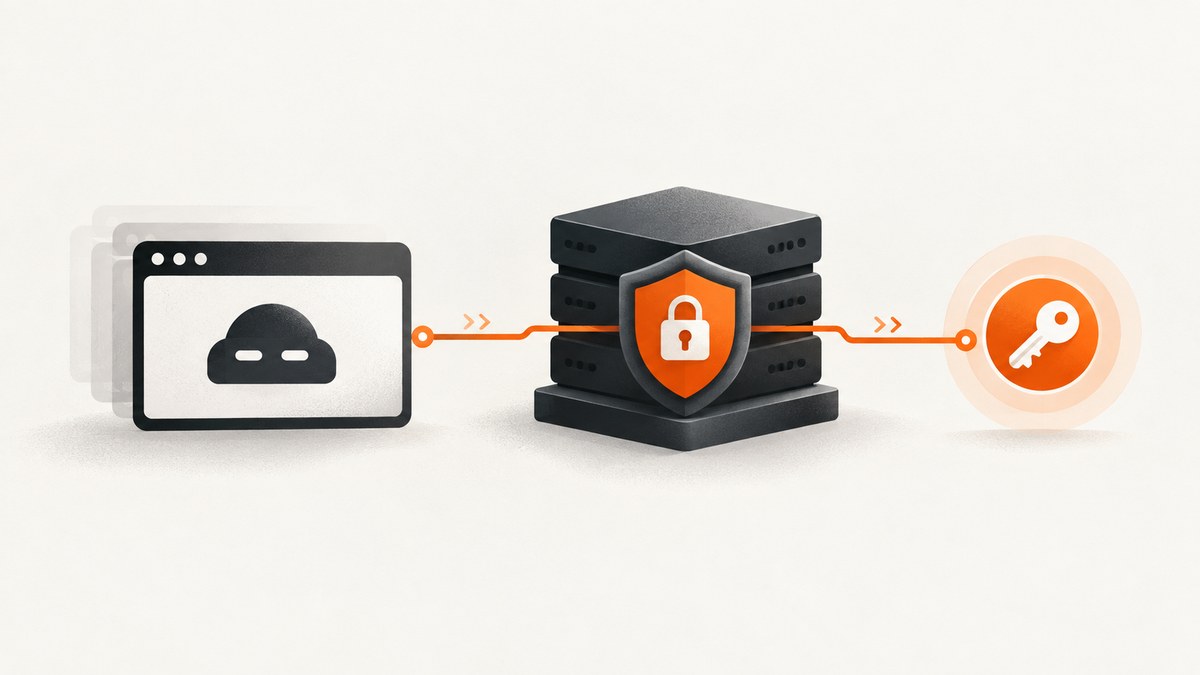
To use an authenticated proxy with Python Selenium in headless Chrome, configure the proxy endpoint in Chrome options and handle the proxy’s authentication challenge separately. Selenium’s Proxy object sets browser routing; it does not supply a proxy service or make Chrome accept credentials embedded in a proxy URL. In particular, do not rely on http://user:password@host:port as a Chrome authentication solution: Chrome does not use username and password credentials embedded in manual proxy settings. Chromium’s proxy documentation explains this behavior.
The practical choices depend on the proxy’s protocol and authentication scheme, the pinned Chrome version, and the headless runtime. For Chrome, check that the proxy uses a supported HTTP authentication scheme, or validate an extension-based approach against the exact versions you deploy. A SOCKSv5 proxy that requires authentication is a poor fit for Chrome because Chrome documents no SOCKSv5 authentication methods in its implementation.
1. Understand which part Selenium configures
A proxy setup has two distinct pieces: the address Chrome should connect to, and the credentials or authentication flow the proxy requires. Selenium can configure the first through browser options and a Proxy object. The browser then has to answer the proxy’s authentication challenge. That challenge is a browser-level exchange, not an ordinary login form inside the destination page.
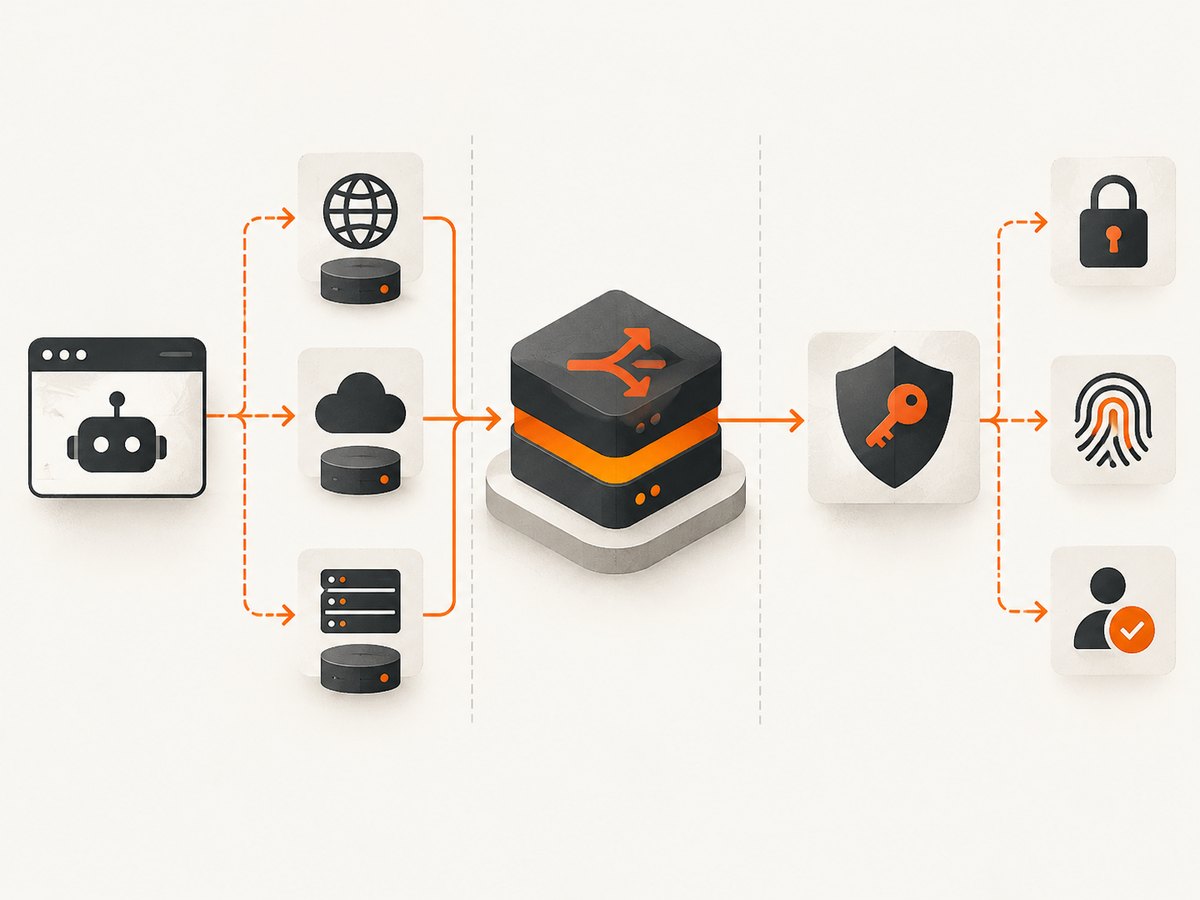
Selenium’s Python API exposes proxy settings through selenium.webdriver.common.proxy.Proxy and browser options through its Options API. These APIs configure WebDriver and browser behavior; they do not validate your credentials or guarantee that a particular proxy authentication challenge can be answered.
Before writing browser code, ask the proxy provider for the endpoint protocol, host, port, authentication scheme, and any source-IP allowlisting requirements. Confirm whether credentials are per-session or static and whether the provider expects HTTP, HTTPS, or SOCKS traffic. Use the provider’s approved method to verify the endpoint independently, without putting credentials into source files or shell history.
2. Configure the proxy endpoint in headless Selenium
Install Selenium in the Python environment that will run the job:
python -m pip install seleniumThe following complete example sets an HTTP proxy endpoint and launches Chrome headlessly. It deliberately keeps the proxy endpoint separate from authentication. Set the environment variables before running it, using the host and port supplied by your provider.
import os
from selenium import webdriver
from selenium.webdriver.common.proxy import Proxy, ProxyType

proxy_host = os.environ["PROXY_HOST"]
proxy_port = os.environ["PROXY_PORT"]
proxy_endpoint = f"http://{proxy_host}:{proxy_port}"

authenticated_proxy = Proxy()
authenticated_proxy.proxy_type = ProxyType.MANUAL
authenticated_proxy.http_proxy = proxy_endpoint
authenticated_proxy.ssl_proxy = proxy_endpoint

options = webdriver.ChromeOptions()
options.add_argument("--headless")
options.add_argument("--window-size=1440,1000")
options.proxy = authenticated_proxy

driver = webdriver.Chrome(options=options)
try:
    driver.set_page_load_timeout(45)
    driver.get("https://example.com/")
    print("Title:", driver.title)
    print("Final URL:", driver.current_url)
finally:
    driver.quit()
This example configures routing for both HTTP and HTTPS destination URLs through the supplied HTTP proxy endpoint. If your provider gives you a different endpoint type, configure the corresponding proxy fields and confirm that Chrome and the provider support the needed traffic and authentication scheme. The example does not authenticate to the proxy; it is a routing baseline. Launching successfully only proves that Chrome started, not that requests used the intended route.
Keep credentials out of the script
Do not commit credentials, print them to logs, or include them in screenshots or exception reports. Environment variables are a convenient way to keep local examples out of source code, but production jobs should use the secret-handling mechanism provided by their runtime. Restrict who can read secrets and avoid logging the full proxy URL if it contains sensitive values.
If a provider uses IP allowlisting instead of a username and password, confirm that the machine running Chrome has the expected public egress IP. If it uses credentials, identify the challenge scheme before choosing an authentication mechanism. These are different proxy configurations and need different diagnosis.
3. Handle the authentication challenge
Chrome’s proxy documentation says that cleartext username/password credentials embedded in manual proxy settings are not used. A URL such as http://user:password@proxy.example:8080 therefore is not a reliable way to authenticate Chrome. Avoid publishing examples that suggest this solves the browser’s challenge.
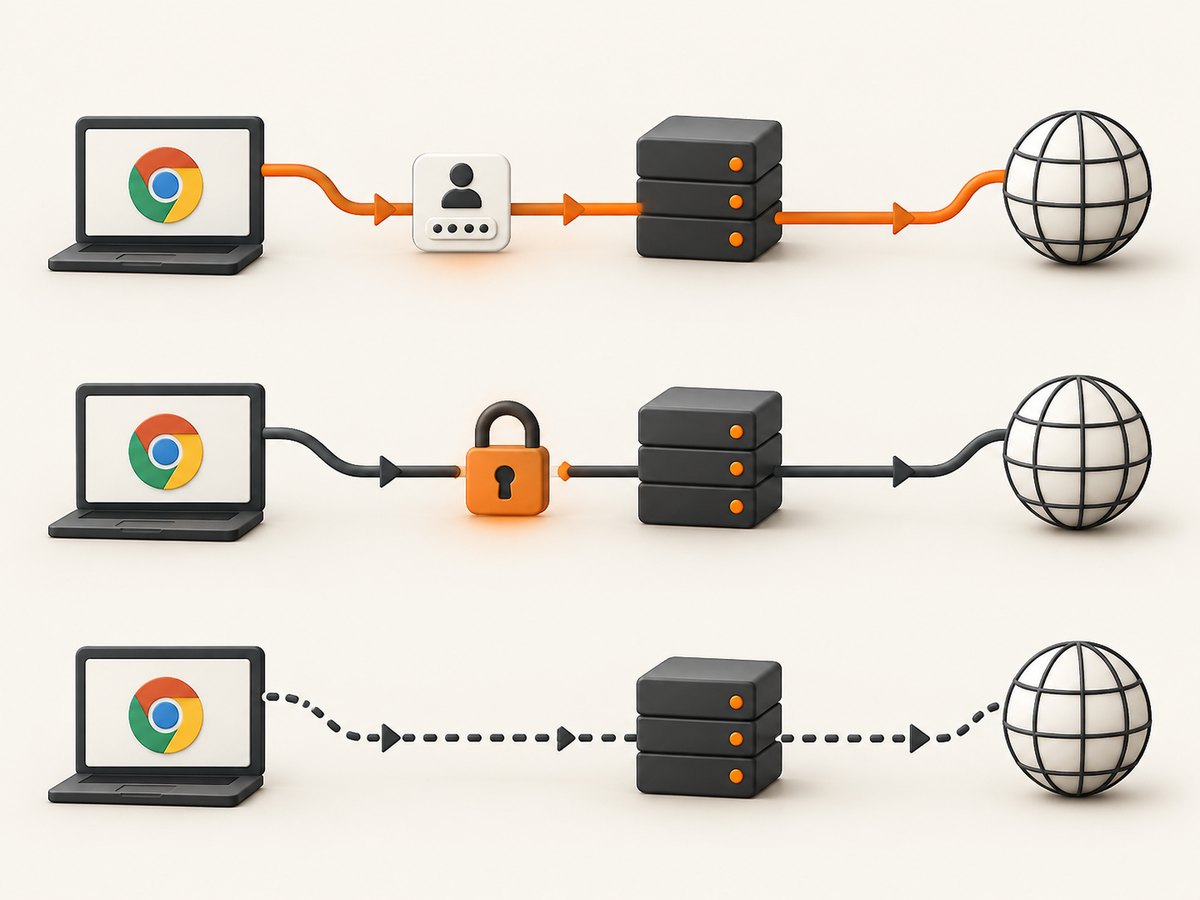
Chromium documents HTTP proxy authentication schemes including Basic, Digest, Negotiate, and NTLM. Which one works depends on the proxy, Chrome’s authentication behavior, and the machine or browser context. Chrome’s integrated authentication can use cached machine credentials for Negotiate or NTLM under documented restrictions; that is not interchangeable with arbitrary per-proxy username and password credentials. See Chrome’s HTTP authentication documentation.
For a username and password challenge, establish the actual scheme with the provider and select a supported method for the exact Chrome version and execution environment. One possible path is a Chrome extension that manages proxy settings and responds to authentication challenges. Chrome provides a chrome.proxy extension API, which requires the proxy extension permission. The official documentation does not establish one universal authenticated-proxy extension recipe for every Chrome version and headless mode, so treat extension loading and challenge handling as version-specific implementation work.
Pin Chrome and Selenium versions in the deployment environment, verify extension loading in that exact headless mode, and inspect browser logs. Do not assume that an extension recipe for a headed browser also works headlessly. If your provider supports a compatible allowlisted egress option, it may avoid a browser credential challenge, but that is a provider configuration choice rather than a Selenium feature.
Choose a compatible proxy protocol
| Proxy type | What to verify | Chrome consideration |
|---|---|---|
| HTTP | Proxy authentication scheme and whether it supports the destinations you need. | Chromium documents Basic, Digest, Negotiate, and NTLM for HTTP proxy authentication. Basic sends credentials unencrypted, so consider the security of the connection and available alternatives. |
| HTTPS proxy | Whether the provider offers TLS between Chrome and the proxy, and which authentication scheme it accepts. | Chromium documents TLS protection for communication with an HTTPS proxy. Authentication still needs to match the supported challenge flow. |
| SOCKSv5 | Whether the provider requires authentication and where DNS resolution happens for your use case. | Chrome documents no SOCKSv5 authentication methods in its implementation. Do not assume protocol-level SOCKS extensions are supported by Chrome. |
For DNS behavior, ask the provider how its endpoint and browser resolve hostnames; the protocol label alone is not enough to establish the behavior for your specific configuration. Likewise, check bypass rules: a correctly configured proxy can still be skipped for destinations matching a bypass list.
4. Verify routing and authentication
- Check provider details. Confirm host, port, protocol, credentials, authentication scheme, and any allowlist requirements.
- Run the browser with the endpoint configured. Start with a controlled target and capture browser logs. A session that launches is not proof of successful authentication.
- Check for a proxy response. An HTTP 407 points first to the proxy challenge, credentials, allowlisting, or scheme mismatch. It is different from a destination page returning an application-level login prompt.
- Verify the observed egress address. Visit a controlled endpoint that reports the public address it sees, or use a provider-approved diagnostic. Compare it with the expected proxy egress. Do not infer routing from the Selenium options alone.
- Repeat in the deployed headless environment. Confirm the same pinned browser version, extension behavior if applicable, environment variables, network access, and user permissions.
Keep the test narrow at first. A page with many redirects, scripts, and third-party resources can make a proxy problem look like a page-load issue. Once routing and authentication are established, try the real target and add your normal waits and page logic.
5. Use waits and timeouts that match the page
Proxy latency and destination behavior both affect page loading. Set a page-load timeout appropriate to the job, and wait for the page condition your task needs rather than assuming that navigation means every client-side component has finished.
from selenium.webdriver.common.by import By
from selenium.webdriver.support.ui import WebDriverWait
from selenium.webdriver.support import expected_conditions as EC

# After driver.get(target_url):
heading = WebDriverWait(driver, 20).until(
    EC.visibility_of_element_located((By.CSS_SELECTOR, "h1"))
)
print(heading.text)
Use explicit waits for specific elements. A fixed long sleep wastes time on fast pages and may still be too short on slow ones. Set an overall job deadline as well, so a sequence of slow navigations cannot run indefinitely. If your task only needs a screenshot or a page title, avoid waiting for unrelated page features.
6. cURL and Python diagnostics
Use your provider’s documented test command to check an endpoint outside Selenium. The exact flags for credentials vary by provider and proxy scheme, so do not copy a credential syntax from an unrelated service. This placeholder illustrates the shape of a cURL proxy diagnostic; replace the proxy endpoint and target with provider-approved values and supply credentials through a secure mechanism supported by your environment.
curl --proxy http://PROXY_HOST:PROXY_PORT https://example.com/A successful cURL request does not prove Chrome will handle the same authentication flow: cURL and Chrome are separate clients. It does help distinguish an unreachable endpoint from a browser authentication issue. For a Python-side connectivity check, use the provider’s supported authentication method and keep secrets outside the script:
import os
import requests

proxy = os.environ["PROXY_URL"]  # Follow your provider's documented format.
response = requests.get(
    "https://example.com/",
    proxies={"http": proxy, "https": proxy},
    timeout=30,
)
response.raise_for_status()
print(response.status_code, response.url)
Requests and Selenium do not necessarily interpret authentication, certificates, or proxy settings identically. Treat this as a network diagnostic, not a substitute for verifying Chrome’s route and challenge handling.
7. WebDriver BiDi is not a general proxy-authentication fix
Selenium WebDriver BiDi adds bidirectional browser communication for events and browser functionality. Selenium describes it as a W3C bidirectional protocol developed with browser vendors; its documentation does not present enabling BiDi as a general way to enter proxy credentials. Use it for the browser events and features it documents, and choose a proxy authentication mechanism based on Chrome’s challenge behavior.
8. Troubleshooting common failures
| Symptom | Likely cause | What to do |
|---|---|---|
| HTTP 407 or repeated proxy challenge | Wrong credentials, unsupported authentication scheme, missing allowlist entry, or Chrome is not answering the challenge. | Confirm the scheme and credentials with the provider. Test endpoint reachability separately, then address the browser-level challenge for the pinned Chrome runtime. |
| Chrome opens, but the public IP is unchanged | Proxy settings did not apply, the target matched a bypass rule, or the configured endpoint was not the one intended. | Inspect options and browser logs, review bypass behavior, and check the observed egress address at a controlled endpoint. |
| Credentials in the proxy URL do nothing | Chrome does not use username/password values embedded in manual proxy settings. | Remove credentials from the URL and implement a supported challenge-handling approach for the proxy scheme. |
| SOCKSv5 endpoint rejects authentication | Chrome’s SOCKSv5 implementation does not support authentication methods. | Ask the provider for an endpoint and authentication option compatible with Chrome, or use a client that supports the required scheme. |
| Extension works headed but fails headless | Extension loading or behavior differs in the selected Chrome version or headless configuration. | Pin versions and validate the extension in the exact runtime. Inspect Chrome logs and verify the extension loaded before blaming page code. |
| Navigation times out after the proxy is configured | Proxy connectivity, slow response, TLS negotiation, destination behavior, or an overly strict timeout. | Test a simple controlled destination, distinguish proxy errors from page errors, and set realistic navigation and job deadlines. |
| Only some destinations bypass the proxy | Proxy bypass rules or scheme-specific settings route selected traffic directly. | Review the rules and HTTP/HTTPS proxy fields. Verify egress separately for each relevant destination pattern. |
| Negotiate or NTLM works on one machine only | Integrated authentication may rely on cached machine credentials and documented restrictions. | Check the execution identity and machine authentication context. Do not treat integrated authentication as arbitrary per-proxy username/password support. |
9. Performance, reliability, and cost
A proxy adds a network hop, and the destination, proxy provider, and authentication exchange all affect completion time. Measure the whole task in the environment where it will run: connection time, navigation, required element wait, and any retries. Avoid retrying every failure blindly. A bad credential or blocked account will not improve with repeated attempts, while transient connection failures may justify a small bounded retry policy.
For reliability, record the proxy endpoint identifier, browser version, target host, elapsed time, final URL, and error category without recording secrets. Separate startup failures, proxy challenge failures, destination errors, and Selenium wait timeouts. This makes it easier to tell whether a change in proxy configuration or a change in the page caused a regression.
Proxy service costs and limits vary by provider and plan. Compare the provider’s authentication schemes, endpoint protocol, traffic or request limits, geographic options if needed, and current terms before selecting one. No specific proxy provider or price is recommended here because the research does not establish one. Keep the browser workload as small as the task allows: reuse a session when safe, close it reliably, and avoid loading resources the task does not need.
10. Or skip the browser setup
If the task is to capture a webpage rather than interact with it through a proxy, ScreenshotNeo provides a website screenshot API and MCP server. One GET request returns an image or PDF. See the API documentation for options and request details.
curl -G "https://api.screenshotneo.com/v1/shot" -d access_key=YOUR_API_KEY --data-urlencode url=https://stripe.com -o shot.webpPython:
import requests
r = requests.get("https://api.screenshotneo.com/v1/shot", params={"access_key": "YOUR_API_KEY", "url": "https://stripe.com"}, timeout=90)
open("shot.webp", "wb").write(r.content)
Node.js:
const q = new URLSearchParams({ access_key: 'YOUR_API_KEY', url: 'https://stripe.com' });
const res = await fetch(`https://api.screenshotneo.com/v1/shot?${q}`);- Cookie and consent banners, newsletter popups, and chat widgets are removed before the shot; each cleanup step can be turned off.
- Bot checks, blank pages, and failed loads are never billed. Responses identify the page verdict and billing status in headers.
- An MCP server provides
take_screenshot,get_page_info, andcapture_pdftools for Claude, Cursor, and other MCP clients. - The free plan includes 1,000 screenshots a month with no card. Paid plans start at $5 for 3,000 screenshots.
Sign up for 1,000 free screenshots a month, with no card.
11. Frequently asked questions
Can I use an authenticated proxy with Selenium Grid?
The same separation applies: configure routing where the browser runs, then handle the authentication challenge in that browser environment. Confirm which machine launches Chrome and where its network route and credentials are available; setting a proxy on the Python client does not necessarily configure a remote browser node.
Should I use WebDriver BiDi to add the proxy password?
The reviewed Selenium BiDi documentation does not establish it as a general proxy-authentication mechanism. Treat proxy credentials as part of the browser’s authentication flow and use a method supported by the browser, scheme, and runtime.
Can I use a proxy for screenshots?
Yes, if the browser or capture service supports the required proxy configuration and authentication flow. If you need browser interaction behind the proxy, Selenium may be appropriate. If you only need an image or PDF of a page, compare that requirement with ScreenshotNeo’s API options and supported features in its documentation.
Why does a proxy test succeed in Python but fail in Chrome?
Different clients can handle proxy settings and authentication challenges differently. A successful Python request proves only that the Python client reached the destination through its configured route; verify Chrome’s egress and challenge handling independently.


