How to Fix Python Selenium MaxRetryError and HTTPConnectionPool Errors
Selenium’s MaxRetryError describes retries that ran out, not a diagnosis. Trace the host, port, URL path, and nested error to find the failing connection.
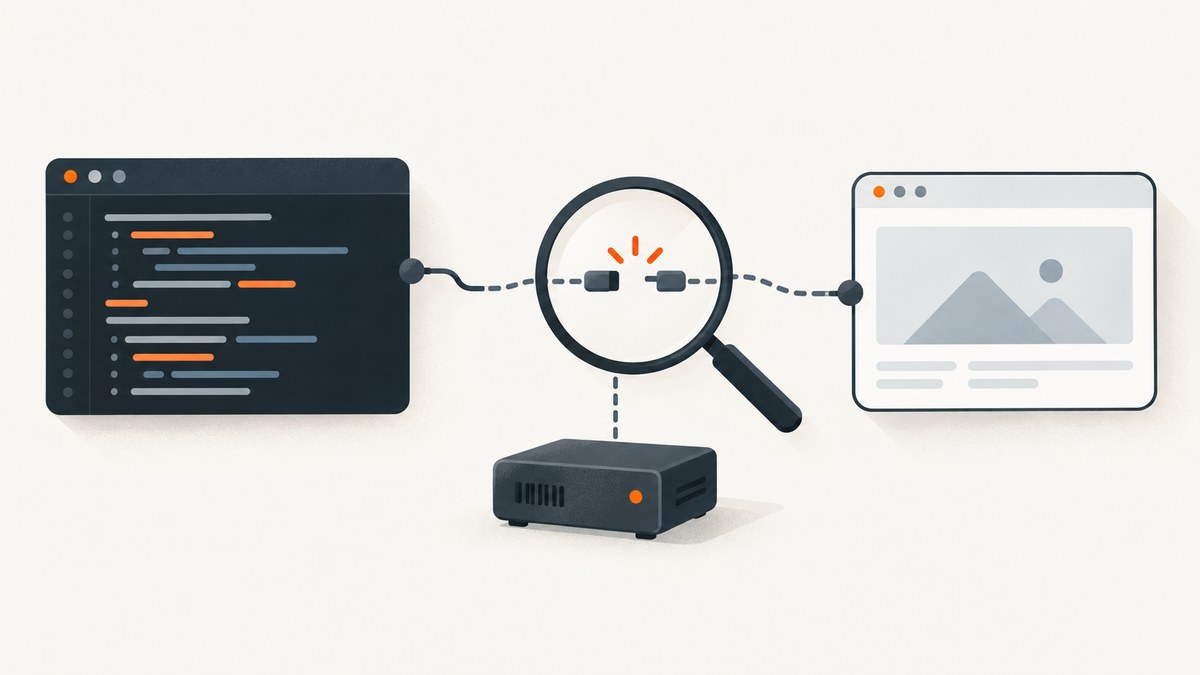
urllib3.exceptions.MaxRetryError means urllib3 exhausted its configured retries while trying to reach the host and port shown in the traceback. It does not, by itself, tell you why the connection failed or prove that the target website blocked Selenium. Read the endpoint and the nested exception first: a request to localhost on a WebDriver session path is often Selenium’s client trying to reach its driver service; a different host may indicate another network connection.
This guide shows how to identify the failing connection, check a local or remote driver, and make a minimal Selenium session observable. It also covers the cases where waiting, retries, or driver installation are relevant—and where they are not.
1. What MaxRetryError and HTTPConnectionPool mean
HTTPConnectionPool is urllib3’s connection pool for a host and, when present, a port. MaxRetryError says the configured retry policy was exhausted. The exception nested after “Caused by” may say connection refused, timeout, or something else; that nested detail is often more diagnostic than the headline. urllib3 lets applications customize retry behavior, so the exact number and timing of attempts depend on configuration.
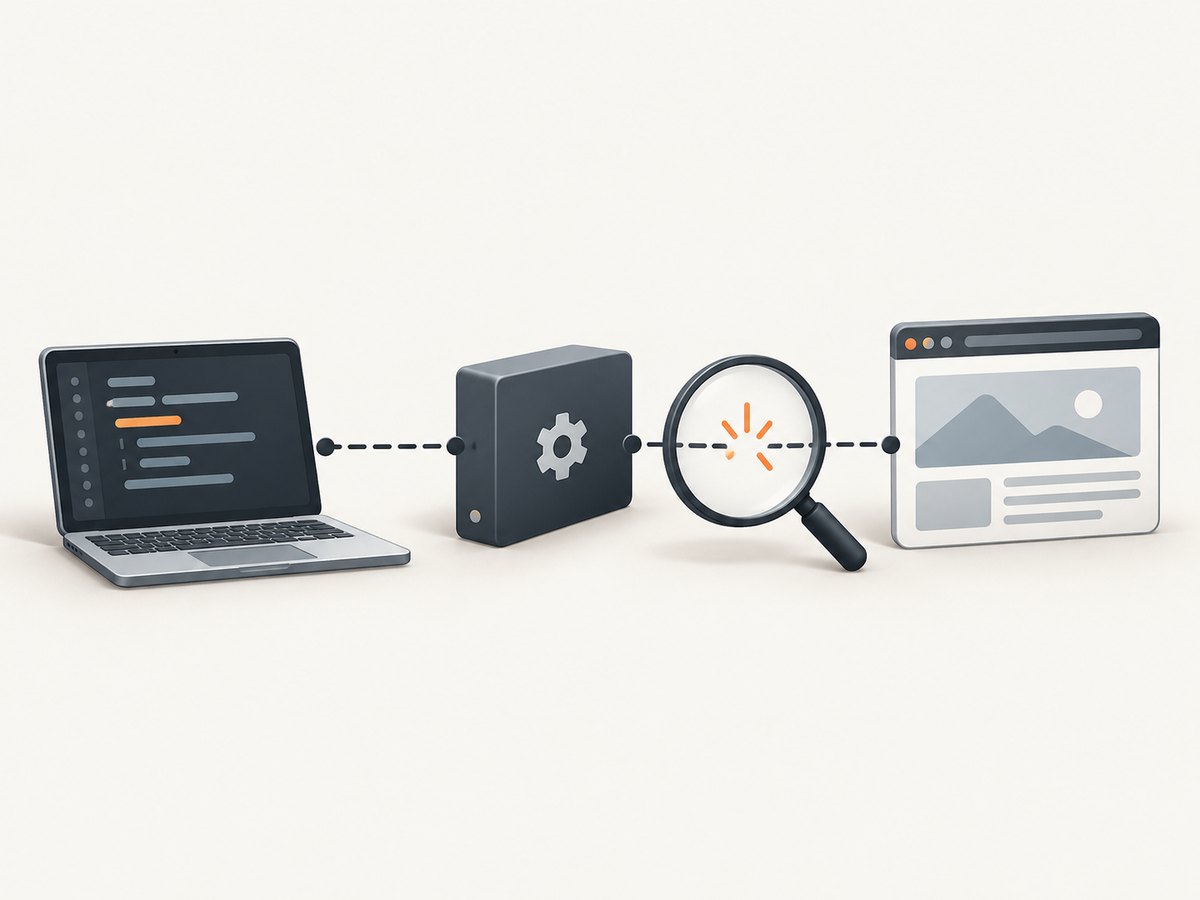
For example, in a traceback like HTTPConnectionPool(host='localhost', port=51234): Max retries exceeded with url: /session/…, the host and path suggest a WebDriver command going to a local service. If the host is your proxy or a public domain, investigate that endpoint instead. A path such as /session/{id}/… is a WebDriver session command, not a request for the page’s HTML.
A local connection refusal is consistent with no process accepting connections at that address at that moment. The driver may have stopped, failed to start, or be unreachable from the Python process. Those are possibilities to investigate, not diagnoses established by the exception alone. A Selenium project issue documents one example where a driver crash was followed by a localhost connection-refused error.
2. Read the traceback before changing code
- Copy the full traceback. Keep the lines after
MaxRetryError, especially the nested cause. Do not stop at the last line. - Record the endpoint. Note host, port, and URL path. Determine whether it is localhost, a remote Selenium server, a proxy, or the website.
- Record when it happens. Does it fail in
webdriver.Chrome()while creating a session, or after a command such asget(),find_element(), orsave_screenshot()? - Check whether a session was created. If session creation succeeded and a later command fails, driver or browser exit and loss of the session become relevant. If it fails before a session exists, inspect service startup, address, and driver logs.
- Write down runtime topology and versions. Include Python, Selenium, urllib3, browser and driver versions, and whether Python runs locally, in a container, a VM, or on a separate machine.
These details separate a browser synchronization issue from a failed connection to the WebDriver service. Selenium’s troubleshooting guide calls poor synchronization its most common Selenium-related error. That general guidance matters when a command reaches a live browser but the page is not ready; it does not explain a refused connection to a stopped local service.
3. Check the local WebDriver service and session
For a local endpoint, begin with the process that owns it. Check Selenium’s service output and browser logs, confirm the browser is still running, and verify the Python code has not called quit() or otherwise discarded the session before issuing another command. If the browser exits unexpectedly, inspect the driver’s own error output rather than assuming the website caused it.
A small script that starts a session, loads a page, saves a screenshot, and always closes the browser makes the failure stage clearer. Install Selenium with python -m pip install -U selenium, then save this as capture.py:
from selenium import webdriver
from selenium.webdriver.chrome.options import Options

options = Options()
# Uncomment for environments without a display, such as many CI containers.
# options.add_argument("--headless=new")

driver = webdriver.Chrome(options=options)
try:
    print("Session created")
    driver.get("https://example.com")
    print("Title:", driver.title)
    driver.save_screenshot("page.png")
finally:
    driver.quit()
Run python capture.py from the same environment where the browser and driver are expected to run. Selenium 4.6 and newer can use Selenium Manager to obtain a suitable driver in typical setups. If your environment uses a custom browser, restricted network access, a pinned driver, or a custom Service path, check those settings and the driver startup logs. Do not assume a missing driver is the explanation when an already-created session later stops responding.
For additional evidence, turn on Selenium command logging using Python’s standard logging configuration:
import logging

logging.basicConfig(level=logging.DEBUG)
logging.getLogger("selenium").setLevel(logging.DEBUG)
Place that setup before creating the driver. Logs can show the sequence of commands and help establish whether the failure begins during startup or after a particular browser command. Avoid posting logs publicly without removing credentials, cookies, tokens, and private URLs.
4. Check containers, VMs, and remote Selenium
localhost always refers to the network namespace of the process making the connection. In Docker, Python inside one container using localhost is addressing that same container—not automatically a browser or Selenium server in another container or on the host. In a VM or remote setup, check which machine owns the WebDriver endpoint.
- Confirm the Selenium server’s configured hostname and port from the Python runtime.
- Check that the service is listening and that the port is exposed or reachable across the relevant container or VM network.
- Use the remote address intended for your deployment rather than copying a host-side
localhostvalue into a container. - Check firewall, proxy, and DNS configuration if the endpoint is not local.
- Compare the address in the traceback with the address configured in
webdriver.Remote.
This is a topology check, not a claim that Docker or remote execution is inherently the cause. The correct hostname and network change depend on where the Python process and driver service actually run.
A remote session has a different setup from local webdriver.Chrome(). Supply the reachable WebDriver endpoint and browser options appropriate to the remote service:
from selenium import webdriver
from selenium.webdriver.chrome.options import Options

options = Options()
# Configure any browser-specific capabilities required by your remote service.

driver = webdriver.Remote(
    command_executor="http://selenium-host:4444",
    options=options,
)
try:
    driver.get("https://example.com")
    print(driver.title)
finally:
    driver.quit()
Replace selenium-host with a name resolvable from the Python process. This example assumes an HTTP WebDriver endpoint at port 4444; use the endpoint and authentication required by your own service. It is not a universal remote Selenium address.
5. Distinguish connection failures from page timing problems
If the browser remains alive and commands reach it, but an element is not ready, use an explicit wait rather than a fixed guess or repeated immediate lookup. A synchronization problem normally presents as an element or timeout error, not proof of a broken WebDriver TCP connection. Conversely, adding a wait cannot revive a driver process that has stopped.
from selenium import webdriver
from selenium.webdriver.common.by import By
from selenium.webdriver.support import expected_conditions as EC
from selenium.webdriver.support.ui import WebDriverWait

with webdriver.Chrome() as driver:
    driver.get("https://example.com")
    heading = WebDriverWait(driver, 10).until(
        EC.visibility_of_element_located((By.TAG_NAME, "h1"))
    )
    print(heading.text)
The context manager closes the session when the block ends. Do not send commands through driver after it has closed. If waits repeatedly time out, check the locator, page state, and browser logs; treat that separately from an HTTPConnectionPool refusal unless the traceback shows the driver endpoint itself is unreachable.
6. Why increasing retries is usually not the repair
Retries govern how many attempts are made and when urllib3 gives up. They do not start a stopped WebDriver process, correct a wrong remote hostname, or restore a closed browser session. Raising the retry allowance may only delay the same error. First identify the endpoint and nested cause.
Retrying can be appropriate for a transient network operation when the application knows the operation is safe to repeat and the service may recover. A WebDriver command is stateful: blindly replaying commands can leave the browser in an unexpected state, and Selenium’s internal HTTP transport is not the same as your own requests client. Avoid applying a generic urllib3 retry recipe to Selenium without understanding which layer owns the request.
7. Troubleshooting by symptom
| Traceback clue | What to check | Practical next step |
|---|---|---|
localhost plus /session/, connection refused |
Whether the local driver service is still accepting connections; browser or driver crash; session closed | Inspect service and browser logs, rerun a minimal session, and note whether startup or a later command fails |
localhost from Docker or a VM |
Which runtime owns that loopback address | Use the reachable service hostname and verify port exposure from the Python environment |
| Failure during driver construction | Driver startup, browser availability, custom service path, Selenium/browser compatibility, restricted driver download | Check installed versions and Selenium Manager output; review service logs and installation guidance |
| Failure after a browser command | Browser exit, driver crash, closed session, or transient endpoint interruption | Identify the last successful command and correlate it with browser and driver logs |
| Nested timeout to a nonlocal host | Network path, DNS, firewall, proxy, remote service availability | Test reachability from the same runtime and verify the configured endpoint |
| Element lookup timeout while the driver is reachable | Page synchronization, locator, navigation state | Use an explicit wait and verify the expected page and element |
| Only one browser/driver combination fails | Underlying driver-specific fault or configuration difference | Compare versions and logs; try another supported browser to isolate the layer |
For an individual diagnosis, include the complete traceback, the small code path that creates the driver and issues the failing command, package and browser versions, and whether execution is local, containerized, or remote. Redact secrets. No one can reliably identify the cause from the exception name alone.
8. Performance, reliability, and cost considerations
Browser automation starts a real browser and maintains a WebDriver session, so it has more setup and runtime state than a direct HTTP request. Keep sessions scoped to the work that needs them, close them reliably, and use explicit waits for specific page conditions. This reduces wasted time from arbitrary sleeps and limits orphaned browser processes. It does not guarantee that a remote service or browser will never fail.
For repeatable capture jobs, log the endpoint, session creation result, browser and driver versions, and failing command. Keep concurrency within the capacity of the machine or remote service; more simultaneous browsers consume more resources. Reuse a live session when appropriate for a sequence of pages, but do not share one driver across unrelated concurrent tasks without a design that accounts for WebDriver session state.
Cost depends on where browsers run: local compute, hosted Selenium, and other infrastructure have different pricing. The dossier provides no benchmark or universal cost comparison. Measure your own page mix, concurrency, startup overhead, and failure rate before estimating capacity. Do not interpret a retry count as a measure of how expensive or slow a page is.
9. Or skip the browser setup
If the job is simply to capture a page image or PDF, ScreenshotNeo is a website screenshot API and MCP server. Instead of installing and maintaining a local browser and driver, call its endpoint once. See the ScreenshotNeo API documentation for request parameters and the available options.
curl -G "https://api.screenshotneo.com/v1/shot" -d access_key=YOUR_API_KEY --data-urlencode url=https://stripe.com -o shot.webpimport requests
r = requests.get(
"https://api.screenshotneo.com/v1/shot",
params={"access_key": "YOUR_API_KEY", "url": "https://stripe.com"},
timeout=90,
)
open("shot.webp", "wb").write(r.content)
const q = new URLSearchParams({ access_key: 'YOUR_API_KEY', url: 'https://stripe.com' });
const res = await fetch(`https://api.screenshotneo.com/v1/shot?${q}`);
if (!res.ok) throw new Error(`Screenshot request failed: ${res.status}`);
await Bun.write('shot.webp', new Uint8Array(await res.arrayBuffer()));
The JavaScript example uses Bun’s file writer. In Node.js, replace the last two lines with:
import { writeFile } from 'node:fs/promises';
if (!res.ok) throw new Error(`Screenshot request failed: ${res.status}`);
await writeFile('shot.webp', Buffer.from(await res.arrayBuffer()));
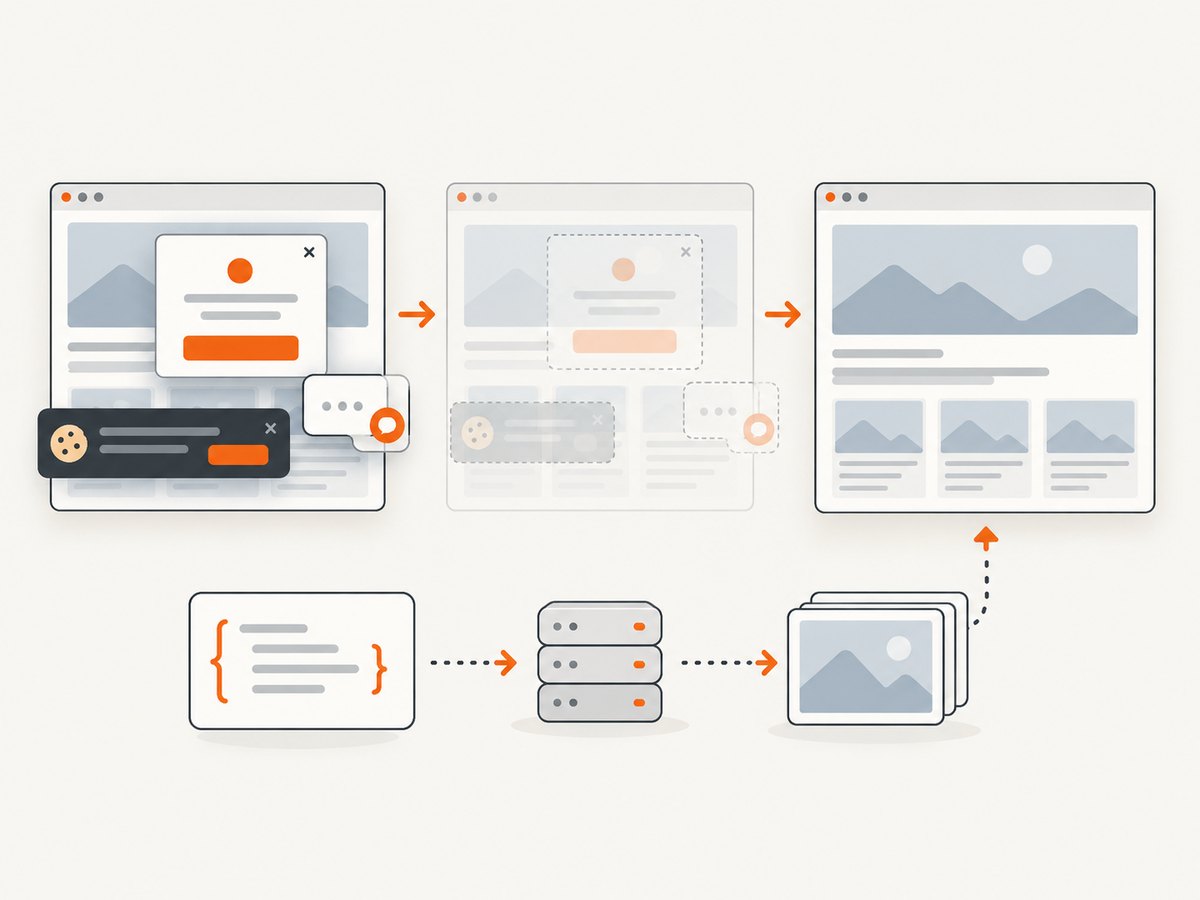
ScreenshotNeo removes known cookie and consent banners, newsletter popups, and chat widgets before capture; each cleanup step can be turned off. Bot checks, blank pages, timeouts, failed loads, and cache hits are not billed, and response headers identify the page verdict and billing status. Its MCP server provides take_screenshot, get_page_info, and capture_pdf for AI agents. The API also supports full-page and element capture, device presets and custom viewport, dark mode, PDF settings, custom CSS and JavaScript, waits, request blocking, headers and cookies, caching, signed image links, asynchronous jobs, bulk capture, and a usage API. Plans include 1,000 shots a month free without a card; paid plans start at $5 for 3,000 shots. Every feature is on every plan.
Create a free ScreenshotNeo account for 1,000 screenshots a month with no card required.
10. Frequently asked questions
Does MaxRetryError mean the website blocked Selenium?
No. It means retries to the displayed endpoint were exhausted. Identify whether that endpoint belongs to the website, a proxy, or the WebDriver service, then read the nested exception.
Should I increase the timeout?
Only when the nested error is genuinely a timeout and the endpoint is reachable but responding slowly. A timeout increase does not fix a refused connection or wrong host.
Can Selenium Manager fix this automatically?
Selenium Manager can obtain a suitable driver in typical Selenium 4.6+ setups. It cannot fix a stopped service, unreachable remote endpoint, closed session, or unrelated network failure.
What details should I include when asking for help?
Share the full redacted traceback, failing command, setup code, relevant package and browser versions, and whether Python and the driver run on the same machine, in containers, or remotely.


