How to Take a Screenshot on Test Failure with Python Selenium
Capture Selenium screenshots reliably when tests fail, with pytest hooks, CI artifacts, troubleshooting, and a hosted ScreenshotNeo option.
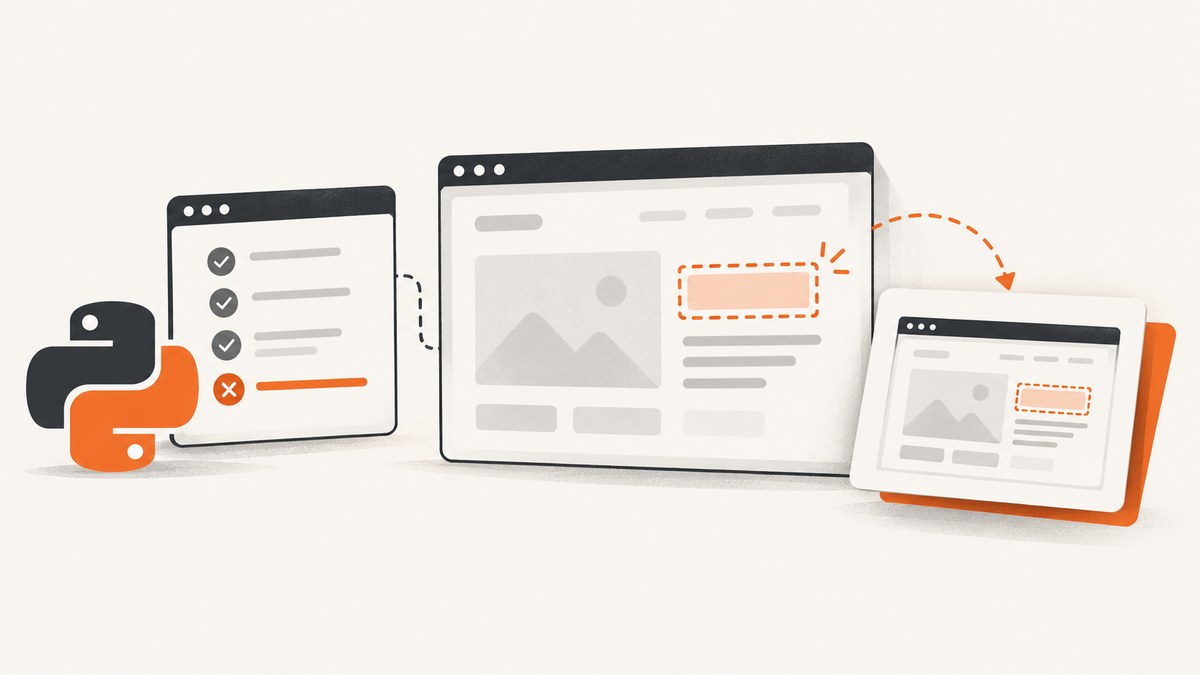
Direct answer: call driver.save_screenshot("path/to/failure.png") while the WebDriver session is still running. Selenium captures the current browser window and returns True when the PNG is written or False when an I/O error occurs. In a real test suite, put that call in a pytest failure hook or fixture teardown, create the destination directory first, use a unique filename, and publish the directory as a CI artifact.
This guide shows a deterministic implementation, a pytest hook, a fixture-based approach, the maintained plugin option, in-memory and Base64 variants, parallel-test naming, CI storage, and the errors that commonly make failure screenshots disappear. It also explains when a hosted capture API such as ScreenshotNeo is a better fit than managing a browser on the test worker.
1. Capture a screenshot directly with Selenium
Selenium’s Python WebDriver API documents save_screenshot(filename) as saving “a screenshot of the current window to a PNG image file.” The filename should be a full, writable path ending in .png. The method returns a Boolean, so check it rather than assuming the file exists.
from pathlib import Path
from selenium import webdriver


def save_failure_screenshot(driver, test_name: str, output_dir: str = "artifacts") -> Path:
    directory = Path(output_dir)
    directory.mkdir(parents=True, exist_ok=True)

    # Keep names portable and avoid characters that are awkward in CI paths.
    safe_name = "".join(ch if ch.isalnum() or ch in "-_." else "_" for ch in test_name)
    path = directory / f"{safe_name}.png"

    ok = driver.save_screenshot(str(path))
    if not ok:
        raise OSError(f"Could not write screenshot: {path}")
    return path


driver = webdriver.Chrome()
try:
    driver.get("https://example.com")
    assert "Expected title" in driver.title
finally:
    # Save here on a known failure path, before quit().
    driver.quit()
The finally block above is only a minimal demonstration. In production, you need to know whether the test failed before deciding to save. Most teams do that in pytest’s reporting hooks or in a fixture that receives the test outcome.
2. Add screenshots to pytest automatically
Option A: a pytest hook with a driver fixture
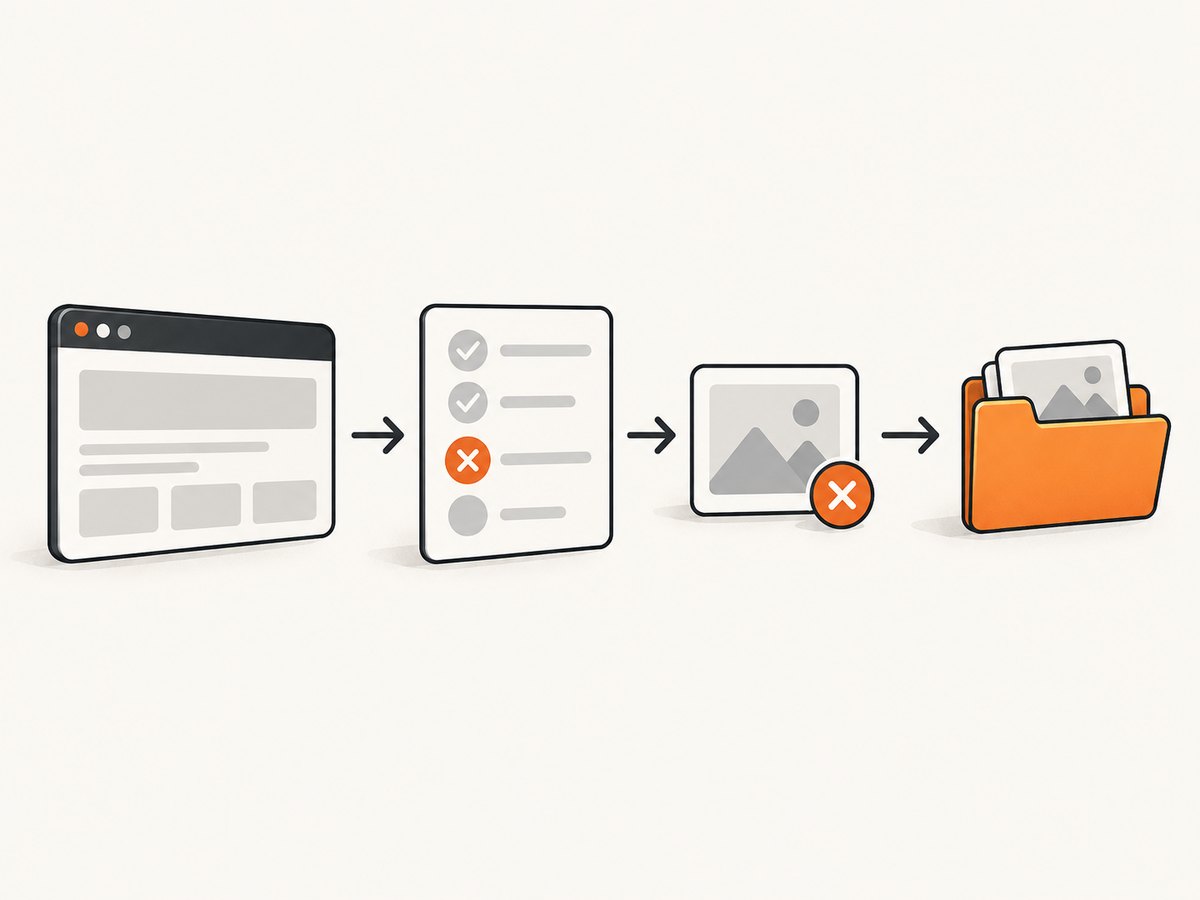
A hook gives you control over naming, metadata, and the exact point at which the browser is captured. The key detail is that the driver fixture must still be alive when the hook runs. One practical pattern stores the driver on the test item and captures it during pytest_runtest_makereport.
# conftest.py
from pathlib import Path
import re
import pytest
from selenium import webdriver


def _safe_nodeid(nodeid: str) -> str:
    value = re.sub(r"[^A-Za-z0-9_.-]+", "_", nodeid)
    return value[:180].strip("_") or "test"


@pytest.fixture
def driver(request):
    browser = webdriver.Chrome()
    request.node._selenium_driver = browser
    try:
        yield browser
    finally:
        # The report hook runs before fixture teardown in the normal pytest flow.
        browser.quit()


@pytest.hookimpl(hookwrapper=True)
def pytest_runtest_makereport(item, call):
    outcome = yield
    report = outcome.get_result()

    if report.when != "call" or not report.failed:
        return

    browser = getattr(item, "_selenium_driver", None)
    if browser is None:
        return

    directory = Path("artifacts/screenshots")
    directory.mkdir(parents=True, exist_ok=True)
    filename = directory / f"{_safe_nodeid(item.nodeid)}.png"

    if not browser.save_screenshot(str(filename)):
        # Do not hide the original assertion failure if writing fails.
        item.add_report_section("call", "screenshot", f"Could not write {filename}")
    else:
        item.add_report_section("call", "screenshot", f"Saved {filename}")
Run the suite normally:
python -m pytest testsThis hook captures failures in the test call phase. If setup or teardown can fail after the browser has opened, add equivalent handling for report.when == "setup" or report.when == "teardown", provided you can still retrieve a live driver. A test that fails before the fixture is created has no browser state to capture.
Option B: capture in fixture teardown
Fixture teardown is useful when your suite already records the outcome through request.node.rep_call. The report hook below stores the call report; the fixture then saves before quitting.
# conftest.py
from pathlib import Path
import pytest
from selenium import webdriver


@pytest.hookimpl(hookwrapper=True)
def pytest_runtest_makereport(item, call):
    outcome = yield
    report = outcome.get_result()
    setattr(item, f"rep_{report.when}", report)


@pytest.fixture
def driver(request):
    browser = webdriver.Chrome()
    yield browser

    call_report = getattr(request.node, "rep_call", None)
    if call_report and call_report.failed:
        directory = Path("artifacts/screenshots")
        directory.mkdir(parents=True, exist_ok=True)
        # nodeid is more useful than the short function name in parametrized tests.
        filename = directory / "failure.png"
        browser.save_screenshot(str(filename))

    browser.quit()
For parallel execution, never use a single fixed name such as failure.png. Include the sanitized pytest node id, a worker identifier, or a timestamp. Otherwise workers overwrite one another and the last writer wins.
3. Use the pytest screenshot plugin when its conventions fit
The pytest-screenshot-on-failure package documents a yielded Selenium WebDriver fixture and the --save_screenshots command-line flag. Its default output directory is screenshots, and you can choose another directory with --screenshots_dir=<custom_dir_name>.
python -m pip install pytest-screenshot-on-failure
python -m pytest tests --save_screenshots
python -m pytest tests --save_screenshots --screenshots_dir=artifacts/screenshots
A plugin removes boilerplate when its fixture lifecycle matches your suite. A custom hook is usually the better choice when you need a specific filename scheme, per-test metadata, multiple browsers, remote WebDriver support, or a CI directory layout that must match the rest of your artifacts. Check the plugin’s fixture names before replacing an existing driver fixture.
4. Save PNG bytes or Base64 instead of a file
get_screenshot_as_png() returns PNG bytes. This is useful when your report system accepts an attachment stream or when you want to upload directly to object storage without a temporary file. get_screenshot_as_base64() returns Base64 text that can be embedded in an HTML report.
from pathlib import Path
import base64

png_bytes = driver.get_screenshot_as_png()
Path("artifacts/current.png").write_bytes(png_bytes)

encoded = driver.get_screenshot_as_base64()
html = f'<img alt="failure" src="data:image/png;base64,{encoded}">'
Path("artifacts/report.html").write_text(html, encoding="utf-8")
These methods still capture the current browser window. They do not automatically capture the complete document height. Full-page screenshots require browser-specific support or a separate capture implementation, and should not be described as equivalent to the default WebDriver screenshot.
5. Make failure artifacts useful in CI
- Create the artifact directory before the test starts, or immediately before writing.
- Use a path inside the CI workspace rather than a system temporary directory that is deleted after the job.
- Include the pytest node id, browser, viewport, and worker in the filename when runs are parallel or parameterized.
- Publish the directory even when the test command exits nonzero. CI systems commonly support an “always upload” or “upload on failure” setting.
- Keep the original assertion and stack trace as the primary failure. If screenshot writing fails, report it as an additional diagnostic error.
For remote WebDriver sessions, the file is written on the machine running the Python process. If the browser is remote, this is normally the test runner, not the browser host. Confirm that the runner has a writable workspace and that the driver implementation supports screenshots.
6. Important edge cases
The browser has already been quit
driver.quit() closes the session. Any later screenshot call raises a WebDriver error or cannot capture useful state. Put the failure capture before quit(), usually in fixture teardown or a report hook that runs while the fixture is active.
The test crashes before a driver exists
Import errors, fixture setup failures, and invalid configuration can happen before a browser is created. There is no browser image to save. Capture logs, environment details, and the traceback for those failures instead.
The directory is not writable
A read-only workspace, an absent parent directory, or a path containing an invalid character can make save_screenshot return False. Create the directory with Path.mkdir(parents=True, exist_ok=True), use an absolute or workspace-relative path, and check the Boolean return.
Parallel tests overwrite images
Use a sanitized node id and worker name. For example, a parametrized test can produce test_checkout_chrome_0.png and test_checkout_firefox_1.png instead of sharing one filename.
The image shows a blank or unexpected page
The screenshot reflects the instant of capture. Wait for a reliable element, URL state, or application condition before the assertion. A screenshot cannot reconstruct a page after navigation, a crash, or a premature teardown. If the failure itself is a timeout, save immediately when the timeout is raised so the transient state is preserved.
Only the viewport is visible
This is expected for the standard Selenium call. If you need the entire page, use a browser-specific full-page strategy and verify its behavior across Chrome, Firefox, and remote drivers. Do not assume that changing the PNG filename changes the capture area.
7. Troubleshooting checklist
| Symptom | Likely cause | Fix |
|---|---|---|
| No file appears | Directory missing, unwritable, or return value ignored | Create the directory, use a writable path, and check the Boolean result |
| “Invalid session ID” | quit() ran first |
Move capture before browser shutdown |
| Only some failures have images | Hook handles only call failures or setup failed before driver creation | Add setup/teardown handling where a live driver exists |
| Images contain other tests | Parallel workers reused one filename | Include node id and worker id in each path |
| Plugin fixture conflict | Plugin expects a different fixture lifecycle | Inspect its documented fixture and use a custom hook if needed |
| CI has no screenshots | Artifacts upload only on success | Configure upload to run after failed jobs and point it at the correct workspace directory |
8. Performance, reliability, and cost considerations
A screenshot adds browser-side work and disk I/O to the failing test, but it normally runs only on failures, so the impact on passing tests is negligible. Avoid taking repeated screenshots in tight polling loops. If a failure may be retried, decide whether to keep every attempt or overwrite within a per-attempt directory.
PNG is lossless and easiest to inspect in CI. If storage is expensive, convert after capture or retain only failure artifacts for a limited period. Keep the original PNG until the report has been uploaded so a conversion error does not remove the only diagnostic image.
Reliable naming and artifact retention matter more than image format. A screenshot that is overwritten, stored outside the workspace, or deleted with the worker cannot help debug a failure. Include browser and viewport metadata in the report because the image alone does not identify the test environment.
9. Or skip the browser setup
If your goal is a clean screenshot of a URL rather than a screenshot of the exact failing Selenium session, ScreenshotNeo provides a website screenshot API and MCP server. The direct request is:
curl -G "https://api.screenshotneo.com/v1/shot" -d access_key=YOUR_API_KEY --data-urlencode url=https://stripe.com -o shot.webpPython:
import requests
r = requests.get("https://api.screenshotneo.com/v1/shot", params={"access_key": "YOUR_API_KEY", "url": "https://stripe.com"}, timeout=90)
open("shot.webp", "wb").write(r.content)
Node.js:
const q = new URLSearchParams({ access_key: 'YOUR_API_KEY', url: 'https://stripe.com' });
const res = await fetch(`https://api.screenshotneo.com/v1/shot?${q}`);
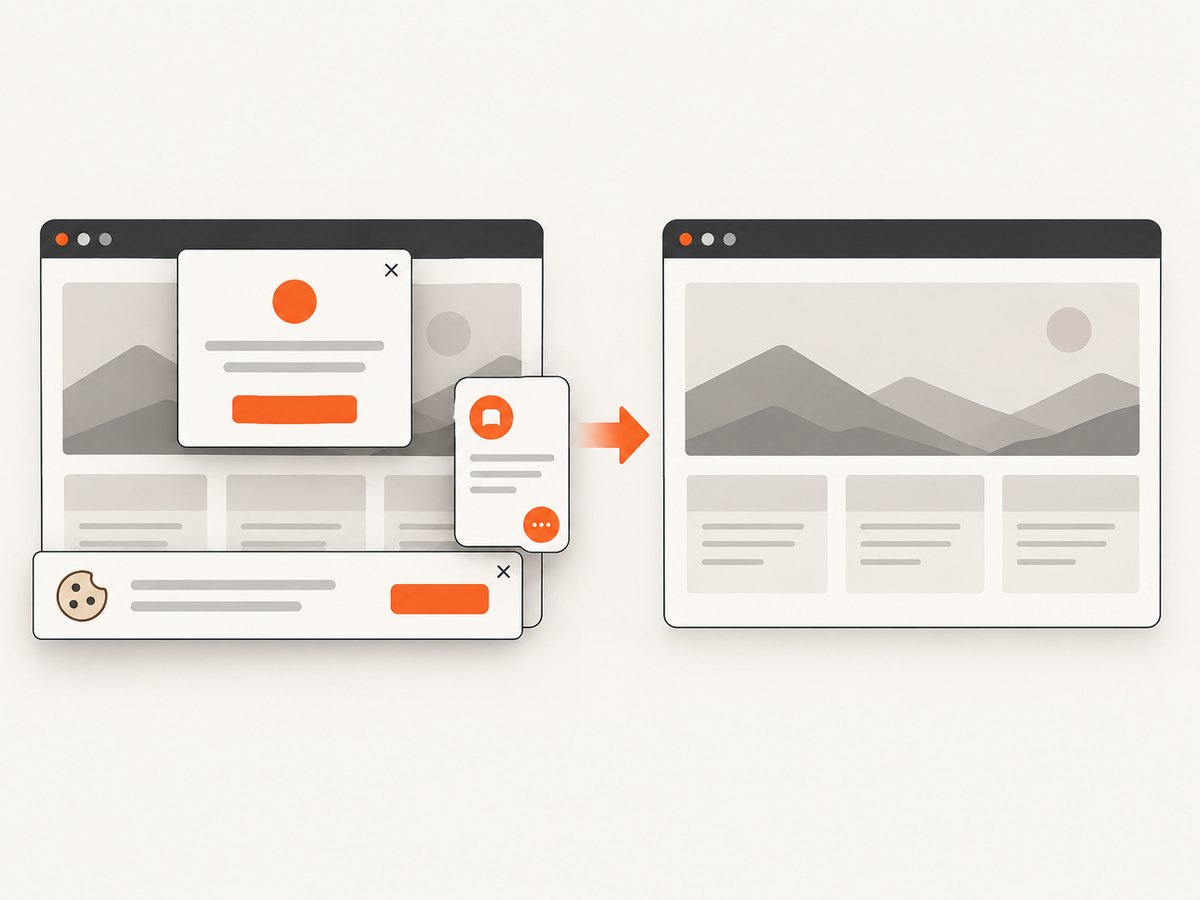
See the ScreenshotNeo documentation for request options. Cookie banners, newsletter popups, and chat widgets are removed before the shot. Bot checks, blank pages, timeouts, failed loads, and cache hits are not billed, and response headers identify the page verdict and billing status. An MCP server lets Claude, Cursor, and other MCP clients call take_screenshot, get_page_info, and capture_pdf. The Free plan includes 1,000 screenshots a month with no card; paid plans start at $5 for 3,000 shots. Create a free ScreenshotNeo account.
10. FAQ
Does Selenium save JPEG or WebP?
The standard Python screenshot methods write PNG data. Convert the resulting bytes afterward if another format is required.
Can I take a screenshot after an assertion raises?
Yes, if control reaches your failure hook or teardown while the driver session remains alive. Capture before quitting the browser.
Will a screenshot include browser chrome?
No. WebDriver captures the browser content area, not the operating system window frame or browser toolbar.
Should I use a plugin or write a hook?
Use the plugin when its fixture and output conventions match your suite. Write a hook when you need custom names, metadata, lifecycle control, or parallel-run behavior.
Can a hosted API reproduce the exact state of my failed test?
No. A URL capture API starts its own capture session. Use Selenium artifacts when you need the exact cookies, DOM state, and timing from the failed test; use ScreenshotNeo when you need repeatable URL captures without maintaining browser setup.


