How to Use Python Unpacking Operators (*, **)
Learn how Python’s * and ** unpack arguments, assignments, lists, and dictionaries with runnable examples, errors, and practical patterns.
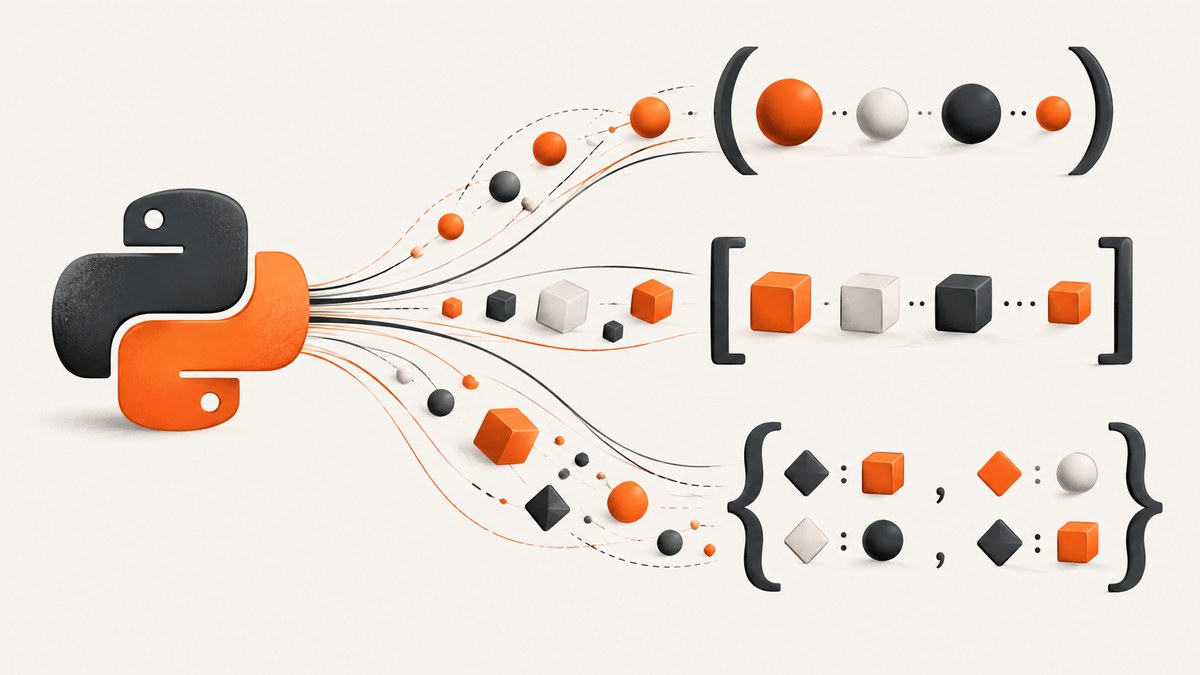
Python’s unpacking operators let you expand one iterable or mapping into several values. Use *iterable when a function, list, or assignment needs positional values. Use **mapping when a function or dictionary needs key-value pairs. The same symbols appear in several contexts, but each context has its own rules.
This guide explains calls, function definitions, assignments, list displays, dictionary displays, version compatibility, errors, performance, and practical patterns.
1. The direct answer: what * and ** do
| Syntax | Operand | What happens |
|---|---|---|
*value in a call |
Any iterable | Items become positional arguments |
**value in a call |
Mapping | Entries become keyword arguments |
*target in assignment |
Any iterable on the right | Remaining items are collected into a list |
*value in a list display |
Any iterable | Items are inserted into the new list |
**value in a dictionary display |
Mapping | Key-value pairs are copied into the new dictionary |
For example:
def make_point(x, y):
    return (x, y)

coords = (3, 8)
point = make_point(*coords)

options = {"voltage": "four million", "state": "stable"}

def parrot(voltage, state):
    return f"{voltage}, {state}"

message = parrot(**options)
The call make_point(*coords) is equivalent to make_point(3, 8). The call parrot(**options) is equivalent to parrot(voltage="four million", state="stable"). The Python tutorial documents these argument-list forms in detail (Python control-flow tutorial).
2. Unpacking arguments in function calls
Use * for positional arguments
The operand after * must be iterable: a list, tuple, string, range, generator, or another object implementing iteration.
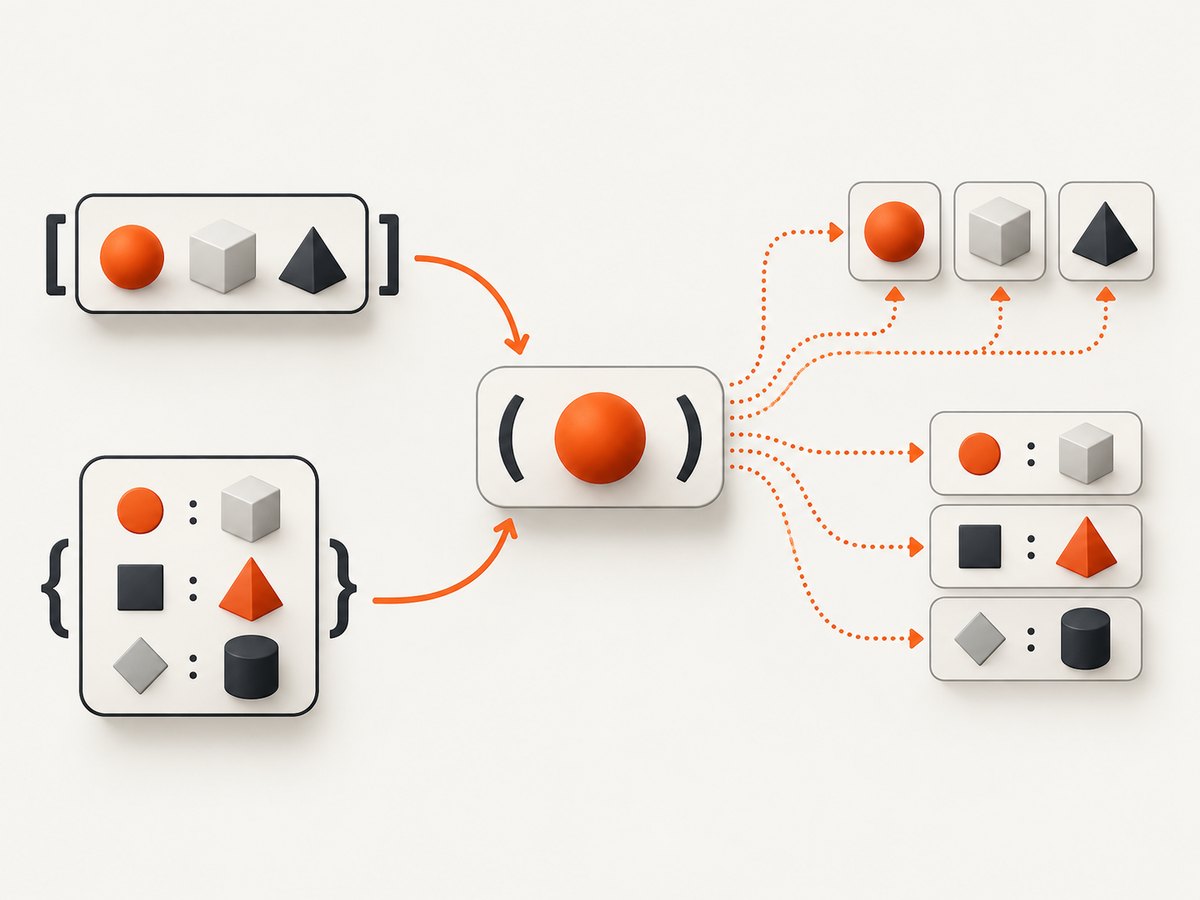
def volume(width, height, depth):
    return width * height * depth

dimensions = [2, 3, 4]
print(volume(*dimensions))  # 24

letters = "abc"
print(list(*[letters]))     # TypeError: list expected at most 1 argument
print(list(letters))        # ['a', 'b', 'c']
The last example shows that unpacking is governed by the receiving function’s signature. list(*[letters]) passes one positional value, the string, but the call form is unnecessary and easy to misunderstand. Usually write the direct call instead.
Use ** for keyword arguments
Each mapping key must be a string that matches a parameter name when calling a normal Python function. The values become keyword arguments.
def connect(host, port=443, secure=True):
    return host, port, secure

config = {
    "host": "example.com",
    "port": 8443,
    "secure": True,
}

print(connect(**config))

# Equivalent explicit call:
print(connect(host="example.com", port=8443, secure=True))
Extra keys produce TypeError unless the function accepts **kwargs. Missing required keys also produce TypeError.
Combining positional and keyword unpacking
You can combine ordinary arguments, *, and **, provided the resulting call does not assign one parameter twice.
def request(method, url, timeout=30, **headers):
    return method, url, timeout, headers

positional = ["GET", "https://example.com"]
options = {"timeout": 10, "headers": {"Accept": "application/json"}}

# Put header entries directly into the function's **headers parameter.
print(request(*positional, timeout=options["timeout"], **options["headers"]))
This fails because a value is supplied twice:
def greet(name):
    return name

values = {"name": "Ada"}
greet("Grace", **values)  # TypeError: multiple values for argument 'name'
3. *args and **kwargs in function definitions
In a function definition, the operators have the opposite direction: they collect arguments rather than expand them.
def summarize(first, *rest, **metadata):
    return {
        "first": first,
        "rest": rest,
        "metadata": metadata,
    }

print(summarize("a", "b", "c", source="import", valid=True))
# {'first': 'a', 'rest': ('b', 'c'), 'metadata': {'source': 'import', 'valid': True}}
*rest is a tuple inside the function. **metadata is a dictionary. This differs from assignment unpacking, where a starred target receives a list.
A useful forwarding wrapper looks like this:
def log_call(func):
    def wrapper(*args, **kwargs):
        print("calling", func.__name__)
        return func(*args, **kwargs)
    return wrapper

@log_call
def add(a, b):
    return a + b

print(add(2, 3))
Use functools.wraps in production wrappers so the decorated function retains useful metadata.
4. Starred assignment: capture the remaining values
Extended iterable unpacking allows one starred target in an assignment. The starred target always becomes a list, even when no values remain.
first, *middle, last = [10, 20, 30, 40]
print(first)   # 10
print(middle)  # [20, 30]
print(last)    # 40

head, *tail = (1, 2, 3)
print(head, tail)  # 1 [2, 3]

*items, final = "abc"
print(items, final)  # ['a', 'b'] c
The right-hand side can be any iterable, including a generator. Python consumes enough values to satisfy the fixed targets and collects the rest.
def numbers():
    yield from range(5)

first, *rest = numbers()
print(first, rest)  # 0 [1, 2, 3, 4]
At least enough values must exist for the non-starred targets:
first, *middle, last = [42]
# ValueError: not enough values to unpack (expected at least 2, got 1)
A starred assignment target cannot appear twice at the same level:
*left, *right = [1, 2, 3] # SyntaxErrorExtended iterable unpacking was introduced in Python 3.0 through PEP 3132. The Python 3.0 release notes specify that the collected target is a list (What’s New in Python 3.0).
5. Unpacking in list displays
A starred expression in a list display inserts each item from its iterable into the new list. It is useful for readable concatenation.
prefix = ["start"]
body = range(3)
suffix = ["end"]

items = [*prefix, *body, *suffix]
print(items)  # ['start', 0, 1, 2, 'end']
The operation creates a new list. It does not mutate the source lists, and it is a shallow expansion: nested objects remain the same objects.
original = [[1], [2]]
copy = [*original]
copy[0].append(99)
print(original)  # [[1, 99], [2]]
Use copy.deepcopy when you need independent nested objects.
6. Unpacking in dictionary displays
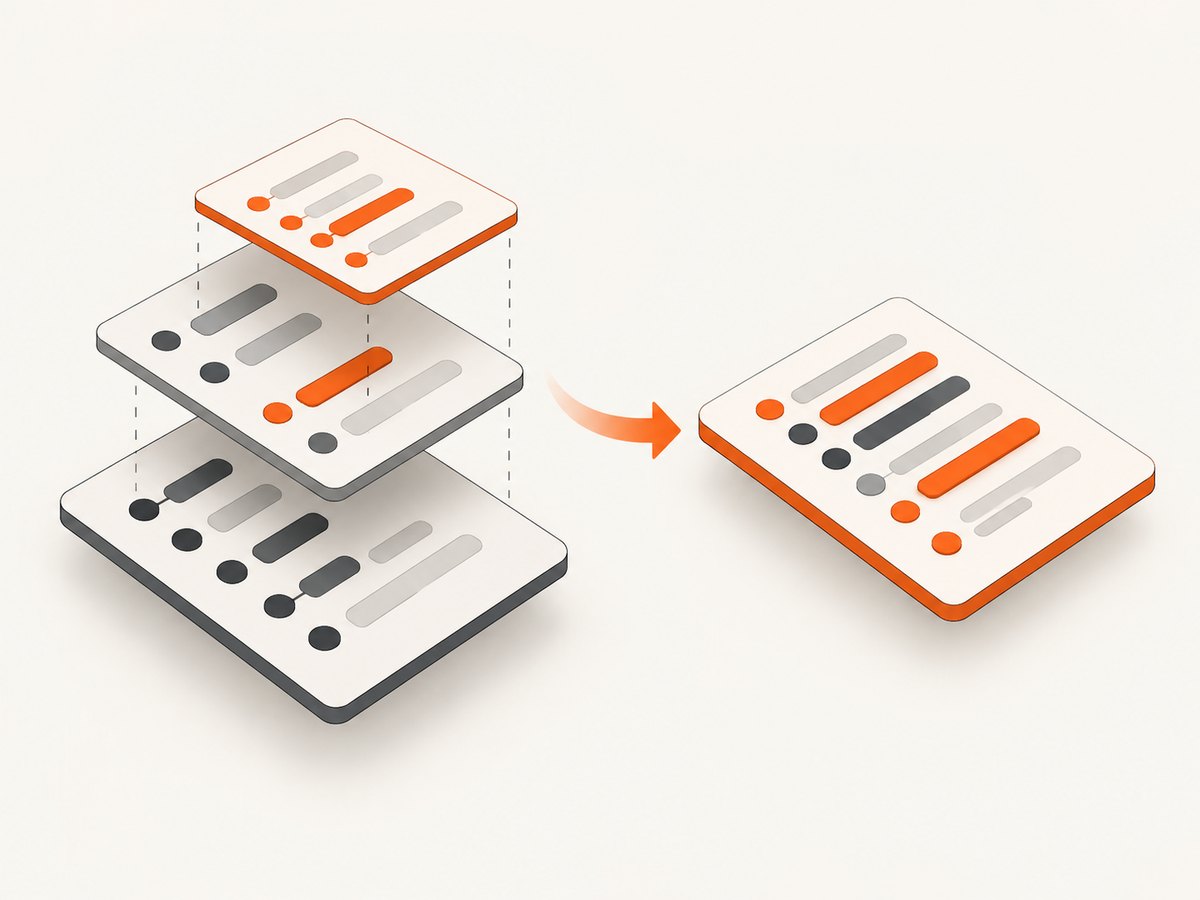
Double-starred expressions copy entries from a mapping into a new dictionary.
defaults = {"color": "blue", "count": 8}
overrides = {"color": "yellow"}
combined = {**defaults, **overrides}
print(combined)  # {'color': 'yellow', 'count': 8}
When keys collide, the later entry wins. This makes {**defaults, **overrides} a concise configuration pattern.
base = {"timeout": 30, "retries": 2}
user = {"timeout": 5}
final = {**base, **user}

# Add a final explicit value; it wins over both mappings.
final = {**base, **user, "retries": 4}
Each operand must be a mapping. A list of pairs is not accepted by ** in a dictionary display, although it can be passed to dict:
pairs = [("a", 1), ("b", 2)]
print(dict(pairs))
# {**pairs}  # TypeError: 'list' object is not a mapping
Dictionary-display unpacking was added in Python 3.5 and proposed in PEP 448 (Python expressions reference).
7. A complete runnable example
from dataclasses import dataclass

@dataclass
class Job:
    name: str
    timeout: int
    tags: list[str]

def create_job(name, timeout=30, **extra):
    tags = extra.pop("tags", [])
    return Job(name=name, timeout=timeout, tags=[*tags], **extra)

raw = {
    "name": "thumbnail",
    "timeout": 10,
    "tags": ("image", "batch"),
}

# Pull out fixed values and collect optional values.
name, *unused = [raw["name"]]

# Expand a tuple into a list and a mapping into keyword arguments.
job = create_job(*[name], **{**raw, "name": name})
print(job)

# Merge configuration with later overrides.
base = {"timeout": 30, "retries": 2}
production = {**base, "timeout": 15}
print(production)
When designing APIs, choose a clear signature first. Unpacking is most useful when data already has the shape your function expects; it should not hide validation or make argument order mysterious.
8. Common errors and fixes
| Error | Cause | Fix |
|---|---|---|
TypeError: argument after * must be an iterable |
The operand is an integer, None, or another non-iterable. |
Pass a list, tuple, range, generator, or other iterable. |
TypeError: argument after ** must be a mapping |
The operand is not a dictionary-like mapping. | Convert pairs with dict(pairs) or pass a mapping. |
TypeError: got an unexpected keyword argument |
A mapping key does not match the function signature. | Remove or rename the key, or accept **kwargs. |
TypeError: multiple values for argument |
The same parameter received positional and keyword values. | Provide it once and remove the duplicate mapping key. |
ValueError: not enough values to unpack |
There are too few items for fixed assignment targets. | Validate length or use a starred target. |
SyntaxError: iterable unpacking cannot be used in comprehension |
Starred display syntax is restricted in some grammar positions. | Build the intermediate list or use a loop appropriate to that context. |
9. Performance, evaluation, and reliability notes
- Unpacking a list or tuple into a call requires Python to process each element; the work is generally linear in the number of expanded items.
- List and dictionary displays create new containers. Large expansions temporarily use memory for those containers.
- Unpacking a generator consumes it. If you need to iterate again, materialize it once or create a new generator.
- Dictionary merges are shallow and preserve object references inside values.
- For public functions, validate keys before calling with
**when configuration comes from users or external files. - Keep argument order stable. A refactor that changes positional parameters can silently change the meaning of an existing
*argscall.
10. Or skip the browser setup: capture documentation and examples
If you publish Python documentation, examples, or generated API pages, ScreenshotNeo can capture a clean image or PDF without maintaining Playwright or Selenium infrastructure. ScreenshotNeo removes cookie banners, newsletter popups, and chat widgets before capture. Bot checks, blank pages, failed loads, timeouts, and cache hits are not billed, and each response reports the page verdict and billing status.
See the ScreenshotNeo API documentation for all options.
cURL
curl -G "https://api.screenshotneo.com/v1/shot" \
  -d access_key=YOUR_API_KEY \
  --data-urlencode url=https://docs.python.org/3/tutorial/controlflow.html \
  -o python-unpacking.webp
Python
import requests

r = requests.get(
    "https://api.screenshotneo.com/v1/shot",
    params={
        "access_key": "YOUR_API_KEY",
        "url": "https://docs.python.org/3/tutorial/controlflow.html",
    },
    timeout=90,
)
r.raise_for_status()
open("python-unpacking.webp", "wb").write(r.content)
Node.js
const q = new URLSearchParams({
  access_key: 'YOUR_API_KEY',
  url: 'https://docs.python.org/3/tutorial/controlflow.html'
});
const res = await fetch(`https://api.screenshotneo.com/v1/shot?${q}`);
if (!res.ok) throw new Error(`HTTP ${res.status}`);
const fs = await import('node:fs/promises');
await fs.writeFile('python-unpacking.webp', Buffer.from(await res.arrayBuffer()));
ScreenshotNeo supports full-page capture with lazy images loaded, CSS-selector element capture, dark mode, device presets, custom viewports, retina scale, PDF paper sizes and margins, custom CSS and JavaScript, waits, request blocking, headers, cookies, user agents, time zones, geolocation, transparent backgrounds, resizing, caching with a chosen TTL, signed links, asynchronous jobs, webhooks, bulk capture, a usage API, and an OpenAPI specification. An MCP server provides take_screenshot, get_page_info, and capture_pdf for Claude, Cursor, and other MCP clients.
Plans include 1,000 free screenshots each month with no card. Paid plans start at $5 for 3,000 shots; yearly billing gives two months free. Create a free ScreenshotNeo account.
11. Frequently asked questions
Does * always mean multiplication?
No. In arithmetic it multiplies; in calls, assignments, and displays it performs unpacking. The surrounding grammar determines its meaning.
Can I use ** with any object that has items?
No. Dictionary unpacking requires a mapping. A sequence of pairs must first be converted with dict.
Why is *rest a list in assignment but a tuple in a function?
Assignment unpacking creates a list for the starred target. A function’s *args parameter collects positional arguments into a tuple by design.
Which Python versions support these features?
Extended iterable unpacking arrived in Python 3.0. Dictionary-display unpacking arrived in Python 3.5. Current Python 3 versions support both.
Does unpacking copy nested data?
No. Container unpacking is shallow. Nested lists, dictionaries, and objects remain shared references.


