Python vs. JavaScript for Web Scraping
Python and JavaScript can both scrape websites. Choose based on the data path, browser requirements, crawl shape, and the stack your team maintains.
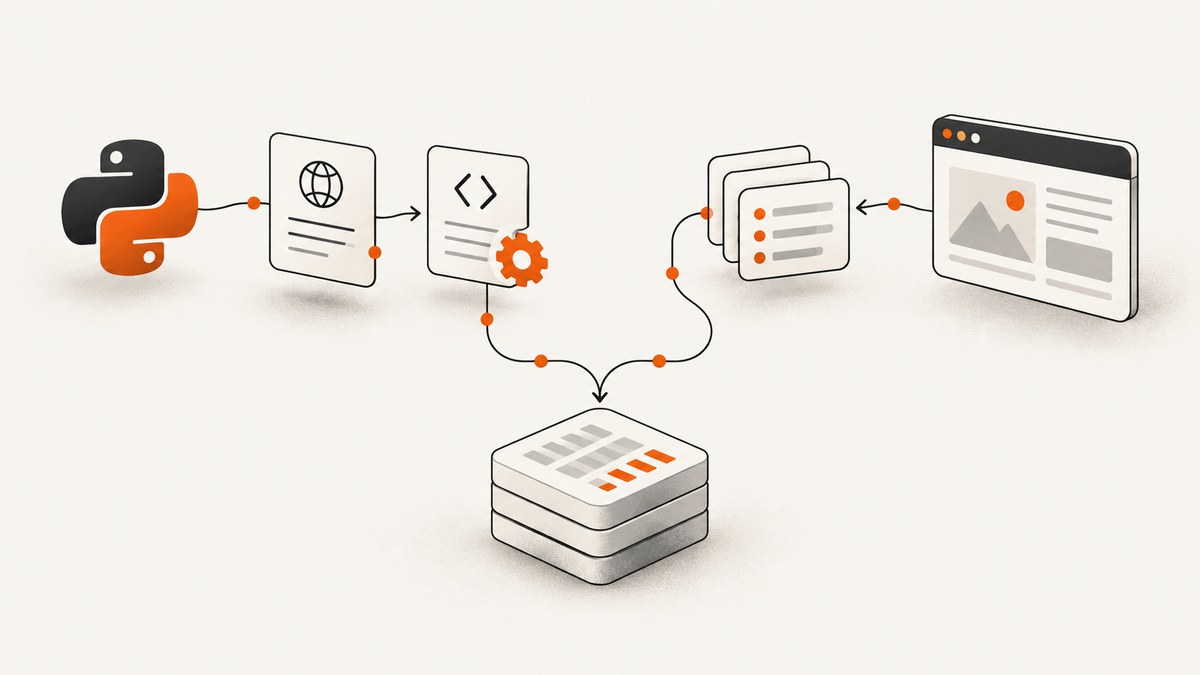
Short answer: choose the language based on where the data comes from and whether you need a real browser. If the data is in the initial HTML or JSON response, Python Requests plus a parser and JavaScript fetch plus a parser are both sensible. If data arrives through later requests, inspect those requests and reproduce them when practical. Use browser automation only when rendering, clicks, page state, or other browser behavior is genuinely required. Your existing runtime, deployment, and maintenance skills should decide between equivalent approaches.
There is no reliable universal “Python is faster” or “JavaScript is easier” conclusion. The inspected official documentation does not provide a controlled comparison benchmark. This guide compares the same work shape in each ecosystem and gives you a repeatable way to choose.
1. Decide from the data path first
| What you find | Best first approach | Why |
|---|---|---|
| Data is in initial HTML, XML, or JSON | HTTP client + parser | It is usually simpler and lighter than starting a browser. |
| Data is loaded by a later XHR/fetch request | Inspect and reproduce that request | You can collect the source response directly and avoid rendering. |
| Data requires clicks, page state, layout, or browser-only behavior | Headless browser | The browser performs the interactions your HTTP client cannot. |
| Thousands of URLs with queues and retries | Crawl framework | Scheduling, throttling, duplicate filtering, and pipelines matter more than language labels. |
Scrapy’s dynamic-content guidance says that, for pages fetching data from additional requests, reproducing the requests containing the desired data is the preferred approach. Follow this sequence:
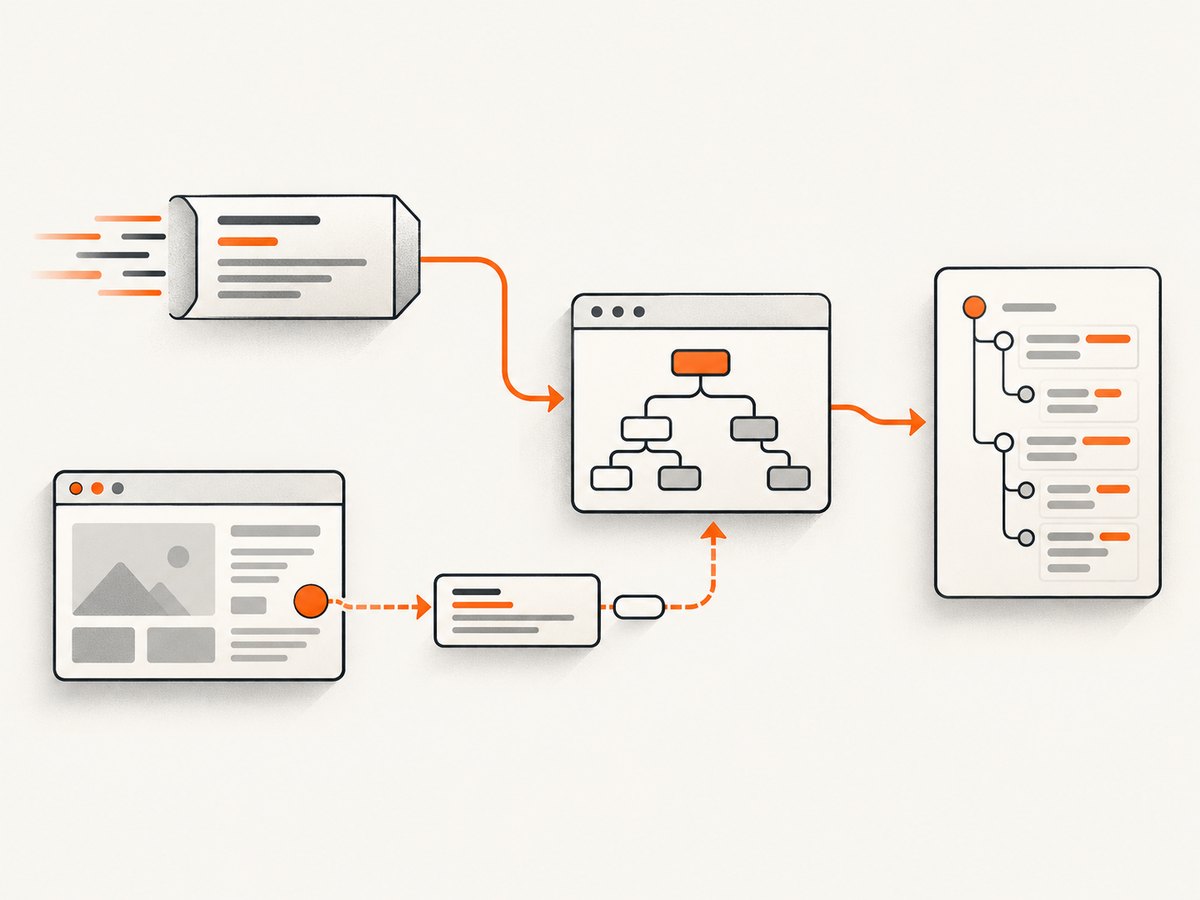
- Request the page and inspect the response body.
- Search the HTML for the target value, embedded JSON, script data, or links to an API.
- If the value is absent, open browser developer tools and identify the request whose response contains it.
- Reproduce that request directly when it is practical and permitted.
- Use Playwright or another browser automation library when reproducing the complete behavior is difficult or interaction is required.
Always check the target site’s terms, robots guidance, authentication rules, and applicable laws before collecting data.
2. Python response-based scraping
Python has documented choices for HTTP, parsing, crawling, and browser inspection. Requests provides sessions with cookie persistence, connection pooling, decompression, proxies, streaming, and timeouts. Beautiful Soup is convenient for tolerant HTML parsing; Scrapy selectors use CSS or XPath through Parsel and lxml.
Minimal Requests and Beautiful Soup example
import requests
from bs4 import BeautifulSoup

url = "https://example.com/products"
response = requests.get(
    url,
    headers={"User-Agent": "catalog-research/1.0"},
    timeout=(10, 30),
)
response.raise_for_status()

soup = BeautifulSoup(response.text, "html.parser")
for card in soup.select("article.product"):
    name = card.select_one("h2")
    price = card.select_one(".price")
    print({
        "name": name.get_text(" ", strip=True) if name else None,
        "price": price.get_text(" ", strip=True) if price else None,
    })
Use a session when visiting several pages on one site so cookies and connection reuse are handled consistently:
with requests.Session() as session:
    session.headers.update({"User-Agent": "catalog-research/1.0"})
    for page in range(1, 4):
        r = session.get("https://example.com/products", params={"page": page}, timeout=30)
        r.raise_for_status()
        # Parse r.text here.
Scrapy selectors for repeated extraction
from scrapy import Selector

html = "<ul><li class='item'>One</li><li class='item'>Two</li></ul>"
selector = Selector(text=html)
items = selector.css("li.item::text").getall()
print([value.strip() for value in items])
Scrapy is a better fit when the job is a maintained crawl with follow-up requests, item pipelines, and queueing. It is a framework choice, not evidence that Python is inherently faster.
3. JavaScript response-based scraping
JavaScript’s Fetch API is the standard network interface in browsers and is also available in modern server runtimes. In Node.js, parse returned HTML with a library such as Cheerio, or parse JSON directly.
const res = await fetch("https://example.com/products", {
  headers: { "User-Agent": "catalog-research/1.0" },
});
if (!res.ok) throw new Error(`HTTP ${res.status}`);
const html = await res.text();

// With a DOM parser such as Cheerio:
import * as cheerio from "cheerio";
const $ = cheerio.load(html);
const products = $("article.product").map((_, el) => ({
  name: $(el).find("h2").text().trim(),
  price: $(el).find(".price").text().trim(),
})).get();
console.log(products);
For JSON endpoints, avoid an HTML parser:
const res = await fetch("https://example.com/api/products?page=1");
if (!res.ok) throw new Error(`HTTP ${res.status}`);
const data = await res.json();
for (const product of data.items ?? []) console.log(product.name);
JavaScript is an operationally natural choice when your service, queues, and deployment already run on Node.js. That is a project-fit decision, not a language-wide performance claim.
4. Dynamic pages: request first, browser second
A page that visibly uses JavaScript does not automatically require browser automation. The requested records may be in the initial response, embedded in a script tag, or returned by a separate endpoint. Playwright’s Python API can expose request and response details, including resource categories such as document, script, XHR, and fetch, which helps you locate the data source.
Inspect network requests with Playwright for Python
from playwright.sync_api import sync_playwright

with sync_playwright() as p:
    with p.chromium.launch(headless=True) as browser:
        page = browser.new_page()
        def log_response(response):
            if response.request.resource_type in {"xhr", "fetch"}:
                print(response.status, response.url)
        page.on("response", log_response)
        page.goto("https://example.com/dashboard", wait_until="networkidle")
        page.wait_for_timeout(1000)
Once you identify an endpoint, copy its method, query, body, headers, and required cookies into Requests or fetch. Keep authentication secrets out of source control. If the endpoint depends on a short-lived token generated by page JavaScript, either reproduce the token flow or use the browser for that portion.
Use a browser when interaction is part of the output
import asyncio
from playwright.async_api import async_playwright

async def main():
    async with async_playwright() as p:
        browser = await p.chromium.launch()
        page = await browser.new_page()
        await page.goto("https://example.com", wait_until="domcontentloaded")
        await page.get_by_role("button", name="Load more").click()
        await page.locator("article.product").first.wait_for()
        names = await page.locator("article.product h2").all_text_contents()
        print([name.strip() for name in names])
        await browser.close()

asyncio.run(main())
Playwright also has a JavaScript API, so choosing browser automation does not force a JavaScript-only architecture. Select the API matching your team’s runtime and maintenance skills.
5. Python versus JavaScript by project shape
| Project question | Python choice | JavaScript choice |
|---|---|---|
| One-off page extraction | Requests + Beautiful Soup | fetch + Cheerio |
| CSS/XPath-heavy extraction | Scrapy selectors or lxml | Cheerio or a browser locator API |
| Large crawl | Scrapy with queues and pipelines | Node workers with your queue and parser stack |
| Browser interaction | Playwright for Python | Playwright or Puppeteer |
| Existing production runtime | Prefer Python if deployment and observability are already Python-based | Prefer Node.js if workers, libraries, and operations are already JavaScript-based |
Compare equivalent layers: Requests to fetch, parser to parser, crawl framework to crawl framework, and browser automation to browser automation. Do not compare a lightweight HTTP script in one language with a full browser in the other and call the result a language benchmark.
6. Or skip the browser setup
If your goal is a clean screenshot rather than structured records, ScreenshotNeo provides a website screenshot API and MCP server. It accepts one GET request and returns PNG, JPEG, WebP, or PDF. Cookie and consent banners are accepted and 60+ known consent platforms, newsletter popups, and chat widgets are removed before capture; each step can be disabled. Bot checks, blank pages, timeouts, failed loads, and cache hits are not billed, and response headers identify the page verdict and billing result.

See the ScreenshotNeo API documentation for the full parameter set.
cURL
curl -G "https://api.screenshotneo.com/v1/shot" -d access_key=YOUR_API_KEY --data-urlencode url=https://stripe.com -o shot.webpPython
import requests
r = requests.get("https://api.screenshotneo.com/v1/shot", params={"access_key": "YOUR_API_KEY", "url": "https://stripe.com"}, timeout=90)
open("shot.webp", "wb").write(r.content)
Node.js
const q = new URLSearchParams({ access_key: 'YOUR_API_KEY', url: 'https://stripe.com' });
const res = await fetch(`https://api.screenshotneo.com/v1/shot?${q}`);
Options cover full-page capture with lazy images loaded, a CSS-selected element, dark mode, 12 device presets or any viewport, retina scale, PDF paper size/margins/landscape/page ranges, HTML or CSS to image, custom CSS and JavaScript, pre-capture clicks, hidden selectors, selector/delay/network-idle waits, ad/tracker/request/resource blocking, custom headers/cookies/user agent/Authorization, timezone and geolocation, transparent backgrounds, resizing, chosen-TTL caching, signed public image links, asynchronous jobs with signed webhooks, bulk capture of 100 URLs per call, usage reporting, and an OpenAPI specification. Common screenshot API parameter names also work, which helps when migrating.
An MCP server exposes take_screenshot, get_page_info, and capture_pdf to Claude, Cursor, and other MCP clients. Plans include 1,000 shots per month free with no card; paid plans start at $5 for 3,000 shots. Only clean shots are billed, so inspect X-Page-Verdict and X-Billed when diagnosing usage. Create a free ScreenshotNeo account.
7. Reliability, performance, and cost considerations
- Timeouts: Set connect and read timeouts for HTTP clients. Browser waits should target a selector or a known response instead of an arbitrary long sleep.
- Retries: Retry transient network failures and selected 5xx responses with backoff. Do not blindly retry authentication failures, validation errors, or rate-limit responses.
- Sessions: Reuse HTTP sessions where cookies and connection pooling help. Close browsers and contexts deterministically.
- Concurrency: Bound parallel requests per host and respect site limits. More workers can amplify blocking and make failures harder to diagnose.
- Caching: Cache immutable responses or use a deliberate screenshot cache TTL. Record the source URL, parameters, timestamp, and parser version for reproducibility.
- Selectors: Prefer stable attributes and validate required fields. A successful HTTP status with an empty extraction is still a failed data job.
- Cost: HTTP requests generally avoid browser startup overhead. Browser runs consume more compute and may need pooling. With ScreenshotNeo, cache hits and failed captures are not billed; use verdict and billing headers in your accounting.
8. Troubleshooting common failures
| Symptom | Likely cause | Fix |
|---|---|---|
| HTTP 200 but no records | Records arrive through a later request or selector changed. | Inspect the response and network panel; locate the data request and add extraction validation. |
| 403 or 429 | Access policy, missing headers, authentication, or rate limiting. | Follow the site’s rules, authenticate legitimately, reduce concurrency, and use backoff. Do not attempt to bypass controls. |
| Parser reports malformed markup | Real-world HTML is incomplete or invalid. | Use a tolerant parser such as Beautiful Soup, or normalize the response before selecting. |
| Browser times out | Waiting for a never-fired event, blocked resource, or slow page. | Wait for a specific selector or response, set a bounded timeout, and log failed requests. |
| Different content between runs | Cookies, locale, timezone, experiments, or authentication state differ. | Use a session/context with explicit headers, cookies, timezone, and locale; store capture metadata. |
| Screenshot contains a consent banner | The banner was not handled before capture. | Use a pre-capture click or hide selector in your browser flow, or let ScreenshotNeo accept and remove known consent platforms. |
| Screenshot response is not an image | The target failed, returned a bot check, or parameters are invalid. | Read X-Page-Verdict and X-Billed, inspect the response status, and correct the URL or wait settings. |
9. A practical selection checklist
- Can a normal HTTP response provide the data? Start without a browser.
- Which runtime is already deployed and monitored by your team?
- Do you need one page, a crawl, or interactive browser state?
- Can you reproduce the data request while respecting the target’s rules?
- Which selectors, retries, logs, and fixtures will be easiest for your team to maintain?
- For visual output, would a screenshot API remove browser maintenance and provide the exact waits, blocking, device, and PDF controls you need?
FAQ
Is Python or JavaScript better for scraping websites?
Neither universally. Pick the ecosystem that matches the data path, browser requirement, deployment, and maintenance skills of the project.
Can JavaScript scrape a dynamically loaded website?
Yes. First identify and reproduce the fetch or XHR request when practical. Use browser automation when interaction or browser state is required.
Do I need browser automation for every modern website?
No. A modern frontend can still expose data in initial HTML, embedded JSON, or a separate request that an HTTP client can call.
Should I use Requests, Beautiful Soup, Scrapy, or Playwright?
Requests plus a parser suits focused extraction; Scrapy suits crawl workflows; Playwright suits rendering and interaction. The same distinctions apply to Node.js libraries.
Does browser automation force me to use JavaScript?
No. Playwright provides a Python API as well as a JavaScript API.
When is ScreenshotNeo useful?
Use it when you need repeatable screenshots or PDFs without maintaining your own browser capture service, especially when consent banners, popups, chat widgets, waits, device settings, bulk jobs, or AI-agent access are part of the workflow.


