11 QR Code APIs for Generating QR Codes
Compare 11 QR code API options, learn static versus dynamic codes, and generate reliable PNG, SVG, PDF, or EPS files with runnable examples.
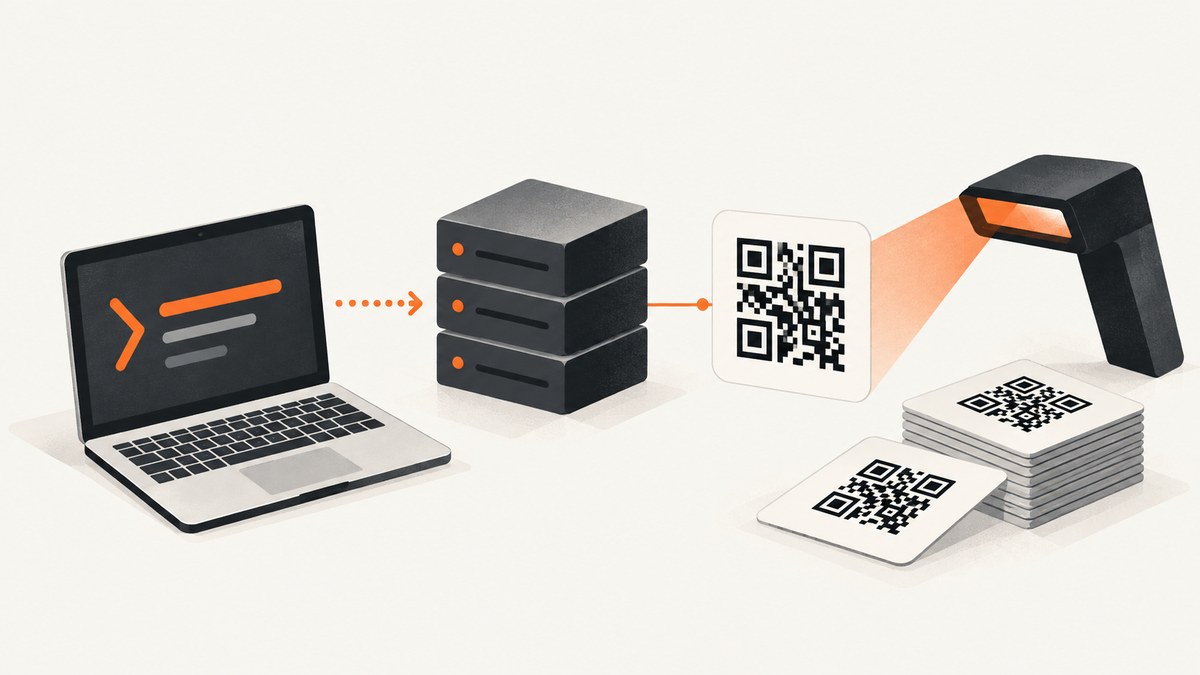
A QR code API turns text or a URL into an image your application can download, store, print, or display. The direct choice is simple: use a static generator when the encoded value will not change, and use a managed dynamic QR service when you need to edit the destination or measure scans later. For most integrations, send URL-encoded data with GET or JSON with POST, request a format such as PNG or SVG, then scan-test the final asset at its intended size.
This guide compares 11 API options or documented API products. QuickChart, goQR/QRServer, and QRCode Monkey have first-party documentation in the research available for this article. The other names appeared in a secondary comparison and are included as research leads only; verify their current endpoints, authentication, quotas, pricing, output formats, commercial terms, and availability before shipping.
What to decide before choosing a QR code API
Static or dynamic destination
A static QR image contains its value directly in the modules. If you encode https://example.com/sale, changing the destination later requires generating a new image and generally reprinting it. A dynamic arrangement puts a provider-managed redirect in the code. You can then edit the destination, pause or activate the code, and view scan analytics, subject to that provider’s service and measurement rules.
Raster or vector output
PNG and JPEG are convenient for web pages and ordinary image pipelines. SVG and EPS remain sharp when a printer or design tool scales the code. PDF can be useful for print workflows. Ask for a vector format when the final physical size is unknown, but still scan-test the exported file after your design software processes it.
Appearance and reliability
Most APIs expose size, margin, foreground and background colors, and error-correction level. Some add finder-pattern styles, module shapes, captions, or a centered logo. Branding reduces the visual contrast and usable area that scanners rely on. Keep strong contrast, preserve the quiet zone, and test the finished asset on the phones and scanners your audience will use.
Request shape and operations
GET is easy to try from a browser or shell, but every value must be URL-encoded. JSON POST avoids query-string escaping and is safer for long content. Batch APIs matter when you generate labels or campaigns. A read endpoint is useful for validating incoming QR images, but it is a separate capability from generation.
Quick comparison of 11 documented or researched options
| # | API or product | What the available research establishes | Verify before production |
|---|---|---|---|
| 1 | QuickChart static QR | GET endpoint at https://quickchart.io/qr; text input; PNG, SVG, JPG/JPEG, or base64; size, margin, color, finder color, module and finder style, error correction, centered image, and caption controls; JSON POST and batch support are documented. |
Current limits, commercial terms, and operational guarantees. |
| 2 | QuickChart dynamic QR | Separate managed service that provides a redirect URL, destination editing, activation or pause controls, and analytics. | Current plans, quotas, retention, and analytics behavior for your account. |
| 3 | goQR/QRServer create | GET or POST creation endpoint with required data; documents PNG, GIF, JPEG, SVG, and EPS-related output plus size, character set, error correction, colors, margins, and quiet-zone settings. |
Current request policy and commercial-use terms. |
| 4 | goQR/QRServer read | A separate documented command reads or decodes QR images. | Input limits, response schema, and availability. |
| 5 | QRCode Monkey custom API | Custom generation API with GET and POST; lists PNG, SVG, PDF, and EPS output; access is described through RapidAPI. | RapidAPI authentication, subscription, quota, and commercial terms. |
| 6 | Neutrino QR API | Named in a secondary comparison as a QR API lead. | Endpoint, formats, authentication, pricing, limits, and licensing. |
| 7 | Cloudmersive QR API | Named in a secondary comparison as a QR API lead. | Endpoint, supported payloads, image formats, quotas, and current pricing. |
| 8 | API Ninjas QR API | Named in a secondary comparison as a QR API lead. | Authentication, output formats, rate limits, and commercial-use policy. |
| 9 | QR.io | Named in a secondary comparison as a QR API lead. | Whether the current product is static generation, dynamic redirects, or both. |
| 10 | QRCG by Bitly | Named in a secondary comparison as a QR API lead. | Current Bitly product name, API access, plans, analytics, and limits. |
| 11 | QuickChart batch generation | QuickChart documents URL batches and a QR Code Batch API as a separate workflow. | Batch request limits, partial-failure behavior, and response ordering. |
The table intentionally does not claim that the secondary leads have a particular feature. Treat rows 6–10 as a shortlist for primary-source review rather than a recommendation. Among the documented choices, QuickChart is the broadest fit for configurable static images and a separate dynamic product; goQR is useful when creation and decoding endpoints both matter; QRCode Monkey is a candidate when PDF or EPS output and custom branding are required.
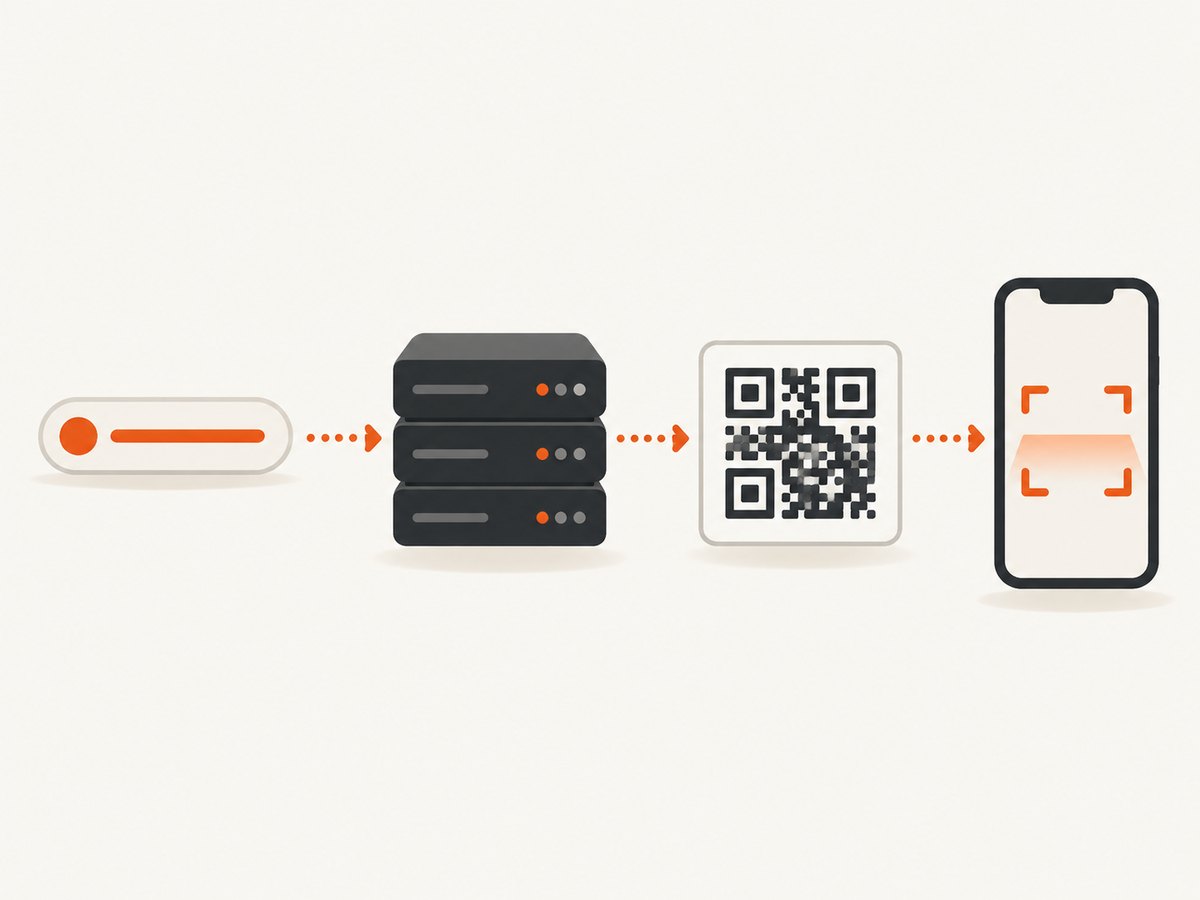
QuickChart: generate a QR code with GET
QuickChart’s documented endpoint is https://quickchart.io/qr. The required value is text. The simplest request asks for a PNG:
curl -G 'https://quickchart.io/qr' \
  --data-urlencode 'text=https://example.com/account?ref=summer sale' \
  --data 'size=300' \
  -o quickchart.png
--data-urlencode matters because spaces, ampersands, question marks, and non-ASCII characters have meaning in a URL. Without encoding, the provider may receive truncated or altered content.
Request SVG or JPEG
curl -G 'https://quickchart.io/qr' \
  --data-urlencode 'text=otpauth://totp/Example:alice?secret=ABC123' \
  --data 'format=svg' \
  --data 'size=600' \
  --data 'margin=4' \
  -o code.svg
Use the format and styling parameter names from the current QuickChart QR documentation. The docs describe PNG as the default and support SVG, JPEG/JPG, and base64 output. They also document dark and light colors, finder colors, module and finder styles, error correction, centered images, captions, validation, JSON POST, and batch generation.
JSON POST avoids query-string escaping
curl -X POST 'https://quickchart.io/qr' \
  -H 'Content-Type: application/json' \
  -d '{
    "text": "https://example.com/?campaign=summer&source=poster",
    "format": "svg",
    "size": 800,
    "margin": 4,
    "ecLevel": "M"
  }' \
  -o code.svg
Use the exact option names and accepted values documented by the provider. Keep the encoded value concise where possible: shorter data generally produces a less dense symbol that is easier to scan.
goQR/QRServer: creation and decoding
goQR documents a create command that accepts GET or POST and requires data. A representative GET request is:
curl -G 'https://api.qrserver.com/v1/create-qr-code/' \
  --data-urlencode 'data=https://example.com/invite/7f3a' \
  --data 'size=400x400' \
  --data 'format=png' \
  -o invite.png
The create documentation describes settings for size, character sets, error correction, foreground and background color, margins, and quiet zone, along with PNG, GIF, JPEG, SVG, and EPS-related formats. It advises URL-encoding the data and keeping content short.
goQR also documents a read-qr-code command. Keep reading and writing as separate stages: decode an uploaded image, validate the returned value against your application rules, then decide whether to accept it. The provider’s documentation says request origins such as referrer and IP are recorded while QR contents are not, and asks services expecting regularly more than 10,000 requests a day to contact the provider. Those statements were crawled well before this publication date, so re-check the current terms.
QRCode Monkey custom output
QRCode Monkey documents a custom QR API with GET and POST support and lists PNG, SVG, PDF, and EPS output. Its API access is described through RapidAPI. Confirm the current RapidAPI host, authentication header, subscription, quota, and commercial-use terms on the provider’s current page before writing integration code. The documented product page is QRCode Monkey’s QR code API documentation.
Static versus dynamic QR codes in production
Use static generation for immutable values such as a Wi-Fi configuration, invoice identifier, app deep link, or versioned documentation URL. Store the exact source string beside the generated asset so you can reproduce it. If the URL may change after printing, use a managed dynamic service or your own redirect endpoint. A dynamic QR code is not magically editable: the printed symbol points to a redirect controlled by someone, and that redirect must remain available.
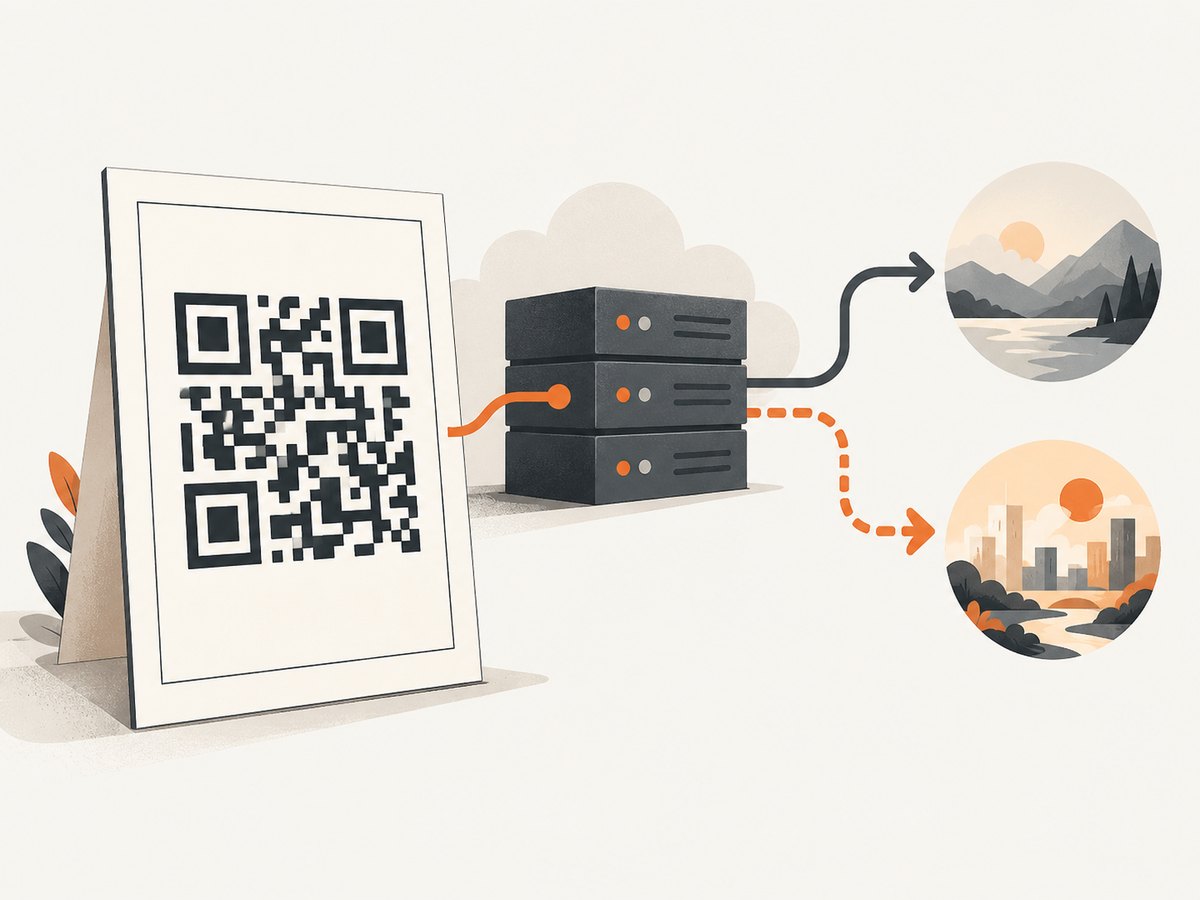
Analytics also need careful interpretation. QuickChart’s dynamic documentation explains that a scan is a visit to the redirect link, counts can be sampled or delayed, location is approximate, and daily unique scans represent observed devices per code per UTC day rather than distinct people. Do not treat scan counts as exact human counts.
Implementation checklist
- Define the payload and decide whether it can change.
- Choose static or managed dynamic behavior.
- Choose raster or vector output based on the delivery medium.
- URL-encode GET values or send JSON POST.
- Set an error-correction level appropriate to the expected damage and design.
- Keep a clear quiet zone around the symbol.
- Use high contrast and avoid placing a logo over critical modules.
- Scan the final downloaded file, not only a preview.
- Test at the intended print size, viewing distance, lighting, and phone camera.
- Record the source value, API response status, format, and generation timestamp.
Common errors and fixes
The destination is truncated
Cause: an ampersand or space was interpreted by the shell or URL parser. Fix: use --data-urlencode for every GET value, or switch to JSON POST.
The code scans inconsistently
Cause: low contrast, a missing quiet zone, excessive logo coverage, insufficient size, or a damaged print. Fix: restore contrast and margins, reduce the logo, increase output size or error correction, and scan-test the final asset.
The API returns an unexpected format
Cause: a provider-specific parameter name or extension was assumed. Fix: follow the current first-party parameter table and inspect the response Content-Type before saving.
Long payloads produce dense symbols
Cause: more data requires more modules. Fix: encode a short redirect URL, move large data to your server, or choose a vector output and larger physical size.
Batch jobs contain partial failures
Cause: one malformed value or a provider batch limit. Fix: validate every item before submission, retain an input index, and handle per-item errors instead of assuming the whole response succeeded.
Dynamic analytics do not match scans
Cause: delayed or sampled events, approximate location, and device-based uniqueness rules. Fix: use analytics for directional decisions and document the provider’s counting definition.
Performance, reliability, privacy, and cost
For low-volume generation, network latency usually dominates image encoding. Cache immutable assets in object storage or a CDN and key them by a hash of the payload plus visual options. For large batches, use a documented batch endpoint where available, limit concurrency, retry transient 5xx responses with backoff, and make writes idempotent so a retry does not create duplicate business records.
Do not place secrets in a public image URL unless the provider explicitly supports that model. QR contents may contain personal data, tokens, or internal URLs; review retention and logging terms before sending them to a hosted API. goQR’s published documentation discusses recording request origin data, so include that in your privacy review.
Price comparisons are volatile. Verify current quotas, overage rules, commercial-use permissions, and service limits directly with each provider. A free endpoint is not automatically suitable for production traffic, and a paid plan does not guarantee a particular latency or uptime unless its current terms say so.
Or skip the browser setup
If your workflow also needs screenshots of the landing pages, ScreenshotNeo can capture a URL with one API request. It is a website screenshot API and MCP server, rather than a QR generator, so use it when the QR workflow needs a visual page asset or automated page capture.
curl -G "https://api.screenshotneo.com/v1/shot" -d access_key=YOUR_API_KEY --data-urlencode url=https://stripe.com -o shot.webpSee the ScreenshotNeo API documentation for the request options. Cookie banners, newsletter popups, and chat widgets are removed before the shot; bot checks, blank pages, and failed loads are never billed. Its MCP server lets AI agents take screenshots, and 1,000 screenshots a month are free with no card; paid plans start at $5 for 3,000. Create a free ScreenshotNeo account.
FAQ
Can I change a static QR destination?
No. The destination is encoded in the image. Generate and distribute a new image, or use a redirect-based dynamic arrangement.
Should I use PNG or SVG?
Use PNG for ordinary web and application delivery. Use SVG or EPS when a printer or design tool must scale the code without pixelation.
Is a QR code API also a URL shortener?
Only a dynamic QR product with a managed redirect behaves that way. A normal static generator encodes your supplied value directly.
Why does URL encoding matter?
Query-string characters such as &, spaces, and non-ASCII text can be parsed as syntax. Encoding preserves the exact payload.
Do all providers support logos?
No. Confirm the current documentation. QRCode Monkey documents custom output, while QuickChart documents centered images and styling options; other providers require verification.
How should I validate a generated code?
Decode it with a phone or a documented read endpoint, compare the result byte-for-byte with the intended payload, and repeat at the final physical or on-screen size.


