How to Connect a Rails App to a Browserless Chrome Container
Connect Rails system tests to remote Chrome with Selenium, Docker networking, and a Browserless version that supports WebDriver.
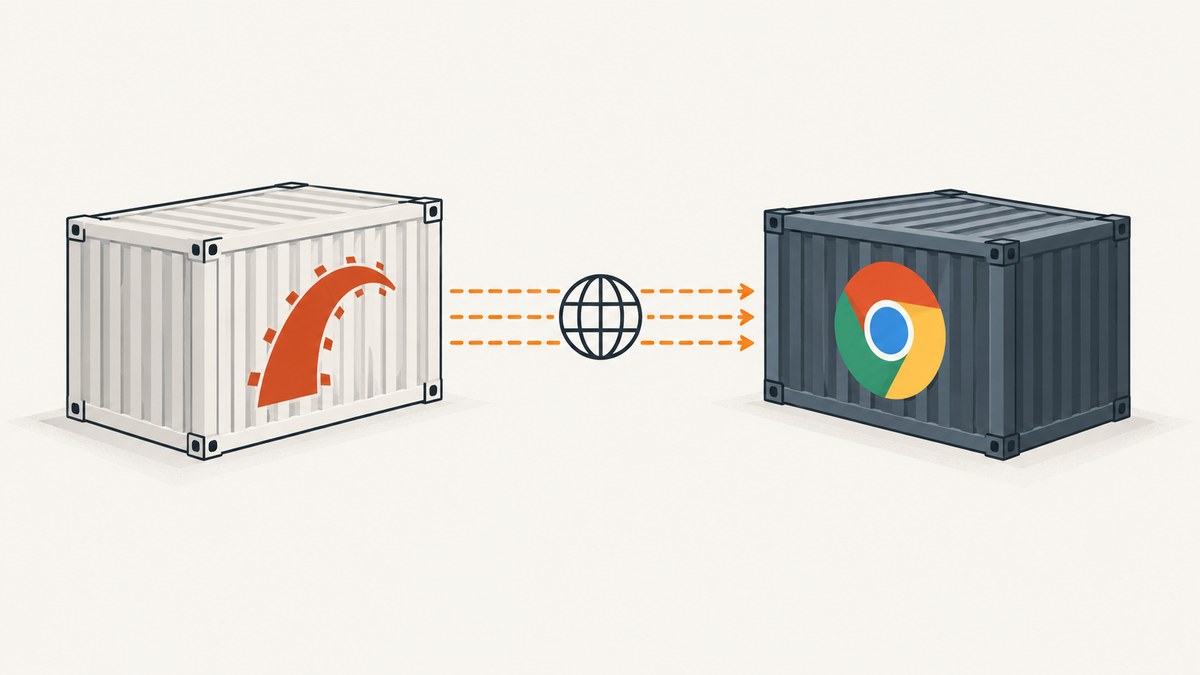
To connect Rails system tests to a Browserless Chrome container, configure Rails’ Selenium driver with browser: :remote and a remote WebDriver URL in SELENIUM_REMOTE_URL. The Browserless container must support Selenium WebDriver, and it must be able to reach the Rails test server at a routable address. For Rails running in Docker, bind Capybara to 0.0.0.0 and use the Rails service name or another address visible from the browser container. Rails’ system testing guide documents this remote-browser pattern.
There is a critical version caveat: Browserless v2 dropped Selenium and WebDriver support. For Selenium-based Rails tests, deliberately use a compatible v1 deployment, or change the browser automation approach. The old browserless/chrome image documents the /webdriver endpoint; do not assume that endpoint applies to v2. Browserless’ v2 migration guide describes the change.
1. Check Browserless and Rails compatibility
Rails system tests use Selenium and Chrome by default. Rails supports changing the driver to remote mode by supplying a remote URL and browser: :remote. Browserless v1’s image documentation shows Selenium connecting to http://localhost:3000/webdriver when both services share a host network context. Inside a multi-container deployment, replace localhost with the Browserless service name.
| Setup | Rails client | Browser endpoint | Important detail |
|---|---|---|---|
| Browserless v1 compatible image | Selenium through Rails system tests | HTTP WebDriver, commonly /webdriver |
Pin the image tag and verify the endpoint. |
| Browserless v2 | Current Browserless client paths such as Playwright or Puppeteer | WebSocket connection, client and route dependent | v2 does not support Selenium/WebDriver. |
Browserless’ current connection documentation describes WebSocket connections for Puppeteer and Playwright; those are not drop-in replacements for Rails’ Selenium system test driver. If keeping Rails system tests as written is the priority, start with a WebDriver-compatible Browserless v1 image and test it with your Rails, Selenium, and Chrome versions. Browserless marks the older image as v1 and points users toward v2, so treat this as an intentional compatibility choice rather than a latest-version default. See the v1 image instructions and current Browserless connection documentation.
2. Put Rails and Browserless on a Docker network
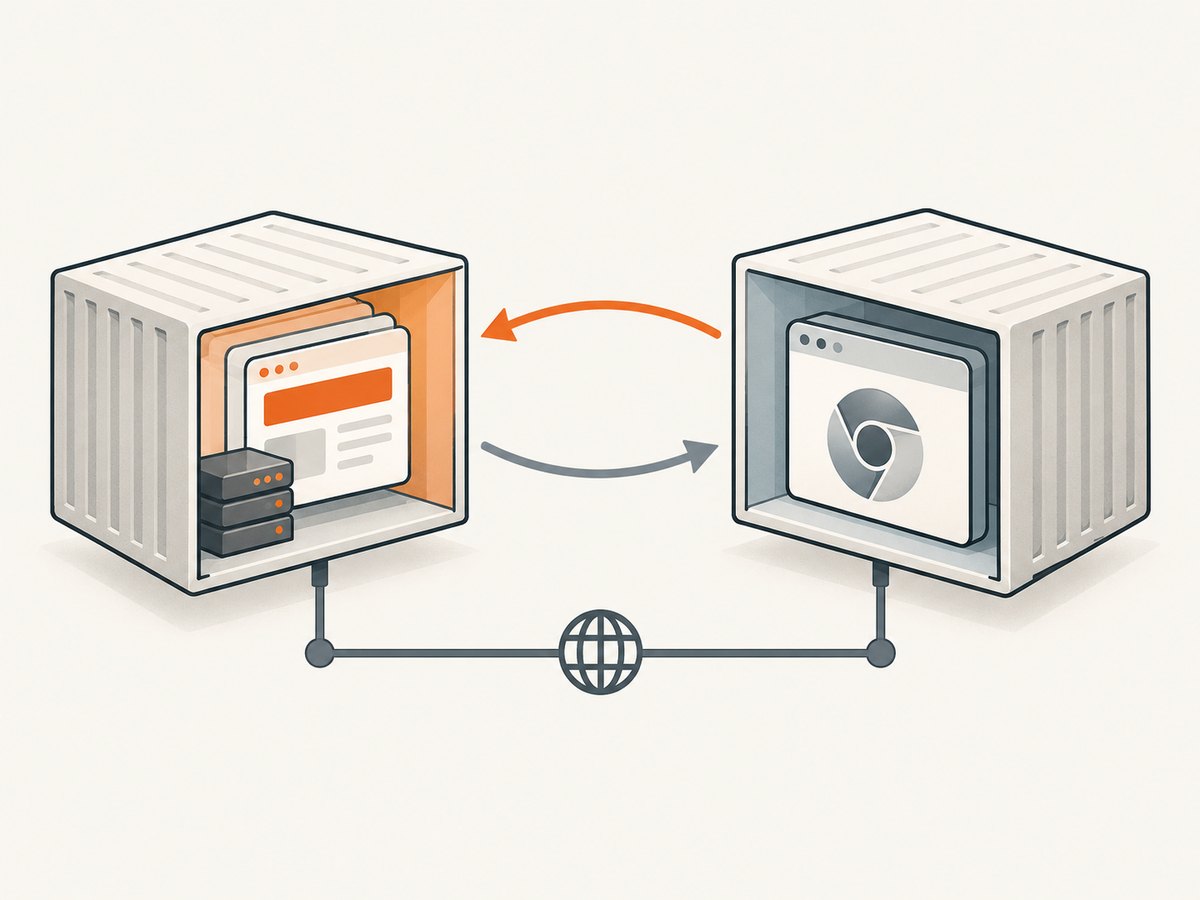
A Compose service name works as a hostname for containers on the same Compose network. In the example, Rails is reachable as web on port 3000, and Browserless as browserless on port 3000. Rails connects to Browserless using the WebDriver URL. Chrome, running inside Browserless, visits the Rails app using http://web:3000.
services:
  web:
    build: .
    command: bundle exec rails server -b 0.0.0.0 -p 3000
    environment:
      RAILS_ENV: test
      SELENIUM_REMOTE_URL: http://browserless:3000/webdriver
      CAPYBARA_APP_HOST: http://web:3000
    expose:
      - "3000"
    depends_on:
      - browserless

  browserless:
    # Select and pin a v1 image/tag that supports Selenium WebDriver.
    # The old browserless/chrome image documents /webdriver.
    image: browserless/chrome:1.61.1
    environment:
      TOKEN: ${BROWSERLESS_TOKEN}
      CONCURRENT: 5
    expose:
      - "3000"
The specific tag above illustrates the v1 family and must be checked against your deployment policy; pin the exact image version you have verified. Browserless’ open-source deployment guide shows the current ghcr.io/browserless/chromium family, token configuration, concurrency setting, and port 3000, but current v2 images do not provide Selenium. Do not swap the shown v1 tag for a v2 image while leaving Rails’ Selenium driver unchanged. Browserless deployment documentation.
For local development where Rails runs on the host and Browserless runs in Docker with port 3000 published, Rails can use a host URL such as http://localhost:3000/webdriver to reach Browserless. The Browserless browser must still reach the Rails server. On Docker Desktop, a host address such as host.docker.internal may be available, but host routing varies; a shared network and service name make the path explicit. Do not use localhost as the Rails app host from inside Browserless: that points to the Browserless container itself.
3. Configure Rails system tests
Put driver selection in test/application_system_test_case.rb so local runs can retain local Chrome while CI or Docker runs supply the remote URL. Rails’ guide uses this same environment-variable pattern.
# test/application_system_test_case.rb
require "test_helper"
require "socket"

class ApplicationSystemTestCase < ActionDispatch::SystemTestCase
  remote_url = ENV["SELENIUM_REMOTE_URL"]

  driver_options = if remote_url
    { browser: :remote, url: remote_url }
  else
    { browser: :chrome }
  end

  driven_by :selenium, using: :headless_chrome, options: driver_options

  setup do
    if ENV["SELENIUM_REMOTE_URL"].present?
      Capybara.server_host = "0.0.0.0"
      Capybara.app_host = ENV.fetch("CAPYBARA_APP_HOST") do
        "http://#{IPSocket.getaddress(Socket.gethostname)}"
      end
    end
  end
end
Set CAPYBARA_APP_HOST to an address and port that Chrome can resolve and reach. The fallback shown follows Rails’ example of resolving the Rails container hostname, but explicit configuration is easier to reason about in Compose and CI. If the app listens on a different port, make the app host match it. Capybara’s bind address and the URL Chrome navigates to are separate settings: the first allows the Rails server to accept traffic on the container interface; the second tells the remote browser where that server is.
Run the system tests with the endpoint explicitly set:
SELENIUM_REMOTE_URL=http://browserless:3000/webdriver \
CAPYBARA_APP_HOST=http://web:3000 \
bin/rails test:system
If running Rails on your laptop while Browserless is published to the host, substitute the host-visible endpoint, for example http://localhost:3000/webdriver. Rails documents a local example endpoint of http://localhost:4444/wd/hub for a generic Selenium service; the hostname and path must match the Browserless image you actually deployed. Rails testing guide.
4. Start Browserless and secure the endpoint
Browserless’ open-source documentation demonstrates exposing port 3000 and setting TOKEN and CONCURRENT. For a local-only experiment, a host port can be published; for a Compose deployment, prefer an internal network and expose unless another host needs the endpoint. Set a token when the instance is reachable outside localhost. Browserless warns that unauthenticated endpoints can accept calls, including function execution endpoints.
docker run --rm \
  -p 3000:3000 \
  -e TOKEN="$BROWSERLESS_TOKEN" \
  -e CONCURRENT=5 \
  browserless/chrome:1.61.1
The old v1 WebDriver URL documented by the image is http://HOST:3000/webdriver. In a hosted deployment, consult the provider’s endpoint format and authentication requirements rather than copying the local example. Keep the token in a secret store or CI secret, avoid committing it to source control, and avoid printing it in build logs. The v1 configuration documents a 30-second default connection timeout and a default maximum of five concurrent sessions when unspecified; capacity limits can queue additional sessions. Treat these as documented v1 defaults, not universal settings for all versions or providers. Browserless repository configuration.
5. Verify the network path in both directions
- From the Rails container, resolve the Browserless service name and confirm port 3000 is reachable.
- Confirm the Selenium URL path matches the image version. For the v1 image, use its documented
/webdriverpath. - Run one system test and inspect its browser error output if session creation fails.
- From the browser container’s network context, confirm the Rails app host resolves and its port accepts connections.
- Open a Rails route that is available in the test environment; verify the test is reaching the intended app instance, not a host-side copy.
In Docker, publishing a port to the host and sharing an internal network solve different problems. A published port lets a host-side client access a container. Containers on a shared network generally use the service name and the container’s listening port. Configure the Selenium URL for the Rails-to-Browserless direction, and configure app_host for the Browserless-to-Rails direction.
6. Handle test lifecycle, timeouts, and concurrency
Each system test needs a remote browser session. Let Rails’ Selenium/Capybara integration close sessions as tests finish, and avoid creating extra drivers without a corresponding teardown. A leaked session consumes one of the service’s available slots and can make later tests wait. Keep test cases isolated and use cleanup hooks for any custom driver lifecycle.
Set concurrency based on the host’s browser capacity and the number of parallel test workers. Browserless documents a v1 default concurrency of five and queueing at the limit. Increasing Rails parallel workers without increasing browser capacity can increase waiting time rather than throughput. Conversely, setting concurrency too high can exhaust host resources. Start with a conservative limit and compare suite duration and resource pressure under the workload you actually run. There is no general benchmark that predicts the right setting.
Timeouts exist at more than one layer: the client’s connection/session timeout, Browserless’ connection timeout, the Rails test timeout, and any application-level wait. A timeout during slow page rendering may be different from failure to establish a WebDriver session. Increase the relevant limit only after confirming the app is reachable and the browser session starts successfully; a larger timeout will not repair a wrong hostname, endpoint path, or unsupported protocol.
7. Troubleshooting
| Symptom | Likely cause | Fix |
|---|---|---|
Connection refused at /webdriver |
Browserless is stopped, port is wrong, or the v2 image does not expose Selenium. | Check container status, hostname and port; confirm you selected a WebDriver-compatible v1 image. |
| 404 or unknown route | Wrong endpoint path or a client pointed at a v2 WebSocket endpoint as if it were WebDriver. | Use the path documented for that image. The v1 image documents /webdriver; v2 does not support Selenium. |
| Browser opens but Rails page is unreachable | app_host points to localhost, wrong port, or a hostname unavailable to the Browserless container. |
Use a reachable Compose service name or host route, bind Capybara to 0.0.0.0, and expose the Rails port on the shared network. |
| Could not resolve host | Services are on different networks, or the configured service name is incorrect. | Attach them to a common Docker network and use the actual service name. |
| Session creation fails or authentication is rejected | Missing or incorrect Browserless token, or a provider-specific authenticated endpoint is required. | Set the token according to the selected service’s documented method; keep credentials out of logs. |
| Tests pause or get slower under parallel runs | Active sessions reached the concurrency limit and are queued. | Reduce test parallelism, increase capacity carefully, or shorten sessions by ensuring cleanup. |
| Session creation or navigation times out | Service is busy, the endpoint is wrong, the app is unreachable, or a timeout is too short for the operation. | Separate connection from page-load failures, verify both network directions, then tune the corresponding timeout. |
| Works on host but fails in CI | CI uses different service names, networks, secret configuration, or image version. | Log non-secret endpoint host/path and image tag; use CI’s reachable service DNS name and inject secrets through CI configuration. |
8. If you need Browserless v2
Browserless v2 uses current Puppeteer and Playwright connection paths and does not provide Selenium/WebDriver. Rails’ standard system test integration is Selenium-based, so moving to v2 requires changing the client or test architecture rather than just editing the endpoint URL. Browserless’ documentation lists WebSocket endpoints with token query parameters and regional hosts; use the endpoint shown for the client and account you deploy.
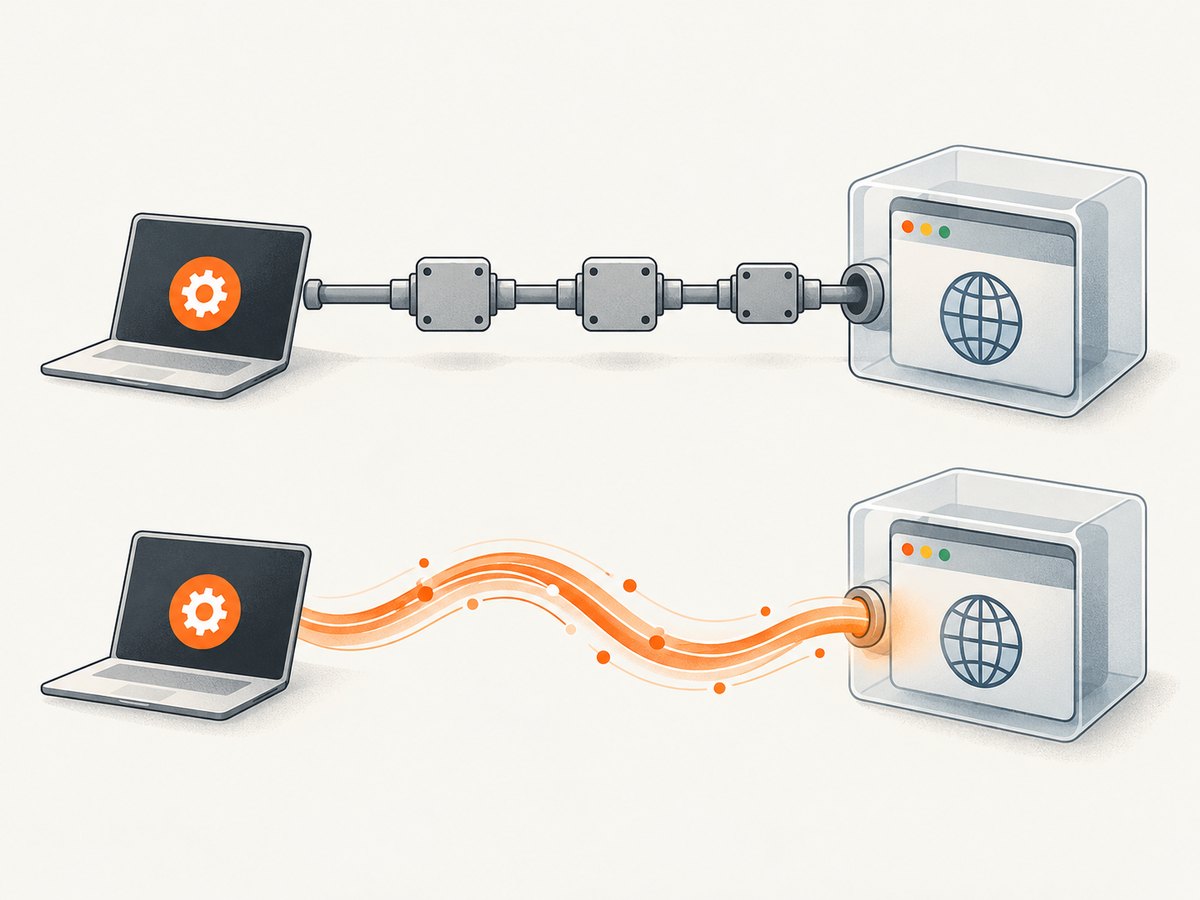
When deciding between Selenium on v1 and a client path on v2, compare the protocol, image compatibility, endpoint and authentication model, Rails/Capybara integration effort, and concurrency behavior. If keeping existing Rails system tests, the v1 WebDriver route is the direct fit. If adopting Playwright or Puppeteer, plan how those tests start Rails, set the base URL, manage test data, and report failures. Browserless v1 is an older line, so factor in its maintenance status and your compatibility needs before selecting it.
9. Performance, reliability, and cost
Remote Chrome avoids installing a browser in the Rails container, but each test still depends on network access, browser capacity, and a working Rails server. A shared Browserless service centralizes browser processes; it also creates a queueing point when concurrency is saturated. Keep browser and application containers close on the same network when practical, cap parallel work to available capacity, and record which test, endpoint host, and image version failed without logging secrets.
For reliable CI, pin the image version, keep the token in the CI secret manager, use a health or readiness check appropriate to your deployment, and run a small system-test smoke check before a large parallel suite. Retrying a failed test may help with transient service pressure, but retries can conceal deterministic network and compatibility errors; track repeated failures and fix their cause. Browserless usage costs depend on whether you self-host or use a hosted plan, the dossier provides no pricing or performance benchmark, so estimate from your chosen deployment’s current terms and actual concurrency needs.
Or skip the browser setup
If the goal is to capture a website image or PDF rather than drive interactive Rails system tests, ScreenshotNeo provides a website screenshot API and MCP server. One GET request can return PNG, JPEG, WebP, or PDF. See the ScreenshotNeo API documentation for supported parameters.
curl -G "https://api.screenshotneo.com/v1/shot" -d access_key=YOUR_API_KEY --data-urlencode url=https://stripe.com -o shot.webpimport requests
r = requests.get("https://api.screenshotneo.com/v1/shot", params={"access_key": "YOUR_API_KEY", "url": "https://stripe.com"}, timeout=90)
open("shot.webp", "wb").write(r.content)const q = new URLSearchParams({ access_key: 'YOUR_API_KEY', url: 'https://stripe.com' });
const res = await fetch(`https://api.screenshotneo.com/v1/shot?${q}`);ScreenshotNeo accepts cookie and consent banners like a visitor and removes 60+ known consent platforms, newsletter popups, and chat widgets before capture; each step can be turned off. Bot checks, blank pages, timeouts, failed loads, and cache hits are not billed, and response headers say which outcome occurred. Its MCP server provides take_screenshot, get_page_info, and capture_pdf for Claude, Cursor, and other MCP clients. The Free plan includes 1,000 shots a month with no card; paid plans start at $5 for 3,000. These are website captures, not a replacement for stateful Selenium interaction tests. Read the API docs and sign up for 1,000 free screenshots a month with no card.
FAQ
Does Browserless v2 support Rails Selenium system tests?
No. Browserless v2 dropped Selenium and WebDriver support. Use a compatible v1 deployment or move to a different browser automation client path.
Can Rails and Browserless use the same localhost URL?
Only when the processes truly share a network namespace. In separate containers, localhost refers to each container itself; use network-reachable hostnames.
Do I have to expose Browserless on the host?
No. If Rails and Browserless share a Docker network, Rails can reach the Browserless service name on its container port without publishing that port externally.
Is a screenshot API the same as a browser test?
No. A screenshot API captures a page output. Selenium system tests operate a browser session and can interact with the application, which is essential for testing workflows.
Checklist
- Choose a Browserless image that supports the protocol your test client uses.
- For Selenium, confirm a v1 WebDriver deployment and its documented URL path.
- Set
SELENIUM_REMOTE_URLand keep local Chrome available for local runs if useful. - Bind the Rails test server to
0.0.0.0when it runs in a container. - Set
app_hostto an address the remote browser can resolve. - Configure a token, concurrency, and timeouts for the deployment.
- Run one test before enabling high parallelism; then watch queueing and cleanup.
Once these directions and versions line up, Rails can create a Selenium session in Browserless and have that remote Chrome visit the correct Rails test server.


