How to Open Chrome with Rails Feature Specs Using Docker
Configure Rails system tests to use headless Chrome locally or a Selenium browser in Docker, with working examples and fixes for common connection errors.
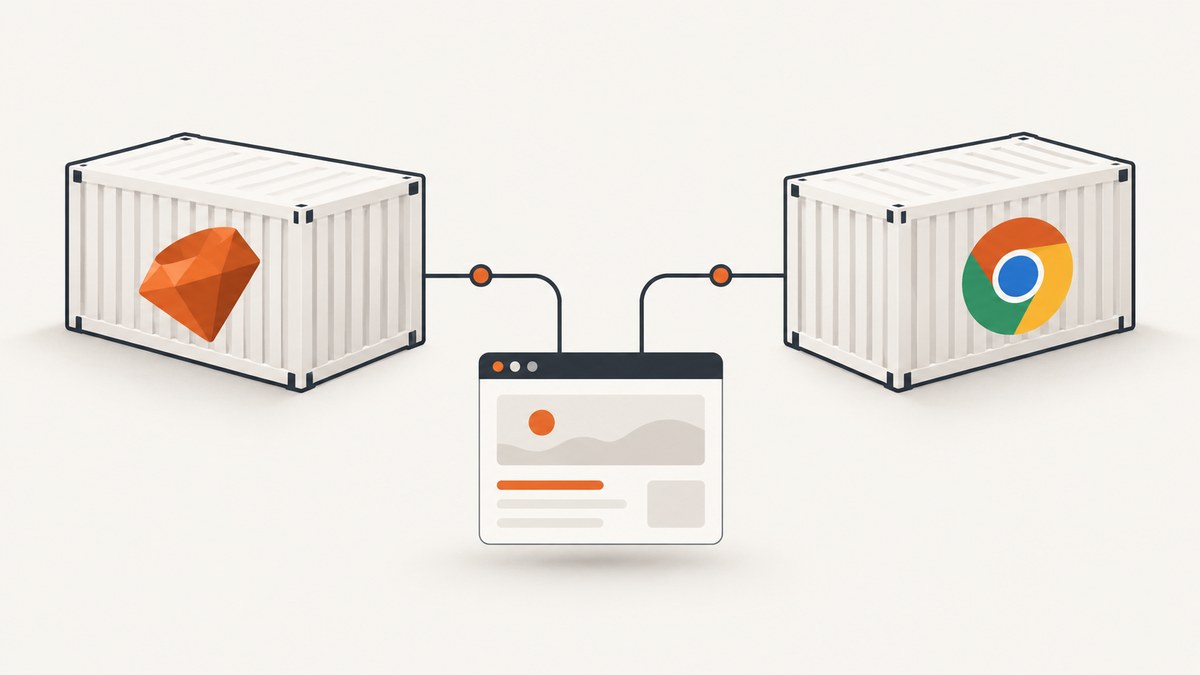
To open Chrome from Rails feature specs in Docker, choose where Chrome runs. If it runs alongside the Rails test process, configure Rails system tests to use Selenium’s headless Chrome driver. If Chrome runs in a separate container, start a Selenium browser service and point the test process at its remote WebDriver URL. When the Rails app server is separate from the browser too, make the app reachable from the browser container; localhost inside that container refers to the browser container itself.
Rails calls its browser-driven tests system tests. They use Capybara and can exercise pages through a real browser. This guide configures that setup for local Chrome and Dockerized Selenium, explains the network addresses involved, and walks through common failures. The Rails guide documents Selenium with Chrome and headless mode; Docker Compose provides service-name discovery between services on a shared network. Rails system test documentation · Docker Compose networking.
1. Choose where Chrome runs
There are two practical arrangements. Start with the local arrangement if Chrome and its driver are available in the test runner’s environment. Choose a separate Selenium container when you want browser dependencies isolated or your test runner already runs in Compose or CI.
| Setup | Chrome location | What must connect | Typical fit |
|---|---|---|---|
| Local headless Chrome | Same environment as Rails tests | Rails test process to its local browser | Simple development setup with browser dependencies installed |
| Remote Selenium | A separate container | Test process to Selenium; browser to Rails app server when it is remote | Containerized development or CI that separates browser and app runtimes |
These options are not distinguished by whether Rails runs in Docker. A Rails process in a container can still launch a browser installed in that container. Conversely, a host test process can connect to a browser container through a published port. Identify the network location of the test runner, browser, and Rails server separately before choosing hostnames.
2. Configure Rails system tests for local headless Chrome
In a standard Rails application, system test setup lives in test/application_system_test_case.rb. Use the Selenium driver with headless Chrome:
# test/application_system_test_case.rb
require "test_helper"

class ApplicationSystemTestCase < ActionDispatch::SystemTestCase
  driven_by :selenium, using: :headless_chrome
end
This tells the Rails system test base class to drive Chrome through Selenium in headless mode. Headless means Chrome runs without displaying its normal desktop window; it still loads and renders pages for the test. This setup assumes the test environment can find a compatible browser and driver. Installing or updating those dependencies is specific to the operating system or container image, so verify the relevant instructions for your chosen environment.
A minimal system test can visit a page and assert on rendered content:
# test/system/homepage_test.rb
require "application_system_test_case"

class HomepageTest < ApplicationSystemTestCase
  test "shows the homepage" do
    visit root_path
    assert_selector "h1", text: "Welcome"
  end
end
Run it with Rails’ test runner:
bin/rails test:systemThe test name, route, and expected heading above are examples; replace them with a route and content from your application. If Rails cannot start Chrome locally, check that the browser and driver are present and usable by the same user that runs the test. If they are, and browser startup remains unreliable in the test container, a separate Selenium service can isolate browser execution.
3. Run Chrome in a separate Docker container
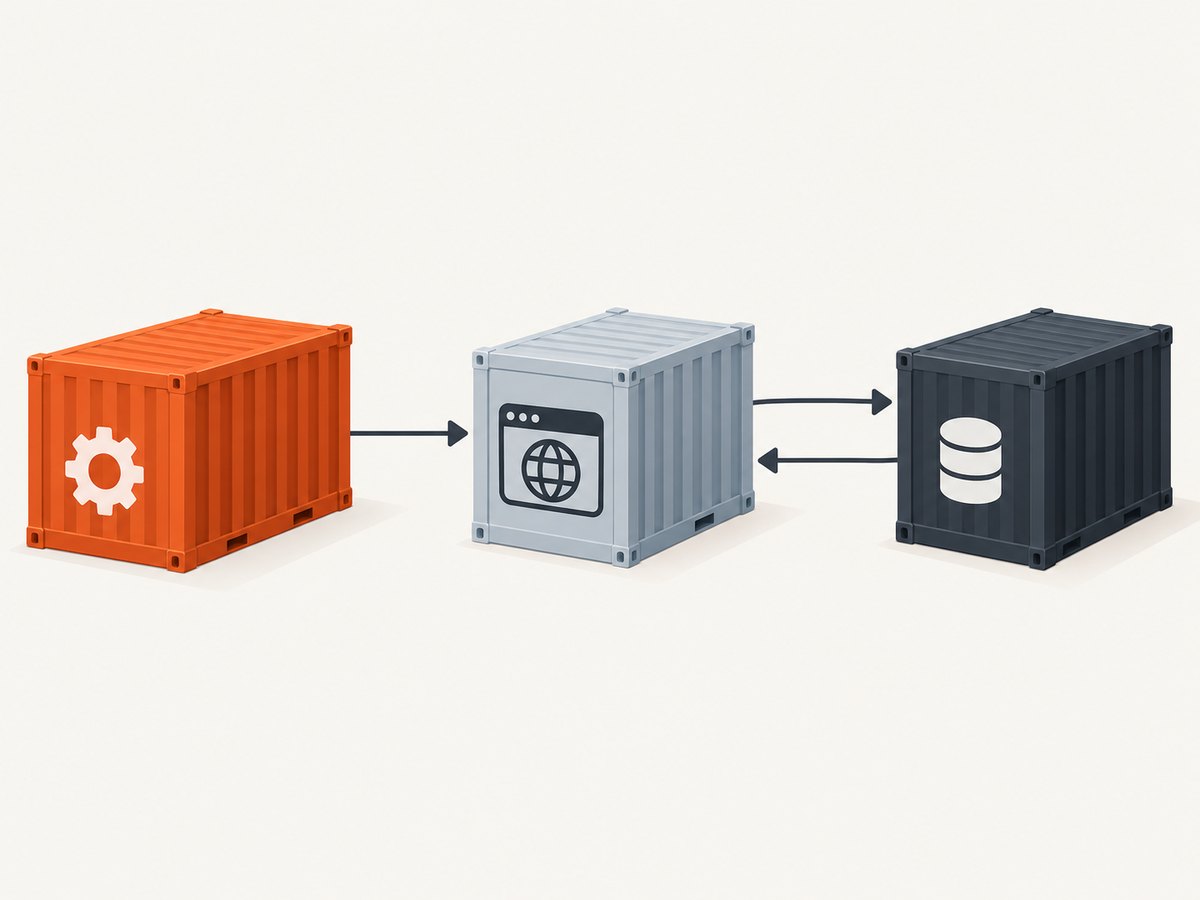
In remote mode, Selenium accepts browser commands from the test runner over WebDriver. Rails’ guide demonstrates making remote mode optional with SELENIUM_REMOTE_URL, while leaving local Chrome as a fallback:
# test/application_system_test_case.rb
require "test_helper"

class ApplicationSystemTestCase < ActionDispatch::SystemTestCase
  selenium_url = ENV.fetch("SELENIUM_REMOTE_URL", nil)

  options = if selenium_url
    { browser: :remote, url: selenium_url }
  else
    { browser: :chrome }
  end

  driven_by :selenium, using: :headless_chrome, options: options
end
For a Selenium endpoint exposed on the same host as the test process, Rails documents this kind of invocation:
SELENIUM_REMOTE_URL=http://localhost:4444/wd/hub bin/rails test:systemThat host-based URL is not automatically right for a test process in Compose. If the Compose file names the Selenium service chrome, the test runner can typically reach it by the service name on their shared default network. Use the Selenium service’s container port for service-to-service communication. The corresponding URL often starts with http://chrome:4444, but the endpoint path and supported browser settings depend on the Selenium image and version. Consult that image’s current instructions rather than assuming the host example’s /wd/hub path applies.
A minimal Compose shape illustrates the service relationship. Adapt the image tag, Rails image, command, and environment to your project and the Selenium image you select:
services:
  test:
    build: .
    command: bin/rails test:system
    environment:
      SELENIUM_REMOTE_URL: http://chrome:4444
    depends_on:
      - chrome

  chrome:
    image: selenium/standalone-chrome:latest
    shm_size: 2gb
This is a configuration outline, not a validated compatibility matrix. Pin an image version appropriate for your project instead of treating latest as a reproducible choice. Check the selected image for its current WebDriver endpoint, browser support, and shared-memory guidance. Selenium’s container examples use a 2g shared-memory size; that is an example setting, not a universal requirement. Selenium’s Docker documentation.
If the test container and browser container share a Compose network, the service name resolves there. A published host port, such as a mapping from host port 4444 to container port 4444, is for clients outside that Compose network; a service calling another service should normally use its service name and internal port. The host port can be omitted if only other Compose services need the Selenium endpoint.
4. Make the Rails app reachable from remote Chrome
Connecting the test process to Selenium is only half of remote mode. During a system test, Capybara starts or uses the Rails test server, and the browser must request pages from it. If that server binds only to loopback, a browser in another container cannot reach it through the network. Configure Capybara to bind to all interfaces and set an app host that the browser can resolve.
For example, in the system test setup:
# test/application_system_test_case.rb
require "test_helper"

class ApplicationSystemTestCase < ActionDispatch::SystemTestCase
  Capybara.server_host = "0.0.0.0"
  Capybara.app_host = "http://test:3000"

  selenium_url = ENV.fetch("SELENIUM_REMOTE_URL", nil)
  options = if selenium_url
    { browser: :remote, url: selenium_url }
  else
    { browser: :chrome }
  end

  driven_by :selenium, using: :headless_chrome, options: options
end
Here test is the example Compose service name for Rails. Change it to a name reachable from the browser container and match the port on which the test server listens. Rails’ guide demonstrates binding to 0.0.0.0 and setting Capybara.app_host for a remote browser. A Compose service name is a natural reachable address when both services share that network. Do not set app_host to localhost unless Chrome and the Rails server share the same network namespace or that address genuinely routes to Rails from Chrome.
When the Rails test server starts on a dynamically selected port, make sure the configured app host and port match Capybara’s server behavior. Avoid hard-coding an example port without confirming how your project starts the server. For the containerized case, the key requirements are a reachable bind address and an address the browser can resolve, not a particular service name.
5. Run and diagnose the connection
- Decide whether Chrome is local to the test runner or remote in a Selenium container.
- For remote mode, set
SELENIUM_REMOTE_URLto an endpoint reachable from the test process. In Compose, use the Selenium service name and internal port on a shared network. - If Rails’ test server is in a container separate from Chrome, bind it beyond loopback and set
Capybara.app_hostto a browser-reachable hostname and port. - Check the selected Selenium image documentation for its endpoint path, browser capability support, and version-specific details.
- Run one small system test, then add critical user journeys that justify browser coverage.
| Symptom | Likely cause | What to check or change |
|---|---|---|
| Connection refused at the Selenium URL | Wrong hostname or port from the test container, service not ready, or endpoint unavailable | Confirm both services share a Compose network, use the service name and container port, and verify the image’s endpoint instructions. |
Unknown host for chrome |
The services are not attached to a network where that name resolves, or the service has another name | Check the Compose service name and network membership. Service-name discovery applies on a shared Compose network. |
| Chrome starts but cannot load the app | Capybara bound to loopback, or app_host points at the wrong address |
Bind the test server to 0.0.0.0 and use an address and port reachable from the browser container. |
| WebDriver reports an invalid session or endpoint | The URL path or browser capabilities do not match the selected Selenium image/version | Check that image’s current Remote WebDriver setup and Rails/Selenium configuration; do not copy an endpoint path blindly. |
| Browser startup fails or exits unexpectedly | Browser dependencies, image configuration, or container resources may be insufficient | Inspect Selenium container logs and image guidance. Selenium examples use --shm-size 2g; assess it for your workload rather than assuming it is mandatory. |
| Tests pass locally but fail in Compose | The local browser and remote browser use different addresses or runtime configuration | Compare the selected driver mode, remote URL, app host, port, and image/version between environments. |
When debugging, first distinguish whether the failure is between the test runner and Selenium or between Chrome and Rails. Those are separate network hops. A successful Selenium connection does not prove that the browser can reach the Rails app, and an app URL that works from the host may not resolve inside a container.
6. Keep system tests focused
Browser-driven tests exercise more of the application stack than unit or controller-level checks, so reserve them for user journeys where seeing the page and interacting with it matters. Rails recommends that “system tests should be reserved for critical user paths rather than being created for every feature.” Use faster, narrower tests for broad coverage, and use system tests for key flows such as account creation, checkout, or another critical path in your application. Rails testing guide.
Remote Chrome adds a network dependency and another service lifecycle to your test run. Keep the Selenium endpoint configuration in the environment, use the same service naming in the test setup and Compose configuration, and avoid relying on a moving browser image tag for reproducible CI. Diagnose timeouts by checking which hop stalled and inspecting the relevant container logs; increasing a timeout without identifying the unavailable service can hide the underlying fault.
Or skip the browser setup
If your goal is to capture a page as an image or PDF rather than test interactive behavior, ScreenshotNeo provides a website screenshot API and MCP server for developers. One GET request returns a PNG, JPEG, WebP, or PDF. Its clean-shot flow accepts consent banners like a visitor and removes more than 60 known consent platforms, newsletter popups, and chat widgets before capture; each step can be turned off. Bot checks and CAPTCHAs, blank pages, timeouts, failed loads, and cache hits cost nothing, and the response identifies the page verdict and billing status in headers.

For a screenshot call, use the API base documented at ScreenshotNeo documentation. Replace the target URL and API key with your own values:
curl -G "https://api.screenshotneo.com/v1/shot" -d access_key=YOUR_API_KEY --data-urlencode url=https://stripe.com -o shot.webpThe same service includes an MCP server for Claude, Cursor, and other MCP clients, with take_screenshot, get_page_info, and capture_pdf tools. The free plan includes 1,000 screenshots per month with no card; paid plans start at $5 for 3,000. Every feature is available on every plan. This is useful for page capture and agent workflows; it does not replace a Rails system test that needs to click through and assert application behavior.
Sign up free for 1,000 screenshots a month, with no card required.
FAQ
Does Rails call these feature specs or system tests?
Rails’ built-in browser-driven tests are system tests, built on Capybara. Teams may use “feature spec” informally or in a different test framework, but the driver configuration here is for Rails system tests.
Can I run headless Chrome and remote Selenium from the same test setup?
Yes. The optional SELENIUM_REMOTE_URL configuration above selects remote mode when the variable is set and local Chrome otherwise. Ensure each environment supplies the matching browser and network configuration.
Does remote Chrome require a published port?
Not when the test runner and Selenium service communicate over the same Compose network. Use the service name and container port there. Publish a port when a client outside that network needs to connect.
Is Dockerized Selenium necessary for Rails system tests?
No. It is one deployment choice. Local headless Chrome is simpler when browser dependencies are available in the test runner; remote Selenium separates browser execution into another service.


