How to Set Chrome Headless Screen Size in Rails System Tests
Set a reliable Chrome viewport in Rails system tests with Selenium, verify it in CI, and avoid common headless sizing problems.
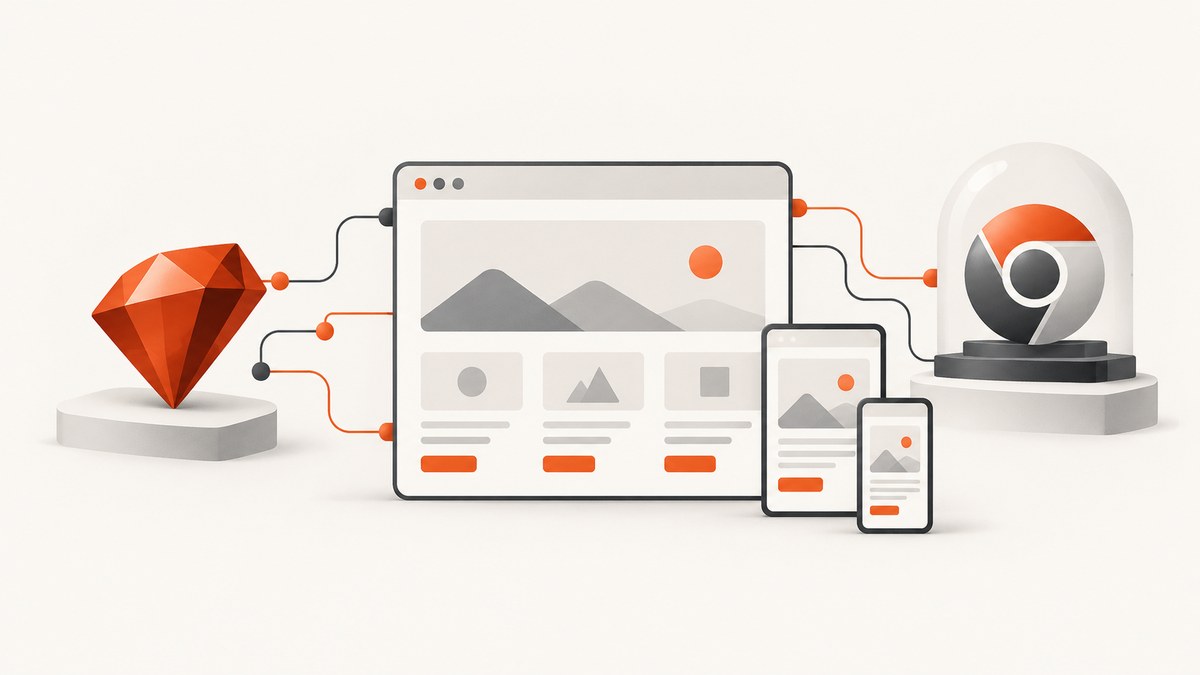
Set the viewport in your shared Rails system-test base class with Selenium, the :headless_chrome browser selector, and a two-element screen_size array:
require 'test_helper'

class ApplicationSystemTestCase < ActionDispatch::SystemTestCase
  driven_by :selenium, using: :headless_chrome, screen_size: [1024, 768]
end
Rails normally reads this class from test/application_system_test_case.rb. The first number is the width and the second is the height, in CSS pixels. Rails documents a default system-test size of 1400 by 1400, so an explicit value makes responsive tests easier to understand and reproduce. See the Rails testing guide and the ActionDispatch system-test API for the documented configuration surface.
1. Configure the shared system-test class
Rails system tests inherit from ActionDispatch::SystemTestCase. Put the driver declaration in the base class so every system test receives the same browser and viewport unless a test deliberately overrides it.
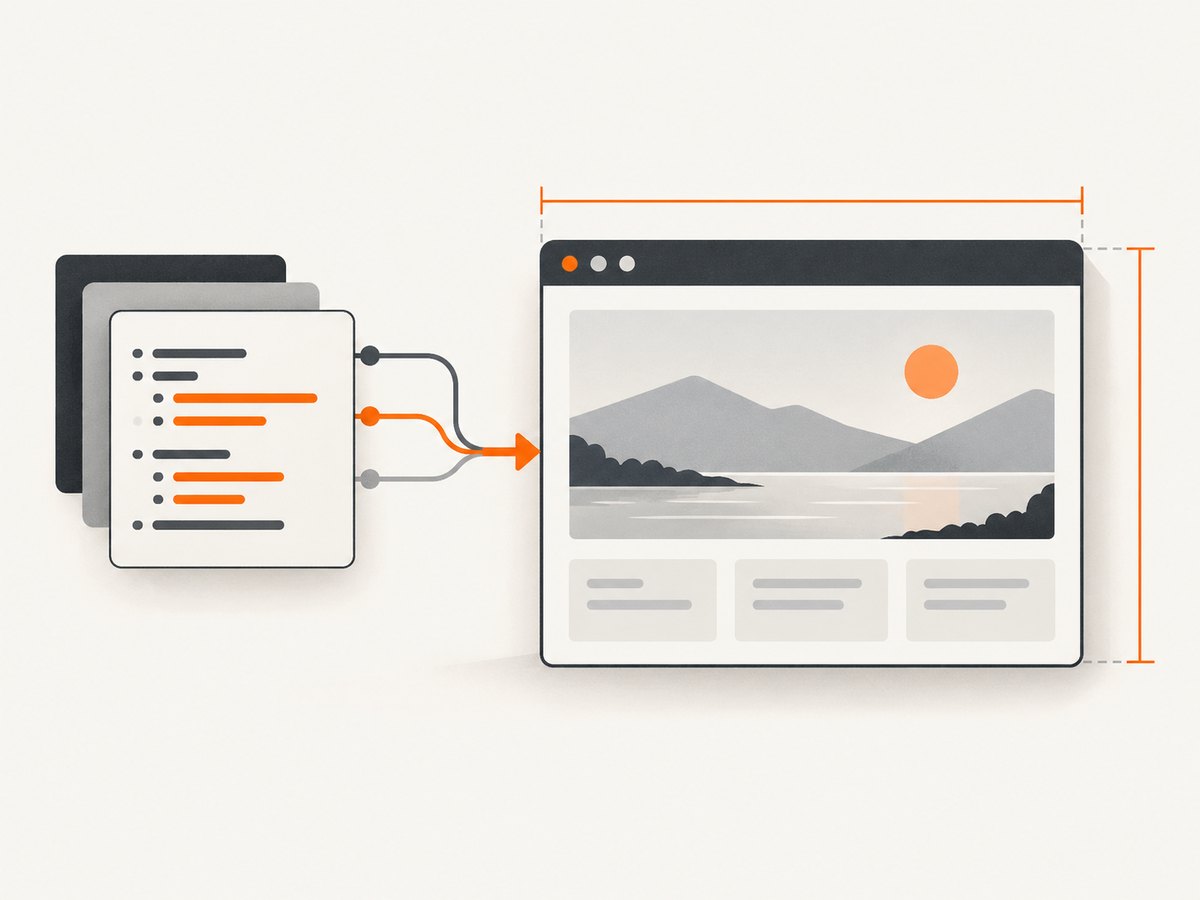
# test/application_system_test_case.rb
require 'test_helper'

class ApplicationSystemTestCase < ActionDispatch::SystemTestCase
  driven_by :selenium,
            using: :headless_chrome,
            screen_size: [1280, 900]
end
Choose dimensions that represent the layout you want to exercise. Common examples are:
| Use case | Example | What it exercises |
|---|---|---|
| Desktop smoke tests | [1280, 900] |
Typical desktop navigation and content |
| Small laptop | [1024, 768] |
Wrapping, compact navigation and constrained forms |
| Mobile portrait | [390, 844] |
Phone breakpoints and touch-sized controls |
| Tablet portrait | [768, 1024] |
Intermediate responsive layouts |
The array describes the browser viewport, not a physical monitor. Browser zoom, device-pixel ratio and operating-system display scaling are separate concerns.
2. Understand Rails driver and headless options
The driven_by declaration accepts a driver, a browser selector, a screen size and driver options. For Chrome in a local test process, the documented headless selector is :headless_chrome:
class ApplicationSystemTestCase < ActionDispatch::SystemTestCase
  driven_by :selenium,
            using: :headless_chrome,
            screen_size: [1440, 900],
            options: {
              args: %w[window-size=1440,900]
            }
end
Start with screen_size. Add browser-specific options only when your Selenium and Chrome versions require them. Rails also exposes a capabilities block for settings supported by the selected driver:
class ApplicationSystemTestCase < ActionDispatch::SystemTestCase
  driven_by :selenium,
            using: :headless_chrome,
            screen_size: [1024, 768] do |driver_options|
    # Add capabilities supported by your Selenium/Chrome combination here.
  end
end
Do not assume that a window-size argument and a viewport are interchangeable. A Chrome argument can control the initial outer window while CSS media queries respond to the inner viewport. Verify the value your application actually sees.
3. Verify the effective viewport inside a test
A configuration can be accepted without producing the dimensions you expected, especially when a CI image, driver version or remote browser is involved. Add a temporary assertion or diagnostic script:
class LayoutTest < ApplicationSystemTestCase
  test 'uses the configured viewport' do
    visit root_path

    dimensions = page.evaluate_script(
      '[window.innerWidth, window.innerHeight, window.devicePixelRatio]'
    )

    puts "viewport=#{dimensions.inspect}"
    assert_equal 1024, dimensions[0]
    assert_equal 768, dimensions[1]
  end
end
window.innerWidth and window.innerHeight are the useful values for responsive CSS. screen.width describes a different browser concept and can mislead you. If the assertion fails, inspect the Selenium, Chrome and Rails versions together rather than changing several settings at once.
4. Test multiple responsive sizes
One global size cannot cover every breakpoint. Keep the shared default stable, then create explicit contexts for important layouts. A simple approach is to build a small helper that changes the driver before a test suite starts, or to maintain separate test jobs with different base classes.
class MobileSystemTestCase < ActionDispatch::SystemTestCase
  driven_by :selenium,
            using: :headless_chrome,
            screen_size: [390, 844]
end

class MobileNavigationTest < MobileSystemTestCase
  test 'opens the menu on a phone viewport' do
    visit root_path
    click_on 'Menu'
    assert_selector '[data-mobile-menu][aria-expanded="true"]'
  end
end
When a breakpoint is close to your chosen width, test both sides of it. For example, run at 767 and 768 pixels if your CSS changes at 768px. This catches off-by-one behavior caused by media-query boundaries.
5. Remote Chrome and containerized CI
Viewport sizing and browser-to-application networking are separate problems. Rails documents a remote-browser pattern that selects browser: :remote and supplies the remote URL through options:
class ApplicationSystemTestCase < ActionDispatch::SystemTestCase
  driven_by :selenium,
            using: :headless_chrome,
            screen_size: [1280, 900],
            options: {
              browser: :remote,
              url: ENV.fetch('SELENIUM_REMOTE_URL')
            }
end
In a container setup, the Chrome container must be able to resolve and reach the Rails application. Capybara may need an accessible server_host and an app_host that names the application from the browser container’s point of view. A localhost URL inside the browser container usually points back to that container, not to the Rails process.
Keep these checks independent:
- Confirm the remote Selenium endpoint is reachable.
- Confirm the browser container can resolve the Rails host.
- Confirm the page loads before investigating viewport dimensions.
- Print
window.innerWidthandwindow.innerHeightfrom the remote session.
6. Handle the headless-driver documentation ambiguity
The Rails guide documents screen_size with system tests and shows headless Chrome through using: :headless_chrome. The surfaced API documentation also contains wording that says :using and :screen_size are not applicable to headless drivers and may be ignored. These statements conflict.
Treat the snippet as the intended Rails configuration, then verify the effective viewport against the exact Rails, Capybara, Selenium and Chrome versions in your project. If the size is ignored, consult those version-specific driver docs and use a supported Chrome option or capability as a compatibility measure. Do not claim that one setting works identically in every dependency combination without checking the resulting browser values.
7. Common errors and fixes
| Symptom | Likely cause | Fix |
|---|---|---|
uninitialized constant ApplicationSystemTestCase |
The base class file is missing or not loaded. | Create test/application_system_test_case.rb, require test_helper, and inherit from ActionDispatch::SystemTestCase. |
| Chrome starts at the wrong size | The driver ignored screen_size, or another option overrides it. |
Print window.innerWidth/innerHeight; check dependency versions and add a supported Chrome window-size argument if required. |
| Tests pass locally but fail in CI | Different Chrome, Selenium, Rails or container configuration. | Log browser and driver versions, use an explicit size, and verify the viewport in CI. |
| Browser cannot load the Rails app | Remote browser cannot reach the Capybara server. | Set an accessible server_host and a reachable app_host; do not use container-local localhost. |
| Responsive assertion is flaky | The page is measured before layout or fonts finish loading. | Wait for a stable selector, then read the dimensions; avoid arbitrary sleeps unless a real asynchronous delay is required. |
| Clicks miss at the expected location | Device-pixel ratio, zoom or a sticky overlay changes geometry. | Assert CSS viewport dimensions, wait for overlays to disappear, and inspect element bounding boxes. |
| Headless Chrome exits immediately | Chrome is unavailable, incompatible or missing container flags. | Install matching Chrome/Selenium packages and follow the supported options for your CI image. |
8. Reliability and performance practices
Use one explicit default
A stable base viewport reduces screenshot and layout differences between developer machines. Keep the default in the shared class and document why that size was chosen.
Wait on application state
Viewport configuration does not wait for your application. Prefer Capybara’s selector-based waits and assertions. For pages that load images or data after navigation, wait for the element that proves the state is ready.
Limit browser startup
Launching Chrome is expensive compared with a unit test. Group related assertions in a system test, avoid opening unnecessary sessions, and reserve multi-viewport coverage for breakpoints that matter to the product.
Capture diagnostics on failure
Save the current URL, HTML, a screenshot and the evaluated viewport dimensions when a CI test fails. The dimensions tell you whether the problem is responsive CSS or a browser setup issue.
9. When an image is the actual deliverable
Rails system tests are the right tool when you need clicks, assertions and application behavior. If you only need a repeatable screenshot of a URL, running a browser in every test job adds setup and maintenance. ScreenshotNeo provides a website screenshot API and MCP server for that case: ScreenshotNeo accepts one GET request and returns PNG, JPEG, WebP or PDF output.

Or skip the browser setup
Use the API documented at screenshotneo.com/docs/:
curl -G "https://api.screenshotneo.com/v1/shot" -d access_key=YOUR_API_KEY --data-urlencode url=https://stripe.com -o shot.webpimport requests
r = requests.get("https://api.screenshotneo.com/v1/shot", params={"access_key": "YOUR_API_KEY", "url": "https://stripe.com"}, timeout=90)
open("shot.webp", "wb").write(r.content)const q = new URLSearchParams({ access_key: 'YOUR_API_KEY', url: 'https://stripe.com' });
const res = await fetch(`https://api.screenshotneo.com/v1/shot?${q}`);Set the viewport with the API’s viewport and device options when you need a particular layout, and use full-page capture when content extends below the fold. ScreenshotNeo can load lazy images, capture one element by CSS selector, apply dark mode, use 12 device presets or any viewport, and set retina scale. It also supports custom CSS and JavaScript, clicks before capture, selector or network-idle waits, blocked resource types, custom headers and cookies, user agents, Authorization, timezone, geolocation, transparent backgrounds, resizing, TTL caching, signed links, asynchronous jobs with signed webhooks, bulk capture of up to 100 URLs per call, a usage API and an OpenAPI specification.
Cookie banners, newsletter popups and chat widgets are removed before the shot; bot checks, blank pages, timeouts, failed loads and cache hits are not billed. Each response reports the page verdict and billing status through X-Page-Verdict and X-Billed headers. An MCP server exposes take_screenshot, get_page_info and capture_pdf to Claude, Cursor and other MCP clients.
The Free plan includes 1,000 screenshots per month with no card. Paid plans start at $5 for 3,000 shots; every feature is included on every plan. Create a free ScreenshotNeo account.
FAQ
What is Rails’ default system-test size?
The Rails guide documents 1400 by 1400 pixels as the default. Set an explicit value when the layout under test depends on a known viewport.
Does headless mean a fixed viewport?
No. Headless Chrome still has a CSS viewport, and its dimensions depend on the driver and options. Measure window.innerWidth and window.innerHeight.
Should I use a physical monitor size?
No. Choose CSS pixel dimensions that represent the responsive layout you want to test.
Can I use a remote Selenium browser?
Yes. Configure the remote browser URL and ensure the browser container can reach the Rails application. Networking does not replace viewport configuration.
When should I use ScreenshotNeo instead of Rails system tests?
Use ScreenshotNeo when the output is a screenshot or PDF and you do not need browser interaction assertions. Use system tests when behavior, clicks and application state are the subject of the test.


