How to Generate a PDF From Multiple Models in a Rails App
Combine ActiveRecord data into one downloadable PDF with Prawn or Wicked PDF, then return it safely from a Rails controller.

Direct answer: load the records needed by the document, combine them into a prepared data object, render that object with a PDF generator, and return the resulting bytes with Rails send_data. Use Prawn when the layout can be expressed with Ruby drawing and text APIs. Use Wicked PDF when an existing HTML view and CSS are the natural source, accepting that it requires the external wkhtmltopdf executable and asset configuration.
This separation keeps database access, document decisions, and HTTP delivery understandable. The controller (or an application service) gathers the root record and its associations, a generator or template turns the prepared data into a PDF, and the response sends the file with the correct MIME type.
1. Choose the PDF generation approach
| Requirement | Good starting point | Tradeoff |
|---|---|---|
| Layout uses text, tables, lines, and coordinates | Prawn | Direct Ruby PDF APIs; you author layout rather than HTML. |
| You already have an HTML view and CSS | Wicked PDF | Familiar templates, plus an external renderer and asset-path setup. |
| Generated PDF exists in memory | send_data |
Streams generated bytes directly in the response. |
| PDF already exists on disk | send_file |
Sends a file from a controlled filesystem path. |
Rails documents both send_data and send_file as controller methods that stream data to the client. Its Prawn example creates a PDF string and passes it to send_data with a filename and application/pdf content type. See the Rails Action Controller guide and the advanced controller topics.
2. Model the document boundary
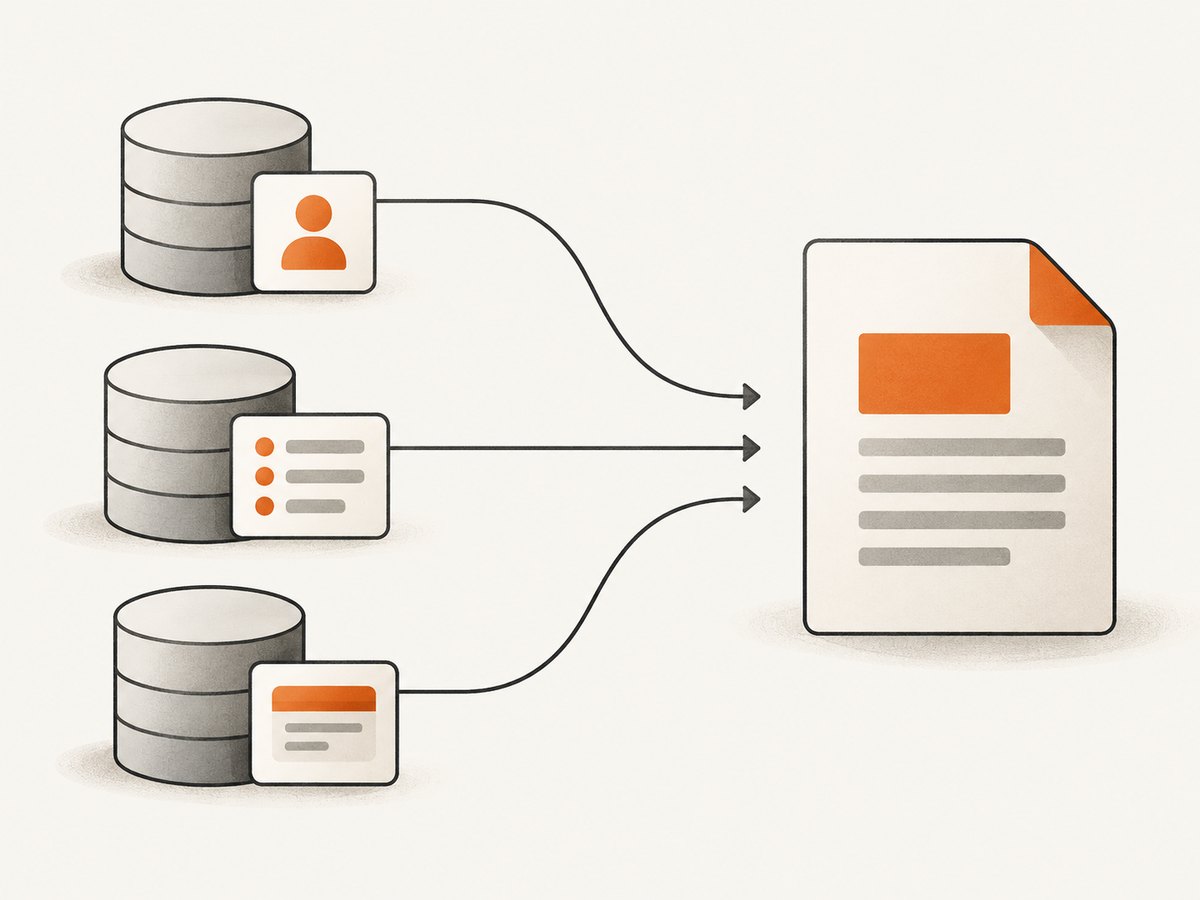
A PDF often combines a parent record, children, users, payments, addresses, and calculated totals. Avoid making the PDF class discover records through many unrelated queries. Load the data in one place and pass a document-shaped object to the renderer.
# app/services/report_data.rb
class ReportData
  def self.load(id)
    report = Report.includes(
      :customer,
      :line_items,
      :payments
    ).find(id)

    new(
      report: report,
      customer: report.customer,
      line_items: report.line_items,
      payments: report.payments
    )
  end

  attr_reader :report, :customer, :line_items, :payments

  def initialize(report:, customer:, line_items:, payments:)
    @report = report
    @customer = customer
    @line_items = line_items
    @payments = payments
  end

  def subtotal
    line_items.sum { |item| item.quantity * item.unit_price }
  end

  def paid_total
    payments.sum(&:amount)
  end

  def balance
    subtotal - paid_total
  end
end
The class above is illustrative application code, not a Rails API. Adapt the associations and calculations to your schema. The key property is that the PDF layer receives everything it needs without issuing hidden queries.
3. Generate a PDF with Prawn
Prawn creates PDFs through Ruby APIs. It is a practical choice when you control the document layout directly and do not need browser CSS. Consult the versioned Prawn documentation and manual, then lock and test the gem version used by your application.
Install the dependency
# Gemfile
gem "prawn"
bundle installCreate the renderer
# app/services/report_pdf.rb
class ReportPdf
  def initialize(data)
    @data = data
  end

  def render
    Prawn::Document.new(page_size: "A4", margin:  forty) do |pdf|
      pdf.text "Report ##{@data.report.id}", size: 22, style: :bold
      pdf.move_down 10
      pdf.text "Customer: #{@data.customer.name}"
      pdf.text "Created: #{@data.report.created_at.to_date}"
      pdf.move_down 18

      rows = [["Description", "Quantity", "Unit price", "Amount"]]
      @data.line_items.each do |item|
        amount = item.quantity * item.unit_price
        rows << [item.description, item.quantity.to_s, format_money(item.unit_price), format_money(amount)]
      end

      pdf.table(rows, header: true, width: pdf.bounds.width) do |table|
        table.row(0).font_style = :bold
        table.row(0).background_color = "EEEEEE"
        table.columns(1..3).align = :right
      end

      pdf.move_down 18
      pdf.text "Subtotal: #{format_money(@data.subtotal)}", align: :right
      pdf.text "Paid: #{format_money(@data.paid_total)}", align: :right
      pdf.text "Balance: #{format_money(@data.balance)}", align: :right, style: :bold
    end.render
  end

  private

  def format_money(value)
    format("$%.2f", value.to_f)
  end
end
Replace forty with a numeric margin such as 40 in the actual file; the spelling is shown only to make the layout setting easy to spot. For production code, use a numeric constant or configuration value.
Return the generated bytes from Rails
# app/controllers/reports_controller.rb
class ReportsController < ApplicationController
  def show
    data = ReportData.load(params[:id])
    pdf_bytes = ReportPdf.new(data).render

    send_data pdf_bytes,
      filename: "report-#{data.report.id}.pdf",
      type: "application/pdf",
      disposition: "attachment"
  end
end
send_data is appropriate because the PDF is generated in memory. Use disposition: "inline" if the browser should try to display the PDF instead of downloading it. Keep the filename free of user-controlled path characters.
4. Generate from an HTML view with Wicked PDF
Wicked PDF converts HTML to PDF by wrapping the external wkhtmltopdf executable. It fits documents that already depend on HTML structure and CSS. Read the project's README for installation and compatibility details for the version you choose.
Install and configure the renderer
# Gemfile
gem "wicked_pdf"

# Then install wkhtmltopdf using the method supported by your deployment image.
# Confirm the executable is available to the Rails process.
The PDF process runs outside Rails. Stylesheets, images, fonts, and other assets therefore need explicit configuration. Use absolute asset references or the helpers documented by Wicked PDF, and verify that the executable can reach those assets in production.
Prepare one combined view model
# app/controllers/reports_controller.rb
class ReportsController < ApplicationController
  def show
    @data = ReportData.load(params[:id])

    render pdf: "report-#{@data.report.id}",
      template: "reports/show",
      disposition: "attachment"
  end
end
<!-- app/views/reports/show.html.erb -->
<h1>Report #<%= @data.report.id %></h1>
<p>Customer: <%= @data.customer.name %></p>
<table>
<thead>
<tr><th>Description</th><th>Quantity</th><th>Amount</th></tr>
</thead>
<tbody>
<% @data.line_items.each do |item| %>
<tr>
<td><%= item.description %></td>
<td><%= item.quantity %></td>
<td><%= number_to_currency(item.quantity * item.unit_price) %></td>
</tr>
<% end %>
</tbody>
</table>Use a PDF-specific layout when the normal application layout includes navigation, JavaScript, or unsupported browser behavior. Keep CSS simple and test page breaks, fonts, and image URLs in the same runtime environment that creates the PDF.
5. Multiple-model data and consistency
Decide what “one report” means when records can change during generation. For financial or audit documents, load the data inside a transaction or capture a version/timestamp and show it in the document. Avoid mixing a newly loaded parent with children fetched later after an update.
- Prevent N+1 queries: use
includesor explicit preloading for associations rendered in loops. - Freeze calculations: calculate totals once in the data object so the header, table, and footer cannot disagree.
- Handle missing associations: render an explicit “None recorded” state instead of calling methods on
nil. - Control ordering: apply an explicit order to line items, payments, and events.
- Escape user content: Prawn text and HTML templates must handle names, descriptions, and addresses safely.
- Large collections: paginate or summarize. A single enormous table can exhaust memory or create an unusable PDF.
6. send_data versus send_file
Use send_data when the generator returns a byte string. Use send_file when a trusted path already contains the finished PDF.
send_file generated_path,
  filename: "report.pdf",
  type: "application/pdf",
  disposition: "attachment"
Never build a filesystem path directly from an unchecked request parameter. Store generated files in a controlled directory, authorize access before sending them, and remove temporary files after the response or background job finishes.
7. Testing and production performance
Test the response contract and the document content separately. A request test can assert status, content type, disposition, and that the body begins with a PDF signature. A service test can verify totals, ordering, and handling of empty associations.
For performance, measure database time, rendering time, and response size independently. Preload associations, avoid repeated formatting work, and move slow or large reports to a background job that writes a controlled file. Return a job status page or a signed download URL according to your application's authorization model.
Wicked PDF adds process startup and executable overhead. Prawn avoids a browser process but still consumes CPU and memory for complex layouts. Pin compatible gem and executable versions, and validate them in the same container or host image used in deployment.
8. Troubleshooting common failures
| Symptom | Likely cause | Fix |
|---|---|---|
| PDF is blank or missing rows | Associations were not loaded, or the template references the wrong object. | Inspect the prepared data object, preload associations, and add a test for an expected row. |
undefined method for nil |
A related model is optional. | Guard the association and render a deliberate fallback value. |
| Wicked PDF cannot find executable | wkhtmltopdf is absent or not on the Rails process PATH. |
Install the supported binary in the deployment image and configure its path. |
| Styles or images disappear | The external renderer cannot resolve Rails-relative assets. | Use absolute URLs or Wicked PDF asset helpers and verify network access from the renderer. |
| Text overlaps or pages break badly | Fixed heights, unsupported CSS, or content longer than expected. | Remove rigid heights, simplify CSS, add page-break rules, and test long names and descriptions. |
| Request times out | Large queries or synchronous rendering exceed the web timeout. | Preload efficiently, reduce document size, or generate asynchronously. |
| Download has the wrong type | Missing or incorrect response MIME type. | Set type: "application/pdf" and a .pdf filename. |
| Totals differ between sections | Each section recalculates from mutable or differently filtered records. | Compute totals once in the document data object and reuse them. |
9. Or skip the browser setup
If the PDF source is a web page that your application can expose, ScreenshotNeo can capture the rendered page through one request. Cookie banners, newsletter popups, and chat widgets are removed before the shot. Bot checks, blank pages, timeouts, failed loads, and cache hits are not billed, and the response identifies the result with X-Page-Verdict and X-Billed headers. Its MCP server lets Claude, Cursor, and other MCP clients use take_screenshot, get_page_info, and capture_pdf.

See the ScreenshotNeo API documentation for authentication and options. This call captures the report URL; replace the placeholder with an authorized route in your application.
curl -G "https://api.screenshotneo.com/v1/shot" -d access_key=YOUR_API_KEY --data-urlencode url=https://your-app.example/reports/42 -o report.webpimport requests
r = requests.get(
"https://api.screenshotneo.com/v1/shot",
params={"access_key": "YOUR_API_KEY", "url": "https://your-app.example/reports/42"},
timeout=90,
)
r.raise_for_status()
open("report.webp", "wb").write(r.content)const q = new URLSearchParams({
access_key: 'YOUR_API_KEY',
url: 'https://your-app.example/reports/42'
});
const res = await fetch(`https://api.screenshotneo.com/v1/shot?${q}`);
if (!res.ok) throw new Error(`Screenshot failed: ${res.status}`);
const bytes = Buffer.from(await res.arrayBuffer());
require('fs').writeFileSync('report.webp', bytes);ScreenshotNeo supports full-page capture, element selection, custom CSS and JavaScript, waiting rules, cookies and headers, PDF paper settings, caching TTLs, async jobs, signed webhooks, bulk capture, and HTML/CSS to image. It offers 1,000 screenshots a month free with no card; paid plans start at $5 for 3,000 shots. Create a free ScreenshotNeo account.
10. Cost, reliability, and security notes
- Keep PDF generation behind authorization; a report URL should not expose another customer's data.
- Do not put API keys in browser JavaScript. Store them in Rails credentials or environment configuration.
- For repeatable documents, record the input IDs, version, and generation timestamp.
- Cache immutable reports when appropriate, but invalidate them when source records change.
- For ScreenshotNeo, choose a cache TTL deliberately and inspect the verdict and billing headers when diagnosing usage.
- For either approach, set request and job timeouts, log failures with a report identifier, and make retries idempotent.
FAQ
Can I use both Prawn and Wicked PDF?
Yes. Use Prawn for compact programmatic documents and Wicked PDF for HTML-heavy documents. Keeping a single document contract makes it possible to switch renderers later.
Should PDF generation happen in the controller?
The controller can coordinate the request, but a service or renderer keeps model loading and layout logic easier to test and reuse.
Why does my HTML look different in the PDF?
Wicked PDF uses an external wkhtmltopdf process, so browser features, CSS support, and asset access differ from a normal interactive browser.
When should I use an asynchronous job?
Use one when the report has many records, expensive charts, remote assets, or a generation time that risks the web request timeout.
Can ScreenshotNeo capture a private Rails report?
Provide the required custom headers or cookies through its documented options, or expose a short-lived authorized URL. Keep access limited to the intended report.


