How to Fix Rails Wkhtmltopdf RuntimeError: Location Unknown
Fix Wicked PDF’s “wkhtmltopdf location is unknown” error by checking binary discovery, setting an executable path, and separating path failures from missing system libraries.
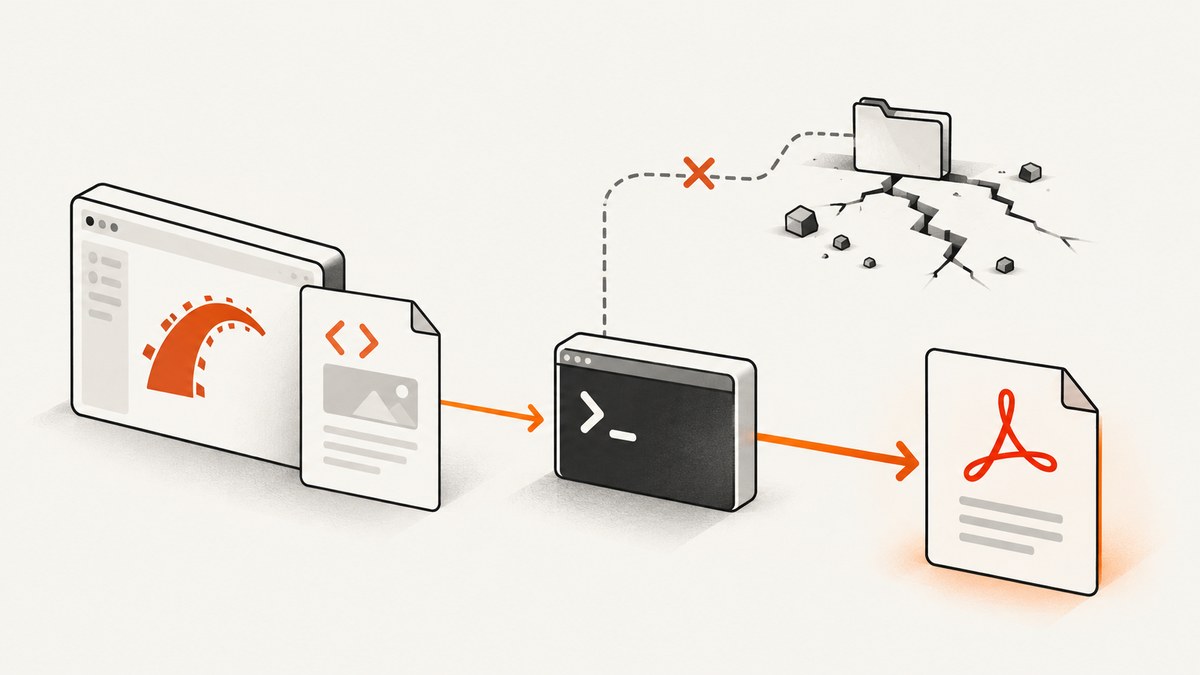
“Wkhtmltopdf location is unknown” means Wicked PDF cannot resolve or execute the external wkhtmltopdf program it uses to make PDFs. First inspect the path Wicked PDF finds from a Rails console:
WickedPdf.new.send(:find_wkhtmltopdf_binary_path)If the result is empty, points to an unusable Bundler shim, or is not executable by the Rails service account, install a compatible binary and configure its absolute path in config/initializers/wicked_pdf.rb:
WickedPdf.configure do |config|
  config.exe_path = '/usr/local/bin/wkhtmltopdf'
  config.enable_local_file_access = true
end
Restart Rails after changing the initializer, then check the resolved path and render a minimal PDF. If the executable starts but reports a missing shared library such as libssl.so.1.1, the path is no longer the problem: the binary does not match the operating system libraries available on that host. Wicked PDF delegates PDF creation to the shell utility, so binary discovery, operating-system compatibility, permissions, and asset URLs all matter. See the Wicked PDF README and its issue reports on binary path discovery and missing OpenSSL libraries.
1. Understand what the error means
Wicked PDF is a Rails wrapper. It does not render a PDF entirely inside the Rails process: it launches wkhtmltopdf as a separate program, gives it HTML or a URL, and expects a PDF back. The Rails app must therefore be able to locate and execute that program in the environment where the request or background job runs.
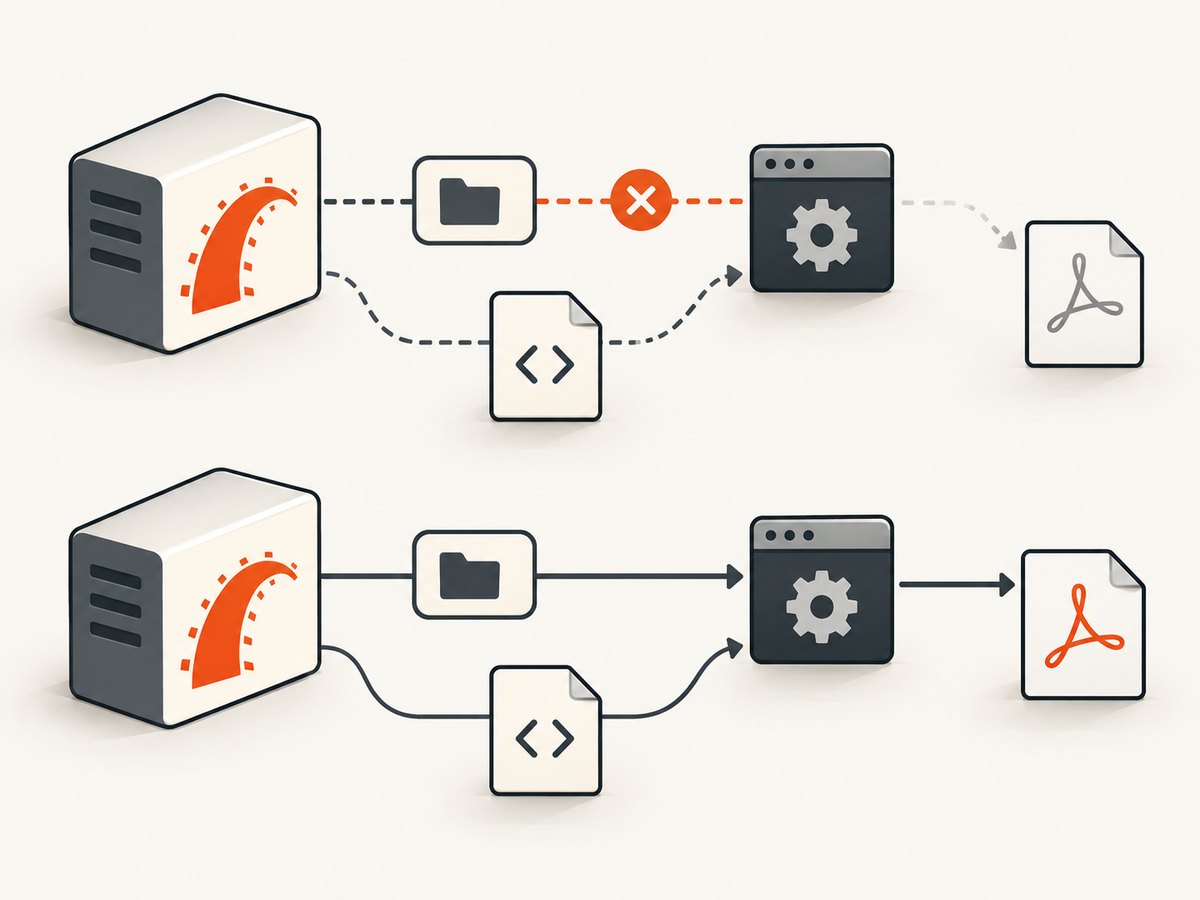
“Location unknown” usually points to one of these conditions:
- No binary is installed in the deployed image or host.
- Wicked PDF resolves the wrong path, including a shim or a path that exists only on a developer’s machine.
- The Rails service user cannot execute or read the file. A path that works in your shell may not work for the user running Puma, Passenger, or a job worker.
- The executable exists but cannot start because a required system library is missing. That produces a runtime or dynamic-linker error rather than a simple discovery failure.
Keep these cases separate. Reinstalling a gem will not add a missing operating-system library, and changing a Rails route will not fix an executable path.
2. Diagnose the resolved path
Step 1: Inspect Wicked PDF’s resolution
Run this from the deployed app’s Rails console, or from a console launched with the same release and environment as the web process:
WickedPdf.new.send(:find_wkhtmltopdf_binary_path)This method is useful for diagnosis because it shows what Wicked PDF itself resolved. A shell command such as which wkhtmltopdf only tells you what that shell finds; it does not prove Wicked PDF or the production service account sees the same executable.
Step 2: Check the file and permissions
Copy the returned path and check it on the host or inside the running container:
ls -l /usr/local/bin/wkhtmltopdf
/usr/local/bin/wkhtmltopdf --version
/usr/local/bin/wkhtmltopdf --help
Replace the example path with the path you actually found. Confirm the file exists and has execute permission. Also check directory permissions along the path: the service user needs permission to traverse each parent directory. Run the version command as the same operating-system user that runs Rails, when possible.
Step 3: Separate executable startup from Rails rendering
Try the binary directly with a simple input, independently of your application template. For example, if a small HTML file is available on the server:
/usr/local/bin/wkhtmltopdf /tmp/probe.html /tmp/probe.pdfA successful direct invocation narrows the investigation to Wicked PDF configuration, Rails process environment, or the real page’s assets. If the process fails before producing a PDF, inspect its exact error before changing the Rails view.
3. Set an explicit executable path
When automatic discovery returns an empty or unstable path, configure exe_path explicitly. The Wicked PDF documentation recommends this when the binary is not on the web server’s PATH. Use the absolute path for the deployed environment, not a path copied blindly from a laptop.
# config/initializers/wicked_pdf.rb
WickedPdf.configure do |config|
  config.exe_path = '/usr/local/bin/wkhtmltopdf'
  config.enable_local_file_access = true
end
The enable_local_file_access setting allows local file access when your PDF needs local files, such as assets generated or referenced by the app. Enable it only when the document needs that access and understand which local files the renderer can reach. If your setup already configures Wicked PDF with a hash, keep the style consistent with your installed version:
WickedPdf.config = {
  exe_path: '/usr/local/bin/wkhtmltopdf',
  enable_local_file_access: true
}
Do not set both configuration styles in multiple places without checking how your app loads them. A second initializer or environment-specific override can replace the value you expect. After changing configuration, restart every web and worker process that renders PDFs, then rerun the resolver check.
4. Install a compatible binary
The Wicked PDF README describes wkhtmltopdf-binary as a simple installation route on Linux or macOS, and Wicked PDF also supports an explicit executable path. Choose one source deliberately, then verify the actual executable path and version inside the production environment.
A gem-provided binary can simplify deployment, but it still has to be present in the deployed bundle and compatible with the host. A system package can be easier to inspect operationally, but its installation path varies by distribution. Either approach is reasonable if the binary is executable, visible to the Rails service account, and compatible with the runtime libraries.
| Remedy | What to verify | Common trap |
|---|---|---|
Install via wkhtmltopdf-binary |
The gem is included in the production bundle; inspect the path Wicked PDF resolves. | Assuming the gem’s shim is a compatible native binary in every host image. |
| Install a system binary | Its absolute path, version, execute permissions, and shared-library requirements. | Using a host path in a container that does not contain that file. |
Set exe_path |
The configured path exists in each deployed environment and is readable by the service user. | Hard-coding a developer machine’s path or a path that changes between releases. |
Be especially careful when building containers: installing the binary in a build stage does not make it available in a later runtime stage unless you copy it or install it there too. Verify the path from inside the final image, not just on the build host.
5. Distinguish a missing library from a bad path
A valid path does not guarantee the program can start. For example, Wicked PDF issue #1114 records /usr/bin/wkhtmltopdf failing because libssl.so.1.1 was missing. That is an operating-system dependency mismatch: changing exe_path to the same file will not supply the missing library.
Look for messages such as “error while loading shared libraries” or “cannot open shared object file.” Check the binary against the libraries available on the target operating system and choose a build intended for that environment. Avoid creating ad hoc symlinks from one library major version to another; a filename match does not make incompatible library interfaces interchangeable. The appropriate fix is to use a compatible binary or provide the required runtime dependency through a supported system package or image.
6. Make Rails assets available to the renderer
Once the binary runs, a PDF can still be blank or missing styles and images. The executable runs outside the Rails application process. Relative URLs that a browser resolves against a page may not resolve when the renderer loads the HTML, and an asset path on the developer’s filesystem may not exist on the server.
- Use absolute URLs for assets that the renderer should fetch over HTTP.
- Use the asset helpers provided by Wicked PDF for assets served by the Rails app.
- Check that the rendering host can reach the asset host, including any authentication or network restrictions.
- Use local-file access only when the document needs local files, and confirm the paths are valid in the deployed environment.
- First render a minimal page with no images or styles; add assets back one at a time if the minimal document works.
These checks help distinguish an executable problem from an HTML or asset-loading problem. The Wicked PDF README documents its use of wkhtmltopdf and the relevant configuration and asset helpers.
7. Troubleshooting checklist
| Symptom | Likely cause | Next step |
|---|---|---|
| Resolver returns an empty value | No discoverable binary or an unresolved configuration. | Install a binary, set an absolute exe_path, restart, and rerun the resolver. |
| Resolver returns an unexpected Bundler or gem path | Gem resolution selected a shim, or the deployed bundle differs from local. | Inspect the file and execute it as the app user; configure the intended absolute path. |
| “No such file or directory” although the path appears to exist | The path may be wrong in the container, or the executable’s required loader may be absent. | Check the path inside the runtime environment and read the full error for loader or library details. |
| “Permission denied” | Missing execute permission or inaccessible parent directory. | Correct ownership and permissions so the service account can traverse and execute the file. |
| “Error loading shared library” | Binary and operating-system runtime are incompatible. | Use a compatible binary or provide the required system dependency in the runtime image. |
| Works locally, fails in production | Different PATH, user, container, bundle, binary, or system libraries. | Run the resolver and direct version command in the deployed environment under the app identity. |
| PDF renders but CSS or images are missing | Relative or inaccessible asset URLs, or local-file access is not configured for needed files. | Use absolute URLs or Wicked PDF asset helpers; verify network access and local paths. |
| Minimal probe works, real page fails | Template content, assets, JavaScript, or page-specific inputs cause the failure. | Add real page features back incrementally and inspect the command error and generated HTML. |
8. Reliability, performance, and cost considerations
Each PDF render launches an external process, so deployment health depends on more than the Rails gem. Keep the binary source and version reproducible across releases, test it in the final production image, and include a small PDF render in deployment checks. Run the check as the same user and with the same environment as the application. If web requests and background jobs both generate PDFs, verify both runtime paths.
PDF rendering consumes host CPU and memory, and a complex document or slow asset host can keep a worker busy. Set request or job timeouts appropriate to your workload, avoid sending unbounded concurrent renders through a small worker pool, and watch for failed processes and long-running jobs. A stable absolute path avoids PATH surprises, but it does not guarantee library compatibility or asset reachability.
Cost depends on how you deploy: a bundled or system binary has no per-capture API fee in this setup, while you still pay for the host capacity and maintenance needed to run it. If the task is simply capturing a web page as an image or PDF rather than generating a Rails-specific document, a hosted screenshot API can remove binary installation and path management from your app. Evaluate that separately from PDFs that depend on Rails views, private data, or custom document layout.
9. Or skip the browser setup
If you need a screenshot or PDF of a page rather than a Rails-rendered document, ScreenshotNeo is a website screenshot API and MCP server. One GET request captures a URL. See the API documentation for options and response details.

curl -G "https://api.screenshotneo.com/v1/shot" \
  -d access_key=YOUR_API_KEY \
  --data-urlencode url=https://stripe.com \
  -o shot.webp
import requests
r = requests.get(
"https://api.screenshotneo.com/v1/shot",
params={"access_key": "YOUR_API_KEY", "url": "https://stripe.com"},
timeout=90,
)
open("shot.webp", "wb").write(r.content)const q = new URLSearchParams({
access_key: 'YOUR_API_KEY',
url: 'https://stripe.com'
});
const res = await fetch(`https://api.screenshotneo.com/v1/shot?${q}`);
if (!res.ok) throw new Error(`Screenshot request failed: ${res.status}`);
await Bun.write('shot.webp', res);ScreenshotNeo accepts cookie and consent banners before capture and removes more than 60 known consent platforms, newsletter popups, and chat widgets; each step can be turned off. Bot checks, blank pages, timeouts, failed loads, and cache hits cost nothing, with response headers identifying the page verdict and billing status. Its MCP server gives AI agents tools to take screenshots, get page information, and capture PDFs. The free plan includes 1,000 shots per month without a card; paid plans start at $5 for 3,000. Every feature is on every plan. Create an account for 1,000 free screenshots a month, with no card.
10. Frequently asked questions
Why does it work in development but fail after deployment?
The deployed process may have a different PATH, service user, container filesystem, gem bundle, or set of system libraries. Run the resolver and binary checks in the production runtime context.
Is “location unknown” always a missing binary?
No. The binary may exist but be invisible to the Rails process or not executable. A missing shared library is a separate startup failure that can happen after the path has been found.
Should I use the gem binary or a system package?
Either can work. Choose based on how you manage dependencies, then verify the actual resolved path, permissions, version, and operating-system compatibility in the deployed environment.
Do I need to change my Rails route or controller?
Usually not for this error. First establish that the executable can be found and run; investigate the controller or template after a minimal render succeeds.
Why are images missing from an otherwise valid PDF?
The external renderer may not resolve relative URLs or reach private assets. Use absolute asset URLs or Wicked PDF helpers and check local-file access when local files are required.


