How to Create a Random Password Generator in Python
Build a configurable Python password generator with secure randomness, category guarantees, command-line options, and practical security guidance.
This guide builds a command-line password generator in Python using the standard library. It uses secrets for cryptographically strong random selection, lets you choose character categories and length, and guarantees at least one character from each enabled category. No third-party packages are required.
Use secrets, not random, for passwords. Python documents secrets for passwords and authentication secrets, and recommends it over random, which is intended for simulation and modeling. Python secrets documentation
1. A minimal secure password generator
For a quick example, select each character independently from a combined alphabet:
import secrets
import string

alphabet = string.ascii_letters + string.digits + string.punctuation
password = "".join(secrets.choice(alphabet) for _ in range(20))
print(password)
This uses only Python’s standard library. string.ascii_letters contains lowercase and uppercase ASCII letters; string.digits contains digits; and string.punctuation contains standard ASCII punctuation. Python string constants
The example selects securely, but it does not guarantee that every category appears. A 20-character result could contain no digit or no punctuation. That matters when a site requires particular categories, so the full version below selects one character from each enabled category and securely shuffles the result.
2. Build the complete command-line program
Save this as password_generator.py. It accepts a length, supports toggling categories, rejects impossible requests, and caps the output length to protect against accidental huge inputs.
#!/usr/bin/env python3

import argparse
import secrets
import string

CHARACTER_SETS = {
    "lowercase": string.ascii_lowercase,
    "uppercase": string.ascii_uppercase,
    "digits": string.digits,
    "symbols": string.punctuation,
}
MAX_LENGTH = 4096


def generate_password(
    length=20,
    use_lowercase=True,
    use_uppercase=True,
    use_digits=True,
    use_symbols=True,
):
    """Return a secure random password matching the selected categories."""
    selected_sets = []

    if use_lowercase:
        selected_sets.append(CHARACTER_SETS["lowercase"])
    if use_uppercase:
        selected_sets.append(CHARACTER_SETS["uppercase"])
    if use_digits:
        selected_sets.append(CHARACTER_SETS["digits"])
    if use_symbols:
        selected_sets.append(CHARACTER_SETS["symbols"])

    if not selected_sets:
        raise ValueError("Enable at least one character category.")
    if length < len(selected_sets):
        raise ValueError(
            f"Length must be at least {len(selected_sets)} to include "
            "every enabled category."
        )
    if length > MAX_LENGTH:
        raise ValueError(f"Length must not exceed {MAX_LENGTH} characters.")

    alphabet = "".join(selected_sets)

    # Ensure every selected category is represented at least once.
    characters = [secrets.choice(charset) for charset in selected_sets]

    # Fill the remaining positions from the combined alphabet.
    characters.extend(
        secrets.choice(alphabet)
        for _ in range(length - len(characters))
    )

    # Hide the fixed positions of the required category characters.
    secrets.SystemRandom().shuffle(characters)
    return "".join(characters)


def main():
    parser = argparse.ArgumentParser(
        description="Generate a cryptographically secure random password."
    )
    parser.add_argument(
        "-l", "--length", type=int, default=20,
        help="Password length (default: 20; maximum: 4096)",
    )
    parser.add_argument("--no-lowercase", action="store_true")
    parser.add_argument("--no-uppercase", action="store_true")
    parser.add_argument("--no-digits", action="store_true")
    parser.add_argument("--no-symbols", action="store_true")
    args = parser.parse_args()

    try:
        password = generate_password(
            length=args.length,
            use_lowercase=not args.no_lowercase,
            use_uppercase=not args.no_uppercase,
            use_digits=not args.no_digits,
            use_symbols=not args.no_symbols,
        )
    except ValueError as error:
        parser.error(str(error))

    print(password)


if __name__ == "__main__":
    main()
The secrets module was added in Python 3.6. secrets.choice() selects an item from a sequence using a security-oriented source; SystemRandom uses the strongest randomness source provided by the operating system. Python secrets documentation
3. Run it and configure the output
- Check Python: run
python --version. If your system uses a separate command for Python 3, runpython3 --version. - Generate the default: run
python password_generator.py, orpython3 password_generator.py. The program prints one 20-character password. - Choose a length: run
python password_generator.py --length 32. The short form is-l 32. - Disable categories you do not need: for letters only, run
python password_generator.py --length 24 --no-digits --no-symbols. - See available options: run
python password_generator.py --help.
The defaults enable lowercase letters, uppercase letters, digits, and symbols. The program requires enough positions to include every enabled category: with all four enabled, the minimum valid length is four. If you enable only lowercase letters, length one is valid.
The symbol set includes punctuation that some websites reject. When a service provides an explicit allowed-character list, use that list instead of assuming every punctuation character is accepted. Unicode is excluded here for compatibility: Unicode characters can have visually similar forms and normalization behavior that services handle differently.
4. Why the category guarantee and shuffle matter
This common one-liner is secure in how it picks each character, but it offers no category guarantee:
password = "".join(secrets.choice(alphabet) for _ in range(length))The full function first takes one character from each enabled set, then fills the remaining slots from the combined alphabet. A secure shuffle prevents those guaranteed characters from always appearing at the beginning. Without the shuffle, the password would reveal a predictable structure, such as lowercase, uppercase, digit, symbol, then the remaining characters.
Category rules are useful when a website demands them, but they are not a universal measure of password strength. NIST’s consumer guidance emphasizes length and does not recommend requiring special characters and numbers in every case. Longer, unique passwords are often more useful than piling on arbitrary composition rules. NIST guidance on creating a good password
5. Length, alphabet size, and entropy
Twenty characters is a convenient default for this script, not a promise that a password is uncrackable. Choose a length the service accepts, and use a longer one when practical. NIST’s consumer guidance says passwords should be at least 15 characters when a password is required. Individual services may impose maximum lengths or other rules, so check their limits.
For an idealized password with L independently selected characters from an alphabet of N characters, the entropy is L × log2(N) bits. This is a mathematical model, not a crack-time estimate. Actual protection also depends on whether the generator is unpredictable, whether the password is unique, the service’s rate limits and storage, and whether the credential is exposed through phishing or malware. Do not label any particular length “unbreakable.”
For a password you must type or communicate, a passphrase made from several independently and securely selected words may be easier to use. Its security depends on the size and quality of the word list and the random selection. A tiny handpicked list makes guesses easier. NIST includes passphrases as one way to create longer, more memorable passwords. NIST password guidance
6. Optional changes for real services
Use a service-specific symbol set
If a site lists allowed symbols, replace string.punctuation with exactly those characters. For example, a deliberately restricted set could be defined as "!@#$%". Keep the pool non-empty if the symbols category is enabled. Do not generate a password and then predictably replace characters until it passes a rule; define the valid pools first and generate within them.
Remove visually ambiguous characters
When a password must be read aloud or typed from a screen, removing characters such as zero, uppercase O, lowercase o, one, lowercase l, and uppercase I can reduce mistakes. Filter the character sets before generation, then validate that each enabled set still contains characters. This shrinks the alphabet, so it is usually unnecessary when a password manager can copy and autofill the password.
Choose a different output workflow carefully
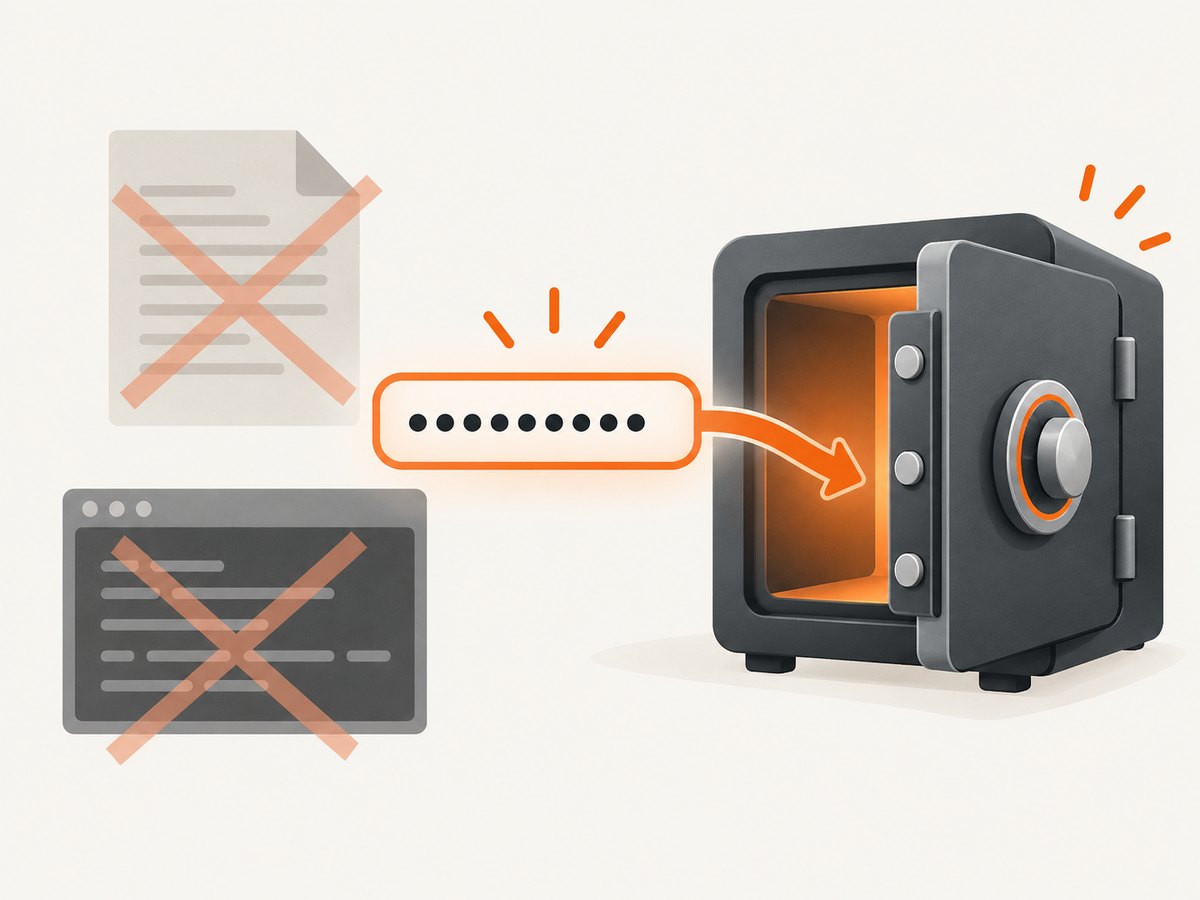
This tutorial prints the password because that is useful for learning. Terminal scrollback, screen recordings, remote session logs, clipboard history, and CI logs can retain it. Do not add automatic plaintext file output as a convenience: backups, sync folders, permissions mistakes, or a source-control commit can expose the file.
If an application accepts user passwords, generation and storage are separate problems. Password verification should use a dedicated password-hashing algorithm, not plaintext or reversible encryption. OWASP’s guidance discusses Argon2id and scrypt among suitable approaches. OWASP Password Storage Cheat Sheet
7. Test the generator’s rules
Randomness tests should not expect a particular output or demand perfectly even counts from a small sample. Test the deterministic requirements instead: length, allowed characters, category inclusion, and validation.
import string


def check_generator():
    password = generate_password(length=32)
    assert len(password) == 32
    assert any(c.islower() for c in password)
    assert any(c.isupper() for c in password)
    assert any(c.isdigit() for c in password)
    assert any(c in string.punctuation for c in password)

    letters_only = generate_password(
        length=20,
        use_lowercase=True,
        use_uppercase=True,
        use_digits=False,
        use_symbols=False,
    )
    assert letters_only.isalpha()

    try:
        generate_password(length=3)
    except ValueError:
        pass
    else:
        raise AssertionError("Expected a short length to be rejected")

    try:
        generate_password(
            use_lowercase=False,
            use_uppercase=False,
            use_digits=False,
            use_symbols=False,
        )
    except ValueError:
        pass
    else:
        raise AssertionError("Expected no enabled categories to be rejected")


if __name__ == "__main__":
    check_generator()
    print("Generator checks passed")
Place this check in a separate file and import generate_password, or temporarily append it after the function definition while learning. In a larger project, use Python’s unittest or a test framework. Also check that disabled categories never appear and that boundary lengths work, such as length one with a single enabled set.
8. Troubleshooting
| Symptom | Cause | Fix |
|---|---|---|
python is not found |
Python is not installed or the command is named differently. | Install Python from its official distribution, reopen the terminal, and try python3 --version. Use the command that reports Python 3. |
No module named secrets |
The interpreter is older than Python 3.6, or a different interpreter is running the script. | Check python --version and run the script with a Python 3.6+ interpreter. |
| Length must be at least the number of categories | The requested output cannot fit one character from each enabled set. | Increase the length or disable categories the target service does not require. |
| Enable at least one character category | Every --no-... option was passed. |
Leave at least one set enabled. |
| The service rejects the password | It may disallow some punctuation, enforce a maximum, or have its own rules. | Use the service’s documented length and allowed-character constraints; customize the pools rather than post-processing output. |
| A generated password appears in a log or history | Printed output was captured by a terminal, CI system, recording, or shell pipeline. | Do not generate real credentials in shared logs. Use a controlled local workflow or a password manager. |
9. Use a password manager for everyday accounts
This script is a useful programming exercise and can generate a controlled local secret. For routine account creation, a password manager is generally more practical: it can store unique passwords and autofill them, reducing the temptation to reuse or manually record credentials. Use a separate password for each account, and consider multifactor authentication or passkeys where available. A generator cannot prevent phishing, malware, or account-recovery attacks. NIST password guidance
Generation is also different from password strength estimation: an estimate cannot make a predictable password secure. Clipboard support is another optional extension, but clipboard managers and history may retain copied secrets; add it only when the workflow needs it and account for that exposure.
10. Or skip the browser setup
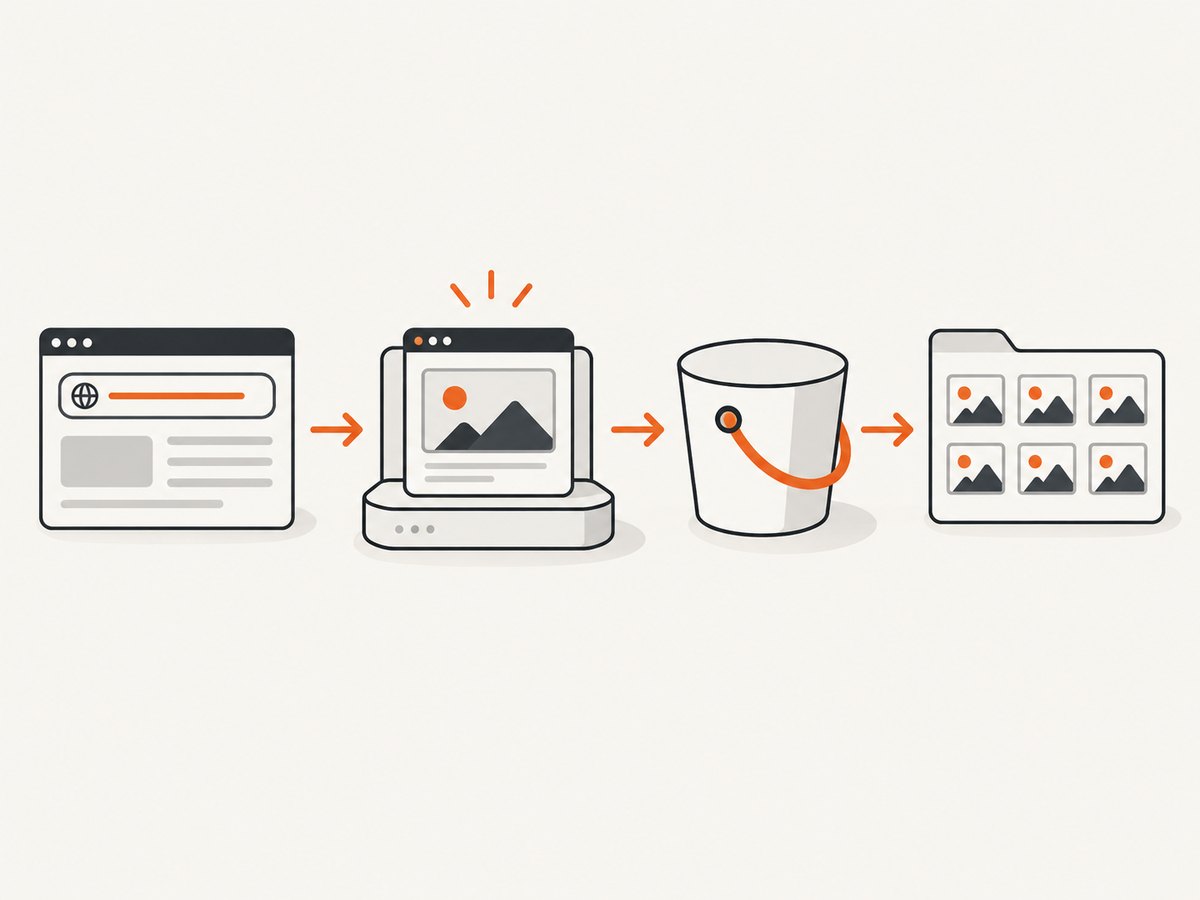
ScreenshotNeo is a website screenshot API and MCP server for developers. If your Python project also needs a webpage screenshot, a single GET request returns an image or PDF. See the ScreenshotNeo API documentation.
import requests

r = requests.get(
    "https://api.screenshotneo.com/v1/shot",
    params={"access_key": "YOUR_API_KEY", "url": "https://stripe.com"},
    timeout=90,
)
open("shot.webp", "wb").write(r.content)
ScreenshotNeo accepts cookie and consent banners like a visitor and removes 60+ known consent platforms, newsletter popups, and chat widgets before capture; each step can be turned off. Bot checks, CAPTCHAs, blank pages, timeouts, failed loads, and cache hits cost nothing, and response headers report the page verdict and billing status. Its MCP server gives AI agents tools for screenshots, page information, and PDF capture. The free plan includes 1,000 shots per month with no card; paid plans start at $5 for 3,000 shots.
Create a free ScreenshotNeo account for 1,000 screenshots a month, with no card.
FAQ
Does this generator need an internet connection?
No. It uses Python’s standard library and the operating system’s secure randomness source. No network request or third-party package is part of generation.
Can I use it to generate reset tokens?
secrets is appropriate for security tokens, but a production reset flow also needs expiration, single use, secure delivery, and careful storage. A password generator alone does not implement that workflow.
Can I use the output as a database password?
Potentially, if the database accepts its characters and length and you transfer and store it through a controlled secret-management process. Avoid putting the secret in source code, command history, or build logs.
Does a successful run prove the password is safe?
No. It confirms the script returned a value. Security also depends on unique use, safe handling, the service, and protection against phishing and device compromise.


