How to Read Cookies After Puppeteer Finishes Redirects
Wait for navigation to finish, then read cookies from the BrowserContext that owns the page. Here’s how to handle redirects, click navigation, and isolated contexts.
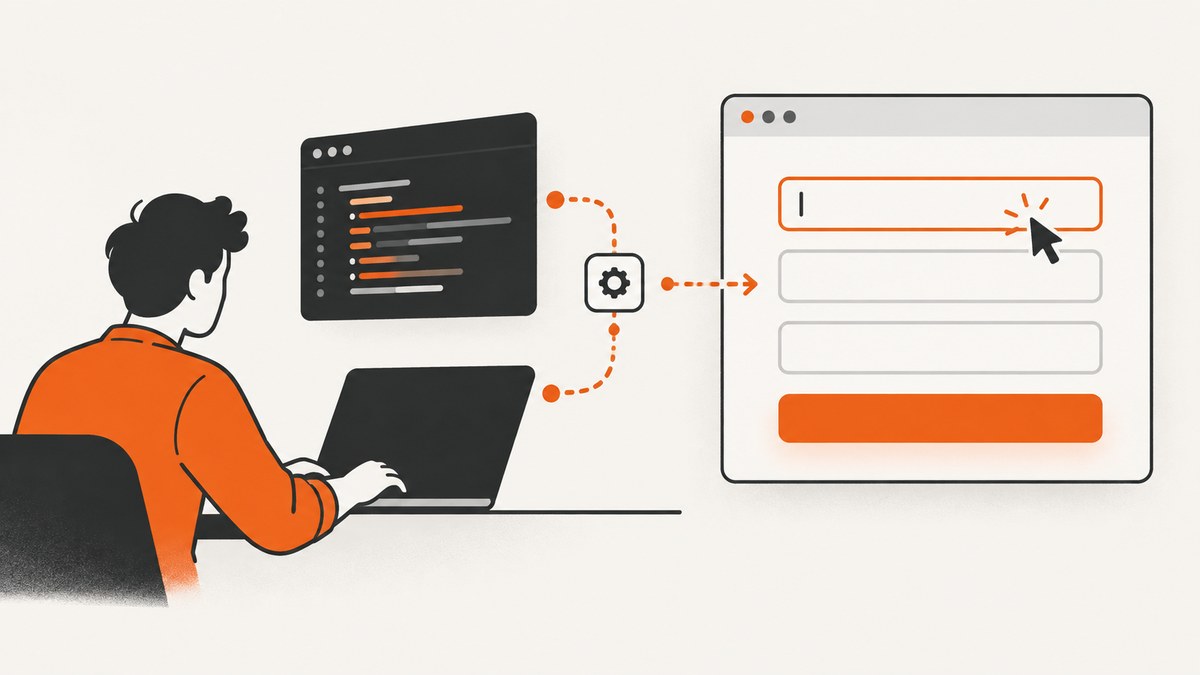
After Puppeteer finishes a redirecting navigation, read cookies from the BrowserContext that owns the page. In current Puppeteer, the reliable default is to await page.goto() and then call page.browserContext().cookies():
import puppeteer from 'puppeteer';

const browser = await puppeteer.launch();
try {
  const page = await browser.newPage();
  await page.goto('https://example.com/start', {
    waitUntil: 'domcontentloaded',
  });

  const cookies = await page.browserContext().cookies();
  console.log(cookies);
} finally {
  await browser.close();
}
This reads the cookies stored in the page’s context after navigation settles. For a page in Puppeteer’s default context, browser.cookies() is also documented. Avoid the obsolete page.cookies() method for new code: it has URL-scoped behavior and is deprecated. Cookie retrieval answers “what is stored in this context?” Redirect-chain inspection answers “which requests redirected?” Those are separate questions.
The examples use the modern Puppeteer API documented in the current 25.x references. Check the API page matching the Puppeteer version pinned in your project before publishing or upgrading code, since API status can change. See the official cookies guide, BrowserContext.cookies() reference, and Browser.cookies() reference.
1. Read cookies after a URL redirect
Await the navigation promise before querying browser storage. A redirect makes the browser issue a request to the redirected URL; the cookie jar belongs to the browser context, not to an individual redirect response. Once page.goto() resolves, ask the owning context for its cookies:
import puppeteer from 'puppeteer';

const browser = await puppeteer.launch();
try {
  const page = await browser.newPage();
  const navigationResponse = await page.goto('https://example.com/start', {
    waitUntil: 'domcontentloaded',
    timeout: 30_000,
  });

  const cookies = await page.browserContext().cookies();
  console.log('Cookie count:', cookies.length);
  console.dir(cookies, { depth: null });

  // The response and cookie jar are different things. Use the response
  // separately if you also need to inspect the navigation request chain.
  console.log('Navigation response present:', navigationResponse !== null);
} finally {
  await browser.close();
}
waitUntil controls when navigation is considered finished; it does not change which context’s cookies are returned. domcontentloaded waits for the document’s DOM to be parsed. If the site sets a cookie from later page JavaScript, you may need a more specific readiness condition, discussed below. Avoid assuming every navigation has a non-null response: the important cookie operation is querying the context after the awaited navigation completes.
2. Read cookies after a click triggers navigation
When a click itself starts navigation, install the navigation wait and initiate the click together. This avoids missing a fast navigation between the click and the wait. Puppeteer documents the Promise.all pattern:
const [response] = await Promise.all([
  page.waitForNavigation({
    waitUntil: 'domcontentloaded',
    timeout: 30_000,
  }),
  page.click('a.continue'),
]);

const cookies = await page.browserContext().cookies();
console.log(cookies);
console.log('Navigation response present:', response !== null);
Use this when the click is expected to navigate. If the click only updates the page with client-side routing, a full navigation may not occur, and waitForNavigation() can time out. In that case wait for an observable outcome that represents the application’s completion, such as a destination selector, then query the same context:
await page.click('button.continue');
await page.waitForSelector('[data-state="complete"]', { timeout: 15_000 });
const cookies = await page.browserContext().cookies();
Pick a condition tied to the action you need to finish. A fixed sleep can work as a temporary diagnostic, but it is brittle: a slow response may exceed it, while a fast response wastes time.
3. Choose the right cookie API
| API | Scope | Use it when |
|---|---|---|
page.browserContext().cookies() |
Cookies in the BrowserContext that owns this page | Preferred for pages that may belong to a separately created context |
browser.cookies() |
Cookies in the browser’s default context | The page is in the default context and that is the context you intend to inspect |
page.cookies(...urls) |
Legacy, URL-filtered page API | Only when maintaining older code that depends on its URL-specific behavior |
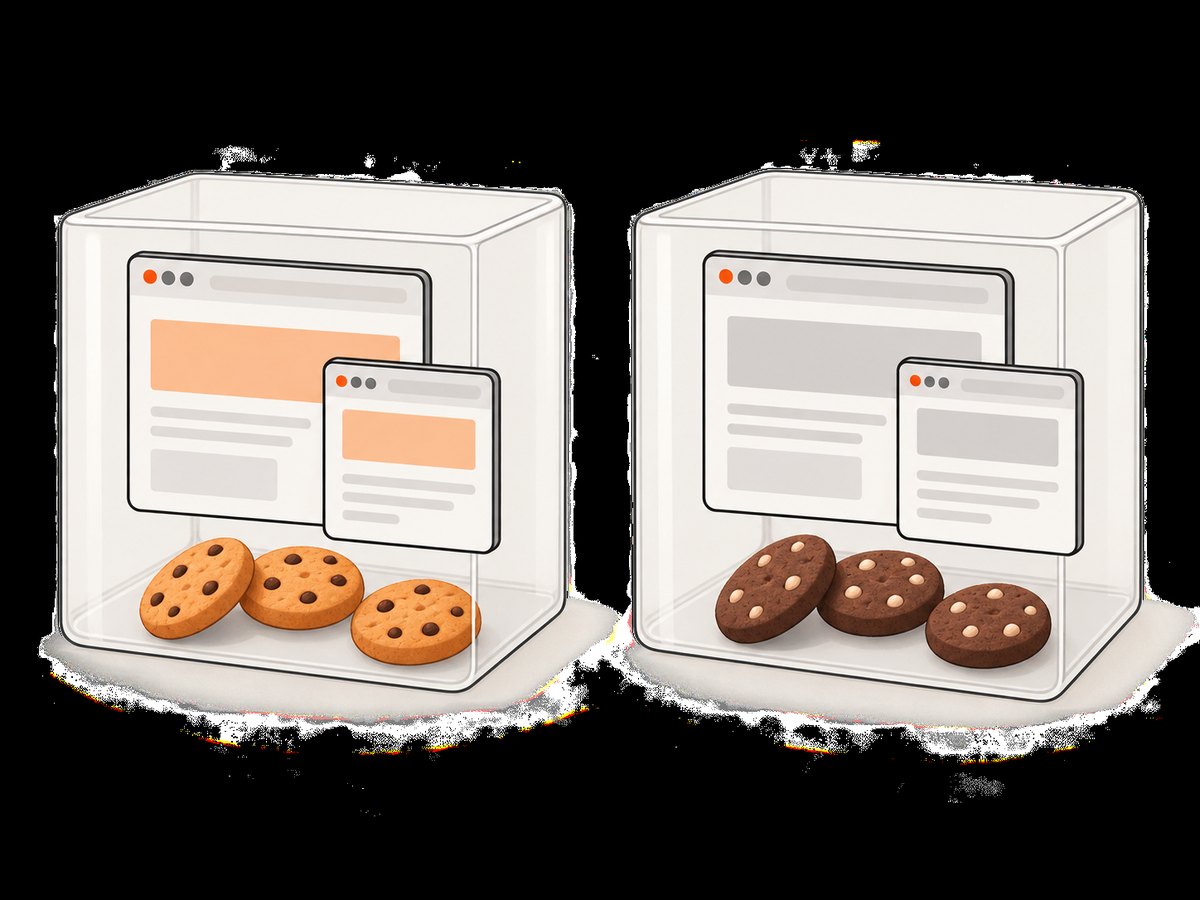
The BrowserContext method is the safest choice when you may create incognito or otherwise separate contexts. Browser contexts isolate cookies and local storage. Reading cookies from the wrong context can return a valid but irrelevant result. A popup opened by a page belongs to its parent page’s context, so query that context when inspecting the popup’s state. See the BrowserContext reference.
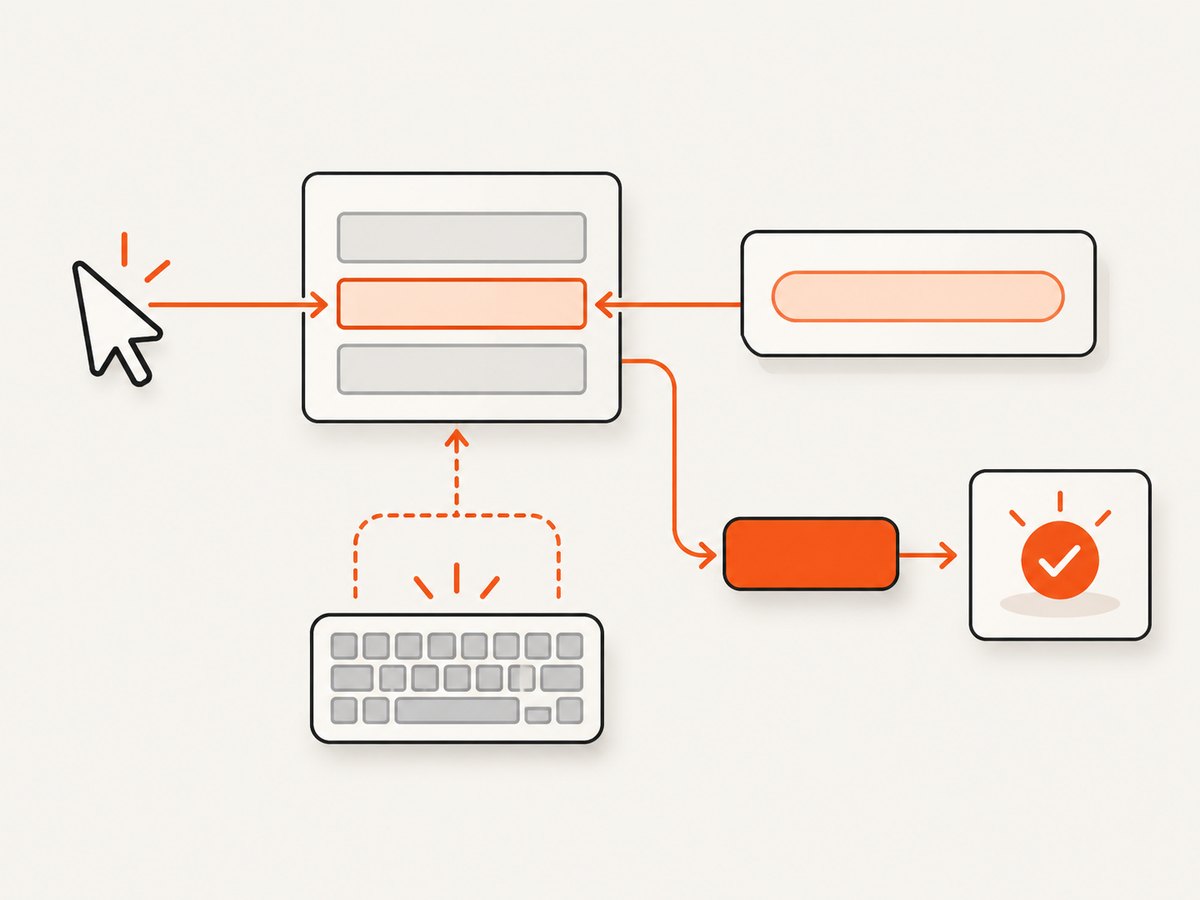
The older page.cookies() method should not be confused with a context-wide read. Its URL arguments filter results, and without them its behavior is tied to the current page URL. Puppeteer’s Page API labels it obsolete. Prefer the context API for new code; if you must preserve legacy behavior, make the URL scope explicit and verify the method against the documentation for your installed Puppeteer release. See Page.cookies().
4. Complete runnable example: inspect cookies and redirect chain
To diagnose both the redirect path and the final cookie state, retain the response returned by goto(). The redirect chain belongs to the request associated with that response; cookies are read from the page’s context:
import puppeteer from 'puppeteer';

const browser = await puppeteer.launch();
try {
  const page = await browser.newPage();
  const response = await page.goto('https://example.com/start', {
    waitUntil: 'domcontentloaded',
    timeout: 30_000,
  });

  const chain = response?.request().redirectChain() ?? [];
  console.log('Redirect count:', chain.length);
  for (const request of chain) {
    console.log(request.method(), request.url());
  }

  const cookies = await page.browserContext().cookies();
  for (const cookie of cookies) {
    console.log({
      name: cookie.name,
      value: cookie.value,
      domain: cookie.domain,
      path: cookie.path,
      expires: cookie.expires,
      httpOnly: cookie.httpOnly,
      secure: cookie.secure,
      sameSite: cookie.sameSite,
    });
  }
} finally {
  await browser.close();
}
The chain contains prior requests that redirected; it is not the cookie list and should not be used as a substitute for reading stored state. Puppeteer’s HTTPRequest reference describes a redirect as finishing the original request and issuing a new request to the redirected URL. A non-redirecting navigation has an empty redirect chain. See the HTTPRequest documentation.
Cookie objects can include sensitive values. Do not print or persist full cookie values in shared logs, build output, or bug reports. For diagnostics, log names and attributes or redact values. Browser cookies are credentials for sites that accept them.
5. Work with multiple BrowserContexts
If you create a context explicitly, keep the page and its cookie read paired with it. Do not query browser.cookies() and expect it to read an unrelated context:
const context = await browser.createBrowserContext();
try {
  const page = await context.newPage();
  await page.goto('https://example.com/start', {
    waitUntil: 'domcontentloaded',
  });

  const cookies = await page.browserContext().cookies();
  console.log(cookies);
} finally {
  await context.close();
}
Use a separate context when you need isolated browser storage for a session. Cookies created in that context should be read from the same context. Close it when the workflow ends so its pages and storage are no longer active. If a popup is involved, use the popup page’s browserContext(); it shares the parent’s context.
6. Wait for the cookie-setting event you actually need
A navigation can finish before application code performs a later asynchronous action. If your target cookie is written after the initial document load, await a meaningful condition before reading it. For example, wait for a post-login state or for a cookie name to appear, with a deadline:
const deadline = Date.now() + 15_000;
let cookies = [];

while (Date.now() < deadline) {
  cookies = await page.browserContext().cookies();
  if (cookies.some((cookie) => cookie.name === 'session_id')) break;
  await new Promise((resolve) => setTimeout(resolve, 250));
}

if (!cookies.some((cookie) => cookie.name === 'session_id')) {
  throw new Error('Expected session cookie was not set before timeout');
}
This bounded polling example is useful when cookie appearance is the condition itself. Prefer a DOM or application signal if one is available and reliable. Do not wait indefinitely: a missing cookie can indicate that authentication failed, consent is required, or the site uses a different storage mechanism.
Also distinguish cookies from other browser storage. A site may store state in local storage, session storage, or application memory. A successful redirect alone does not imply that a cookie must exist. BrowserContext isolation applies to cookies and local storage, but this article’s cookie methods only return cookies.
7. cURL, Python, and Node.js alternatives for screenshots
Those tools can request a screenshot, but they are not replacements for Puppeteer’s browser storage API. A screenshot service returns an image or PDF; it does not provide the BrowserContext cookie jar described above. If your task is to inspect cookies after a Puppeteer redirect, use the Puppeteer examples. If your task is to obtain a clean rendered image of a URL and avoid managing a browser, ScreenshotNeo offers a one-request screenshot API. Read the ScreenshotNeo API documentation.
Or skip the browser setup
For a screenshot instead of a programmatic cookie read, call ScreenshotNeo with the target URL. This cURL request saves a WebP screenshot:
curl -G "https://api.screenshotneo.com/v1/shot" \
  -d access_key=YOUR_API_KEY \
  --data-urlencode url=https://stripe.com \
  -o shot.webp
Equivalent Python:
import requests

r = requests.get(
    "https://api.screenshotneo.com/v1/shot",
    params={"access_key": "YOUR_API_KEY", "url": "https://stripe.com"},
    timeout=90,
)
open("shot.webp", "wb").write(r.content)
Equivalent Node.js:
const q = new URLSearchParams({
  access_key: 'YOUR_API_KEY',
  url: 'https://stripe.com',
});
const res = await fetch(`https://api.screenshotneo.com/v1/shot?${q}`);
if (!res.ok) throw new Error(`Screenshot request failed: ${res.status}`);
await Bun.write('shot.webp', new Uint8Array(await res.arrayBuffer()));
ScreenshotNeo accepts the cookie or consent banner like a visitor and removes more than 60 known consent platforms, newsletter popups, and chat widgets before the shot; each step can be turned off. Bot checks or CAPTCHAs, blank pages, timeouts, failed loads, and cache hits cost nothing, and the response identifies the outcome with X-Page-Verdict and X-Billed headers. Its MCP server gives AI agents the take_screenshot, get_page_info, and capture_pdf tools. The free plan includes 1,000 screenshots a month with no card; paid plans start at $5 for 3,000 screenshots. ScreenshotNeo is a website screenshot API and MCP server from ScreenshotNeo. Get 1,000 free screenshots a month with no card.
8. Troubleshooting
| Symptom | Likely cause | Fix |
|---|---|---|
| Cookie list is empty | The page is in another context, the site did not set a cookie, or the read happened before the cookie-setting action. | Call page.browserContext().cookies(); verify the expected context and wait for the relevant application condition. |
| Cookie appears missing after redirect | The cookie may be scoped to another domain or path, or a new context is being queried. | Read all cookies in the page’s owning context and inspect each cookie’s domain and path. Confirm the final page and redirect behavior. |
waitForNavigation() times out |
The click caused a client-side route change or no navigation. | Wait for a destination selector or other state change instead, then read the context. |
| Read returns old state | Navigation completed, but a later script or API call has not set the cookie yet. | Wait for an application signal or boundedly wait for the specific cookie. |
Using browser.cookies() gives unexpected results |
It reads the default context while the page may be in an isolated context. | Use page.browserContext().cookies() for the page’s own context. |
| Redirect chain is empty | The response request had no redirect, or the wrong navigation response is being inspected. | Inspect the response from the navigation in question. Cookie retrieval is separate and can still succeed. |
page.cookies() behaves differently |
The page API is obsolete and has URL-scoped semantics. | Move to the owning context’s cookies() method and confirm the installed version’s API reference. |
9. Performance, reliability, and cost
Reading the context’s cookie list is a browser storage query; in ordinary automation, the expensive and variable part is usually the navigation and the conditions you wait for. Set a navigation timeout, use the narrowest useful readiness condition, and avoid serial fixed delays. If a cookie is set asynchronously, waiting for a meaningful signal is more reliable than guessing a sleep duration. A deadline prevents a missing cookie from hanging a worker indefinitely.
For batch jobs, reuse a browser process where appropriate, but preserve session boundaries with separate BrowserContexts when isolation is required. Always pair each page with its owning context, and close pages, contexts, and the browser in cleanup paths. Treat cookie values as secrets; redact them from routine logs and store them only where your session design requires them.
Self-hosted Puppeteer costs depend on your compute, browser runtime, network traffic, and operational needs; there is no per-cookie charge implied by these APIs. ScreenshotNeo’s listed monthly plans are Free: 1,000; Starter: $5 for 3,000; Growth: $15 for 15,000; Pro: $39 for 60,000; Scale: $99 for 250,000; and Business: $249 for 1,000,000. Yearly billing gives two months free, and every feature is on every plan. For screenshot workflows, billed-only-clean-shot behavior means bot checks/CAPTCHAs, blank pages, timeouts, failed loads, and cache hits cost nothing. These screenshot plans are relevant to image capture, not to reading browser cookies through Puppeteer.
10. Frequently asked questions
Does page.goto() automatically return the cookies?
No. It returns navigation information. Query the page’s BrowserContext separately after awaiting navigation.
Does Puppeteer keep cookies from every redirect URL?
Cookies are stored according to browser cookie rules in the page’s context. The redirect chain describes requests; inspect the context cookie list and cookie attributes to see stored state.
Can I get only one cookie?
The documented context method returns the context’s cookies. Filter that array in your code by cookie name or other attributes when you need a single entry.
Can ScreenshotNeo tell me the cookies set by a page?
ScreenshotNeo provides screenshots and PDFs, not a Puppeteer BrowserContext cookie read. Use Puppeteer when you need programmatic browser storage access.


