How to Read Leave-Site Alert Text with JavaScript
Learn what JavaScript can and cannot do with leave-site warnings, how to protect unsaved work, and when to use confirm() instead.
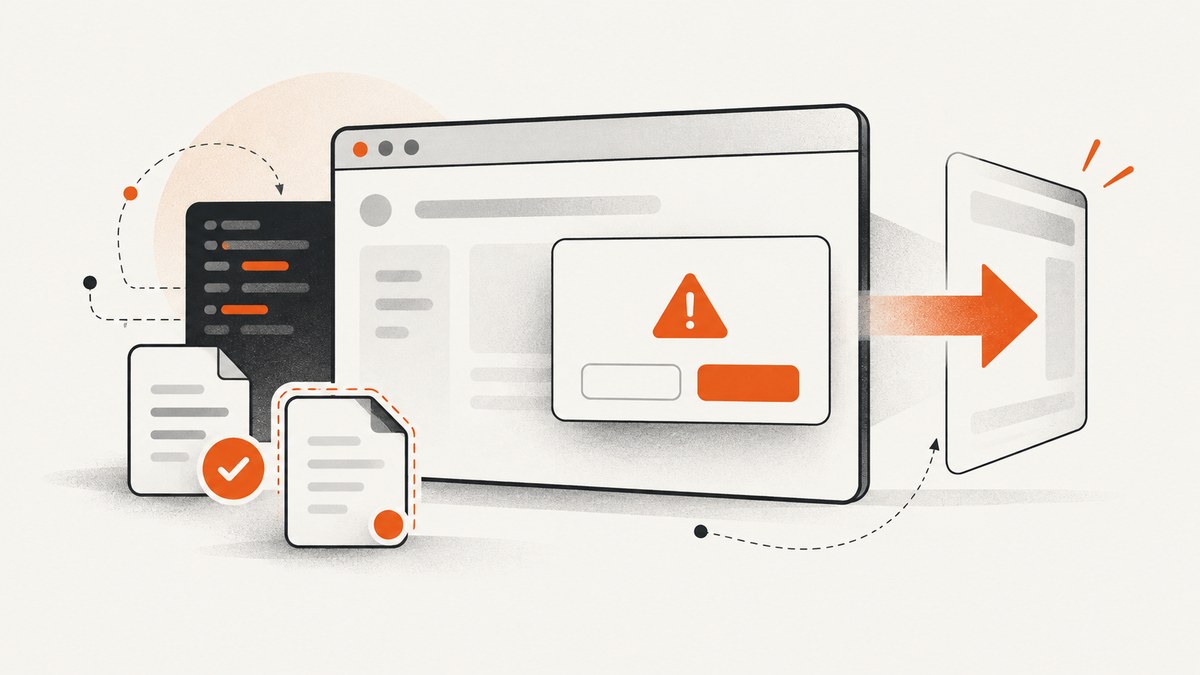
Direct answer: JavaScript cannot read, set, or depend on the exact text in a browser’s leave-site alert. Use the beforeunload event to request a browser-managed confirmation when a page has unsaved changes. Modern browsers choose the wording, usually display a generic message, and may suppress the dialog unless the user has interacted with the page. If you need wording that your application controls, use an in-page confirmation such as window.confirm() before an action your code starts.
This distinction matters for forms, editors, checkout flows, and single-page applications. A leave-site warning is a last-second guard against accidental data loss; it is not a save system, a reliable lifecycle callback, or a customizable dialog API.
What the leave-site alert contains
When a document is about to be unloaded, a beforeunload listener can ask the browser to show a confirmation. The browser owns the dialog and its copy. Page code cannot insert a custom sentence, translate the browser’s phrase, or safely test for one exact string. MDN states that the displayed dialog uses a generic browser-specified string that cannot be controlled by webpage code: Window: beforeunload event.
That means code such as this does not produce a dependable custom message:
window.addEventListener("beforeunload", (event) => {
  event.returnValue = "You have unsaved changes!";
});
The assignment of a string may satisfy legacy behavior in some browsers, but the browser still decides whether to show a prompt and what it says. Do not parse dialog text in automated tests or build user instructions around a phrase such as “Leave site?”.
Use beforeunload only while data is unsaved
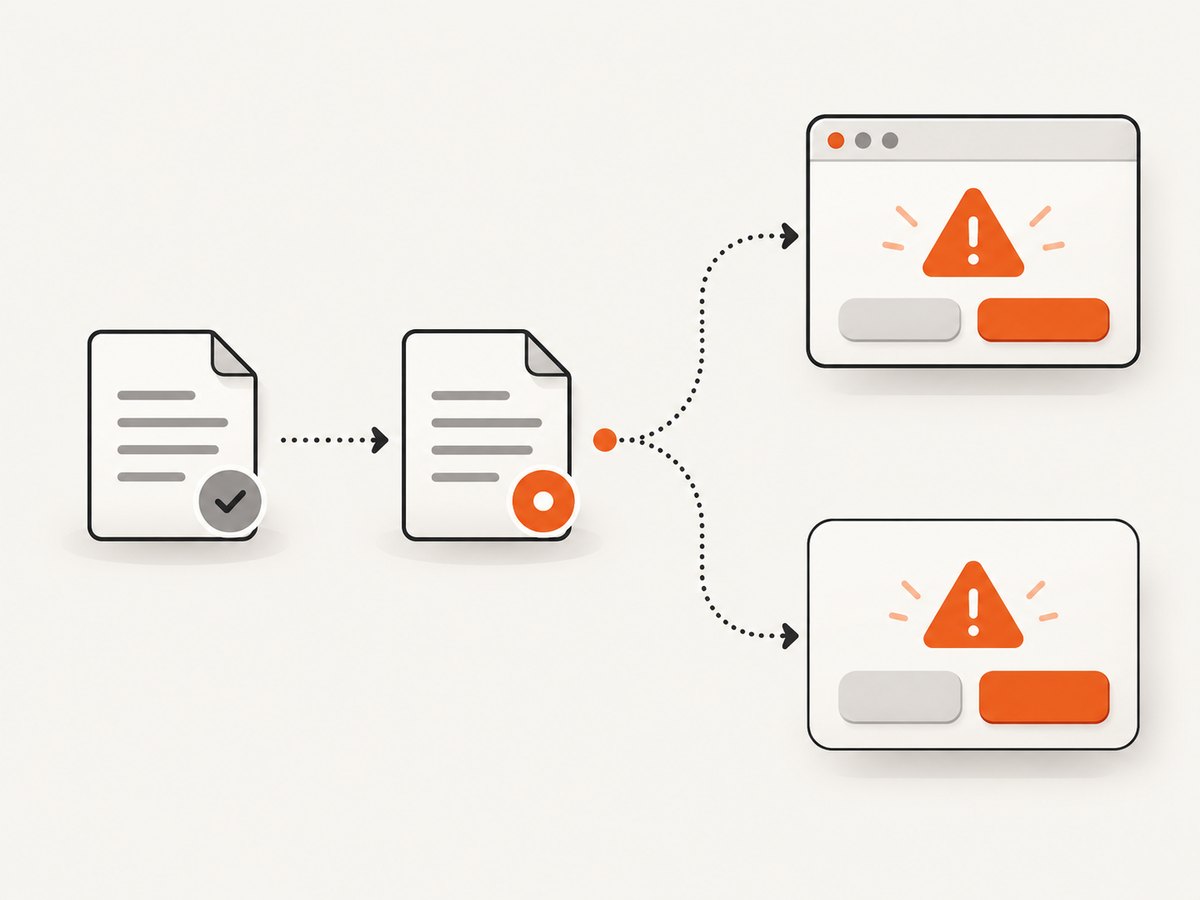
The recommended pattern is conditional registration. Track whether the user has changed meaningful data, add the listener when the state becomes dirty, and remove it immediately after a successful save or reset. Keeping the listener attached permanently can hurt navigation performance: Firefox excludes pages with beforeunload listeners from its back/forward cache.
const beforeUnloadHandler = (event) => {
  // Request the browser's built-in leave confirmation.
  event.preventDefault();

  // Legacy support for browsers that still inspect returnValue.
  event.returnValue = true;
};

let hasUnsavedChanges = false;

function setHasUnsavedChanges(value) {
  if (value === hasUnsavedChanges) return;

  hasUnsavedChanges = value;

  if (hasUnsavedChanges) {
    window.addEventListener("beforeunload", beforeUnloadHandler);
  } else {
    window.removeEventListener("beforeunload", beforeUnloadHandler);
  }
}

// Example integration with an editor or form:
form.addEventListener("input", () => {
  setHasUnsavedChanges(true);
});

async function saveDocument() {
  await persistDocument();
  setHasUnsavedChanges(false);
}

function discardDocument() {
  resetEditorToSavedState();
  setHasUnsavedChanges(false);
}
event.preventDefault() requests the confirmation. Setting event.returnValue = true preserves compatibility with older implementations. With addEventListener(), returning a truthy value from the handler does not replace these calls; the return-value behavior applies to the onbeforeunload property handler.
Mark the page dirty at the right time
Do not mark a page dirty for every rendered component or background poll. Compare the current editable state with the last saved snapshot, or set a dirty flag only after a user edit. Clear it after the server confirms persistence, after a deliberate discard, and when loading a different saved record.
let savedText = editor.value;

function updateDirtyState() {
  setHasUnsavedChanges(editor.value !== savedText);
}

editor.addEventListener("input", updateDirtyState);

async function save() {
  const textToSave = editor.value;
  await fetch("/api/document", {
    method: "PUT",
    headers: { "Content-Type": "application/json" },
    body: JSON.stringify({ text: textToSave })
  });

  savedText = textToSave;
  updateDirtyState();
}
Browser conditions that affect whether it appears
User activation is required
Modern browsers generally require sticky user activation before showing an unload warning. A page opened in a background tab, or one that has received no meaningful user interaction, may not display a prompt. This prevents sites from trapping users with dialogs immediately after navigation.
The event is not a guaranteed save hook
beforeunload is tied to a document exit, but not every way of abandoning a page follows the same lifecycle. MDN describes a mobile case where a user switches applications and later closes the browser from an app manager without the event firing. Treat the event as an optional warning, never as the place where your only save operation runs.
For resilient drafts, save during editing, on explicit save, or when the page becomes hidden. Use small payloads and an idempotent endpoint so retries do not create duplicate records. A local draft in IndexedDB or another suitable storage layer can provide recovery when network persistence is unavailable.
Do not assume every navigation is promptable
Back/forward navigation, tab closing, reloads, address-bar navigation, and browser shutdown can have different behavior across browsers and operating systems. Your application should remain correct if no warning appears.
beforeunload versus confirm()
| Need | Use | Message control | Typical example |
|---|---|---|---|
| Warn before the document exits | beforeunload |
Browser-controlled generic text | Unsaved form or editor data |
| Confirm an action inside your application | window.confirm() or a custom dialog |
Your code supplies the message | Delete, archive, or discard action |
window.confirm(message) displays a modal prompt and returns true for OK or false for Cancel. See MDN’s confirm() method. Browsers can suppress or bypass in-page dialogs under some conditions, and repeated modal prompts create a poor experience. For important workflows, an accessible application dialog with explicit buttons is easier to explain and test.
deleteButton.addEventListener("click", () => {
  const confirmed = window.confirm(
    "Delete this document? This action cannot be undone."
  );

  if (!confirmed) return;
  deleteDocument();
});
Do not call confirm() from a beforeunload handler to customize the leave-site warning. The browser controls unload confirmation, and nested modal prompts are restricted or ignored.
Single-page applications and client-side routing
Client-side route changes may not unload the document, so beforeunload will not run. Add a separate guard to your router for in-app navigation, then use the browser listener for tab close, reload, and full-document navigation.
function canLeaveEditor() {
  if (!hasUnsavedChanges) return true;
  return window.confirm("Discard your unsaved changes?");
}

function navigateTo(path) {
  if (!canLeaveEditor()) return;
  history.pushState({}, "", path);
  renderRoute(path);
}
Keep the two paths consistent: the router guard can provide a specific explanation, while beforeunload remains a generic safety net for exits your router cannot intercept.
Common errors and fixes
“My custom message never appears.”
Cause: Browser security and consistency rules replace page-provided text with generic copy.
Fix: Remove string comparisons and describe the consequence in your page UI before the user leaves. Use a custom dialog for actions controlled by your application.
“The handler runs, but no dialog is shown.”
Cause: No user activation, browser suppression, or a navigation path that does not trigger the event.
Fix: Test after a real click or edit, but design the app so saving does not depend on the prompt.
“I used return true in an event listener.”
Cause: Return-value handling differs between addEventListener() and the onbeforeunload property.
Fix: Call preventDefault() and set returnValue = true in an event-listener callback.
“The back button feels slower.”
Cause: A permanent listener can prevent Firefox from putting the page in the back/forward cache.
Fix: Register only while unsaved changes exist and remove it after saving or discarding.
“My save code in beforeunload loses data.”
Cause: Unload time is too late for dependable asynchronous work, and the event may never fire.
Fix: Save incrementally or on visibility changes, provide draft recovery, and treat the warning as a prompt only.
Testing checklist
- Edit a field, then attempt reload, close, back navigation, and address-bar navigation.
- Save successfully and verify that the warning is removed.
- Discard changes and verify that the warning is removed.
- Try the page before any interaction; do not treat a missing prompt as a bug.
- Test a client-side route change separately from a full document navigation.
- Test mobile app switching and recovery from a terminated browser.
- Verify that drafts survive a failed network request.
- Check keyboard and screen-reader behavior for any custom in-page dialog.
Performance, reliability, and privacy considerations
The listener itself is inexpensive when attached conditionally. The costly mistake is using it as a trigger for a large final save. Keep persistence incremental, debounce editor updates, and send only the fields that changed. Avoid placing secrets or complete sensitive documents in a URL or in a browser dialog.

For analytics, do not assume that a beforeunload callback is a reliable event counter. If you need a best-effort visibility signal, consider the Page Visibility API and a server-side record of successful saves. Your data model should tolerate duplicate requests and interrupted requests.
Or skip the browser setup
If your goal is to capture a page for documentation, QA, or an AI workflow rather than implement an exit warning, ScreenshotNeo returns a screenshot or PDF from one GET request. It accepts cookie and consent banners before capture and removes more than 60 known consent platforms, newsletter popups, and chat widgets; each step can be disabled. Only clean shots are billed: bot checks, CAPTCHAs, blank pages, timeouts, failed loads, and cache hits cost nothing, and response headers report the page verdict and billing state.
See the ScreenshotNeo API documentation for all options. A minimal JavaScript request is:
const q = new URLSearchParams({
  access_key: 'YOUR_API_KEY',
  url: 'https://stripe.com'
});

const res = await fetch(`https://api.screenshotneo.com/v1/shot?${q}`);
if (!res.ok) throw new Error(`Screenshot failed: ${res.status}`);

const image = Buffer.from(await res.arrayBuffer());
require('fs').writeFileSync('shot.webp', image);
The same call with cURL:
curl -G "https://api.screenshotneo.com/v1/shot" \
  -d access_key=YOUR_API_KEY \
  --data-urlencode url=https://stripe.com \
  -o shot.webp
Python:
import requests

r = requests.get(
    "https://api.screenshotneo.com/v1/shot",
    params={"access_key": "YOUR_API_KEY", "url": "https://stripe.com"},
    timeout=90,
)
r.raise_for_status()
open("shot.webp", "wb").write(r.content)
ScreenshotNeo also supports full-page capture with lazy images loaded, CSS-selector element capture, dark mode, device presets, custom viewports, retina scale, PDF paper and page options, custom CSS and JavaScript, clicks, selector or network-idle waits, blocked resources, headers, cookies, user agents, authorization, timezone, geolocation, transparent backgrounds, resizing, configurable caching, signed links, asynchronous jobs, signed webhooks, bulk capture of up to 100 URLs per call, usage data, and an OpenAPI specification. An MCP server exposes take_screenshot, get_page_info, and capture_pdf to Claude, Cursor, and other MCP clients.
There is a free allowance of 1,000 screenshots per month with no card. Paid plans start at $5 for 3,000 shots, and every feature is available on every plan. Create a free ScreenshotNeo account.
FAQ
Can JavaScript read the exact “Leave site?” sentence?
No. The browser owns the wording and does not expose it as a stable, page-readable value.
Can I show a custom warning before a link click?
Yes. Intercept the click and use an accessible custom dialog or confirm(), provided the navigation is controlled by your application.
Should every page register beforeunload?
No. Attach it only while the current document contains unsaved changes, then remove it as soon as those changes are saved or discarded.
Is beforeunload a replacement for autosave?
No. It may be skipped and is too late for dependable persistence. Save earlier and use draft recovery for important data.
Why does my single-page route change bypass the warning?
Changing a route with the History API does not unload the document. Add a router-level guard for that transition and keep beforeunload for document exits.


