How to Read PDF Binary Data and Send It in an HTTP Response
Return PDFs correctly from Flask, Express, or NestJS with binary-safe code, browser headers, streaming guidance, security checks, and troubleshooting.

Short answer: read the PDF as bytes or as a stream, return those bytes through your framework’s response API, and set Content-Type: application/pdf. Use Content-Disposition: inline when the browser should display the document, or attachment; filename="report.pdf" when it should download it. Use a trusted server-side path, a binary file-like object, or a stream; never pass an unrestricted path supplied by a request.
This guide shows complete implementations in Flask, Express, and NestJS, then covers memory use, streaming, caching, security, failure handling, and testing. The same HTTP rules apply whether the PDF is generated locally, read from disk, or fetched from another service.
1. The HTTP response a PDF needs
A PDF response has two important parts:
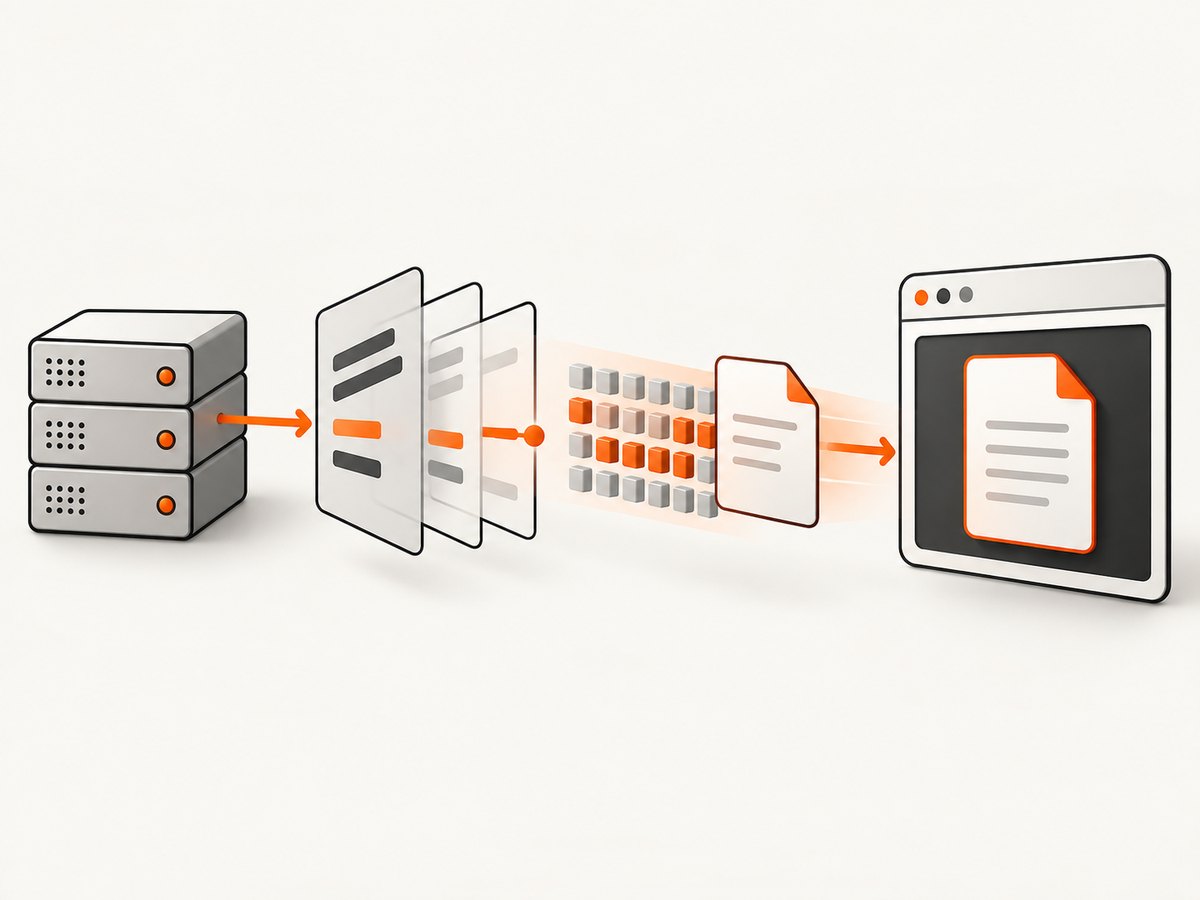
- Body: the raw PDF bytes. Do not convert them to UTF-8 text or JSON.
- Headers: metadata that tells the client what the bytes are and how to present them.
| Header | Typical value | Purpose |
|---|---|---|
Content-Type |
application/pdf |
Identifies the body as a PDF. |
Content-Disposition |
inline |
Asks a browser to preview the PDF when it can. |
Content-Disposition |
attachment; filename="report.pdf" |
Suggests a download with a filename. |
Content-Length |
Byte count | Optional for streams; useful when known. |
Cache-Control |
Application-specific | Controls intermediary and browser caching. |
inline is a presentation hint, not a guarantee. The browser, user settings, and installed PDF viewer decide whether to display or download the file. A filename is most useful with attachment.
2. Choose bytes, a file path, or a stream
In-memory bytes
Use a byte buffer when the PDF is already generated in memory and is small enough for your request limits. Wrap it in a binary file-like object where the framework expects one, and reset the read pointer to position zero.
A trusted filesystem path
A framework’s file-serving helper can use operating-system metadata and efficient transfer behavior. This is usually the simplest option for a PDF stored by your application. The path must come from trusted application state or be constrained to an approved root. Flask explicitly warns against passing user-provided paths to send_file; Express provides a root option for constrained paths. See the Flask send_file API and Express download API.
Streaming
Stream when a PDF is large, generated incrementally, or coming from an upstream service. Streaming avoids collecting the entire document in application memory, but error handling changes after response headers or body bytes have been sent. NestJS documents StreamableFile and adapter-specific behavior in its streaming files guide.
3. Flask: return a PDF from bytes or disk
Return an in-memory PDF
from io import BytesIO
from flask import Flask, send_file

app = Flask(__name__)

@app.get("/reports/<report_id>.pdf")
def report(report_id):
    # Replace this with your trusted PDF generator.
    pdf_bytes = build_report_pdf(report_id)
    stream = BytesIO(pdf_bytes)
    stream.seek(0)
    return send_file(
        stream,
        mimetype="application/pdf",
        as_attachment=False,
        download_name=f"report-{report_id}.pdf",
    )

def build_report_pdf(report_id):
    # A real implementation would call a PDF library or service.
    raise NotImplementedError
send_file accepts a path or a file-like object. File-like objects must be opened in binary mode; with BytesIO, reset the pointer before returning. as_attachment=False produces inline disposition in current Flask versions. Set as_attachment=True to request a download.
Return a trusted file path
from flask import send_file

@app.get("/invoices/<invoice_id>.pdf")
def invoice(invoice_id):
    path = lookup_path_from_database(invoice_id)  # Not the raw query string.
    if path is None:
        return {"error": "not found"}, 404
    return send_file(
        path,
        mimetype="application/pdf",
        as_attachment=True,
        download_name=f"invoice-{invoice_id}.pdf",
        max_age=0,
    )
Do not build path by concatenating a request parameter. Map an identifier to a database record or validate it against an allowlisted directory.
4. Express: send a buffer, file, or stream
Send a PDF buffer
import express from "express";

const app = express();

app.get("/reports/:id.pdf", async (req, res, next) => {
  try {
    const pdf = await buildReportPdf(req.params.id); // Buffer
    res.type("application/pdf");
    res.set("Content-Disposition", `inline; filename="report-${req.params.id}.pdf"`);
    res.send(pdf);
  } catch (error) {
    next(error);
  }
});

app.listen(3000);
Express must receive a Buffer or stream for binary data. Do not call res.json(pdf) or convert the buffer to a string; either changes the representation.
Download a trusted file
import path from "node:path";

app.get("/downloads/:id", (req, res, next) => {
  const fileName = lookupApprovedFileName(req.params.id);
  if (!fileName) return res.sendStatus(404);

  const root = path.resolve("/srv/app/pdf");
  res.download(fileName, "report.pdf", { root }, (err) => {
    if (err && !res.headersSent) next(err);
  });
});
The root constraint prevents a resolved path from escaping the approved directory. If a transfer fails after data has started, the callback may run when it is no longer possible to replace the partial body with a normal JSON error.
Stream from an upstream source
app.get("/reports/:id/stream", async (req, res, next) => {
  try {
    const upstream = await fetchReportStream(req.params.id);
    res.status(200);
    res.set({
      "Content-Type": "application/pdf",
      "Content-Disposition": "inline; filename=\"report.pdf\""
    });
    upstream.body.pipe(res);
  } catch (error) {
    next(error);
  }
});
Check the upstream status before piping, and attach error handlers to both the upstream stream and response. If the upstream fails after piping begins, close the connection or destroy the response according to your stream library’s rules.
5. NestJS: use StreamableFile
import { Controller, Get, Param, StreamableFile } from "@nestjs/common";
import { createReadStream } from "node:fs";
import { join } from "node:path";

@Controller("reports")
export class ReportsController {
  @Get(":id.pdf")
  getReport(@Param("id") id: string): StreamableFile {
    const approvedName = lookupApprovedFileName(id);
    if (!approvedName) {
      throw new Error("Report not found");
    }

    const stream = createReadStream(join("/srv/app/pdf", approvedName));
    return new StreamableFile(stream, {
      type: "application/pdf",
      disposition: `inline; filename="report-${id}.pdf"`,
    });
  }
}
For an attachment, change the disposition to attachment; filename="report.pdf". Supply a length option when you know the size and want an explicit Content-Length. Add framework-level exception handling for errors that occur before the stream starts; once bytes are sent, a conventional error response may be impossible.
6. A framework-neutral implementation checklist
- Obtain the PDF from a trusted generator, path, or upstream response.
- Keep the body as bytes. Avoid text decoding and JSON serialization.
- Set
Content-Type: application/pdf. - Choose
inlinefor preview orattachmentfor download. - Use a safe filename containing only expected characters.
- Validate identifiers before resolving filesystem paths.
- For large documents, stream and handle errors on every stream.
- Return an error status before writing any body bytes when possible.
- Test with a PDF viewer and with a raw client that checks the first bytes.
7. Security and correctness edge cases
Path traversal
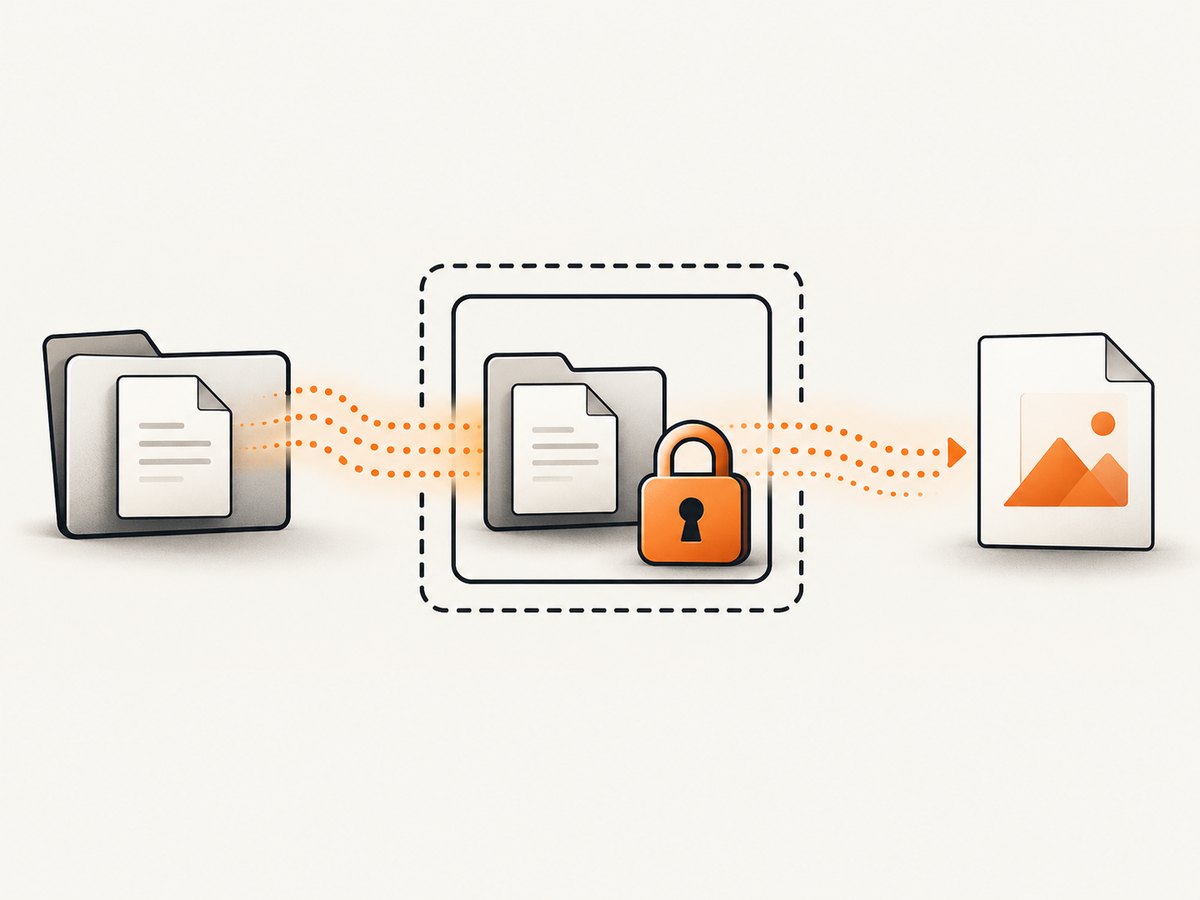
A request such as ?file=../../secrets.txt must never become a filesystem path. Use an ID-to-record lookup, an allowlist, or a framework root constraint. Resolve the final path and verify it remains inside the approved directory.
Filenames and header injection
Do not copy an arbitrary filename into Content-Disposition. Strip control characters, quotes, and path separators, or generate the name on the server. Keep a fixed ASCII fallback such as report.pdf.
Range requests
PDF viewers sometimes request byte ranges. If your framework’s file helper supports range requests, prefer it for large static files. A hand-written buffer response may not support ranges and can cause a viewer to download the entire file.
Caching and authorization
Private PDFs should not be cached by shared proxies. Consider Cache-Control: private, no-store for sensitive documents. Public, immutable reports can use a long cache lifetime and a content hash in the URL. Apply authorization before opening the file, not after.
Content validation
If a generator or upstream service can return an HTML error page, check its status and, where practical, verify that the payload begins with the PDF signature %PDF-. This is a diagnostic check, not a complete security scanner.
8. Troubleshooting common errors
| Symptom | Likely cause | Fix |
|---|---|---|
| Browser shows raw characters | Wrong content type or text decoding | Return bytes and set application/pdf. |
| PDF downloads instead of previewing | attachment disposition or browser policy |
Use inline; accept that clients may still download. |
| Downloaded file is corrupt | JSON/string conversion, truncated stream, or proxy modification | Use binary APIs, inspect stream errors, and compare byte length. |
| 404 or permission error | Incorrect path or authorization order | Log the resolved trusted path and check access before opening. |
| Path traversal finding | User input controls a path | Use an ID lookup, allowlist, or root constraint. |
| Headers already sent | Stream failed after output began | Handle stream errors and destroy the response; do not send a second JSON response. |
| High memory usage | Entire PDFs buffered per request | Use a file path or streaming response and enforce size limits. |
| Viewer waits indefinitely | Missing stream termination or upstream stall | Propagate end and error events, add upstream and request timeouts. |
9. Performance, reliability, and cost considerations
Buffering is straightforward and often fastest for small PDFs, but concurrent large responses multiply memory use. File helpers and streams keep memory closer to a fixed per-request overhead. Measure at your document sizes and concurrency rather than assuming a universal threshold.
Set timeouts for PDF generation and upstream fetches. If generation is expensive, queue it as a job, store the completed file, and let the download endpoint serve the stored artifact. Include an immutable report ID so retries do not create duplicate work. Log status code, byte count, generation duration, and whether the response began before an error.
Do not claim success merely because the HTTP status is 200. A client should check the media type and, when appropriate, the PDF signature. For resumable downloads, use a framework helper or object store that supports range requests.
10. Or skip the browser setup: ScreenshotNeo
If the PDF is a website capture, you can avoid maintaining a headless browser and PDF rendering pipeline with ScreenshotNeo. Its API returns a generated capture from one GET request, and its PDF options cover paper size, margins, landscape mode, and page ranges. See the ScreenshotNeo documentation for request options.
curl -G "https://api.screenshotneo.com/v1/shot" -d access_key=YOUR_API_KEY --data-urlencode url=https://stripe.com -o shot.webpimport requests
r = requests.get("https://api.screenshotneo.com/v1/shot", params={"access_key": "YOUR_API_KEY", "url": "https://stripe.com"}, timeout=90)
open("shot.webp", "wb").write(r.content)const q = new URLSearchParams({ access_key: 'YOUR_API_KEY', url: 'https://stripe.com' }); const res = await fetch(`https://api.screenshotneo.com/v1/shot?${q}`);Cookie banners, newsletter popups, and chat widgets are removed before the shot. Bot checks, blank pages, failed loads, timeouts, and cache hits are never billed, and the response identifies the verdict and billing status in X-Page-Verdict and X-Billed. An MCP server lets Claude, Cursor, and other MCP clients take screenshots with take_screenshot, inspect pages with get_page_info, and capture PDFs with capture_pdf. The Free plan includes 1,000 screenshots a month with no card; paid plans start at $5 for 3,000.
Create a free ScreenshotNeo account to get started.
11. FAQ
Should I base the response on the PDF extension?
No. Set the media type explicitly to application/pdf. The URL extension is optional metadata.
Can I return a PDF inside JSON?
You can base64-encode it, but that increases payload size and makes clients decode it. Return the PDF as the response body when the endpoint’s purpose is file delivery.
Is Content-Length required?
No. It is useful when known, but chunked transfer or framework-managed streaming can work without it.
Why does a PDF viewer sometimes show a blank page?
The body may be truncated, the generator may have produced invalid PDF bytes, or the response may contain an HTML error. Check status, media type, byte count, and the %PDF- signature.
When should I use a stream instead of bytes?
Use a stream for large or incrementally produced documents, especially when buffering would create memory pressure. Use bytes for already-complete, appropriately sized PDFs.


