How to Reduce Bandwidth When Capturing Websites Through Proxies
Measure proxy traffic, block only unnecessary requests, and validate capture quality so bandwidth savings don’t come at the cost of missing content.
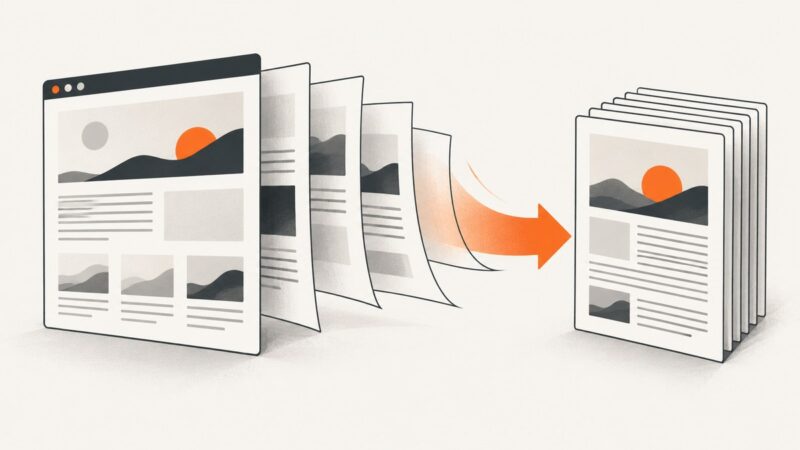
To reduce bandwidth when capturing websites through proxies, measure a representative capture, identify which resource types and hosts account for the transferred bytes, then block only requests the output does not need. Test one change at a time and compare both traffic and capture completeness. If a required static resource works equivalently over a direct route, bypassing the proxy for that resource can reduce proxy-routed bytes; caching repeat results can avoid another capture when freshness allows.
There is no reliable universal percentage of bandwidth you should expect to save. Page composition, route, cache state, and capture requirements differ. Images may be safe to skip for text extraction but essential for a visual screenshot. Treat each change as a hypothesis to measure, not a default rule.
1. Establish a baseline
Start with representative URLs: a mostly static page, a JavaScript-heavy page, and any page with authentication or location-dependent content. Capture each with your current proxy configuration. Record total transferred bytes, request count, largest hosts, resource categories, elapsed time, and whether the output contains everything you need.
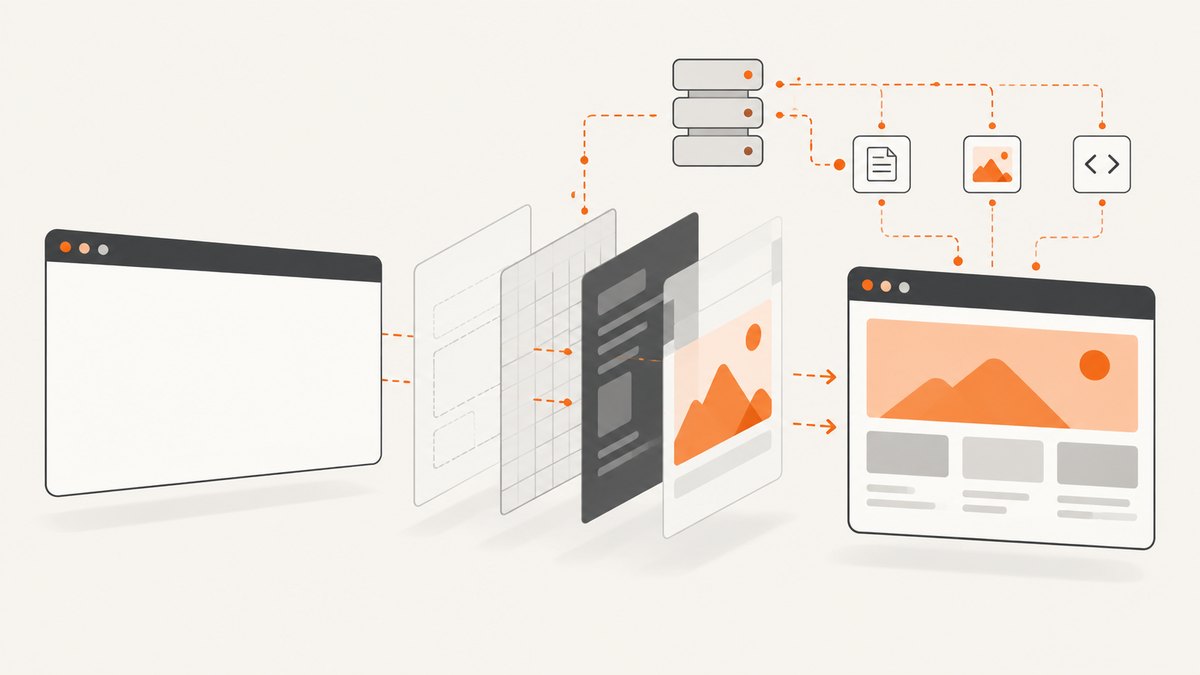
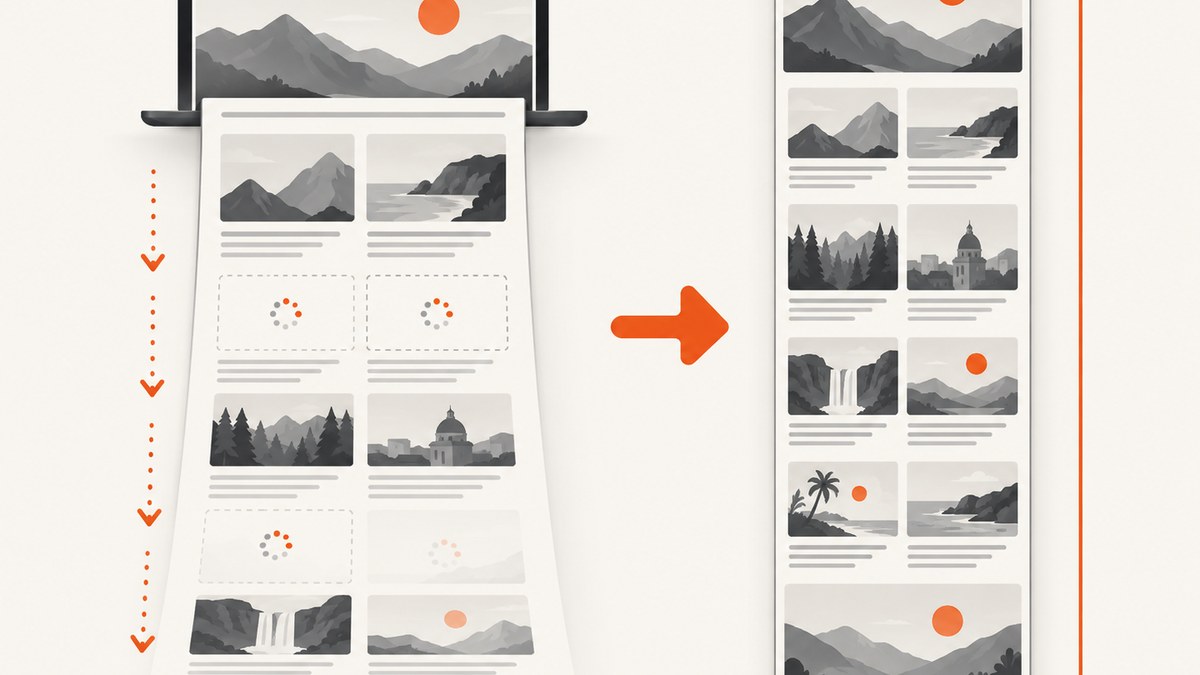
A browser loads more than the main HTML document. Images, media, fonts, scripts, stylesheets, and API responses may all contribute. Chrome Lighthouse groups transfer size by resource category, which is useful for finding likely targets; a proxy-session traffic view can also show how much data crossed a session. These are measurement aids, not predictions of savings. See Chrome’s resource summary guidance and Postman’s proxy capture view.
Keep the capture requirement explicit. For example: “extract the article body and title,” “render the page including charts,” or “save a full-page screenshot with images.” Without that requirement, it is easy to optimize for fewer bytes while silently losing useful output.
2. Find expensive requests
Inspect a capture’s network log or proxy-session report and group transferred bytes by resource type and host. Look for large video or image files, repeated analytics calls, ad and tracking hosts, duplicate downloads, and resources requested across every page in a batch. Do not assume the HTML document is the largest item.
For browser automation, record requests before filtering them. A small request log can make the decision reproducible and expose whether a host serves both dispensable tracking and required page data. Avoid blocking a whole host until you know what it delivers.
3. Block requests that do not affect the required output
Blocking before a request is sent avoids transferring that resource through the browser’s route. Start with media, images, or fonts only when the result does not need them. Then consider narrow URL or host patterns for resources you have identified as unnecessary. Cloudflare’s content endpoint documents rejecting resource types and request patterns; Browserless also documents rejecting image and media requests. See Cloudflare content capture filtering and Browserless proxy guidance.
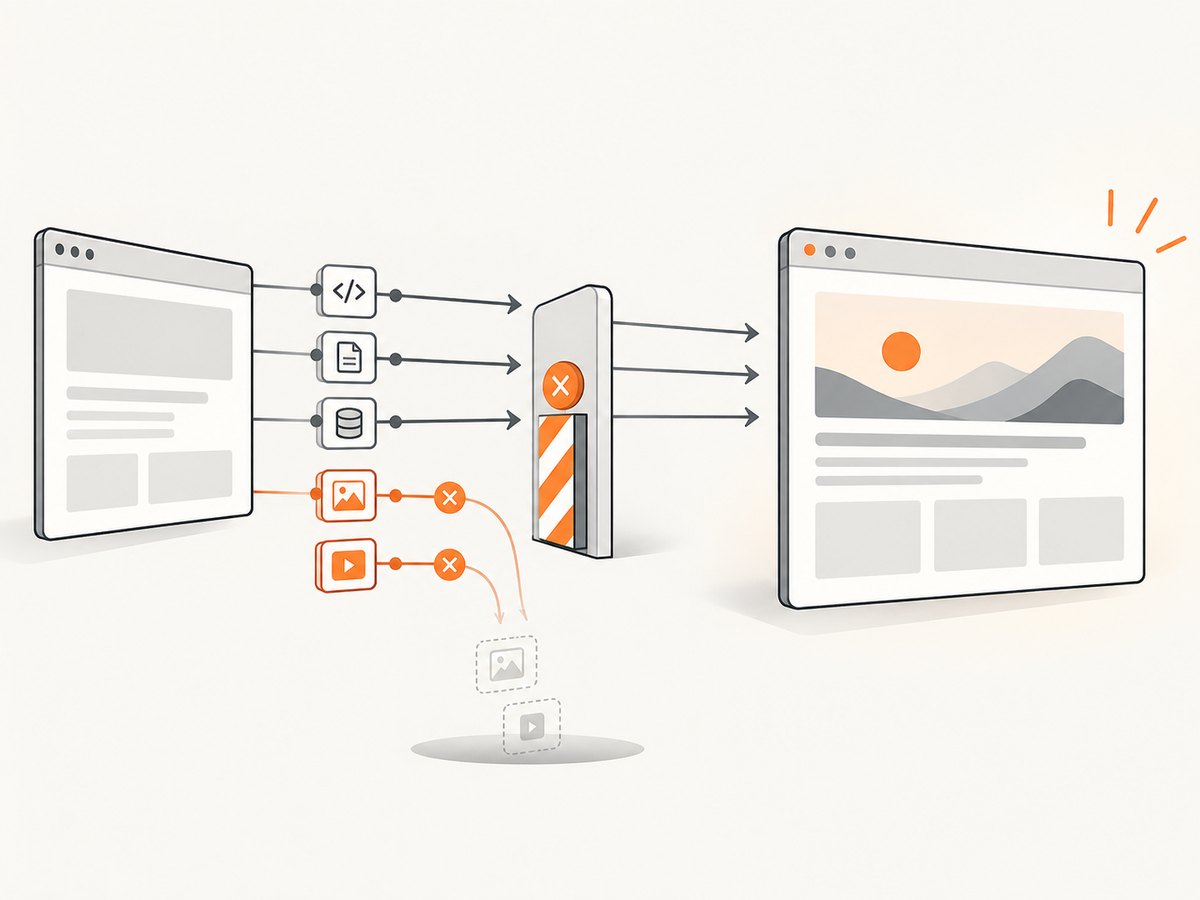
Be cautious with scripts, stylesheets, XHR, and fetch calls. Scripts may generate page content or trigger requests; API responses may contain the text or data you want. CSS changes layout and can affect visibility. Chrome’s guidance on render-blocking resources explains why scripts and stylesheets may be critical to what a page renders: render-blocking resources.
Example: filter requests in Playwright
This runnable Node.js example illustrates a measured image-and-media block. It uses a local Chromium installation through Playwright; install it with npm install playwright and npx playwright install chromium. The request counter is illustrative: for production measurements, collect the proxy’s actual byte counts or browser response sizes, since headers and compressed transfer accounting can differ.
const { chromium } = require('playwright');

(async () => {
  const browser = await chromium.launch({ headless: true });
  const page = await browser.newPage();
  const blocked = [];

  await page.route('**/*', async route => {
    const type = route.request().resourceType();
    if (type === 'image' || type === 'media') {
      blocked.push({ type, url: route.request().url() });
      await route.abort();
      return;
    }
    await route.continue();
  });

  await page.goto('https://example.com', {
    waitUntil: 'networkidle',
    timeout: 60000
  });
  console.log({ title: await page.title(), blockedCount: blocked.length });
  await page.screenshot({ path: 'capture.png', fullPage: true });
  await browser.close();
})().catch(error => {
  console.error(error);
  process.exitCode = 1;
});
In a real workflow, compare this screenshot or extracted content with the baseline. If an image contains a chart or the page depends on a media poster, make the rule narrower or remove it. Network-idle waits can also be unsuitable for pages with long polling or recurring requests; use a meaningful selector or bounded delay when appropriate.
4. Consider direct routing for selected static resources
A bypass still downloads the resource; it simply sends it outside the proxy route. That can reduce bytes charged or counted by the proxy, but the direct connection may use a different IP address and location. A CDN can return different content, while authentication, cookies, or session-bound requests may fail or behave differently.
Test a specific static host on representative pages and compare the rendered result. Remove the bypass if required content fails or differs. Never assume a failed direct resource will automatically retry through the proxy. ScreenshotOne’s guide discusses this route tradeoff and recommends validating output: reducing proxy bandwidth.
5. Use a proxy only where it helps
If a page usually works directly, consider a direct-first strategy with a limited proxy retry for relevant failures such as IP reputation, geographic delivery, rate limiting, or routing. Record why the retry occurred, and ensure the final capture is complete. A success status alone does not establish that dynamic content loaded.
Do not route every request through a proxy by habit. Conversely, where the site requires a particular source location or proxy identity, keep the required traffic on that route. Browser automation and proxy services have different controls, so verify where filtering and routing decisions take effect in your stack.
6. Cache repeat captures when freshness permits
If the same URL and capture settings are requested repeatedly, a cache can avoid another browser render and another round of proxy traffic. Pick a TTL based on how quickly the page changes and how fresh the consumer needs the result to be. A product listing, dashboard, or breaking-news page may need a shorter lifetime than a static documentation page.
Include relevant inputs in the cache key: URL, viewport, device scale, locale, authentication context, and any content-affecting headers or cookies. Do not share cached authenticated output between users. Invalidate or bypass the cache when a content change must be visible immediately. Measure cache hits separately from browser captures so the reduction is attributable and auditable.
7. Compare bytes and capture quality
Make one change at a time: one resource type, one host, one route, or one cache policy. Capture the same representative pages before and after. Compare proxy-routed bytes, total bytes if available, request counts, duration, success behavior, and required output. For screenshots, inspect layout and dynamic content; for extraction, verify required fields or text.
| Change | Potential benefit | Risk to check |
|---|---|---|
| Block images or media | Avoids transfer for those requests | Missing visual information, charts, or content |
| Block a host or URL pattern | Targets known unnecessary traffic | Host may also serve required APIs or assets |
| Route a static host directly | Reduces bytes passing through the proxy | Different IP, region, CDN response, or auth result |
| Direct-first with proxy retry | Avoids proxy use on direct successes | Retry may not reproduce the same session or content |
| Cache captures | Avoids repeat rendering and requests | Stale results or unsafe sharing of personalized pages |
If the output becomes incomplete, roll back the last rule and narrow it. Chrome DevTools supports blocking request patterns as a way to inspect site behavior; see Request conditions. This is useful for diagnosis, but production rules still need validation under the actual proxy and session conditions.
8. Troubleshooting
The screenshot is lighter but important content disappeared
Cause: an image, script, stylesheet, or API request supplied visible or extracted content. Fix: restore the resource type, then identify the specific request and use a narrower host or URL rule. Compare the intended fields or page region after each change.
The page is blank or only partly rendered
Cause: required JavaScript or data requests were blocked, the capture waited for the wrong condition, or a route failed. Fix: allow scripts and XHR/fetch initially, wait for a specific selector that indicates the content is ready, and inspect failed requests. Increase timeouts only when the site legitimately needs longer; a larger timeout does not repair a blocked dependency.
Directly routed assets fail while proxied HTML works
Cause: the direct request has a different source IP or region, lacks proxy-session cookies, or receives a different CDN response. Fix: remove that bypass or pass the required session context where permitted. Keep the asset on the proxy if equivalence cannot be established.
Bandwidth readings do not match request sizes
Cause: reported sizes may represent decoded content, compressed transfer, headers, retries, or only one side of the proxy. Fix: use the same measurement source and accounting method before and after, and label proxy bytes separately from total browser bytes. Compare trends across identical URLs and settings.
A cache returns stale or user-specific content
Cause: the TTL is too long or the key omits cookies, headers, or user context. Fix: shorten the TTL, include content-affecting inputs in the key, and avoid sharing personalized captures across accounts.
Retries create more traffic than they save
Cause: repeated full-page captures or broad retry rules. Fix: cap attempts, retry only for known transient or route-related failures, and avoid retrying policy errors or deterministic blocked-resource failures.
9. Performance, reliability, and cost
Filtering can reduce transfer and may shorten a capture, but it can also change execution order or leave a page waiting for content that never arrives. Direct routes can be faster or slower depending on network path and CDN behavior. Caching can reduce repeat work but trades freshness for reuse. Measure latency and success alongside bytes, and preserve a rollback path for every rule.
Understand what your proxy provider counts: request bytes, response bytes, retries, session data, or another unit. A browser may download data that the proxy does not bill, and cache hits may be accounted for differently. Do not use a bandwidth reduction claim as a cost estimate until it is mapped to the provider’s current pricing and usage meter. The cited guidance supports methods and tradeoffs, not a universal savings figure.
Or skip the browser setup
ScreenshotNeo is a website screenshot API and MCP server from Yorker Media. Its one-call API returns a screenshot or PDF, with browser setup handled by the service. Cookie banners, popups, and chat widgets are removed before the shot; bot checks, blank pages, and failed loads are never billed. An MCP server lets AI agents take screenshots. The free plan includes 1,000 screenshots a month with no card; paid plans start at $5 for 3,000. All features are on every plan. See the ScreenshotNeo API documentation.
curl -G "https://api.screenshotneo.com/v1/shot" -d access_key=YOUR_API_KEY --data-urlencode url=https://stripe.com -o shot.webpimport requests
r = requests.get(
"https://api.screenshotneo.com/v1/shot",
params={"access_key": "YOUR_API_KEY", "url": "https://stripe.com"},
timeout=90,
)
open("shot.webp", "wb").write(r.content)const q = new URLSearchParams({ access_key: 'YOUR_API_KEY', url: 'https://stripe.com' });
const res = await fetch(`https://api.screenshotneo.com/v1/shot?${q}`);
if (!res.ok) throw new Error(`Screenshot request failed: ${res.status}`);
await require('node:fs/promises').writeFile('shot.webp', Buffer.from(await res.arrayBuffer()));For proxy-bandwidth optimization, the transferable lesson remains to measure your own route and verify output. ScreenshotNeo also supports request and resource blocking, caching with a chosen TTL, custom CSS and JavaScript, device and viewport settings, and full-page capture; consult the docs for parameter names and response details. Sign up for 1,000 free screenshots a month with no card.
FAQ
Should I block all images to save bandwidth?
Only if images are outside the required output. For screenshots, images often form part of the result; for text extraction, some may be unnecessary. Validate representative pages rather than applying a universal rule.
Does bypassing a proxy reduce total bandwidth?
It reduces proxy-routed bandwidth if the resource is fetched directly, but the resource is still downloaded. Measure total traffic separately from traffic through the proxy.
Can I block scripts safely?
Sometimes on static pages, but scripts often generate or load content. Start by allowing them, then test a specific script only when network and output evidence shows it is unnecessary.
What is the best resource to optimize first?
The largest unnecessary transfer in your own baseline. There is no resource category that is always the largest or always safe to remove.
How much bandwidth should I expect to save?
There is no general percentage supported by the cited sources. The result depends on page content, filtering, route, cache behavior, and what the capture must preserve.