How to Refresh the Open Graph Image on Facebook
Fix an old Facebook link preview by updating server-rendered OG tags, scraping the exact URL again, and versioning the image URL when needed.
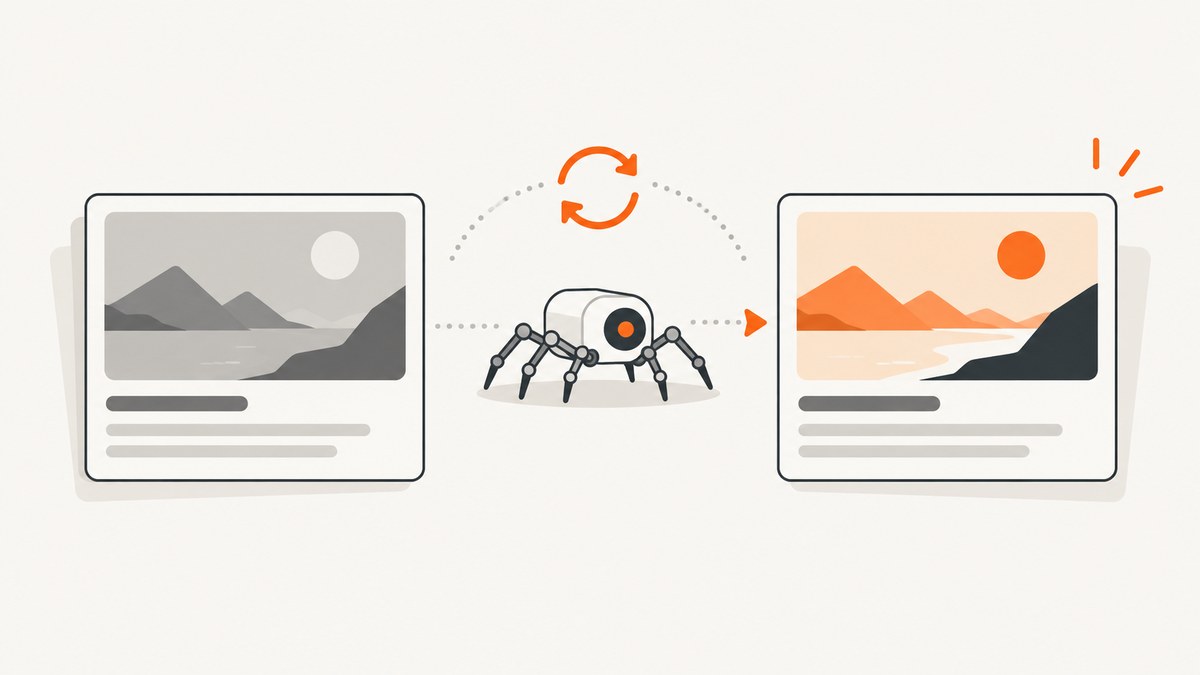
Direct answer: Deploy the corrected server-rendered Open Graph metadata, then open Facebook’s Sharing Debugger for the exact page URL and choose Scrape Again. If Facebook still displays the old image, publish the image at a new URL, such as a versioned filename or ?v=2, update og:image, and scrape the page again.
The debugger preview and an image already attached to a published Facebook post are separate checks. A fresh scrape updates what Facebook fetches for future shares; it does not guarantee that every existing attachment will redraw.
1. Fix the Open Graph metadata first
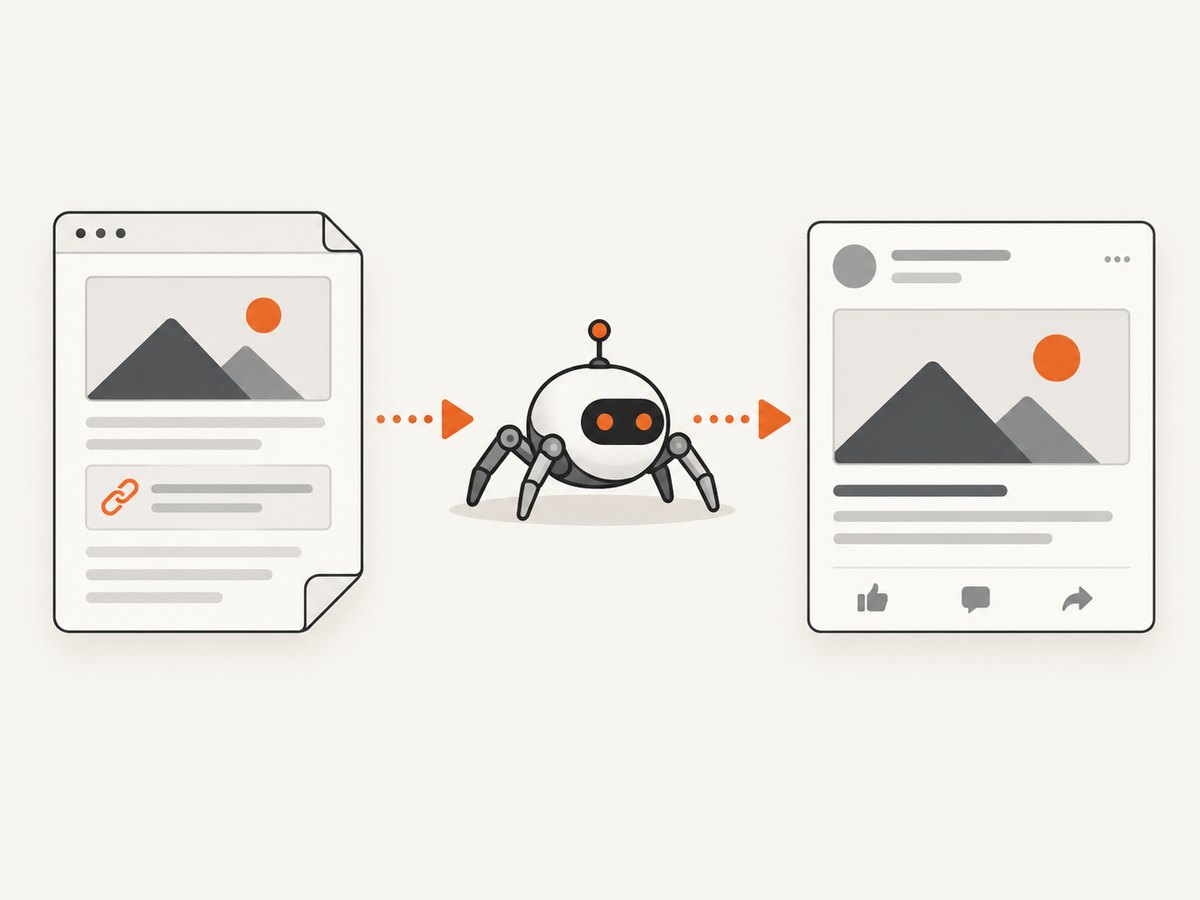
Put one intentional og:image tag in the initial HTML response for the page. Use an absolute HTTPS URL that anyone can download. Many unfurlers do not execute client-side JavaScript, so adding the tag only after hydration can leave Facebook with no image or an outdated one.
<!doctype html>
<html lang="en">
<head>
  <meta property="og:title" content="Example article">
  <meta property="og:description" content="A description for the link preview.">
  <meta property="og:url" content="https://example.com/article">
  <meta property="og:type" content="article">
  <meta property="og:image" content="https://example.com/images/article-social-v2.jpg">
  <meta property="og:image:alt" content="Illustration for the article">
</head>
<body>...</body>
</html>
Metadata checklist
- Return exactly one intended
og:imagevalue. - Use an absolute HTTPS image URL.
- Serve the image publicly without a login, IP allowlist, or expiring authorization token.
- Return a successful response and an image content type.
- Emit the tags in server-rendered HTML, not only through browser JavaScript.
- Remove duplicate tags from templates, plugins, and page builders.
2. Deploy the corrected page and image
Upload the corrected image, deploy the page source, and confirm that production—not a local preview—contains the new tag. Check the exact URL that people share, including trailing slashes, query parameters, locale paths, and redirects.
3. Scrape the exact URL again
- Open a Facebook Sharing Debugger or an Open Graph debugger such as Sequel’s Facebook OG Preview & Debugger.
- Enter the exact public page URL.
- Review the fetched URL, response details, extracted tags, warnings, and preview.
- Choose Scrape Again to request a new fetch.
- Repeat after correcting any warning about the page or image.
The debugger is useful because it shows what the crawler actually received, rather than what your browser’s inspector shows after scripts run.
4. Version the image URL when the old image remains
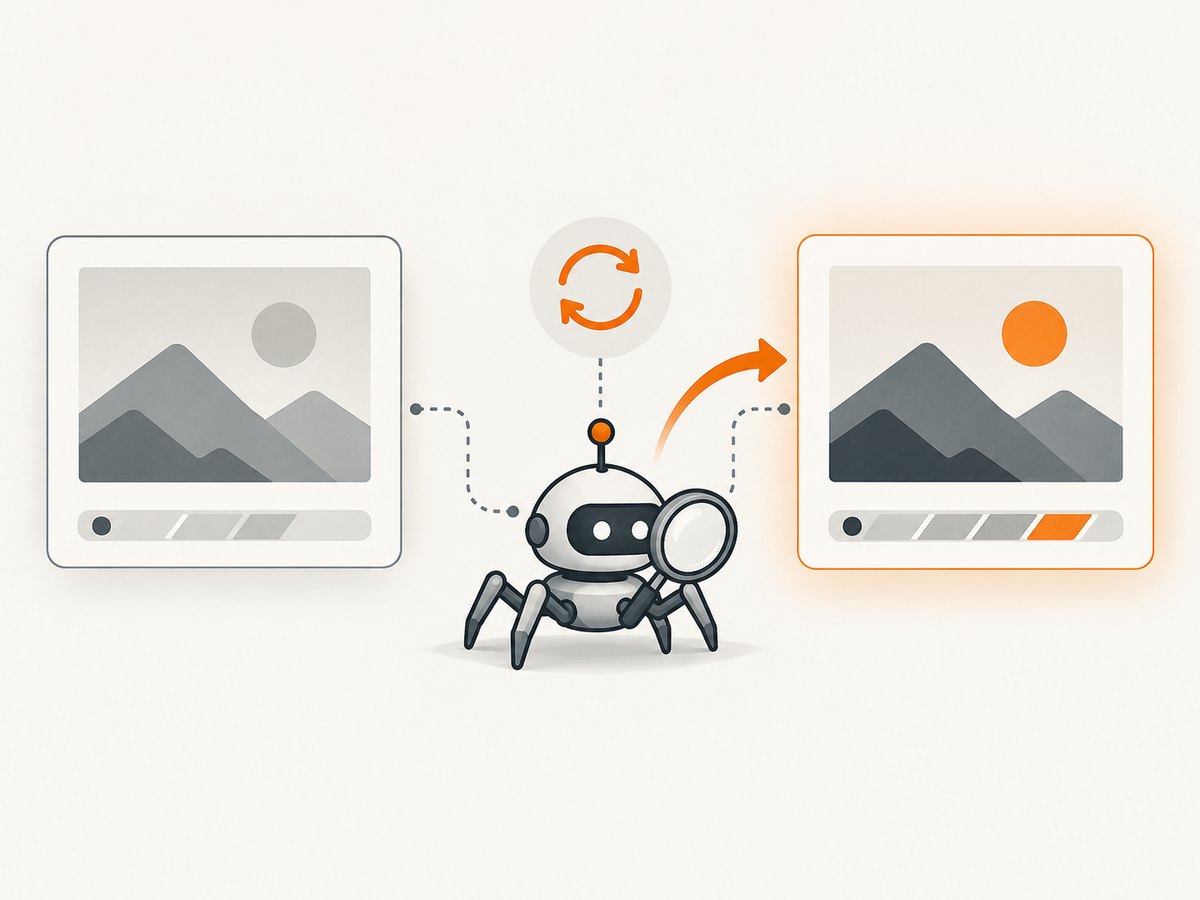
Replacing the pixels at the same image URL can leave the previous asset associated with that URL. Change the cache key by renaming the file or adding a harmless version query parameter.
<meta property="og:image" content="https://example.com/images/article-social-v2.jpg">

<!-- Or use a version query parameter -->
<meta property="og:image" content="https://example.com/images/article-social.jpg?v=2">
Deploy the new value and run Scrape Again for the page URL. Keep the versioned URL stable after the correction so future shares resolve consistently.
5. Verify a new share separately
When the debugger displays the corrected preview, test a new share or post. An already-published Facebook attachment may retain its original image even after the URL-level scrape is corrected.
Common errors and fixes
| Symptom | Likely cause | Fix |
|---|---|---|
| No image appears | og:image is missing or Facebook selected an inferred image. |
Add one explicit absolute og:image tag in the initial HTML and scrape again. |
| The old image remains | The image URL did not change, so the previous asset is still associated with that cache key. | Use a new filename or add ?v=2, update the tag, then scrape again. |
| Debugger cannot download the image | The image is private, blocked, redirected incorrectly, returns an error, or has the wrong content type. | Make it publicly reachable over HTTPS, check redirects and status codes, and return a valid image response. |
| Preview uses an unexpected image | Duplicate or conflicting Open Graph tags exist. | Inspect the raw response and remove every duplicate except the intended value. |
| Source looks correct in DevTools but debugger is wrong | Tags are injected by client-side JavaScript. | Render the tags on the server so they exist in the first HTML response. |
| Image is rejected or looks poor | The asset is too small or unsuitable for a social preview. | Use a sufficiently large social-share image and follow the debugger’s warning; do not rely on an assumed universal pixel or file-size limit. |
| New debugger preview is correct, old post is not | Existing attachments are separate from the page’s current scrape result. | Create a new share to verify the corrected attachment. |
6. Inspect the response outside Facebook
Before debugging crawler behavior, confirm what an unauthenticated client receives.
curl -I https://example.com/article
curl -L https://example.com/article | grep -i 'og:image'
curl -I 'https://example.com/images/article-social-v2.jpg'
The page request should reach the intended canonical page, and the image request should return a successful image response. If your server varies HTML by user agent, cookie, region, or authentication state, compare the public response with the response you see while logged in.
7. Capture a clean verification screenshot
If you need an artifact for a bug report or deployment record, capture the rendered page after deploying the new metadata. ScreenshotNeo can capture a page or a specific element after it loads.
Or skip the browser setup
For a rendered page image, ScreenshotNeo makes one request and returns PNG, JPEG, WebP, or PDF. Cookie banners, newsletter popups, and chat widgets are removed before the shot. Bot checks, blank pages, timeouts, failed loads, and cache hits are never billed. Its MCP server lets AI agents take screenshots, and 1,000 screenshots per month are free with no card; paid plans start at $5 for 3,000.
See the ScreenshotNeo documentation for all options.
cURL
curl -G "https://api.screenshotneo.com/v1/shot" -d access_key=YOUR_API_KEY --data-urlencode url=https://example.com/article -o shot.webpPython
import requests
r = requests.get("https://api.screenshotneo.com/v1/shot", params={"access_key": "YOUR_API_KEY", "url": "https://example.com/article"}, timeout=90)
open("shot.webp", "wb").write(r.content)
Node.js
const q = new URLSearchParams({ access_key: 'YOUR_API_KEY', url: 'https://example.com/article' });
const res = await fetch(`https://api.screenshotneo.com/v1/shot?${q}`);
Create a free ScreenshotNeo account to get 1,000 screenshots a month with no card.
Performance, reliability, and cost notes
- Cache behavior: Treat the image URL as the cache key. Version it when the underlying pixels change.
- Reliability: Keep the image URL public and stable after publishing. Avoid short-lived signed URLs for social metadata.
- Deployment order: Publish the image first, then deploy the HTML that references it, then request a scrape.
- Diagnostics: Use the debugger’s fetched response and warnings before changing application code.
- Cost: Facebook’s scrape request is separate from your hosting or image-delivery costs. If you use ScreenshotNeo for verification captures, only clean shots are billed; failed loads, bot checks, blank pages, timeouts, and cache hits cost nothing.
FAQ
How do I force Facebook to fetch the page again?
Enter the exact URL in a Facebook Sharing Debugger and click Scrape Again.
Do I need to change the page URL?
No. Keep the page URL and change the image URL when the old asset remains cached.
Should I wait for a fixed cache duration?
No fixed duration is promised here. Use the debugger and URL versioning instead of relying on an assumed timeout.
Will this update an image in an existing Facebook post?
Not necessarily. Confirm the debugger preview, then create a new share when you need to verify the attachment.
Can JavaScript add the tags after page load?
Do not depend on that for unfurling. Render the Open Graph tags in the initial server response.


