How to Refresh a Webcam Snapshot Periodically on a Webpage
Refresh a webcam image without reloading the page, avoid stale browser caches, prevent overlapping requests, and handle failures accessibly.
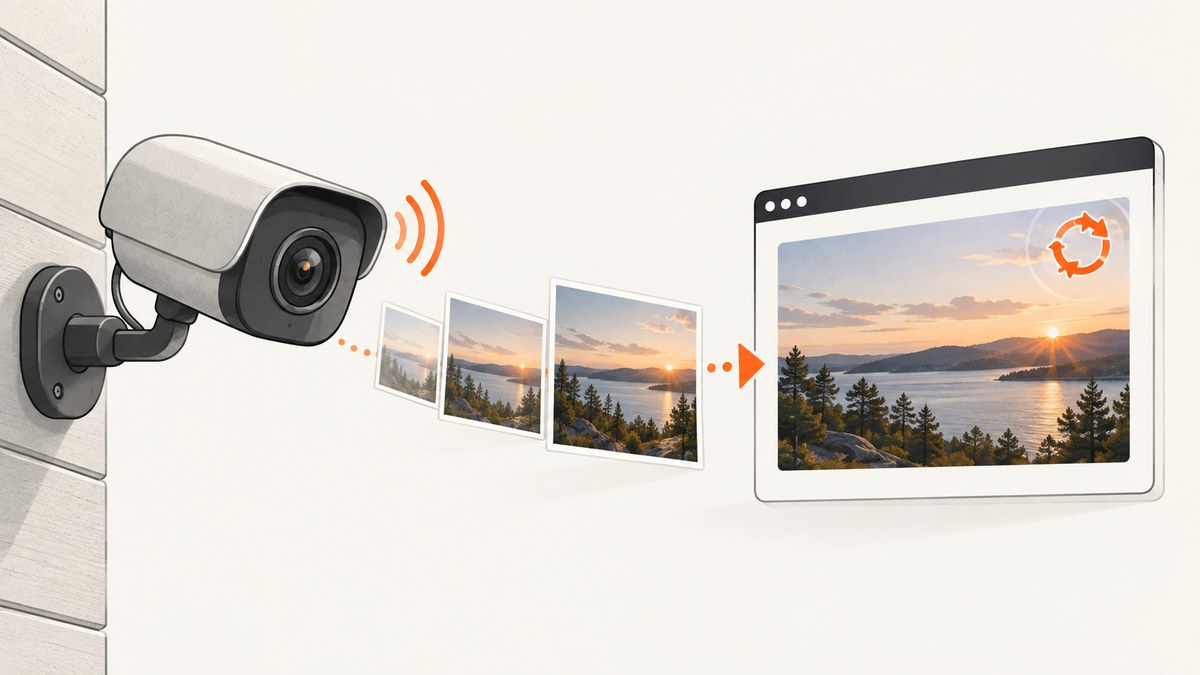
Use one <img> element, replace its src on a timer, and add a changing query parameter. The changing URL prevents a browser or intermediary cache from serving the same frame forever.
<img id="webcam" src="/camera/latest.jpg" alt="Latest webcam snapshot" width="640" height="480">
<p id="status" role="status">Loading…</p>

<script>
  const image = document.getElementById('webcam');
  const status = document.getElementById('status');
  const baseUrl = '/camera/latest.jpg';
  const refreshMs = 10_000;

  function refreshSnapshot() {
    image.src = `${baseUrl}?t=${Date.now()}`;
    status.textContent = `Requested at ${new Date().toLocaleTimeString()}`;
  }

  image.addEventListener('load', () => {
    status.textContent = `Updated at ${new Date().toLocaleTimeString()}`;
  });

  image.addEventListener('error', () => {
    status.textContent = 'The latest snapshot could not be loaded; showing the previous frame.';
  });

  refreshSnapshot();
  const intervalId = setInterval(refreshSnapshot, refreshMs);

  // Call clearInterval(intervalId) when this component is removed.
</script>
setInterval() repeatedly runs a function at a fixed delay, as described in MDN’s reference. The first call above happens immediately because refreshSnapshot() runs before the timer starts; omit that call if the first update should wait one interval.
1. Build the basic refreshing image
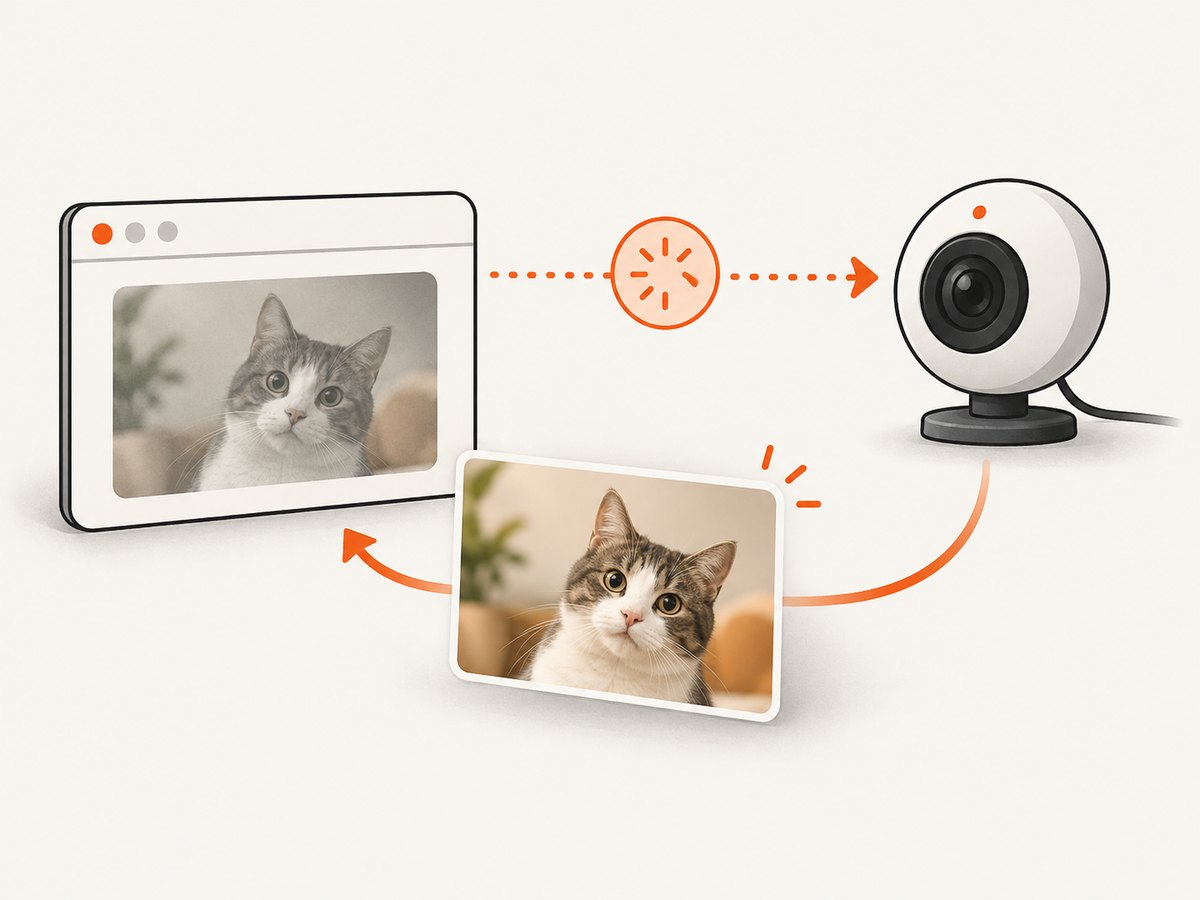
The browser does not need a new image element for every frame. Keep the same element so layout, focus, and assistive-technology context remain stable, then assign a new URL:
const image = document.querySelector('#webcam');
const baseUrl = '/camera/latest.jpg';

function refreshSnapshot() {
  image.src = `${baseUrl}?t=${Date.now()}`;
}

refreshSnapshot();
const timer = setInterval(refreshSnapshot, 10_000);
The t value is a cache-busting query parameter. Each value identifies a different URL, so a cache cannot reuse the previous URL without checking the origin.
Choose a sensible period
- Match the camera’s publication cadence. Polling every second cannot produce newer frames if the camera publishes one every 30 seconds.
- Account for users’ bandwidth and the image size. A 10-second interval downloads six frames per minute for every open tab.
- Stop polling when the component is hidden, unmounted, or no longer needed.
2. Avoid overlapping requests with recursive setTimeout()
A fixed interval can start another request while the previous one is still downloading. If the endpoint can take longer than your interval, use a recursive timeout so the next request is scheduled only after the current attempt finishes. This also gives you one place to handle HTTP failures.
const image = document.querySelector('#webcam');
const status = document.querySelector('#status');
const baseUrl = '/camera/latest.jpg';
const refreshMs = 10_000;
let stopped = false;

async function poll() {
  try {
    const response = await fetch(`${baseUrl}?t=${Date.now()}`, {
      cache: 'no-cache'
    });
    if (!response.ok) throw new Error(`HTTP ${response.status}`);

    const blob = await response.blob();
    const objectUrl = URL.createObjectURL(blob);
    const previousUrl = image.dataset.objectUrl;
    image.src = objectUrl;
    image.dataset.objectUrl = objectUrl;
    if (previousUrl) URL.revokeObjectURL(previousUrl);
    status.textContent = `Updated at ${new Date().toLocaleTimeString()}`;
  } catch (error) {
    status.textContent = `Snapshot unavailable (${error.message}); keeping the previous frame.`;
  } finally {
    if (!stopped) setTimeout(poll, refreshMs);
  }
}

function stopPolling() {
  stopped = true;
}

poll();
cache: 'no-cache' asks the browser to revalidate. It does not mean “never store anything”; use response headers when you control the camera server and need stronger guarantees.
3. Control caching at the camera endpoint
URL cache busting is useful when you cannot change the server. If you own the endpoint or reverse proxy, send an explicit policy:
Cache-Control: no-cacheno-cache permits storage but requires validation before reuse. no-store prevents storage and can increase origin traffic. Choose the policy with your camera’s update rate, bandwidth, and privacy requirements. A CDN or reverse proxy must honor the same policy, or it may continue returning an old frame.
4. Handle image loads, failures, and stale frames
Assigning a new src can replace a good image with a broken-image icon if the request fails. Keep the last successful frame visible and report the state separately:
const image = document.querySelector('#webcam');
const status = document.querySelector('#status');

image.addEventListener('load', () => {
  image.dataset.lastGood = new Date().toISOString();
  status.textContent = `Last updated ${new Date().toLocaleTimeString()}`;
});

image.addEventListener('error', () => {
  status.textContent = 'Update failed. Retrying while the previous frame remains visible.';
});
For stronger freshness guarantees, have the server return a capture timestamp or sequence number and display it as “Captured at …”. The request time alone only says when the browser asked for a frame.
5. Stop polling when it is not useful
Always retain the timer ID when using setInterval():
const timer = setInterval(refreshSnapshot, 10_000);

function stop() {
  clearInterval(timer);
}
In a component framework, call clearInterval() during unmount. For a page that may stay open in a background tab, consider pausing while document.hidden is true and resuming on visibilitychange:
let timer;

function start() {
  if (!timer) timer = setInterval(refreshSnapshot, 10_000);
}

function stop() {
  clearInterval(timer);
  timer = undefined;
}

document.addEventListener('visibilitychange', () => {
  if (document.hidden) stop();
  else {
    refreshSnapshot();
    start();
  }
});

refreshSnapshot();
start();
6. Accessibility and layout stability
- Use meaningful
alttext, such as “Latest traffic camera snapshot.” - Set explicit
widthandheightso refreshing does not shift surrounding content. - Expose update and error text through a small element with
role="status". - Do not reload the whole document merely to refresh the image.
7. Why whole-page meta refresh is usually the wrong tool
<meta http-equiv="refresh" content="10"> reloads the entire document. It resets page state and downloads all page resources again. It can fit a deliberately kiosk-like page, but frequent automatic refreshes can disorient people and prevent screen-reader users from finishing content. Updating only the image is more targeted.
8. Cross-origin cameras and CORS
If the image is on another origin, a direct <img> request often works without JavaScript permission because images are embeddable resources. A fetch()-and-blob implementation additionally needs the camera origin to allow your page with CORS response headers. If CORS cannot be configured, proxy the image through your own server and apply cache headers there.
9. cURL, Python, and Node.js polling examples
cURL
while true; do
  curl --fail --silent --show-error \
    "https://camera.example/latest.jpg?t=$(date +%s)" \
    -o latest.jpg
  sleep 10
done
Python
import time
from pathlib import Path
import requests

url = "https://camera.example/latest.jpg"
while True:
    try:
        response = requests.get(
            url,
            params={"t": int(time.time() * 1000)},
            timeout=30,
        )
        response.raise_for_status()
        Path("latest.jpg").write_bytes(response.content)
        print("saved", len(response.content), "bytes")
    except requests.RequestException as error:
        print("snapshot failed:", error)
    time.sleep(10)
Node.js
import { writeFile } from 'node:fs/promises';

const baseUrl = 'https://camera.example/latest.jpg';
const delay = ms => new Promise(resolve => setTimeout(resolve, ms));

while (true) {
  try {
    const response = await fetch(`${baseUrl}?t=${Date.now()}`);
    if (!response.ok) throw new Error(`HTTP ${response.status}`);
    await writeFile('latest.jpg', Buffer.from(await response.arrayBuffer()));
    console.log('saved latest.jpg');
  } catch (error) {
    console.error('snapshot failed:', error.message);
  }
  await delay(10_000);
}
10. Troubleshooting
| Symptom | Likely cause | Fix |
|---|---|---|
| The image never changes | The URL is identical and cached | Append ?t=Date.now(), or configure Cache-Control: no-cache. |
| Requests pile up | setInterval() is shorter than download time |
Use the recursive setTimeout() pattern or lengthen the interval. |
| A broken icon appears after a timeout | The new URL replaced the last good frame | Load into a blob or retain the previous frame and show status text. |
| Fetch reports a CORS error | The camera origin does not authorize your page | Add CORS headers on the camera server or proxy through your origin. |
| Bandwidth is unexpectedly high | Images are large or many tabs are polling | Increase the period, resize frames, pause hidden tabs, or cache deliberately. |
| The timestamp says “updated” but the picture is old | The camera publishes frames less often than you poll | Expose the camera capture time or sequence number and match your interval to its cadence. |
| Memory grows in the blob example | Object URLs were never released | Call URL.revokeObjectURL() after replacing the previous object URL. |
11. Performance, reliability, and cost notes
- Polling cost is approximately image bytes multiplied by requests per viewer. Smaller JPEG/WebP frames and a longer interval reduce traffic.
- Use exponential backoff after repeated failures if the endpoint is unreliable; return to the normal period after a successful frame.
- Do not assume a cache-busting timestamp creates a new camera frame. It only creates a new request URL.
- For many viewers, place a controlled cache or fan-out service in front of the camera so every browser does not reach the camera directly.
Or skip the browser setup
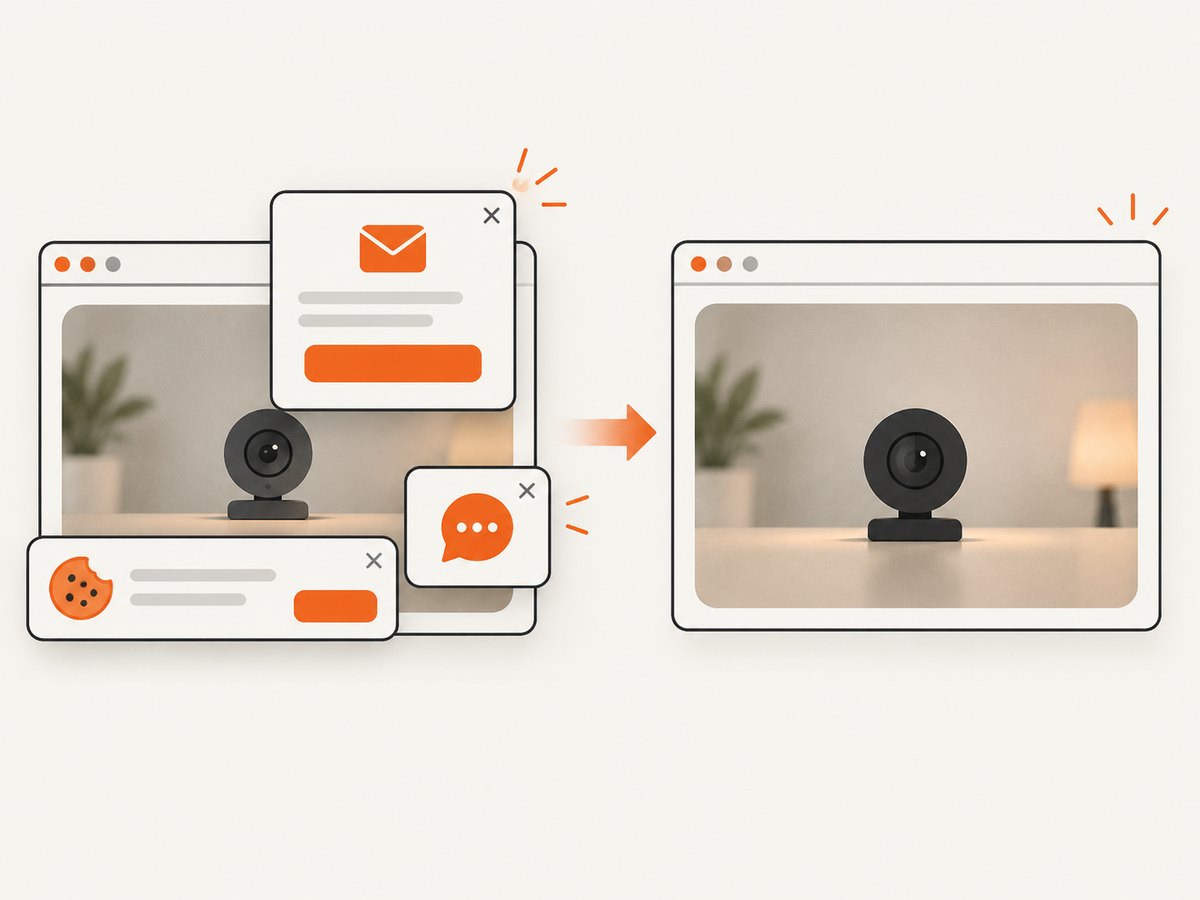
ScreenshotNeo can capture the webcam page with one request and return PNG, JPEG, WebP, or PDF. Before capture it accepts consent banners and removes more than 60 known consent platforms, newsletter popups, and chat widgets; each step can be turned off. Bot checks, blank pages, timeouts, failed loads, and cache hits are not billed, and the response identifies the result with X-Page-Verdict and X-Billed headers. Its MCP server lets Claude, Cursor, and other MCP clients take screenshots.
See the ScreenshotNeo API documentation for all options.
cURL
curl -G "https://api.screenshotneo.com/v1/shot" -d access_key=YOUR_API_KEY --data-urlencode url=https://your-site.example/camera-dashboard -o shot.webpPython
import requests
r = requests.get("https://api.screenshotneo.com/v1/shot", params={"access_key": "YOUR_API_KEY", "url": "https://your-site.example/camera-dashboard"}, timeout=90)
open("shot.webp", "wb").write(r.content)
Node.js
const q = new URLSearchParams({ access_key: 'YOUR_API_KEY', url: 'https://your-site.example/camera-dashboard' });
const res = await fetch(`https://api.screenshotneo.com/v1/shot?${q}`);
Free accounts include 1,000 screenshots each month with no card. Paid plans start at $5 for 3,000 screenshots. Create a free ScreenshotNeo account.
FAQ
Should I use setInterval() or setTimeout()?
Use setInterval() when a fixed schedule is acceptable and requests finish well within the period. Use recursive setTimeout() when you must prevent overlapping downloads.
Does adding a timestamp disable all caching?
No. It makes each poll a distinct URL. The server and intermediary caches can still apply their normal policies to each distinct URL.
Can I refresh only part of a page?
Yes. Updating the existing image’s src leaves the rest of the document and its state untouched.
How often should a webcam snapshot refresh?
Use the camera’s actual publishing cadence, then increase the period if bandwidth or server load is high. A faster timer cannot create fresher source frames.


