Regression Testing Software: Types and Selection Guide
Learn what regression testing protects, how to select regression suites, and how to choose software your team can maintain.

Regression testing checks whether a change has broken behavior that was expected to keep working. It covers code, configuration, data, infrastructure, and dependencies. Retesting verifies that the changed behavior now works; regression testing looks for failures in the parts that were not supposed to change. ISO/IEC/IEEE 29119-1:2022 defines it as “testing performed following modifications to a test item or to its operational environment, to identify whether failures in unmodified parts of the test item occur.”
The practical challenge is deciding what to run, when to run it, and how much maintenance the suite can support. This guide explains regression-test types, selection methods, evaluation criteria, implementation patterns, troubleshooting, and cost trade-offs.
What regression testing protects
A regression suite protects previously accepted behavior from side effects. A change to checkout code can affect tax calculation, email delivery, inventory reservation, or analytics. A database migration can break reports. A browser upgrade can alter layout, accessibility, or authentication. Regression testing gives the team evidence about those indirect effects before release.
Microsoft’s implementation guidance describes regression testing as appropriate after changes to code, configuration, or data, and recommends running relevant checks before production deployment. Tests may be manual, automated, or a combination. Automation is most valuable for repeatable checks and frequent releases, but expected results, fixtures, environments, and test cases still require upkeep as the product evolves.
Types of regression testing
Complete regression testing
Run nearly the entire regression suite. This offers the broadest confidence when the change is large, cross-cutting, or difficult to analyze. The trade-off is execution time, infrastructure cost, and a larger maintenance surface. Complete runs are common before major releases or after platform upgrades.
Partial regression testing
Run a selected subset that covers the changed component and its dependencies. Partial testing shortens feedback time while retaining targeted confidence. It depends on trustworthy dependency maps, code ownership, and test metadata.
Progressive or corrective regression testing
Use progressive regression when requirements remain stable and the team adds new tests around changed areas. Corrective regression applies when requirements did not change but implementation details did. Both approaches are useful for incremental releases, provided the suite is periodically reviewed for gaps.
Selective, retest-all, and progressive approaches
Selection-based regression chooses tests using impact, risk, coverage, or history. Retest-all executes every available regression test. Progressive approaches expand the suite over time as new defects and features reveal additional risk. A mature team often combines them: selective checks on every pull request, broader checks nightly, and a full run before a major release.
Functional and visual regression
Functional regression asserts behavior through unit, API, integration, browser, or end-to-end tests. Visual regression compares rendered pages or components against approved images and catches CSS, typography, layout, and responsive changes. Visual checks need stable data, deterministic fonts, fixed viewport settings, and a policy for reviewing intentional differences.
Manual and automated regression
Manual exploratory sessions are useful for new workflows, usability risks, and areas where expected behavior is still being discovered. Automated tests are better for deterministic, repeatable paths. Automation does not eliminate manual testing; it moves repeatable checks into a faster feedback loop so people can investigate uncertain behavior.
Regression-test selection strategies
No selection method is universally best. Choose according to system architecture, change evidence, failure impact, release cadence, and maintenance capacity.
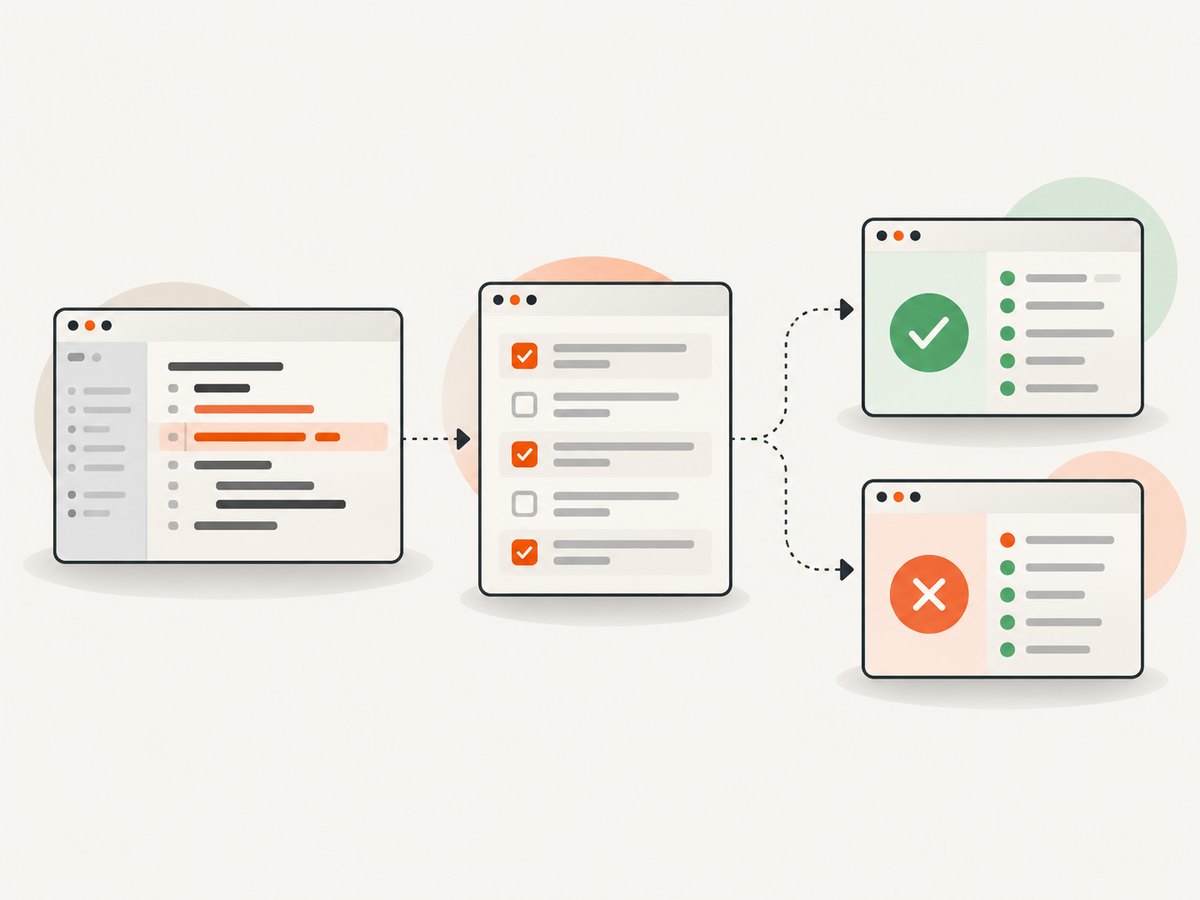
| Method | How it works | Best fit | Main risk |
|---|---|---|---|
| Minimization | Reduce the suite while retaining coverage of changed code or blocks. | Large suites with measurable coverage. | Important behavior may sit outside the measured coverage. |
| Coverage-based | Select tests that exercise changed or affected components. | Strong code and dependency instrumentation. | Coverage does not prove business risk is covered. |
| Risk-based | Prioritize tests by customer impact, safety, revenue, or compliance consequences. | Business-critical systems and limited time. | Lower-priority failures can remain undiscovered. |
| History-based | Prioritize tests that failed often or exposed defects in similar changes. | Teams with reliable historical results. | New failure modes have no history. |
| Change-impact selection | Map changed files, services, schemas, and configuration to affected tests. | Modular systems with dependency metadata. | Incomplete maps create false confidence. |
| Hybrid | Combine risk, impact, coverage, and history. | Most production teams. | More policy and tooling to maintain. |
NASA’s Software Engineering Handbook discusses minimization, coverage-oriented selection, and safe selection, where the goal is to exclude no test that could reveal a fault under defined conditions. The ISTQB CTAL Test Analyst syllabus describes risk-based, history-based, and coverage-based selection. Treat these as decision tools, not guarantees.
How to build a regression strategy
- Define the release trigger. Decide which events require regression checks: pull requests, merges, database migrations, configuration changes, dependency upgrades, scheduled builds, or release candidates.
- Map critical workflows. List the actions whose failure matters most, such as sign-in, payment, order fulfillment, data export, or incident response.
- Inventory tests and ownership. Record test type, environment, data dependencies, runtime, flakiness, owner, and last review date.
- Classify by feedback stage. Put fast unit and API checks near commits; integration and browser checks after deployment to a test environment; long or destructive scenarios in scheduled or release jobs.
- Choose selection rules. Start with critical workflows, then add changed-component tests, high-risk scenarios, and tests with useful failure history.
- Make data reproducible. Version fixtures, seed isolated environments, mask sensitive values, and define reset procedures.
- Set failure policies. Decide whether a flaky test blocks release, who triages it, and how quarantine works. A quarantined test should have an owner and removal date.
- Review after incidents. When production exposes a regression, add a durable test at the lowest practical layer and update the selection map.
Evaluating regression testing software
Evaluate tools against the tests you actually need, the environments you operate, and the maintenance model your team can sustain. SmartBear’s selection guidance highlights test types, operating-system support, integrations, and test-data handling as core questions.
Test types and execution environments
Confirm support for unit, API, browser, integration, end-to-end, mobile, visual, and performance checks where relevant. Verify operating systems, browsers, devices, runtime versions, network controls, private environments, and deployment model. A tool that cannot run in the environment where failures occur will create gaps regardless of its feature list.
Workflow integration
Document how tests run locally, in pull requests, on scheduled jobs, and before production. Check integrations with the repository, CI system, issue tracker, notifications, secrets manager, and deployment gates. Results should identify the failed test, environment, data, logs, screenshots, and owning team.
Selection and prioritization
Ask whether the product can select by tags, changed files, component, risk, historical failure, or coverage. If selection is external, verify that the tool exposes an API or machine-readable results. Keep the policy understandable enough that engineers can predict why a test did or did not run.
Test data and maintenance
Check how the product provisions, isolates, refreshes, and cleans test data. Estimate the work to update selectors, fixtures, snapshots, environments, and expected results. Microsoft notes that design changes, updates, and bug fixes can require test cases to be recreated or updated; assign explicit ownership before adoption.
Cost and feedback time
Model total cost: licenses, parallel workers, device minutes, CI compute, storage, observability, and engineer triage time. Compare the cost of faster feedback with the cost of delayed releases and escaped defects. Do not rely on a vendor’s unverified benchmark; measure representative workflows in your own pipeline.
Visual regression with screenshots
For visual checks, capture the same page or component before and after a change, then compare images with a defined tolerance. Keep viewport, device scale, timezone, locale, fonts, user state, feature flags, and test data fixed. Mask dynamic regions such as timestamps, rotating promotions, and randomized avatars. Review differences as intentional, approved, or defects.
DIY browser capture
A minimal Playwright example captures a page after waiting for network activity:
import { chromium } from 'playwright';

const browser = await chromium.launch();
const page = await browser.newPage({ viewport: { width: 1440, height: 900 } });
await page.goto('https://example.com', { waitUntil: 'networkidle' });
await page.screenshot({ path: 'baseline.png', fullPage: true });
await browser.close();
For a real regression harness, add deterministic authentication, seeded data, font installation, animation disabling, retries for transient navigation failures, and an image-diff tool. Store approved baselines with code, review baseline updates, and fail the build only when the difference exceeds your policy.
Or skip the browser setup
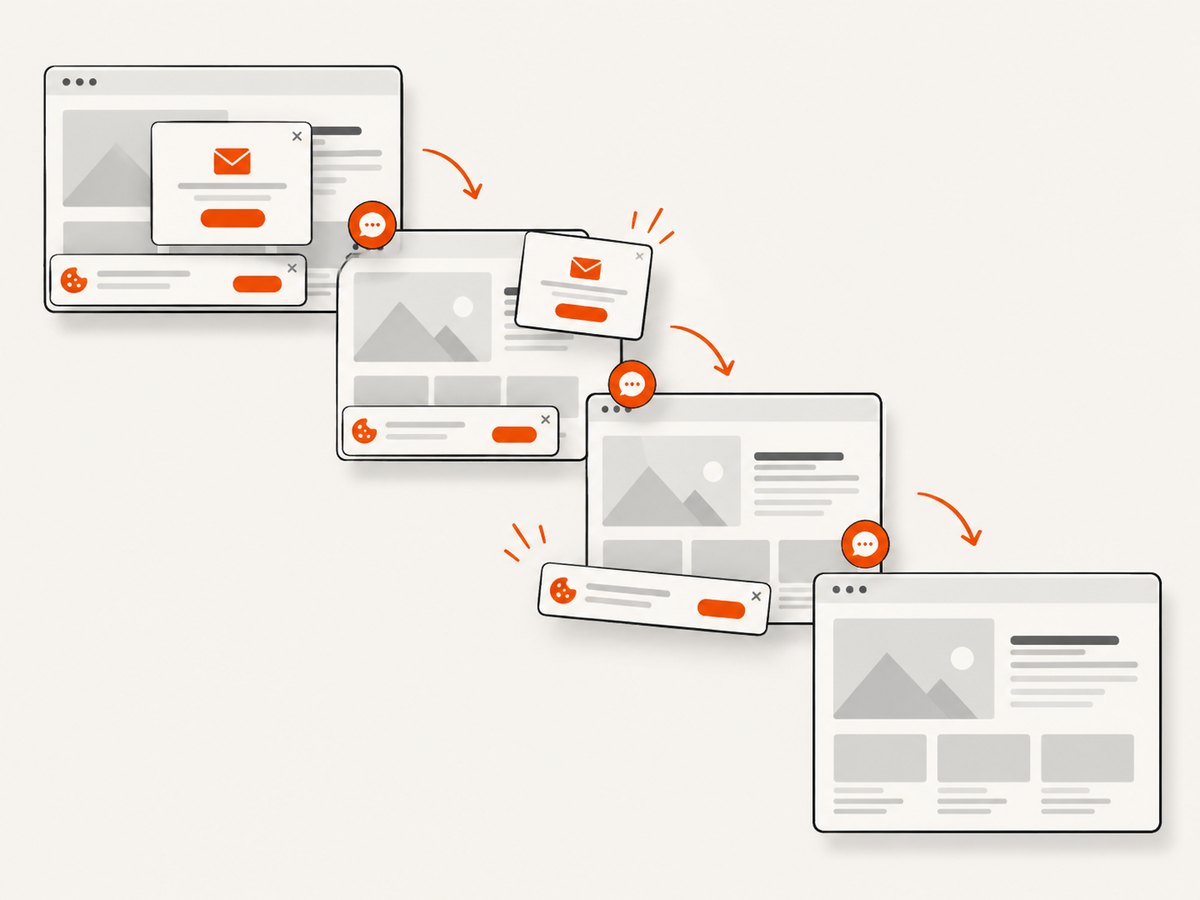
ScreenshotNeo provides a website screenshot API and MCP server. One GET request returns PNG, JPEG, WebP, or PDF. Before capture it accepts cookie or consent banners and removes more than 60 known consent platforms, newsletter popups, and chat widgets; each step can be turned off. Bot checks, CAPTCHAs, blank pages, timeouts, failed loads, and cache hits cost nothing, and response headers report the page verdict and whether the shot was billed.
See the ScreenshotNeo API documentation for all options. cURL:
curl -G "https://api.screenshotneo.com/v1/shot" -d access_key=YOUR_API_KEY --data-urlencode url=https://stripe.com -o shot.webpPython:
import requests
r = requests.get("https://api.screenshotneo.com/v1/shot", params={"access_key": "YOUR_API_KEY", "url": "https://stripe.com"}, timeout=90)
open("shot.webp", "wb").write(r.content)
Node.js:
const q = new URLSearchParams({ access_key: 'YOUR_API_KEY', url: 'https://stripe.com' });
const res = await fetch(`https://api.screenshotneo.com/v1/shot?${q}`);
Use options for full-page capture with lazy images, CSS-element capture, dark mode, 12 device presets or custom viewports, retina scale, custom CSS and JavaScript, clicks, selector waits, delays, network idle, hidden selectors, blocked ads or resource types, headers, cookies, user agents, authorization, timezone, geolocation, transparent backgrounds, resizing, caching with your chosen TTL, signed image links, asynchronous jobs with signed webhooks, bulk capture of up to 100 URLs, PDF page ranges and margins, HTML/CSS rendering, and usage reporting. An MCP server exposes take_screenshot, get_page_info, and capture_pdf to Claude, Cursor, and other MCP clients.
ScreenshotNeo includes 1,000 screenshots per month free with no card. Paid plans start at $5 for 3,000 shots; yearly billing gives two months free, and every feature is available on every plan. Create a free ScreenshotNeo account.
Reliability, performance, and cost practices
- Stabilize inputs: pin browser versions, fonts, locale, timezone, viewport, and test data.
- Control waits: prefer a meaningful selector or network-idle condition over arbitrary sleeps; keep a bounded timeout.
- Retry selectively: retry navigation or infrastructure errors, not deterministic assertion failures.
- Parallelize safely: shard independent tests while isolating accounts, files, queues, and databases.
- Cache deliberately: cache immutable pages or assets, but invalidate after deployments that affect output.
- Track useful metrics: pass rate, duration, flake rate, queue time, defect escape rate, and maintenance hours.
- Budget by stage: reserve fast checks for pull requests and expensive cross-browser or full-page runs for scheduled or release jobs.
Troubleshooting common failures
| Symptom | Likely cause | Fix |
|---|---|---|
| Only some tests fail after a harmless change | Unstable data, time, fonts, or animations. | Freeze inputs, disable motion, seed data, and wait for a stable selector. |
| Tests pass locally but fail in CI | Different browser, OS, viewport, secrets, or network access. | Record environment details and reproduce in the same container or runner. |
| Suite takes too long | Retest-all is running at every stage. | Use a fast smoke set, impact selection, sharding, and scheduled full runs. |
| Visual diffs are noisy | Dynamic content or inconsistent rendering. | Mask selectors, fix fonts and dimensions, and set a documented threshold. |
| Screenshot shows a consent banner | The capture path did not interact with the banner. | Click and wait for dismissal, hide the selector, or use ScreenshotNeo’s consent handling. |
| Screenshot request returns a blank or blocked page | Bot check, timeout, failed load, or origin policy. | Inspect response verdict headers, adjust waits or headers, and treat non-content responses as unbilled failures in ScreenshotNeo. |
| Baselines keep changing | Unreviewed snapshot updates or environment drift. | Require code review for baseline changes and pin the rendering environment. |
Regression testing FAQ
Is regression testing the same as retesting?
No. Retesting checks that the modification or defect fix works. Regression testing checks that unmodified behavior still works.
Should every regression test be automated?
No. Automate stable, repeatable checks first. Keep exploratory and usability-focused work manual when automation would be expensive or brittle.
How often should a full suite run?
Run it according to risk and release cadence. Many teams use targeted checks per change, broader scheduled runs, and a full run before major releases.
What makes a regression test valuable?
It detects a meaningful failure, has deterministic inputs, produces actionable evidence, and costs less to maintain than the risk it covers.
How do I start with a small team?
Automate the highest-impact workflows, add API checks beneath slow browser tests, establish stable test data, and review failures weekly. Expand coverage after production incidents and major architectural changes.


