Regression Testing vs. Stress Testing: Differences, Scope, and When to Use Each
Regression testing finds change-related defects; stress testing reveals behavior at extreme load. Learn how to plan, run, and combine both.
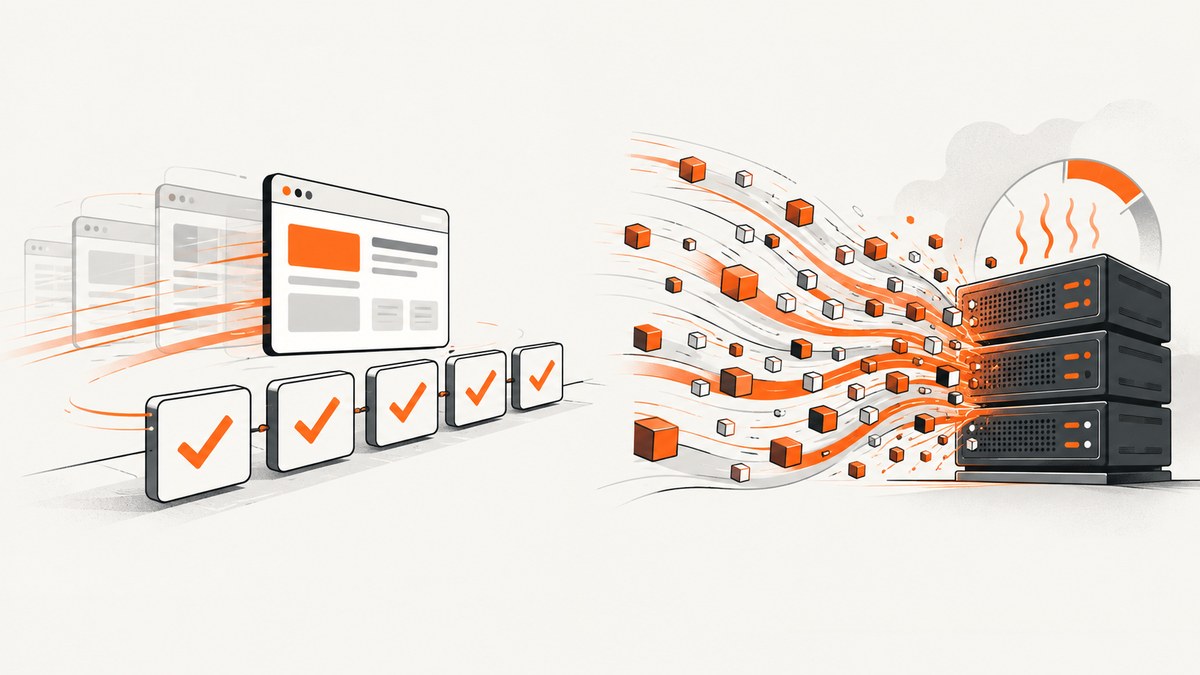
Regression testing checks whether a software or environment change caused defects in previously working areas. Stress testing examines how the system behaves at or beyond expected workload limits, or when resources are constrained. They answer different questions and often belong in the same release plan. Regression testing protects functional behavior after change; stress testing exposes performance and resilience limits under pressure.
This guide explains the difference, shows how to choose scope, gives practical test plans and runnable examples, and describes how browser screenshots can support visual regression evidence.
1. Regression testing vs. stress testing at a glance
| Axis | Regression testing | Stress testing |
|---|---|---|
| Primary question | Did a change introduce defects in unchanged, previously tested areas? | How does the system behave at or beyond anticipated limits, or with reduced resources? |
| Typical trigger | A software, configuration, dependency, infrastructure, browser, or data change | A need to evaluate performance, failure behavior, or resilience under extreme workload or constrained resources |
| Conditions | Known functional scenarios and expected outputs | Increasing load, burst traffic, exhausted capacity, or deliberately reduced resources |
| Evidence | Pass/fail results, changed screenshots, API responses, logs, and defect reports | Response times, throughput, error rates, saturation points, recovery behavior, and resource observations |
| Outcome | Confidence that existing behavior still works | Knowledge of limits, degradation patterns, and recovery characteristics |
The definitions align with the ISTQB Glossary entry for regression testing and its stress-testing entry. Neither method replaces the other.
2. What regression testing means
Regression testing is performed after a modification to find defects introduced or uncovered in areas that were already tested and were not intended to change. The modification can be application code, a dependency, database schema, operating system, browser, feature flag, infrastructure setting, or test data.
Regression testing is broader than rerunning a failed test
Retesting repeats the specific case that previously failed to verify that its fix works. Regression testing checks surrounding and unrelated functionality for side effects. After fixing a payment calculation, for example, you would retest the failed payment case, then run regression coverage for discounts, shipping, receipts, refunds, and account history.
How to choose regression scope
- Map the change. Identify touched modules, APIs, database tables, configuration, and user journeys.
- Start with critical paths. Run smoke coverage for login, checkout, core transactions, and other business-critical flows.
- Add impacted dependencies. Include features that consume changed services or data.
- Expand by risk. Include high-defect areas, security-sensitive flows, and integrations with costly failures.
- Use automation where it pays off. Keep a fast suite on every change and schedule broader suites when capacity allows.
A risk-based scope is more defensible than claiming every test must run for every commit. The ISTQB glossary describes regression testing as applicable at different test levels and notes that teams commonly begin with critical-path checks before expanding according to impact and available automation.
3. What stress testing means
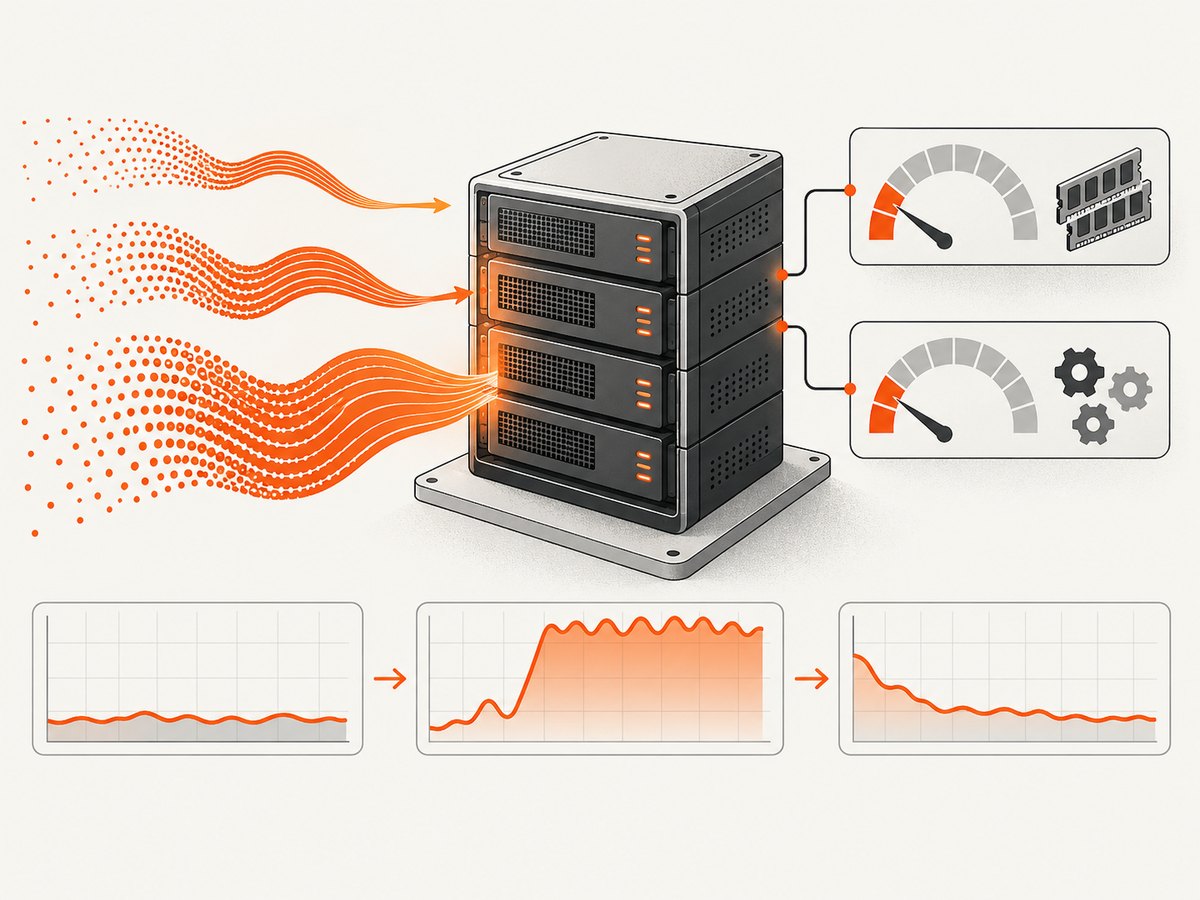
Stress testing is a type of performance testing that evaluates a system at or beyond anticipated or specified workloads, or with reduced availability of resources such as memory or servers. The purpose is to observe limits and failure behavior, not merely to prove that normal traffic works.
Common stress scenarios
- A sudden traffic spike far above the normal request rate
- Large concurrent uploads or report generations
- Database connection-pool exhaustion
- Low memory, CPU throttling, or a deliberately reduced server pool
- Third-party API slowness or partial unavailability
- Queue buildup followed by recovery after load is removed
Define the workload model before running the test: request mix, concurrency, ramp pattern, duration, data volume, and the resource constraint. Record the expected limit and the signals that indicate graceful degradation, overload protection, or unsafe failure.
4. When to run each test
| Situation | Regression test | Stress test |
|---|---|---|
| Refactoring a checkout service | Yes: verify checkout and dependent flows | Only if capacity or performance risk changed |
| Changing a database index | Yes: verify queries and user-visible behavior | Often: examine throughput and saturation under high concurrency |
| Preparing for a traffic event | Run a focused suite after deployment changes | Yes: model bursts and constrained resources |
| Fixing one reported defect | Retest the defect, then regression-test related areas | Only when the fix affects capacity or resource use |
| Changing browser or rendering code | Yes: functional and visual checks | Only if rendering workload or server capacity is in question |
A release can require both. A code change may pass all functional checks while introducing a memory leak that appears only after sustained load. Conversely, a system may survive a load test while a small UI change breaks an unchanged checkout button.
5. Designing a regression test plan
- Baseline current behavior. Store expected API responses, key assertions, accessibility checks, and screenshots for stable pages.
- Tag tests by risk. Label tests as smoke, critical, impacted, integration, visual, or extended regression.
- Control test data. Use deterministic accounts, fixtures, clocks, feature flags, and seeded records.
- Run in layers. Execute fast smoke checks first, then impacted tests, then the wider suite.
- Compare evidence. Review functional assertions and visual differences separately; a pixel change may be intentional while a functional failure is not.
- Quarantine carefully. Track flaky tests with an owner and reason instead of silently ignoring failures.
Browser visual regression with Playwright
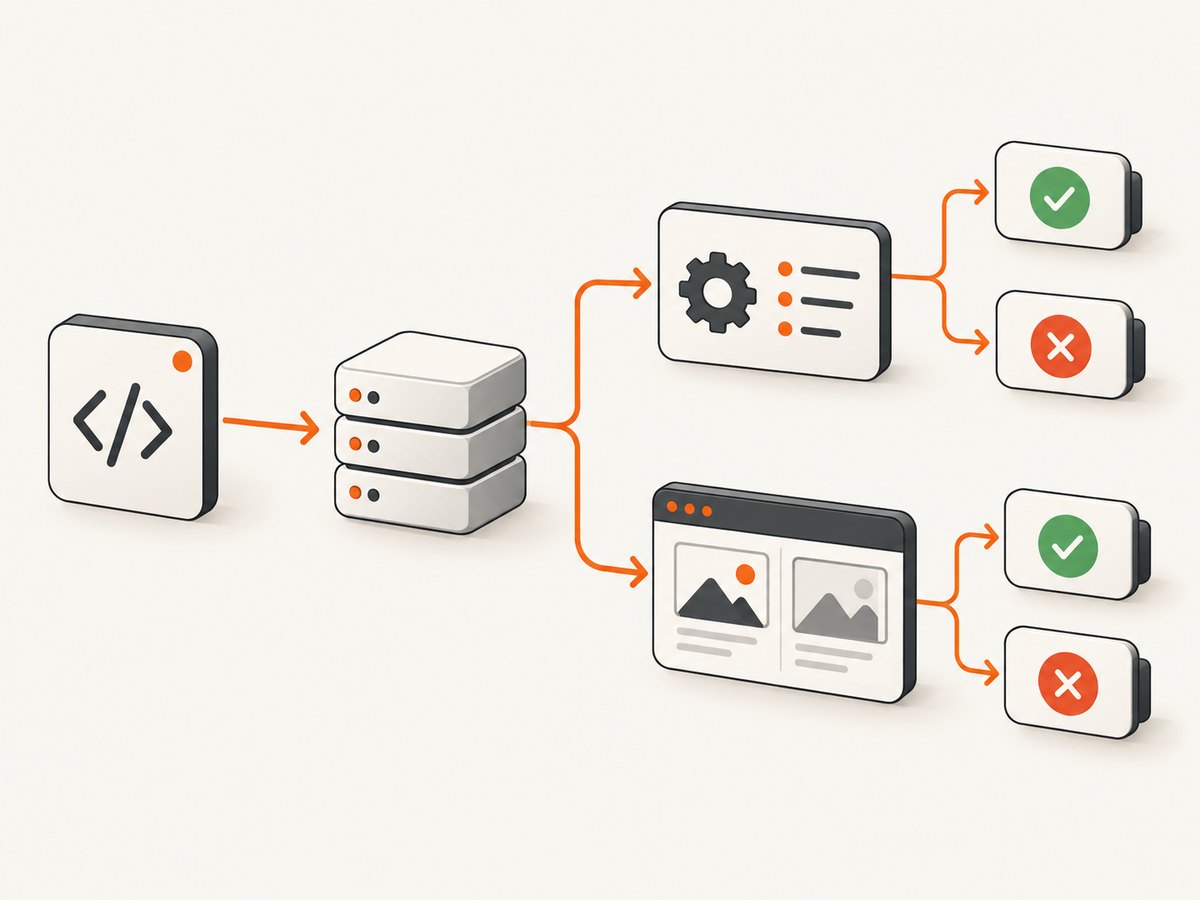
The following Node.js example captures a page before and after a change. It uses Playwright’s browser rendering, so JavaScript, layout, and fonts are exercised like a real browser session.
import { chromium } from 'playwright';

const browser = await chromium.launch();
const page = await browser.newPage({
  viewport: { width: 1440, height: 900 },
  deviceScaleFactor: 1
});

await page.goto('https://example.com/account', { waitUntil: 'networkidle' });
await page.screenshot({ path: 'account-regression.png', fullPage: true });

await browser.close();
In CI, compare the new file with a reviewed baseline. Mask timestamps, rotating adverts, personalized names, and other intentionally variable regions. Wait for stable fonts and data before capture; otherwise the test reports rendering noise instead of a product change.
6. Designing a stress test plan
- Set a hypothesis. For example: “At 500 concurrent requests, checkout remains available and errors stay within the agreed tolerance.”
- Choose a workload. Define concurrency, request rates, payload sizes, and a realistic mix of endpoints.
- Choose a ramp. Use gradual increases to find the knee in the curve, then apply bursts or sustained overload.
- Constrain a resource when relevant. Test reduced memory, fewer workers, limited database connections, or a slow dependency.
- Monitor the whole system. Collect latency, throughput, errors, CPU, memory, queues, database behavior, and downstream calls.
- Observe recovery. Remove the load and record whether queues drain, workers recover, and errors return to baseline.
Using Apache JMeter
Apache JMeter is open-source Java software for load testing functional behavior and measuring performance. It can simulate heavy load against servers, networks, or other targets and supports headless command-line operation.
jmeter -n \
  -t checkout-stress.jmx \
  -l results.jtl \
  -e \
  -o report/
Build the thread group, samplers, assertions, timers, and listeners in the JMX plan. Run non-GUI mode for load generation. JMeter operates at the protocol level: it does not execute JavaScript in HTML pages or render pages as a browser does. Therefore, JMeter timings should not be presented as browser-rendering measurements. Pair it with browser tests when client-side rendering is part of the risk.
7. Combining regression and stress testing in one release
A practical sequence is:
- Run unit and component checks for the changed code.
- Run smoke regression checks on critical paths.
- Run impacted integration and visual regression tests.
- Deploy to a production-like environment.
- Run the planned stress scenario with monitoring enabled.
- Remove the load, verify recovery, and review logs for delayed failures.
- Record separate decisions: functional regression status and capacity/resilience status.
Keep the evidence separate. A regression report should identify failed assertions and affected flows. A stress report should show workload, resource conditions, observed limits, degradation, and recovery. Combining them into one pass/fail number hides useful information.
8. Troubleshooting common failures
| Symptom | Likely cause | Fix |
|---|---|---|
| Visual diff changes on every run | Animations, timestamps, ads, fonts, or personalized data | Freeze data and time, disable animation, wait for fonts, and mask unstable selectors |
| Regression fails only in CI | Different browser version, viewport, timezone, locale, or missing dependency | Pin the environment and record browser, OS, locale, and timezone in artifacts |
| Stress results vary widely | Shared test environment, changing workload, cold caches, or an overloaded load generator | Isolate the environment, warm up deliberately, repeat runs, and monitor the generator |
| High errors appear immediately | Authentication, test data, rate limits, or an invalid workload model | Validate a single request first, then ramp gradually and inspect server logs |
| JMeter shows fast responses but users see slow pages | Protocol requests omit browser JavaScript and rendering work | Add browser-based measurements for client rendering and keep protocol results labeled accordingly |
| System never recovers after stress | Leaked resources, stuck queues, exhausted pools, or missing back-pressure | Capture thread dumps, pool metrics, queue depth, and dependency errors; fix the bottleneck before repeating |
9. Performance, reliability, and cost considerations
- Regression speed: Keep a small smoke suite on every change and parallelize independent browser tests. Use the broader suite on a schedule or for high-risk changes.
- Stress-test validity: Ensure the load generator has headroom. A saturated generator produces misleading server results.
- Repeatability: Pin versions, data, viewport, timezone, locale, and external dependencies. Store raw logs and artifacts.
- Safety: Run stress tests against an authorized, isolated environment. Protect real users and downstream systems from generated traffic.
- Cost: Browser sessions consume more CPU and memory than protocol-level requests. Cache stable assets where appropriate, but do not hide the behavior you intend to measure.
- Interpretation: Do not invent universal latency or concurrency thresholds. Set limits from your service objectives, architecture, and risk tolerance.
10. Or skip the browser setup
For visual regression evidence or repeatable page captures, ScreenshotNeo provides a website screenshot API and MCP server. It accepts one GET request and returns PNG, JPEG, WebP, or PDF. Cookie and consent banners are accepted and removed before capture, along with more than 60 known consent platforms, newsletter popups, and chat widgets; each cleanup step can be turned off. Bot checks, blank pages, timeouts, failed loads, and cache hits are not billed, and response headers identify the page verdict and billing status.
Here is the direct call; see the ScreenshotNeo API documentation for all options.
curl -G "https://api.screenshotneo.com/v1/shot" -d access_key=YOUR_API_KEY --data-urlencode url=https://stripe.com -o shot.webpimport requests
r = requests.get("https://api.screenshotneo.com/v1/shot", params={"access_key": "YOUR_API_KEY", "url": "https://stripe.com"}, timeout=90)
open("shot.webp", "wb").write(r.content)const q = new URLSearchParams({ access_key: 'YOUR_API_KEY', url: 'https://stripe.com' });
const res = await fetch(`https://api.screenshotneo.com/v1/shot?${q}`);For regression workflows, relevant options include full-page capture with lazy images loaded, CSS-selector element capture, dark mode, device presets or custom viewports, retina scale, custom CSS and JavaScript, click-before-capture, selector or network-idle waits, hidden selectors, blocked ads/trackers/requests/resource types, custom headers and cookies, timezone and geolocation, transparent backgrounds, resizing, chosen cache TTLs, signed links, asynchronous jobs with signed webhooks, bulk capture of up to 100 URLs per call, and a usage API. An MCP server exposes take_screenshot, get_page_info, and capture_pdf to Claude, Cursor, and other MCP clients.
ScreenshotNeo has 1,000 shots per month free with no card. Paid plans start at $5 for 3,000 shots; every feature is on every plan. Create a free ScreenshotNeo account to generate baseline captures without maintaining browser infrastructure.
11. FAQ
Can regression testing find performance problems?
It can reveal obvious slowdowns if performance assertions are included, but it does not replace stress testing. Stress testing deliberately applies extreme workload or resource constraints.
Is stress testing the same as load testing?
They overlap, but stress testing pushes to or beyond anticipated limits or reduces resources. A load test may stay within expected operating conditions to measure normal performance.
Should every code change trigger a full regression suite?
Use risk-based scope. Start with critical paths and tests affected by the change, then expand when impact, history, or release risk justifies it.
Can JMeter test a single-page application accurately?
JMeter can test the HTTP and other protocol traffic, but it does not execute page JavaScript or render the browser UI. Add real-browser checks for client-side behavior.
What should a release report contain?
Include the change scope, regression selection and results, stress workload and resource conditions, observed limits, failures, recovery evidence, and the decision or follow-up owner for each risk.


