How to Build Reliable Browser Automation with Code
Build less flaky browser automation with condition-based waits, stable locators, isolated state, retrying assertions, and evidence-driven debugging.
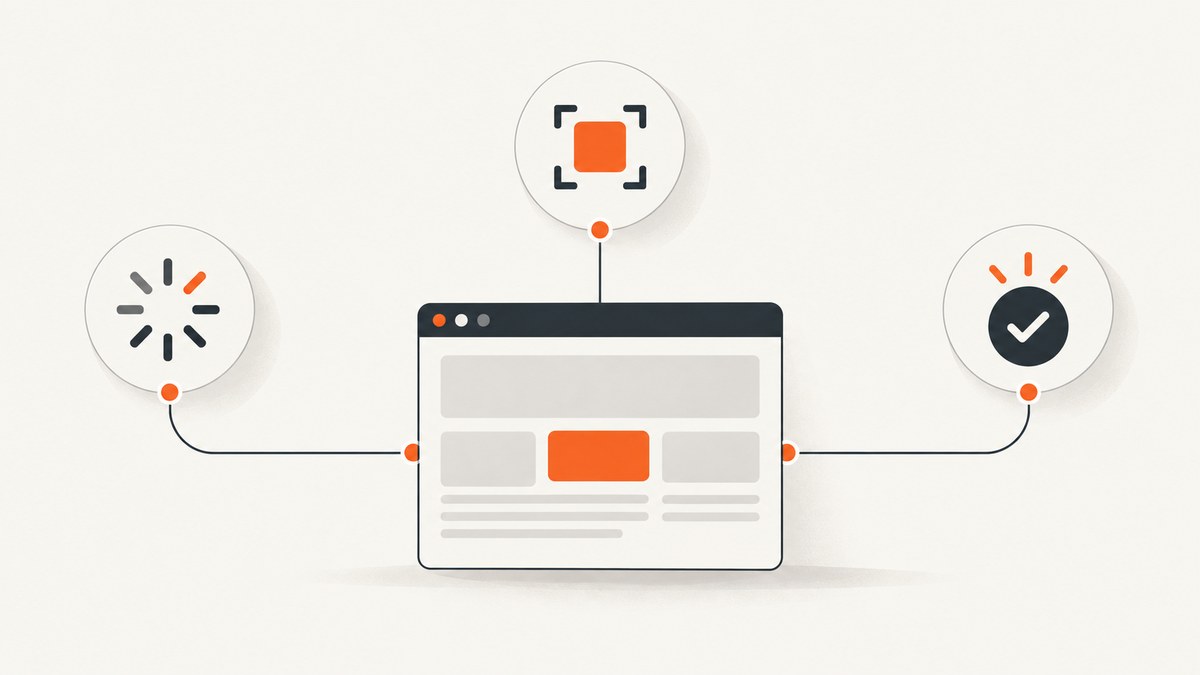
Reliable browser automation comes from synchronizing each action with the page state it needs, choosing locators that identify the intended control, isolating tests, and asserting the result users should see. A larger timeout alone does not fix a wrong locator, shared test data, or an incorrect expectation.
This guide builds those habits with runnable Playwright examples and a Selenium alternative. It also covers debugging, browser coverage, performance, and common failure modes. The examples use JavaScript with Playwright and Python with Selenium; adapt target URLs and selectors to your application.
1. Synchronize on the condition the next step needs
Modern pages often continue changing after the initial document load. JavaScript can render controls later, and network responses can update the interface asynchronously. If automation sends a command before the application is ready, a race condition can make the same test pass sometimes and fail other times. Selenium’s official waiting guide calls this a primary cause of flaky tests and recommends explicit waits for specific conditions: Selenium waiting strategies.
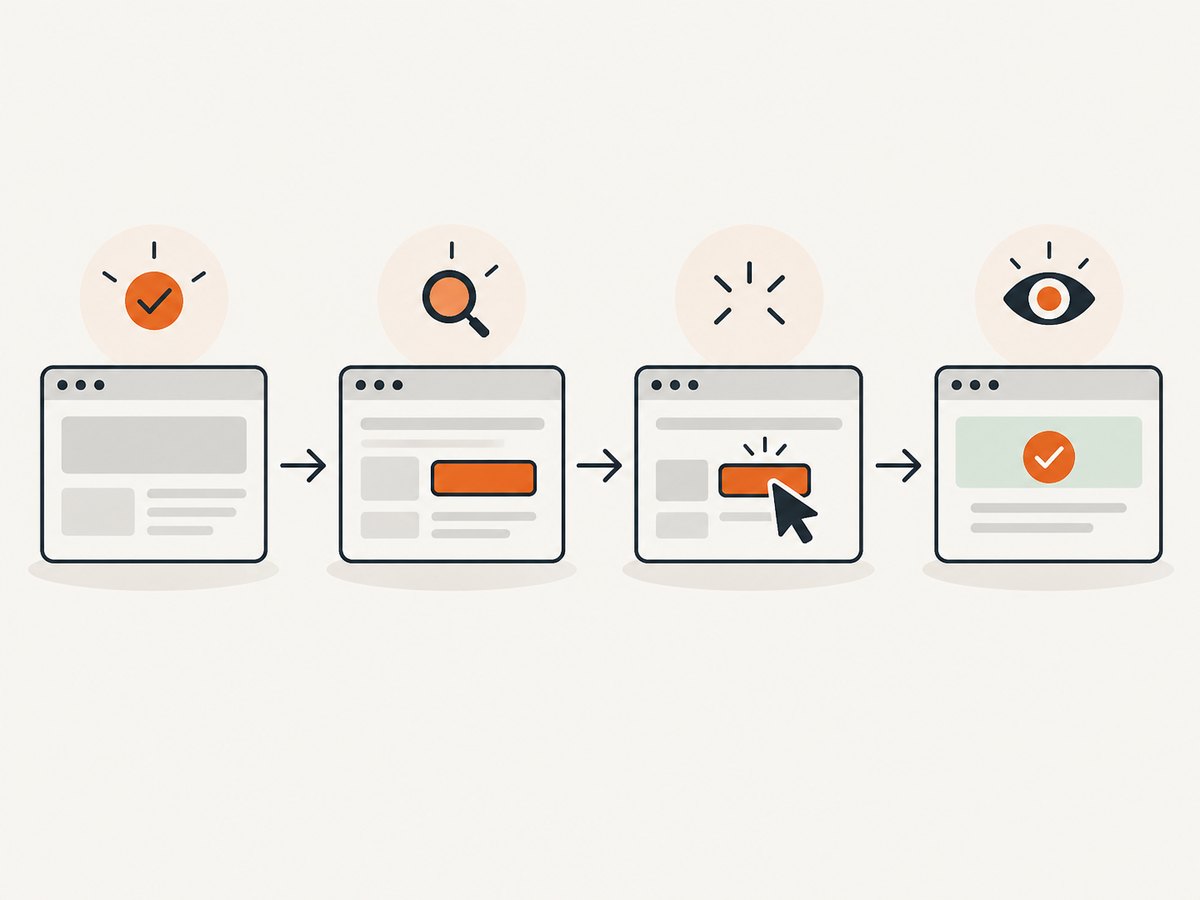
Prefer waiting for the thing your next action needs. For a button click, that might mean the button is visible and enabled. For a search result, wait for the result to appear. Avoid fixed sleeps as a default: they may waste time when the page is fast and still be too short when it is slow.
Playwright: locator actions and web-first assertions
Playwright locator actions perform actionability checks before acting, such as whether a target is visible, stable, enabled, and able to receive events. Its web-first assertions retry until the expected condition is met. These behaviors reduce timing assumptions, but they cannot make an incorrect expectation or ambiguous locator correct. See Playwright actionability.
import { test, expect } from '@playwright/test';

test('search returns a visible result', async ({ page }) => {
  await page.goto('https://example.com');

  await page.getByRole('textbox', { name: 'Search' }).fill('invoices');
  await page.getByRole('button', { name: 'Search' }).click();

  await expect(page.getByRole('heading', { name: /search results/i }))
    .toBeVisible();
  await expect(page.getByText('invoices', { exact: false }).first())
    .toBeVisible();
});
Install the test runner with npm init playwright@latest and run this test with npx playwright test. Replace the example URL and accessible names with those from the application. The assertions wait for the user-visible outcome; they do not merely check that a click command was issued.
Selenium: explicit waits for specific states
In Selenium, use an explicit wait for a condition instead of immediately querying a control that may not yet exist or be interactable. Keep waits tied to the operation that follows.
from selenium import webdriver
from selenium.webdriver.common.by import By
from selenium.webdriver.support import expected_conditions as EC
from selenium.webdriver.support.ui import WebDriverWait

options = webdriver.ChromeOptions()
driver = webdriver.Chrome(options=options)
wait = WebDriverWait(driver, 10)

try:
    driver.get('https://example.com')
    search = wait.until(EC.visibility_of_element_located(
        (By.ID, 'search')
    ))
    search.send_keys('invoices')
    wait.until(EC.element_to_be_clickable(
        (By.CSS_SELECTOR, 'button[type="submit"]')
    )).click()
    wait.until(EC.visibility_of_element_located(
        (By.CSS_SELECTOR, '[data-testid="search-results"]')
    ))
finally:
    driver.quit()
Install Selenium with python -m pip install selenium. Selenium Manager can help manage browser drivers in supported setups; consult the official Selenium documentation for current setup details. Choose the wait condition that matches the next step: presence is not the same as visibility, and visibility is not the same as clickability.
When is a fixed delay justified?
A delay may be appropriate when the behavior under test is explicitly time-based, such as verifying a transient notification remains visible for a defined duration. Keep it narrowly scoped and explain what timing behavior it checks. For ordinary page readiness, wait for a meaningful signal instead. Increasing a global timeout can make failures slower without correcting the cause.
2. Choose locators that survive normal interface changes
A locator should clearly identify the intended control. In Playwright, prefer locators based on how users perceive the interface: roles, accessible names, labels, and text. A deliberate test ID is useful when the application needs a stable automation contract. Playwright cautions that long CSS and XPath chains tied to DOM structure are fragile: Playwright locators.
// Preferred when the accessible interface makes the control clear
const save = page.getByRole('button', { name: 'Save changes' });
await save.click();

// Use a deliberate test contract when user-facing names are unsuitable
const row = page.getByTestId('invoice-row-42');
await expect(row).toBeVisible();
Avoid using .first() or .nth() simply to silence a locator that matches several elements. First determine why it is ambiguous. Scope the locator to a meaningful section or make the accessible name more precise.
Selenium’s official guidance emphasizes a unique, predictable HTML ID when one is available; otherwise use a compact, readable selector and avoid needless DOM traversal. See Selenium locator tips. The best locator depends on the framework and the contract the application exposes, so do not force one selector rule across every stack.
| Locator approach | Good fit | Common risk |
|---|---|---|
| Role and accessible name | Controls users identify by function, such as a named button | Unclear or duplicated accessible names |
| Label | Form fields with associated labels | Missing or incorrect label association |
| Test ID | A deliberate, stable test contract | Attribute not maintained as part of the contract |
| Unique ID or compact CSS | Selenium cases where a stable unique ID or concise selector exists | Generated IDs or selector tied to incidental markup |
| Long CSS/XPath traversal | Rarely needed when a simpler locator is unavailable | Breaks when wrapper elements or layout structure change |
3. Make each test independent
Tests that depend on leftover cookies, storage, accounts, or records can fail in different orders and create cascading failures. Give each test the browser state and test data it needs. Playwright recommends isolating local and session storage, cookies, and data to improve reproducibility and debugging: Playwright best practices.
import { test, expect } from '@playwright/test';

test('a new visitor sees the sign-in page', async ({ page }) => {
  // The page fixture provides isolated context state for this test.
  await page.goto('https://example.com/account');
  await expect(page.getByRole('heading', { name: 'Sign in' }))
    .toBeVisible();
});

test('a signed-in user sees their account', async ({ page }) => {
  // Arrange the required user and authenticated state for this test.
  // Use test-specific credentials and data managed by your test environment.
  await page.goto('https://example.com/account');
  await expect(page.getByRole('main')).toBeVisible();
});
Use setup and cleanup hooks for repeated preparation, but keep each test logically runnable on its own. If tests share a database, create distinct records or reset state through supported test-environment interfaces. Avoid making one test depend on another test having created data first.
4. Assert the outcome, not just the command
A successful click call does not prove that the intended operation completed. After an interaction, assert a visible result such as a confirmation, updated value, navigation, or changed status. A Playwright web-first assertion retries while the page updates; a one-time visibility read can race with asynchronous rendering.
await page.getByRole('button', { name: 'Save changes' }).click();
await expect(page.getByRole('status')).toHaveText('Changes saved');
Choose an assertion that reflects what users need to know. If the UI changes after a server response, assert the rendered response. If navigation is the contract, assert the destination or the page’s identifying content. Keep the assertion specific enough to catch the wrong outcome without depending on irrelevant implementation details.
5. Debug with evidence before changing waits
When a step fails intermittently, find the assumption that failed. Check whether the locator matches the intended element, whether it matches more than one element, and whether the target is visible, enabled, stable, and able to receive events. Playwright’s VS Code extension and Inspector support live locator inspection and actionability logs. Consult the best-practices guide and actionability reference.
- Read the failing step and its timeout or actionability message.
- Inspect the locator’s match count and the matched element’s accessible name or attributes.
- Check whether the application actually reached the expected state, including relevant network or rendering behavior.
- Reproduce with the same browser, test data, and starting state where possible.
- Fix the incorrect locator, synchronization condition, or shared state, then keep the assertion that expresses the expected outcome.
Do not mask an unexplained failure with a force click or arbitrary sleep. A force click bypasses checks that may be revealing an overlay or an element that users cannot interact with. Use it only when the behavior is understood and intentionally outside the normal interaction model.
6. Choose a framework and browser environment that fit the team
No single framework is universally best. Compare the languages your team maintains, the browsers and devices you must cover, the synchronization and assertion model, locator ergonomics and debugging tools, and whether local or hosted execution fits your CI and infrastructure.
| Decision area | Questions to answer |
|---|---|
| Language and ecosystem | Can the team maintain the tests and integrate them with its application and CI stack? |
| Browser and device coverage | Which browser engines, versions, and device conditions are required? |
| Synchronization | Does the framework wait for actionability or provide condition-specific waits? |
| Locators and assertions | Can tests target user-facing controls and retry for asynchronous outcomes? |
| Debugging | Can engineers inspect matches, logs, and failures in their normal tools? |
| Execution infrastructure | Can the team run locally and in CI, or does it need hosted browser/device access? |
Selenium and Playwright both have official guidance for waits and locators. For teams that need hosted cross-browser or device testing, BrowserStack describes support for Selenium and Playwright in its support information and offers automation plans at its pricing page. Treat a hosted service as an optional environment choice; first identify the coverage gap it needs to solve and review current product terms.
7. Performance, reliability, and cost tradeoffs
Reliable waits can improve runtime as well as stability: a condition wait can proceed as soon as the required state exists, while a fixed delay always spends its full duration. Keep timeouts long enough for expected environments, but scoped to the operation. A timeout should expose a real readiness or infrastructure problem, not hide it behind a very large default.
Test independence reduces reruns caused by order-dependent state. Stable locators reduce maintenance when layout markup changes. Assertions that retry for the expected UI state make asynchronous behavior explicit. These practices reduce avoidable failure modes; they do not guarantee that every browser, network, or application run will succeed.
Browser automation consumes compute and browser time, so run the coverage your release risk requires. Keep fast, focused checks in frequent workflows and broader browser coverage where it provides value. If using hosted execution, compare the current plan limits and supported environments against your team’s needs rather than assuming a service is necessary.
8. Troubleshooting common failures
| Symptom | Likely cause | Fix |
|---|---|---|
| Element not found intermittently | Page state is queried before rendering, or locator depends on unstable markup | Wait for a meaningful state and use a readable, stable locator |
| Strict or ambiguous locator error | Several elements match the same query | Inspect matches; scope by section or improve the role, name, label, or test contract |
| Element is present but click fails | Hidden, disabled, moving, or covered target | Check visibility, enabled state, stability, and overlays; wait for the intended condition |
| Assertion fails just after an action | UI update is asynchronous or assertion checks the wrong result | Use a retrying assertion for the user-visible outcome and verify expected text/state |
| Tests pass alone but fail in a suite | Shared cookies, storage, accounts, records, or execution order | Isolate browser and data state; make setup explicit and cleanup reliable |
| Failure disappears with a longer timeout | Slow environment, race condition, or weak locator is being hidden | Inspect timing and actionability evidence; wait for the relevant condition rather than globally inflating timeouts |
| Force click makes the test pass | Normal user interaction is blocked or target selection is wrong | Inspect overlays and hit targets; use force only when bypassing the checks is intentional |
| CI differs from local runs | Different browser, data, timing, or environment configuration | Record the browser and starting state; reproduce with matching settings and widen coverage deliberately |
9. Capture a page without maintaining browser automation
For a screenshot of a page rather than an interaction test, a browser automation script may be more setup than the task needs. You can drive the browser yourself with the methods above, or use ScreenshotNeo, a website screenshot API and MCP server for developers. Its API returns an image or PDF from one GET request. Read the ScreenshotNeo API documentation for the full parameter reference.
cURL
curl -G "https://api.screenshotneo.com/v1/shot" \
  -d access_key=YOUR_API_KEY \
  --data-urlencode url=https://stripe.com \
  -o shot.webp
Python
import requests

r = requests.get(
    "https://api.screenshotneo.com/v1/shot",
    params={"access_key": "YOUR_API_KEY", "url": "https://stripe.com"},
    timeout=90,
)
r.raise_for_status()
open("shot.webp", "wb").write(r.content)
Node.js
const q = new URLSearchParams({
  access_key: 'YOUR_API_KEY',
  url: 'https://stripe.com'
});
const res = await fetch(`https://api.screenshotneo.com/v1/shot?${q}`);
if (!res.ok) throw new Error(`Screenshot request failed: ${res.status}`);
await Bun.write('shot.webp', res);
ScreenshotNeo supports full-page capture, element capture by CSS selector, dark mode, device presets and custom viewports, retina scale, PDF options, HTML/CSS input, custom CSS and JavaScript, click-before-capture, hidden selectors, waits, request blocking, headers, cookies, user agent, authorization, timezone, geolocation, transparent backgrounds, resizing, caching with a chosen TTL, signed image links, asynchronous jobs with signed webhooks, bulk capture, usage API, and OpenAPI specification. Its parameter names used by other screenshot APIs also work to ease migration. The feature set is available on every plan.
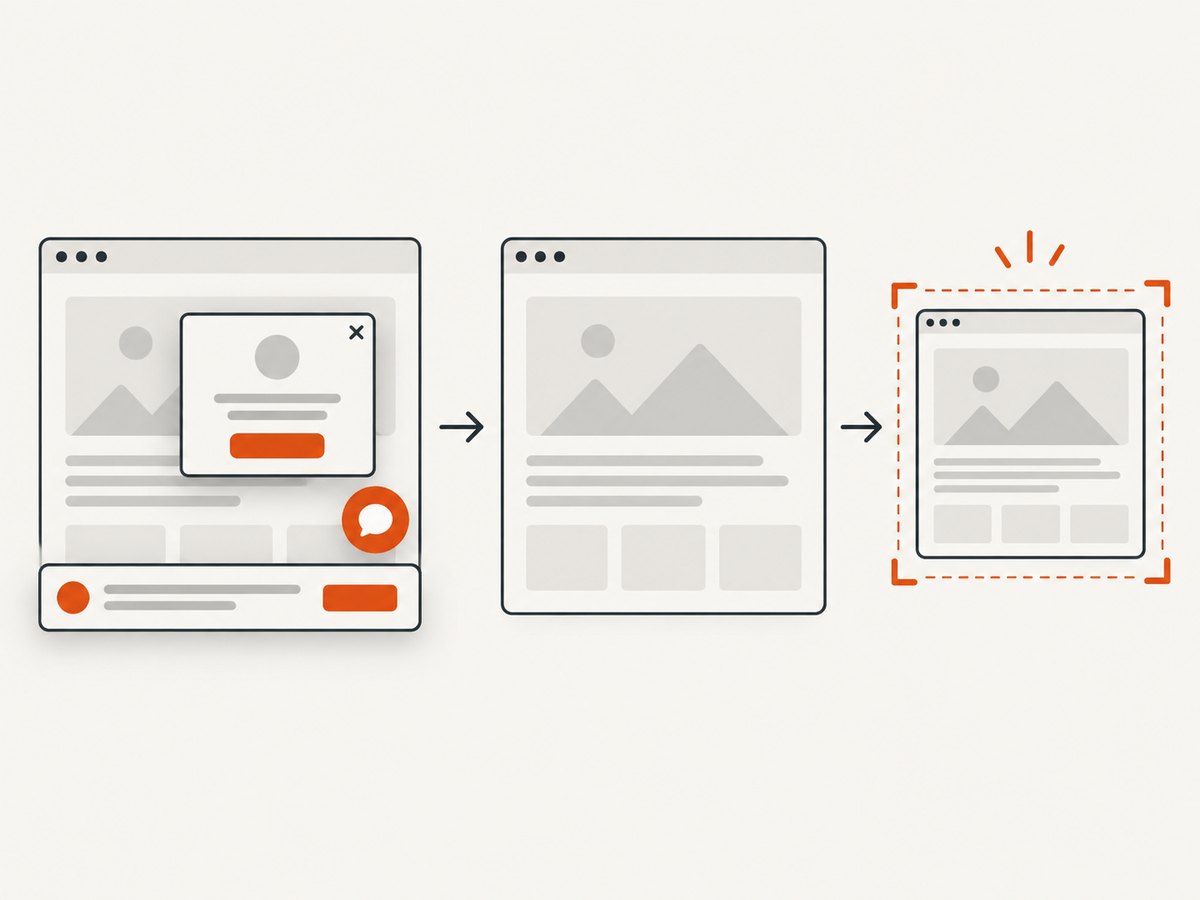
Only clean shots are billed: bot checks and CAPTCHAs, blank pages, timeouts, failed loads, and cache hits cost nothing. Responses identify the page verdict and billing state in X-Page-Verdict and X-Billed headers. Cookie or consent banners are accepted like a visitor and more than 60 known consent platforms, newsletter popups, and chat widgets are removed before capture; each step can be turned off.
Or skip the browser setup
Make the same one-call request with cURL, Python, or Node.js above. Cookie banners, popups, and chat widgets are removed before the shot. Bot checks, blank pages, and failed loads are never billed. An MCP server lets Claude, Cursor, and other MCP clients use take_screenshot, get_page_info, and capture_pdf. The free plan includes 1,000 screenshots a month with no card; paid plans start at $5 for 3,000. Get 1,000 free screenshots a month with no card.
10. FAQ
Should every browser test use a test ID?
No. Use a role, label, or other user-facing locator when it clearly identifies the control. Add a test ID when the application needs a deliberate stable contract that the accessible interface does not provide.
Do explicit waits make tests slow?
A condition-based wait can finish as soon as the condition is true. A fixed delay spends its full duration even when the page is ready sooner.
Can I make browser automation completely reliable?
No framework removes all environmental and application uncertainty. The goal is to remove avoidable races and hidden state, make expected outcomes explicit, and retain enough evidence to diagnose failures.
When should I consider hosted browser testing?
Consider it when your required browser or device coverage is difficult to provide locally or in CI. Identify that gap first, then compare supported environments and current plan terms.
Is a screenshot enough to test an interactive workflow?
A screenshot can verify visual output at a point in time, but it does not replace interaction checks for forms, navigation, or changing application state. Use browser automation when the behavior itself is the requirement.


