How to Remove a Blinking Cursor from Selenium Screenshot Tests
Hide the insertion caret in Selenium screenshots with temporary CSS, clean it up safely, and avoid confusing it with a mouse pointer.

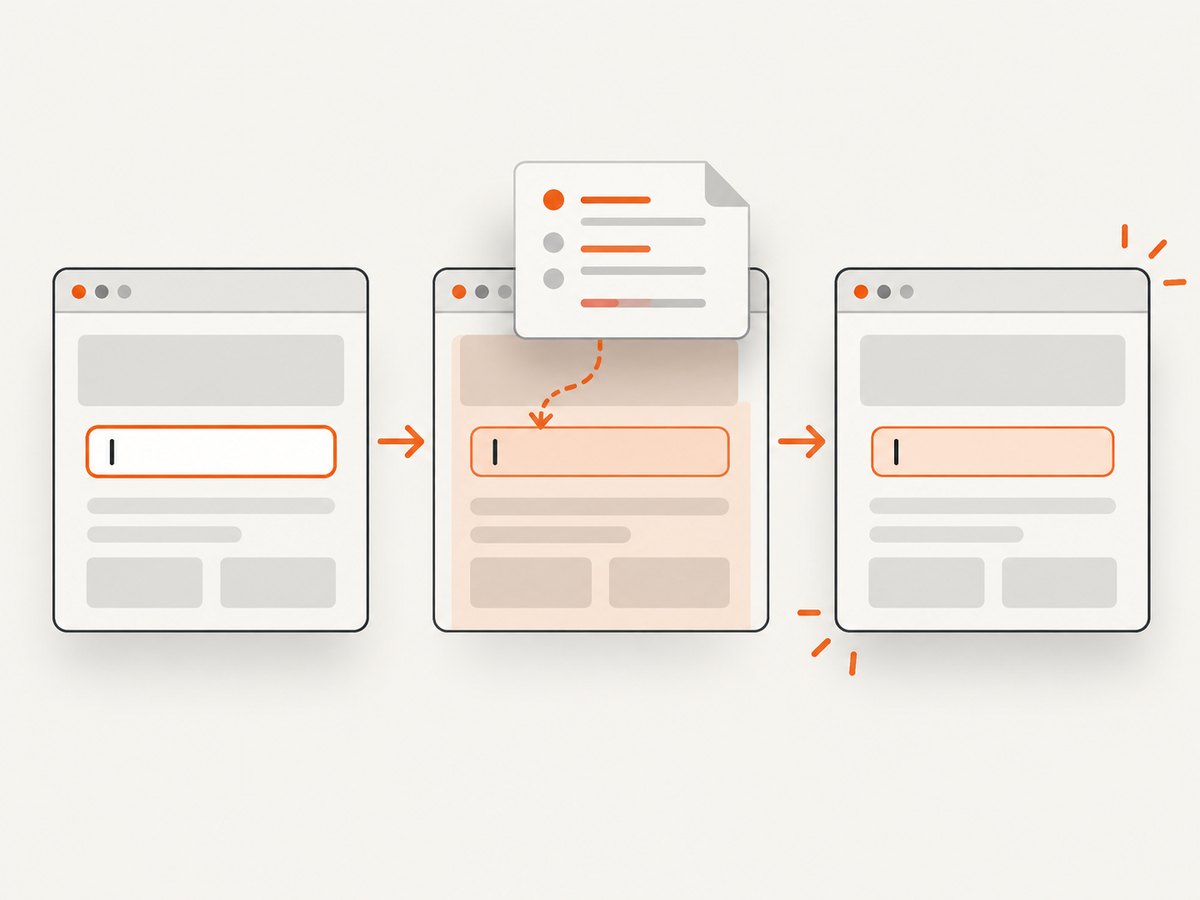
The blinking marker in a focused text field is the insertion caret. In Selenium screenshot tests, inject a temporary stylesheet immediately before capture:
input, textarea, [contenteditable="true"] {
  caret-color: transparent !important;
}
This hides the caret while leaving the text visible. Remove the stylesheet after the screenshot, including when capture fails.
The CSS property is documented by MDN. Selenium exposes script execution and screenshot methods, but Selenium WebDriver does not provide a dedicated caret-hiding screenshot flag.
Why the cursor appears
An insertion caret appears when an editable element has focus. Typical targets are <input>, <textarea>, and elements with contenteditable="true". The caret blinks independently of CSS animations, so disabling animations alone does not specifically solve this artifact.
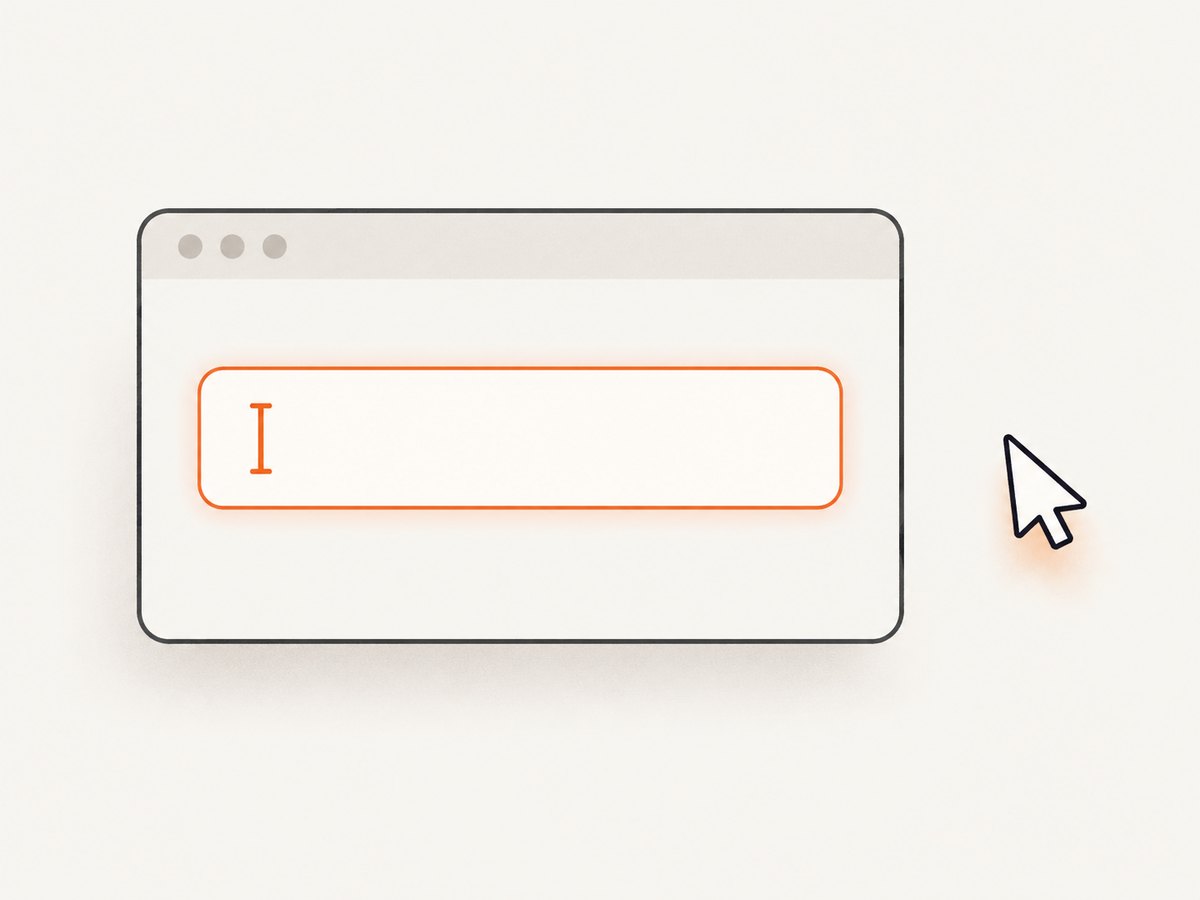
The insertion caret is different from the mouse pointer and from a navigation caret. caret-color affects only the insertion caret.
Inject temporary CSS in Selenium JavaScript
This complete example uses Selenium’s JavaScript binding. It navigates to a page, focuses an input, adds a style element, captures a PNG, and removes the style in a finally block.
const { Builder, By } = require('selenium-webdriver');

(async function hideCaretForScreenshot() {
  const driver = await new Builder().forBrowser('chrome').build();
  const styleId = 'selenium-hide-caret';

  try {
    await driver.get('https://example.com/form');
    const field = await driver.findElement(By.css('input[name="email"]'));
    await field.sendKeys('person@example.com');

    await driver.executeScript(({ id }) => {
      const old = document.getElementById(id);
      if (old) old.remove();

      const style = document.createElement('style');
      style.id = id;
      style.textContent = `
        input, textarea, [contenteditable="true"] {
          caret-color: transparent !important;
        }
      `;
      document.head.appendChild(style);
    }, { id: styleId });

    await driver.takeScreenshot().then((png) =>
      require('fs').writeFileSync('selenium-clean.png', png, 'base64')
    );
  } finally {
    await driver.executeScript(({ id }) => {
      document.getElementById(id)?.remove();
    }, { id: styleId }).catch(() => {});
    await driver.quit();
  }
})();
Inject the style after navigation and after any application code that might replace the document. If a single-page app rerenders the head, add the style after the rerender or insert it into the current document immediately before capture.
Python Selenium example
Python’s execute_script and save_screenshot provide the same pattern.
from selenium import webdriver
from selenium.webdriver.common.by import By

STYLE_ID = "selenium-hide-caret"
CSS = """
input, textarea, [contenteditable="true"] {
  caret-color: transparent !important;
}
"""

driver = webdriver.Chrome()
try:
    driver.get("https://example.com/form")
    field = driver.find_element(By.CSS_SELECTOR, "input[name='email']")
    field.send_keys("person@example.com")

    driver.execute_script("""
        const [id, css] = arguments;
        document.getElementById(id)?.remove();
        const style = document.createElement('style');
        style.id = id;
        style.textContent = css;
        document.head.appendChild(style);
    """, STYLE_ID, CSS)

    driver.save_screenshot("selenium-clean.png")
finally:
    try:
        driver.execute_script(
            "document.getElementById(arguments[0])?.remove();", STYLE_ID
        )
    finally:
        driver.quit()
Java Selenium example
import java.nio.file.Path;
import org.openqa.selenium.By;
import org.openqa.selenium.WebDriver;
import org.openqa.selenium.chrome.ChromeDriver;

public class CleanScreenshot {
  public static void main(String[] args) {
    WebDriver driver = new ChromeDriver();
    String id = "selenium-hide-caret";
    String css = "input, textarea, [contenteditable=\"true\"] { "
        + "caret-color: transparent !important; }";
    try {
      driver.get("https://example.com/form");
      driver.findElement(By.cssSelector("input[name='email']"))
            .sendKeys("person@example.com");
      ((org.openqa.selenium.JavascriptExecutor) driver).executeScript(
          "const [id, css] = arguments; document.getElementById(id)?.remove(); "
        + "const s = document.createElement('style'); s.id=id; s.textContent=css; "
        + "document.head.appendChild(s);", id, css);
      byte[] png = ((org.openqa.selenium.TakesScreenshot) driver)
          .getScreenshotAs(org.openqa.selenium.OutputType.BYTES);
      java.nio.file.Files.write(Path.of("selenium-clean.png"), png);
    } catch (Exception e) {
      throw new RuntimeException(e);
    } finally {
      try {
        ((org.openqa.selenium.JavascriptExecutor) driver)
            .executeScript("document.getElementById(arguments[0])?.remove();", id);
      } finally {
        driver.quit();
      }
    }
  }
}
Choose the selector carefully
| Selector | Use | Consideration |
|---|---|---|
input |
All input controls | Also matches controls that cannot show text, such as checkboxes. |
textarea |
Multiline fields | Needed because textarea is not an input element. |
[contenteditable="true"] |
Rich text editors | Covers the common explicit form. |
input[type="text"], input[type="search"] |
Only visible text fields | Use when broad styling could affect an application-specific control. |
Some applications use contenteditable values other than the literal string true, or apply editing behavior through custom elements. Inspect the rendered DOM and broaden the selector only when the test requires it.
Verify that the caret is hidden
Check the computed value before capture:
const value = await driver.executeScript(() => {
  const el = document.querySelector('input, textarea, [contenteditable="true"]');
  return el ? getComputedStyle(el).caretColor : null;
});
console.log(value); // expected: transparent
Take the screenshot only after the style is present. If the test focuses a different editable element later, the selector above still covers it.
Common errors and fixes
| Symptom | Cause | Fix |
|---|---|---|
| Caret still blinks | The style was injected before navigation or before a document replacement. | Inject it after navigation and app setup, immediately before capture. |
| Text disappears | The test used color: transparent or opacity instead of caret-color. |
Set only caret-color: transparent !important. |
| Contenteditable caret remains | The selector excludes the editor. | Add [contenteditable="true"] or the editor’s actual selector. |
| Later assertions behave strangely | Temporary CSS was left in the page. | Remove the style in finally, even when capture throws. |
| Changing CSS has no effect | The reported cursor is a mouse pointer or navigation caret. | Hide the pointer through your capture setup, or disable navigation-caret behavior; caret-color cannot affect either. |
| Script execution fails | The driver has quit, the page is unavailable, or the binding call syntax is wrong. | Run cleanup before quit(), ensure the page is loaded, and check the Selenium binding’s script API. |
Animation, focus and timing considerations
Disabling CSS animation can make screenshots more stable, but it is separate from hiding the insertion caret. Apply caret CSS when the target has focus. If your test blurs the field before capture, the caret may already be gone; keeping the CSS makes the result deterministic when focus changes.
For dynamic pages, wait for the target element and any application rendering before injecting CSS. A short explicit wait for a selector is more reliable than an arbitrary sleep. Do not change the production stylesheet; keep this override scoped to the test capture.
Performance and reliability
- Adding one style element is effectively constant-time compared with page navigation and screenshot encoding.
- Use a stable ID and remove any existing element with that ID to avoid accumulating duplicate styles across captures.
- Per-capture injection prevents leakage between tests and avoids modifying shared application assets.
- For parallel browser sessions, keep the style ID and cleanup inside each session; sessions do not share DOM state.
- If the page uses iframes, inject the style into the document containing the editable control. A script run in the top document does not style a child frame.
WebdriverIO’s similarly named option
WebdriverIO Visual Testing documents a disableBlinkingCursor option. It makes input, textarea and contenteditable carets transparent before capture and resets them afterward. That option belongs to WebdriverIO’s visual-testing methods; it is not a Selenium WebDriver setting. WebdriverIO documents disableCSSAnimation separately as well.
If your project already uses that framework, follow its method options documentation. For Selenium, use the temporary CSS pattern above.
Or skip the browser setup
For a hosted screenshot, ScreenshotNeo captures a URL with one request and can apply custom CSS before the shot. Its clean-shot processing accepts consent banners and removes more than 60 known consent platforms, newsletter popups and chat widgets. Bot checks, blank pages, timeouts, failed loads and cache hits are not billed, and response headers identify the page verdict and billing result. It also provides an MCP server for AI agents through take_screenshot, get_page_info and capture_pdf.
See the ScreenshotNeo API documentation for all options. The request below captures a WebP image:
curl -G "https://api.screenshotneo.com/v1/shot" -d access_key=YOUR_API_KEY --data-urlencode url=https://stripe.com -o shot.webpimport requests
r = requests.get("https://api.screenshotneo.com/v1/shot", params={"access_key": "YOUR_API_KEY", "url": "https://stripe.com"}, timeout=90)
open("shot.webp", "wb").write(r.content)const q = new URLSearchParams({ access_key: 'YOUR_API_KEY', url: 'https://stripe.com' });
const res = await fetch(`https://api.screenshotneo.com/v1/shot?${q}`);There is a free tier of 1,000 screenshots per month with no card; paid plans start at $5 for 3,000 shots. Create a free ScreenshotNeo account.
FAQ
Does caret-color: transparent remove the field text?
No. It changes the insertion caret’s color only; the entered text keeps its normal styling.
Can I hide the caret permanently in the application?
You can, but test-only injection is safer because it leaves production behavior unchanged.
Why does disabling animation not fix it?
The insertion caret is controlled by the caret property, not by the page’s CSS animation rules.
Will this work inside an iframe?
Inject the style into the iframe’s document, subject to the same-origin and WebDriver access rules.
Is the WebdriverIO option available in Selenium?
No. disableBlinkingCursor is documented for WebdriverIO visual testing. Selenium requires script injection or another test-specific mechanism.


