How to Remove Unnecessary Header Whitespace in Wkhtmltopdf
Fix wkhtmltopdf header gaps by resetting header CSS, tuning header-spacing, and setting margin-top to the header's real height.

Direct answer
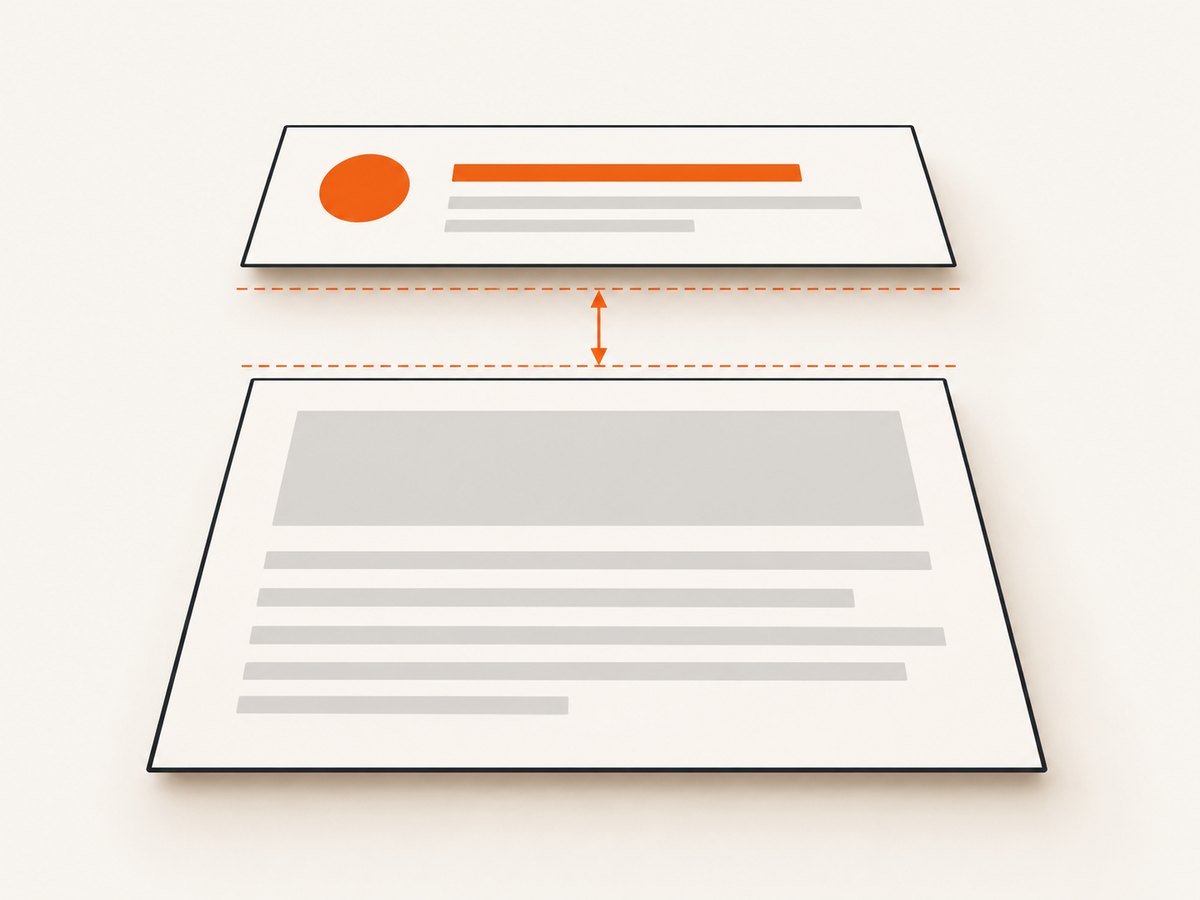
Unnecessary space above your wkhtmltopdf content comes from three layers: the rendered height of header.html, the --header-spacing gap, and the document’s --margin-top. Reset the header’s CSS, start with --header-spacing 0, and reserve only the header’s measured height with --margin-top.
wkhtmltopdf \
  --margin-top 12mm \
  --header-spacing 0 \
  --header-html header.html \
  input.html output.pdf
12mm is an example, not a universal value. Measure the tallest rendered state of your header, then add only the breathing room you need. The official settings documentation defines header spacing as the distance between the header and content and explains that an excessive value can push the header outside the PDF; margin.top is the correction. The CLI reference lists spacing values in millimetres and gives a default of zero.
1. Why wkhtmltopdf creates a white band
| Layer | What it controls | Typical fix |
|---|---|---|
| Header document | Intrinsic height from body, paragraphs, tables, images, padding, borders and line-height. | Set margins, padding and dimensions explicitly; remove empty blocks. |
--header-spacing |
The gap between the bottom of the header and document content, in millimetres. The CLI default is 0. |
Start at 0; increase only for a deliberate gap. |
--margin-top |
Reserved top area on every page so body content does not overlap the header. | Set it to the measured header height plus required breathing room. |
A large --margin-top looks like unexplained whitespace even when header spacing is zero. Conversely, setting the margin to zero can clip or hide an HTML header. A report against wkhtmltopdf 0.12.5 with patched Qt describes an invisible header when --header-html is combined with --margin-top 0 (issue #4429).
2. Make the header HTML compact
Start with a minimal header and add elements one at a time. The project examples remove the body margin; apply the same reset to every wrapper and child element.
<!doctype html>
<html>
<head>
  <meta charset="utf-8">
  <style>
    html, body { margin: 0; padding: 0; }
    * { box-sizing: border-box; }
    body {
      font: 9px Arial, sans-serif;
      line-height: 1.2;
      height: 10mm;
    }
    .header { margin: 0; padding: 0; }
    p, table, h1, h2 { margin: 0; padding: 0; }
    table { border-collapse: collapse; border-spacing: 0; }
    img { display: block; max-height: 10mm; }
  </style>
</head>
<body>
  <div class="header">Quarterly report</div>
</body>
</html>
Browser defaults are common culprits: an eight-pixel body margin, heading and paragraph margins, table cell padding, border spacing, and the baseline gap below inline images. Set a fixed or minimum height only when it is large enough for the real content. A height smaller than a wrapped title or logo causes clipping or overlap rather than a true whitespace fix.
Measure instead of guessing
- Render the header by itself in a browser at the same width used by wkhtmltopdf.
- Inspect its bounding box and record the tallest state: long title, wrapped text, loaded image, missing image fallback and optional date.
- Convert that height to millimetres for your PDF setup and add a small safety allowance.
- Use the result for
--margin-topwhile keeping--header-spacing 0.
3. A repeatable command-line workflow
- Check the exact binary and build with
wkhtmltopdf --version. Record whether it is a patched-Qt build. - Reset header CSS and remove spacer elements.
- Render a representative document with zero spacing:
wkhtmltopdf --margin-top 12mm --header-spacing 0 \
--header-html header.html input.html output.pdf- Inspect the first, middle and last pages, plus documents with short and long header values. If content touches the header, increase
--margin-top. If you want a visible gap, increase--header-spacingin small increments such as 1–2 mm. - Keep footer settings independent. A footer uses
--footer-spacingand--margin-bottom.
Options that affect header placement
| Option | Use | Guidance |
|---|---|---|
--header-html file-or-url |
Loads an HTML header repeated on each page. | Validate the path and render the file alone when debugging. |
--header-spacing mm |
Adds a gap between header and body. | Default is 0; it cannot reclaim space already consumed by the header box. |
--margin-top mm |
Reserves the printable top area. | Use the actual rendered header height plus breathing room. |
--footer-html and --footer-spacing |
Controls the equivalent footer layers. | Pair them with --margin-bottom. |
--javascript-delay ms |
Waits for dynamic header content. | Use only when scripts or late assets change the final height. |
--dpi and --zoom |
Change rendering scale. | Changing either can alter line wrapping and therefore required margin; keep them fixed while tuning. |
4. Complete automation examples
Shell
#!/usr/bin/env bash
set -euo pipefail
wkhtmltopdf \
  --margin-top 14mm \
  --header-spacing 0 \
  --header-html ./header.html \
  ./input.html ./output.pdf
Python
from pathlib import Path
import subprocess

cmd = [
    "wkhtmltopdf", "--margin-top", "14mm",
    "--header-spacing", "0",
    "--header-html", "header.html",
    "input.html", "output.pdf",
]
result = subprocess.run(cmd, text=True, capture_output=True, timeout=120)
if result.returncode:
    raise RuntimeError(result.stderr or "wkhtmltopdf failed")
print(Path("output.pdf").stat().st_size, "bytes")
Node.js
import { execFile } from "node:child_process";

execFile("wkhtmltopdf", [
  "--margin-top", "14mm",
  "--header-spacing", "0",
  "--header-html", "header.html",
  "input.html", "output.pdf"
], { timeout: 120000 }, (error, stdout, stderr) => {
  if (error) {
    console.error(stderr);
    process.exit(error.code ?? 1);
  }
  console.log("created output.pdf");
});
Use absolute paths in workers and containers. Capture stderr and the exit code so a failed conversion is not mistaken for a successful PDF. Clean up temporary header files after the process exits.
5. Edge cases that change the required margin
- Images and logos: intrinsic dimensions, transparent padding and late loading can increase height. Set width and height attributes and use
display:block. - Wrapped text: a long title can add a line. Constrain its width or measure the widest expected value.
- Tables: default cell padding and border spacing add space. Use
border-collapse: collapseand explicit cell padding. - Dynamic values: page counters, dates and JavaScript content may appear after initial layout. Allow enough margin for the final state and use
--javascript-delayonly when needed. - Repeated headers: the header and top margin apply to every page, including pages where the header appears visually empty.
- Local assets: newer builds may restrict local file access. Use
--enable-local-file-accessonly for trusted paths when local images or stylesheets are required.
6. When whitespace varies with content or version
If adding text to header.html increases the gap even though spacing is zero, compare binaries before changing CSS. Issue #3974 records whitespace changing with header contents, with manual top and bottom margin adjustment as a workaround; the issue lists a fix milestone of 0.12.7. Treat this behavior as version and build specific.
Keep a fixture set containing short and long headers, an image-loaded header and the longest body page. Compare PDFs after every CSS or binary change. Log the wkhtmltopdf version, operating system, fonts and command line in CI.
7. Troubleshooting checklist
| Symptom | Likely cause | Fix |
|---|---|---|
| Large blank band above content | Top margin or header spacing is larger than needed. | Set spacing to 0 and reduce --margin-top to the measured header height. |
| Header is invisible | Zero top margin, overflow, or a failed header load. | Use a non-zero margin, validate the path and render the header alone. |
| Gap appears only with long titles | Header wrapping changes its rendered height. | Measure the longest state, constrain width or increase the margin. |
| Whitespace differs across machines | Different wkhtmltopdf, Qt or font builds. | Pin the binary and fonts; record --version. |
| Header overlaps body | Top margin is smaller than the real header height. | Increase the margin; do not depend on negative spacing. |
| Only a few millimetres remain | Default paragraph, table, body or image spacing. | Reset margins and padding on html, body and children. |
| Header file works in a browser but not in PDF | Relative paths, blocked local files or unsupported script timing. | Use absolute paths, trusted local access where required, and a controlled delay for dynamic content. |
8. Performance, reliability and cost
Whitespace itself has negligible CPU cost. Large header images, remote fonts, network requests and JavaScript affect render time and can change layout. Keep headers small, local and deterministic; embed or cache assets and set explicit dimensions.

For reliable builds, pin wkhtmltopdf and its patched-Qt package, use the same fonts in development and production, set a process timeout, and validate a long-header fixture after upgrades. Self-hosting avoids a per-page API charge, but you still operate the binary, fonts, CPU, memory and failure handling. The research does not provide a universal performance benchmark or margin value.
9. Or skip the browser setup
If you need a clean screenshot or PDF without maintaining a wkhtmltopdf runtime, ScreenshotNeo provides a website screenshot API and MCP server. Before capture it accepts cookie or consent banners and removes more than 60 known consent platforms, newsletter popups and chat widgets; each step can be turned off. Bot checks, blank pages, timeouts, failed loads and cache hits cost nothing, and response headers identify the page verdict and billing status. Its MCP server provides take_screenshot, get_page_info and capture_pdf for Claude, Cursor and other MCP clients.
See the ScreenshotNeo API documentation for the complete option set, including PDF paper size, margins, landscape mode and page ranges.
cURL
curl -G "https://api.screenshotneo.com/v1/shot" -d access_key=YOUR_API_KEY --data-urlencode url=https://stripe.com -o shot.webpPython
import requests
r = requests.get("https://api.screenshotneo.com/v1/shot", params={"access_key": "YOUR_API_KEY", "url": "https://stripe.com"}, timeout=90)
open("shot.webp", "wb").write(r.content)
Node.js
const q = new URLSearchParams({ access_key: 'YOUR_API_KEY', url: 'https://stripe.com' });
const res = await fetch(`https://api.screenshotneo.com/v1/shot?${q}`);
ScreenshotNeo includes 1,000 screenshots per month free with no card. Paid plans start at $5 for 3,000 shots. Create a free ScreenshotNeo account.
10. FAQ
Is --header-spacing 0 always correct?
It is the correct starting point when you want no intentional gap. Add spacing only after the header fits inside the reserved top margin.
What unit does wkhtmltopdf use?
The CLI reference expresses header and footer spacing in millimetres. CSS dimensions follow the rendering engine’s CSS rules.
Why does changing the header change the blank area?
The header’s rendered height contributes to layout, and some versions have documented content-dependent whitespace. Check the binary version and test representative content.
Can negative margins solve the problem?
They can hide the symptom while clipping content or causing overlap. Reset CSS and tune the top margin and header spacing first.
Should the top margin equal the CSS height exactly?
It should cover the final rendered height, including borders, line-height, images and any wrapping, plus the small breathing room you actually want.


