How to Render Base64 Images From HTML in iText ColumnText
Render Base64 images from HTML in modern iText pdfHTML or legacy iText 5 ColumnText with XML Worker, image providers, fixes, and examples.
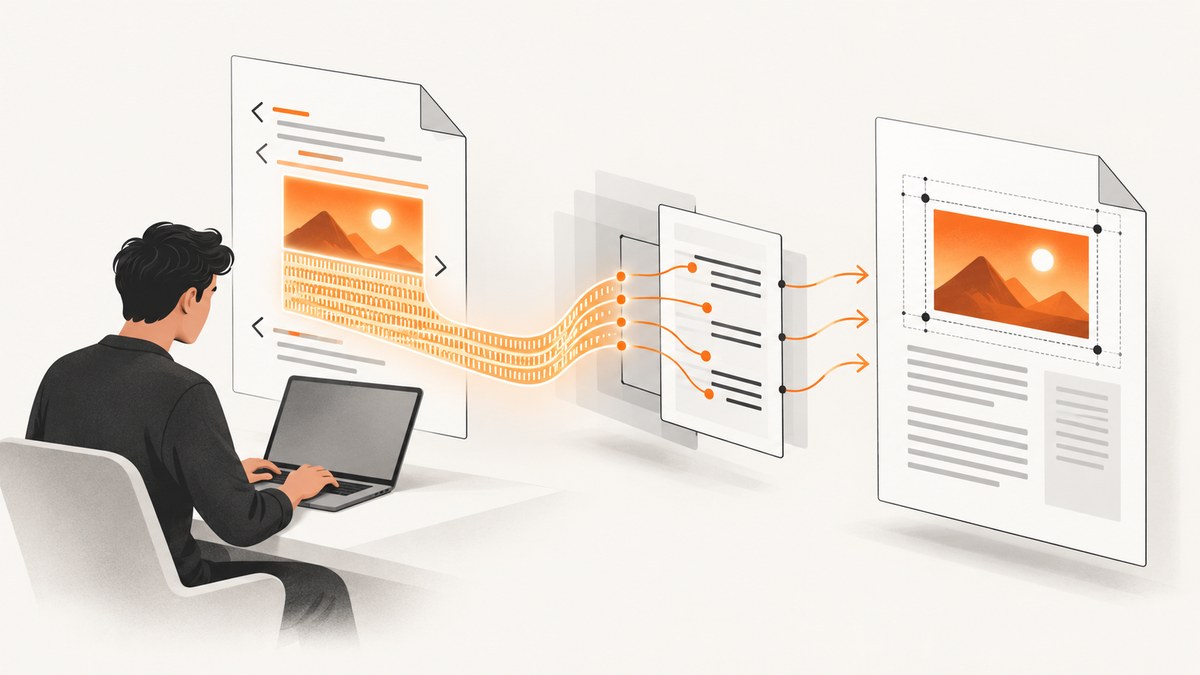
Direct answer: In current iText, put the complete Base64 image in an HTML data: URI and pass the HTML to HtmlConverter.convertToPdf(...) from pdfHTML. In legacy iText 5, ColumnText does not parse HTML. Parse finished XHTML with XML Worker, configure image handling for the Base64 URI, then add the resulting iText elements to ColumnText.
This distinction determines the implementation. pdfHTML performs the HTML-to-PDF conversion directly. ColumnText only lays out iText elements inside a rectangle, so an HTML parser must run before the layout stage.
Choose the correct pipeline
| Project | Recommended path | Why |
|---|---|---|
| iText 7/8/9 with pdfHTML | HtmlConverter.convertToPdf |
pdfHTML supports Base64 image data URIs in HTML. |
| iText 5 with a positioned text/image region | XML Worker → ElementList → ColumnText |
ColumnText accepts iText elements, not raw HTML. |
| iText 5 with one known image position | Image → Chunk → Phrase → ColumnText |
Use this when HTML parsing is unnecessary. |
Modern iText: pdfHTML with an inline Base64 image
The current pdfHTML route accepts an HTML string containing the full image data URI. No special conversion method is required for Base64 content. The application must supply the complete, untruncated encoded bytes.
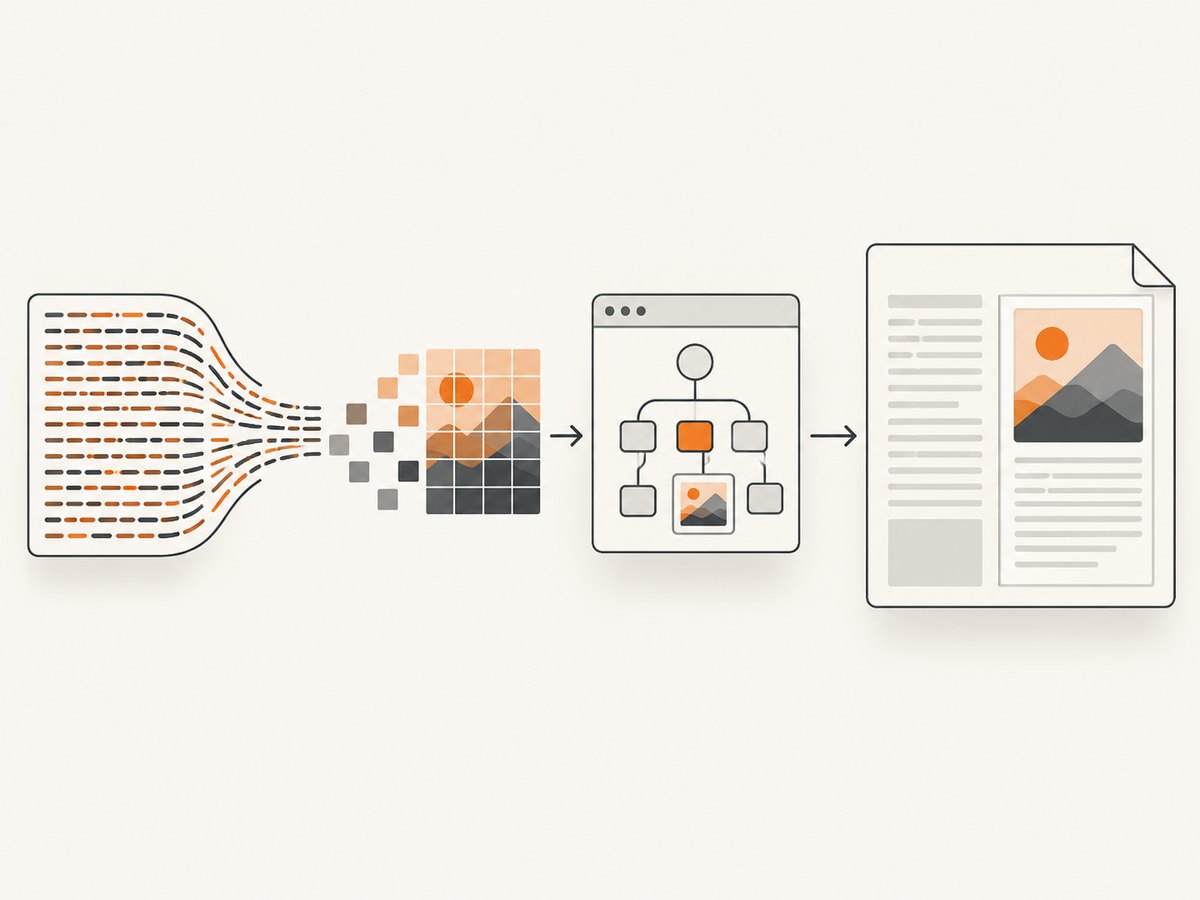
Complete Java example
import com.itextpdf.html2pdf.HtmlConverter;

import java.io.ByteArrayOutputStream;
import java.io.IOException;
import java.nio.file.Files;
import java.nio.file.Path;
import java.util.Base64;

public class Base64HtmlToPdf {
    public static void main(String[] args) throws IOException {
        byte[] imageBytes = Files.readAllBytes(Path.of("input.png"));
        String base64 = Base64.getEncoder().encodeToString(imageBytes);

        String html = """
            <!doctype html>
            <html>
              <body>
                <p>Embedded image:</p>
                <img alt=\"Embedded image\" style=\"width:240px\"
                     src=\"data:image/png;base64,%s\" />
              </body>
            </html>
            """.formatted(base64);

        try (ByteArrayOutputStream pdf = new ByteArrayOutputStream()) {
            HtmlConverter.convertToPdf(html, pdf);
            Files.write(Path.of("output.pdf"), pdf.toByteArray());
        }
    }
}
Use the pdfHTML and iText Core versions that match your project. The reviewed feature documentation is based on pdfHTML 6.3.3 and iText Core 9.7.0; an API page may show different signatures for older releases. Check the official pdfHTML documentation for the dependency version you deploy.
Build the data URI correctly
String dataUri = "data:image/png;base64," + base64;
String jpegUri = "data:image/jpeg;base64," + jpegBase64;
String webpUri = "data:image/webp;base64," + webpBase64;- The MIME type must match the actual bytes.
- Keep the
base64,separator. - Do not include a file path, URL-encoded payload, or truncation marker.
- For HTML attributes, escape quotation marks and ampersands in surrounding markup.
Legacy iText 5: XML Worker into ColumnText
For iText 5, parse XHTML into an ElementList, configure an image provider that recognizes data:image/...;base64,..., and add each parsed element to a ColumnText instance. XML Worker is the iText 5-era parser; HTMLWorker is deprecated and has more limited HTML/CSS support.
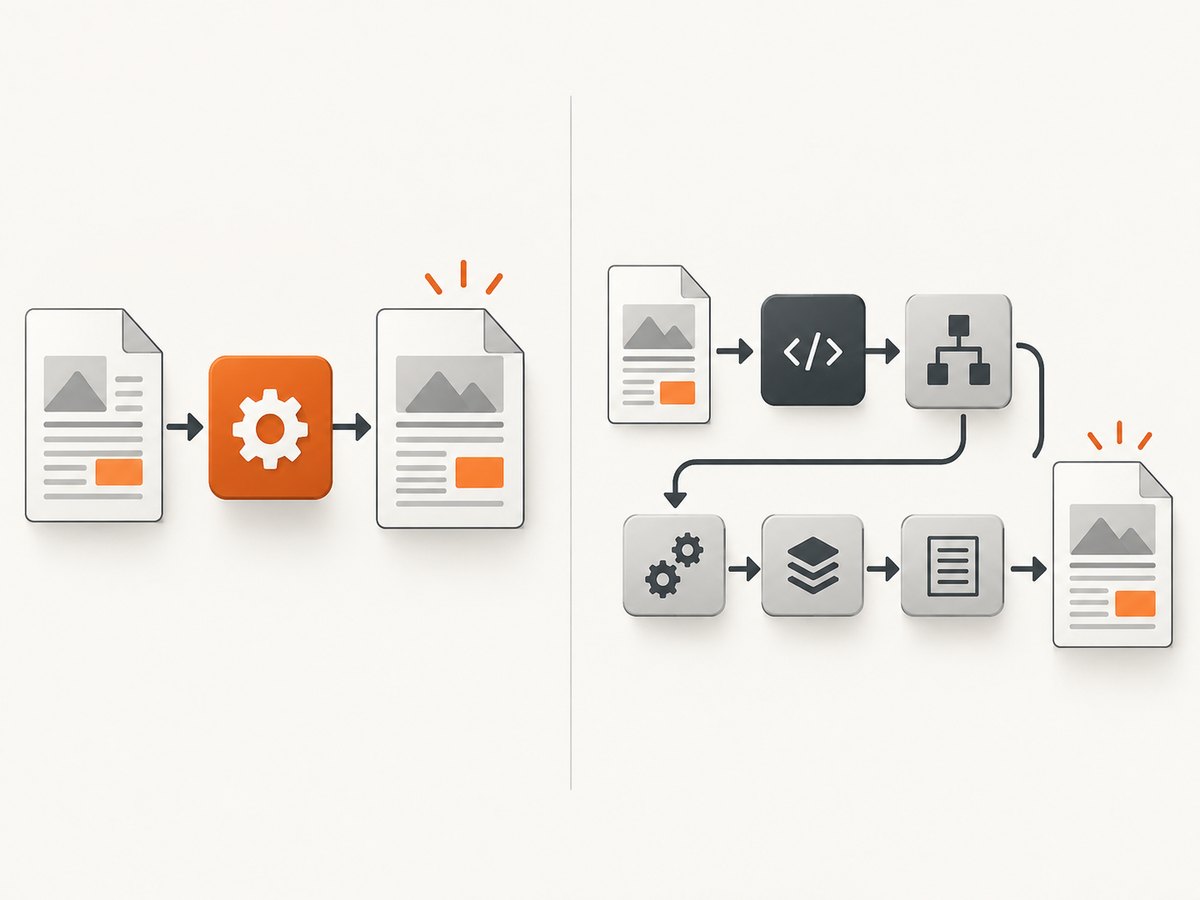
ColumnText layout shape
ElementList elements = new ElementList();
// Configure XML Worker and an ImageProvider, then parse XHTML into elements.
ColumnText column = new ColumnText(writer.getDirectContent());
column.setSimpleColumn(left, bottom, right, top);
for (Element element : elements) {
    column.addElement(element);
}
column.go();
Working implementation pattern
The exact XML Worker constructors vary by the iText 5 and XML Worker versions in your build, but the pipeline remains the same:
String xhtml = "<p>Caption</p>"
        + "<img alt=\"Embedded image\" "
        + "src=\"data:image/png;base64," + base64 + "\" />";

ElementList elements = new ElementList();
CSSResolver cssResolver = XMLWorkerHelper.getInstance().getDefaultCssResolver();
HtmlPipelineContext htmlContext = new HtmlPipelineContext(null);
htmlContext.setTagFactory(Tags.getHtmlTagProcessorFactory());
htmlContext.setImageProvider(new Base64ImageProvider());

Pipeline pipeline = new CssResolverPipeline(cssResolver,
        new HtmlPipeline(htmlContext, new ElementListPipeline(elements, null)));
XMLWorker worker = new XMLWorker(pipeline, true);
XMLParser parser = new XMLParser(worker);
parser.parse(new StringReader(xhtml));

ColumnText column = new ColumnText(writer.getDirectContent());
column.setSimpleColumn(left, bottom, right, top);
for (Element element : elements) {
    column.addElement(element);
}
column.go();
Base64ImageProvider must decode the payload and return an iText Image (or the provider type expected by your XML Worker version). Treat this as an integration pattern: verify constructor names and provider interfaces against the XML Worker dependency actually present in your project.
Decode the image before creating an iText Image
import com.itextpdf.text.Image;

import java.util.Base64;

static Image imageFromDataUri(String src) throws Exception {
    int comma = src.indexOf(',');
    if (!src.startsWith("data:image/") || comma < 0) {
        throw new IllegalArgumentException("Expected an image Base64 data URI");
    }
    String metadata = src.substring(5, comma).toLowerCase();
    if (!metadata.contains(";base64")) {
        throw new IllegalArgumentException("Expected ;base64 in image data URI");
    }
    byte[] bytes = Base64.getDecoder().decode(src.substring(comma + 1));
    return Image.getInstance(bytes);
}
If your input uses Base64 URL-safe encoding, whitespace, or a nonstandard MIME type, normalize or reject it before decoding. Do not silently treat malformed data as a remote URL.
Direct placement without HTML parsing
If the image position is known and you do not need HTML/CSS, create an iText Image, put it in a Chunk and Phrase, and pass the phrase to ColumnText.
byte[] bytes = Base64.getDecoder().decode(base64);
Image image = Image.getInstance(bytes);
image.scaleToFit(240, 180);

Phrase phrase = new Phrase();
phrase.add(new Chunk(image, 0, 0, true));

ColumnText column = new ColumnText(writer.getDirectContent());
column.setSimpleColumn(50, 500, 550, 750);
column.addText(phrase);
column.go();
This avoids XML Worker entirely, but it does not interpret surrounding HTML, CSS, margins, or layout rules.
HTML and image options that affect rendering
Complete document versus fragment
For pdfHTML, a complete document with a <head>, styles, and <body> gives predictable page styling. XML Worker expects finished XHTML; it does not execute JavaScript or render a dynamic framework application.
Intrinsic size and CSS size
An image without CSS uses its intrinsic dimensions. Set an explicit width or max-width when the source may vary:
<img style="width:240px; height:auto; max-width:100%;" ... />Transparency and color
PNG alpha may interact with the PDF page background. If a transparent image must appear on a colored surface, set the containing element’s background explicitly or flatten the image before embedding.
Multiple images
Generate one data URI per image. Avoid accidentally reusing a MIME prefix or Base64 string from a previous loop iteration. For large documents, consider whether embedding the same bytes repeatedly is necessary.
Troubleshooting
| Symptom | Likely cause | Fix |
|---|---|---|
| Image is missing | ColumnText received raw HTML | Parse HTML with XML Worker first, or create an Image/Chunk/Phrase directly. |
| Invalid image or corrupt PDF | Truncated Base64, wrong MIME type, or damaged bytes | Decode the payload independently and compare the MIME type with the file signature. |
| “Expected XHTML” or parser errors | Unclosed tags, HTML5-only markup, or unescaped ampersands | Serialize valid XHTML and close every element. |
| Image appears outside the expected region | ColumnText rectangle is too small or coordinates are reversed | Check left/bottom/right/top values and inspect the return status from go(). |
| CSS has no effect | Unsupported CSS or missing XML Worker CSS pipeline | Use the CSS resolver and simplify styles to supported XHTML/CSS. |
| Image works in pdfHTML but not iText 5 | XML Worker image provider does not decode data URIs | Install/configure an image provider that decodes the data URI before creating Image. |
| Out-of-memory errors | Very large decoded images or many copies held in memory | Resize sources, process pages in bounded batches, and release byte arrays after use. |
| Dynamic page content is absent | XML Worker parses static XHTML; it is not a browser | Render the page first, then pass the resulting HTML or image bytes to iText. |
Performance, reliability, and cost considerations
- Decode once: avoid repeatedly converting the same Base64 text inside layout loops.
- Control dimensions: a huge source image increases memory use even when CSS displays it small.
- Validate early: reject unsupported MIME types and malformed payloads before opening a PDF document.
- Use deterministic inputs: finished XHTML and embedded bytes avoid network timing and remote-resource failures.
- Check layout status: ColumnText can report that content did not fit; create a new column or page when required.
- Version-lock dependencies: XML Worker and pdfHTML APIs differ between releases. Compile against the exact versions deployed.
- Licensing: review iText’s applicable commercial or open-source licensing terms for your distribution and use case.
Or skip the browser setup
If the HTML comes from a live website, you can render it to an image or PDF first with ScreenshotNeo, then place the resulting asset into your iText workflow. Its API accepts one GET request and supports PNG, JPEG, WebP, or PDF output.
curl -G "https://api.screenshotneo.com/v1/shot" -d access_key=YOUR_API_KEY --data-urlencode url=https://stripe.com -o shot.webpimport requests
r = requests.get("https://api.screenshotneo.com/v1/shot", params={"access_key": "YOUR_API_KEY", "url": "https://stripe.com"}, timeout=90)
open("shot.webp", "wb").write(r.content)const q = new URLSearchParams({ access_key: 'YOUR_API_KEY', url: 'https://stripe.com' });
const res = await fetch(`https://api.screenshotneo.com/v1/shot?${q}`);See the ScreenshotNeo API documentation for request options. Cookie banners, popups, and chat widgets are removed before the shot. Bot checks, blank pages, and failed loads are never billed. Its MCP server lets AI agents take screenshots, and the free plan includes 1,000 screenshots a month with no card; paid plans start at $5 for 3,000.
Create a free ScreenshotNeo account.
FAQ
Can ColumnText parse an HTML string directly?
No. Convert the HTML into iText elements first, then add those elements to ColumnText.
Does pdfHTML require a special Base64 image flag?
No. Put the complete payload in a valid image data URI and pass the HTML to HtmlConverter.
Should I use HTMLWorker for iText 5?
No. HTMLWorker is deprecated. XML Worker is the iText 5-era parser for finished XHTML.
Will XML Worker run JavaScript?
No. Render dynamic content with a browser or screenshot service before supplying static HTML or image bytes to iText.
Why does an image fit in pdfHTML but overflow ColumnText?
pdfHTML performs document layout, while ColumnText uses the rectangle you set. Resize the image or create another column/page when the region is too small.


