How to Render HTML and SVG to Canvas With JavaScript
Render SVG or HTML fragments to canvas with JavaScript. Compare SVG images, foreignObject and html2canvas, with runnable code and fixes for CORS and blank exports.
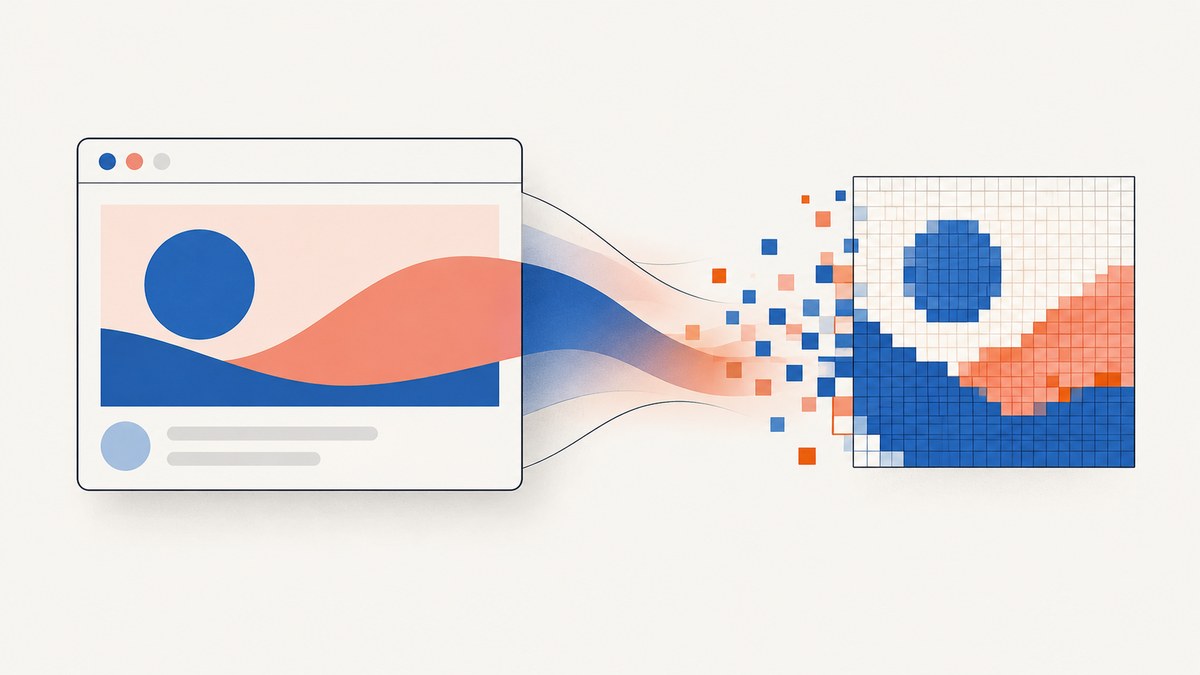
To render SVG to canvas, load the SVG as an image and draw it with drawImage(). To render an HTML fragment, either wrap controlled XHTML in SVG <foreignObject> and draw that SVG as an image, or use html2canvas to reconstruct the fragment from DOM and style data. The Canvas API does not provide a general operation for painting an arbitrary live DOM subtree. These methods have different CSS and cross-origin limits, so choose based on your input and fidelity needs.
This guide covers the three browser-side routes, complete examples, export and CORS behavior, performance, and troubleshooting. If you need the actual pixels of an arbitrary page, a browser screenshot process is usually a better fit than rebuilding its appearance in canvas.
1. Choose the rendering route
| Route | Best for | Main limitation |
|---|---|---|
| SVG image → canvas | SVG artwork, icons, charts, diagrams | External resources and fonts must be available to the image context; canvas export can be restricted by origin policy. |
HTML in SVG foreignObject → canvas |
A controlled HTML fragment whose styles and resources you can manage | Browser behavior and supported content need testing; it is not a universal live-DOM screenshot. |
html2canvas |
Convenient capture of a DOM subtree using a library | It reconstructs the scene from DOM/style data and only supports implemented CSS properties. |
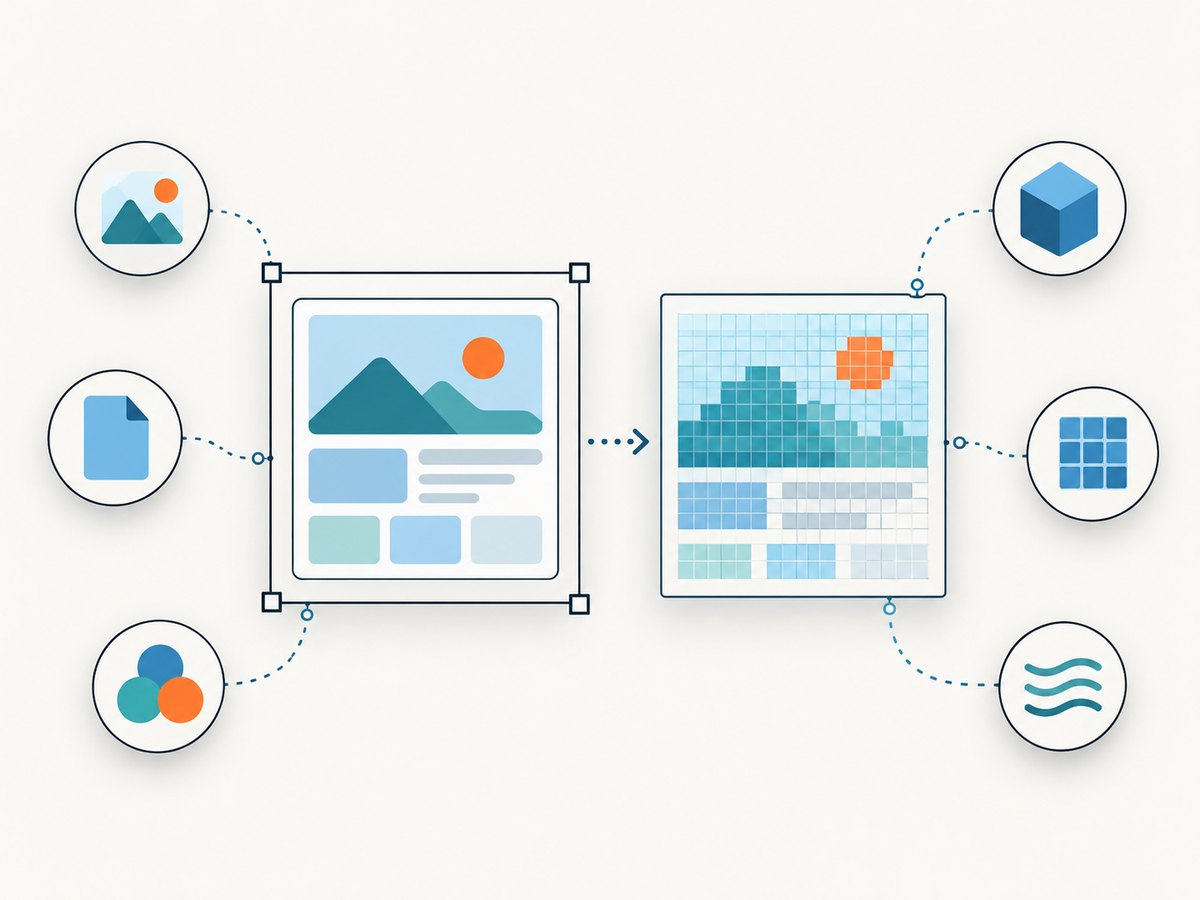
All three eventually produce pixels in a canvas. A canvas is a bitmap surface, not a semantic DOM representation. Keep accessible HTML available to assistive technology and provide meaningful fallback text where the image replaces content. See MDN’s canvas reference.
2. Render SVG to canvas
SVG is a supported image source for the Canvas API. Serialize the SVG into a Blob URL, wait for it to decode, set the bitmap dimensions, then call drawImage(). This self-contained example takes SVG text and returns a canvas:
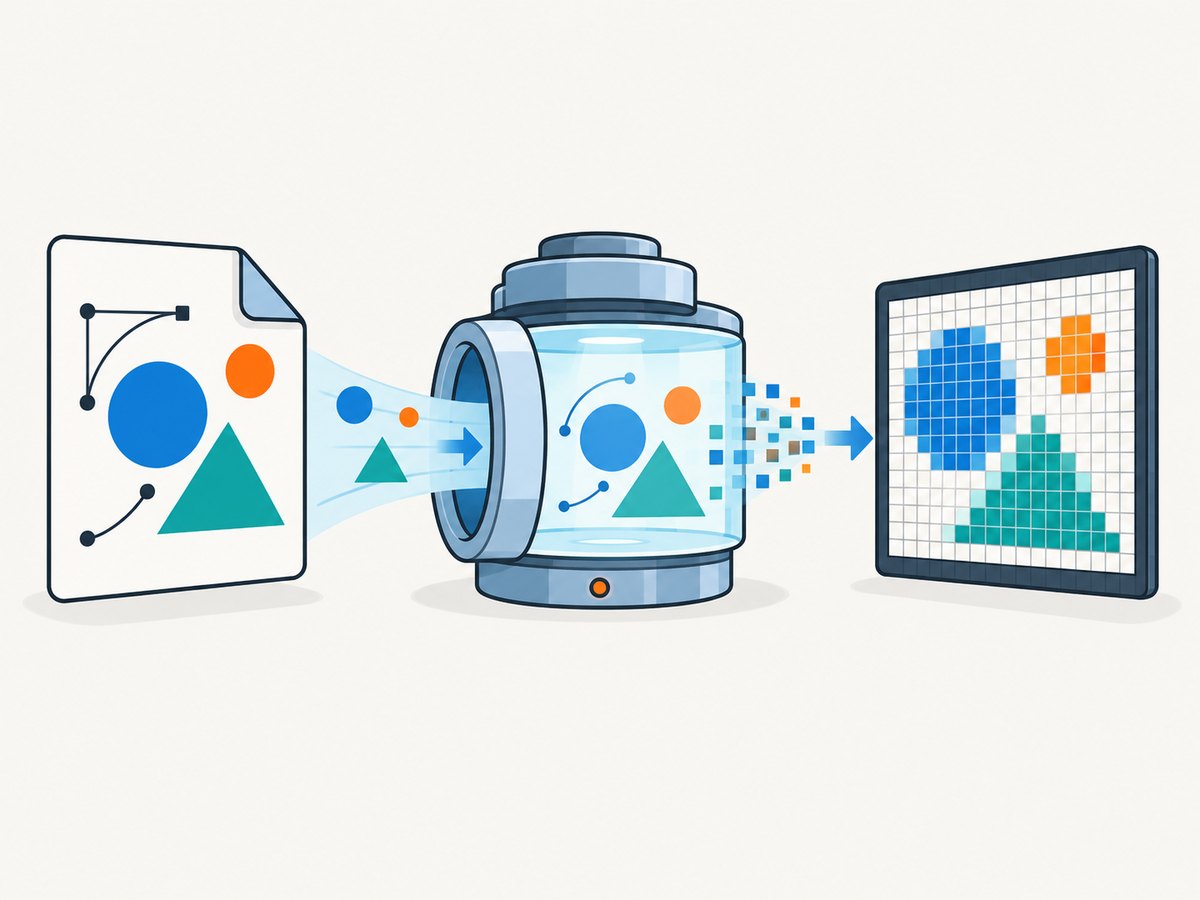
async function svgToCanvas(svgText, width, height) {
const blob = new Blob([svgText], {
type: "image/svg+xml;charset=utf-8"
});
const url = URL.createObjectURL(blob);
try {
const image = new Image();
image.src = url;
await image.decode();
const canvas = document.createElement("canvas");
canvas.width = width;
canvas.height = height;
const context = canvas.getContext("2d");
if (!context) throw new Error("2D canvas is unavailable");
context.drawImage(image, 0, 0, width, height);
return canvas;
} finally {
URL.revokeObjectURL(url);
}
}
const svg = ``;
const canvas = await svgToCanvas(svg, 600, 400);
document.body.append(canvas);The SVG’s viewBox defines its coordinate space; the canvas width and height define output pixels. In this example, the 3:2 SVG is drawn into a 3:2 canvas. If the aspect ratios differ, the four-argument drawImage() call stretches the image. Use a crop calculation or preserve the ratio if distortion is not acceptable.
Loading an SVG from a URL
For a same-origin URL, set the source and wait for decoding before drawing:
async function urlToCanvas(svgUrl, width, height) {
  const image = new Image();
  image.src = svgUrl;
  await image.decode();

  const canvas = document.createElement("canvas");
  canvas.width = width;
  canvas.height = height;
  const context = canvas.getContext("2d");
  if (!context) throw new Error("2D canvas is unavailable");
  context.drawImage(image, 0, 0, width, height);
  return canvas;
}
For a cross-origin image that you need to export or inspect, set crossOrigin before src, and ensure the asset server returns an appropriate Access-Control-Allow-Origin header:
const image = new Image();
image.crossOrigin = "anonymous"; // Must be set before src
image.src = "https://assets.example.test/diagram.svg";
await image.decode();
The client setting does not grant access by itself. The remote server must permit the origin. SVGs used as images have restrictions: scripts do not execute in that context and external resources may be blocked. Inline dependencies when appropriate, or make them same-origin and CORS-enabled. See MDN’s guide to SVG as an image.
Export the result
Use toBlob() for an image file or upload payload. It is asynchronous, so check for a null result. A tainted canvas can reject pixel reads or exports with a SecurityError.
function canvasToBlob(canvas, type = "image/png", quality) {
  return new Promise((resolve, reject) => {
    canvas.toBlob(blob => {
      if (blob) resolve(blob);
      else reject(new Error("Canvas export returned no Blob"));
    }, type, quality);
  });
}

const blob = await canvasToBlob(canvas, "image/png");
const downloadUrl = URL.createObjectURL(blob);
const link = document.createElement("a");
link.href = downloadUrl;
link.download = "render.png";
link.click();
URL.revokeObjectURL(downloadUrl);
3. Render an HTML fragment with SVG foreignObject
An SVG foreignObject can contain XHTML markup. Put the XHTML namespace on the embedded HTML element in a standalone SVG document. This is useful for a controlled fragment when you can specify its dimensions, markup, CSS, and assets. It does not mean every browser will render every HTML feature identically in this image pipeline.
async function htmlFragmentToCanvas(html, width, height) {
  const svg = `<svg xmlns="http://www.w3.org/2000/svg"
      xmlns:xhtml="http://www.w3.org/1999/xhtml"
      width="${width}" height="${height}">
    <foreignObject x="0" y="0" width="100%" height="100%">
      <div xmlns="http://www.w3.org/1999/xhtml"
           style="box-sizing:border-box;width:${width}px;height:${height}px;
                  padding:24px;background:#f4f6fa;color:#172033;
                  font:16px/1.5 system-ui,sans-serif">
        <h2 style="margin:0 0 12px">Canvas preview</h2>
        <p style="margin:0">A controlled HTML fragment rendered through SVG.</p>
      </div>
    </foreignObject>
  </svg>`;

  const url = URL.createObjectURL(
    new Blob([svg], { type: "image/svg+xml;charset=utf-8" })
  );
  try {
    const image = new Image();
    image.src = url;
    await image.decode();
    const canvas = document.createElement("canvas");
    canvas.width = width;
    canvas.height = height;
    const context = canvas.getContext("2d");
    if (!context) throw new Error("2D canvas is unavailable");
    context.drawImage(image, 0, 0, width, height);
    return canvas;
  } finally {
    URL.revokeObjectURL(url);
  }
}

const canvas = await htmlFragmentToCanvas("", 640, 240);
document.body.append(canvas);
The example keeps the markup fixed rather than interpolating caller-provided HTML. If you serialize dynamic content, escape text and attributes correctly, control style and resource URLs, and do not pass untrusted HTML into this pipeline. Sanitization and application security remain your responsibility. For more on element semantics and namespaces, see MDN’s foreignObject reference.
Do not assume page CSS automatically follows the fragment into the SVG image. Inline the styles you need or include a stylesheet in a way supported by your target browsers, then verify the result there. External fonts and images bring loading and origin-policy concerns too.
4. Capture a DOM subtree with html2canvas
html2canvas is a JavaScript library that traverses the DOM and builds a canvas representation from DOM and style information. It does not take a true browser screenshot. Unsupported CSS, cross-origin images, and frames can limit fidelity or omit content; consult its documentation and limitations and FAQ.
import html2canvas from "html2canvas";

const element = document.querySelector("#capture");
if (!element) throw new Error("Capture target #capture was not found");

const canvas = await html2canvas(element);
const blob = await new Promise(resolve =>
  canvas.toBlob(resolve, "image/png")
);
if (!blob) throw new Error("Canvas export returned no Blob");

const url = URL.createObjectURL(blob);
const link = document.createElement("a");
link.href = url;
link.download = "capture.png";
link.click();
URL.revokeObjectURL(url);
Run this after the target content has mounted and its images and fonts are ready. The call returns a promise; handle rejection in your application. Review the library’s supported CSS list before relying on properties such as complex filters, blend modes, or browser-specific rendering. Cross-origin resource options or a proxy can help only when configured and allowed for those resources; they do not turn the renderer into an unrestricted screenshot engine.
5. Dimensions, resolution, and output formats
- Set bitmap dimensions explicitly. The canvas
widthandheightattributes set its coordinate dimensions. CSS sizing alone scales the existing bitmap and can make output soft. The default coordinate size is not a good assumption for production output. - Account for device pixel ratio. For a CSS-sized result at higher density, choose bitmap dimensions as CSS dimensions multiplied by the desired scale, then scale drawing coordinates consistently. For example, a 400 by 200 CSS-pixel result at scale 2 uses an 800 by 400 bitmap.
- Preserve aspect ratio. Match source and output ratios, or deliberately crop/letterbox. Passing explicit destination dimensions to
drawImage()can distort content. - Choose format deliberately. PNG is suitable for transparency and sharp graphics; JPEG is useful where a lossy photographic image and smaller output are acceptable; WebP support and encoding should be checked against your target browsers and consumers. Browser support and encoder output can vary.
- Keep sizes practical. Large bitmaps consume memory proportional to pixel count and can exceed device or browser canvas limits. There is no single safe maximum across environments. Reduce dimensions, split content into tiles, or render in a controlled server-side browser when the output is too large.
6. CORS, loading, and reliability checklist
- Wait for the SVG or image to load and decode before drawing.
- For dynamic DOM capture, wait for the application render, relevant images, and fonts. A fixed delay is less reliable than waiting on the actual resource state.
- Inventory every external image, SVG dependency, font, and frame. Confirm their origins and CORS response headers.
- After drawing, exercise the export method you will use in production. A canvas may display pixels while remaining unreadable.
- Catch decode, capture, and export errors. Show a useful fallback rather than silently returning a blank file.
- Test each route in the browsers and devices you support, especially when using
foreignObjector newer CSS. - Keep semantic source content in the DOM for accessibility and for users whose browser cannot complete the rasterization.
The same origin rule applies to getImageData(), toDataURL(), and toBlob(): drawing a cross-origin resource without permitted CORS access can taint the canvas and make these operations fail with SecurityError. See MDN’s guide to CORS-enabled images and canvas.
7. Performance and cost considerations
Browser-side rendering costs CPU time and memory on the user’s device. A large output bitmap can use substantial memory, while loading external assets adds network delay. Keep the capture region and pixel dimensions as small as the output requires, avoid repeating the same render unnecessarily, and release Blob URLs when finished. For asynchronous user interfaces, expose progress or a cancel path for expensive captures where your chosen library supports it.
The reliability tradeoff is fidelity versus control. SVG-to-image rendering is a direct route for vector artwork. foreignObject depends on a constrained SVG/HTML combination and browser behavior. html2canvas is convenient for DOM reconstruction but inherits its supported CSS and resource boundaries. If your requirement is a faithful capture of an arbitrary web page, use a browser screenshot facility in a controlled environment instead of assuming canvas can reproduce the browser compositor.
For a client-side implementation, the direct costs are your engineering time, browser CPU, and resource downloads; no numerical performance comparison is established by the cited documentation. If you move capture to a service, compare its price and billing rules against volume, failure handling, and the setup you would otherwise maintain.
8. Or skip the browser setup
If you need a website screenshot rather than a canvas representation of a local fragment, ScreenshotNeo is a website screenshot API and MCP server from Yorker Media. Its one-call API returns a screenshot or PDF. For a PNG response, save the returned bytes as a file:
curl -G "https://api.screenshotneo.com/v1/shot" \
  -d access_key=YOUR_API_KEY \
  --data-urlencode url=https://stripe.com \
  -o shot.png
See the ScreenshotNeo API documentation for request options and response details. Cookie banners are accepted and removed before capture, along with 60+ known consent platforms, newsletter popups, and chat widgets; each step can be turned off. Bot checks, blank pages, timeouts, failed loads, and cache hits cost nothing, with response headers identifying the page verdict and billing. An MCP server gives AI agents tools to take screenshots, get page info, and capture PDFs. The free plan includes 1,000 shots per month with no card; paid plans start at $5 for 3,000 shots.
Sign up for 1,000 free screenshots a month with no card.
9. Troubleshooting
| Symptom | Likely cause | Fix |
|---|---|---|
| Canvas is blank | Drawing happened before image decode, SVG is invalid, dimensions are zero, or capture target was missing. | Await image.decode(); inspect the SVG and viewBox; log canvas dimensions; verify the selected DOM element exists. |
| Only some images or styles appear | External dependencies failed to load, image-context restrictions blocked them, or the renderer does not support the CSS. | Inline or make assets available with correct CORS; simplify styles; check html2canvas CSS support and inspect browser console/network errors. |
SecurityError during export |
A cross-origin resource was drawn without permission, tainting the canvas. | Set crossOrigin before src and configure the asset server’s CORS headers, or use same-origin/embedded assets. A client-side flag alone is insufficient. |
| Appearance differs from the live page | foreignObject browser differences, unsupported CSS, fonts, form controls, or different resource context. |
Reduce the fragment to controlled markup and styles, test target browsers, or use a real browser screenshot when exact page pixels matter. |
| Output looks blurry | Bitmap dimensions are smaller than the displayed CSS dimensions. | Allocate a bitmap at the target output scale, often CSS size times device pixel ratio, and scale coordinates consistently. |
| Export returns null or fails intermittently | Unsupported output or excessive canvas dimensions can fail; resource loading may be racing the capture. | Check the returned Blob, wait for actual assets, try a supported format, and reduce dimensions or split the render. |
| Large capture freezes or crashes | Pixel count and temporary decode buffers exceed available memory or device limits. | Capture a smaller region, lower scale, tile the content, or move the work to a controlled browser environment. |
10. Frequently asked questions
Can I draw a live HTML element with drawImage()?
No. drawImage() accepts image sources, not arbitrary DOM nodes. Use a controlled foreignObject bridge or a DOM reconstruction library when that tradeoff fits.
Which method should I use for an SVG icon?
Load the SVG as an image and draw it to a canvas. A Blob URL is convenient for SVG text you generate locally; use a URL for an asset you already host.
Can a canvas screenshot replace the accessible page content?
No. Canvas pixels do not expose the drawn objects as semantic HTML. Keep equivalent accessible content or provide useful fallback text.
Why does the image display but refuse to download?
Display and pixel-read permission are separate. A cross-origin image can appear while tainting the canvas; the asset server must grant CORS access for export.
Is html2canvas pixel-perfect?
No. It reconstructs from DOM and style data and only handles implemented properties. Use browser screenshot capture when the requirement is the page’s rendered pixels.


