How to Render Romanian Times New Roman Text in PDFs with iTextSharp
Embed a real Times New Roman TTF with Identity-H in iTextSharp 5 so Romanian Ș, ș, Ț and ț render and remain searchable in PDFs.

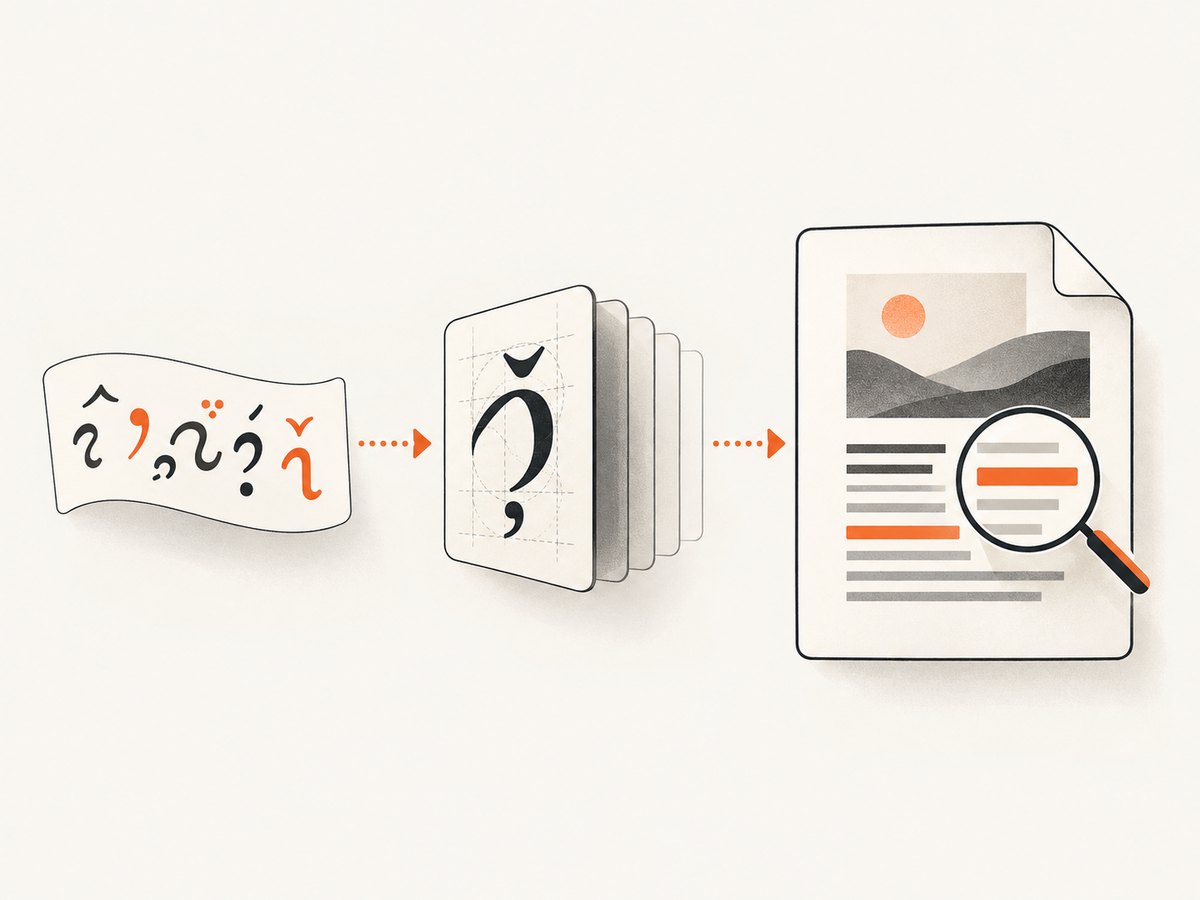
Direct answer: In iTextSharp 5, load an actual Times New Roman TrueType font file, create the base font with BaseFont.IDENTITY_H and BaseFont.EMBEDDED, and apply that font to every paragraph or chunk containing Romanian text. The font file must contain the glyphs you need, and your input string must be Unicode. Identity-H is iText 5’s Unicode horizontal encoding; embedding carries the font data needed by the PDF.
1. Complete iTextSharp 5 example
The following console program writes Romanian text with comma-below characters and embeds the selected TTF. Replace the font path with a file that is present in your build or deployment environment.
using System;
using System.IO;
using iTextSharp.text;
using iTextSharp.text.pdf;

class RomanianPdf
{
    static void Main()
    {
        string fontPath = Path.Combine(AppContext.BaseDirectory, "fonts", "times-new-roman.ttf");
        string outputPath = Path.Combine(AppContext.BaseDirectory, "romanian.pdf");

        if (!File.Exists(fontPath))
            throw new FileNotFoundException("Copy a licensed Times New Roman TTF to the fonts directory.", fontPath);

        BaseFont baseFont = BaseFont.CreateFont(
            fontPath,
            BaseFont.IDENTITY_H,
            BaseFont.EMBEDDED);
        Font font = new Font(baseFont, 12, Font.NORMAL, BaseColor.BLACK);

        using (FileStream stream = new FileStream(outputPath, FileMode.Create, FileAccess.Write))
        using (Document document = new Document(PageSize.A4, 50, 50, 50, 50))
        {
            PdfWriter.GetInstance(document, stream);
            document.Open();
            document.Add(new Paragraph("Șerban ține o carte în fața țării.", font));
            document.Add(new Paragraph("Diacritice: Ă ă Â â Î î Ș ș Ț ț", font));
        }

        Console.WriteLine("Wrote " + outputPath);
    }
}
Install the iTextSharp 5 package that your application is licensed to use, add a fonts directory to the application output, and mark the TTF as copied to that directory. The exact file name and path are deployment choices; a font family name by itself is not enough.
For API details, see the iText 5 BaseFont API and its definition of Identity-H as “The Unicode encoding with horizontal writing.”
2. Why Identity-H and embedding matter
Identity-H maps Unicode text
Identity-H lets iTextSharp build a composite font for Unicode characters instead of assuming a small legacy code page. This is the safest default when Romanian text may be mixed with other languages or symbols.
Embedding supplies the glyph program
BaseFont.EMBEDDED puts the required font data in the PDF. A built-in Times Roman/base-14 font constant is not the same thing as loading an installed Times New Roman TTF. Standard Type 1 metrics do not provide the TrueType font program needed to embed Times New Roman. Use a real, licensed font file.
Apply the font to the content you write
Creating a BaseFont does nothing until the resulting Font is passed to a Paragraph, Chunk, table cell, header, or other element. If a nested element creates its own default font, set the intended font there too.
3. Romanian characters to verify
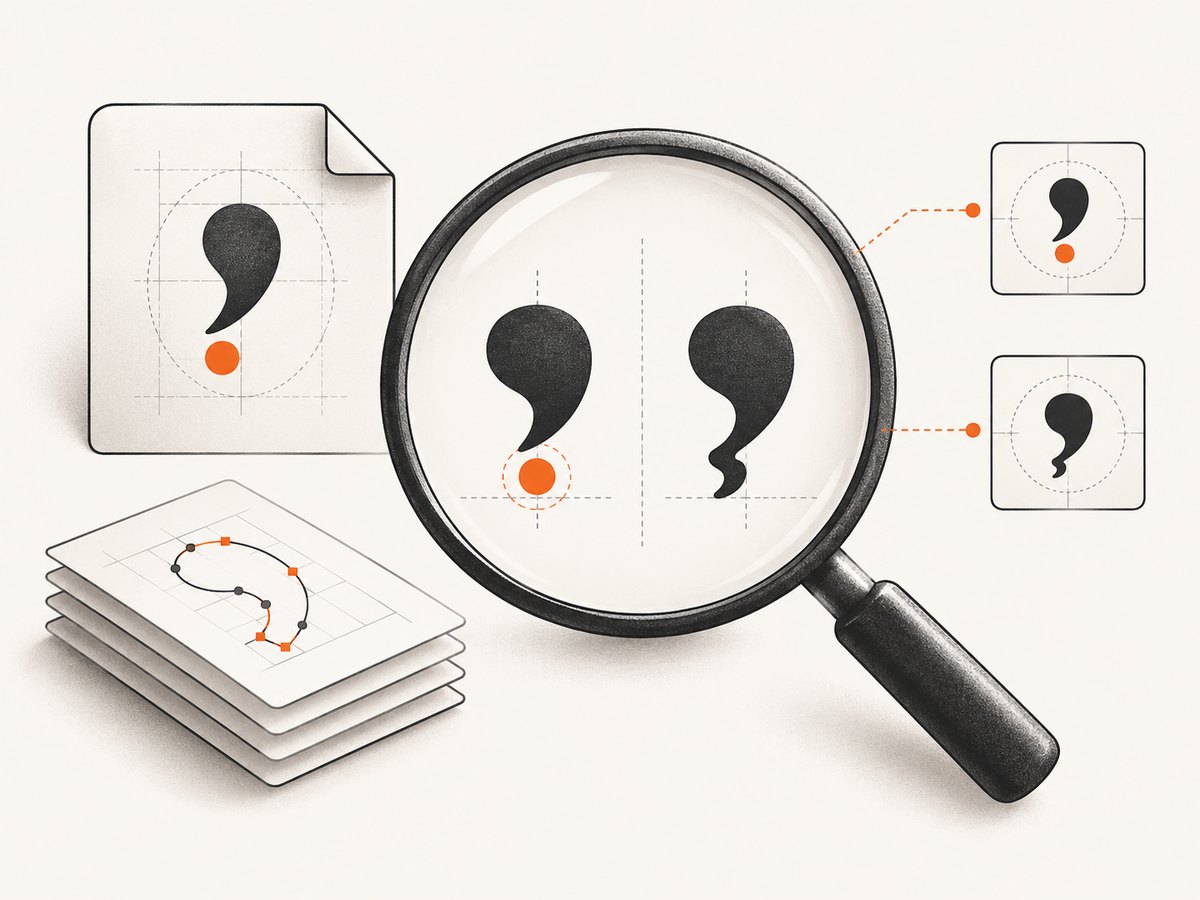
Modern Romanian uses comma-below forms: Ș/ș (U+0218/U+0219) and Ț/ț (U+021A/U+021B). Text copied from older sources can contain visually similar cedilla forms Ş/ş and Ţ/ţ (U+015E/U+015F and U+0162/U+0163). They are different code points. Check which forms your source actually contains and confirm that the chosen font covers them.
string value = "Ș ț Ş Ţ";
foreach (char c in value)
    Console.WriteLine($"U+{(int)c:X4} {c}");
Save C# source as UTF-8 (or another encoding configured explicitly by your build) and read external files with the correct encoding. A missing glyph and a mis-decoded input string can look similar in a PDF, so inspect both.
4. Font paths and deployment
| Environment | Practical approach | Failure to avoid |
|---|---|---|
| Windows | Resolve a known application or system font path and verify it exists. | Assuming every server has the developer’s desktop font. |
| Linux container | Ship an authorized TTF in the image or mounted volume and use an absolute or application-relative path. | Using a Windows path such as C:\Windows\Fonts. |
| Cloud or hosted worker | Package the font with the deployment artifact and fail fast when it is missing. | Relying on a font installed interactively on a build machine. |
Font licensing is separate from iTextSharp licensing. Confirm that your Times New Roman file may be redistributed in your application, and review the applicable iTextSharp 5 license terms for your use case; the repository includes licensing notices.
5. CP1250: when it can fit
iText documents CP1250 as an option for Central and Eastern European Latin text. It can work when your repertoire is deliberately limited and every character is covered. Identity-H remains the more flexible choice for mixed or expanding text.
BaseFont baseFont = BaseFont.CreateFont(
    fontPath,
    BaseFont.CP1250,
BaseFont.EMBEDDED);| Choice | Use it when | Trade-off |
|---|---|---|
| Identity-H + embedded TTF | Unicode, mixed languages, or uncertain future content. | Needs a real font file; encoded content can be larger, although compressed streams limit practical impact. |
| CP1250 + embedded TTF | Only a constrained Central/Eastern European Latin repertoire is required. | Less flexible for characters outside that code page. |
| Built-in Times Roman | Simple standard-font documents that do not require the installed Times New Roman file. | Not equivalent to embedding Times New Roman and may not cover the desired glyphs. |
6. Validation checklist
- Confirm the exact TTF exists in the runtime environment.
- Confirm the font contains every glyph in your test data.
- Log representative code points, especially U+0218–U+021B.
- Create the
BaseFontwithIDENTITY_HandEMBEDDED. - Apply the resulting
Fontto every element that writes the text. - Open the PDF in more than one viewer and inspect the letters visually.
- Copy and search the text in the PDF; this catches mapping and source-string errors that visual inspection can miss.
7. Troubleshooting
| Symptom | Likely cause | Fix |
|---|---|---|
| “Font … not found” or file exception | The runtime path is wrong or the TTF was not deployed. | Log the resolved path, check File.Exists, and package the font with the application. |
| Blank boxes or missing Romanian letters | The font lacks the glyph, or a different default font is being used. | Choose a font with coverage, embed it, and pass the Font to the actual paragraph/chunk/cell. |
| Ş appears where Ș was expected | The input contains cedilla U+015E/U+0162 rather than comma-below U+0218/U+021A. | Inspect code points and normalize or correct the source data according to your editorial requirements. |
| Text looks right but copy/search is wrong | Input decoding or font encoding is mismatched. | Read the source as Unicode, use Identity-H, then test copy/search as well as appearance. |
| Works locally, fails in production | Production lacks the desktop font or uses a different OS path. | Ship an authorized TTF and resolve an application-relative path. |
| Only some elements have diacritics | Those elements were created with a default font. | Set the same iTextSharp Font on headers, cells, chunks, and generated fields. |
8. Performance, reliability, and cost
- Load and create the base font once per document or worker where your architecture permits; reuse the resulting
Fontrather than rebuilding it for every sentence. - Embedding adds font data to the PDF. Keep output streams compressed and measure your own document sizes when storage or transfer is constrained.
- Fail early on a missing font so a background job does not silently emit a document with fallback glyphs.
- Keep a small regression string containing uppercase and lowercase Romanian diacritics, then validate both rendering and extracted text after library or font updates.
- Do not assume a PDF viewer’s appearance proves the source is correct; extraction tests catch incorrect code points.
9. Or skip the browser setup
If your workflow also needs screenshots of rendered pages or PDF capture, ScreenshotNeo provides a GET-based capture API. It is separate from iTextSharp and does not replace font embedding in a PDF generated by your C# process, but it can remove browser automation from a capture step.
Read the ScreenshotNeo API docs for all parameters. A one-call example:
curl -G "https://api.screenshotneo.com/v1/shot" -d access_key=YOUR_API_KEY --data-urlencode url=https://stripe.com -o shot.webpimport requests
r = requests.get("https://api.screenshotneo.com/v1/shot", params={"access_key": "YOUR_API_KEY", "url": "https://stripe.com"}, timeout=90)
open("shot.webp", "wb").write(r.content)const q = new URLSearchParams({ access_key: 'YOUR_API_KEY', url: 'https://stripe.com' });
const res = await fetch(`https://api.screenshotneo.com/v1/shot?${q}`);ScreenshotNeo accepts cookie and consent banners like a visitor, then removes more than 60 known consent platforms, newsletter popups, and chat widgets before capture; each step can be turned off. Bot checks, blank pages, timeouts, failed loads, and cache hits are not billed, and response headers identify the page verdict and billing status. Its MCP server includes take_screenshot, get_page_info, and capture_pdf for Claude, Cursor, and other MCP clients. The Free plan includes 1,000 shots each month without a card; paid plans start at $5 for 3,000 shots. Create a free ScreenshotNeo account.
10. FAQ
Does a Times New Roman font name guarantee Romanian support?
No. Inspect the actual TTF file and verify each code point you will emit.
Should I use Identity-H for every Romanian PDF?
It is the practical default for Unicode and mixed text. CP1250 is an option for a deliberately limited repertoire.
Can I solve this by declaring a built-in Times Roman font?
No. That standard font is distinct from an embedded Times New Roman TrueType file and may not provide the glyph coverage or embedding behavior you need.
How do I know whether the problem is the string or the font?
Print the input code points, test a known-good font file, and check both the PDF’s visual output and copied/searchable text.
Is iTextSharp 5 licensing automatic for commercial software?
Review the license terms for your version and deployment; do not assume the answer from the code sample alone.


