How to Render Same-Origin iframes with html2canvas
Capture a same-origin iframe with html2canvas, handle cross-origin limits, CORS images, sandboxing, sizing, troubleshooting, and production alternatives.
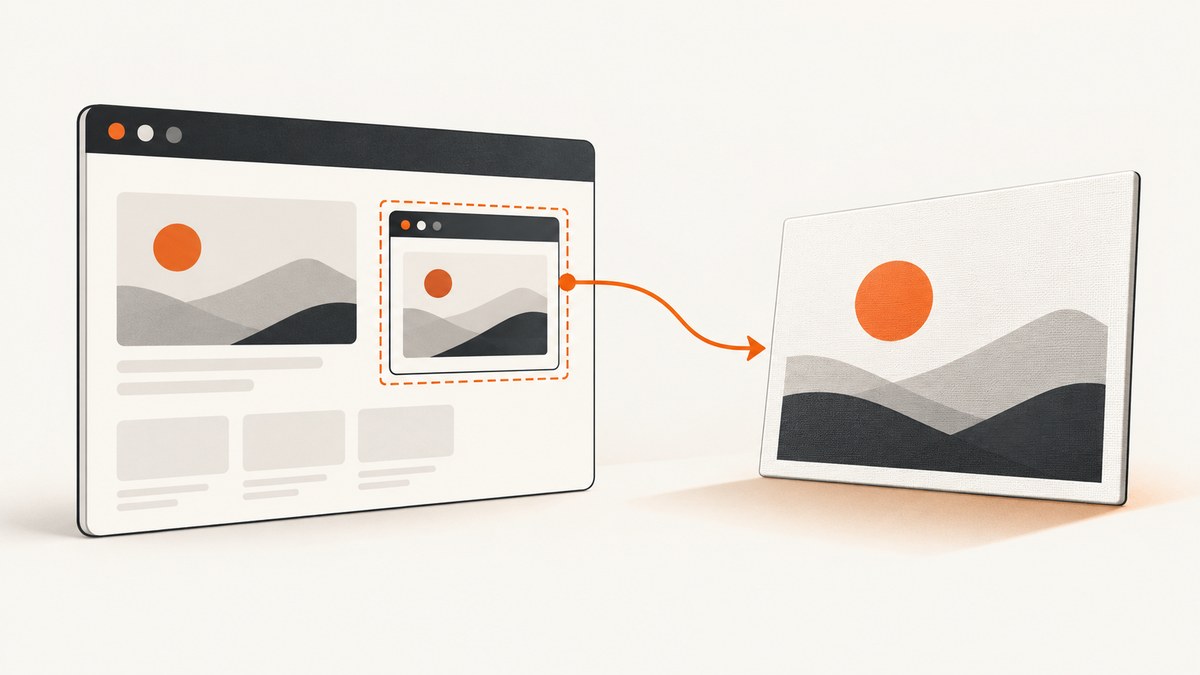
Direct answer: wait for the iframe to load, read its active document through iframe.contentDocument, then pass the target element—usually iframe.contentDocument.body—to html2canvas. This works only when the parent and iframe are same-origin. If you render a parent element that contains the iframe, html2canvas can recursively render same-origin iframe contents.
const frame = document.querySelector('iframe');

frame.addEventListener('load', async () => {
  const frameDocument = frame.contentDocument;
  if (!frameDocument) {
    throw new Error('The iframe document is not accessible from this origin');
  }

  const canvas = await html2canvas(frameDocument.body);
  document.body.appendChild(canvas);
});
The code uses the asynchronous html2canvas API documented in the html2canvas documentation. Attach the handler before the navigation you want to capture finishes, or call the capture after your application knows that the frame is ready.
1. What same-origin means for an iframe
For the parent page to inspect an iframe, both documents must have the same scheme, host, and port. For example, https://app.example.test and https://app.example.test are same-origin. A different subdomain, protocol, or port is a different origin.
When the browser permits access, HTMLIFrameElement.contentDocument returns the frame’s active Document. When it does not, the value is null. This is enforced by the browser’s same-origin policy; html2canvas cannot bypass it. See the MDN contentDocument reference.
2. Capture a specific element inside the iframe
Capturing a narrower element usually produces a smaller and more predictable image than capturing the entire body.
const frame = document.querySelector('#report-frame');

frame.addEventListener('load', async () => {
  const doc = frame.contentDocument;
  if (!doc) throw new Error('Iframe is not same-origin or is not accessible');

  const report = doc.querySelector('.report-card');
  if (!report) throw new Error('The target element was not found');

  const canvas = await html2canvas(report, {
    backgroundColor: '#ffffff',
    useCORS: true,
    scale: window.devicePixelRatio
  });

  const png = canvas.toDataURL('image/png');
  document.querySelector('#output').src = png;
});
useCORS affects images loaded by the rendering process. It does not grant access to a cross-origin iframe document. The configuration reference lists the available rendering options.
3. A complete browser example
This example waits for a same-origin frame, checks access, captures a selected element, and downloads the result.
<iframe id='preview' src='/preview.html' title='Preview'></iframe>
<button id='save' type='button'>Save screenshot</button>

<script>
  const frame = document.querySelector('#preview');
  const save = document.querySelector('#save');

  save.addEventListener('click', async () => {
    if (!frame.contentDocument) {
      throw new Error('The iframe is not accessible from this page');
    }

    const target = frame.contentDocument.querySelector('body');
    if (!target) throw new Error('The iframe has no body element');

    const canvas = await html2canvas(target, {
      windowWidth: target.scrollWidth,
      windowHeight: target.scrollHeight,
      backgroundColor: null,
      logging: false
    });

    const link = document.createElement('a');
    link.download = 'iframe.png';
    link.href = canvas.toDataURL('image/png');
    link.click();
  });
</script>
Set windowWidth and windowHeight when responsive CSS or a tall document is being rendered. These values control the virtual window used by html2canvas and can change media-query results.
4. Render the parent region recursively
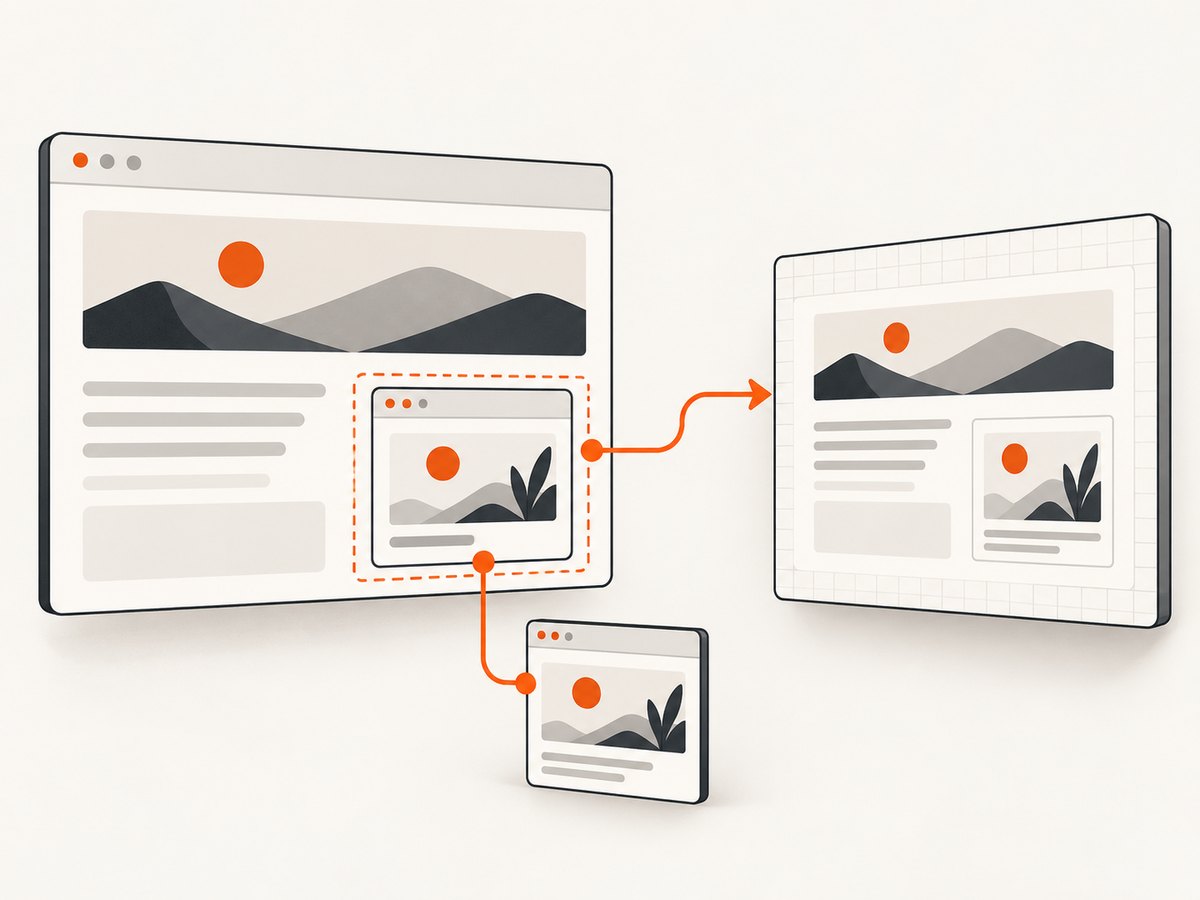
If you want the parent layout and its same-origin iframe together, pass the containing parent element instead of entering the frame document yourself.
const container = document.querySelector('#dashboard');
const canvas = await html2canvas(container);
document.body.appendChild(canvas);
html2canvas documents that same-origin iframe contents are rendered recursively when they are inside the capture target. This approach also captures surrounding parent content, so use direct contentDocument access when you need only the child.
5. Wait for the right frame state
The iframe’s load event means navigation completed, but application data may still be arriving afterward. For dynamic frames, expose a readiness signal from the child or wait for a known element.
function waitForFrameElement(frame, selector, timeoutMs = 10000) {
  return new Promise((resolve, reject) => {
    const started = Date.now();
    const timer = setInterval(() => {
      const doc = frame.contentDocument;
      const element = doc && doc.querySelector(selector);
      if (element) {
        clearInterval(timer);
        resolve(element);
      } else if (Date.now() - started > timeoutMs) {
        clearInterval(timer);
        reject(new Error(`Timed out waiting for ${selector}`));
      }
    }, 50);
  });
}

const frame = document.querySelector('#report-frame');
frame.addEventListener('load', async () => {
  const target = await waitForFrameElement(frame, '.report-ready');
  const canvas = await html2canvas(target);
  document.body.appendChild(canvas);
});
6. Cross-origin iframes
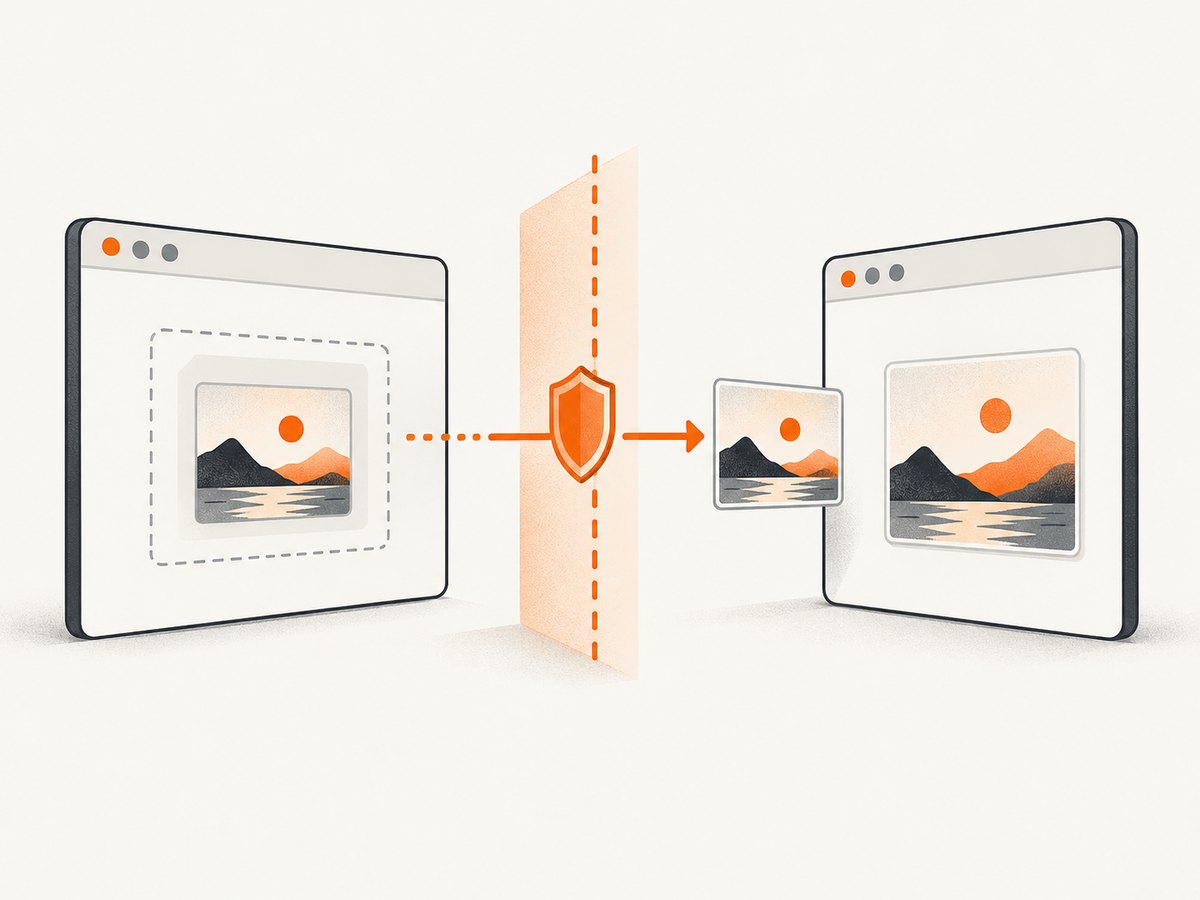
A parent page cannot traverse the DOM of an iframe from another origin. html2canvas explicitly lists cross-origin iframe content as unsupported because contentDocument is inaccessible. Adding useCORS: true or an image proxy does not change this rule.
| Approach | DOM access | Control required | Trade-off |
|---|---|---|---|
Capture child with contentDocument |
Same-origin only | Parent can access frame | Precise target selection; normal html2canvas limits still apply |
| Capture parent region | Same-origin iframe support | Parent capture target | Also captures surrounding parent content |
| Child renders and sends a result | Parent does not inspect child DOM | Code and cooperation in both pages | Requires a secure message protocol |
| Provider export or capture | Provider-defined | Provider must expose the feature | Depends on that service’s supported output |
If you control both applications, the child can render itself and send an authorized result with postMessage. Always validate event.origin and the message shape. postMessage is a communication channel; it does not remove the origin boundary or give the parent DOM access. See MDN’s postMessage guidance.
7. Sandboxed iframes
An iframe with a sandbox attribute can lose the origin privileges required for DOM access. html2canvas identifies sandboxed frames without allow-same-origin as having the same limitation as cross-origin frames.
<iframe src='/preview.html' sandbox='allow-scripts allow-same-origin'></iframe>Do not change sandbox policy casually. It is a security control. Confirm which capabilities the embedded application needs, then use the narrowest policy that still permits your design.
8. Images and canvas security inside the frame
Iframe access and image access are separate. You may be able to read the frame document while images inside it come from another origin. If those servers do not provide suitable CORS headers, the output canvas can be tainted or images can be omitted.
- Use
useCORS: truewhen the image server sends the required CORS headers. - Serve assets from your own origin where practical.
- Use a same-origin proxy for permitted assets when your architecture requires it.
- Remember that these resource fixes do not make a cross-origin iframe DOM readable.
9. Fidelity, sizing, and supported CSS
html2canvas reconstructs an image from the DOM and styles it understands. It is not a literal browser screenshot, so unsupported CSS, fonts that have not loaded, animations, filters, and browser canvas size limits can affect the result.
- Wait for fonts and data before starting the render.
- Use
windowWidthandwindowHeightto reproduce the intended responsive breakpoint. - Use
scalefor higher-density output, while watching memory use. - Capture a smaller element when a full-page canvas is too large.
- Use
oncloneto adjust only the cloned rendering document.
const canvas = await html2canvas(target, {
  scale: 2,
  onclone: clonedDocument => {
    clonedDocument.querySelectorAll('.animated').forEach(element => {
      element.style.animation = 'none';
      element.style.transition = 'none';
    });
  }
});
10. Troubleshooting
contentDocument is null
Cause: the frame is cross-origin, sandboxed without the required origin permission, or has not finished navigation.
Fix: wait for load, verify scheme, host, and port, and inspect the sandbox policy. If the frame is cross-origin, use a cooperative child-side render or a provider export.
The screenshot contains only the parent background
Cause: the iframe is cross-origin or inaccessible to the parent.
Fix: capture a same-origin child document directly, render inside the child and communicate the result, or use a supported capture service.
Images are missing or toDataURL fails
Cause: cross-origin image responses lack the CORS headers required for canvas use.
Fix: enable CORS on the asset server, use useCORS: true, or proxy permitted assets through your origin.
The page is clipped or the canvas is blank
Cause: the requested canvas exceeds browser limits or the virtual window is smaller than the content.
Fix: set dimensions from the target’s scroll size, capture sections separately, reduce scale, and test the target in smaller pieces.
Responsive layout differs from the iframe
Cause: html2canvas uses its configured rendering window, which can select a different media-query breakpoint.
Fix: pass the iframe content dimensions as windowWidth and windowHeight, and ensure the frame has reached its final layout before capture.
Styles or fonts differ
Cause: html2canvas supports a defined subset of CSS and may run before web fonts or data have loaded.
Fix: wait for application readiness and document.fonts.ready where appropriate, simplify unsupported effects, and use onclone for capture-only changes.
11. Performance and reliability
- Reduce the target: selecting one element is cheaper than rendering the entire parent page.
- Control pixel count: large dimensions and high
scalevalues increase memory and encoding time. - Avoid repeated renders: debounce capture buttons and render only after meaningful changes.
- Stabilize the frame: wait for data, fonts, images, and animations before capture.
- Handle failures: wrap the promise in
try/catch, report inaccessible frames separately from rendering errors, and provide a retry path. - Test browser limits: canvas limits and CSS support vary by browser and document size.
html2canvas does not publish a universal performance number for iframe captures. Measure your own target pages, dimensions, browser versions, and device classes.
12. Or skip the browser setup
ScreenshotNeo provides a website screenshot API when you do not need to run a browser in your application. One GET request returns a PNG, JPEG, WebP, or PDF. See the ScreenshotNeo API documentation for all options.
cURL
curl -G 'https://api.screenshotneo.com/v1/shot' -d access_key=YOUR_API_KEY --data-urlencode url=https://stripe.com -o shot.webpPython
import requests

r = requests.get(
    'https://api.screenshotneo.com/v1/shot',
    params={'access_key': 'YOUR_API_KEY', 'url': 'https://stripe.com'},
    timeout=90,
)
r.raise_for_status()
open('shot.webp', 'wb').write(r.content)
Node.js
const q = new URLSearchParams({
  access_key: 'YOUR_API_KEY',
  url: 'https://stripe.com'
});
const res = await fetch(`https://api.screenshotneo.com/v1/shot?${q}`);
if (!res.ok) throw new Error(`Screenshot failed: ${res.status}`);
const file = Buffer.from(await res.arrayBuffer());
require('node:fs').writeFileSync('shot.webp', file);
ScreenshotNeo removes cookie and consent banners, newsletter popups, and chat widgets before capture. Bot checks, blank pages, failed loads, timeouts, and cache hits are not billed, and response headers identify the page verdict and billing result. Its MCP server provides take_screenshot, get_page_info, and capture_pdf tools for Claude, Cursor, and other MCP clients. The Free plan includes 1,000 screenshots per month with no card; paid plans start at $5 for 3,000 screenshots. Create a free ScreenshotNeo account.
13. FAQ
Can html2canvas capture a cross-origin iframe if CORS is enabled?
No. CORS can allow image resources to be used by the canvas, but it does not grant the parent access to a cross-origin iframe’s DOM.
Should I capture body or a specific element?
Use the smallest element that contains the content you need. Capture body for the whole child document and a specific selector for a component or card.
Does postMessage make the iframe same-origin?
No. It lets cooperating windows exchange messages. The child must perform any DOM inspection or rendering that the parent cannot perform.
Why does the result differ from a browser screenshot?
html2canvas rebuilds pixels from DOM and supported styles. Browser canvas limits, unsupported CSS, image CORS, fonts, and responsive dimensions can all change the output.


