How to Render SVG Text With @font-face in html2canvas
Make SVG web fonts reliable in html2canvas with a version-aware workflow, minimal repro, renderer comparison, fixes, and production alternatives.
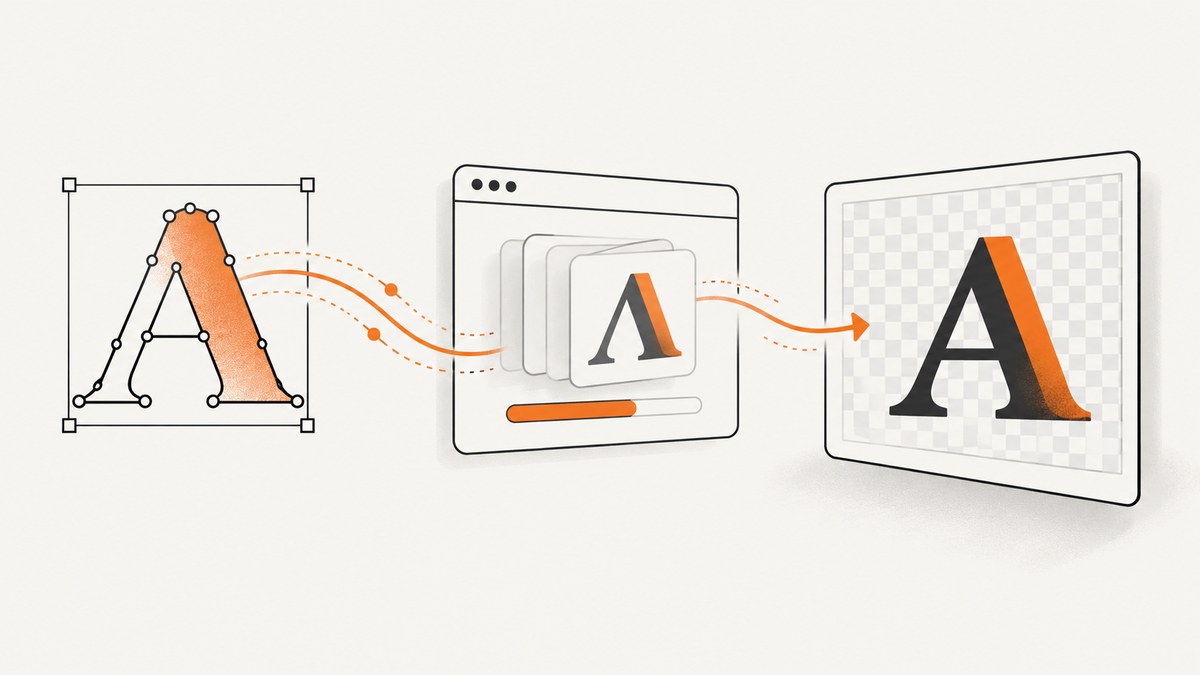
Short answer: SVG supports web fonts declared with @font-face, but that capability does not guarantee that html2canvas will preserve the font in its canvas output. Make the browser finish loading the font, reduce the page to a minimal inline SVG case, and compare html2canvas’s default renderer with foreignObjectRendering: true on the exact browser and library versions you deploy. Treat that option as a diagnostic comparison, not a universal font fix.
A historical html2canvas report describes SVG text that looked correct in Chrome but used the wrong font in the captured image with html2canvas 1.0.0-alpha-12 and Chrome 70 on macOS Mojave (issue #1709). A separate report describes Google Fonts failing with foreignObjectRendering in html2canvas 1.0.0-rc.3 and Chrome 75 on Ubuntu (issue #1921). Those reports prove that the failure occurred in specific historical combinations; they do not establish current behavior in every browser or release.
What is happening between SVG, fonts, and html2canvas?
An SVG <text> element can use a CSS family supplied by @font-face. The browser resolves the font, shapes the glyphs, and paints the text. html2canvas then has to reproduce that result in a canvas. It does not simply copy the browser’s already-painted pixels. It reconstructs supported DOM and CSS, loads external resources, and draws the result.
That second step is where the distinction matters:
- SVG and CSS capability: the font can be valid and visibly correct in the live page. MDN documents using web fonts with
@font-facefor SVG text (MDN SVG fonts). - Capture behavior: html2canvas may use a different resource-loading or rendering path. A font can be available to the page but absent, delayed, blocked, or replaced during capture.
- Renderer variation: the normal renderer and the foreignObject renderer exercise different browser paths. html2canvas documents
foreignObjectRenderingas an option used when the browser supports it (configuration reference).
The practical implication is that changing CSS alone is not enough. You must verify font readiness and test the capture path.
Minimal working example
The following page creates an inline SVG, declares a web font, waits for the document’s fonts, and captures the SVG. Replace the font URL with a font your application is licensed to serve. Keep the font and page on origins that permit the browser request; cross-origin resources can fail during canvas rendering.
<!doctype html>
<html lang="en">
<head>
  <meta charset="utf-8">
  <title>SVG font capture</title>
  <style>
    @font-face {
      font-family: "CaptureSans";
      src: url("/fonts/capture-sans.woff2") format("woff2");
      font-display: block;
      font-weight: 400;
      font-style: normal;
    }
    #stage { width: 720px; padding: 24px; background: white; }
    svg { display: block; width: 640px; height: 180px; }
    .label {
      font-family: "CaptureSans", sans-serif;
      font-size: 44px;
      fill: #172033;
    }
  </style>
</head>
<body>
  <div id="stage">
    <svg xmlns="http://www.w3.org/2000/svg" viewBox="0 0 640 180">
      <rect width="640" height="180" rx="16" fill="#eef2ff"/>
      <text class="label" x="28" y="108">SVG uses a web font</text>
    </svg>
  </div>
  <button id="save">Capture</button>
  <script src="https://cdn.jsdelivr.net/npm/html2canvas@1.4.1/dist/html2canvas.min.js"></script>
  <script>
    const button = document.querySelector('#save');
    button.addEventListener('click', async () => {
      if (document.fonts) await document.fonts.ready;
      const canvas = await html2canvas(document.querySelector('#stage'), {
        backgroundColor: '#ffffff',
        logging: true,
        onclone: clonedDocument => {
          clonedDocument.fonts && clonedDocument.fonts.ready;
        },
        onError: error => console.error('html2canvas resource error', error)
      });
      const link = document.createElement('a');
      link.download = 'svg-font.png';
      link.href = canvas.toDataURL('image/png');
      link.click();
    });
  </script>
</body>
</html>
document.fonts.ready waits for the document’s font loading promises to settle. It does not prove that a particular face is usable, so you can also call document.fonts.check('44px CaptureSans') and inspect its Boolean result before capture. Use a visible string that looks clearly different from the fallback font; a subtle font difference can be mistaken for a rendering problem.
A version-aware diagnostic workflow
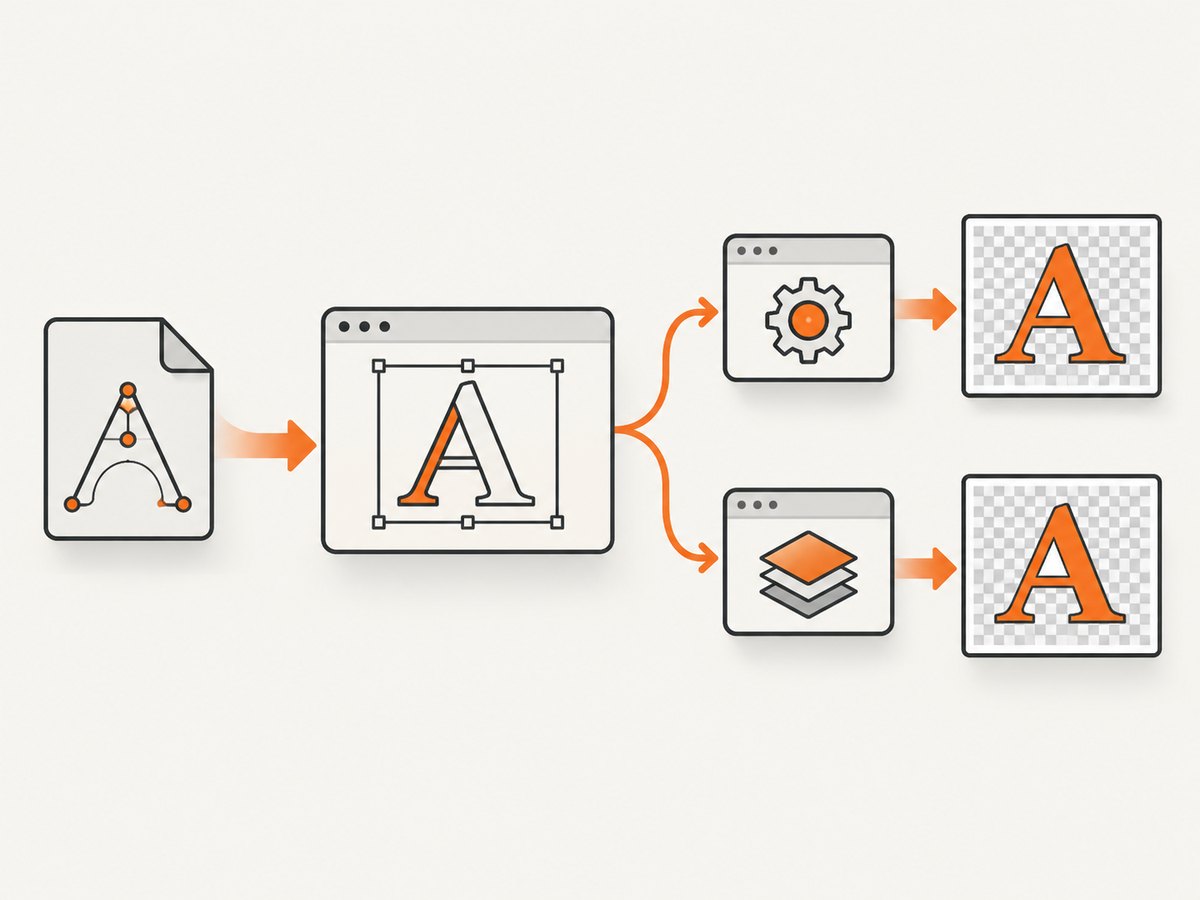
- Record the environment. Write down the html2canvas version, browser and browser version, operating system, font source, and whether the SVG is inline markup, an external SVG image, or content inside a
foreignObject. Historical issue reports are tied to precise versions, so an old report cannot answer for your current stack. - Confirm the live page. Open DevTools, inspect the SVG text, and verify the computed
font-family. In the Network panel, confirm the font request succeeds. In JavaScript, runawait document.fonts.readyand thendocument.fonts.check('44px CaptureSans'). - Reduce the case. Use one inline SVG, one explicit
font-family, one@font-facerule, and a short string. Remove animations, frameworks, filters, masks, external images, and unrelated CSS. This distinguishes a font problem from another unsupported SVG or CSS feature. - Capture the baseline. Run html2canvas with its default renderer. Save the output and browser console. Turn on
logging: trueand provideonErrorso resource failures are visible. - Compare the alternate renderer. Repeat with
foreignObjectRendering: true. This changes the rendering path when the browser supports it; it is not documented as a dedicated font repair. A difference between outputs is useful evidence about the path involved. - Check the supplied SVG. Inline SVG is generally easier to inspect than an external SVG loaded through an
<img>. If an external image is required, review CORS headers and html2canvas’suseCORSandallowTaintbehavior. Do not enable a setting that creates a tainted canvas if you needtoDataURL(). - Re-test on production versions. Compare only after reproducing on the browser and html2canvas release used by your application. If the minimal case still fails, attach it to the project’s issue tracker with all environment details.
Renderer options to compare
| Axis | Default path | foreignObjectRendering |
|---|---|---|
| Meaning | Normal html2canvas renderer | Uses browser foreignObject rendering where supported |
| Diagnostic value | Baseline for reproducing the mismatch | Shows whether a different path changes the result |
| Font guarantee | None; a historical report recorded a wrong font in one old setup | None; another historical report recorded Google Font loading trouble |
| Resource behavior | Reconstructs supported DOM and CSS | Serializes content into SVG, loads it as an image, then draws it to canvas |
The foreignObject implementation detail comes from the project’s renderer source (renderer source). Because it serializes content and loads an image, it has its own browser support and resource timing constraints. Test both paths instead of assuming one is correct everywhere.
Making font loading deterministic
Wait for a named face
async function waitForCaptureFont() {
  if (!document.fonts) return;
  await document.fonts.load('44px "CaptureSans"');
  const ready = document.fonts.check('44px "CaptureSans"');
  if (!ready) throw new Error('CaptureSans is not available');
}

await waitForCaptureFont();
const canvas = await html2canvas(document.querySelector('#stage'));
document.fonts.load() requests a specific face and size. Use it before cloning or capturing. A font may still be rejected because of a bad URL, a MIME configuration, a certificate problem, or a cross-origin policy, so inspect the network response as well.
Make the SVG explicit
<text
  x="28"
  y="108"
  style="font-family: CaptureSans; font-size: 44px;"
>SVG uses a web font</text>
Put the family directly on the text element while diagnosing. This rules out selector inheritance and stylesheet-order mistakes. Keep a fallback family after the custom name so the live page remains readable, but do not mistake the fallback for a successful capture.
Control capture timing
For pages that inject the SVG after a request, wait until the element exists and the font promise resolves. html2canvas also supports windowWidth, windowHeight, scale, backgroundColor, useCORS, imageTimeout, removeContainer, ignoreElements, onclone, and onError. Set only what you need, and keep a reproducible configuration in source control.
Common errors and fixes
| Symptom | Likely cause | Fix |
|---|---|---|
| Live SVG is correct; PNG uses a system font | Capture started before the face loaded, or the renderer could not reuse it | Await document.fonts.load(), verify the network response, then compare both renderers. |
document.fonts.check() is false |
Wrong family or weight, failed request, or unavailable face | Match the CSS family, weight, and style; fix the URL and server response. |
| Font request is blocked by CORS | Font is served from another origin without an appropriate policy | Serve the font from the page origin or configure the font server for the requesting origin. Re-test with useCORS where applicable. |
| ForeignObject output is blank or missing text | Browser does not support the path for this content, or serialized resources did not load | Use the default path as a baseline, inspect console and network errors, and test the exact browser version. |
| External SVG is missing | Image resource failed, timed out, or tainted the canvas | Use inline SVG for the minimal case; otherwise fix CORS, set a suitable imageTimeout, and avoid allowTaint when exporting data. |
| Only some weights are wrong | The requested weight was never declared or loaded | Add a separate @font-face rule for each weight/style and call document.fonts.load() with that exact descriptor. |
| Capture works locally but fails in CI | Different browser build, missing font files, sandbox restrictions, or network timing | Pin the browser and html2canvas versions, package the font, log resource errors, and avoid relying on an external font CDN. |
Performance and reliability considerations
- Font loading is part of capture latency. Cache font files, preload the faces needed for screenshots, and avoid requesting many unused weights.
- Reduce the capture surface. Capture the SVG container instead of the whole document when that is all you need. Smaller DOM trees use less memory and finish sooner.
- Choose scale deliberately. html2canvas defaults to the device pixel ratio. A high-DPI display can produce a large canvas; set
scaleto a known value when output size matters. - Watch canvas limits. Very large full-page captures can exceed browser canvas dimensions or memory. Split long documents or capture a smaller region.
- Keep retries bounded. A failed font request should produce a useful error and a fallback decision, not an infinite capture loop. Log the browser, library version, URL, and renderer choice.
- Test browser support. html2canvas is a client-side renderer with documented support limits. A passing desktop test does not establish behavior on every mobile browser or embedded webview.

Or skip the browser setup
If your goal is a dependable website screenshot rather than maintaining a browser capture pipeline, ScreenshotNeo provides a GET endpoint that returns PNG, JPEG, WebP, or PDF. See the ScreenshotNeo API documentation for the complete parameter list.
curl -G "https://api.screenshotneo.com/v1/shot" \
  -d access_key=YOUR_API_KEY \
  --data-urlencode url=https://stripe.com \
  -o shot.webp
import requests
r = requests.get(
"https://api.screenshotneo.com/v1/shot",
params={"access_key": "YOUR_API_KEY", "url": "https://stripe.com"},
timeout=90,
)
r.raise_for_status()
open("shot.webp", "wb").write(r.content)const q = new URLSearchParams({
access_key: 'YOUR_API_KEY',
url: 'https://stripe.com'
});
const res = await fetch(`https://api.screenshotneo.com/v1/shot?${q}`);
if (!res.ok) throw new Error(`HTTP ${res.status}`);
const data = Buffer.from(await res.arrayBuffer());
await Bun.write('shot.webp', data);ScreenshotNeo removes cookie and consent banners, newsletter popups, and chat widgets before the capture. Bot checks, blank pages, failed loads, timeouts, and cache hits are not billed, and response headers identify the page verdict and billing result with X-Page-Verdict and X-Billed. Its MCP server exposes take_screenshot, get_page_info, and capture_pdf for Claude, Cursor, and other MCP clients. You can also select an element, load lazy images in full-page captures, set dark mode and device or viewport settings, inject CSS or JavaScript, wait for a selector or network idle, set cookies and headers, block resources, choose geolocation and timezone, resize output, cache with a chosen TTL, create signed image links, submit asynchronous jobs, capture up to 100 URLs per bulk call, and read usage through the API.
The Free plan includes 1,000 screenshots each month with no card. Paid plans start at $5 for 3,000 shots; every feature is available on every plan. Create a free account at ScreenshotNeo sign-up.
Cost and reliability checklist
- For local, user-triggered captures, html2canvas has no per-shot API charge; you own browser CPU, memory, font hosting, and maintenance.
- For server-side or batch captures, account for browser infrastructure, retries, cross-origin configuration, and the time spent maintaining a renderer matrix.
- With ScreenshotNeo, only clean shots are billed. Check
X-Page-VerdictandX-Billedin logs so your usage records explain each response. - Use caching when the page can tolerate a chosen TTL. Use asynchronous jobs and signed webhooks for slow or high-volume workflows.
- Keep a small html2canvas reproduction even if you move production captures to an API; it remains useful for diagnosing whether a problem is SVG, font loading, or the capture service.
FAQ
Does @font-face always work in SVG?
No. SVG and CSS support web fonts, but a downstream screenshot renderer may load or paint them differently.
Should I always enable foreignObjectRendering?
No. Compare it with the default renderer on your target browser and version. It is a diagnostic path, not a guaranteed fix.
Is an old html2canvas issue proof that my current release is broken?
No. Issues #1709 and #1921 document historical environments. Reproduce the smallest case with your current versions before drawing conclusions.
Why does the browser show the font but the exported canvas does not?
The live browser has completed its own font load, while html2canvas may start before the font is ready or use a different resource path. Await the named face and inspect resource errors.
Can I capture a remote page with html2canvas?
html2canvas runs in the page and is constrained by browser security and cross-origin rules. A screenshot API such as ScreenshotNeo moves navigation and capture to a service endpoint.


